-
-
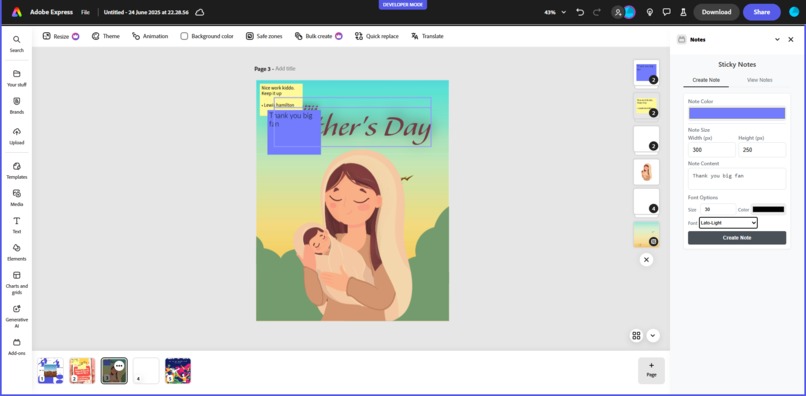
design with sticky notes
-
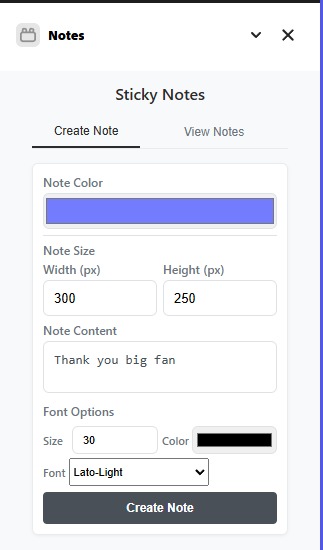
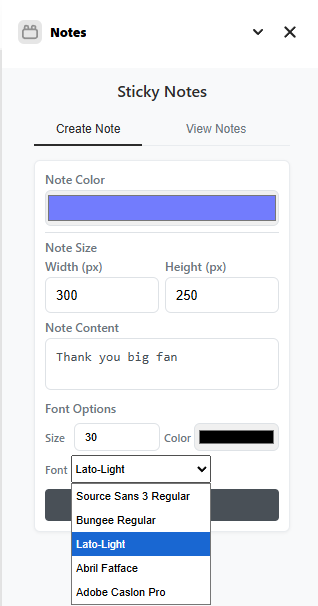
add notes
-
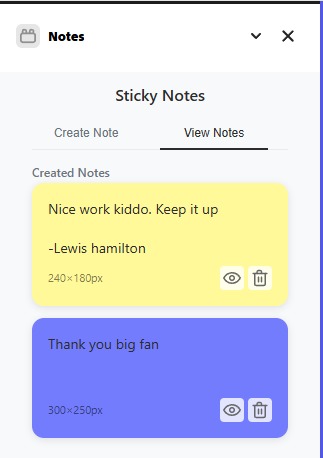
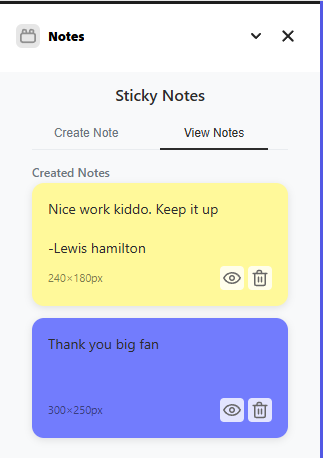
view notes tab
-
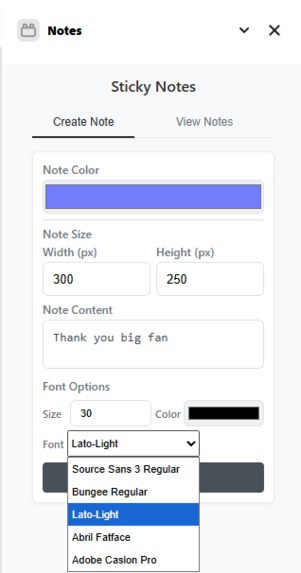
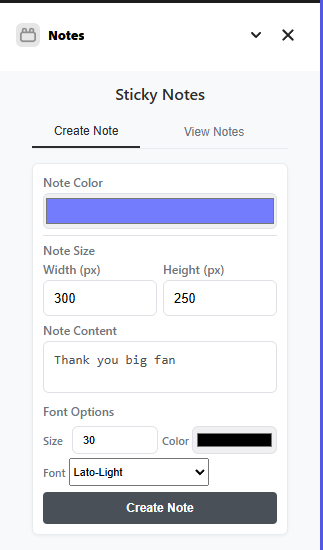
customizable options
-
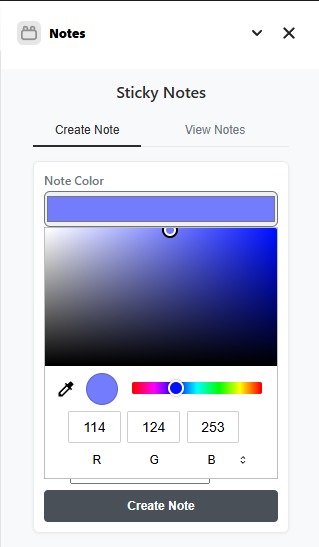
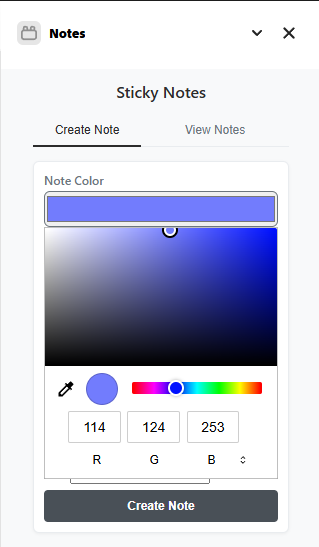
color selector
-
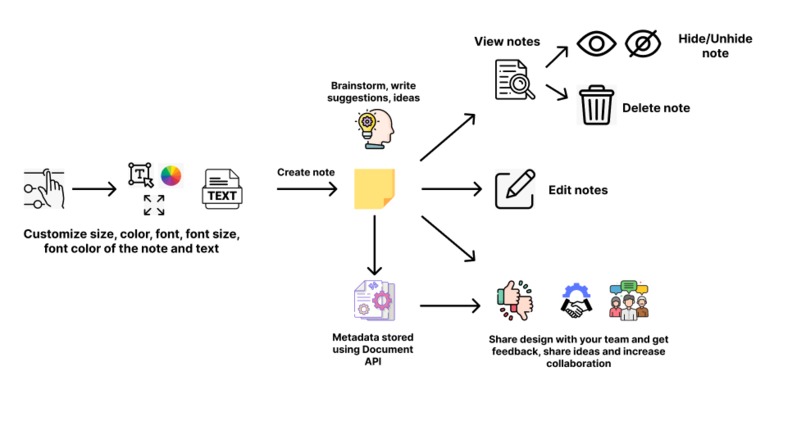
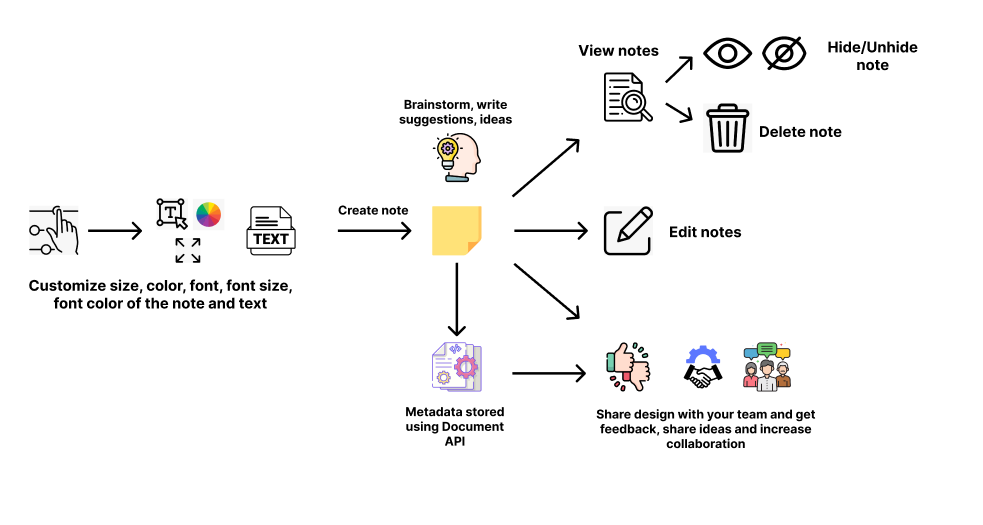
project workflow
Inspiration ✨
Design isn't just execution—it's also thinking, refining, and collaborating. While working on Express projects, we felt the absence of an integrated space to brainstorm or jot down quick thoughts. We constantly switched to external note apps or used comment features, which often broke the creative flow.
That’s when we thought—why not bring sticky notes into Adobe Express itself?
What It Does 🗒️
Stickly lets users create and customize sticky notes inside their Adobe Express designs. Users can:
- Choose sticky note colors via a hex selector 🎨
- Resize and place them visually on their design 🧩
- Select their choice of font ✒️
- Sharing and viewing your teammates feedbacks/opinions/ideas 🤝
- Edit the text content even after adding the note ✍️
- Hide and unhide the notes to continue their design-thinking ✨
- Delete notes once they have executed their workflow 🗑️
- View all the created notes by using Add-on Data 🔍
These notes help designers brainstorm, plan, or give feedback—right where it matters.
How We Built It 🔧
We used:
- Adobe Express Add-ons SDK
- The official sandbox template for document add-ons
- HTML, CSS, JavaScript for building the UI
- Adobe’s Document API to manipulate design elements
- Used client storage API for storing notes metadata and retrieving them
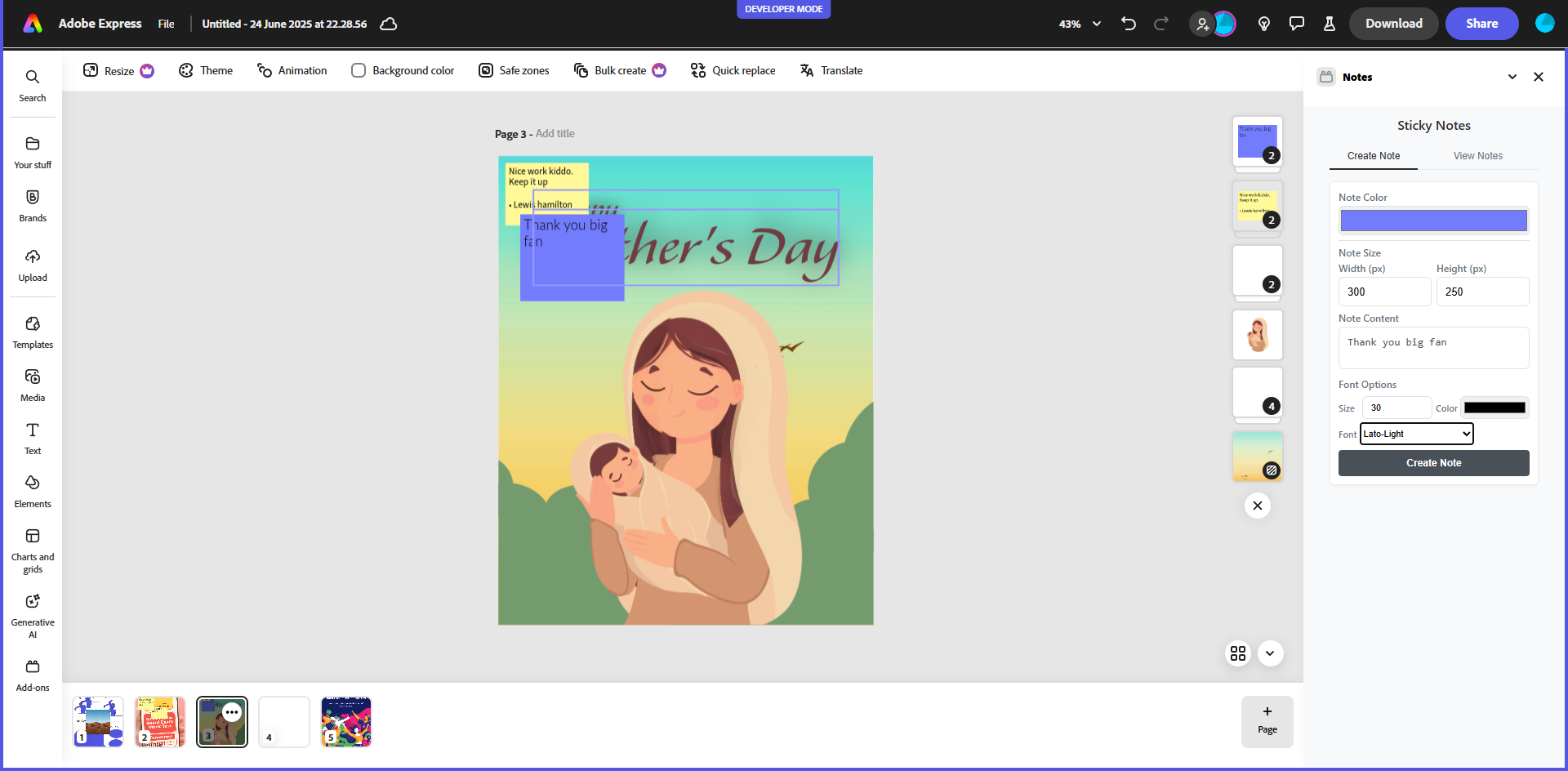
The add-on works via a side panel from which users can create their sticky note, adjust it, and insert it directly into the canvas.
Challenges We Faced ⚠️
- One limitation was the inability to add notes in the “gray space” around a design (the margins). Having free-floating sticky notes would have opened up exciting use cases like project mood boards or UI wireframes.
- Managing dynamic positioning of visual elements while ensuring a consistent UX across screen sizes was another complexity.
- Building seamless communication between the sidebar iframe and document canvas using the API also required detailed debugging.
- Figuring out how to store the created notes without leveraging a backend service, but then we used the client storage API and the unique IDs for each child node.
- Aligning the text within the note component was a big challenge.
What We Learned 📚
- Deep dive into Adobe Express Add-on SDK and iframe-based messaging
- Sandbox, Document API , and Adobe Add-on Documentation details
- How to make your features work in such a modular framework using the Adobe documentation
- How small features (like notes!) can deeply improve design workflows
Built With
- css
- documentapi
- html
- javascript
- sandboxtemplate

Log in or sign up for Devpost to join the conversation.