Inspiration
In 2020, I was a high school student attending classes online with a low-spec laptop and a built-in camera that looked like a potato.
I discovered apps like DroidCam and realised I could use my phone as a webcam. That experience stayed with me: I already owned a useful camera, but getting it to work the way I wanted involved compromises I couldn't afford to solve at the time.
STICam grew from that frustration. I wanted to build a free tool that helped people make better use of hardware they already owned.
What started as a personal need became a product I could build, test, release, and keep improving.
What it does
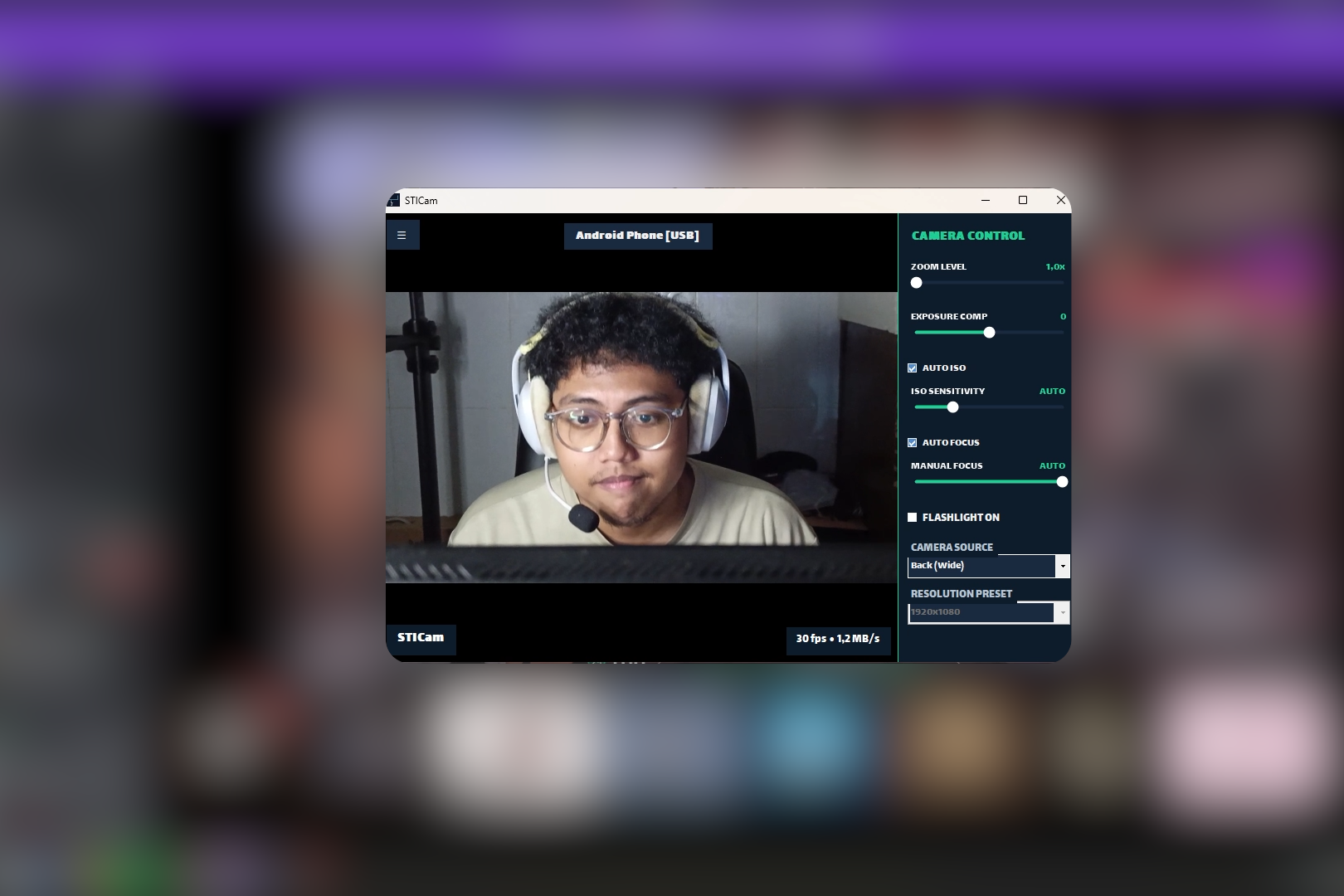
STICam turns an Android phone into a Windows webcam through USB or a trusted local Wi-Fi network.
Its main features include:
- On-device AI auto-framing using MediaPipe face tracking.
- Camera controls from Windows, including zoom, exposure, ISO, focus, flashlight, resolution, and mirroring, subject to device support.
- Optional AR face effects.
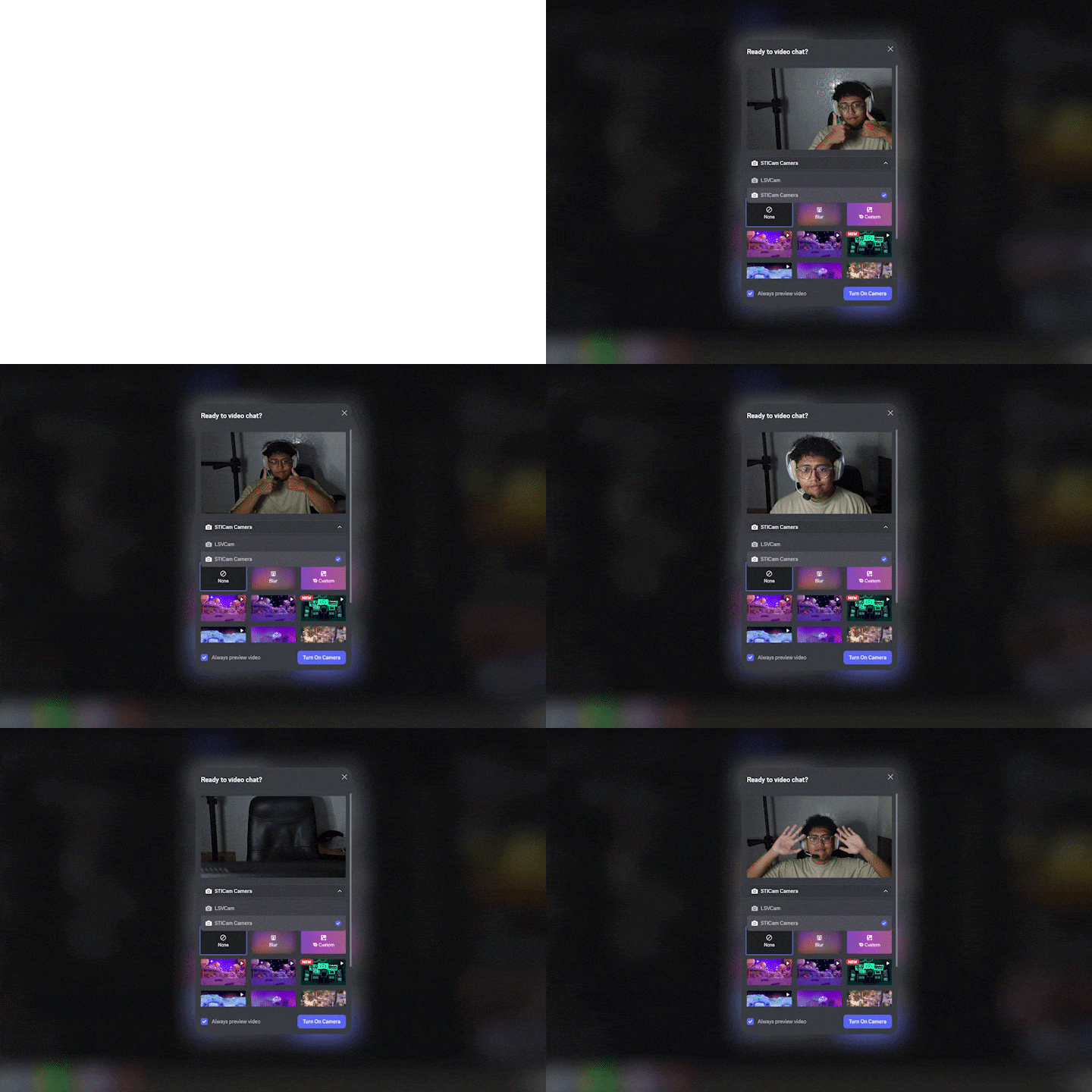
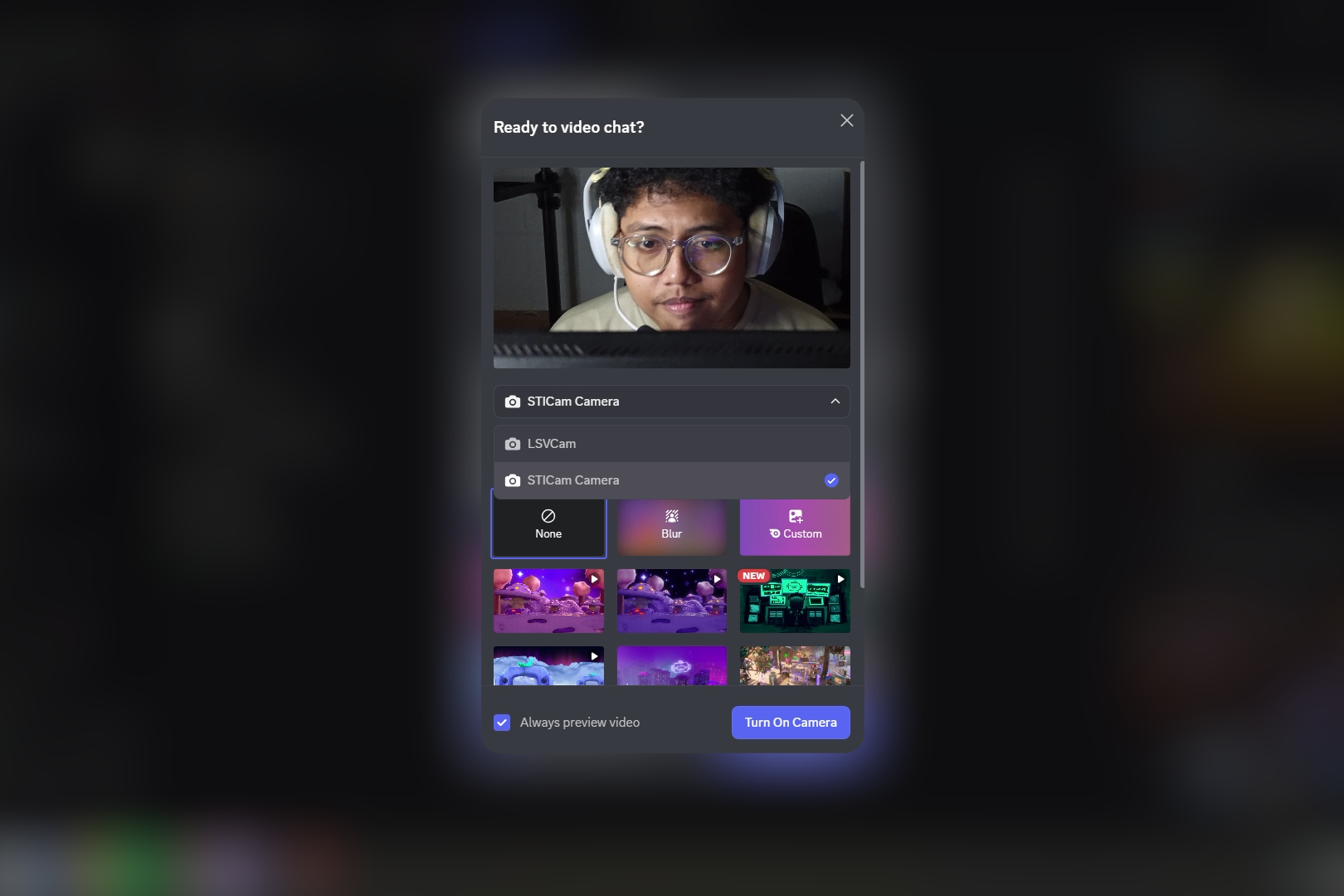
- A Windows virtual camera for compatible applications such as OBS, Discord, Zoom, and Teams.
- Automatic reconnection after temporary interruptions.
STICam requires Android 8.0 or newer and Windows 11 22H2 or newer. It provides video; the current release does not provide a virtual microphone.
How I built it
- Android: Kotlin, Camera2, Jetpack Compose, and Google MediaPipe.
- Windows: C#/.NET, with Windows Media Foundation handling H.264 decoding and virtual-camera integration.
- Connection: H.264 streaming over TCP, using local Wi-Fi or an ADB reverse tunnel over USB.
I directed development, integrated the components, tested behaviour on devices, and used AI coding assistants to help implement, review, and document the work. Third-party components are documented under their respective licenses.
Challenges I ran into
Image orientation and framing. Camera switching, portrait video, rotation, and mirroring all had to agree across Android, the Windows preview, and the receiving application.
Making tracking feel natural. Early framing behaviour moved too much. Finding a useful balance between following the subject and keeping the shot steady took repeated testing.
Connection and camera lifecycle. Reconnecting, changing camera settings, and restarting capture exposed failures that were easy to miss in a short demonstration.
Keeping documentation accurate. Instructions and feature descriptions needed the same attention as the application itself.
Accomplishments that I'm proud of
I turned a personal frustration into a released Android-and-Windows product with installers, setup instructions, screenshots, release notes, and support documentation.
The documented v1.0.3 release improves orientation handling, camera switching, reconnection, and control-panel behaviour. Shipping those practical improvements matters to me as much as adding new features.
What I learned
A convincing demo is only one part of building software. Installation, compatibility, recovery from failures, documentation, and maintenance determine whether someone else can actually use it.
I also learned to describe limitations clearly. Privacy, offline operation, and connection security are separate questions, and a product description should explain them accurately.
Built with Codex during Build Week
STICam existed before Build Week. During the submission period, I used Codex to work on security-hardening experiments, debugging, tests, and documentation review.
One useful exercise was comparing the README with actual application behaviour. It exposed incorrect connection instructions and a recording feature that was described before it was accessible through the interface.
That development history is separate from the current public release. Experimental work should not be read as a promise that a feature has shipped.
Current availability and limitations
STICam is proprietary freeware: the official applications are free to download and use, while the application source code remains private. The public GitHub repository contains releases, documentation, and issue tracking.
The current version operates without an account, advertising, or cloud video processing. Android v1.0.0 included MediaPipe's upstream performance metrics transport; this was removed in v1.0.1.
Current Wi-Fi traffic is not encrypted or authenticated. Use it only on a trusted private network. USB is the recommended option when the network cannot be trusted.
Very rapid camera switching can still occasionally fail. The Windows installer is not currently Authenticode-signed; verification instructions and release checksums are published on GitHub.
What's next for STICam
My priorities are improving compatibility, camera-switching reliability, setup, and connection security.
An iOS client remains a possible future direction. Features will be described as available when they are released and documented.


Log in or sign up for Devpost to join the conversation.