-
-
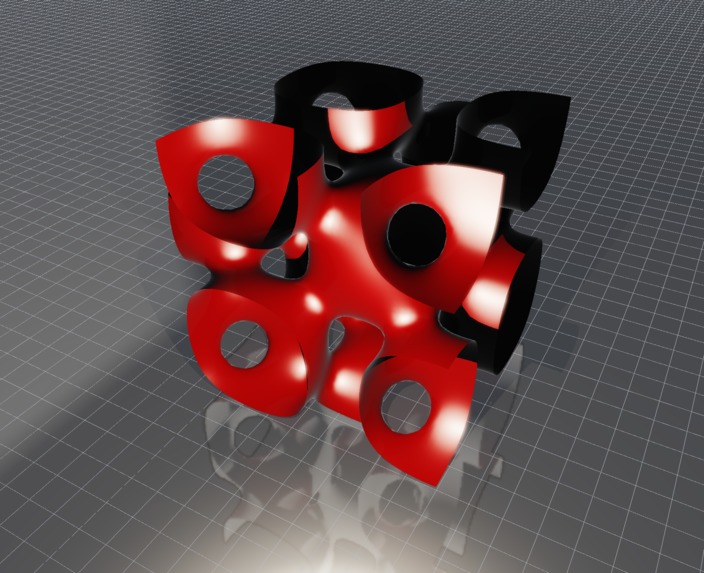
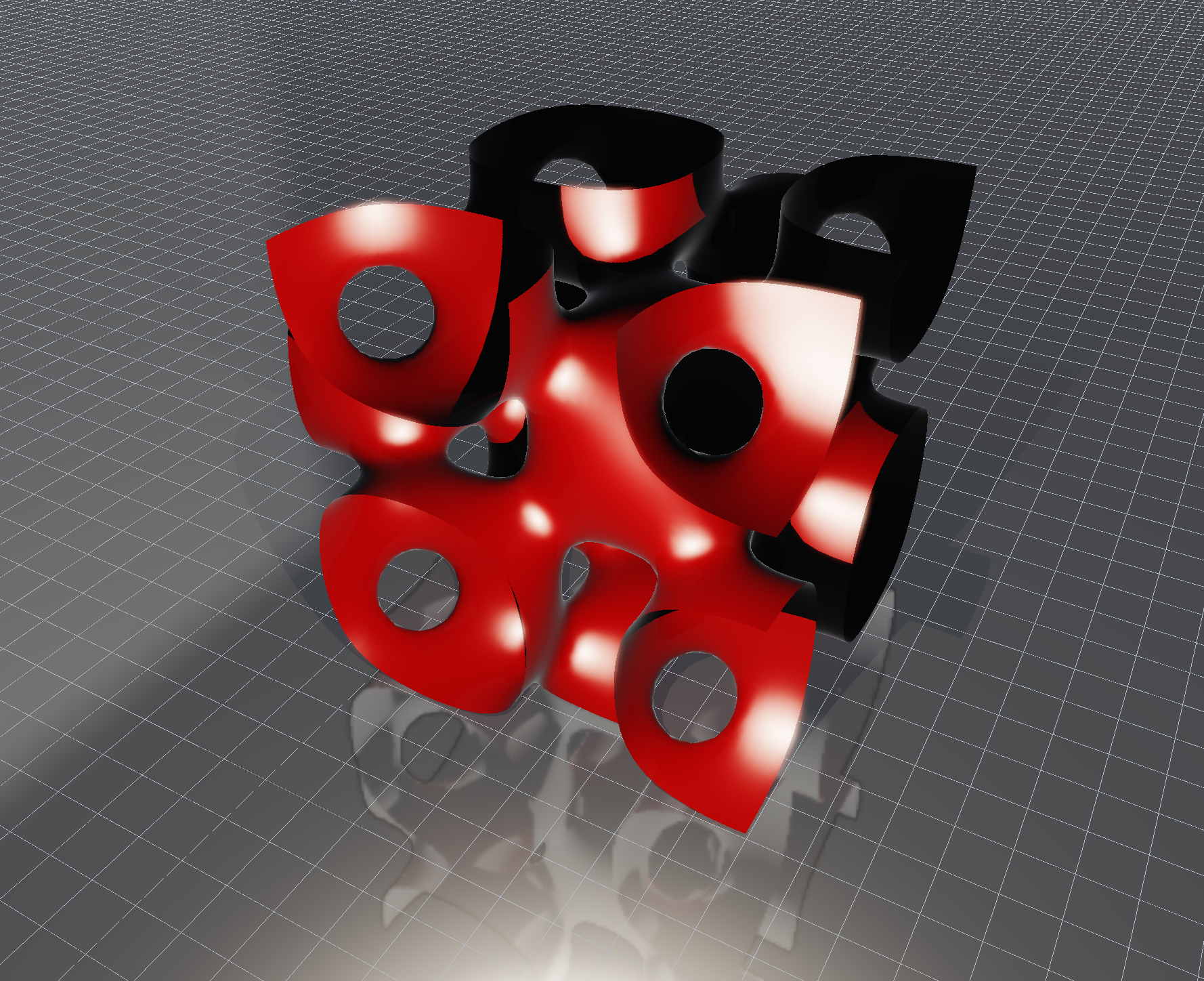
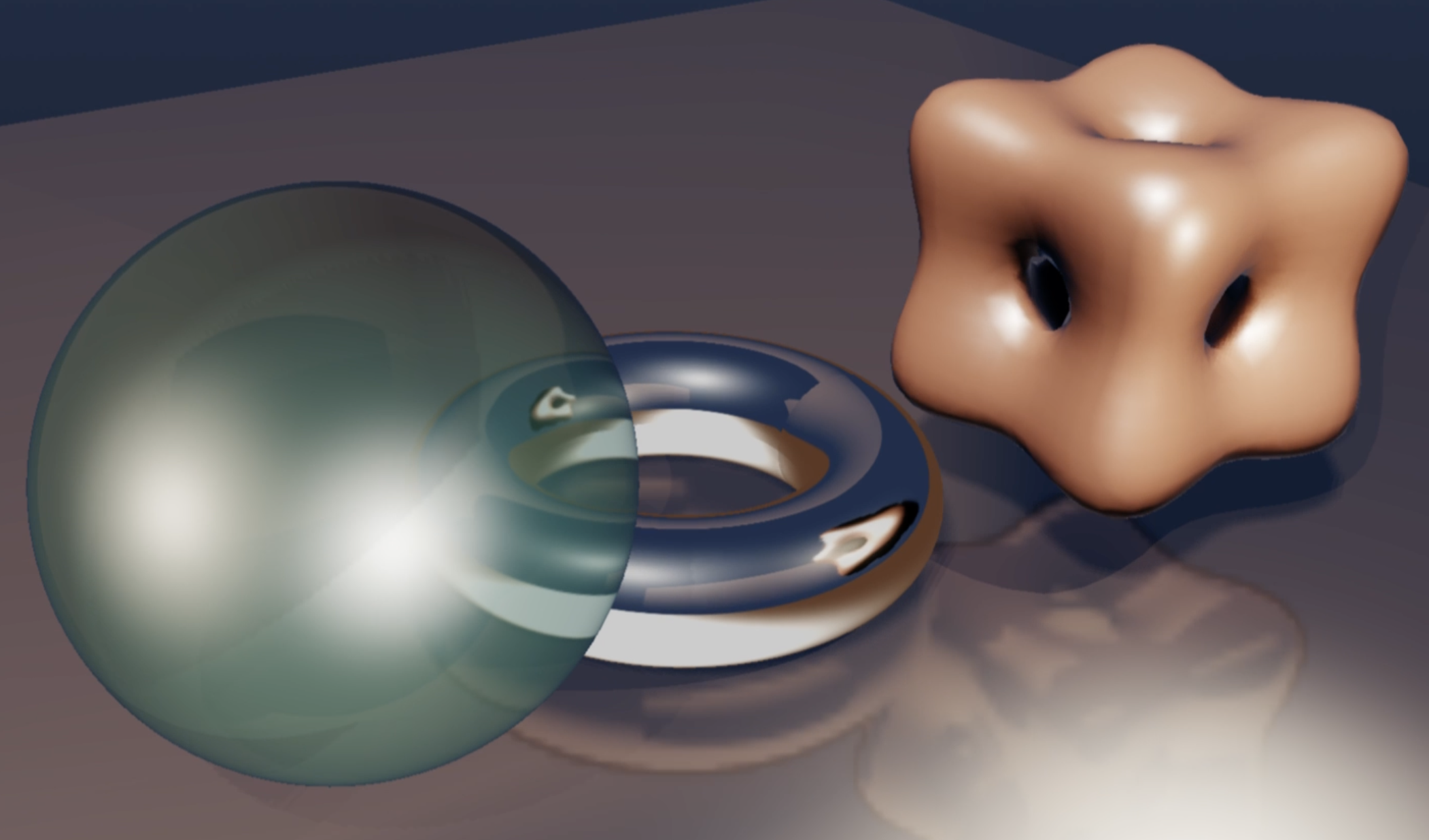
An implicitly defined surface generated with STEVE
-
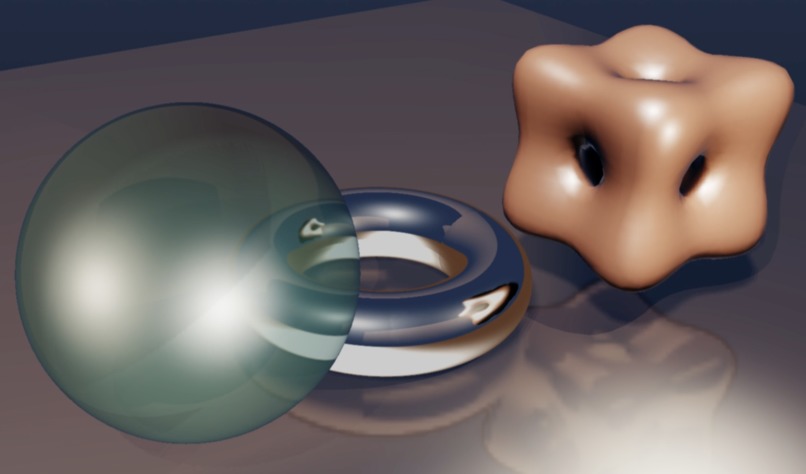
Refractions and Reflections
-
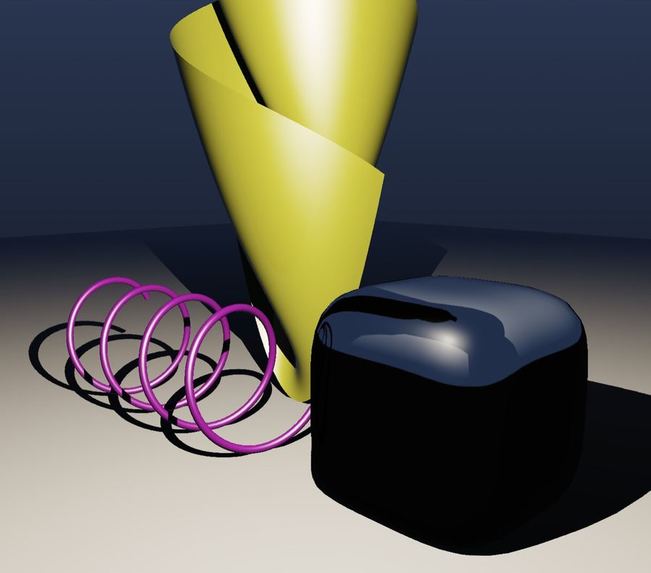
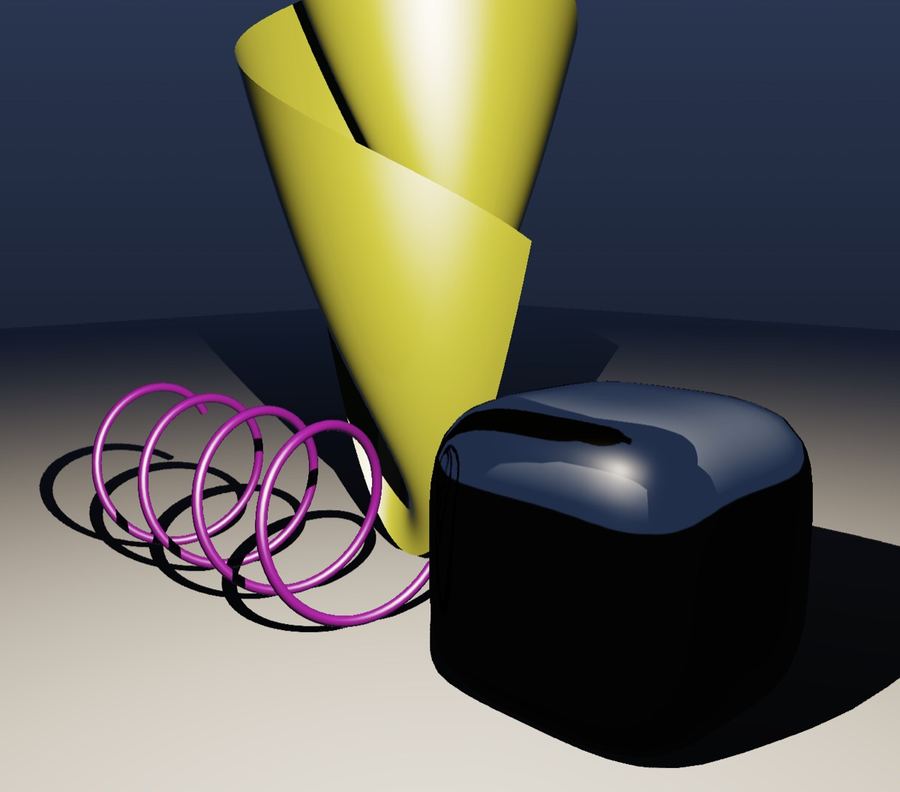
Parametric and implicit curves and surfaces
Inspiration
There are countless graphing calculator programs that let you visualize 3-dimensional equations. There are also many sophisticated rendering apps for creating 3D scenes with controls for lighting, shadows, reflections, materials, etc. STEVE is an app that does both: a 3D graphing program with advanced (but easy to use) rendering controls. STEVE has the ability to make mathematics really beautiful. It's surprising that an app like this hasn't existed until now.
What it does
STEVE is capable of creating reflective, mirror-like surfaces, as well as glass-like surfaces where you can set the index of refraction. You have a variety of lighting options, and can control how each casts shadows. You can also set an emission level for objects to create a glowing effect, and emissive surfaces get a nice halo.
With all that said, powerful rendering functionality isn’t enough. STEVE is also a great 3D graphing app. Of course, you can just type in a function like x^2+y^2 and see its graph. However, you can also plot several other types of objects, like parameterized curves, parameterized surfaces, and implicitly defined surfaces. One nice feature is that if you introduce a variable it automatically becomes an adjustable value, controllable with a slider. If you set a continuous range for that value you can animate it. Variables can also be restricted to a discrete set of values, making it easy to display multiple related curves or surfaces.
STEVE also has some really useful import/export features, too. You can save and import projects, export the current canvas as a high-resolution PNG suitable for including in publications, and export surfaces as STL files for 3D printing. You can also activate a turntable view to orbit around a scene, and save that as a repeating GIF.
There are many, many more features to play with: curves render as adjustable radius tubes, surfaces can be decorated with uv-grids or contours, etc., etc., etc. A full set of instructions and descriptions of everything it can do are on its github page.
How we built it
At least 95% of STEVE was built with codex. I started developing the app in early February with GPT 5.4, but at the time development was slow. GPT 5.5 was a definite leap forward, and allowed me to develop most of the present app's basic functionality. I eventually settled on a beta version that I started sharing with people, and then left the project up on my web page for anyone to play with.
Since GPT 5.6 sol was released I have resumed active development, and added countless new features. I added the ability to record animated GIFs of turntable rotations and adjustable equation parameters, the ability to pin point light sources to parameterized curves at a controllable parameter, curves defined as intersections between surfaces, better control over directional light sources, discrete variables, etc, etc, etc. STEVE has so many features, it's hard to list them all!
What's next for STEVE
I have now released STEVE to my social media circles, but I continue to make incremental improvements as I think of them. STEVE has a feedback form accessible from the toolbar, and I am waiting on community feedback to decide what direction to take the app.
Built With
- codex

Log in or sign up for Devpost to join the conversation.