Inspiration
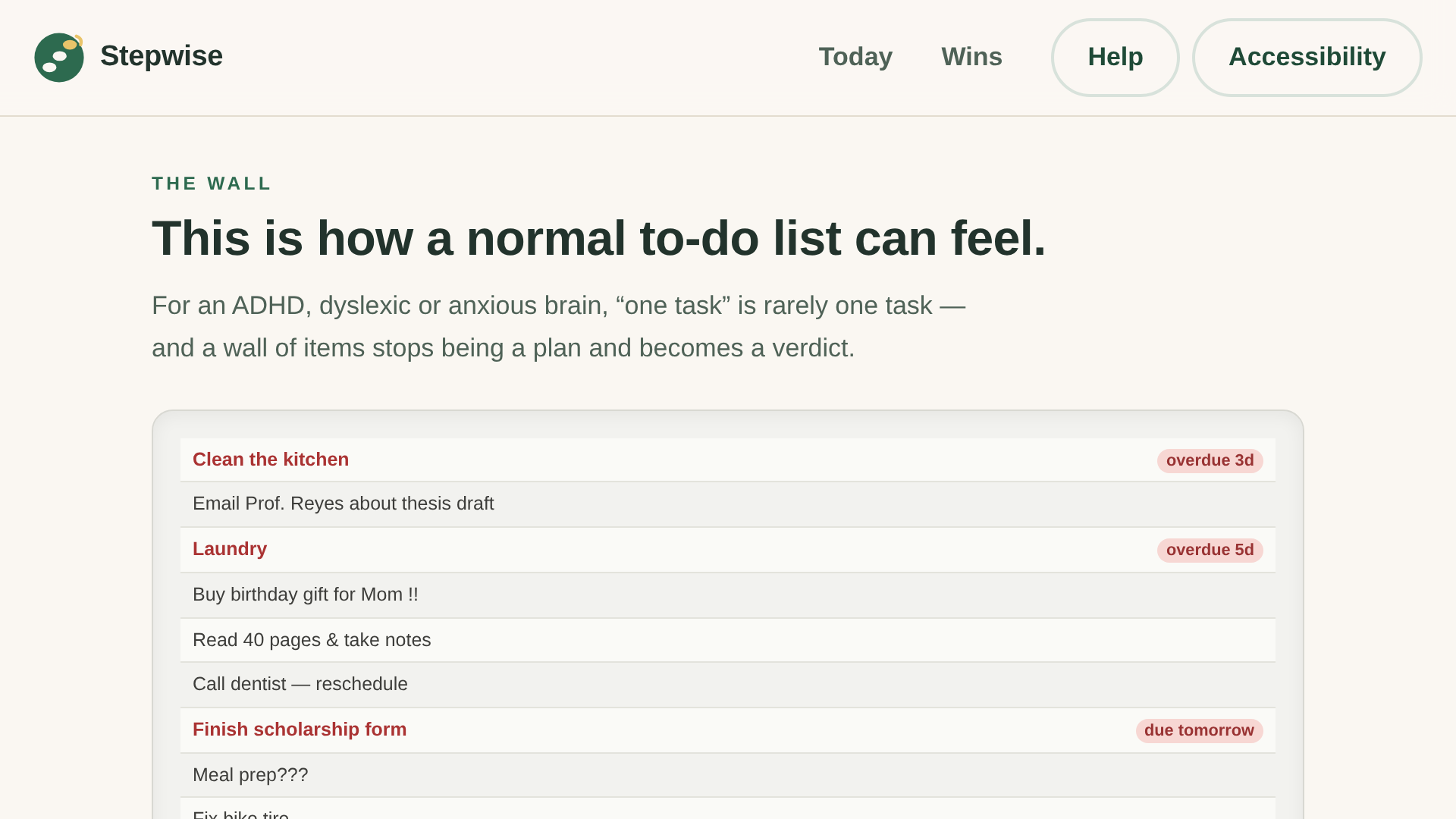
Last semester, a friend opened her to-do app, saw 34 items, and closed it. Not because she was lazy — because for her ADHD brain, that list wasn’t a plan. It was a wall of 34 bricks, each labeled “you’re behind.”
Most productivity tools are designed for brains that already work like spreadsheets. For people with ADHD, dyslexia, or anxiety, the same features — infinite lists, red overdue badges, streak counters — do the opposite of helping. TaskForge asked us to pick one real friction point and one real person. Ours was that moment: an overwhelming task on a screen that offers no next step.
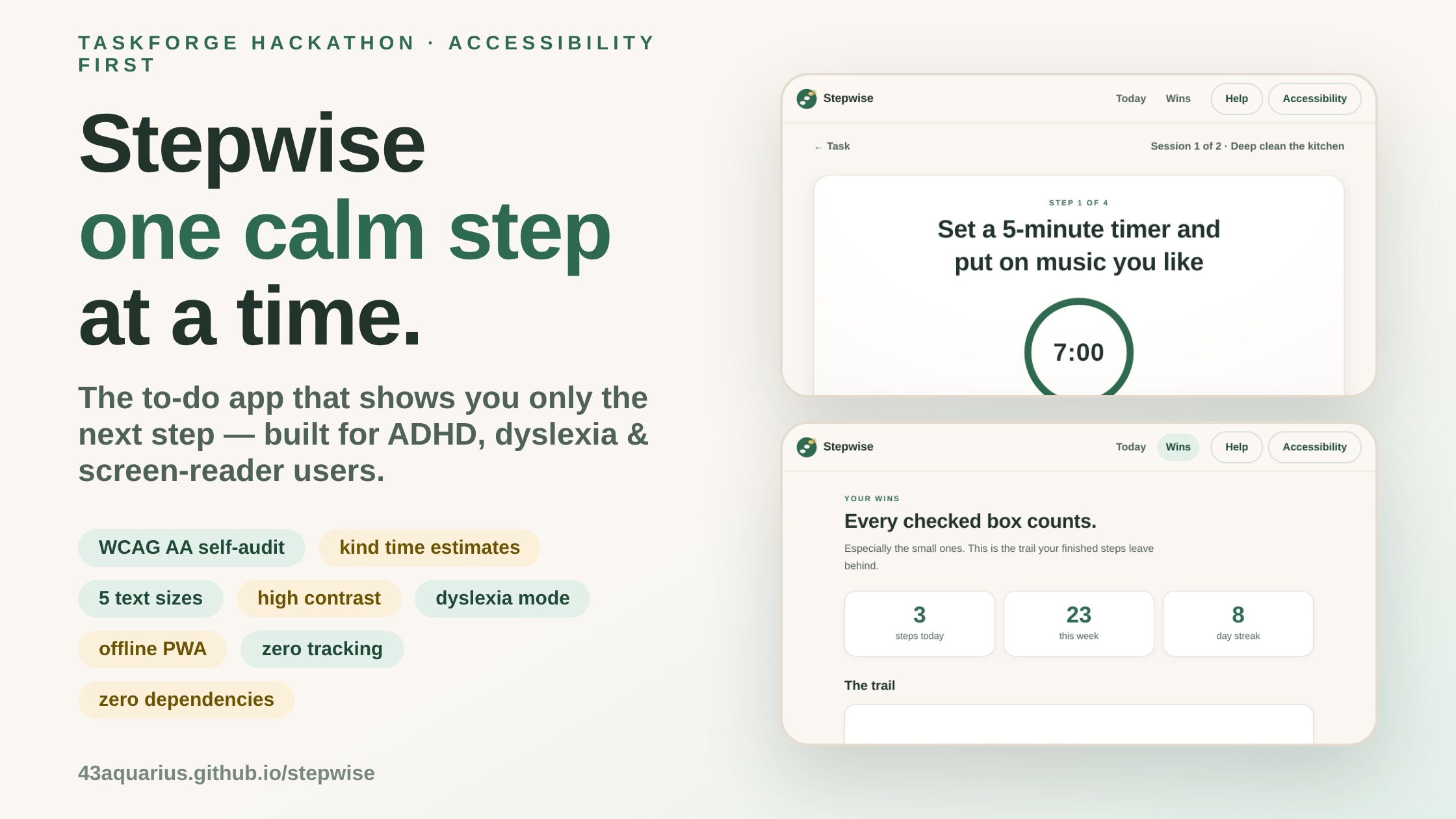
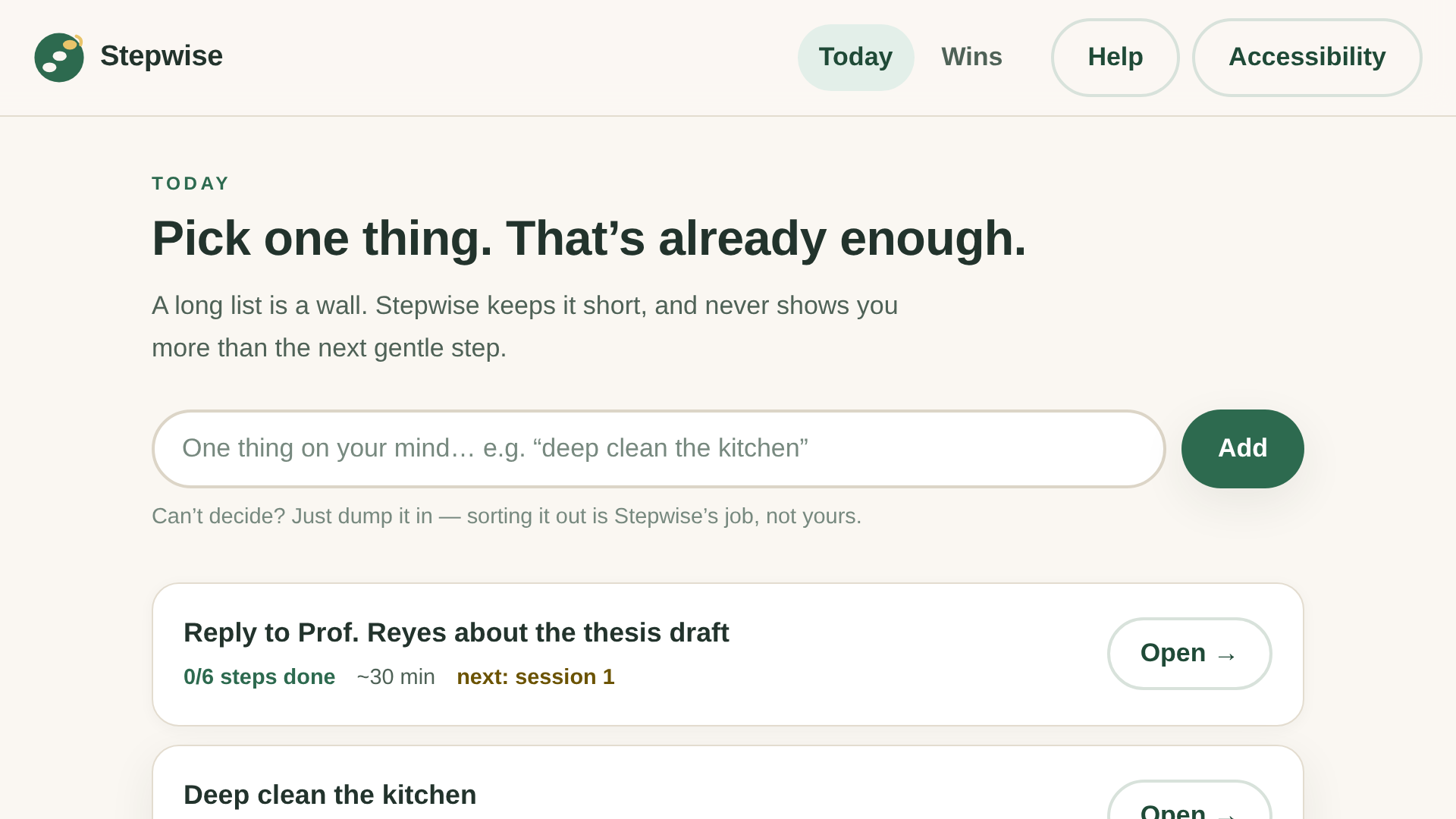
Stepwise is our answer, and its one rule is simple: never show the wall. Show one kind step at a time.
What it does
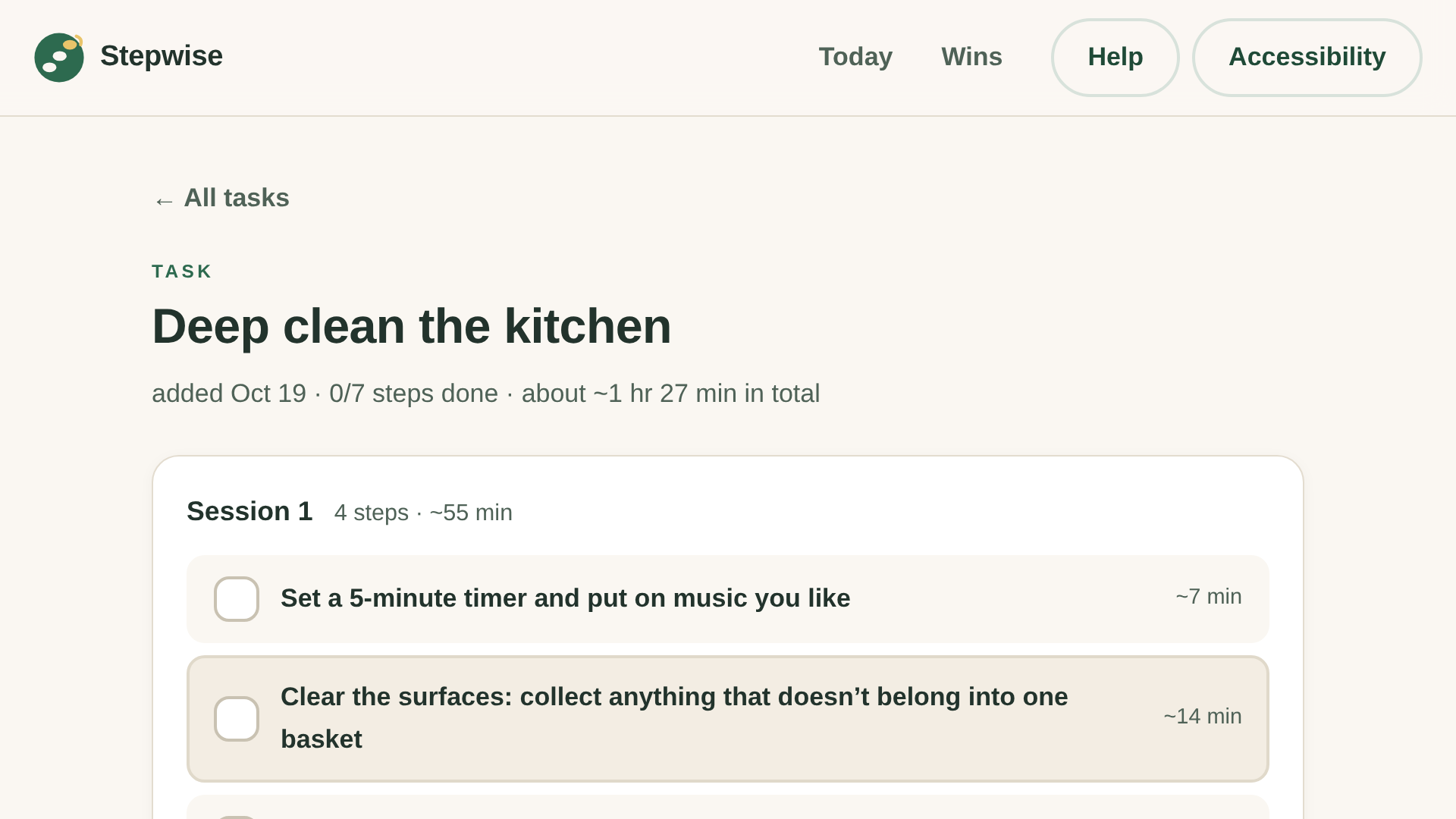
Stepwise turns one intimidating task into a short, kind plan:
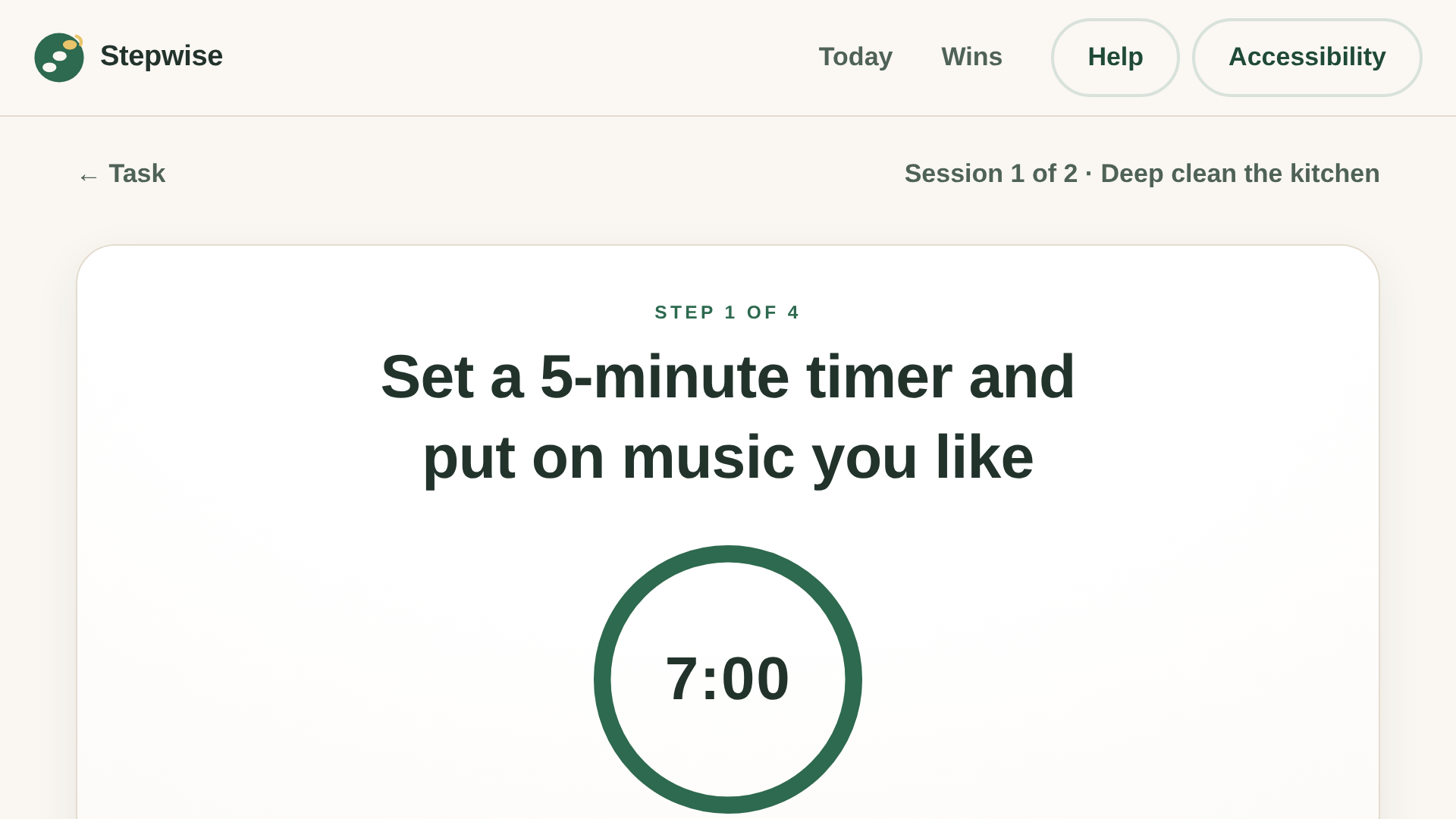
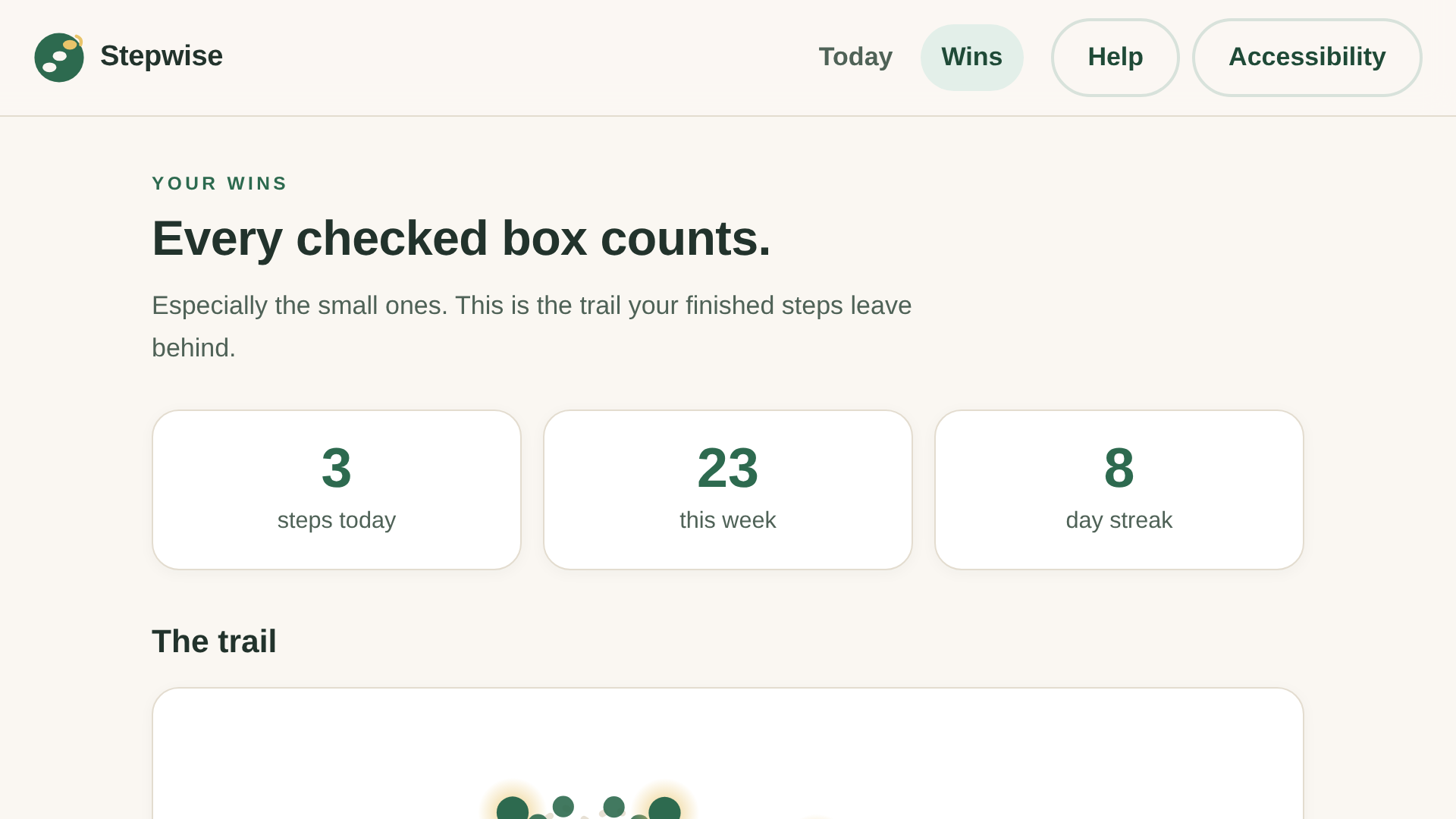
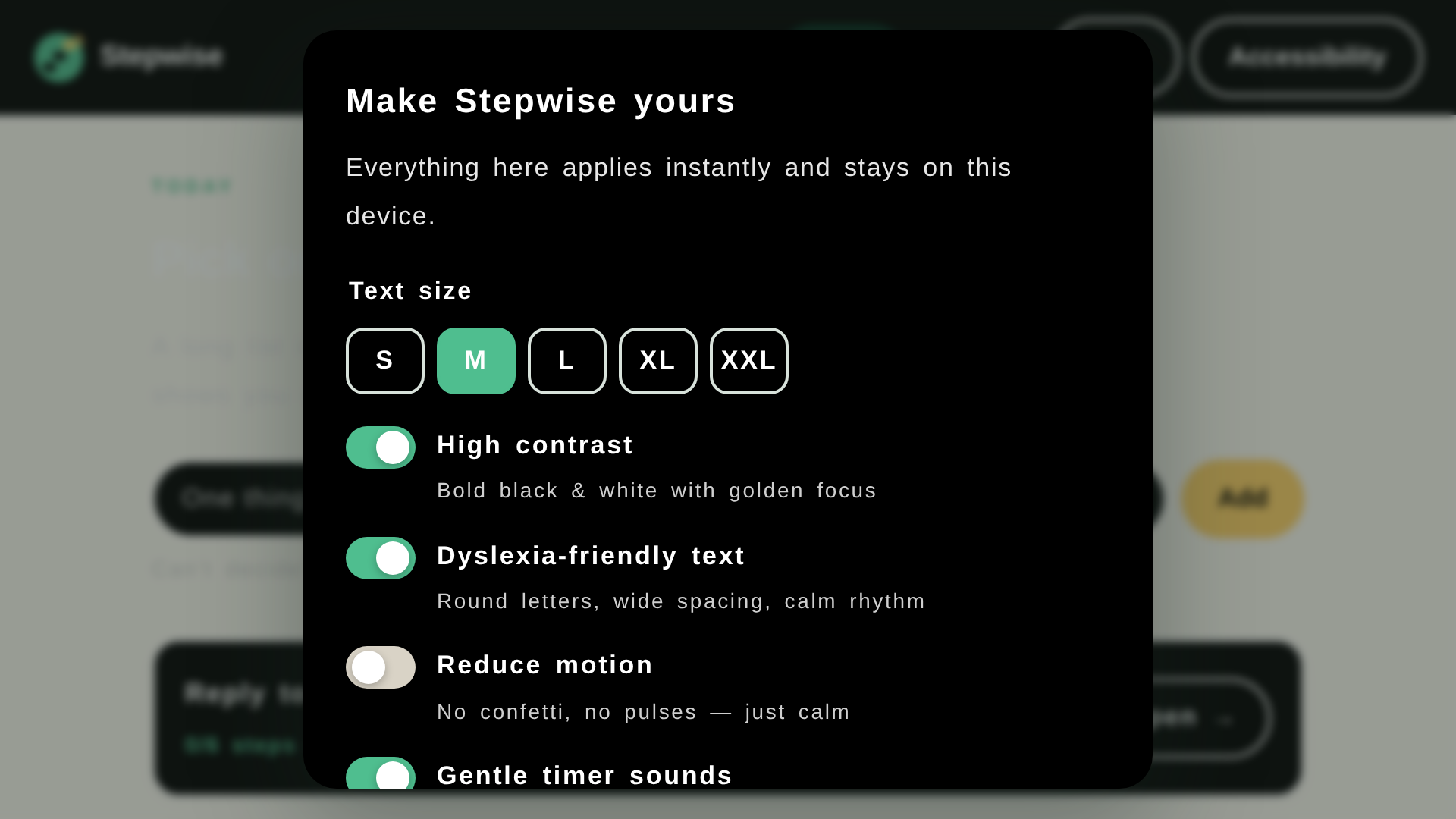
• Break it down — a readable, rule-based engine (no AI in the loop) splits a task into small, concrete steps using templates for cleaning, study, email, errands, exercise, cooking and travel. Every estimate is a kind estimate: ~35% buffer, because time blindness is real. • Sessions, not walls — steps are chunked into sessions of at most four, with visible breaks and a reward step at the end. Finishing should feel like finishing. • One-step focus mode — the screen shows exactly the current step. A quiet ring timer (time always in text, never color alone) can be paused, or given five more kind minutes. Press Done any moment — or Skip, because skipping is never failure. • A trail of wins — every finished step becomes a stone on a winding path; lanterns mark every fifth. Stats count steps, not streak-shaming. • Accessibility panel — five text sizes, high contrast, dyslexia-friendly text, reduced motion; full keyboard control; ARIA live announcements for screen readers. • Yours only — localStorage, no accounts, no cloud, no tracking; export/import as JSON. It’s a PWA: installable and fully offline.
How we built it
Zero dependencies, no build step — on purpose. A tool that judges you should be a tool you can read, so anyone (including the people it’s for) can open the source and understand it.
• Vanilla ES modules: a rule-based breakdown engine (js/breakdown.js) with 8 category templates and a generic fallback, session chunking, and an editor round-trip format (label | minutes). • A focus-mode state machine (js/focus.js) with explicit win / session-complete / task-complete endings — the next step is never auto-advanced; it’s always your choice. • CSS custom-property theming for the accessibility modes; prefers-reduced-motion plus a manual override, because not everyone can find the OS setting on a bad day. • Web Audio API for the soft two-tone chime — synthesized at runtime, no audio files. • A service worker (sw.js) cache-first shell for offline; localStorage persistence; 24 unit tests for the engine (node tests/breakdown.test.js) and a 50-check browser test suite, all green. • A 4-minute captioned demo video, with every on-screen action scheduled on a wall-clock beat sheet so the burned-in captions stay in sync.
Challenges we ran into
The honest version of hidden — our step rows are display:flex buttons, and we discovered any author display rule beats the UA’s hidden. Buttons we thought were hidden were quietly visible (a “+5 minutes” button that should have been hidden!). Fix: a global [hidden]{display:none!important} rule.
The focus-mode flowchart — our first version celebrated twice (per step and per session) and could loop forever. We rewrote it as a small state machine with explicit endings, and it finally felt calm — which is the whole point.
Kind but honest estimates — multiplying by 1.35 is easy; explaining why in one line of UI (“time blindness is real”) took most of the writing time.
Subtitle-synced video — the demo is one continuous recording; every click lands on a wall-clock beat so the burned-in captions always match the action. We re-recorded twice for two small bugs we refused to ship.
Accomplishments that we're proud of
• A 50-check browser test suite: all green, zero console errors. • A published WCAG 2.1 AA self-audit (docs/ACCESSIBILITY.md) that also lists its own limits. • The compassionate copy: “Skipping isn’t failing. Momentum matters more than perfection.” — shown at the exact moment someone needs it. • A demo video captioned in English and Chinese. Captions first, because accessibility is the product.
What we learned
Accessibility is product design, not a checklist. Time should never be color alone; “done” should never be red; and “reduce motion” needs a manual override, because OS settings are hard to find on bad days. We learned that [hidden] can lose to author CSS, that session boundaries are an emotional feature — not just a layout one — and that calm copywriting is engineering: every word either lowers a barrier or raises one.
Limitations, honestly: the breakdown engine is rule-based, so it’s only as wise as its templates — that’s why every step stays editable. The dyslexia mode is typography-based (spacing, rhythm, color temperature) — we don’t ship a dyslexia font. And we haven’t yet tested with real screen-reader users; that is the first post-hackathon milestone.
What's next for Stepwise
• Testing sessions with real screen-reader users and dyslexic students. • More breakdown templates driven by GitHub issues — the community knows their tasks better than we do. • Localization, starting with Chinese (the demo already carries a Chinese caption track). • Optional end-to-end encrypted sync — opt-in, never default. • A share-sheet quick-add, so capturing a task takes one tap.

Log in or sign up for Devpost to join the conversation.