StepLens
Turn any confusing screen into a safe, click-by-click visual lesson.
Project details
Category
Education
*What it does / Project story *
Digital help usually assumes that people already understand the interface. Instructions like “open billing preferences” fail when the learner cannot tell billing preferences from payment methods — and a wrong click can have real consequences. This happens every day to older adults, first-time computer users, people working in a second language, and family members trying to help remotely.
We built StepLens to make the screen itself teachable.
What it does
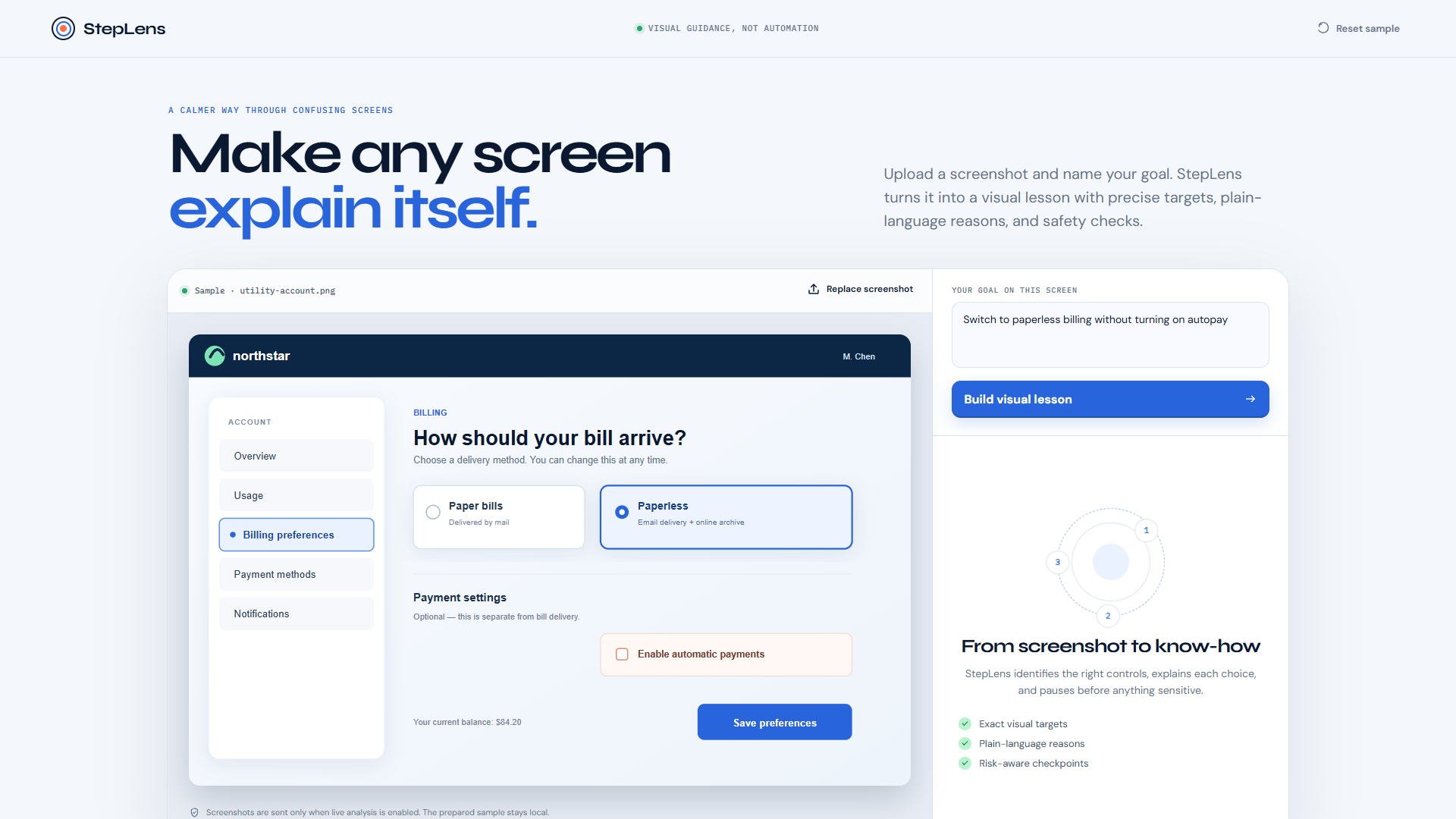
StepLens turns any screenshot into a calm, interactive visual lesson. The learner uploads a screen and describes one goal. GPT‑5.6 reads both the visual interface and the intent, then creates the shortest safe sequence of steps.
Each step includes:
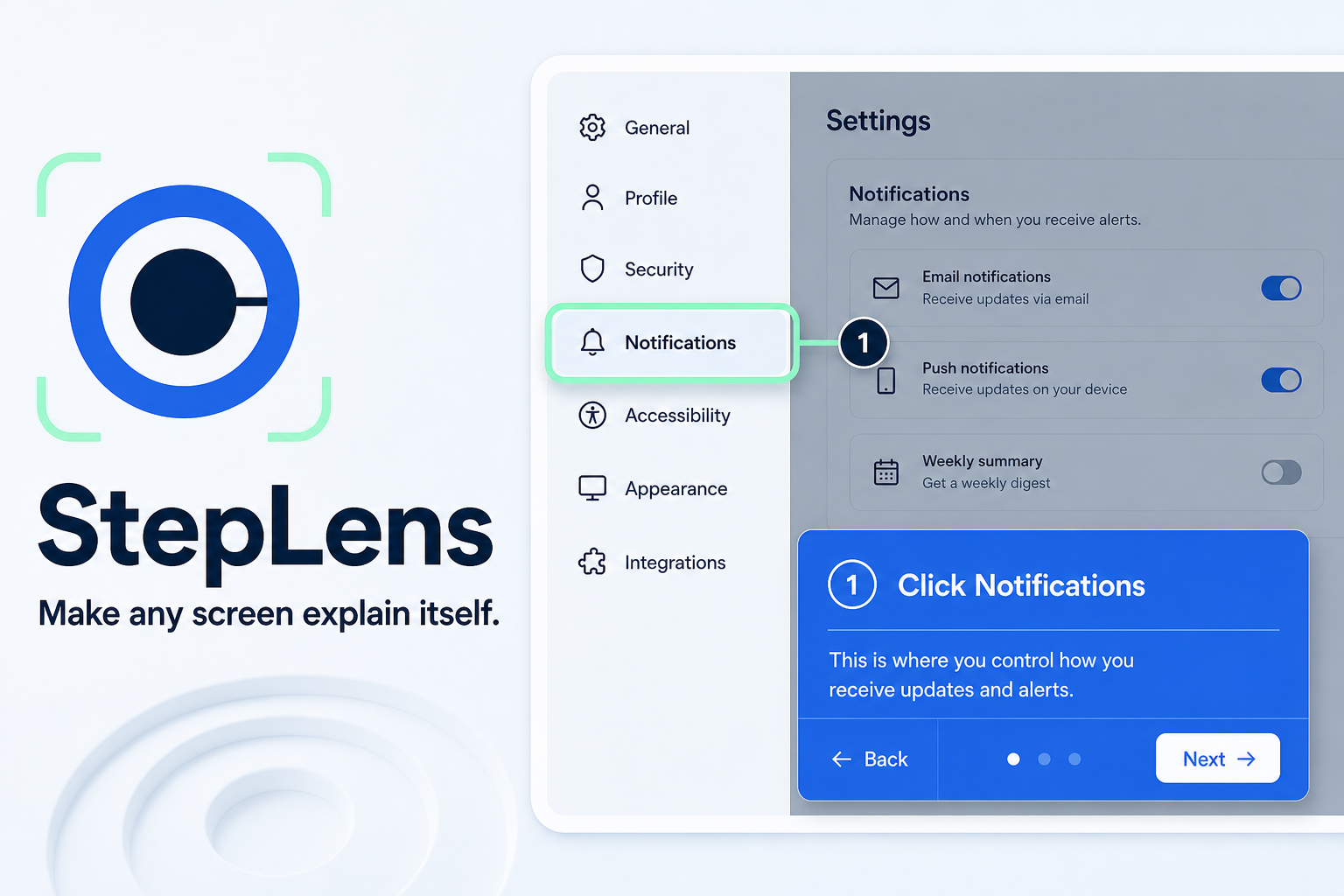
- a precise visual target placed over the original screenshot;
- a plain-language instruction;
- an explanation of why that control is the right one;
- a confidence score; and
- a risk-aware checkpoint before consequential actions.
The learner advances at their own pace and can hear each step aloud. StepLens never clicks or claims that an action is complete — it teaches while keeping the person in control.
How we built it
The frontend is a responsive React + TypeScript workspace with a distinctive animated “lens” that maps normalized model coordinates onto screenshots of any size. The backend is a small Express API that keeps credentials server-side.
GPT‑5.6 receives the screenshot and goal through the Responses API. We use Structured Outputs with a Zod schema so every lesson returns validated steps, bounding boxes, explanations, confidence, and risk levels. The interface renders that structure as a coherent learning experience rather than a block of AI text.
A prepared utility-billing walkthrough is included so anyone can test the full experience immediately. Live uploads use GPT‑5.6 when an API key is configured.
How we used Codex
Codex was our implementation partner from the first research pass through the tested product. It helped us verify the official requirements, scope the concept against the four judging criteria, design the accessibility and safety model, implement the React client and GPT‑5.6 endpoint, build the structured-output schema, and test the flow in a browser.
One concrete iteration happened during visual QA: the first prepared target box landed on “Payment methods” instead of “Billing preferences.” Codex compared the rendered screenshot with the SVG coordinate system, corrected the normalized target values, and re-ran the interactive flow. That fast design-build-observe loop shaped the final product.
We made the key product decisions: StepLens would guide rather than automate, explain the reason for every step, and interrupt the flow before risky actions.
Challenges we ran into
The hardest problem was translating model understanding into dependable spatial guidance. Pixel coordinates would break across responsive layouts, so we normalized all target boxes as percentages of the source image. We also had to make AI output safe to render; Structured Outputs and Zod validation turned free-form vision reasoning into a reliable UI contract.
Finally, we resisted building a generic chat interface. The main interaction had to feel like learning directly on the original screen, so we invested in one clear visual signature: the moving StepLens spotlight.
Accomplishments that we're proud of
- A complete product flow, not a technical proof of concept.
- Meaningful multimodal GPT‑5.6 usage with validated spatial output.
- Clear safety boundaries and human control.
- A polished, accessible interface with keyboard focus, reduced-motion support, responsive behavior, and read-aloud steps.
- A no-key prepared demo for frictionless judging.
What we learned
Good visual assistance is not only about locating a button. A useful guide must connect a person's intent to the right visible control, explain why it is right, and recognize when a seemingly simple click changes money, privacy, or permissions. GPT‑5.6 is valuable here because the problem requires both visual understanding and contextual reasoning.
What's next for StepLens
Next we would add a browser extension that captures the current tab with consent, multi-screen lessons that request a fresh screenshot after navigation, multilingual narration, and a trusted “guide builder” mode for libraries, schools, and community support teams. We also want to evaluate target accuracy across real websites and build a feedback loop for correcting uncertain matches.
Built with
Codex, GPT-5.6, OpenAI Responses API, Structured Outputs, React, TypeScript, Vite, Express, Zod, Web Speech API, SVG, CSS
Built With
- codex
- express.js
- gpt-5.6
- openai-responses-api
- react
- structured-outputs
- svg
- typescript
- vite
- web-speech-api
- zod


Log in or sign up for Devpost to join the conversation.