-
-
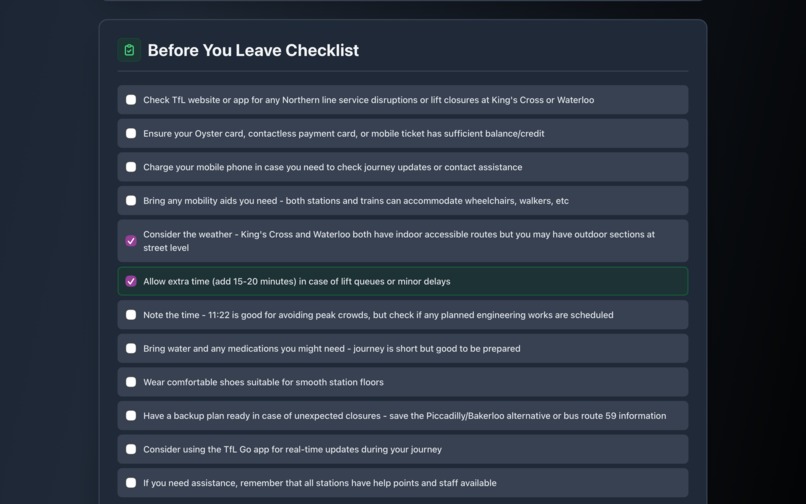
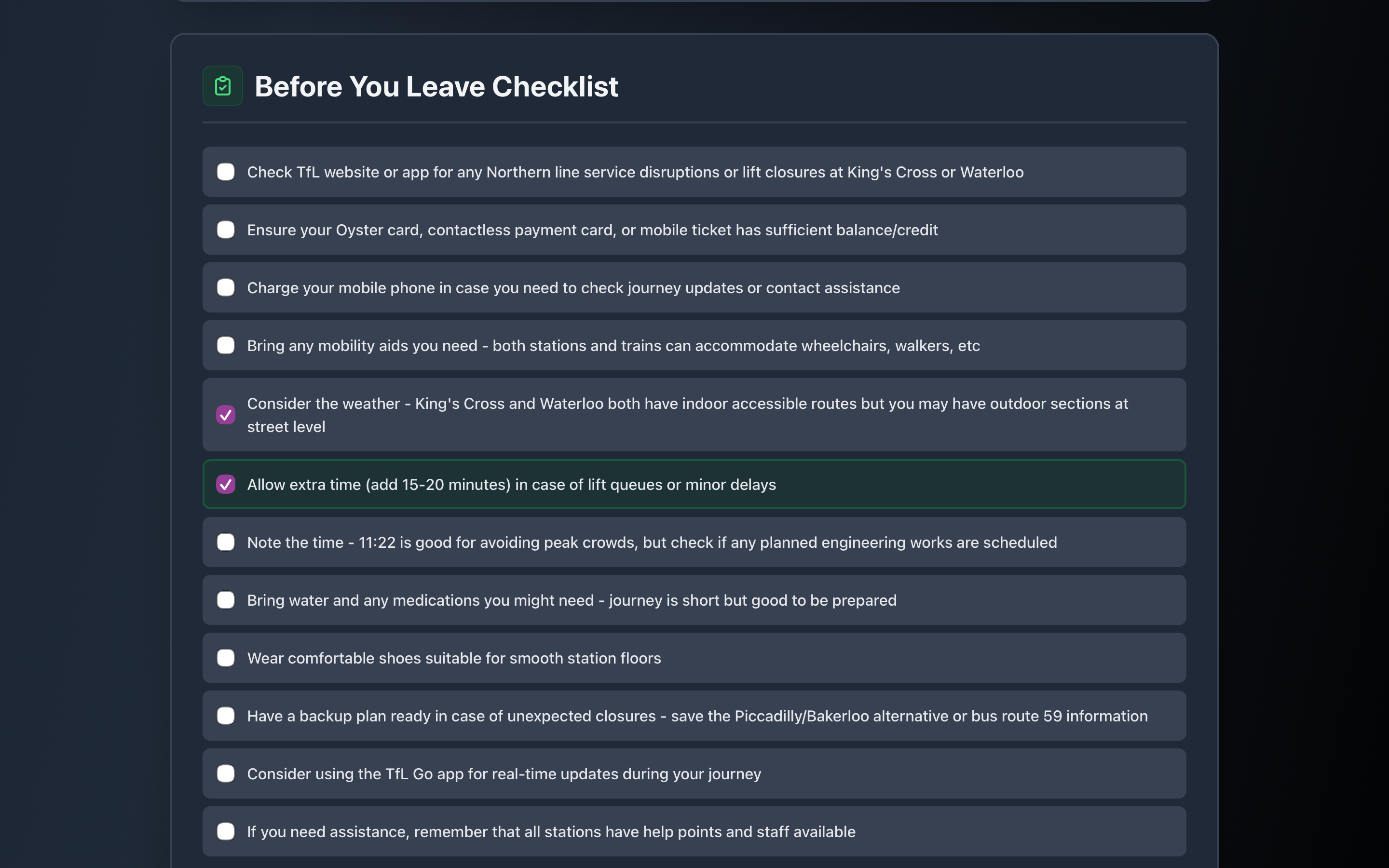
checklist
-
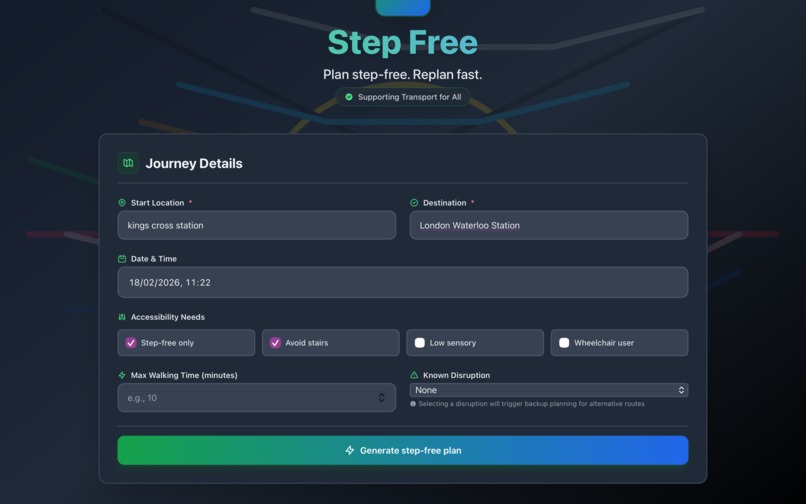
main page
-
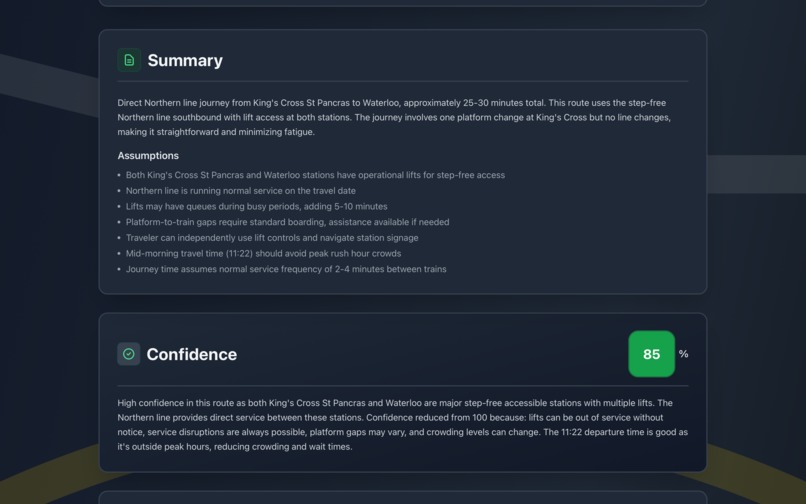
start of route planning
-
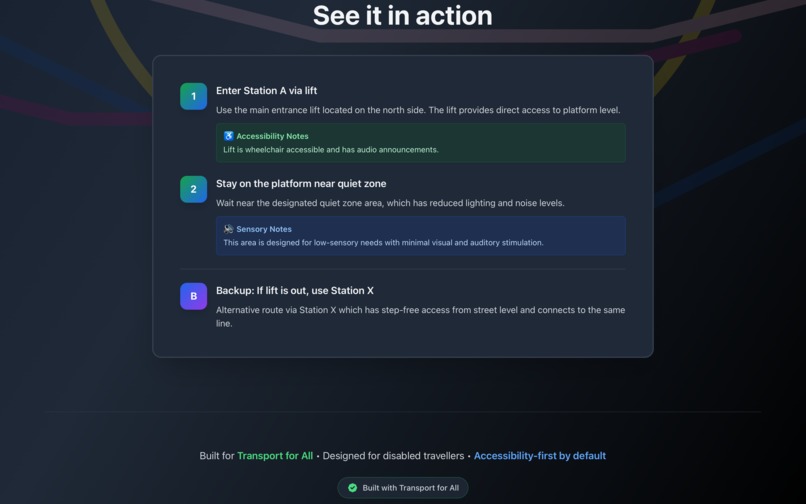
quick demo
-
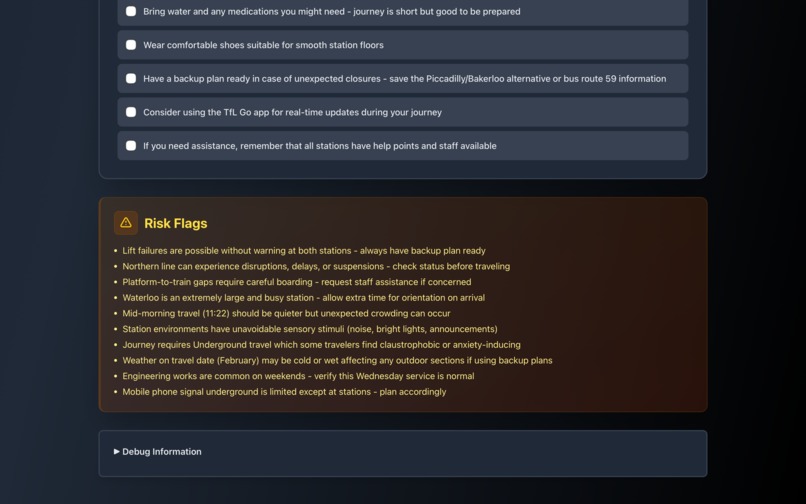
risks
-
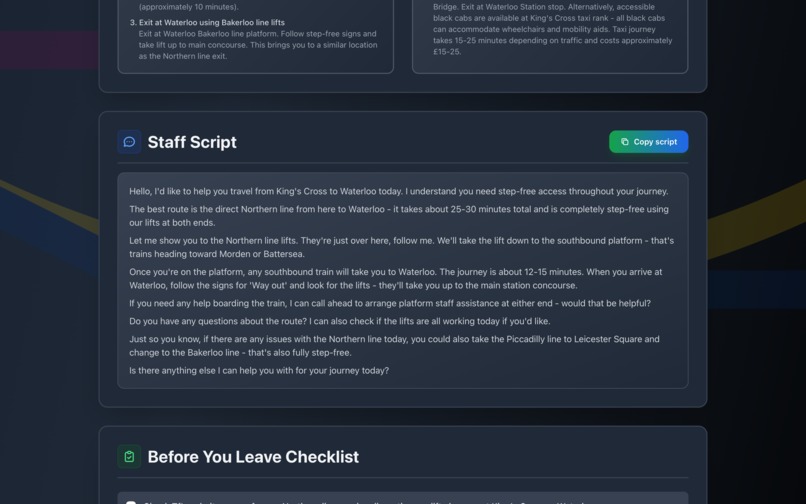
questions for staff
-
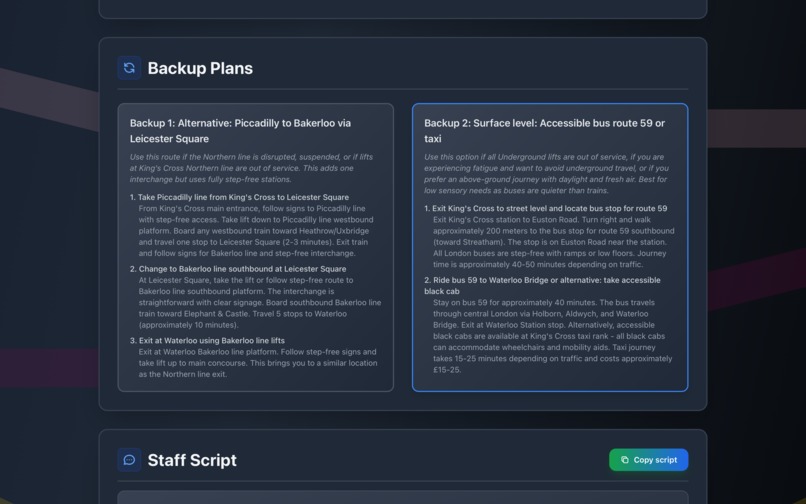
back up routes
-
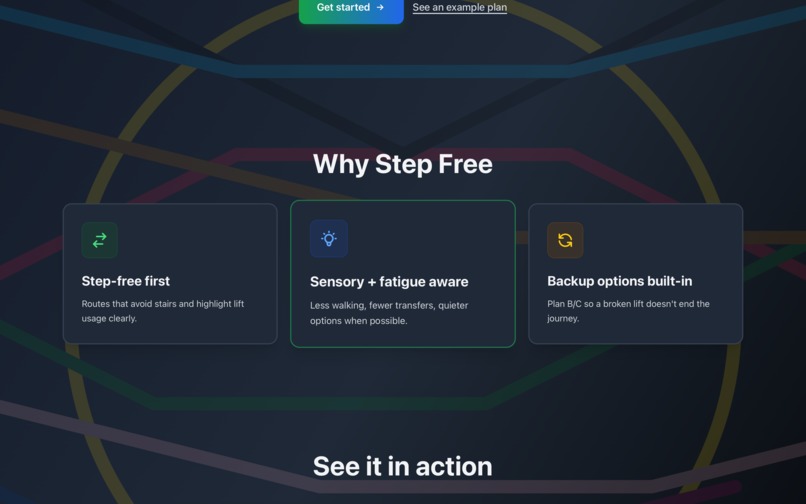
welcome page
-
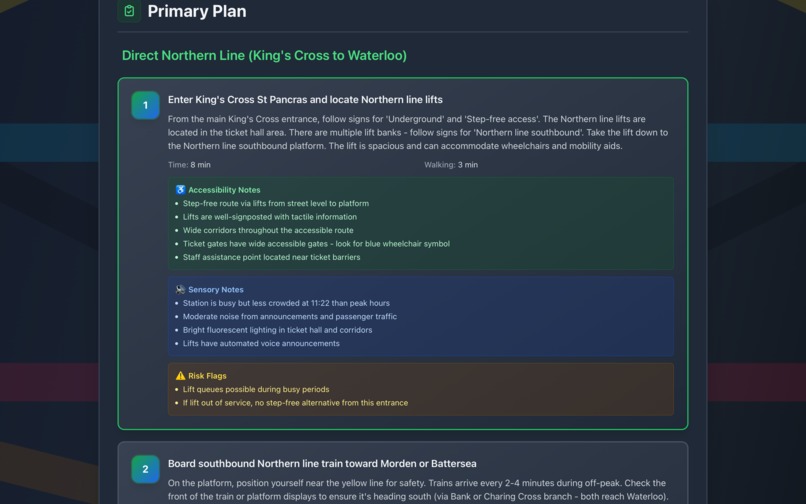
route continued
-
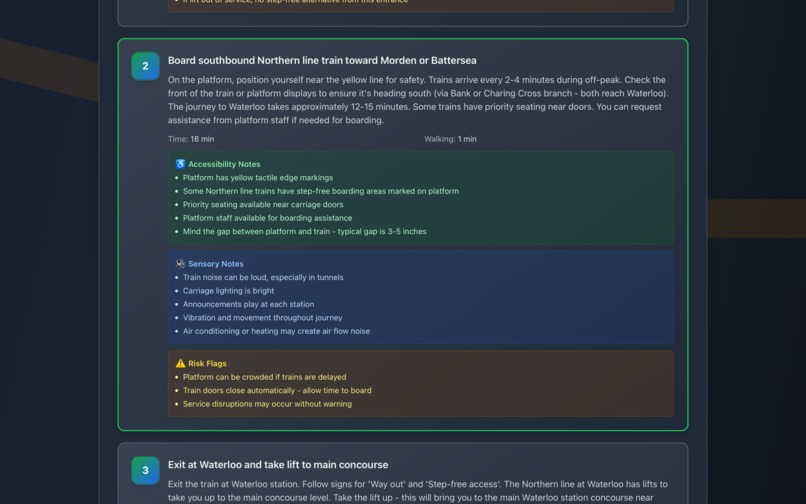
route continued
-
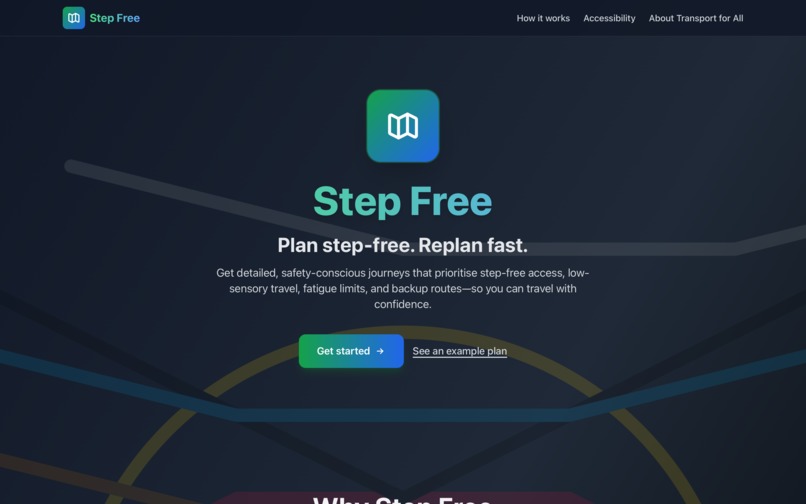
welcome page
Project Story
Inspiration
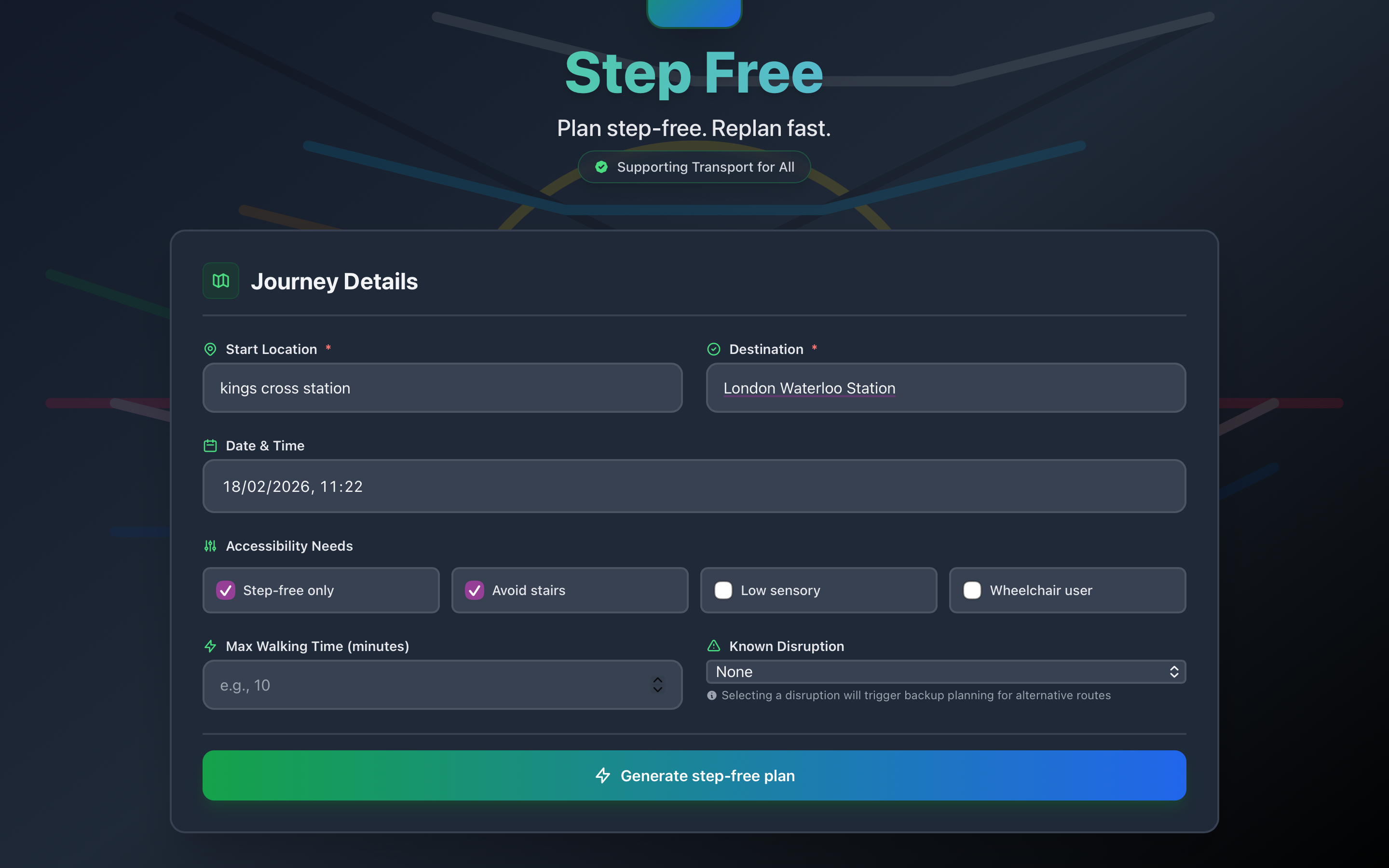
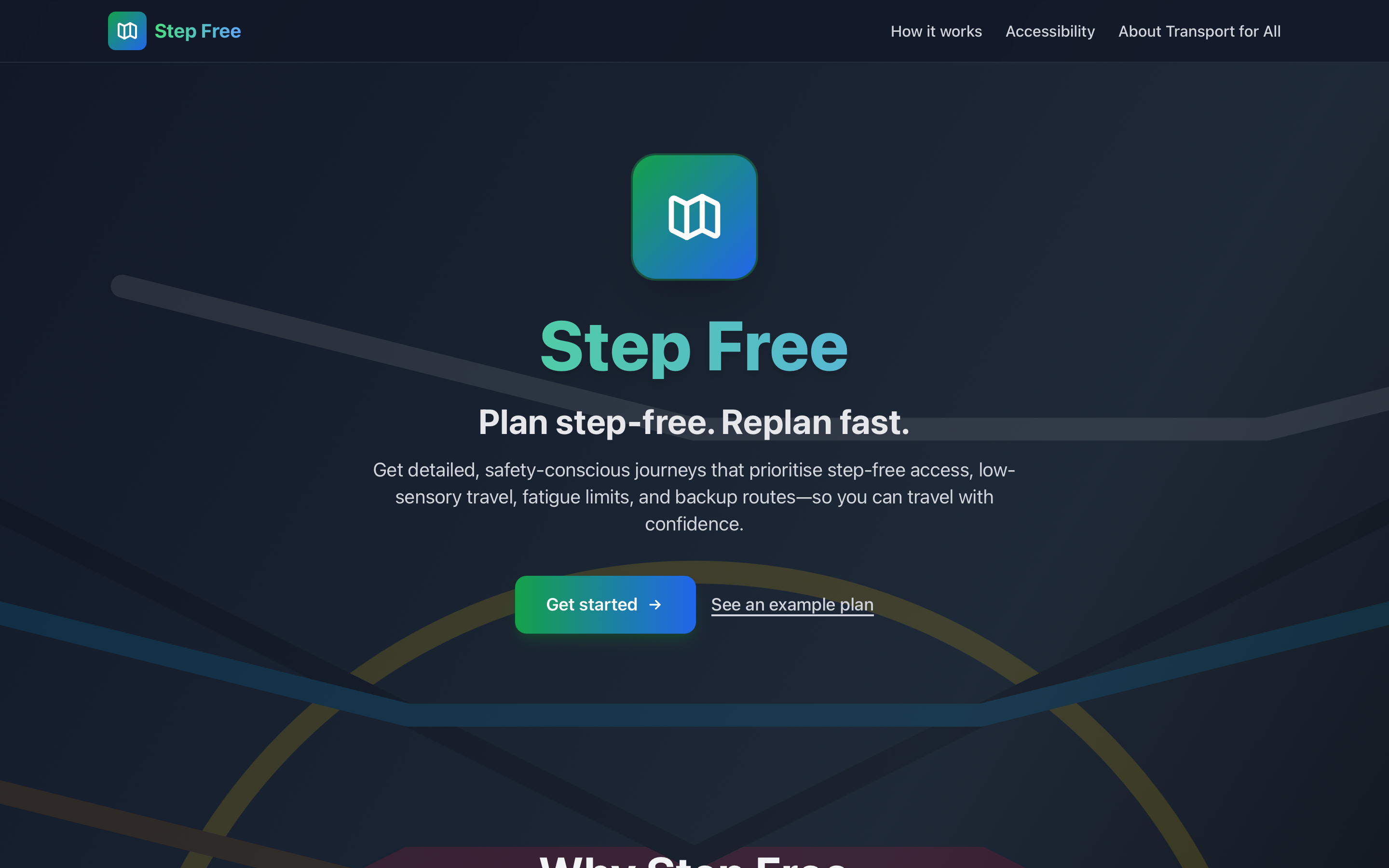
I built Step Free to address the gap in accessible journey planning. Existing tools often ignore step-free access, sensory needs, and fatigue, leaving disabled travelers without reliable options. Transport for All's mission inspired me to create a tool that prioritizes accessibility from the ground up.
The idea came from seeing how broken lifts, unexpected stairs, or crowded platforms can derail a journey. I wanted a planner that not only finds step-free routes but also provides backups and considers sensory and fatigue needs.
What it does
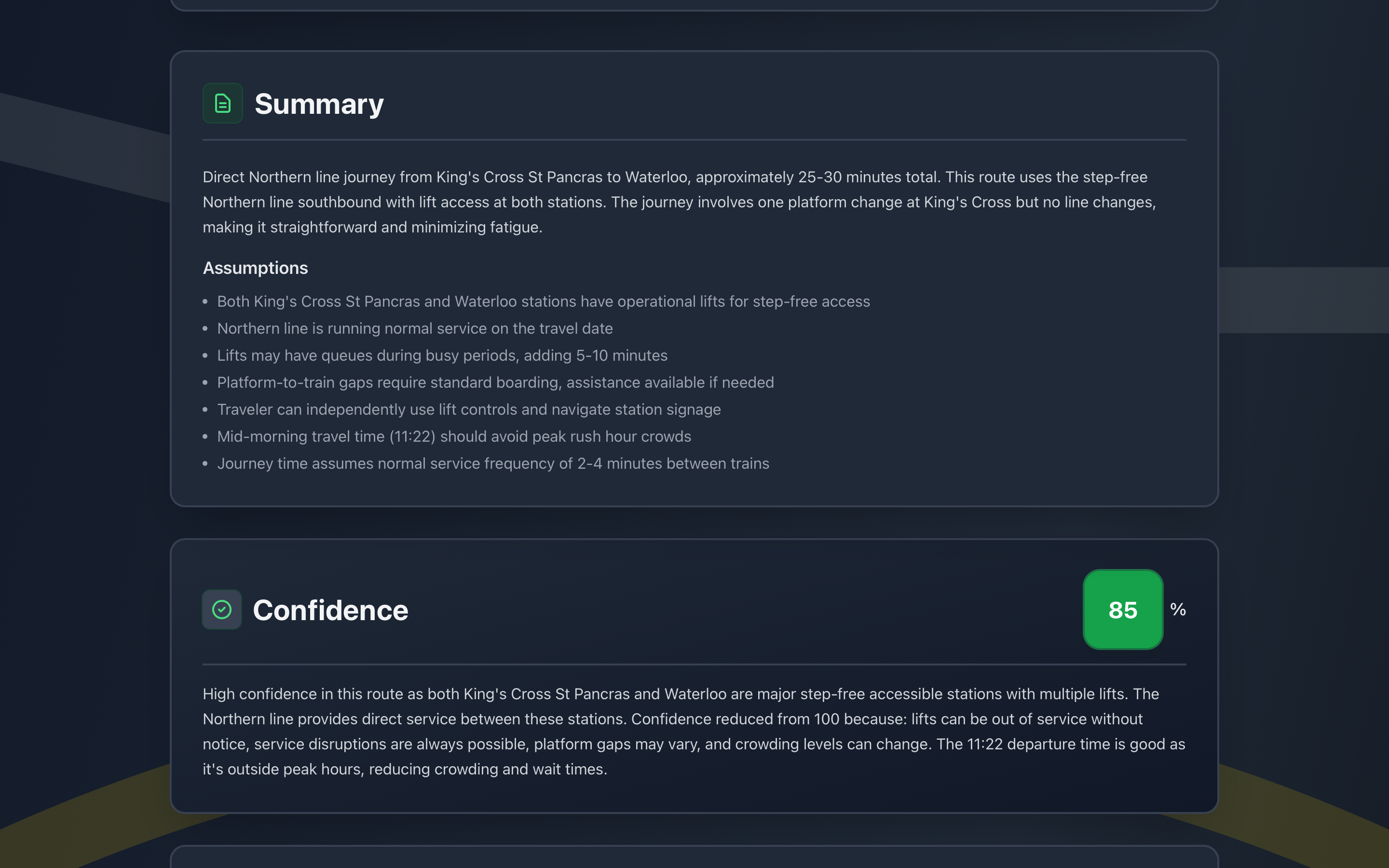
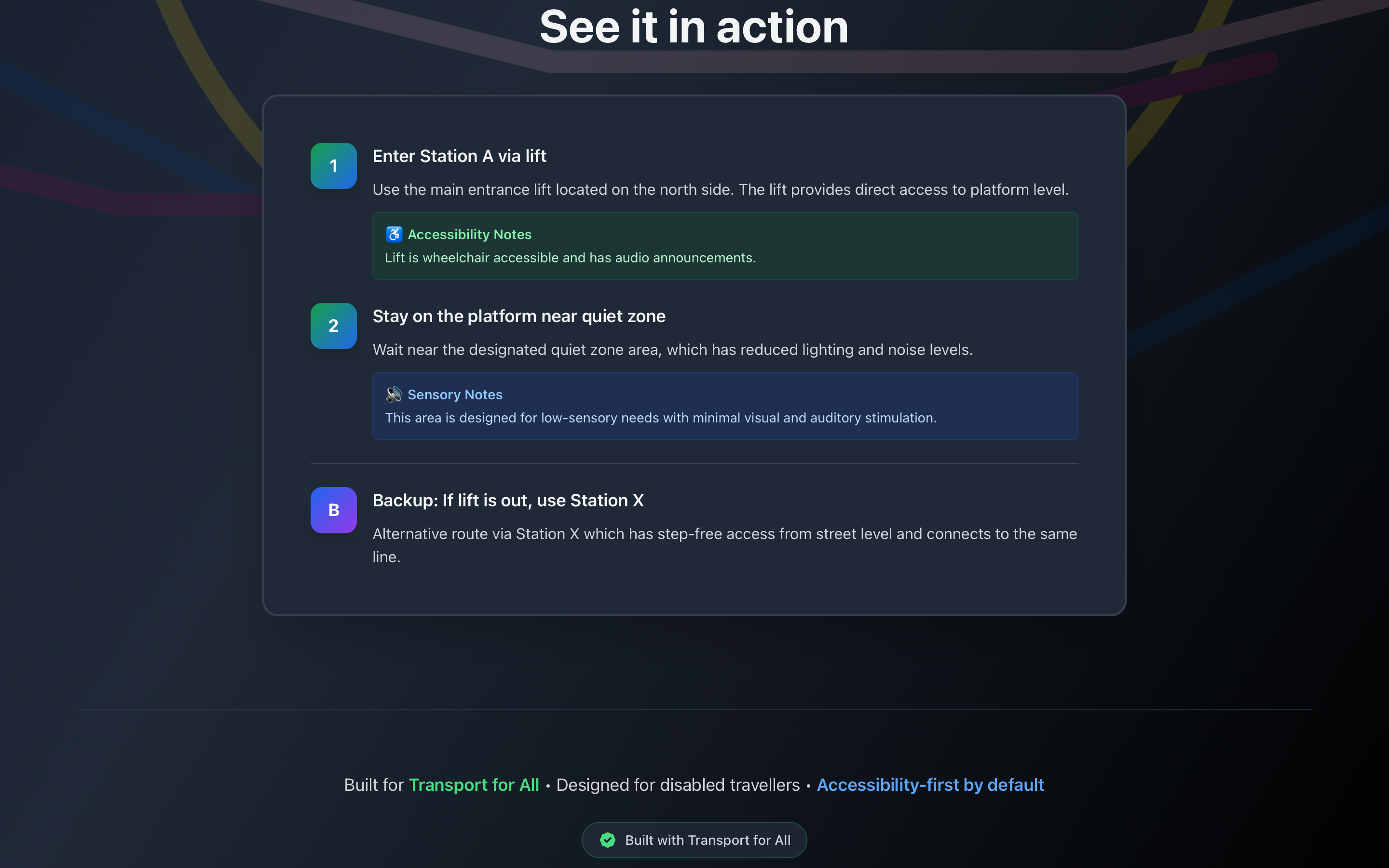
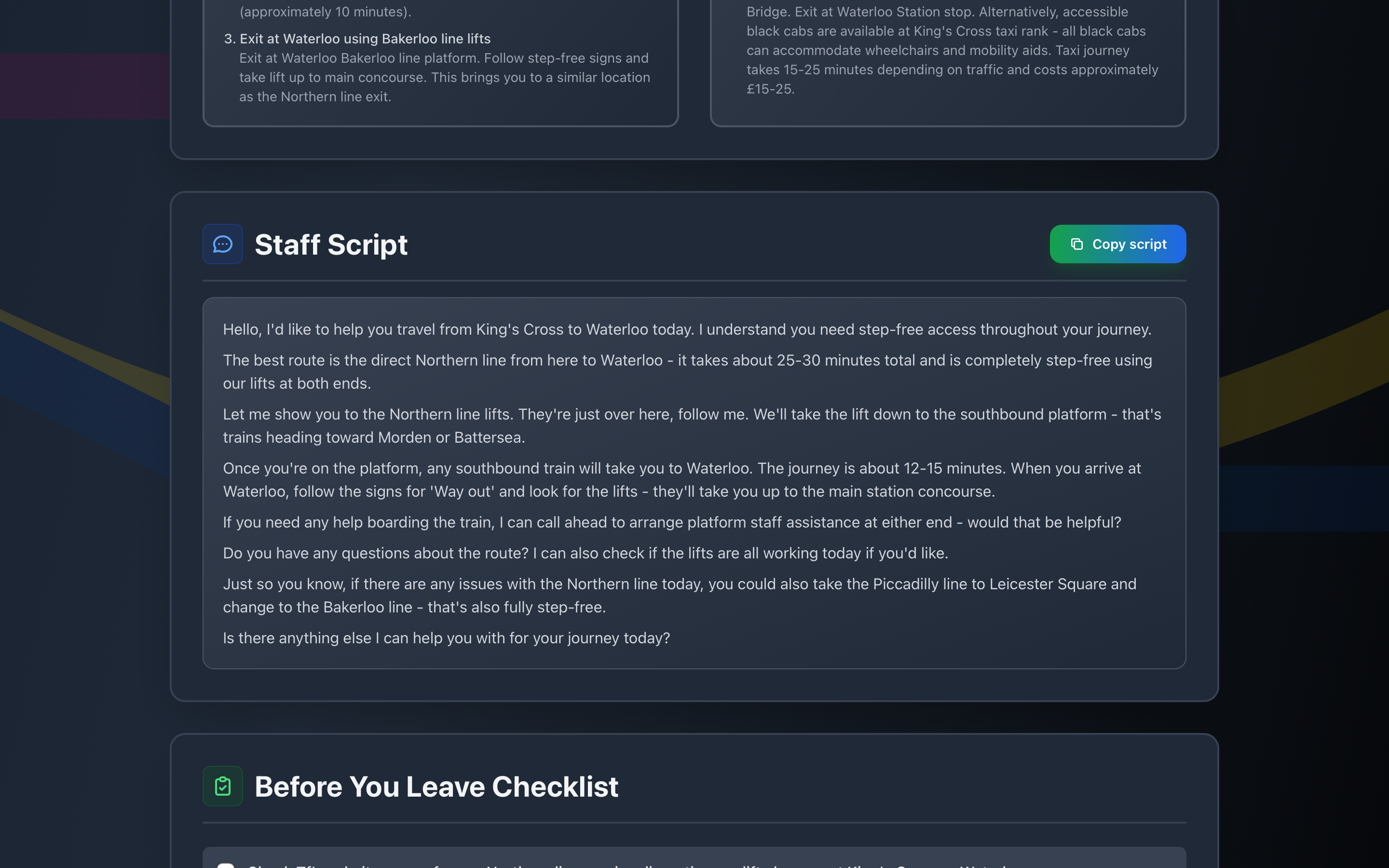
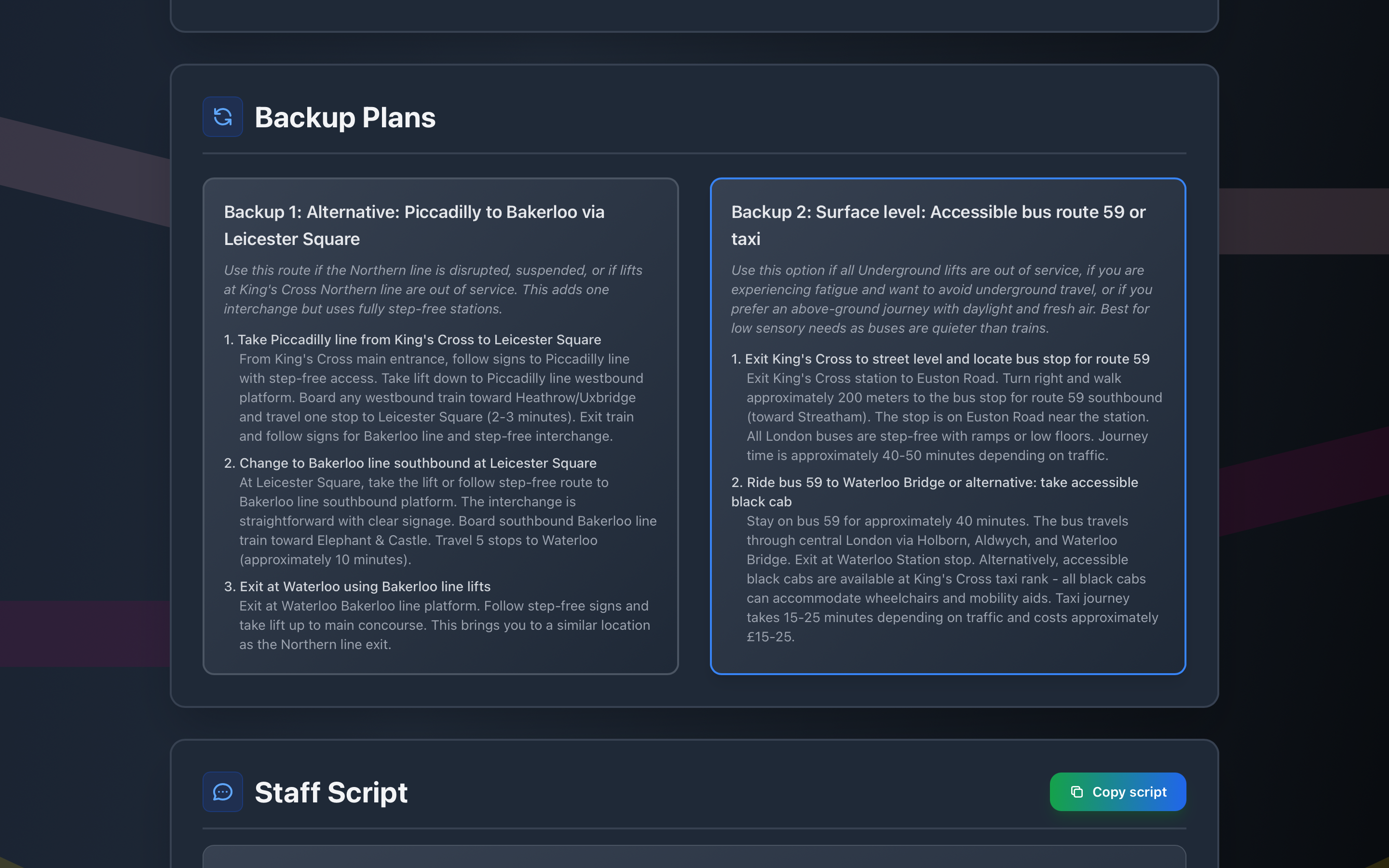
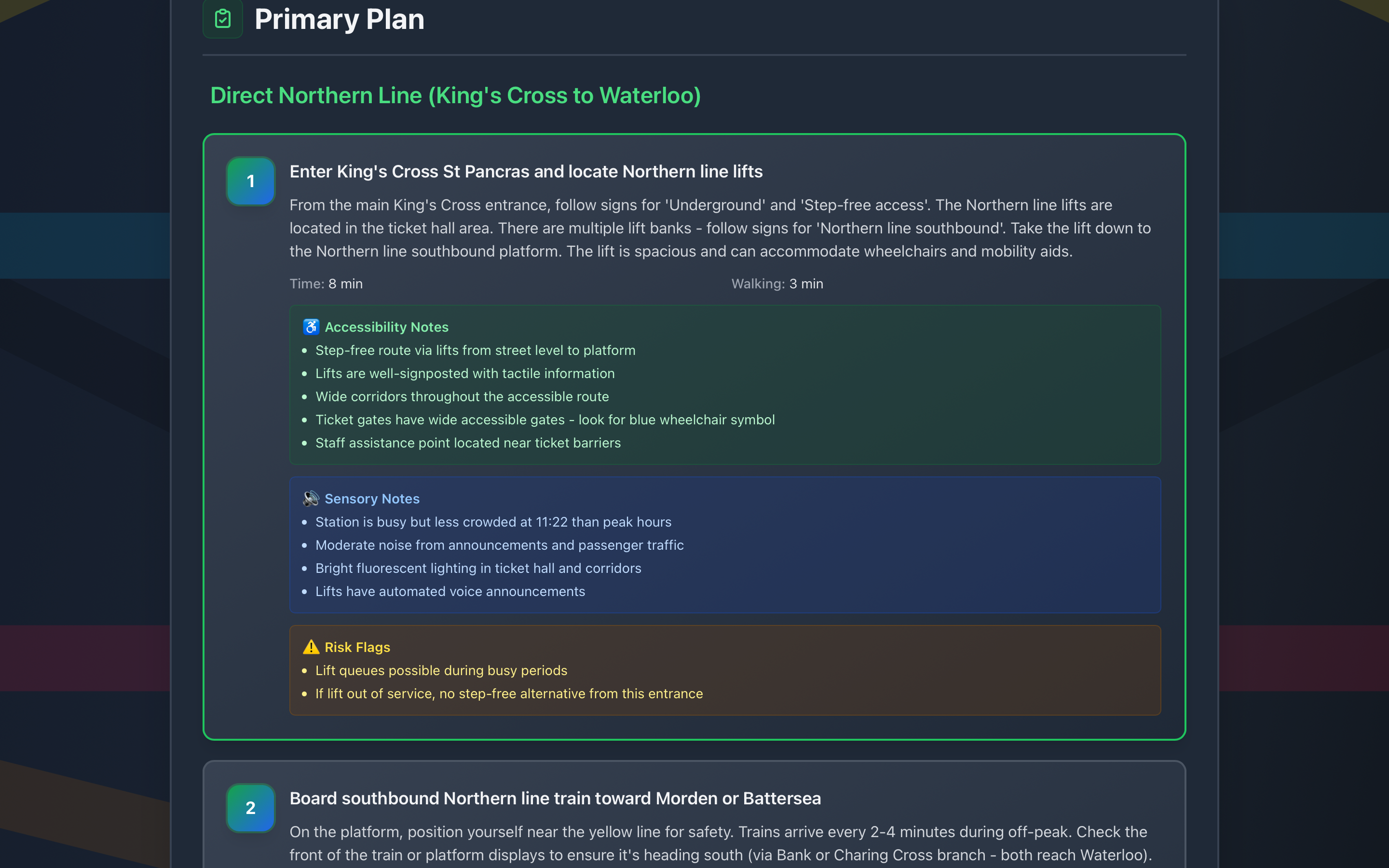
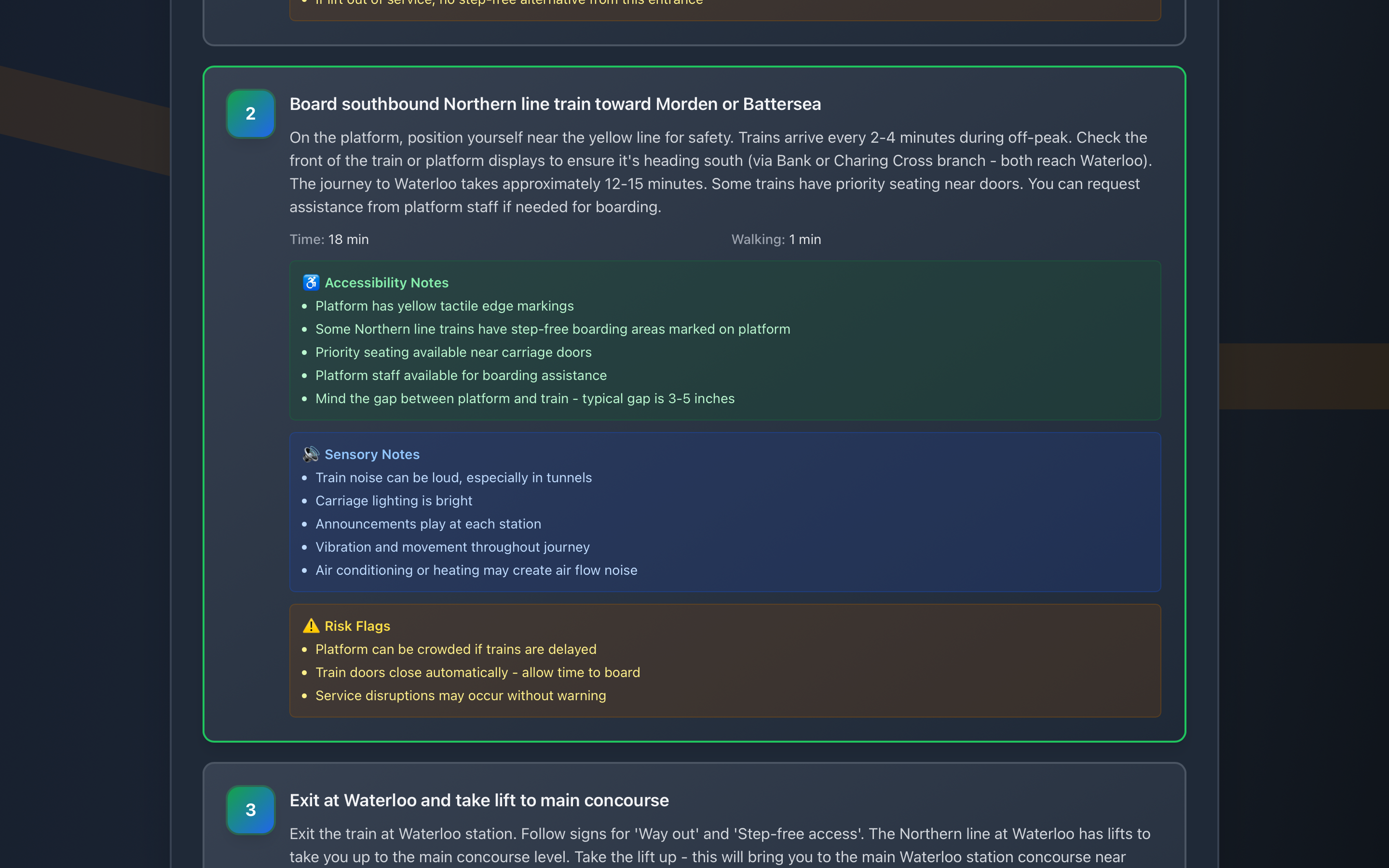
Step Free is an accessibility-first journey planner that generates step-free routes with backup options. It uses AI to create detailed plans that include:
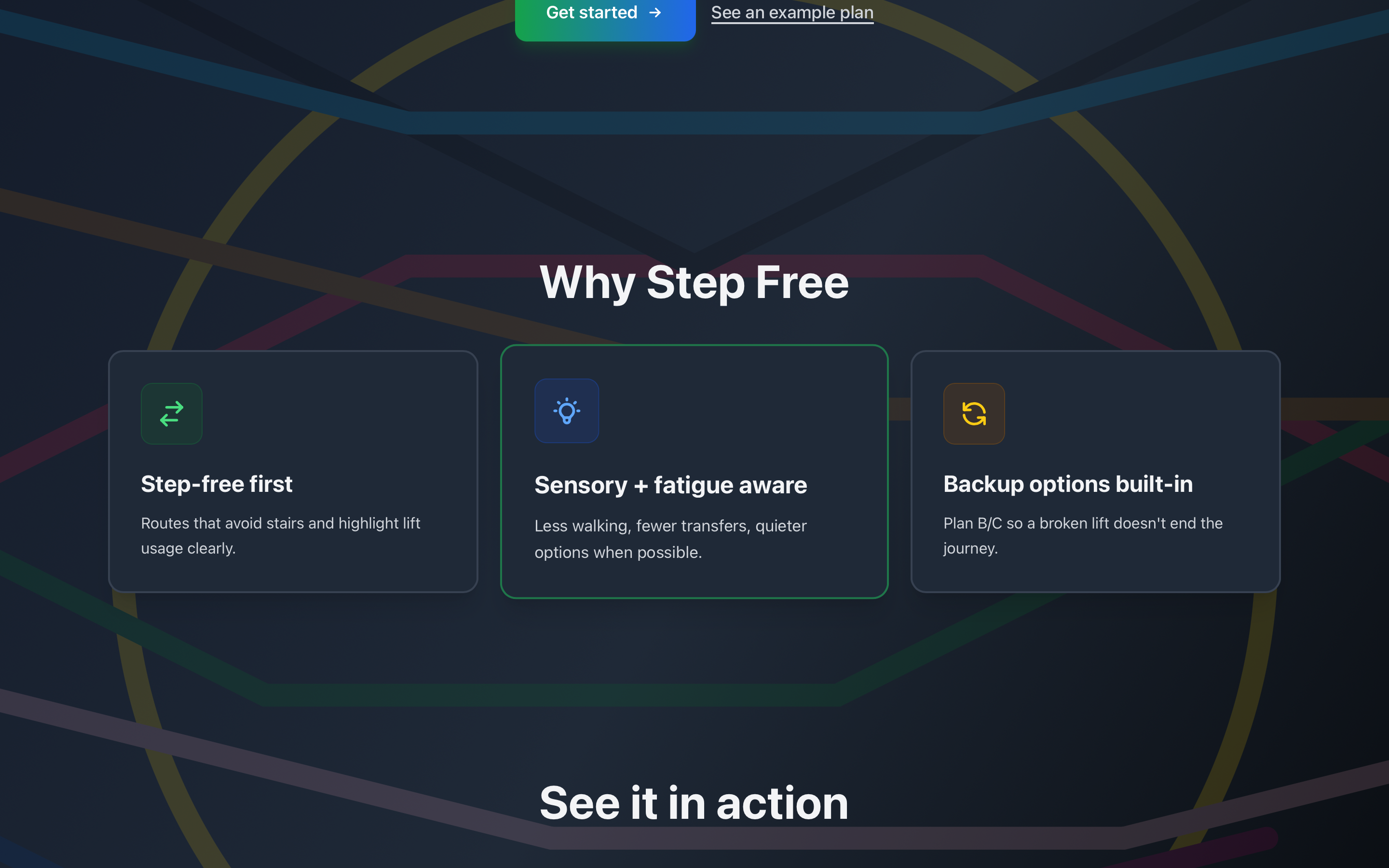
- Step-free routing — Routes that avoid stairs and highlight lift usage
- Sensory awareness — Low-sensory options with quieter platforms and reduced visual stimulation
- Fatigue management — Limits walking time and minimizes transfers
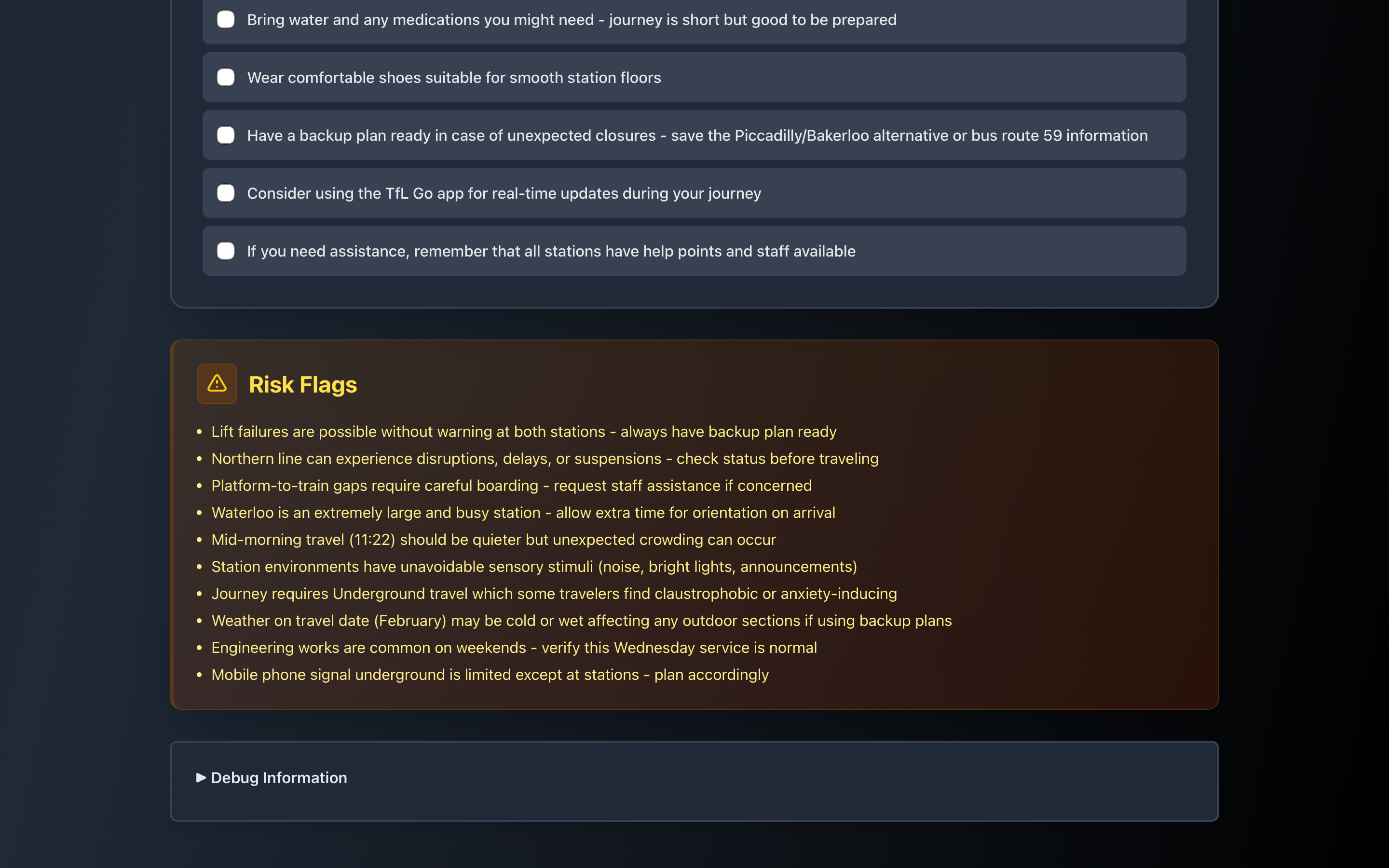
- Backup planning — Alternative routes when disruptions occur (broken lifts, crowding, weather)
- Staff scripts — Ready-to-use scripts for station staff assistance
- Safety checklists — Pre-travel checklists to help users prepare
The app features a dark mode interface with a London Underground map background, making it easy to use and visually clear.
How I built it
I built Step Free as a Next.js 14+ application with TypeScript and Tailwind CSS. Here's the technical stack:
Frontend:
- Next.js 14 App Router for routing and server components
- React with TypeScript for type safety
- Tailwind CSS for responsive, dark mode UI
- Client-side state management with React hooks
Backend:
- Next.js API routes (
/api/plan) for handling journey requests - Anthropic Claude API (
claude-sonnet-4-5-20250929) for generating journey plans - Structured Outputs to ensure valid JSON responses matching the schema
- Zod for runtime validation of both requests and AI responses
Key Implementation Details:
- Converted Zod schemas to JSON Schema for Anthropic's Structured Outputs
- Handled API constraints (removed
minItems > 1and numbermin/maxconstraints) - Implemented retry logic for schema validation failures
- Created a homepage with hero section, feature tiles, and demo preview
- Moved the planning form to
/planroute for better UX flow
Architecture:
app/
├── page.tsx          # Homepage with hero and features
├── plan/
│   └── page.tsx      # Journey planning form and results
└── api/
    └── plan/
        └── route.ts  # API endpoint for Claude integration

lib/
├── schema.ts         # Zod schemas and TypeScript types
├── prompt.ts         # System prompt and user prompt builder
└── anthropic.ts      # Anthropic API configuration
Challenges I ran into
Model Availability — The initial model name (
claude-3-5-sonnet-20241022) didn't exist. Switched toclaude-sonnet-4-5-20250929after checking available models.JSON Parsing Failures — Claude sometimes returned non-JSON despite instructions. Solved by implementing Anthropic's Structured Outputs feature, which guarantees valid JSON.
Schema Constraints — Anthropic's Structured Outputs has limitations:
- Doesn't support
minItems > 1for arrays (only 0 or 1) - Doesn't support
minimum/maximumfor number types - Workaround: Used
minItems: 1in the JSON schema and added explicit validation in code to ensure exactly 2 backup plans
- Doesn't support
UI Theme Consistency — Transitioning from light to dark mode required updating all components. Maintained consistency by using a gray-800/900 palette with green/blue accents.
Accomplishments that I'm proud of
- Accessibility-first design — Built with disabled travelers' needs as the core focus, not an afterthought
- Robust AI integration — Successfully implemented Structured Outputs for reliable JSON responses
- Clean architecture — Separated concerns with clear schema definitions, prompt engineering, and API routes
- User-friendly UI — Created an intuitive dark mode interface with clear visual hierarchy
- Error handling — Implemented graceful error handling with user-friendly messages
- Partnership alignment — Designed specifically for Transport for All's mission
What I learned
- Anthropic API nuances — Learned about Structured Outputs and its constraints, requiring creative workarounds for complex validation
- Schema design — Balancing Zod validation with API limitations taught me to validate at multiple layers
- Prompt engineering — Crafting effective prompts for consistent, structured outputs from Claude
- Accessibility in practice — Understanding real-world accessibility challenges beyond basic compliance
- Next.js App Router — Deepened understanding of server components, API routes, and client-side state management
- Type safety — Using TypeScript and Zod together for end-to-end type safety from API to UI
What's next for StepFree
- Real-time data integration — Connect to TfL API for live service status and disruptions
- User accounts — Save favorite routes, preferences, and journey history
- Mobile app — Native iOS/Android app for on-the-go planning
- Community features — User-reported accessibility issues and route reviews
- Multi-modal transport — Expand beyond Underground to include buses, trams, and accessible taxis
- Offline mode — Cache common routes for use without internet
- Voice interface — Voice commands for hands-free planning
- International expansion — Adapt for other cities with public transport systems
The foundation is solid, and I'm excited to continue improving Step Free to make accessible travel planning a reality for everyone.
Built With
- claude
- css
- html
- javascript
- next.js
- node.js
- react
- typescript
- zod

Log in or sign up for Devpost to join the conversation.