Inspiration
Since launching Stencil VR, we've seen artists create amazing things with it. From massive skyscraper murals, to small notebook sketches. From a sign installer to a car detailer, our community has found amazing use cases where Stencil can help out. And we've also heard from our community about how Stencil can better help them. From new features, different interaction methods, and more, we've had a long to-do list in order to accomplish our goal of making Stencil the most powerful tool for artists and creators alike.
The Stencil 2.0 update is our biggest step yet towards making Stencil that tool. We made the app more convenient by designing it around hand controls, and we've redesigned the entire app based on the feedback and learnings our community has shared with us.
What it does
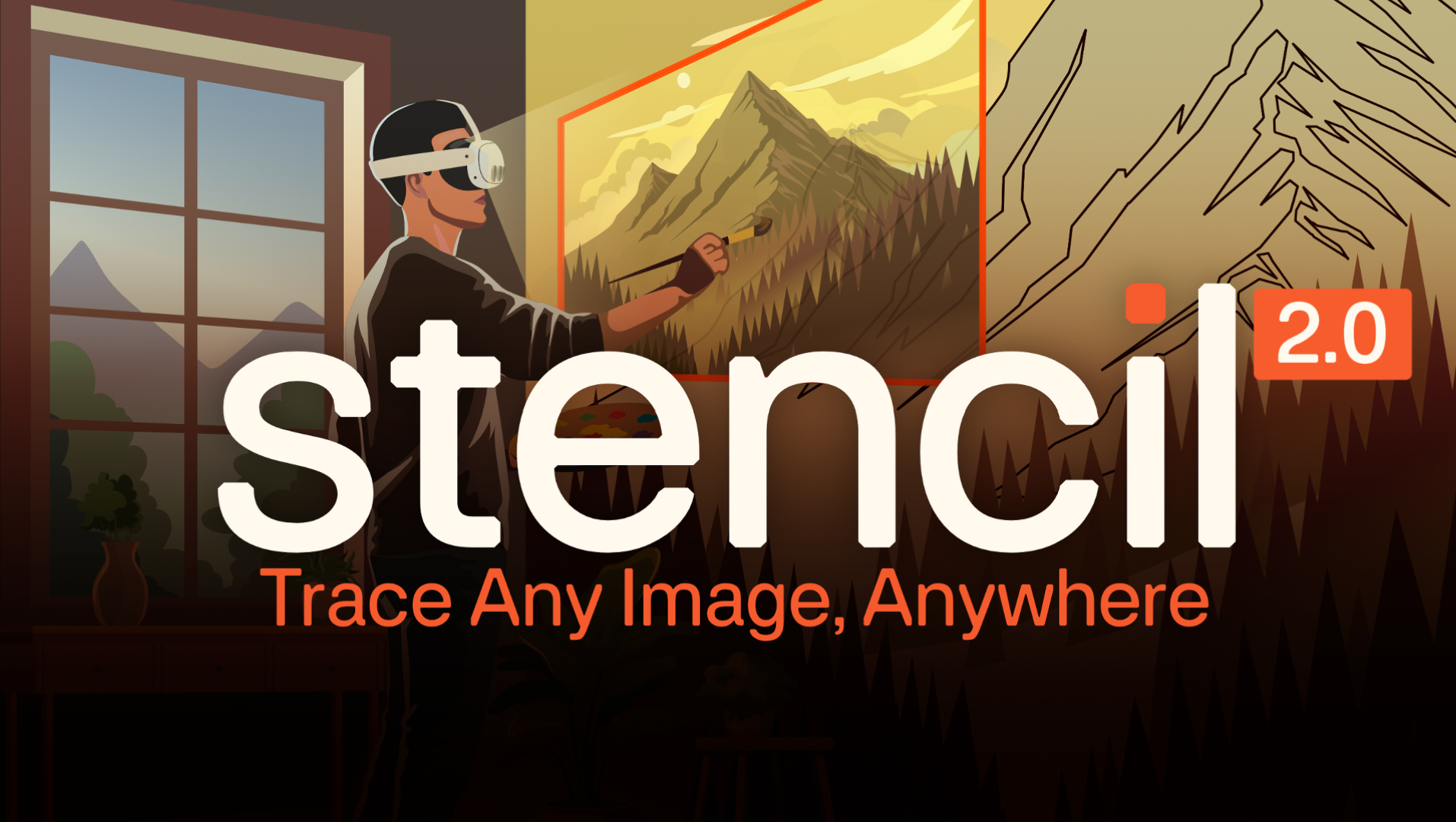
Stencil VR allows users to trace over a virtual stencil in mixed reality onto their canvas, easel, wall, or for one of our users, a pizza!
The Stencil 2.0 update is a complete rebuild of the Stencil experience. We've redesigned the app and all of the interactions in the app to be based around hand controls, and to make placing, adjusting, and tracing over your stencil as easy as possible.
We've added entirely new placement methods:
- Corner to corner raycasting: Uses the live depth and the scene understanding to place your stencil at the correct position and size on your surface right away.
- 3 Corner direct placing: Just pinch on the top left, top right, and bottom right corners of your stencil to have it placed at the perfect depth, position, and scale from the start.
- Tag based placement: Tape an AprilTag to your surface and scan it to place your stencil there. You can then adjust the stencils position as normal. Later on while your tracing, if the stencil drifts you can just re-scan the tag to get it back to exactly where it was before the drift happened.
We've completely redesigned the gizmos in the app to make adjustment easier then ever. We created a combo gizmo that allows a user to adjust rotation, scale, and position all at the same time without having to switch tabs. Some of the new individual gizmos include a hinge based rotation gizmo and a corner anchored scaling gizmo.
We've added microgestures for opacity, X/Y position adjustments, and opening the tablet, to make using the app with one hand as easy as possible.
We've update the app to use a project based system. When you start you'll create a new project and add stencils to that project. You can add as many stencils to that project as you'd like. Each stencil in the project and it's position will be saved to the device so you can close the app and re-start the project without any effort!
We added a proxy gizmo feature to our new adjustment tablet. The proxy gizmo allows users to use the same gizmos present on the stencil at a consistent location and scale. This is a big help for many of our users who work on extremely large pieces as when the stencil is scaled up the gizmos can move far away and be difficult to work with. The proxy gizmo allows an artist to step back, judge the stencils position, and make make precise adjustments from far way.
How we built it
We built the Quest app in Unity using XR Hands and the XR Interaction Toolkit. For placement at a distance, we use room scans and live depth to find the surface you're pointing at. For Trace together, the headsets share a spatial anchor so they agree on where the artwork sits in the room. When the person placing the stencil moves or resizes it, the other person sees that change live. We used OpenCV for tag detection and placement.
Challenges we ran into
Menu placement has been a very difficult problem to get right. Ideally your menus should always be in a position to be easily usable and reachable, but you also don't want them to get in the way of the user or for the user to interact with them by accident. To try and solve this we added a system where menus auto follow but can also be anchored to a specific point if the user grabs it and places it outside of the auto follow arc.
Accomplishments that we're proud of
Our goal with rebuilding the app was to make the UX as straight forward, easy to use, and intuitive as possible. And while there is still work to do, we're very proud of how well the update accomplishes those goals.
What we learned
Hand based interaction can be a struggle for new users. We need to design the experience around both making the interactions as simple and intuitive as possible while also helping to teach new VR users how hand based interactions work in VR.
What's next for Stencil VR 2.0
We're excited to finish getting Stencil VR 2.0 production ready and launch it to our users in the coming months! After that we've got many exciting features planned which you can read more about at https://app.stencilvr.com/blog/stencil-vr-development-roadmap

