-
-
STEM_Exploratorium
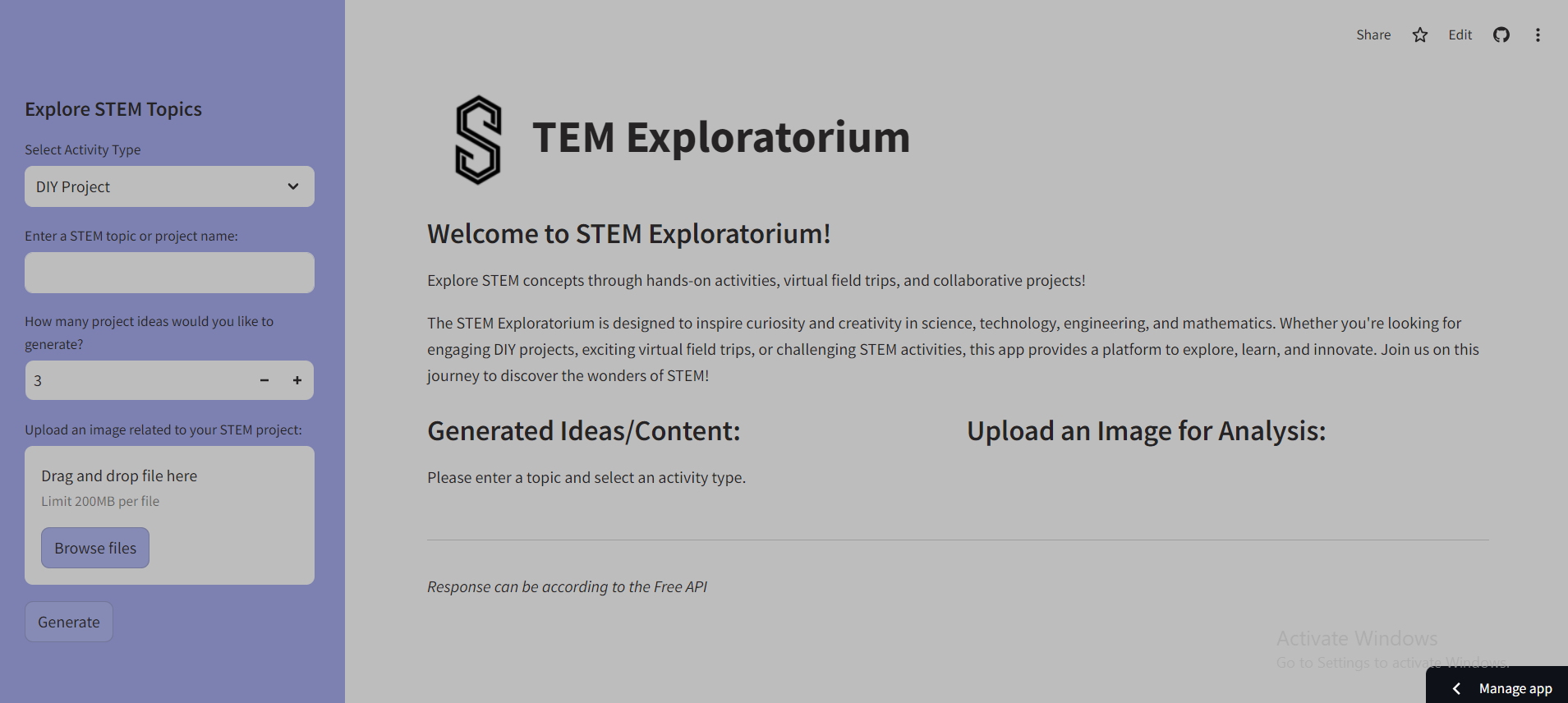
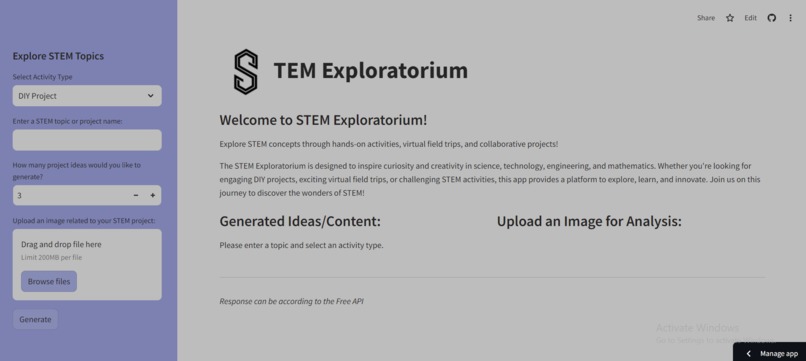
𝐈𝐧𝐬𝐩𝐢𝐫𝐚𝐭𝐢𝐨𝐧 The STEM Exploratorium was inspired by a desire to make STEM education more interactive, engaging, and accessible to learners of all ages. We wanted to create a platform that would spark curiosity and creativity in science, technology, engineering, and mathematics by offering hands-on DIY projects, virtual field trips, and challenges. The goal was to provide an educational experience that goes beyond traditional learning, allowing users to explore STEM concepts in a fun and collaborative environment.
𝐖𝐡𝐚𝐭 𝐢𝐭 𝐝𝐨𝐞𝐬 The STEM Exploratorium is a web application that offers users a wide range of STEM-related activities, such as:
𝐃𝐈𝐘 𝐏𝐫𝐨𝐣𝐞𝐜𝐭𝐬: Users can explore and generate project ideas based on a STEM topic of their choice. Virtual Field Trips: The app suggests virtual field trips that are relevant to STEM topics. Challenges: Users can participate in STEM challenges, allowing them to apply their knowledge to problem-solving activities. The app also allows users to upload images related to their projects for analysis and further exploration. How we built it
𝐓𝐡𝐞 𝐩𝐫𝐨𝐣𝐞𝐜𝐭 𝐰𝐚𝐬 𝐛𝐮𝐢𝐥𝐭 𝐮𝐬𝐢𝐧𝐠: Streamlit: For creating the web interface, allowing users to interact with the app easily. OpenAI API: For generating ideas and suggestions based on user input. Anthropic's Claude AI: Used as a fallback to provide detailed responses when the initial output is insufficient. Pillow (PIL): To handle image uploads and display them in the app. Python: The backend logic, API integration, and data processing were handled in Python. The combination of these tools allowed us to create a seamless and interactive STEM learning platform.
𝐂𝐡𝐚𝐥𝐥𝐞𝐧𝐠𝐞𝐬 𝐰𝐞 𝐫𝐚𝐧 𝐢𝐧𝐭𝐨: API Response Length: One of the challenges was ensuring that the generated responses were sufficiently detailed. We initially faced issues with short responses from OpenAI, which we addressed by integrating Anthropic’s Claude AI as a fallback for longer outputs. Image Uploads: Handling different file types and image sizes in a user-friendly way required additional error handling and integration with the app’s interface. Environment Setup: Managing dependencies and ensuring the correct environment configuration, especially when working with different API services and managing credentials securely, was a challenge.
𝐀𝐜𝐜𝐨𝐦𝐩𝐥𝐢𝐬𝐡𝐦𝐞𝐧𝐭𝐬 𝐭𝐡𝐚𝐭 𝐰𝐞'𝐫𝐞 𝐩𝐫𝐨𝐮𝐝 𝐨𝐟: Successfully integrating multiple AI models (OpenAI and Anthropic) to provide a more comprehensive user experience. Creating a user-friendly interface that allows people of all ages to engage with STEM content. Adding the ability to upload and analyze images as part of the learning process, expanding the ways users can interact with the platform. Developing a flexible framework that can support various types of educational content, from DIY projects to virtual field trips.
𝐖𝐡𝐚𝐭 𝐰𝐞 𝐥𝐞𝐚𝐫𝐧𝐞𝐝: AI Integration: We learned how to effectively integrate and switch between different AI models to provide better results for the user. Streamlit Development: We gained experience in building dynamic web apps using Streamlit and enhanced our understanding of UI/UX design for educational platforms. STEM Engagement: Throughout the development process, we explored various ways to make STEM concepts more approachable and learned the importance of providing diverse types of learning activities.
𝐖𝐡𝐚𝐭'𝐬 𝐧𝐞𝐱𝐭 𝐟𝐨𝐫 𝐒𝐓𝐄𝐌 𝐄𝐱𝐩𝐥𝐨𝐫𝐚𝐭𝐨𝐫𝐢𝐮𝐦: Multilingual Support: Expanding the platform to support multiple languages to reach a wider audience. More Interactive Features: Adding more interactive activities, like quizzes and experiments, to keep users engaged. Enhanced Image Analysis: Developing AI-driven analysis features for the uploaded images, such as identifying project components or suggesting improvements. Community Involvement: Allowing users to share their projects, ideas, and challenges with a broader STEM community, fostering collaboration and peer learning. Mobile App: Eventually, we aim to create a mobile version of the platform for easier access and wider usability across devices
Built With
- anthropic
- gpt-o1
- streamlit


Log in or sign up for Devpost to join the conversation.