About the Project
Inspiration
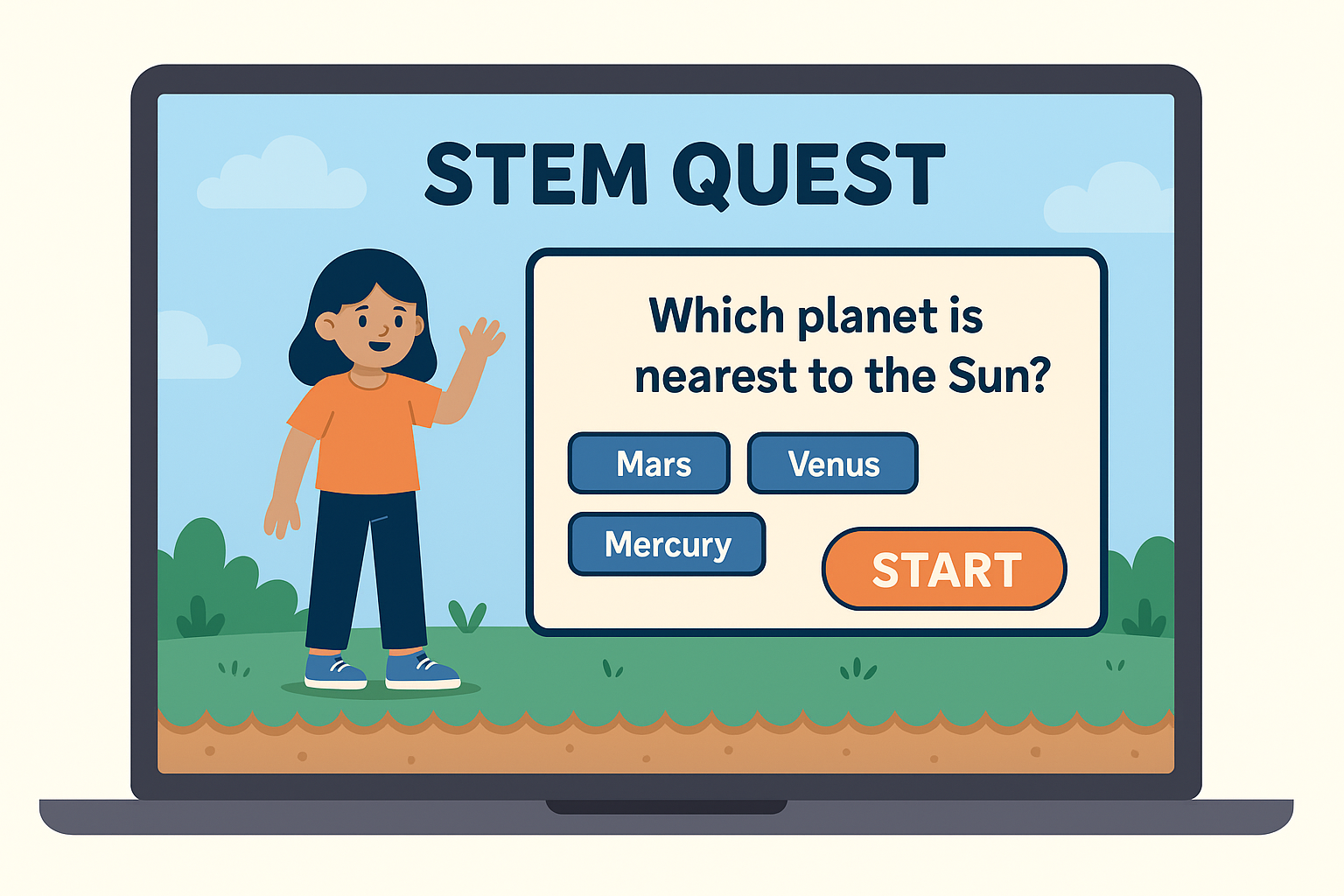
STEM subjects can be tough and often feel disconnected from real life—especially for students who don't find traditional learning exciting. We wanted to change that. Inspired by educational games and platforms like Kahoot and Scratch, we set out to build something that made STEM fun, interactive, and hands-on using coding as the bridge. That’s how STEM Quest was born—a game where solving puzzles means actually learning science, math, and logic through play.
What I Learnt
- How to structure and build a game using HTML, CSS, and JavaScript
- How to break complex STEM ideas into simple, game-based challenges
- How to use basic algorithms and conditional logic in coding puzzles
- How to make learning feel like an adventure, not a chore
How I Built It
- We designed the game UI using HTML for structure and CSS for styling (with Bootstrap for responsiveness).
- The game logic, interactions, and level progression were built using JavaScript.
- Puzzles were custom-made based on school-level STEM topics (like chemical symbols, math equations, or logic patterns).
- We added a "Code It!" feature where users could view the JavaScript behind puzzles, connecting gameplay with real coding logic.
- All code was version-controlled and shared through GitHub for easy collaboration.
Challenges Faced
- Creating puzzles that were both educational and engaging took several iterations.
- Balancing the difficulty level for various age groups.
- Ensuring the game worked well across different screen sizes (desktop and mobile).
- Implementing smooth transitions and feedback within JavaScript without overcomplicating the codebase.
In the end, we created something we’re truly proud of—a simple but powerful way to make STEM learning interactive, meaningful, and fun through code.

Log in or sign up for Devpost to join the conversation.