-
-
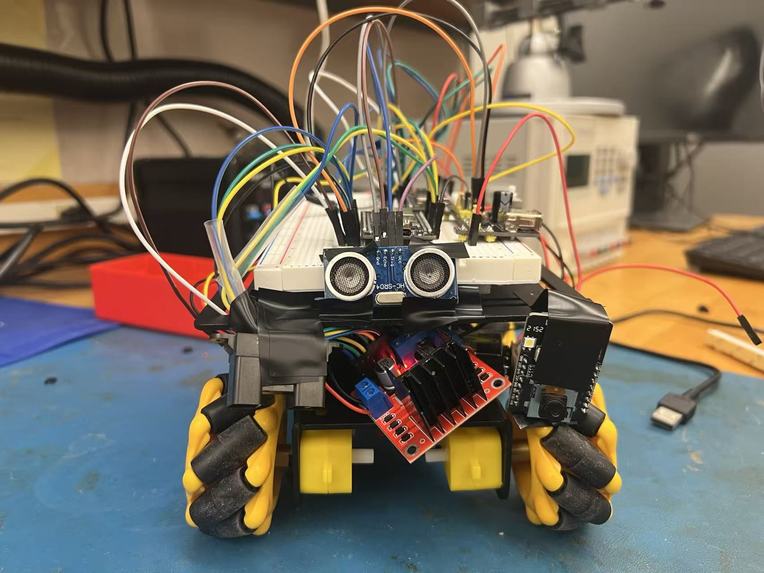
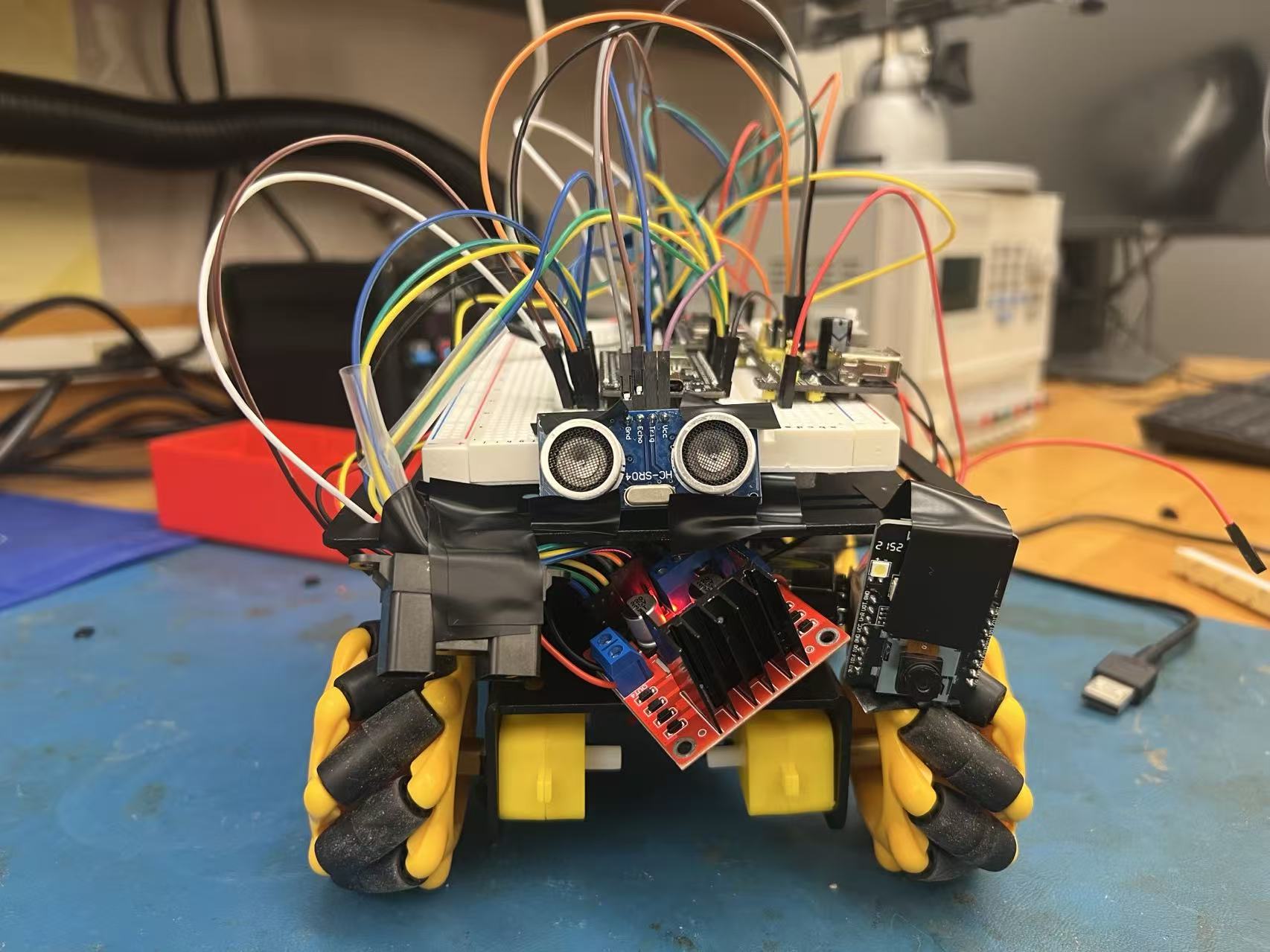
Rover
-
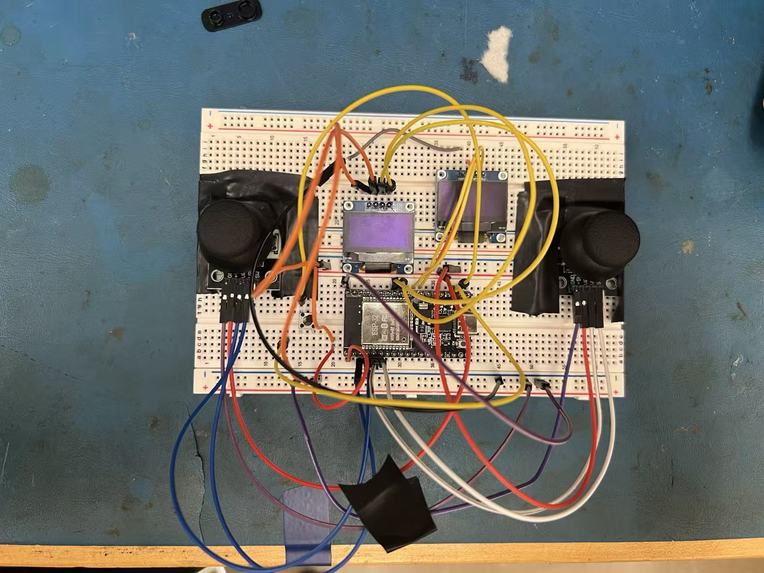
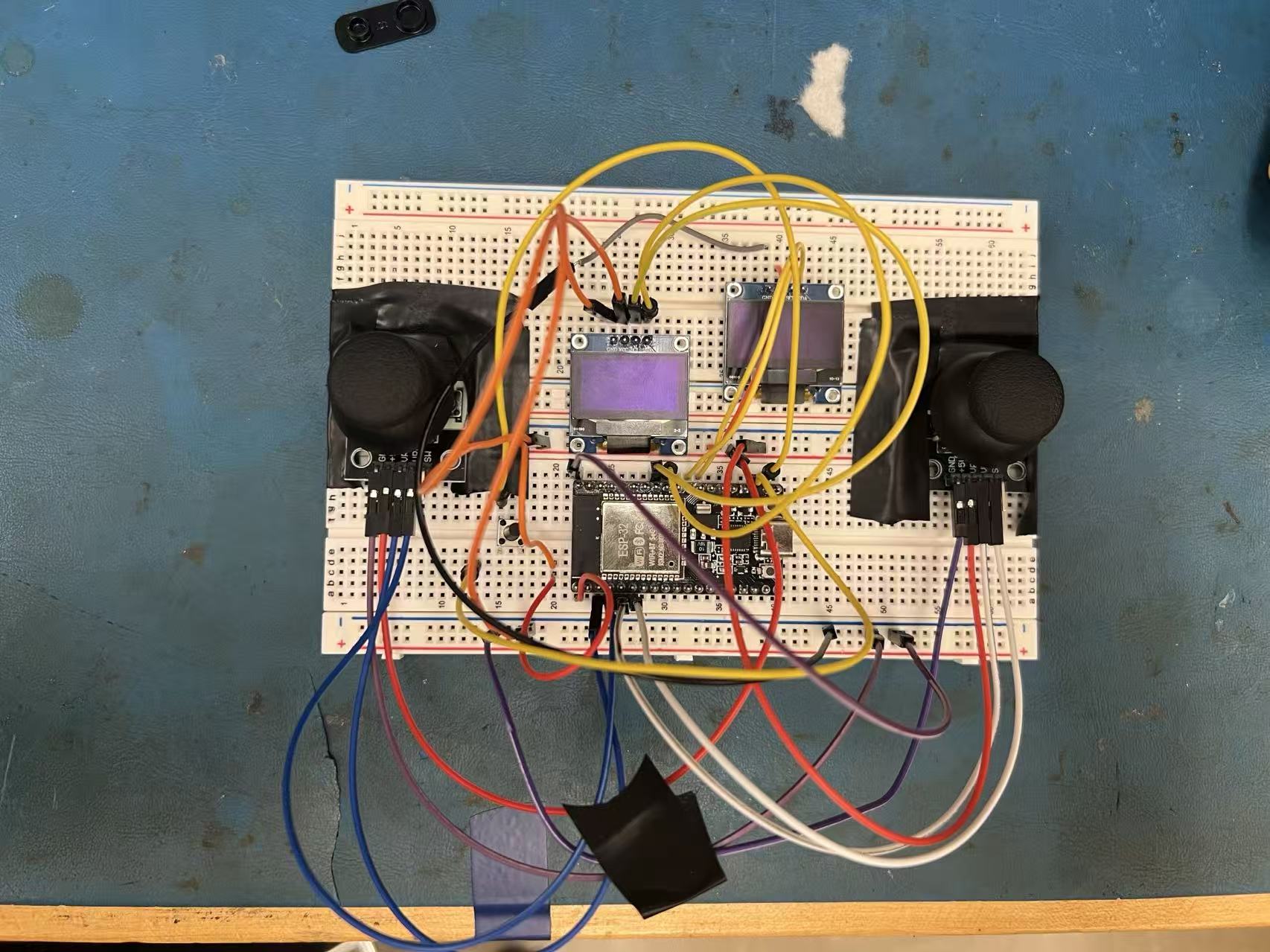
Controller
Stellaris
A Mission-Oriented Rover Control System for Space Robotics
Inspiration
Operating robots in space requires humans to make precise decisions while being physically separated from the environment. Planetary rovers must navigate cliffs, craters, debris, and unstable terrain where limited feedback and delayed reactions can lead to mission-ending failures. We were inspired by the challenge of designing a controller that does more than send motion commands—one that actively informs the operator, reduces cognitive load, and supports safe decision-making during remote operation. Stellaris is driven by the idea that better human–robot interfaces are just as critical to mission success as the robot itself.
What It Does
Stellaris is a mission-oriented rover control system that enables intuitive and safe teleoperation of a mecanum-wheel robotic vehicle. A wireless controller with dual joysticks allows precise control of forward, lateral, and rotational motion. Real-time telemetry from onboard sensors—including acceleration, velocity, collision proximity, and cliff detection—is presented through an OLED display and LED hazard indicators. A dedicated camera capture button supports deliberate science operations. Together, these features provide continuous situational awareness while maintaining an ergonomic and responsive control experience.
How We Built It
Stellaris was built as a fully integrated hardware and software system using ESP32 microcontrollers on both the rover and the controller. The rover platform uses mecanum wheels driven by motor drivers to achieve omnidirectional motion. Sensor data is collected from an IMU for motion estimation, ultrasonic sensors for collision detection, infrared sensors for cliff-edge awareness, and a camera module for visual data capture. Power is managed using battery packs and voltage regulators to ensure stable operation across motors, sensors, and computing units.
The controller integrates dual analog joysticks, an OLED display, LEDs, and wireless communication to transmit commands and receive telemetry. All firmware was developed in the Arduino environment and flashed to the ESP32, enabling rapid iteration, modular testing, and seamless integration across electrical, mechanical, and software subsystems.
Challenges We Ran Into
One of the primary challenges was mechanically coupling the motors to the mecanum wheels, as no off-the-shelf adapter fit our configuration. To solve this, we designed and 3D-printed a custom motor-to-wheel adapter that ensured proper alignment and reliable torque transfer. We also faced challenges establishing stable wireless communication between the controller and the rover, which required debugging timing, data handling, and power stability.
Additionally, mounting breadboard-based electronics, sensors, and power converters onto the rover chassis required creative mechanical solutions. We developed custom mounting strategies and iterative layouts to securely integrate components while maintaining accessibility and clean signal routing.
Accomplishments We are Proud Of
We successfully delivered a complete end-to-end rover control system that integrates omnidirectional motion, wireless teleoperation, real-time sensor feedback, hazard detection, and an intuitive controller interface. Stellaris demonstrates a cohesive blend of mechanical design, electrical integration, embedded firmware, and human–robot interaction aligned with the goals of safe and reliable space robotic operation.
What We Learned
This project reinforced the importance of system-level thinking in robotics. Electrically, we gained experience with power distribution, sensor interfaces, and motor control. Mechanically, we learned how rapid prototyping and custom fabrication can solve real-world integration challenges. From a software perspective, we improved our understanding of embedded systems, real-time data handling, and wireless communication. Overall, we learned that successful robotics systems require tight coordination across mechanical, electrical, and software domains.
Built With
- arduino
- esp32

Log in or sign up for Devpost to join the conversation.