-
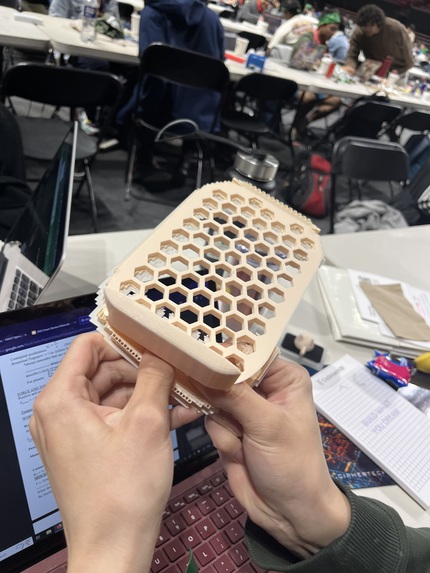
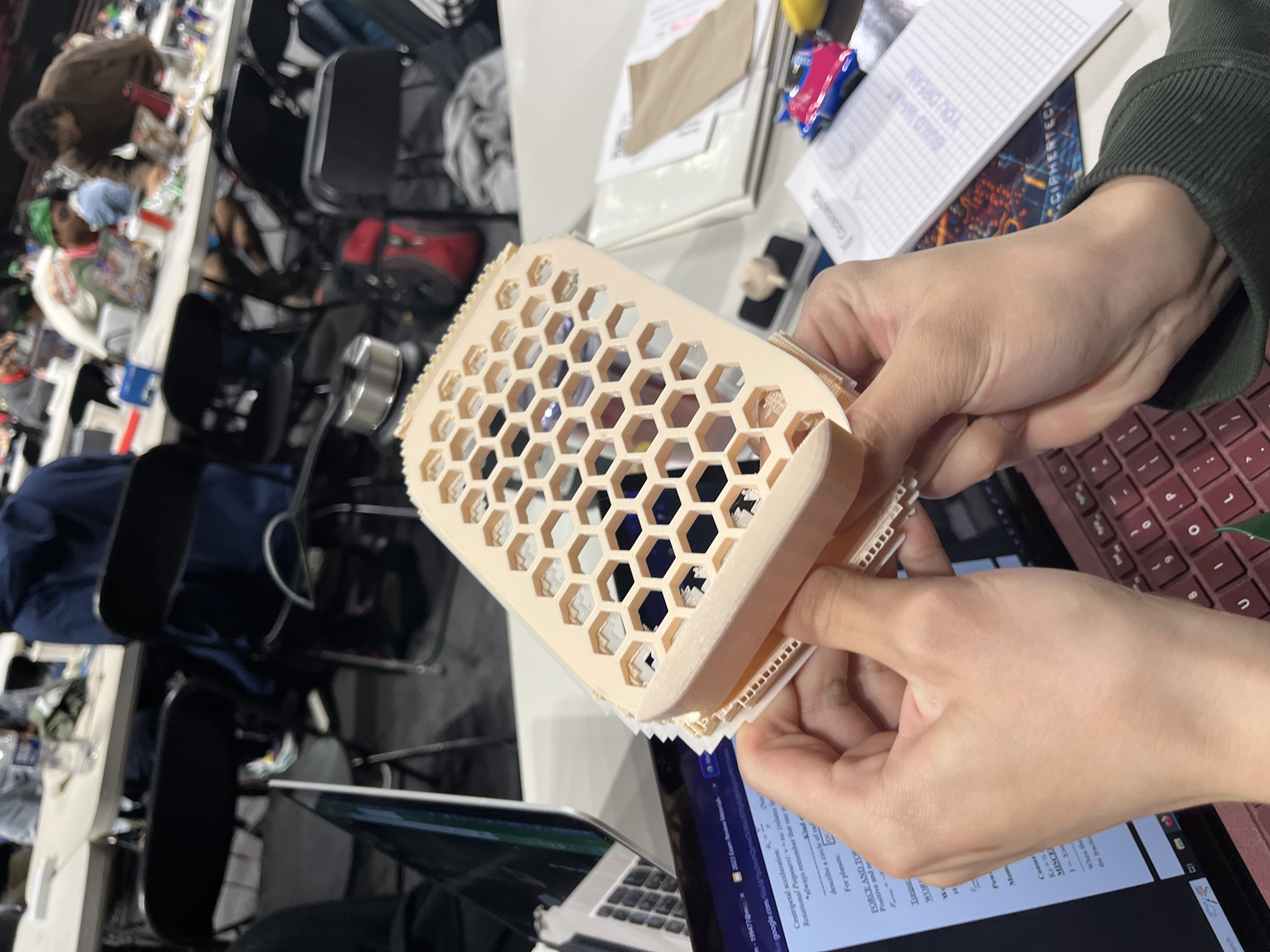
Cleaning up the 3D controller we printed. We will soon add the Arduino onto it.
-
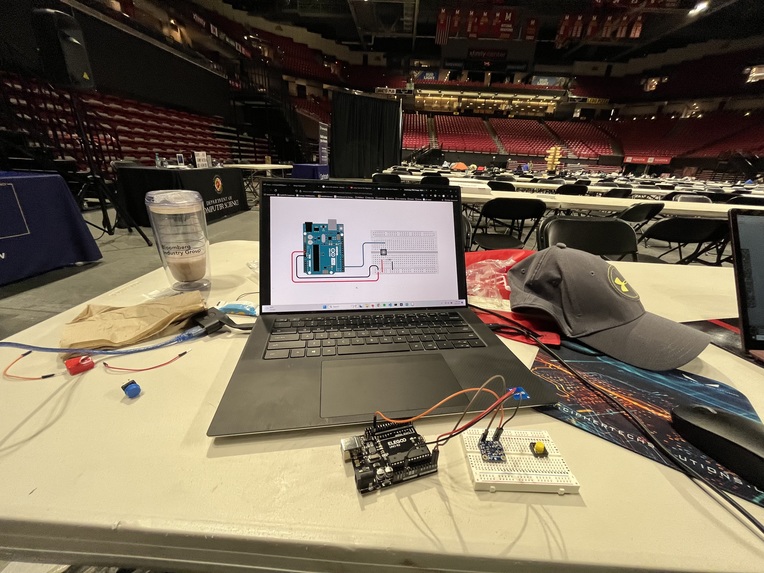
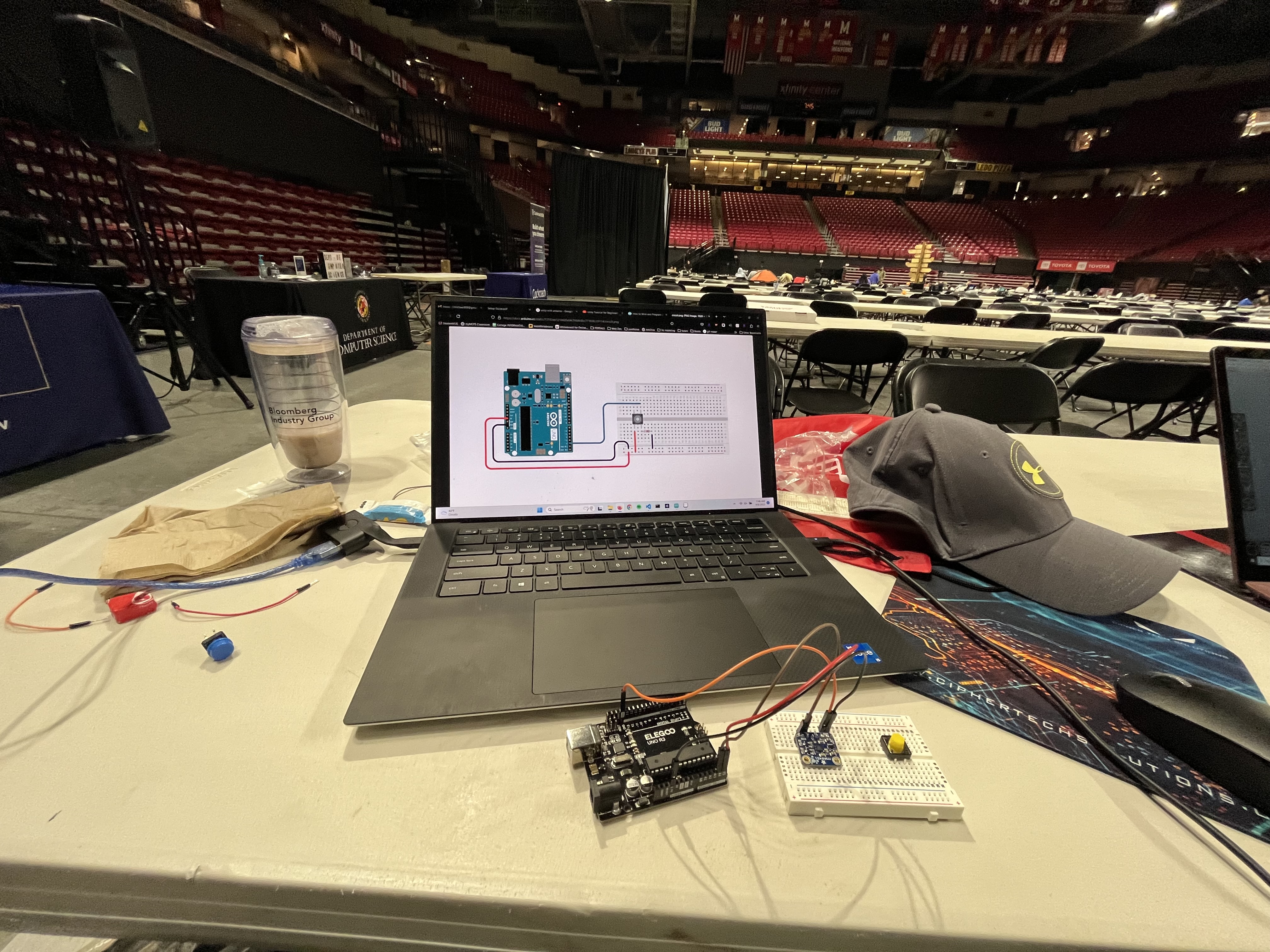
Working on the functionality of the button with the Arduino.
-
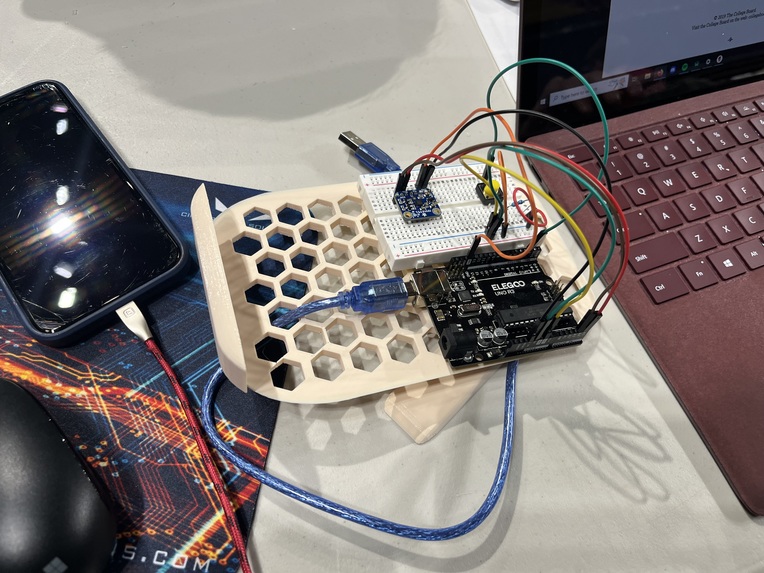
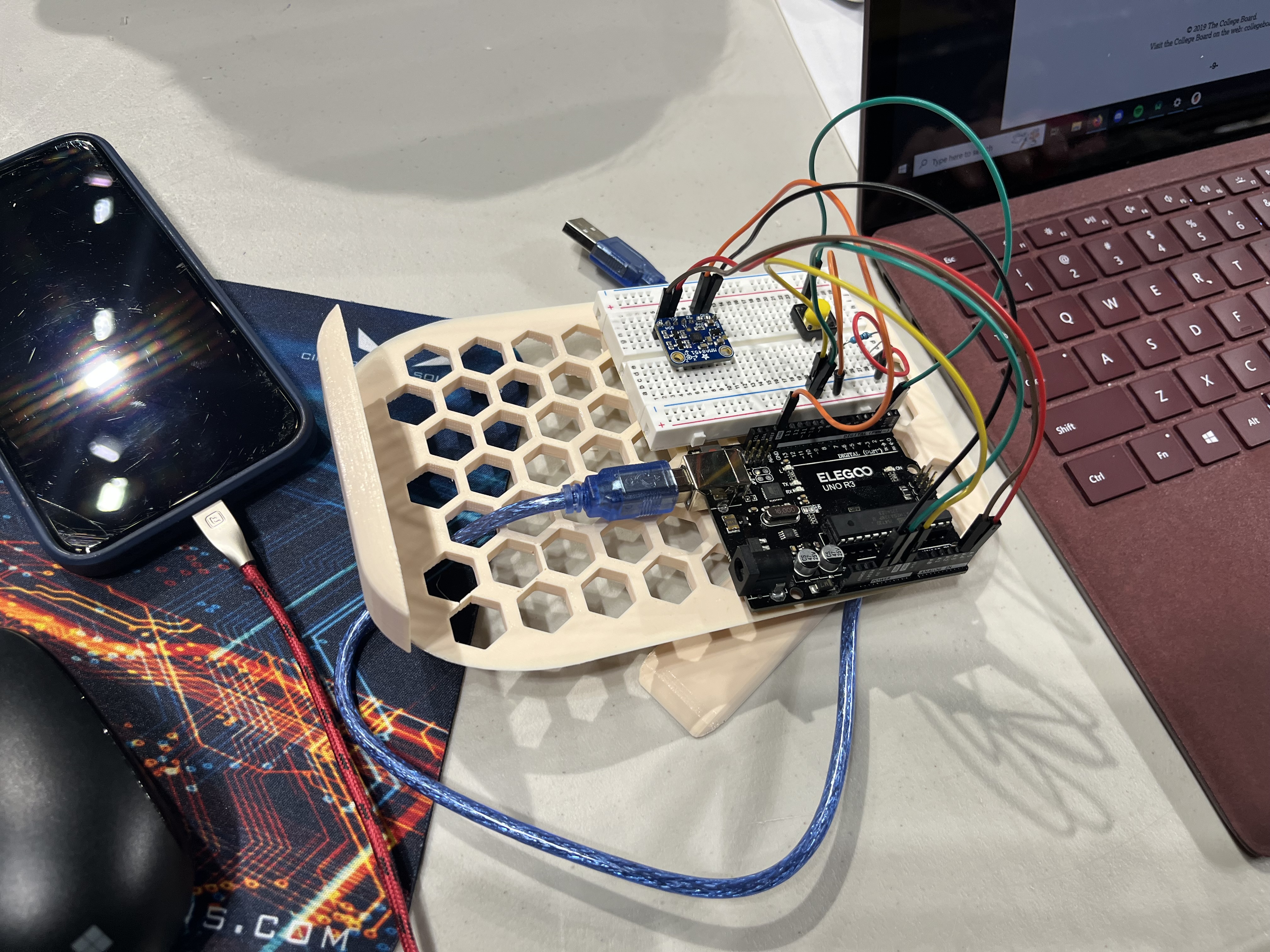
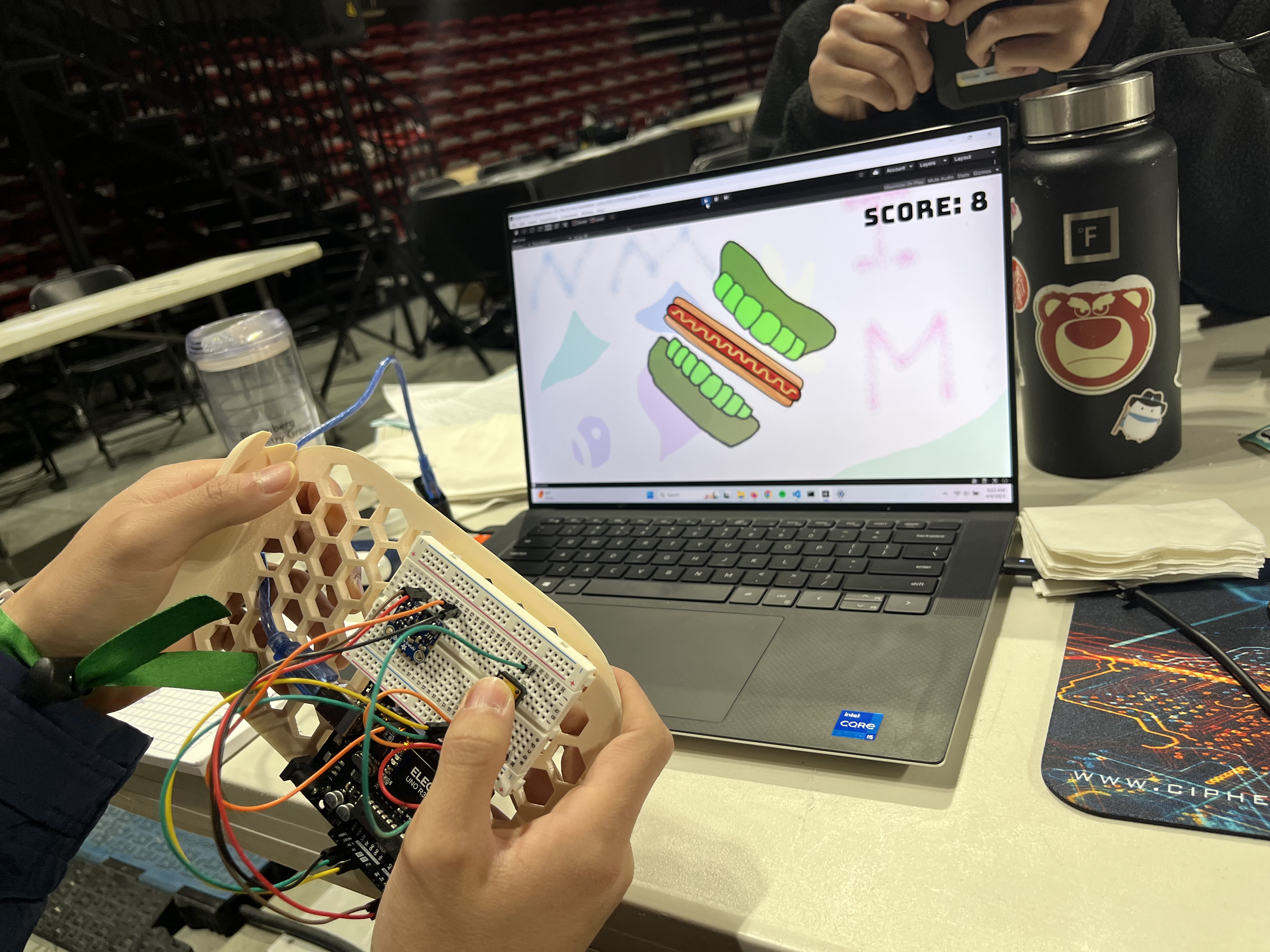
Final prototype of controller with Arduino for the Unity game.
-
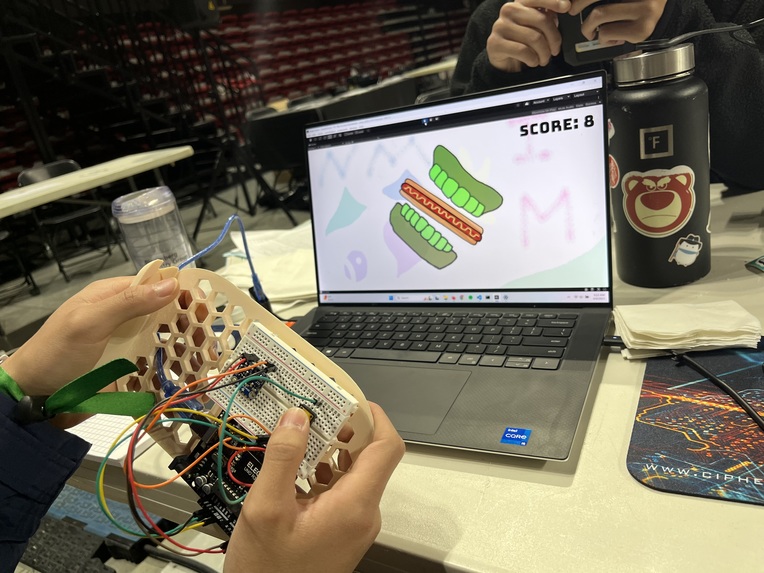
Orientating the controller to fit the hotdog between the teeth. +1 point!
-
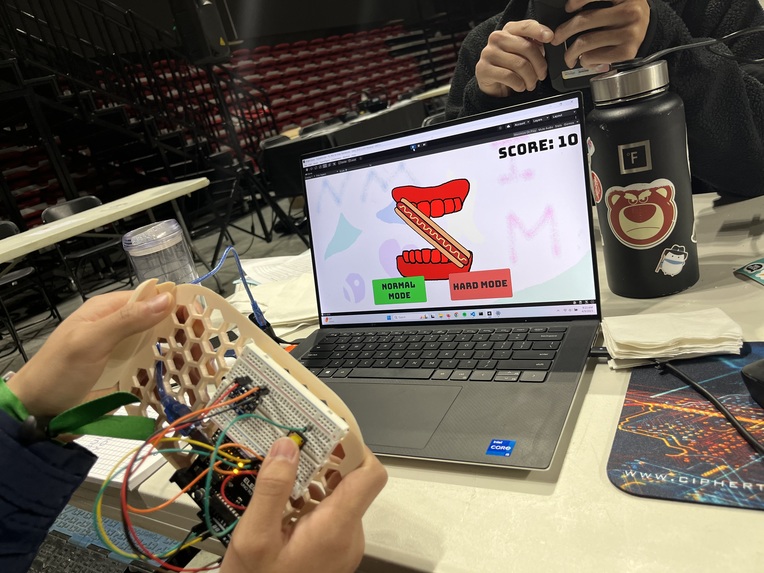
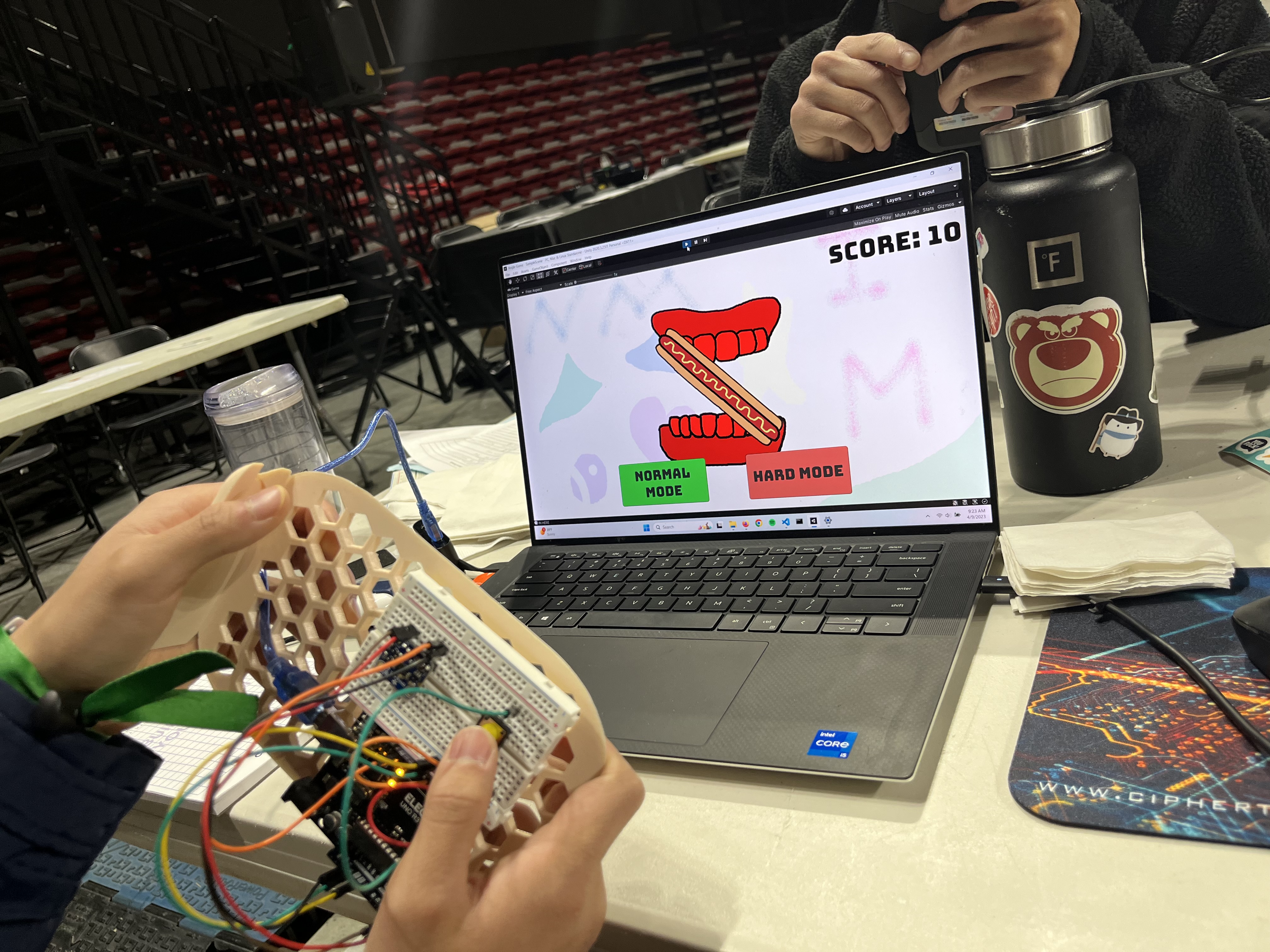
The hotdog hit the teeth! You lost.
Inspiration
Mario Kart Wii's steering functionality inspired this project. Our group wanted to experiment with a hardware project, so we thought it would be fun to include this steering feature into our project.
What it does
It's a game that tests reaction time and coordination in a fun, retro style format.
How we built it
We attached an accelerometer and a button to an Arduino Uno R3. We also 3D printed a base for all of the parts as a remote controller for the player to use to steer. The game was built in Unity, but we use an arduino as a controller to orientate the player in the game.
Challenges we ran into
We needed to figure out how Arduinos worked and how wires worked on breadboards. We also did not know how to connect an Arduino to Unity, so we installed a Unity package as a solution.
Accomplishments that we're proud of
We learned how to use an Arduino and the basics of 3D printing by using software like Tinkercad and PrusaSlicer.
What we learned
We learned intermediate Unity topics through C# scripting and beginner level Arduino topics like using a breadboard.
What's next for Steering a Hotdog
We need to improve the UX and UI of the game so that it can be more engaging for the user. We will focus on finding color palettes online as well as looking for someone to draft new images. We also need to change the dimensions of the controller because it is too bulky by reducing the amount of material used.


Log in or sign up for Devpost to join the conversation.