-
-
SteelSmart Studio Video
-
Landing Page Hero
-
Landing Page Simulation
-
Studio Preview
-
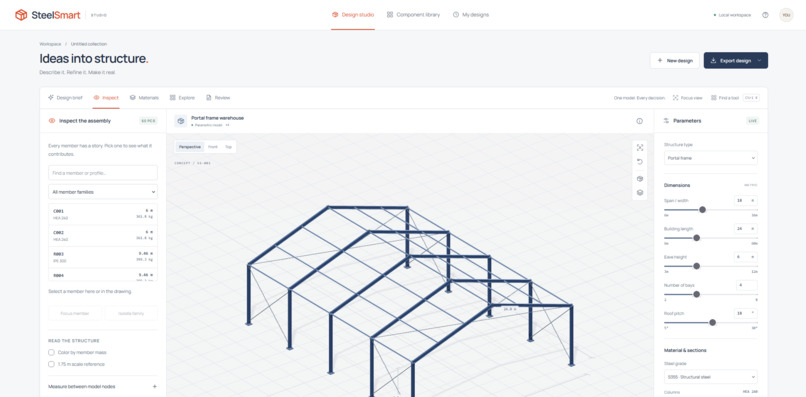
Studio Edit
-
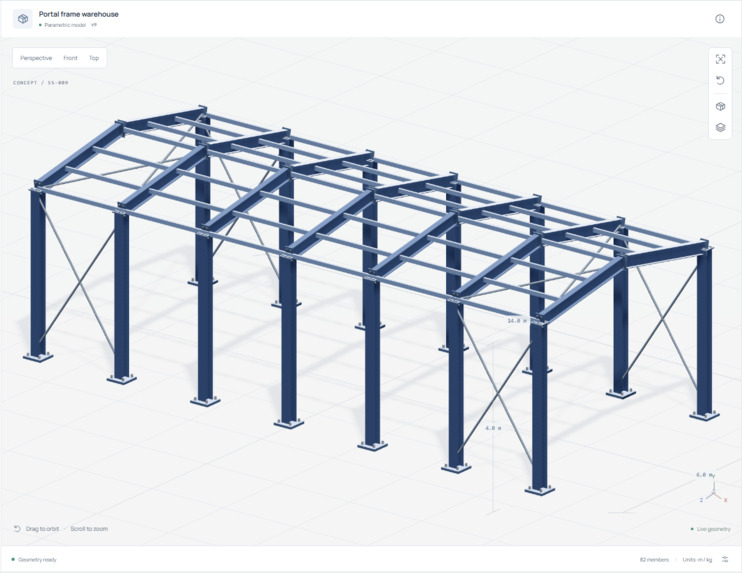
3D Model
-
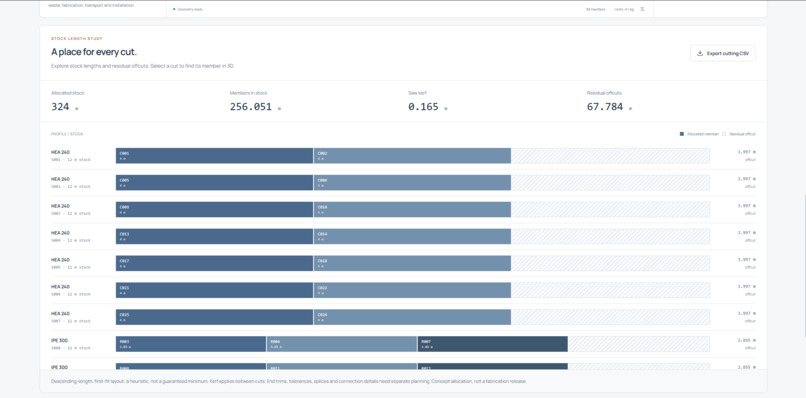
Materials
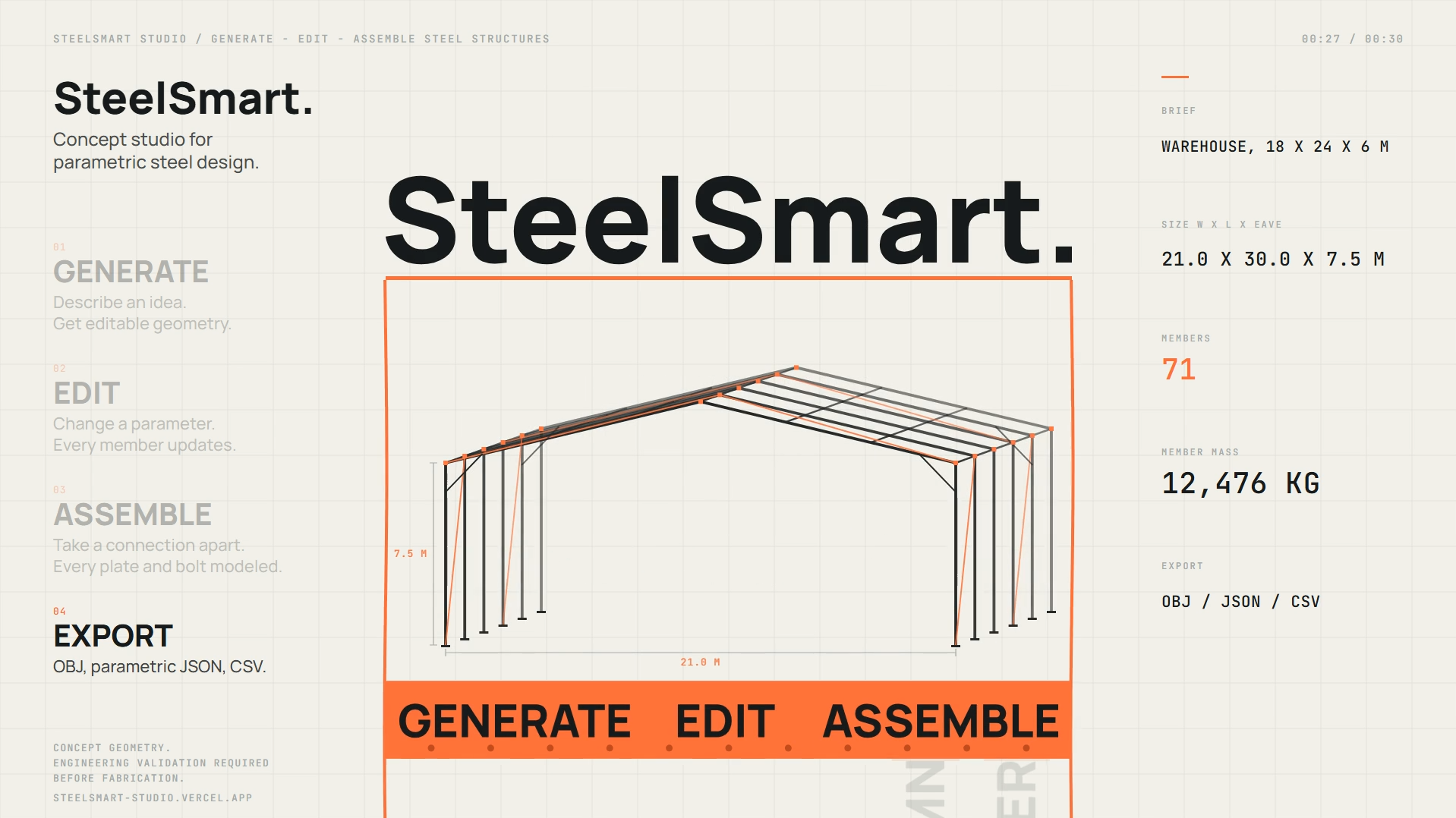
Inspiration
Early-stage steel design often starts with fragmented sketches, rough assumptions, and separate tools for visualisation, quantities, and communication. We wanted to create a focused studio where a concept could become understandable, editable, and reviewable in one place.
SteelSmart Studio is an independent concept demo inspired by modern steel-design workflows. It is not affiliated with or a replacement for any official SteelSmart service.
What it does
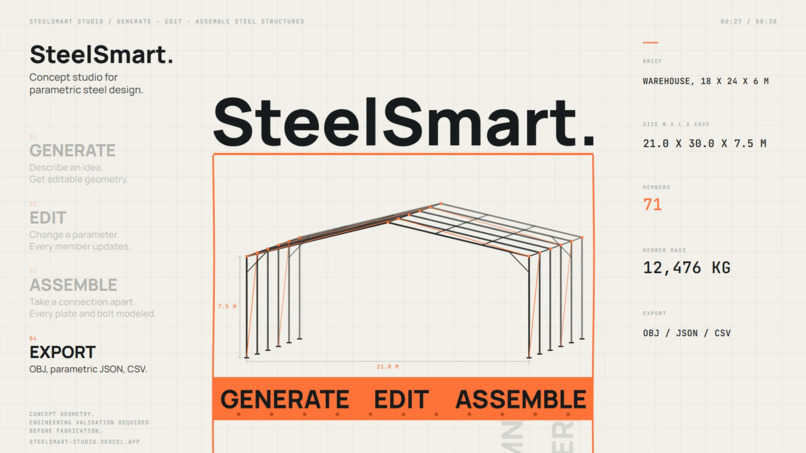
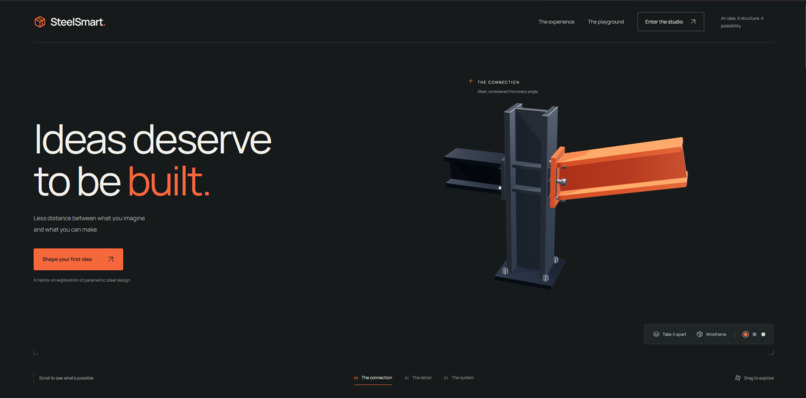
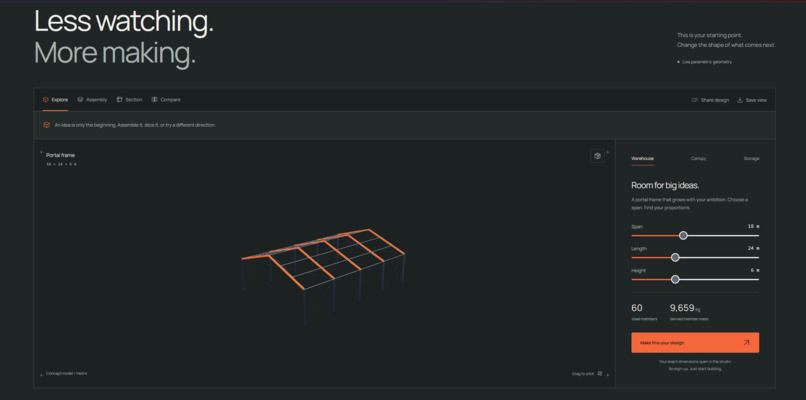
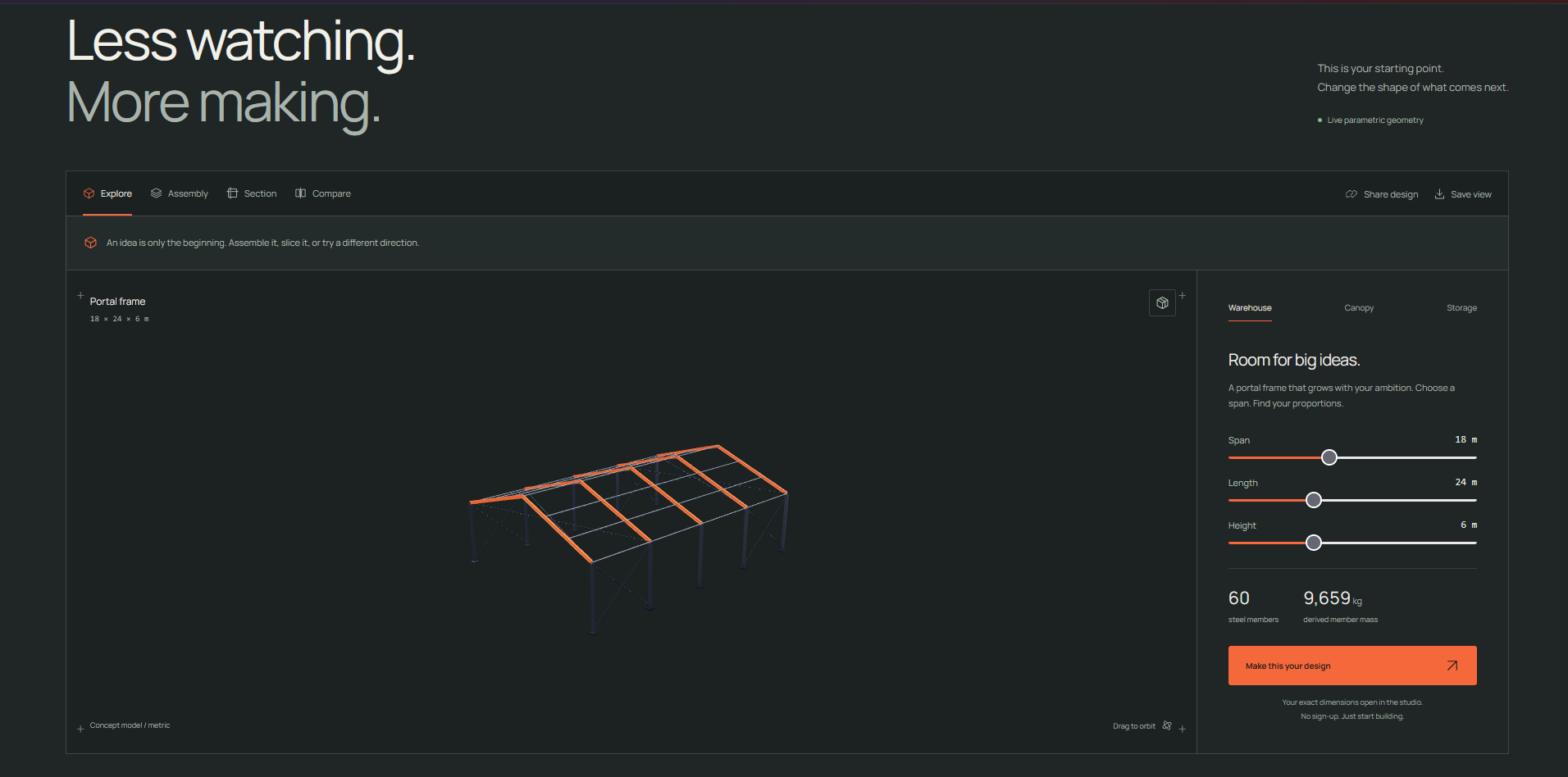
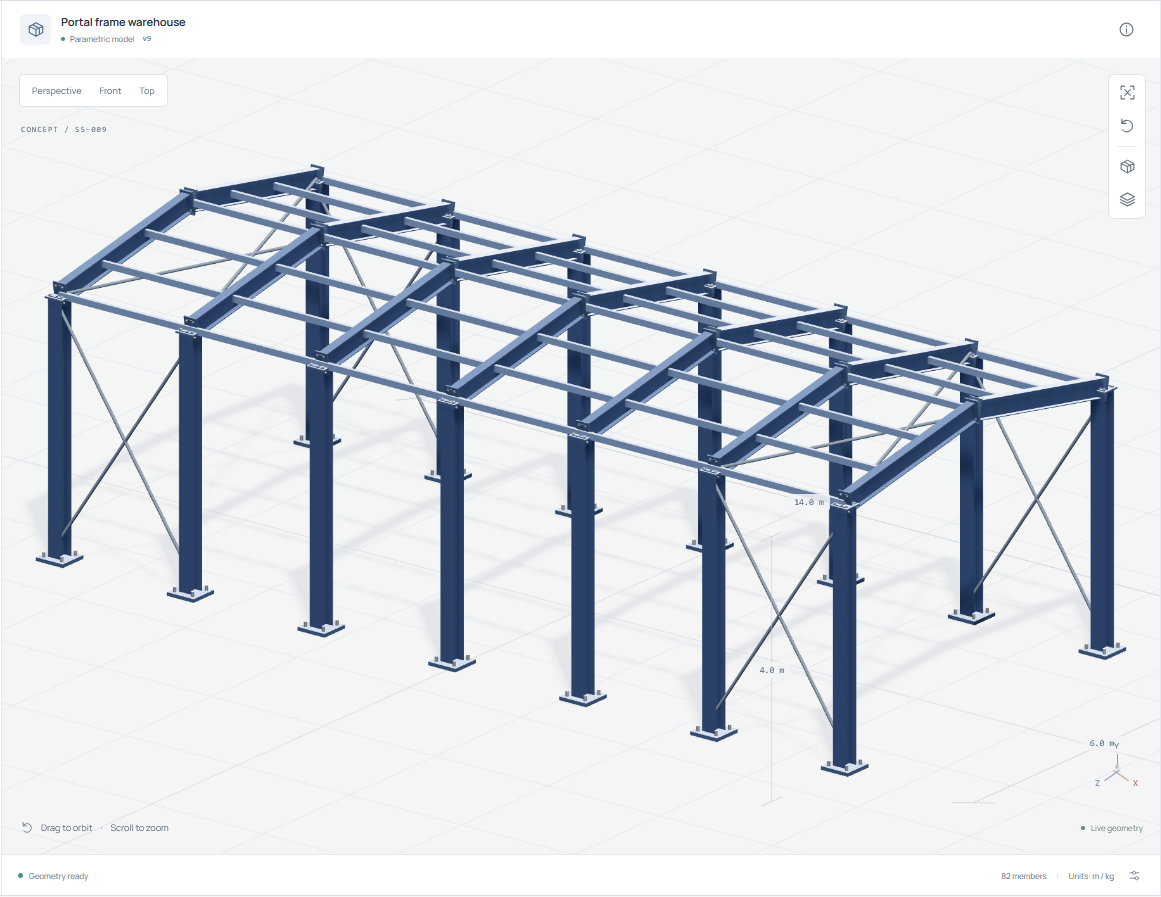
SteelSmart Studio lets users explore and configure steel concepts such as portal frames, canopies, and storage racks.
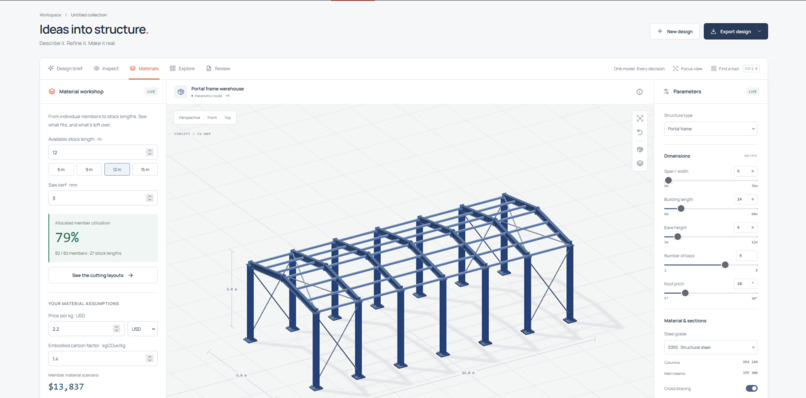
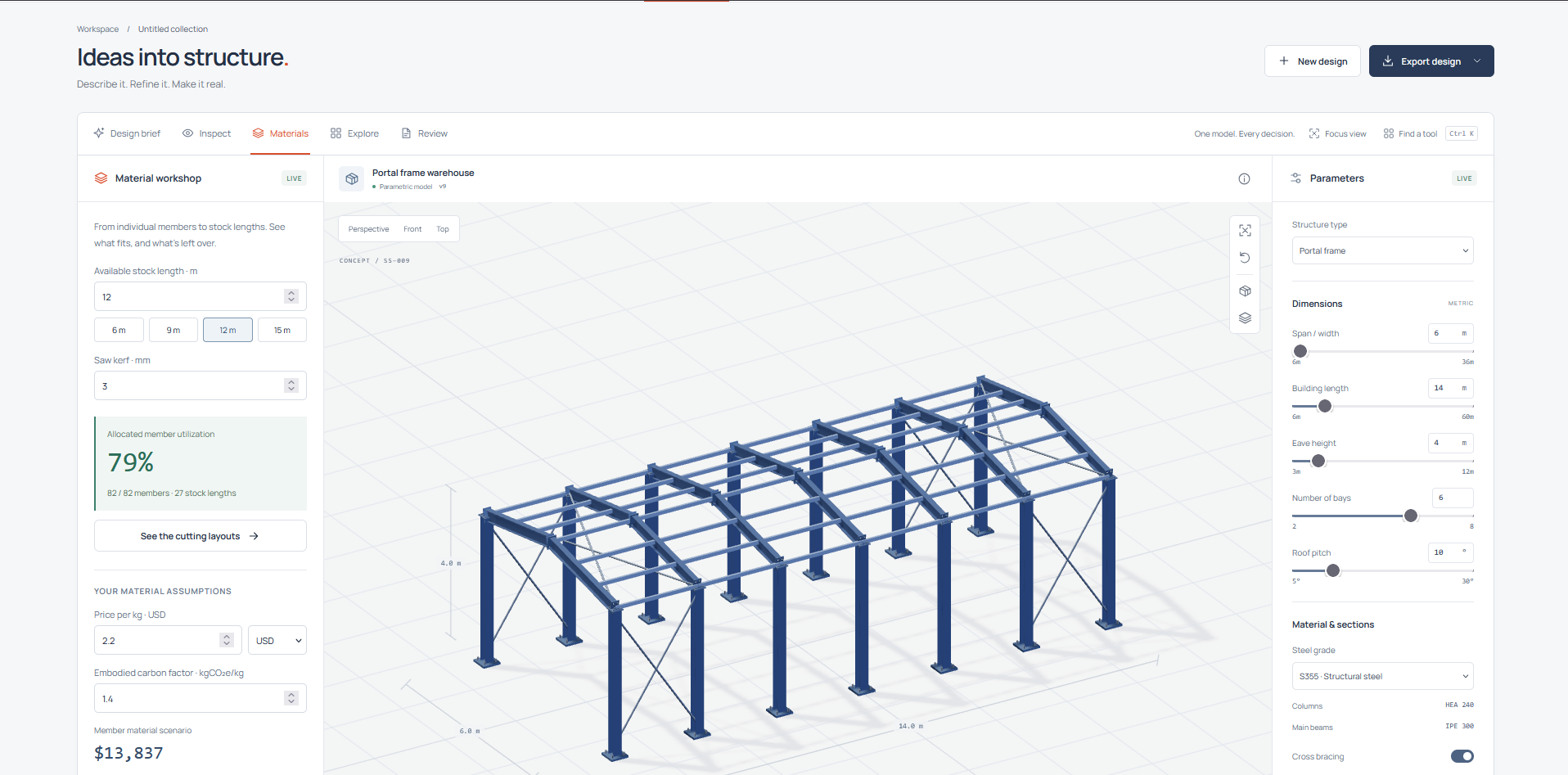
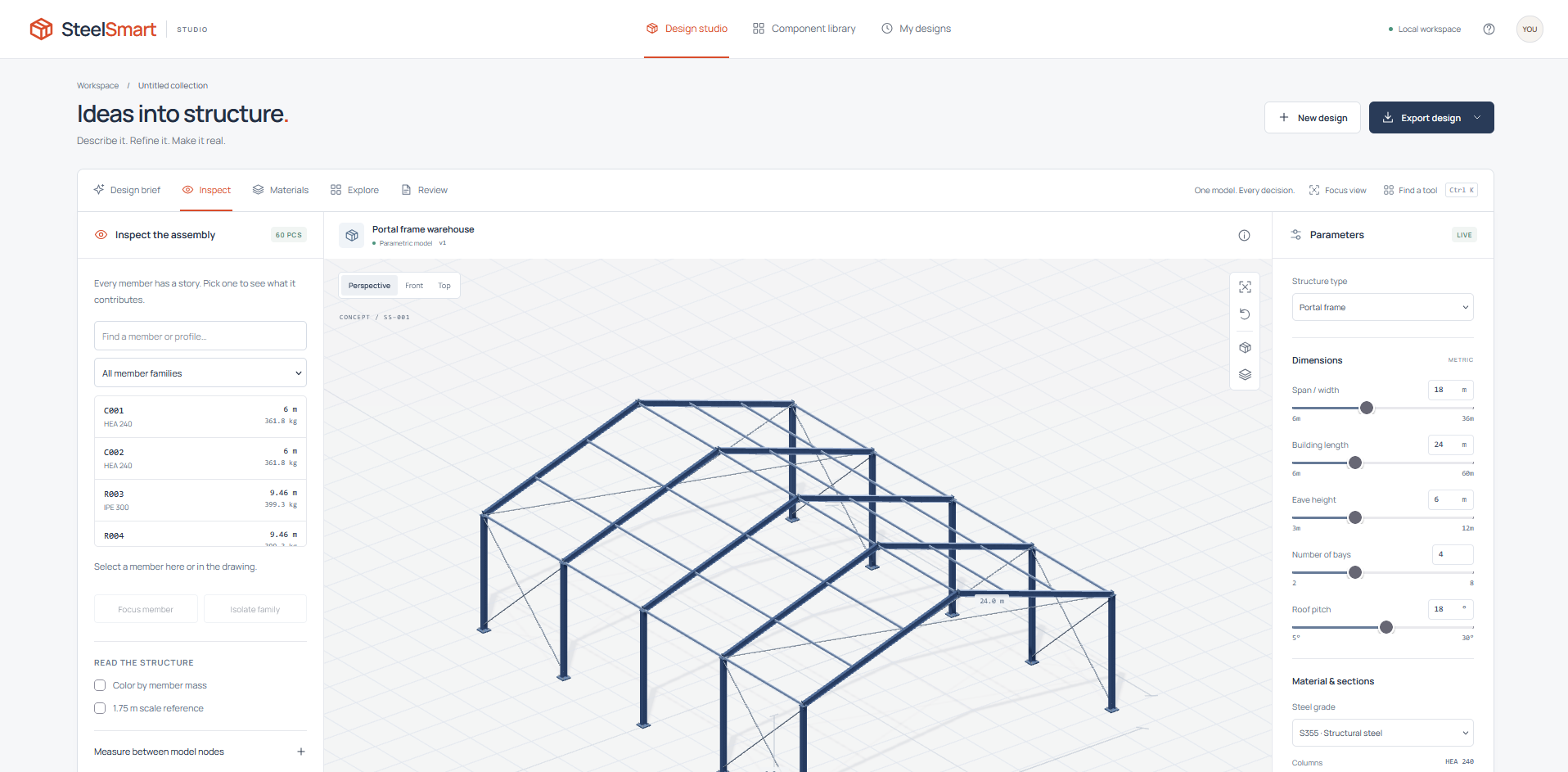
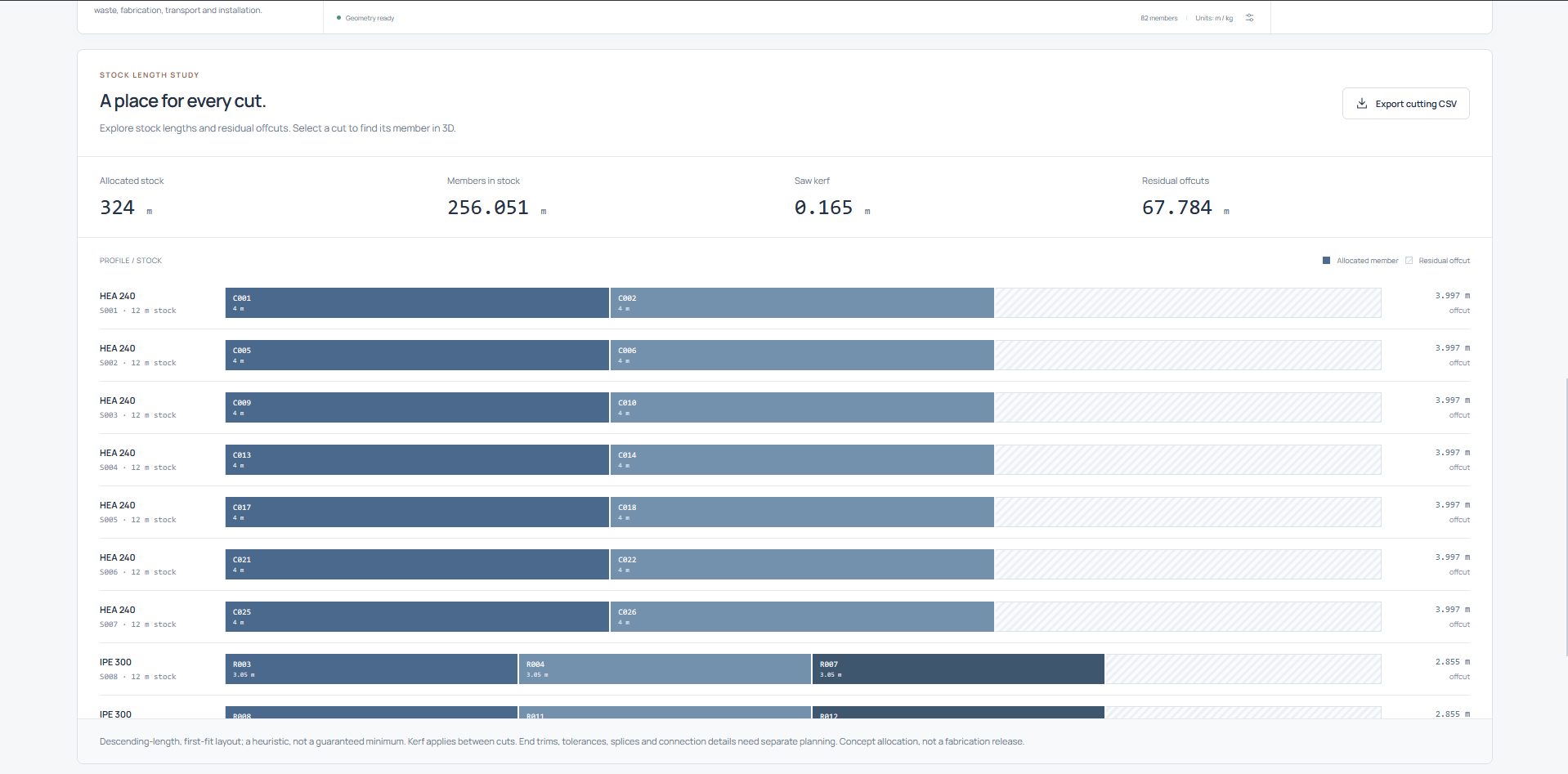
Users can adjust dimensions, bay counts, roof pitch, steel grade, and bracing, then inspect the resulting 3D member geometry. The same model powers material quantities, stock-cut studies, cost and carbon assumptions, side-by-side alternatives, and concept exports.
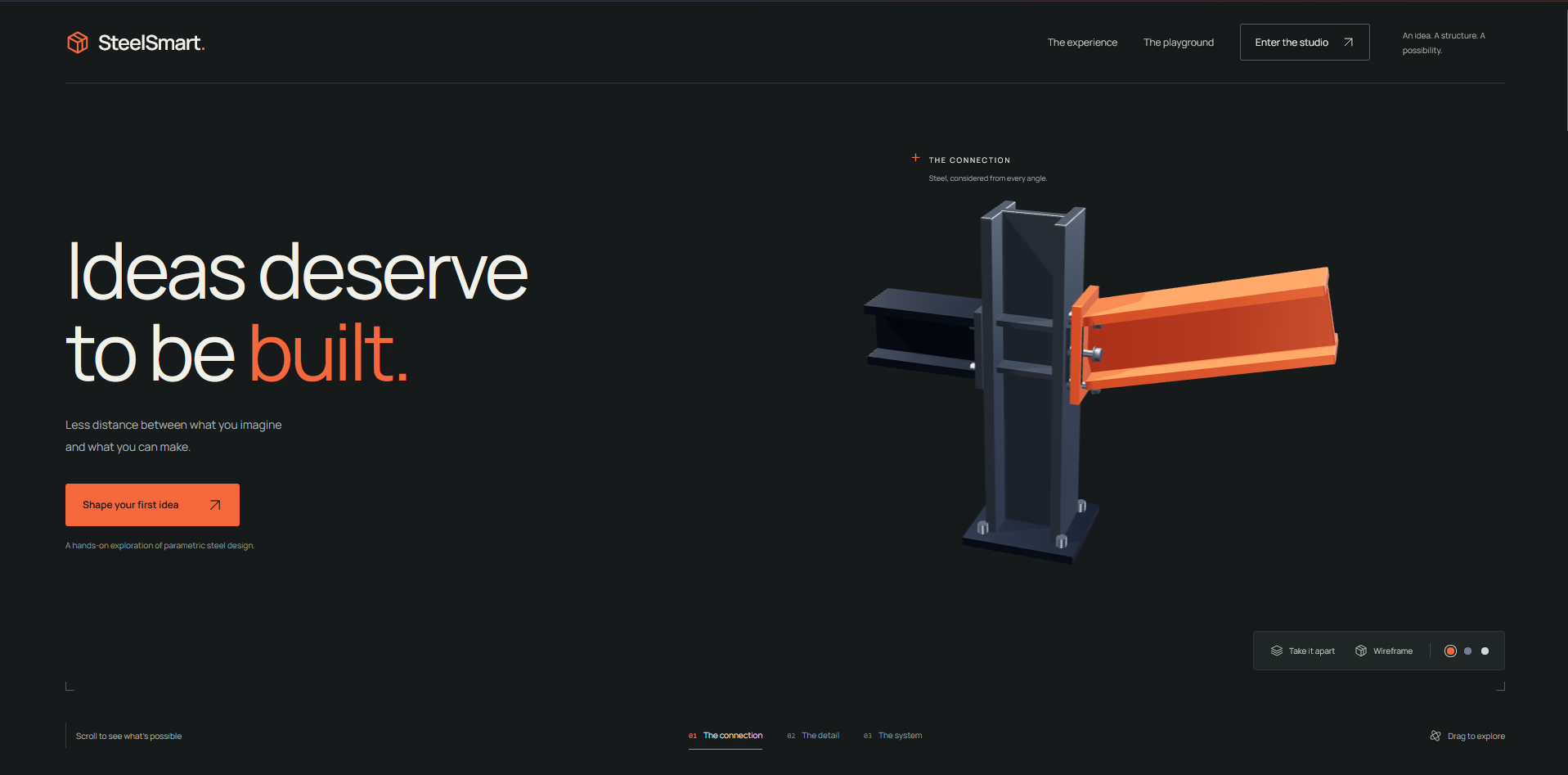
The project also includes an interactive Design Lab for exploring connections, assembly sequences, section planes, and comparisons. Users can export studies in formats including OBJ, JSON, CSV, SVG, and PNG.
How we built it
We built the experience as a lightweight, local-first web application using HTML, CSS, modern JavaScript ES modules, and Three.js for interactive 3D rendering.
A shared member graph drives the geometry, quantities, planning views, and exports so that each feature reflects the same underlying concept. We added a deterministic, rules-based prompt parser to translate supported design briefs into editable inputs without relying on an external API or AI service.
The project runs with a small Node.js server and keeps its assets self-hosted. This means it needs no account, API key, or dependency installation to explore locally.
Challenges we ran into
The hardest challenge was keeping every view consistent as a design changed. A dimension update needed to affect the 3D scene, member schedule, material calculations, planning studies, comparisons, and exports without creating conflicting versions of the model.
We also had to balance an approachable creative interface with enough technical context to make the output useful for early design conversations. Making a browser-based 3D experience responsive, clear, and exportable while remaining local-first required careful performance and interaction work.
Accomplishments that we're proud of
- Built one shared model that connects interactive 3D geometry, quantities, and exports.
- Created an editable Design Lab with connection exploration, assembly sequencing, section views, and comparisons.
- Added practical early-stage studies for stock cuts, cost, and embodied carbon assumptions.
- Made the project self-contained, with no external API, account, or installation required.
- Supported multiple export formats so a concept can move into presentations and downstream workflows.
What we learned
We learned that the value of a design tool is not just in rendering geometry. It comes from connecting visual decisions to material quantities, tradeoffs, and clear communication.
We also learned how important it is to define the limits of a concept tool. SteelSmart Studio supports exploration and early review, but it does not claim to perform structural engineering checks, code compliance, fabrication detailing, or verified cost and carbon calculations.
What's next for SteelSmart Studio
Next, we want to expand the supported structural typologies, make the concept parser more flexible, and add richer collaboration and revision workflows.
We would also like to improve interoperability with professional design and fabrication software, introduce more transparent material datasets, and explore engineering-validation integrations while preserving the fast, accessible concepting experience.

Log in or sign up for Devpost to join the conversation.