-
-
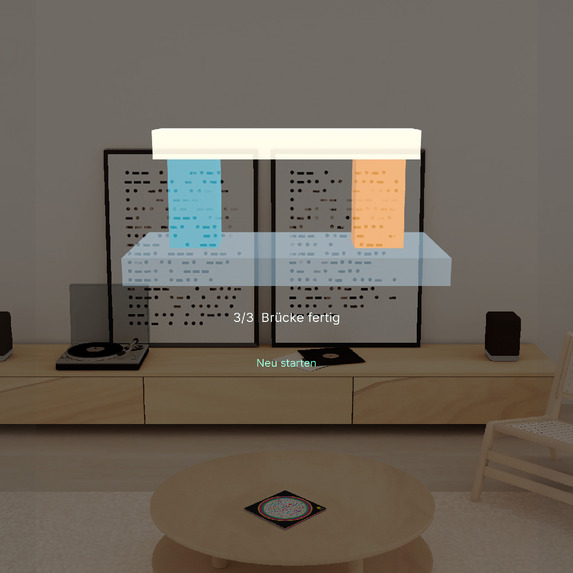
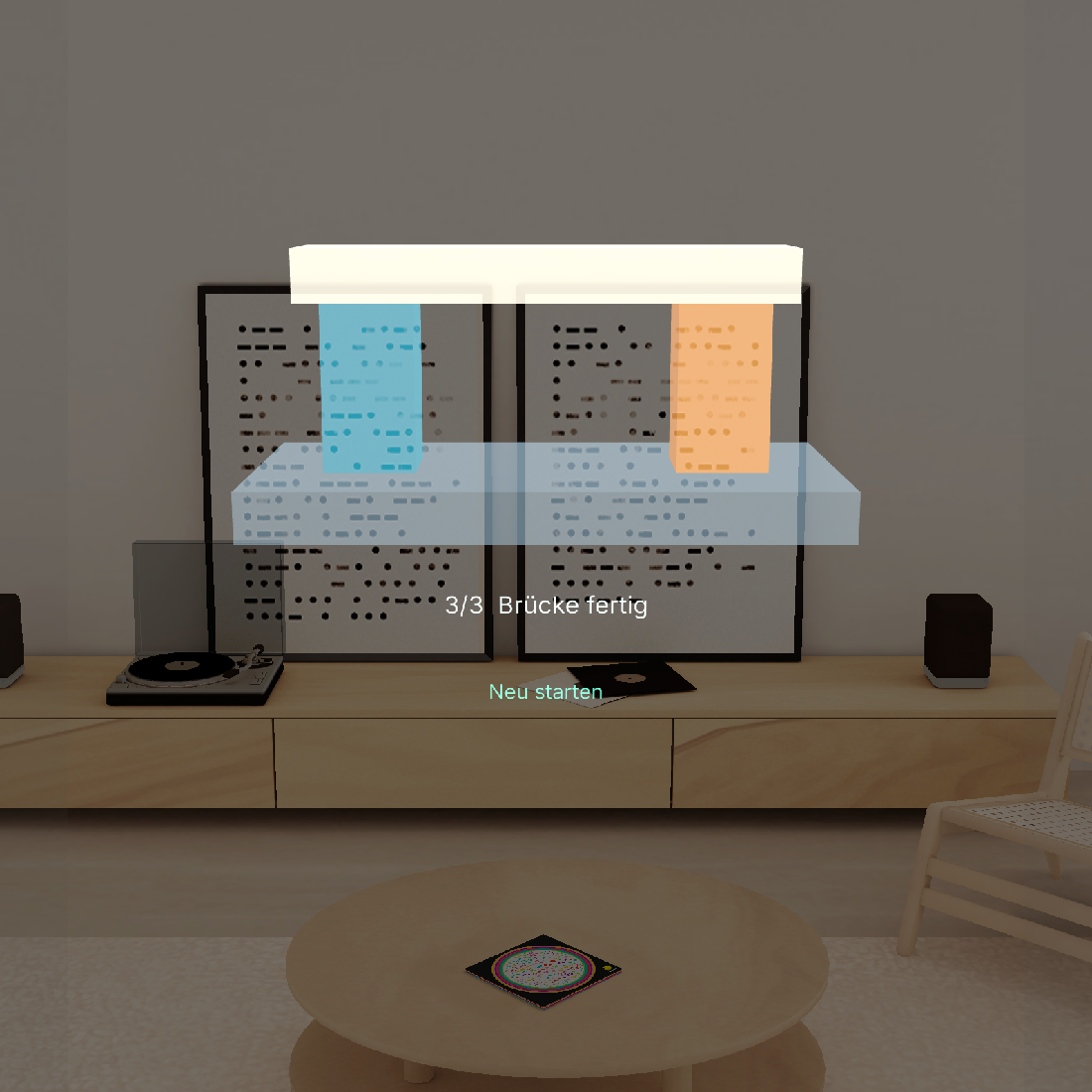
Completed bridge after all three placements in the native preview.
-
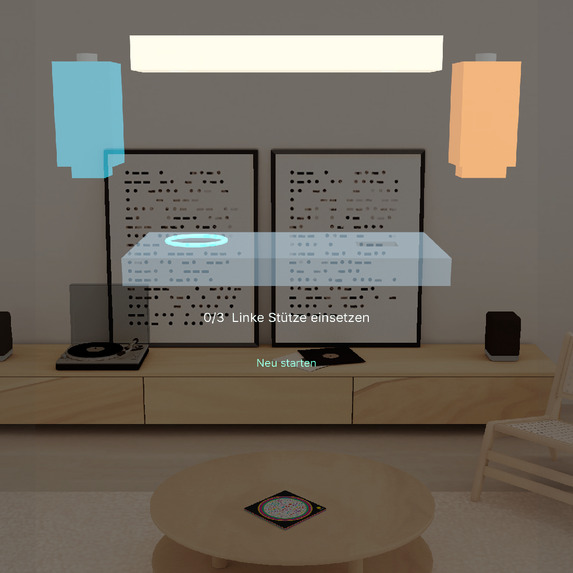
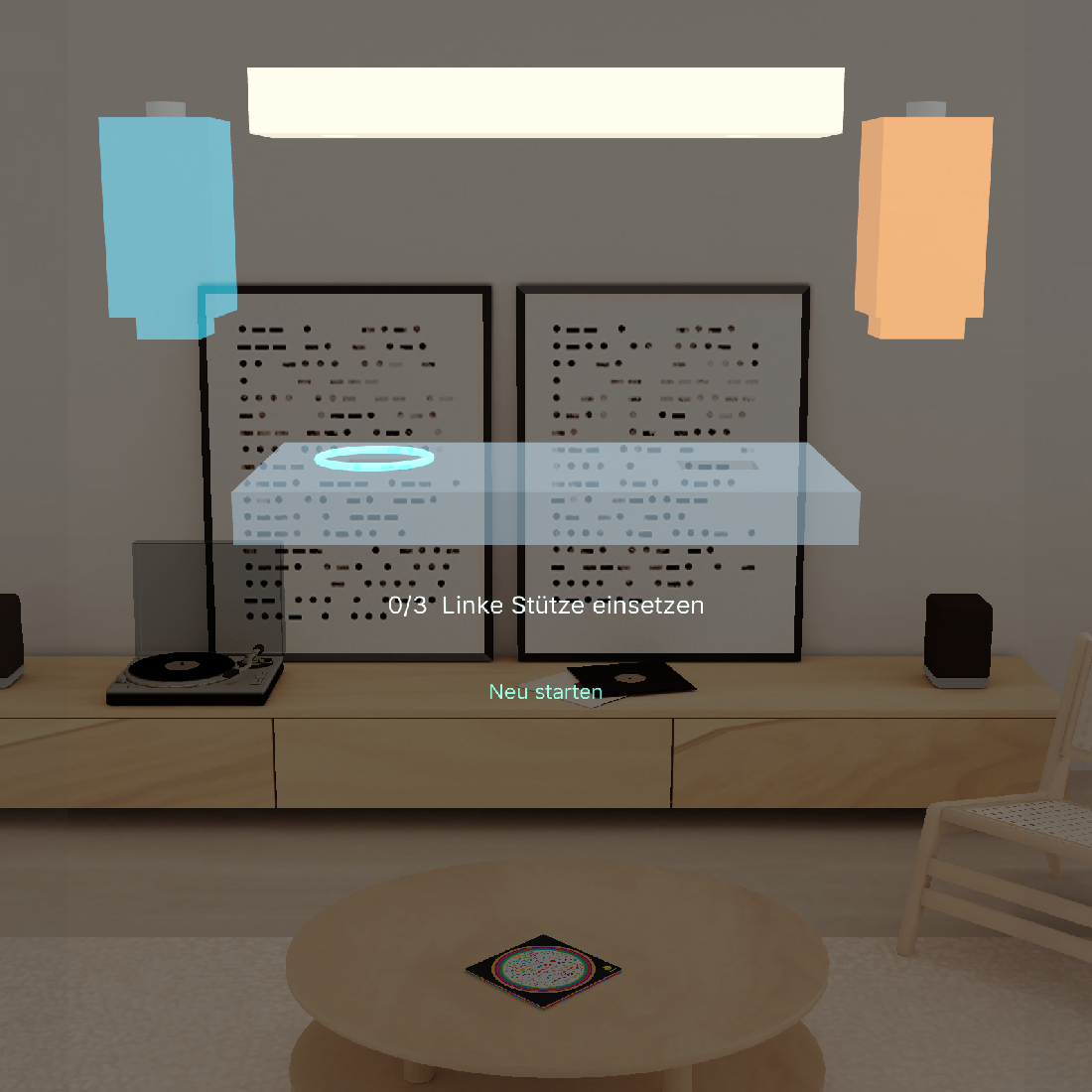
Starting state with the three loose parts and the highlighted first joint.
Inspiration
Why this Lens
A beginner looking at a flat diagram must work out which part of the real workpiece the drawing points to. Steckbruecke puts the next instruction and its target in the same place. It is designed for beginners practising their first assembly sequence.
How it works
On a virtual workbench, a mint ring marks the next joint. Select a part, then its matching joint. A wrong selection keeps the current target highlighted. A correct placement snaps into place and advances the guide. Two supports and a crossbeam form the bridge. Restart lets you repeat the exercise.
How it was built and tested
The project was planned with the Devpost Learn skill pack and built for SPECS in Lens Studio using CLAD and the Lens Studio MCP. The component models and interaction were built for this entry. The only motif carried over from Spinnennetz-DNA is the visual idea of using a ring. A continuous native preview recording shows a wrong selection and all three placements. We tested restart separately in the same simulator.
What the prototype taught us
Keep the instruction at the joint and only change it when placement succeeds. In the preview this made it possible to see where to recover from a mistake without losing the current assembly step.
What it does
How we built it
Challenges we ran into
Accomplishments that we're proud of
What we learned
What's next for Steckbruecke | Spatial Assembly Guide
Built With
- clad
- lens
- lens-studio
- specs
- typescript