-
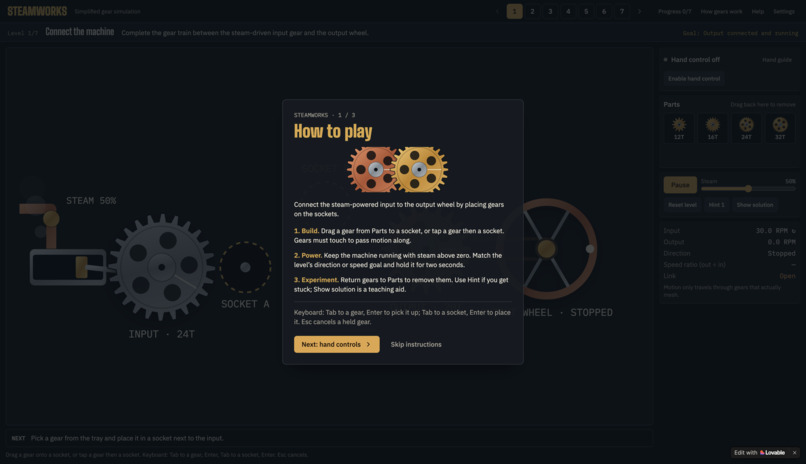
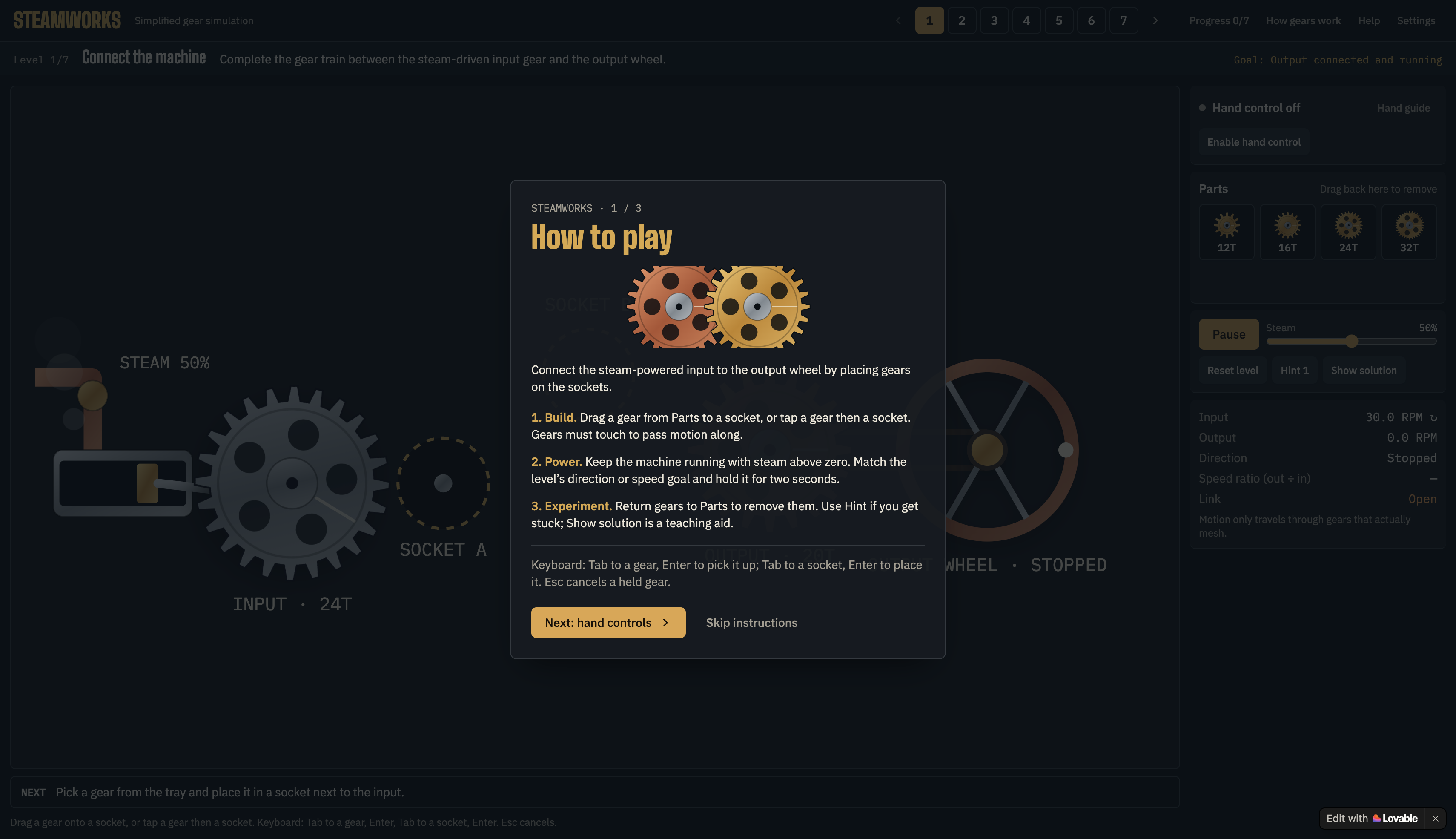
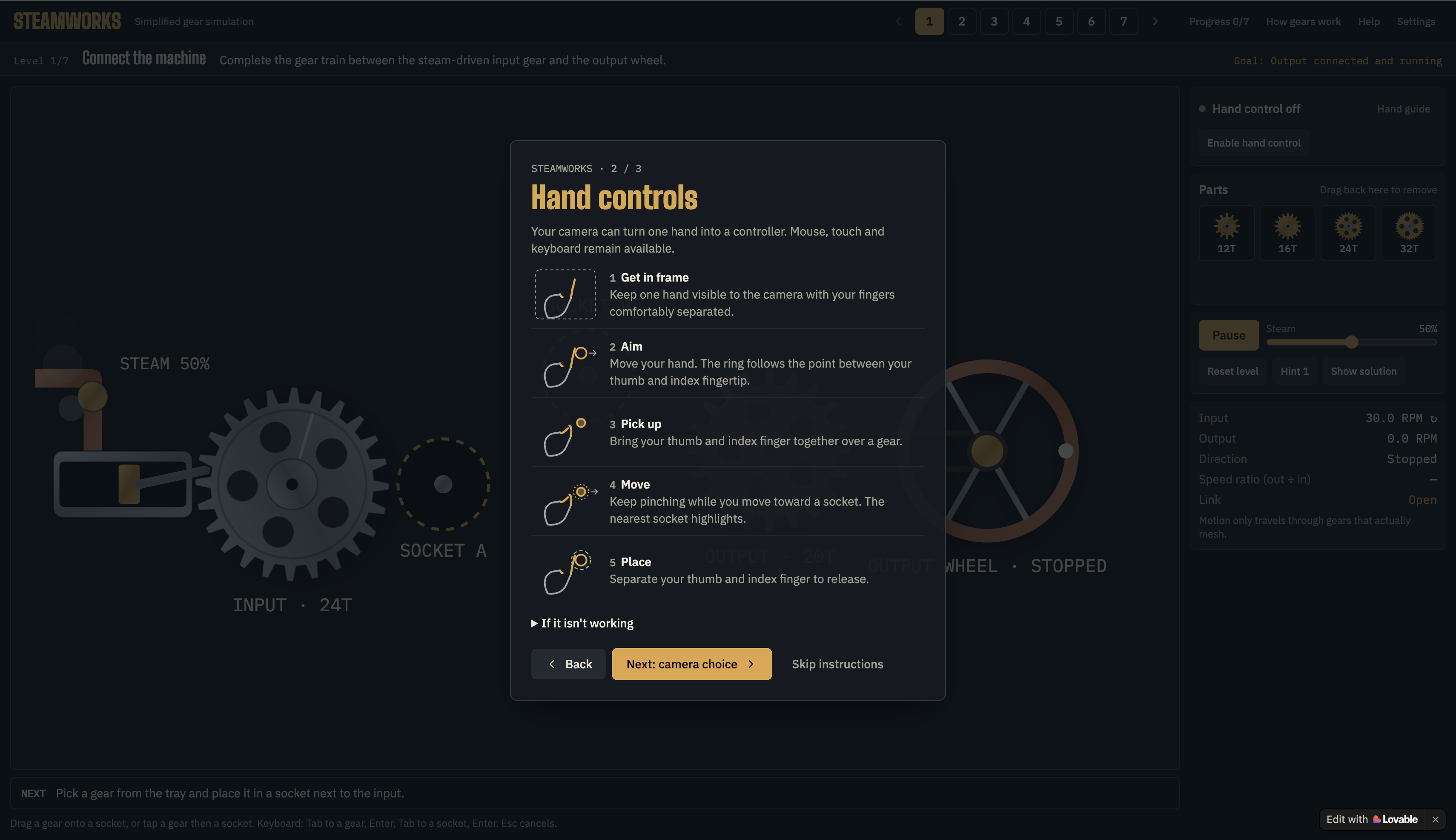
Introduction screen & How to play guide
-
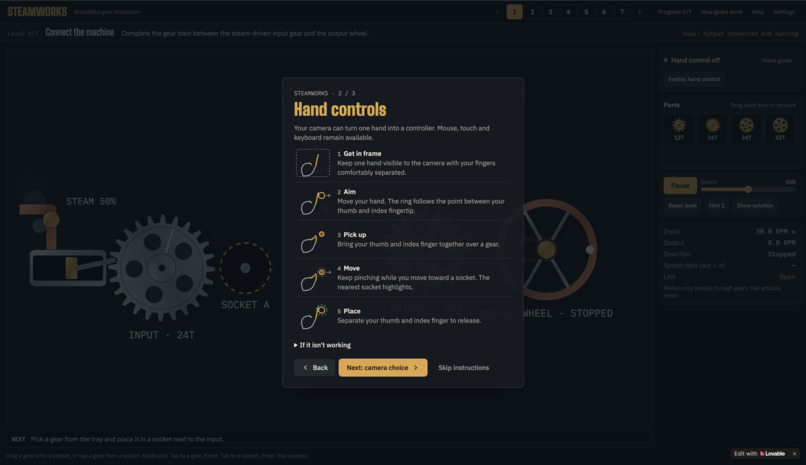
Interactive hand control instructions
-
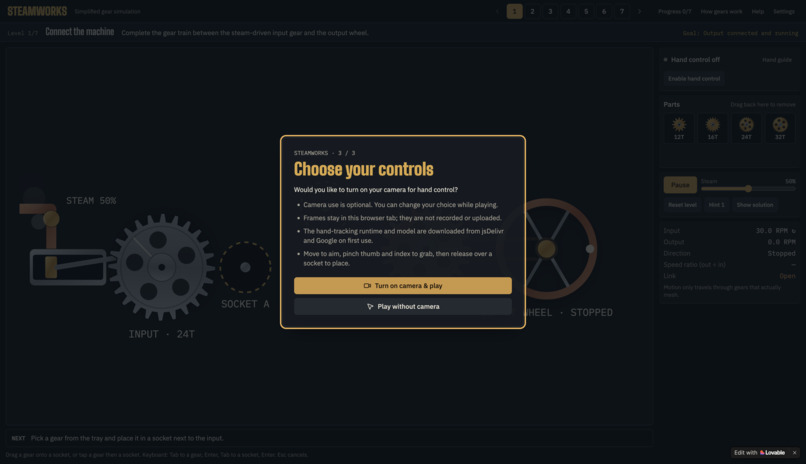
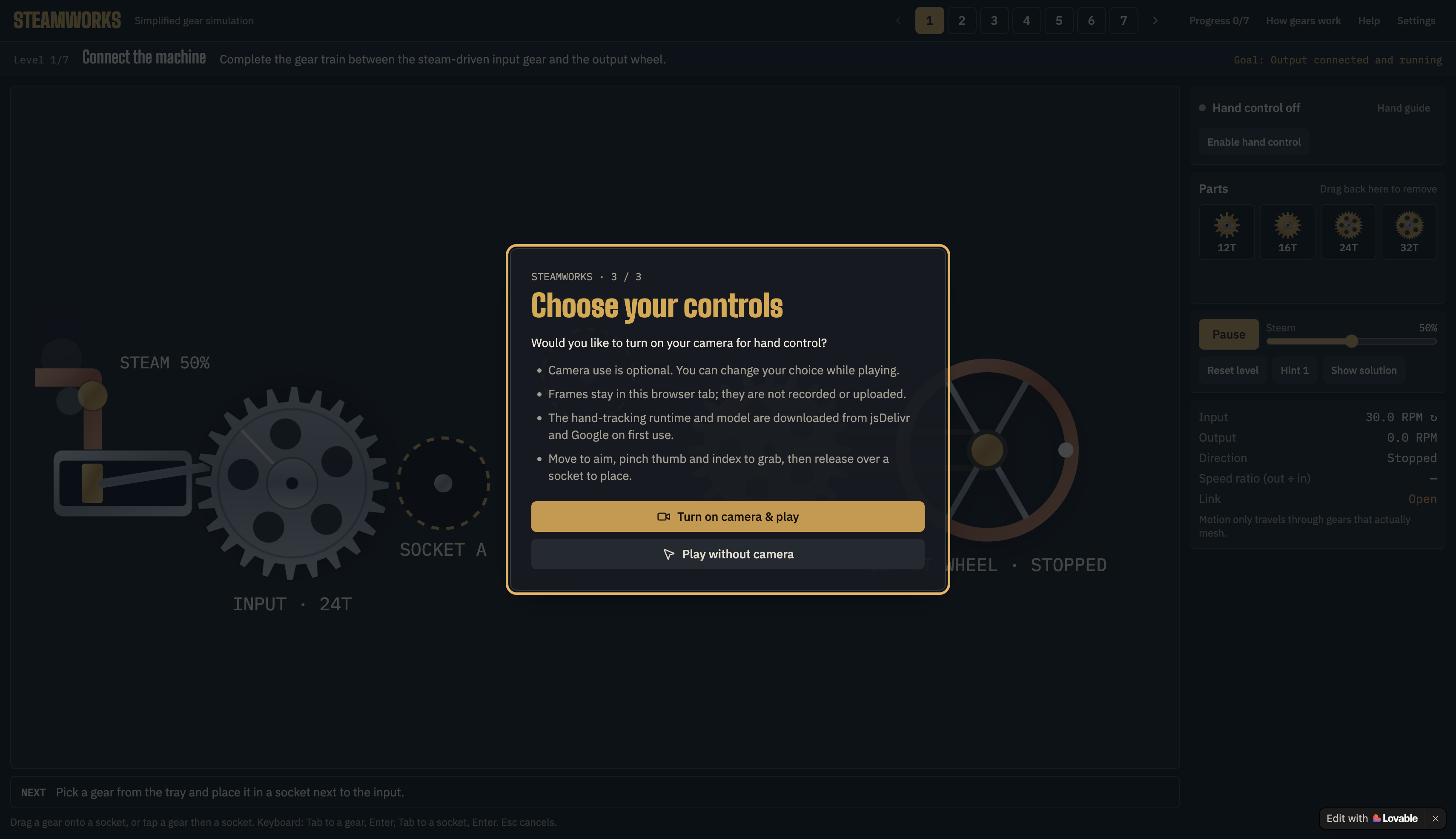
Camera accessibility option
-
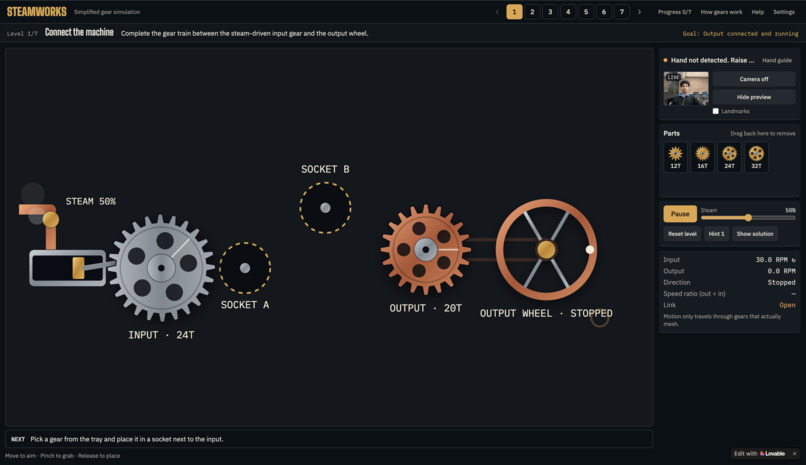
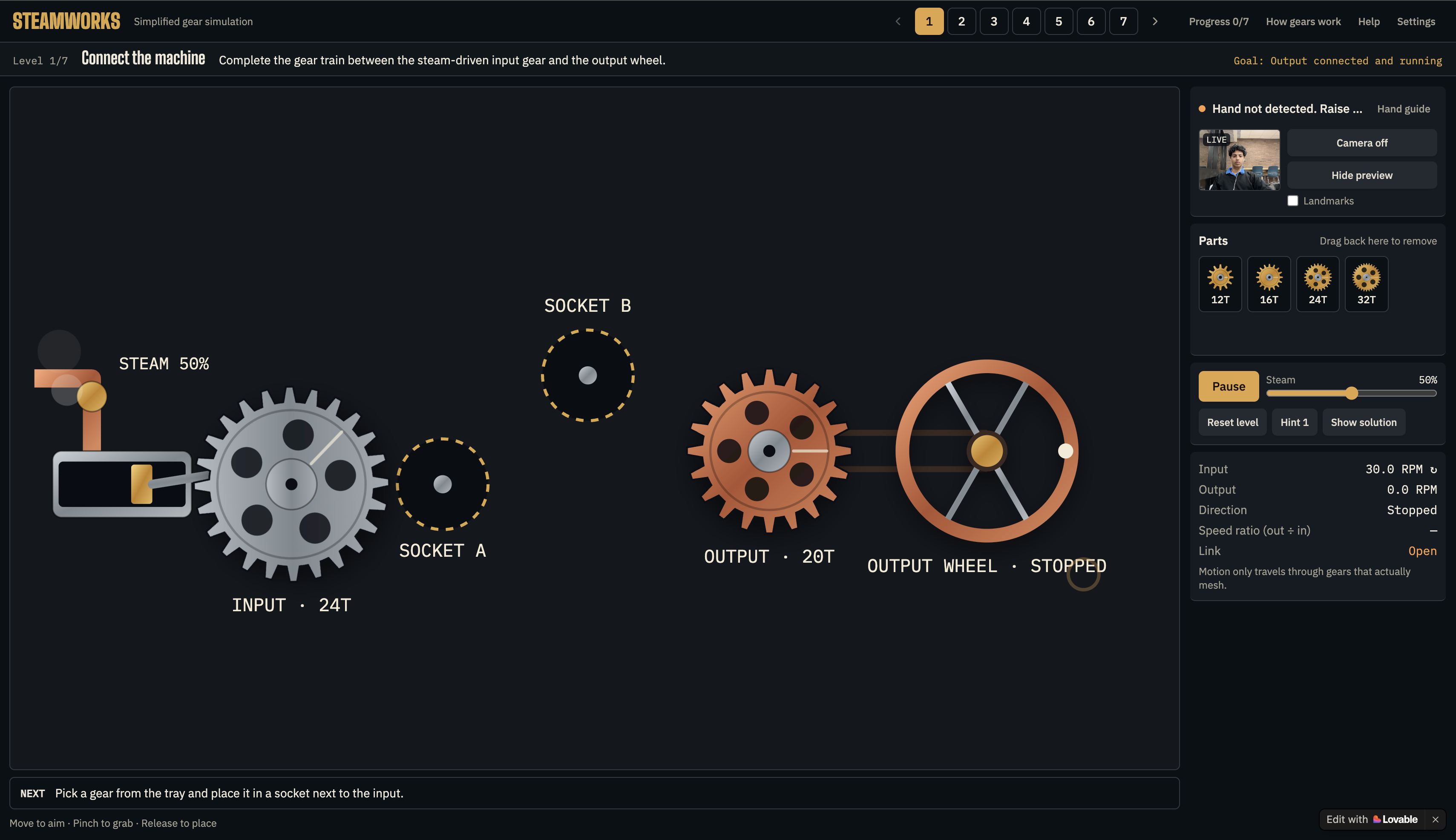
Puzzle 1 & Main layout
-
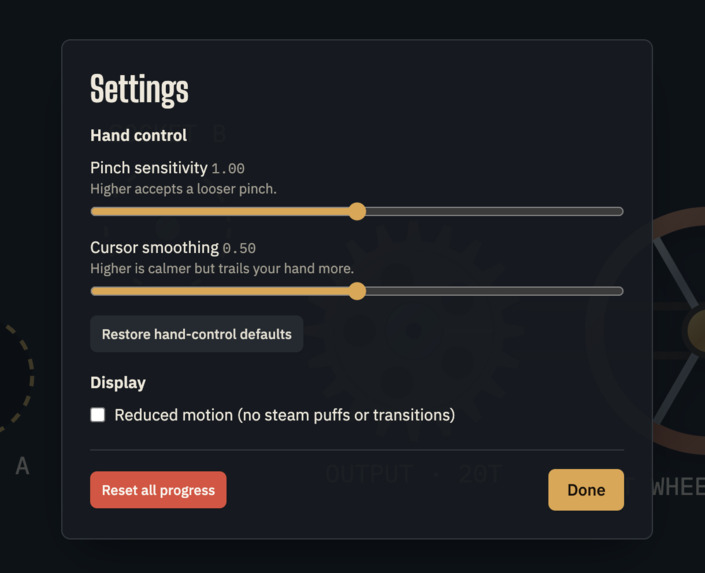
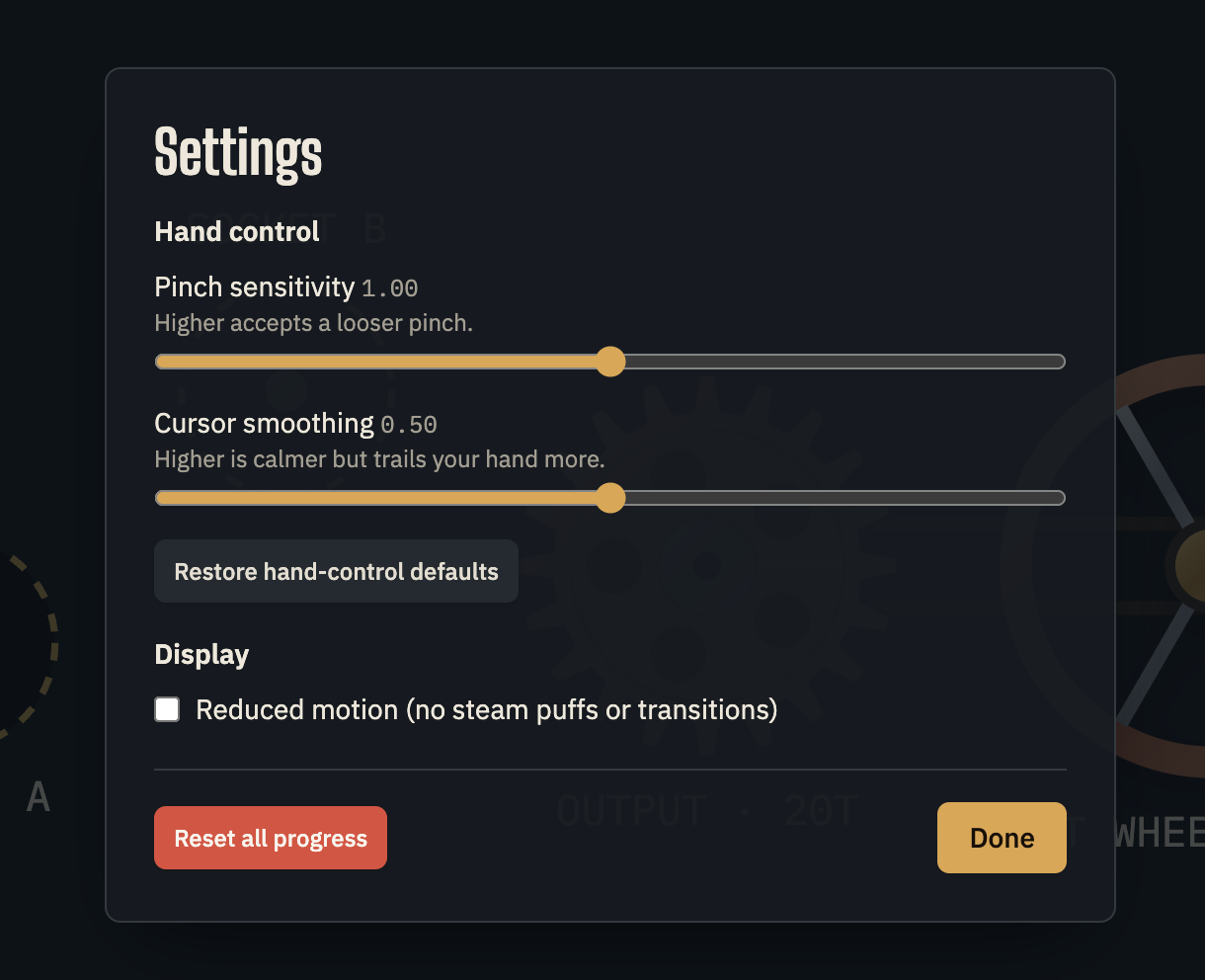
Settings
-
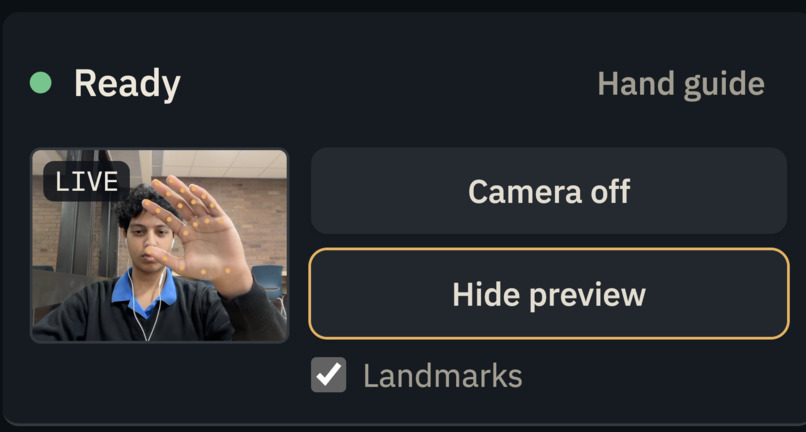
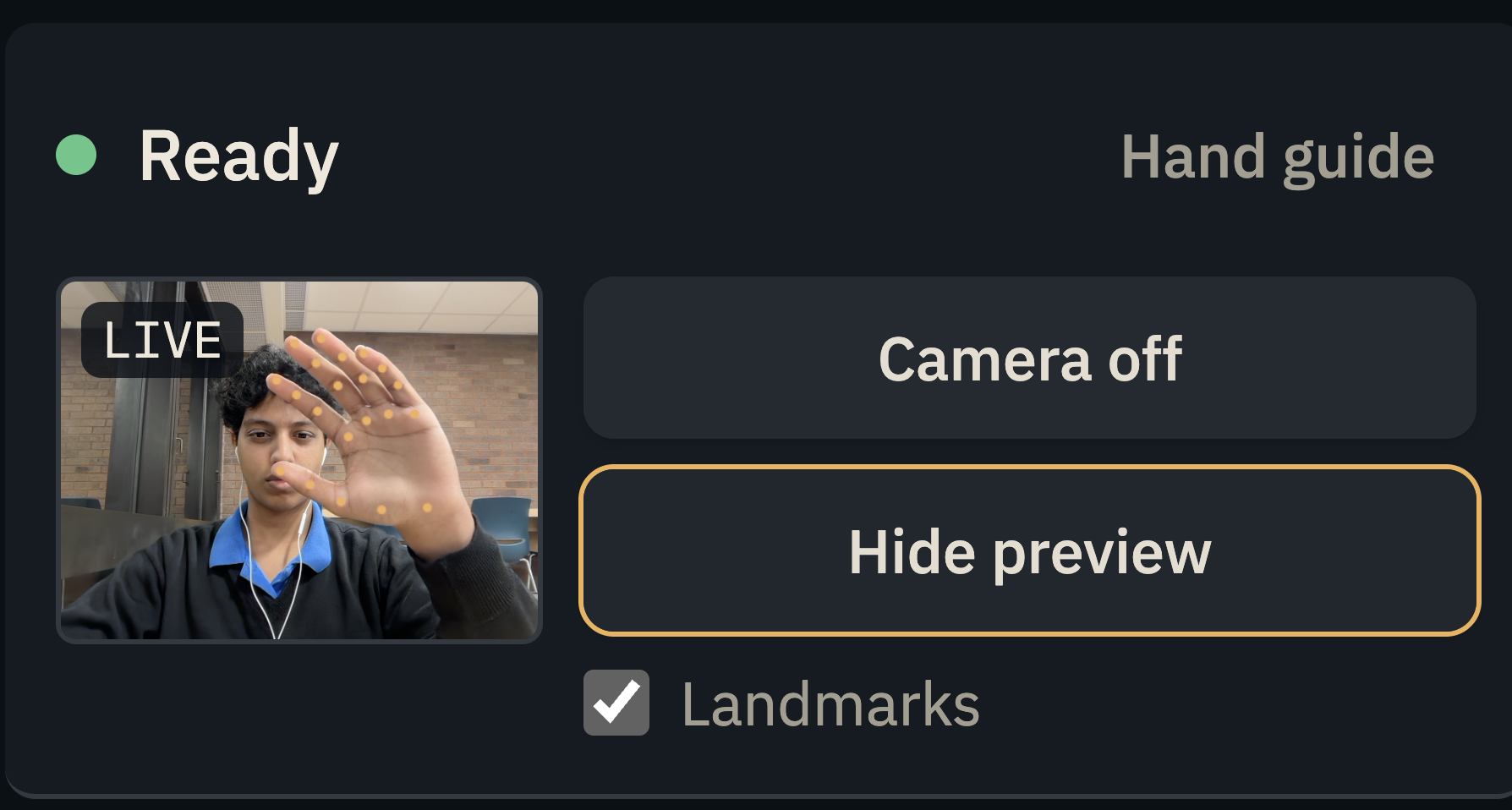
Live Camera View & Hand landmarks toggle on
-
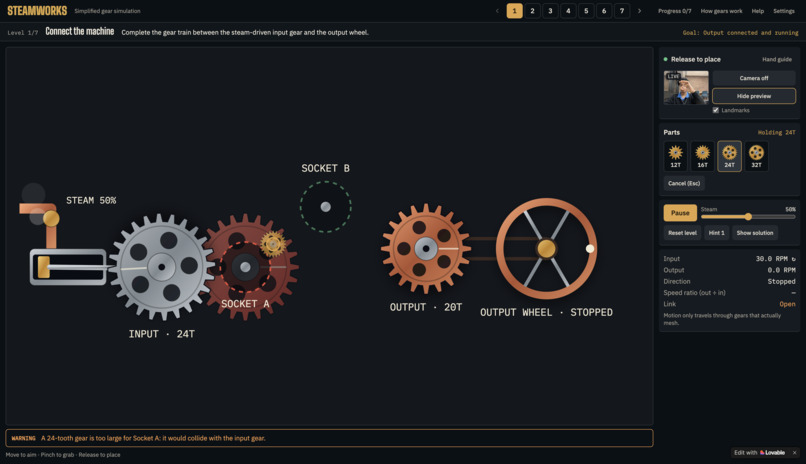
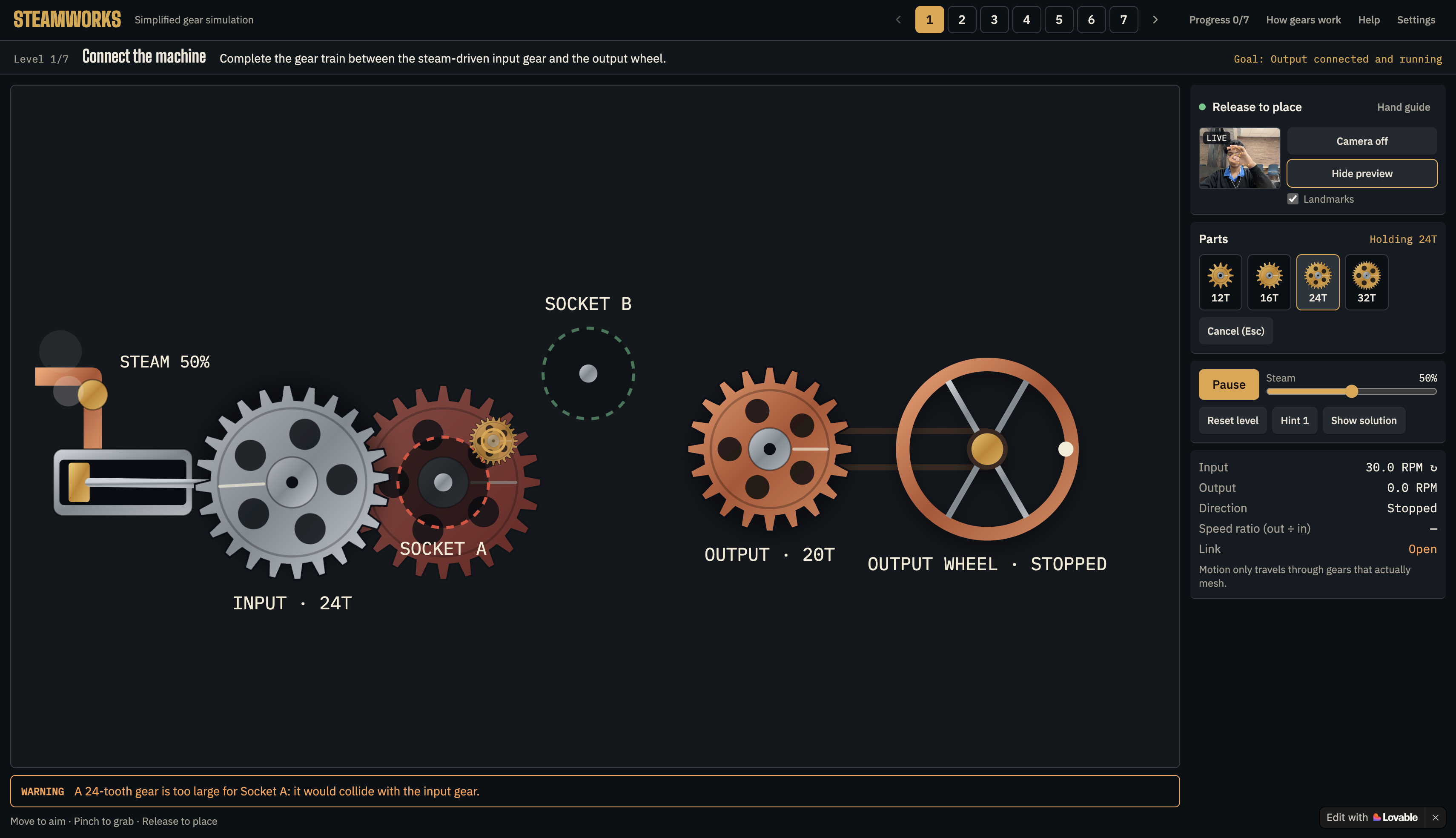
Puzzle 1 & Incorrect alignment
-
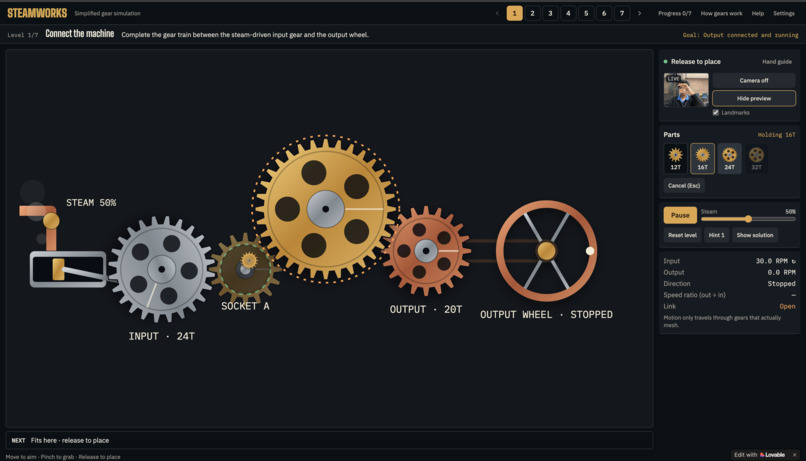
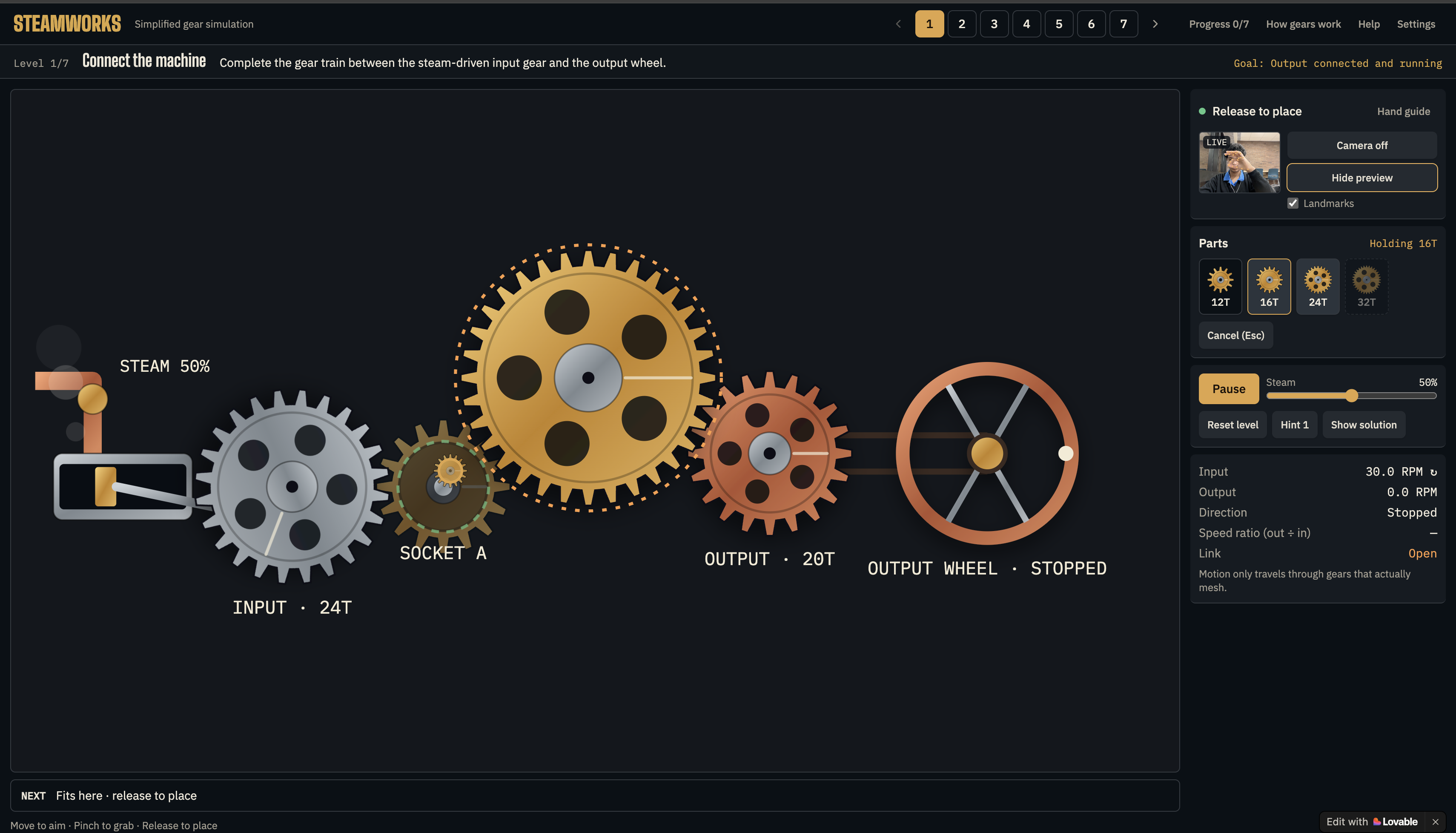
Puzzle 1 & Correct alignment
-
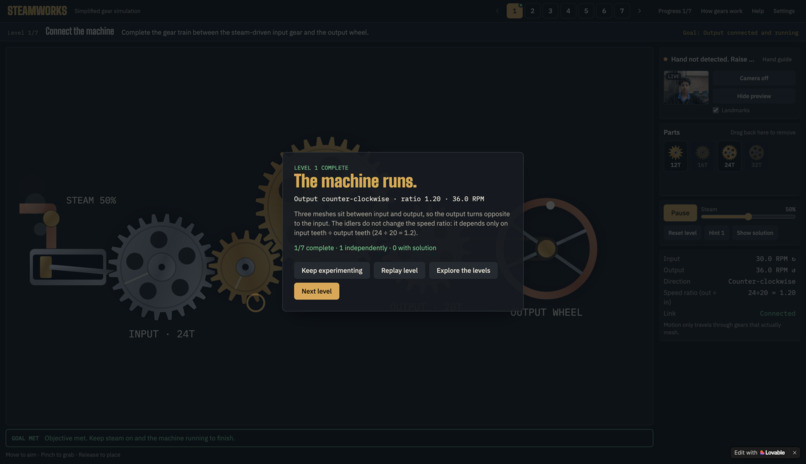
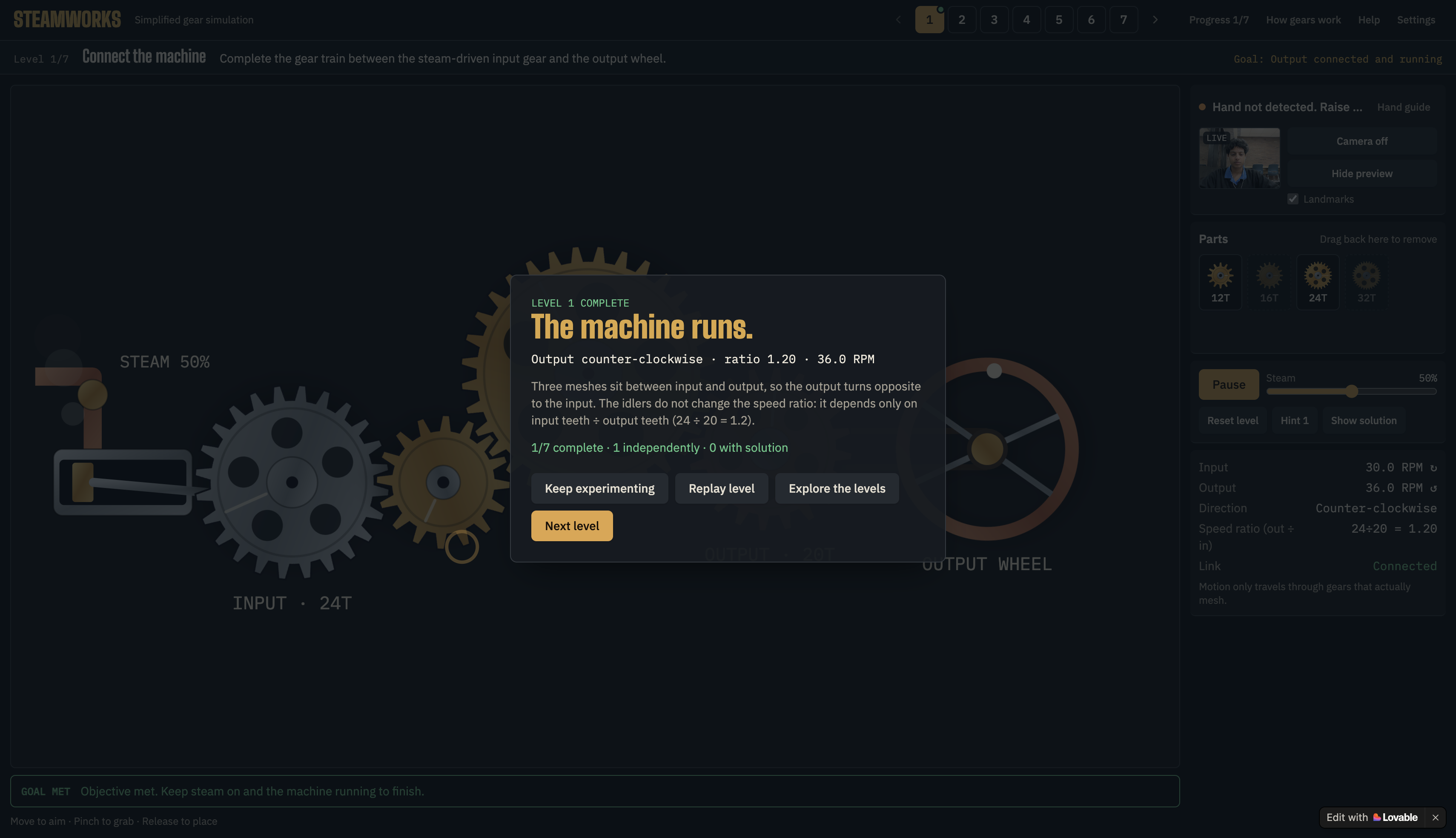
Puzzle 1 finished
-
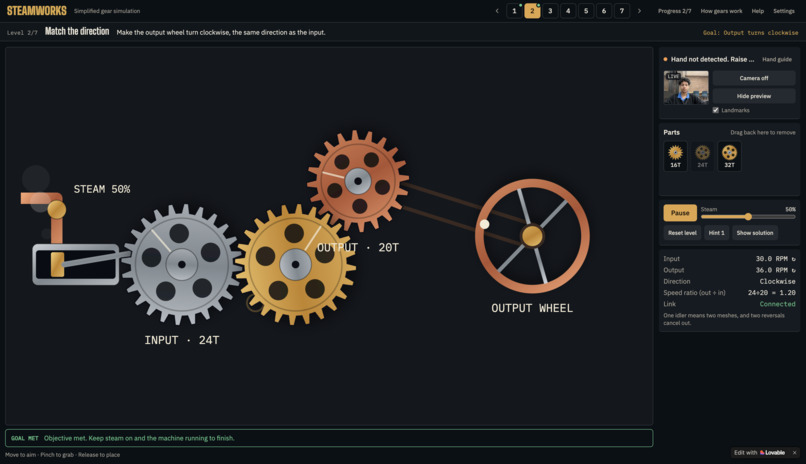
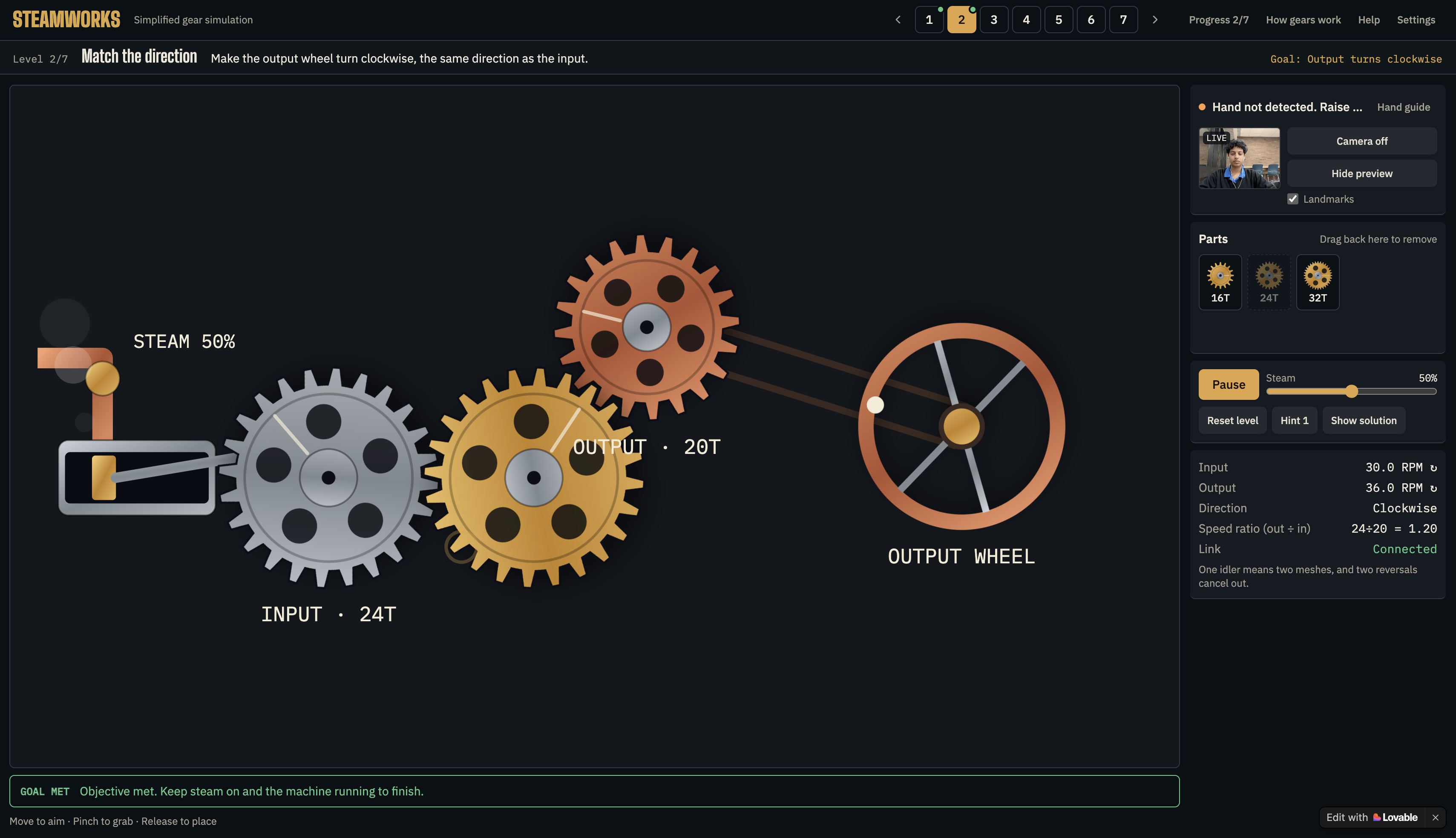
Puzzle 2 completed
-
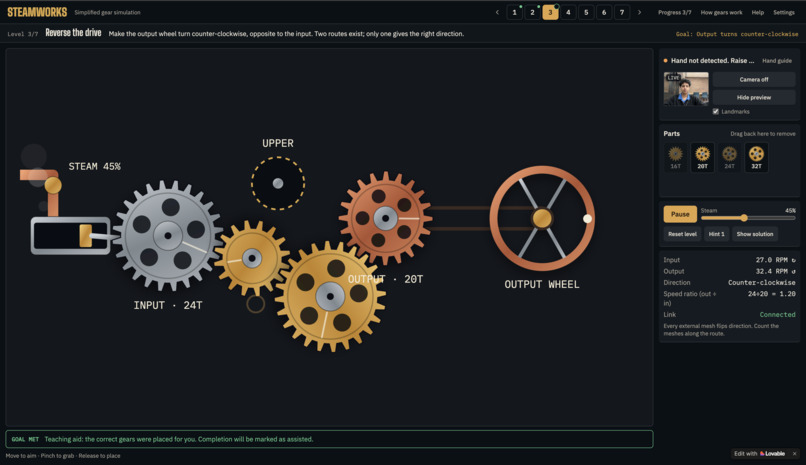
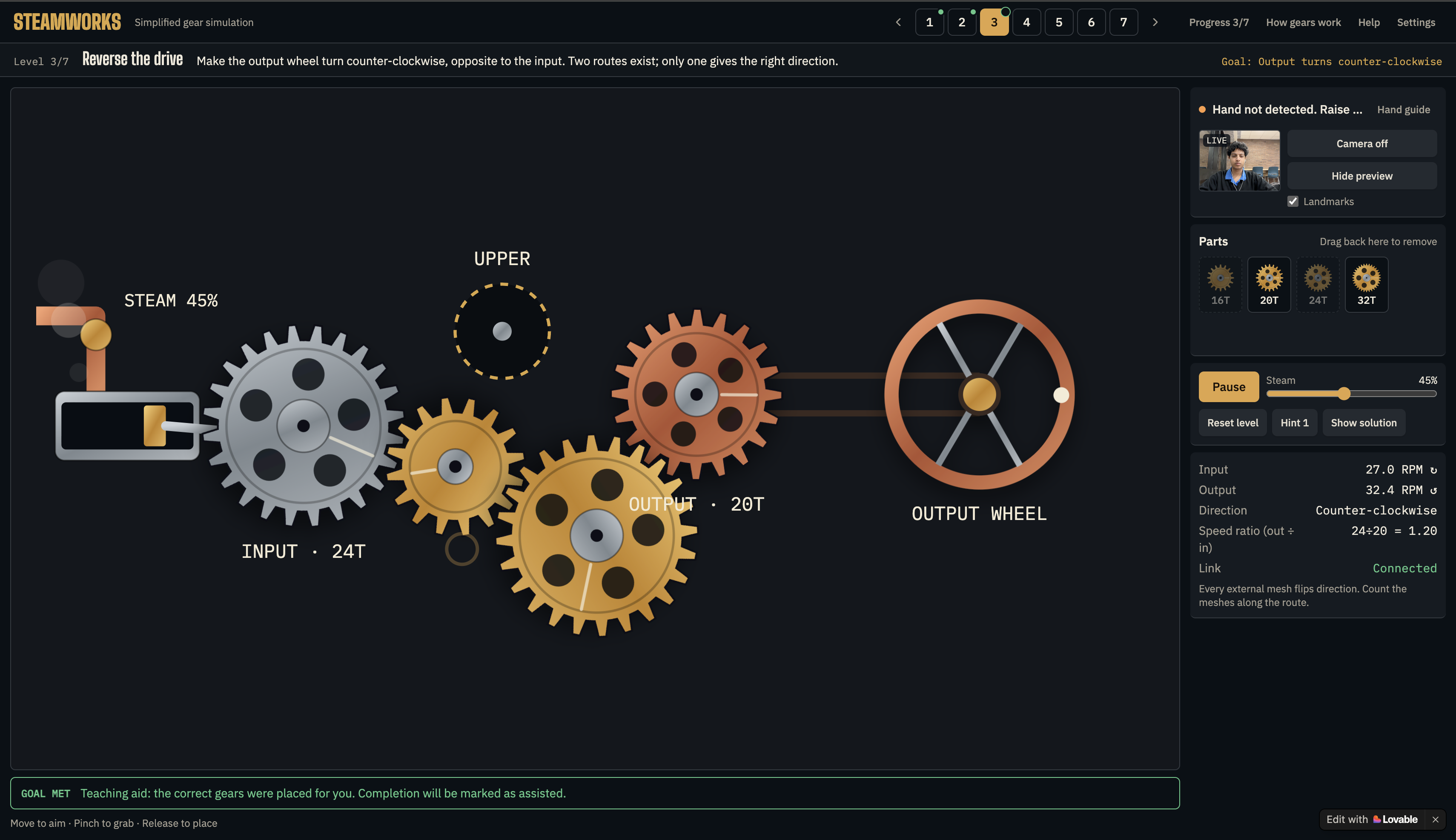
Puzzle 3 completed
-
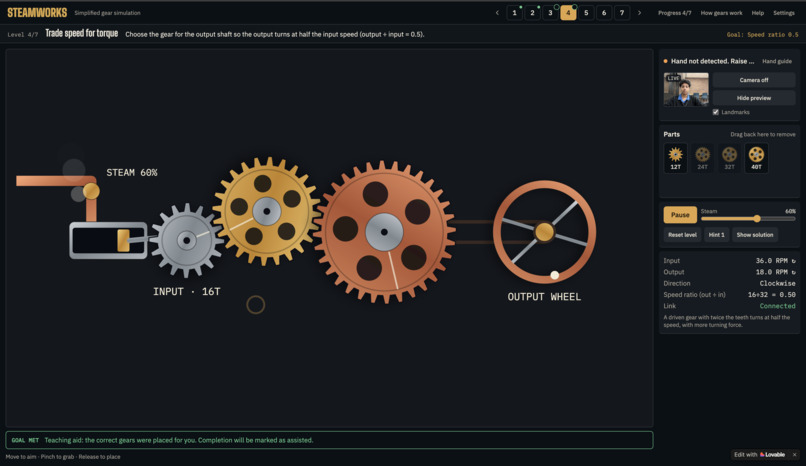
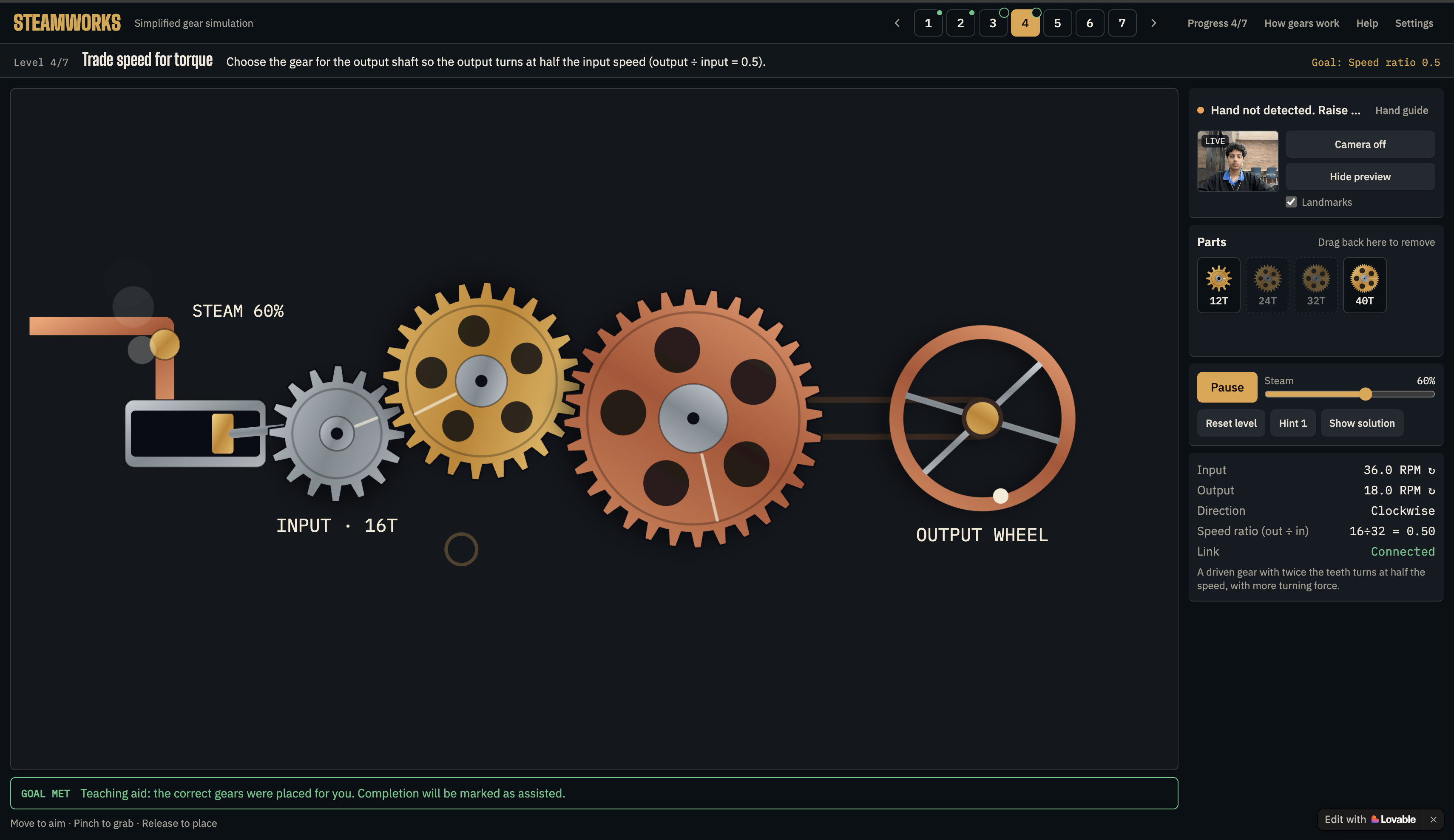
Puzzle 4 completed
-
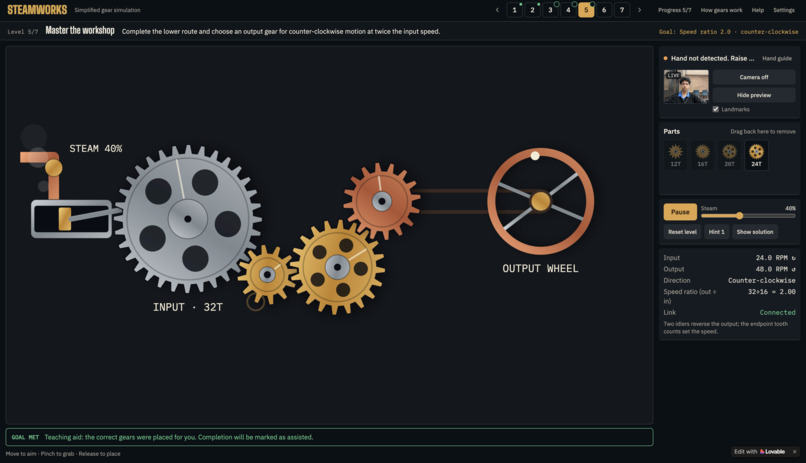
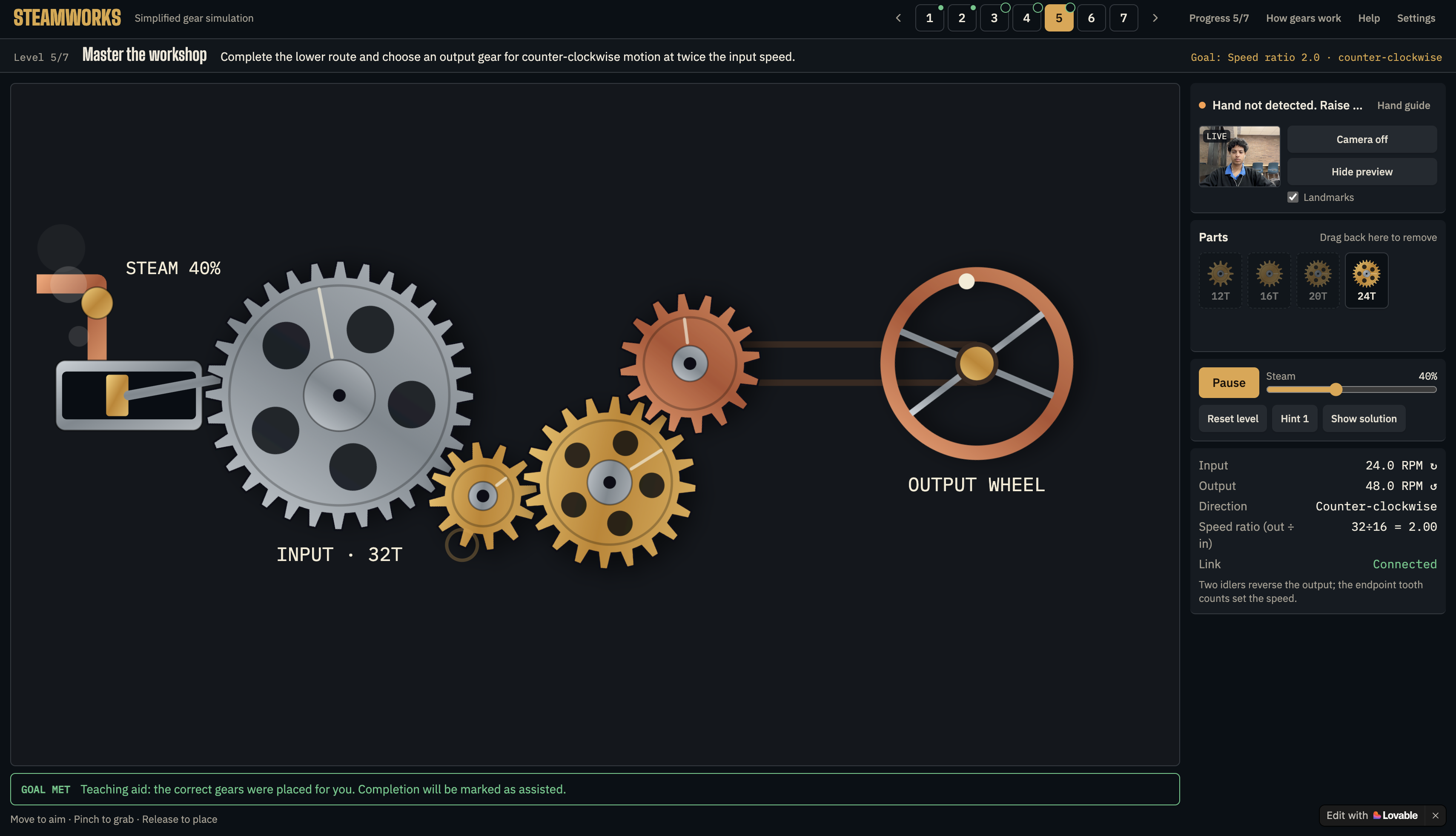
Puzzle 5 completed
-
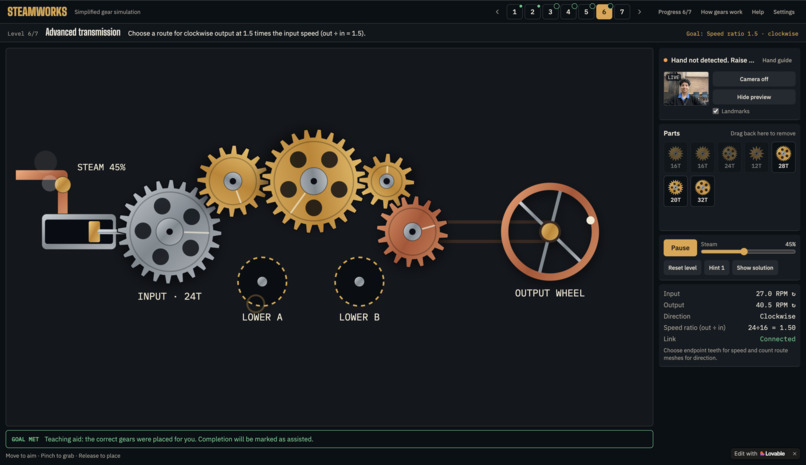
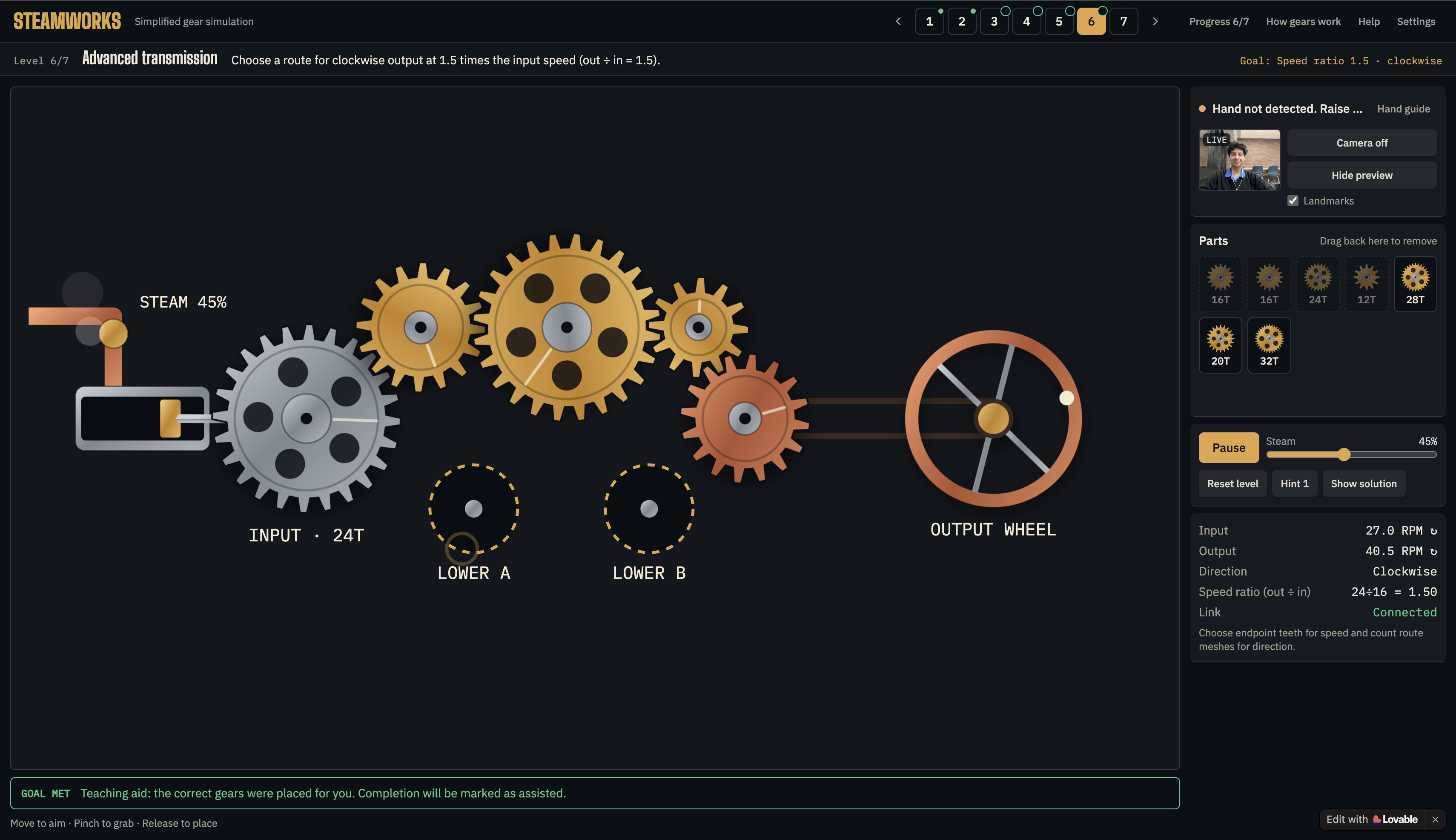
Puzzle 6 completed
-
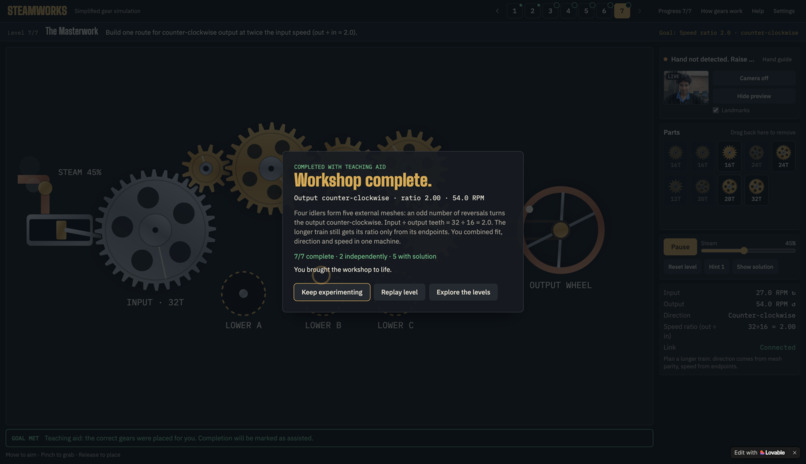
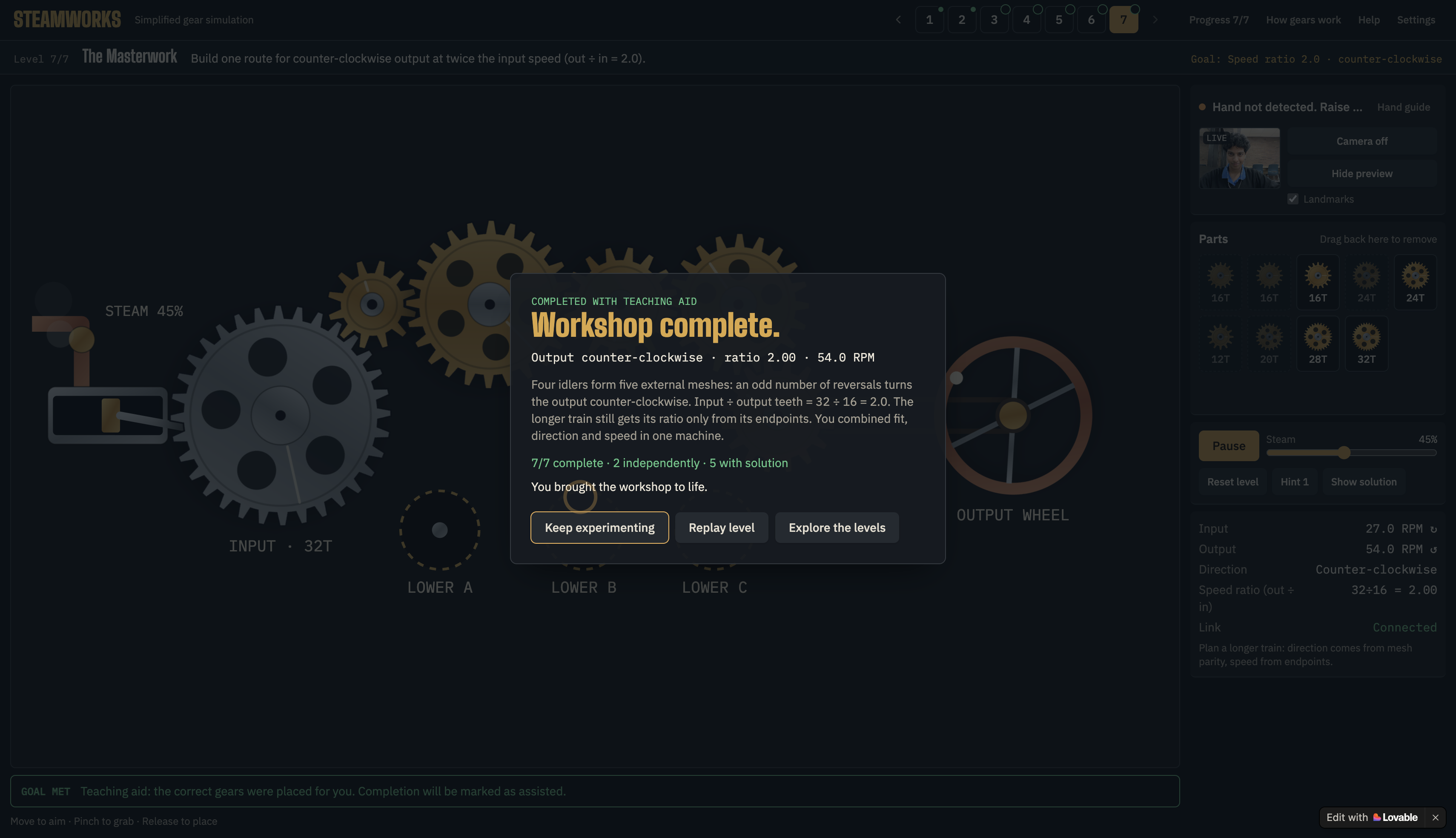
Puzzle 7 finished & Workshop completed
Inspiration
I wanted to make learning mechanics feel real, without a physical workshop. The “Steel and Steam” theme got me thinking about combining a steam-driven machine with something much more modern: camera hand tracking. Rather than simply reading about gears or watching an animation, players might reach out to the screen, pinch to grab a gear, and create a working machine. I had previously played around with hand-controlled visual interfaces, and this hackathon provided a fresh outlet for that interest: an interactive engineering puzzle game.
What it does
Steamworks is a web-based gear puzzle game in which you complete mechanical transmissions and bring a steam-powered workshop to life. Players select gears, position them in vacant sockets, tweak the simulated steam input, and watch the reaction of the associated mechanism. Challenges: Investigate connection, rotation direction, and gear ratios. The interface shows input/output speed, output direction, and connection status so players may relate their decisions to the machine’s behavior. The signature interaction is hand control with the webcam: move to aim, pinch to grip, and release to put. Camera controls are optional, including mouse, touch, and keyboard alternatives. The experience also features a hand control guide, level navigation, clues, a solution teaching aid, and a reset button for recreating the current problem.
How I built it
I developed Steamworks through an iterative, AI assisted development process using Lovable, with conversational AI guidance for product planning, implementation prompts and refinement. I led on the concept, feature scope, visual identity and revisions. I played the successive versions, and changed the layout, controls, instructions and difficulty progression based on what I saw in the application. The app mixes an interactive mechanical scene, a gear-connection model and webcam hand tracking. Conventional controls map to the same basic actions as hand gestures: selecting, moving, and placing parts. A key design choice was to go with authored puzzles with fixed sockets instead of attempting to create an open-ended engineering simulator. This kept the interaction focused and allowed clear mechanical goals to be communicated.
Challenges I ran into
The main challenge was to make a strange interaction understandable. Hand tracking needed more than a camera feed. Players needed clear instructions, a visible cursor, recognizable grab and release states, and useful placement feedback. Another difficulty was to make it look good and work well. The gears had to look connected, and the relations between their direction and speed had to make sense. Layout was also a big part of the process. The machine, camera preview, parts tray, controls, and telemetry, they all had to fit together, without forcing the player to scroll through a long webpage. And I had to manage scope finally. Once I focused on a complete gameplay loop instead of adding unrelated features, the project improved.
Accomplishments that I'm proud of
- Connecting the hackathon theme to the actual gameplay rather than only the visual styling.
- Turning webcam gestures into a meaningful way to interact with a machine.
- Combining a playable puzzle with explanations and mechanical feedback.
- Providing conventional controls instead of requiring camera access.
- Developing a distinctive workshop aesthetic and refining it into a cohesive experience.
What I learned
I realized that a great interaction is only as good as its users know how to use it. I also learned that separating input, game state and visual feedback is important. Both a hand gesture to pick up a gear and a mouse selection of that gear should result in the same underlying game action. The experience of working with AI development tools made me appreciate the need for specific requirements, small checks and honest descriptions of features. You’ve made an interface, but the hard part is making it behave consistently.
What's next for Steamworks
More players should test the game, hand-control calibration should be improved for various cameras and lighting situations, and the difficulty curve should be adjusted based on how players actually solve the puzzles. Future iterations may include more mechanically coherent challenges and opportunities to investigate gear relationships. Steamworks is not a professional engineering tool; rather, it is a simplified teaching simulation.
Built With
- css
- lovable
- mediapipe
- react
- svg
- tailwind
- typescript
- vite


Log in or sign up for Devpost to join the conversation.