Inspiration
3D printing is powerful but often requires high-performance desktops and heavy slicing applications like Cura. I wanted to make 3D printing more practical and portable, especially from a Steam Deck. By combining lightweight STL viewing, offline AI voice commands, and remote slicing, users can control 3D printing without waiting on slow desktop apps. The idea was to bring dynamic 3D model generation and printing to a handheld device with minimal friction.
What it does
Steam Print allows users to:
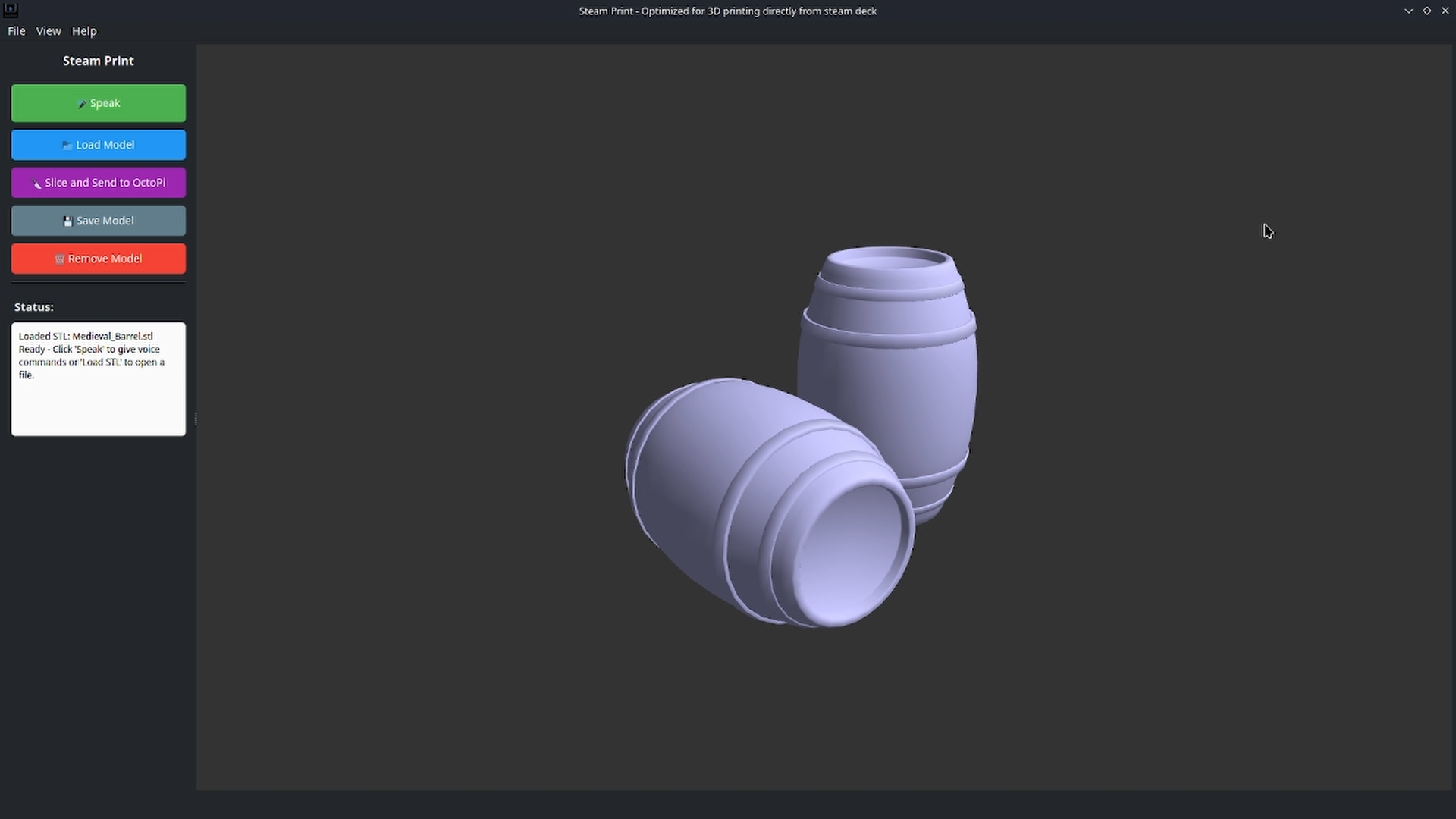
- Load, and view 3D models on the Steam Deck
- Use offline voice commands to interact with models and trigger actions
- Send voice prompts to a backend server running gpt-oss:20b or gpt-oss:120b, which dynamically generates 3D models based on AI instructions
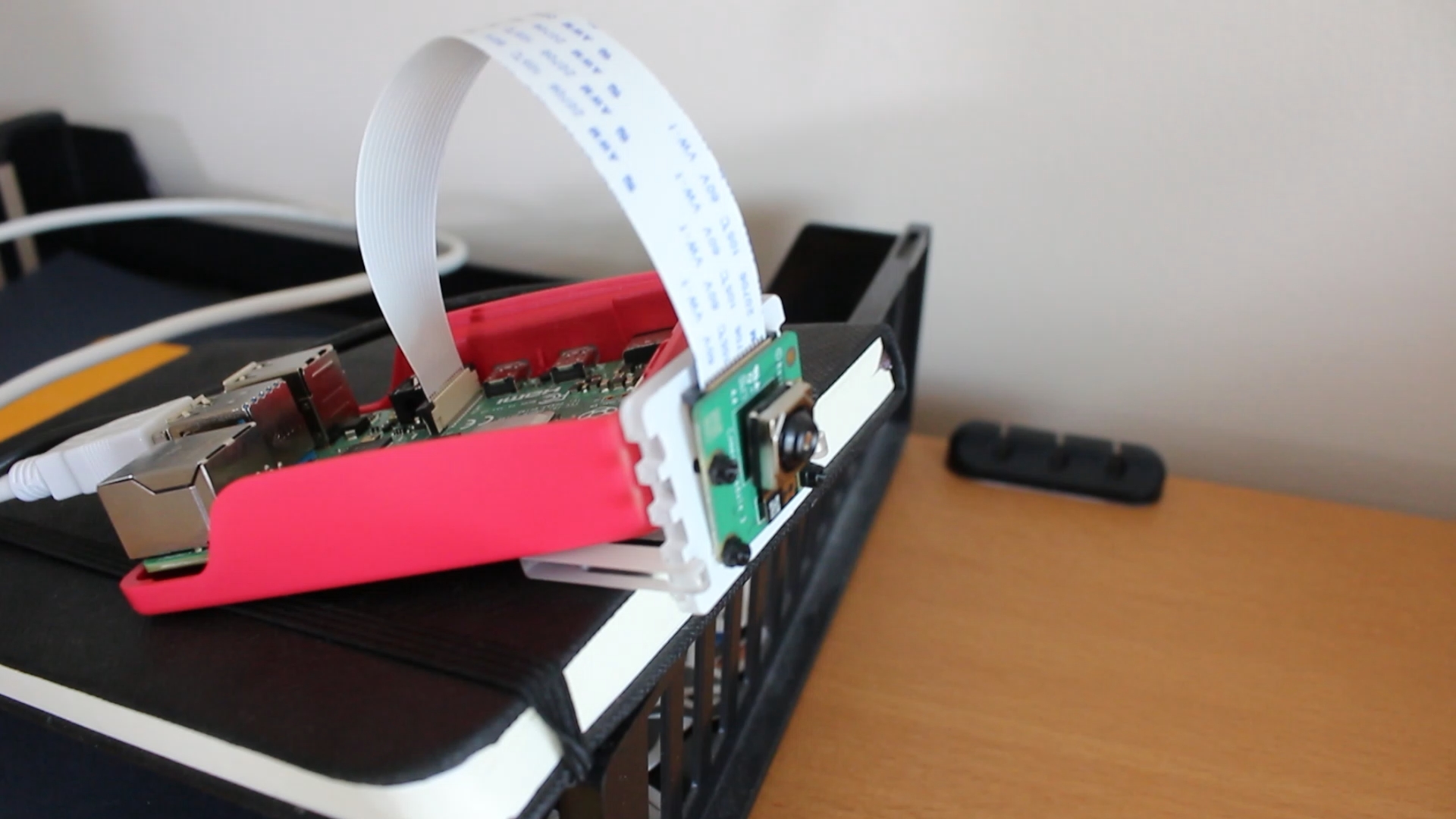
- Slice and upload models to OctoPi connected to a Raspberry Pi with camera monitoring
- Control 3D printing entirely from a handheld, touch-friendly interface
This makes 3D printing faster, more interactive, and portable.
How it was built
- Frontend: PySide6 for GUI, OpenGL and trimesh for 3D visualization, sounddevice and vosk for offline speech recognition
- Backend: Flask server that receives voice prompts from the Steam Deck, runs gpt-oss:20b or gpt-oss:120b to generate STL models dynamically, and returns them to the client
- Printing integration: OctoPi API to send sliced models to the 3D printer, with progress monitored via a camera module
- Threaded workers: All long-running tasks (server requests, slicing, printing) run in background threads to keep UI responsive
Challenges
- Concurrency issues: Multiple threads for voice recognition, server requests, and slicing initially caused crashes
- Steam Deck performance: Even lightweight STL files could lag, so optimized 3D rendering and file handling
- Offline voice recognition: Ensuring Vosk worked reliably on Linux/Steam Deck without constant internet
- Real-time printing feedback: Integrating OctoPi and camera monitoring while maintaining smooth UI updates
Accomplishments
- Dynamic AI-driven 3D model generation directly from the Steam Deck
- Seamless voice-to-print workflow without heavy desktop software
- Touch-optimized 3D viewer with smooth interaction on Steam Deck
- Successfully integrated OctoPi slicing and monitoring from a handheld device
- Robust threading architecture allowing multiple background tasks without UI crashes
What I learned
- How to efficiently manage threaded operations in PySide6 for a responsive GUI
- Integrating a large language model (gpt-oss:120b) for real-time 3D content creation
- Optimizing STL loading and 3D rendering for limited hardware
- Building a modular frontend-backend system for AI-assisted 3D printing
- Practical challenges of combining voice recognition, model generation, and 3D printing into one streamlined workflow
What's next for Steam Print
- Enhanced slicing controls directly from the Steam Deck
- Multi-format support (OBJ, 3MF, PLY) for broader 3D model compatibility
- AI-assisted print optimization: adjusting orientation, supports, and print parameters automatically
- Cloud integration: fetch and generate models from online repositories
- Expanded voice commands and model editing tools for fully hands-free 3D printing
- Multi-device monitoring: allow multiple Steam Decks or devices to queue prints and monitor remotely
Built With
- flask
- gpt-oss:20b
- json
- linux-(steam-deck/arch-linux)
- numpy
- octopi-api
- opengl
- pyside6
- python-3.8+
- qfiledialog
- qthread-(pyside6)
- raspberry-pi
- shutil
- sounddevice
- threading
- trimesh
- vosk


Log in or sign up for Devpost to join the conversation.