Inspiration
The inspiration behind this project was to understand how real-world websites are hosted on cloud infrastructure instead of local machines. I wanted to learn how companies deploy scalable web applications using cloud services. While learning AWS, I became interested in Amazon EC2 and decided to build a live web design project hosted on a cloud server.
What it does
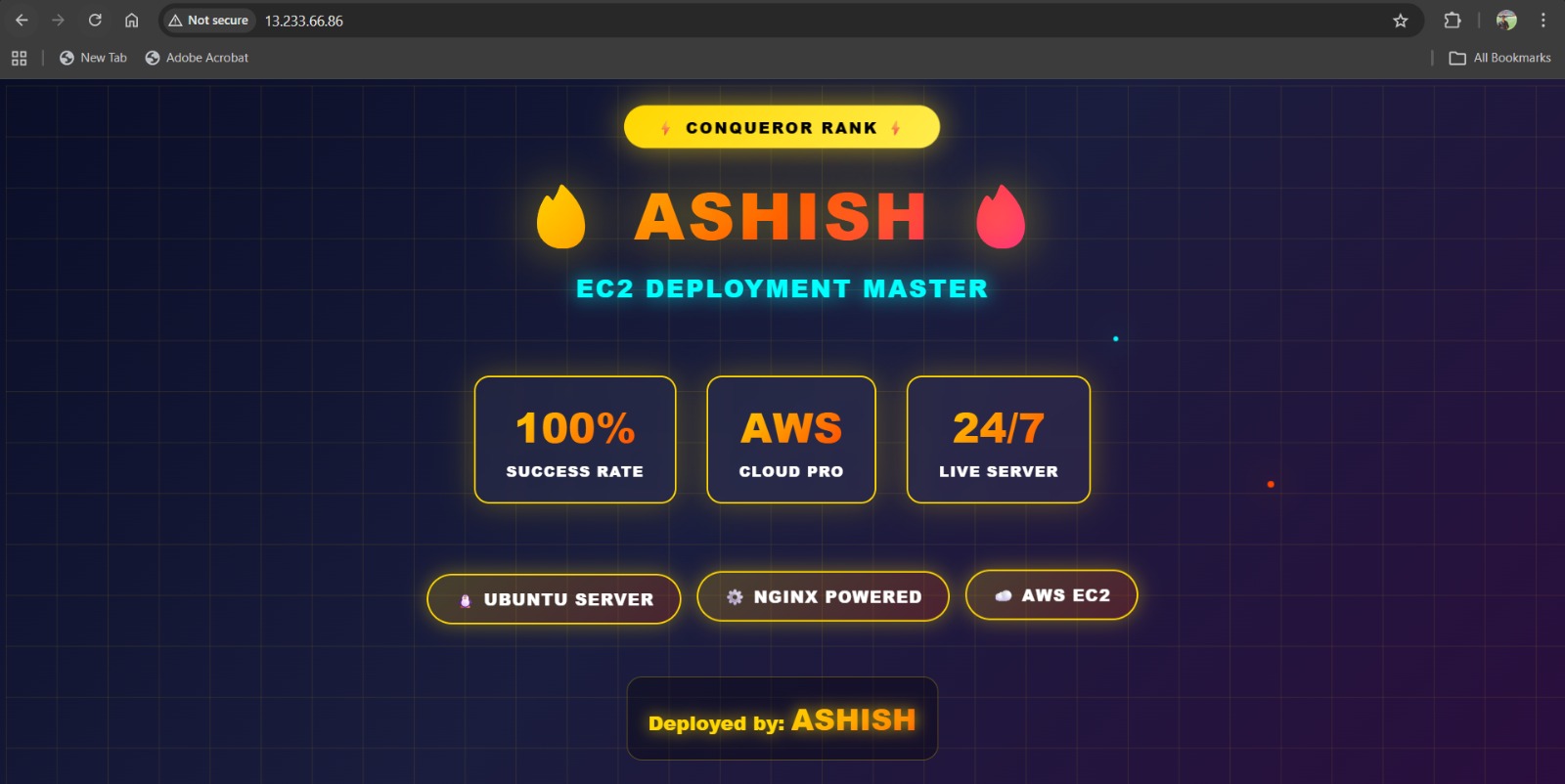
In this project, I created a responsive web design and deployed it on an AWS EC2 instance. The website was developed using HTML, CSS, and basic frontend concepts, and then hosted on a Linux-based EC2 virtual machine. The goal was to make the website publicly accessible through the internet using a public IP address.
How we built it
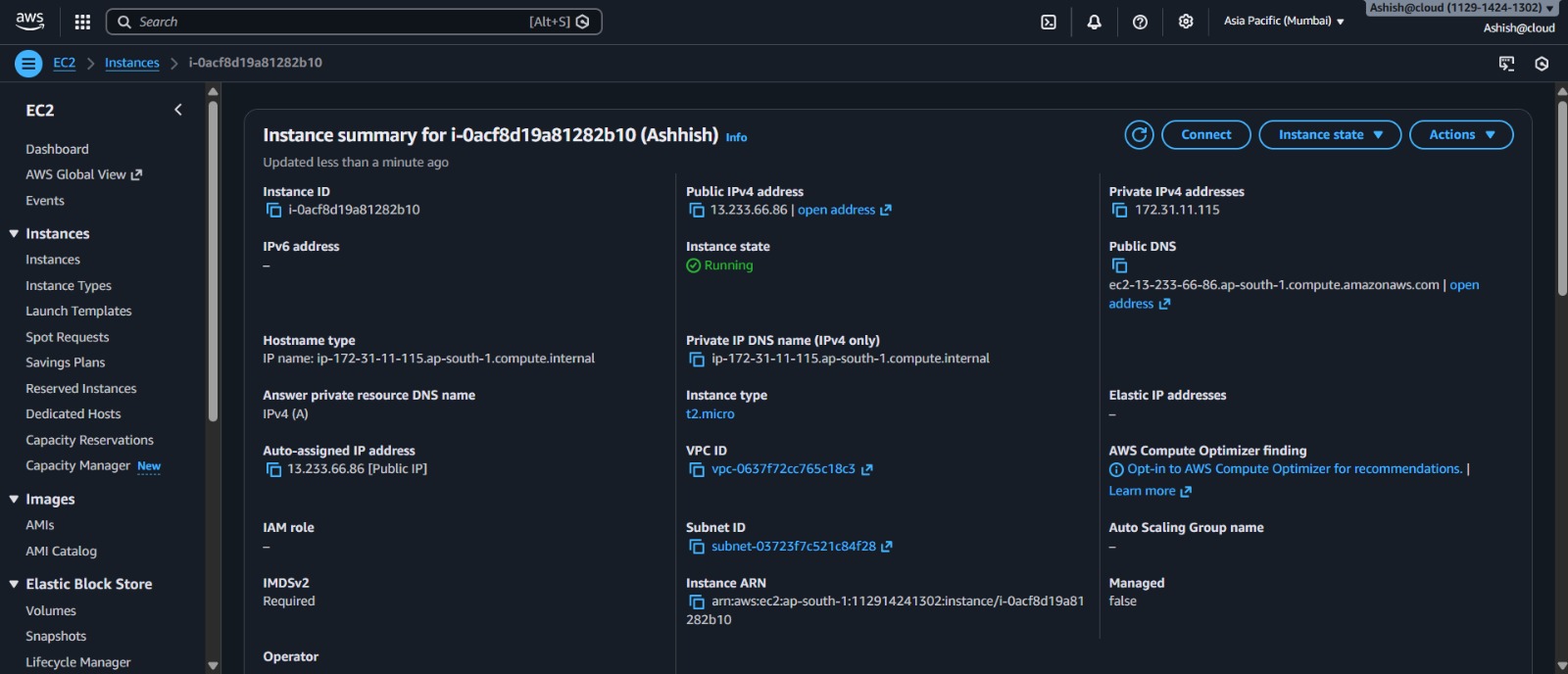
Launched an EC2 instance using a Linux operating system.
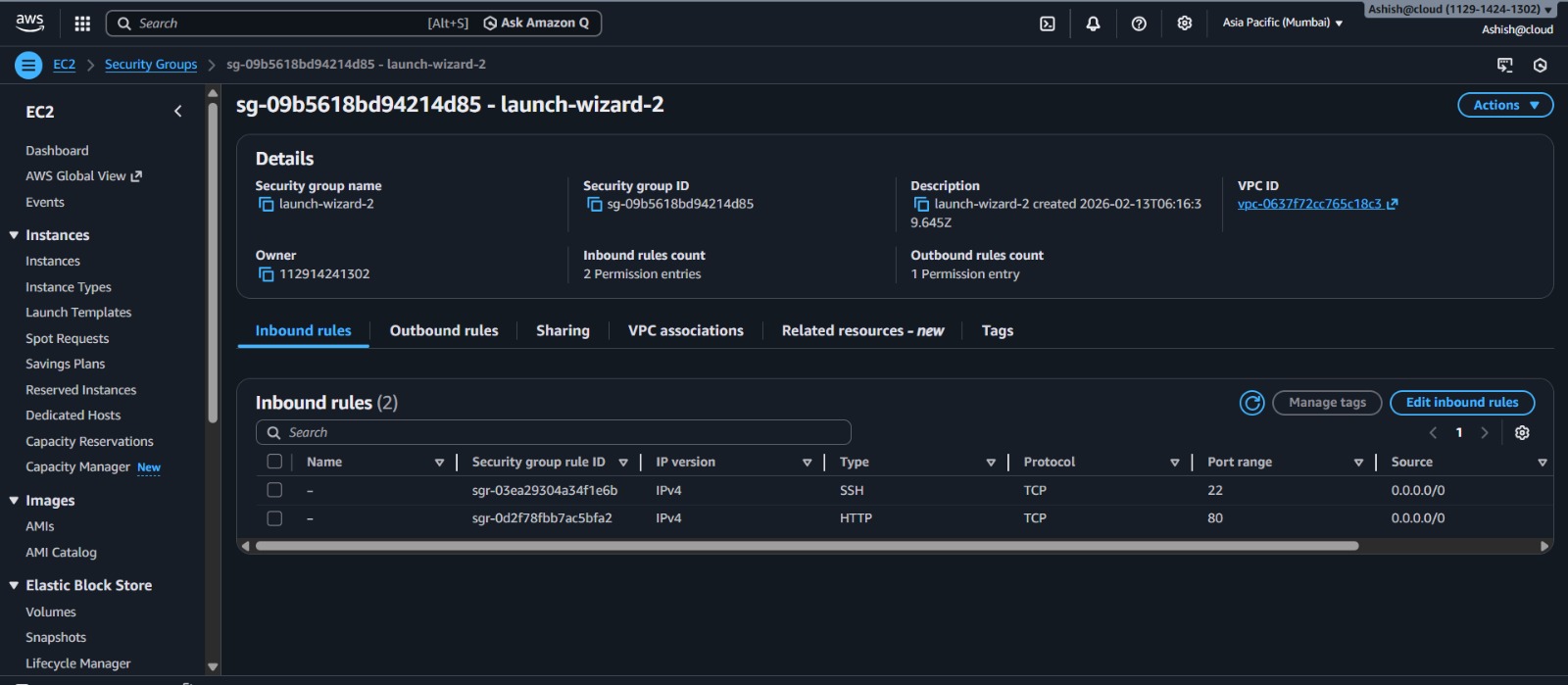
Configured security groups to allow HTTP and SSH access.
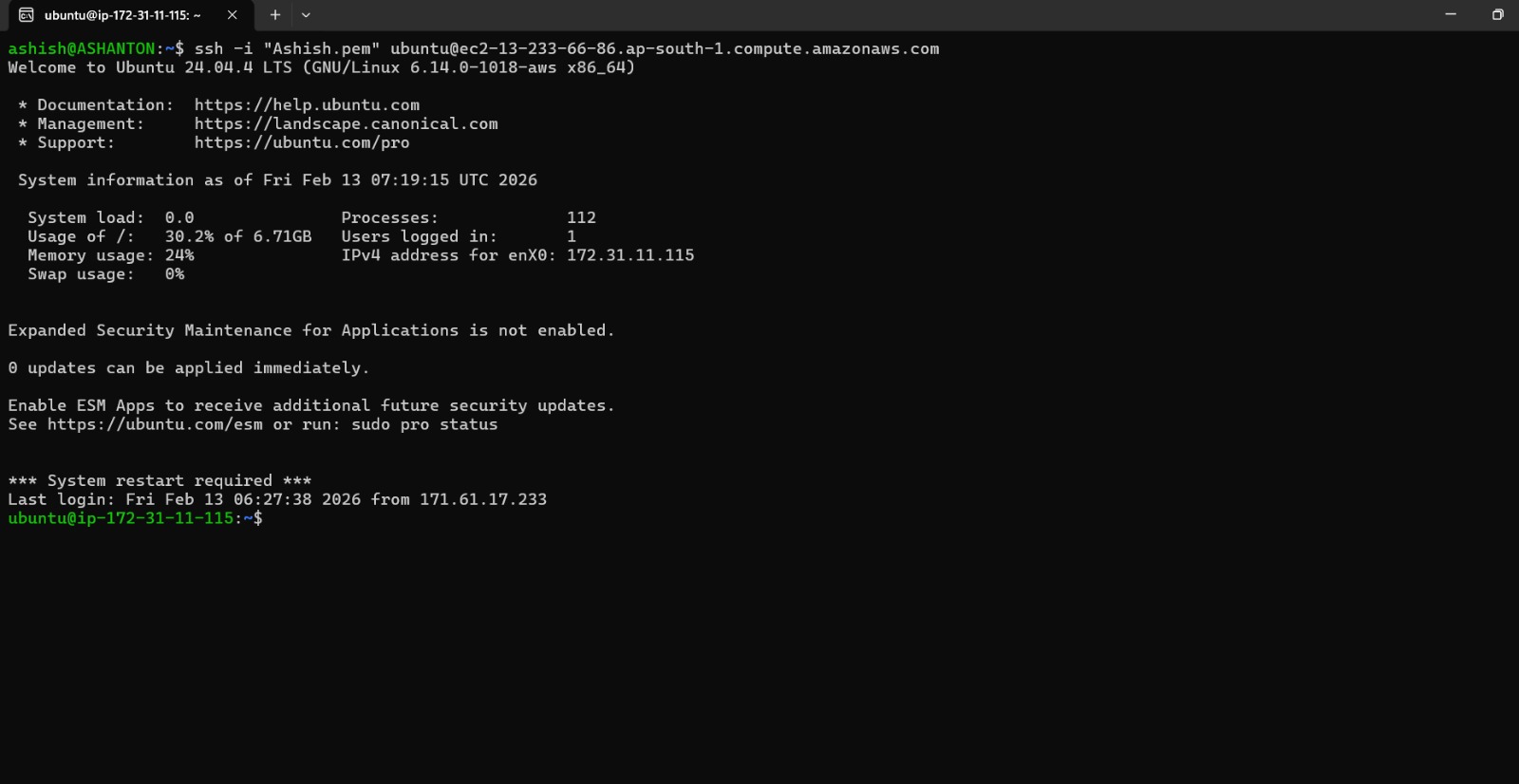
Connected to the instance using SSH.
Installed a web server (Apache/Nginx).
Uploaded website files to the server directory.
Configured permissions and verified deployment through a browser.
This process helped me understand cloud deployment architecture and server configuratio
Challenges we ran into
Initial difficulty in connecting to the EC2 instance using SSH.
Understanding security groups and port permissions.
File permission issues while uploading website files.
Debugging server configuration errors.
Each challenge improved my troubleshooting and cloud networking knowledge.
Accomplishments that we're proud of
Basics of cloud computing and virtual servers.
EC2 instance setup and management.
Web server installation and configuration.
Networking concepts like public IP, ports, and security groups.
Real-world website deployment workflow.
What's next for static ebsite
This project gave me hands-on experience in deploying a web application on cloud infrastructure. It strengthened my understanding of AWS EC2 and helped bridge the gap between web development and cloud computing.
Built With
- amazon-web-services
- csss
- ec2
- html
- luinux
- networking
- python
- securitygroup
- storage


Log in or sign up for Devpost to join the conversation.