-
-
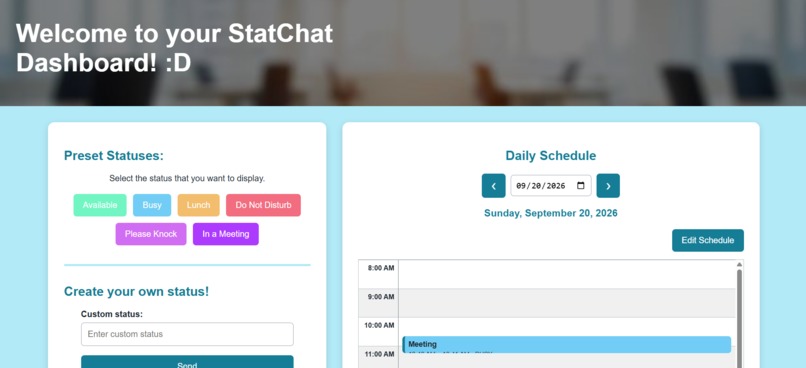
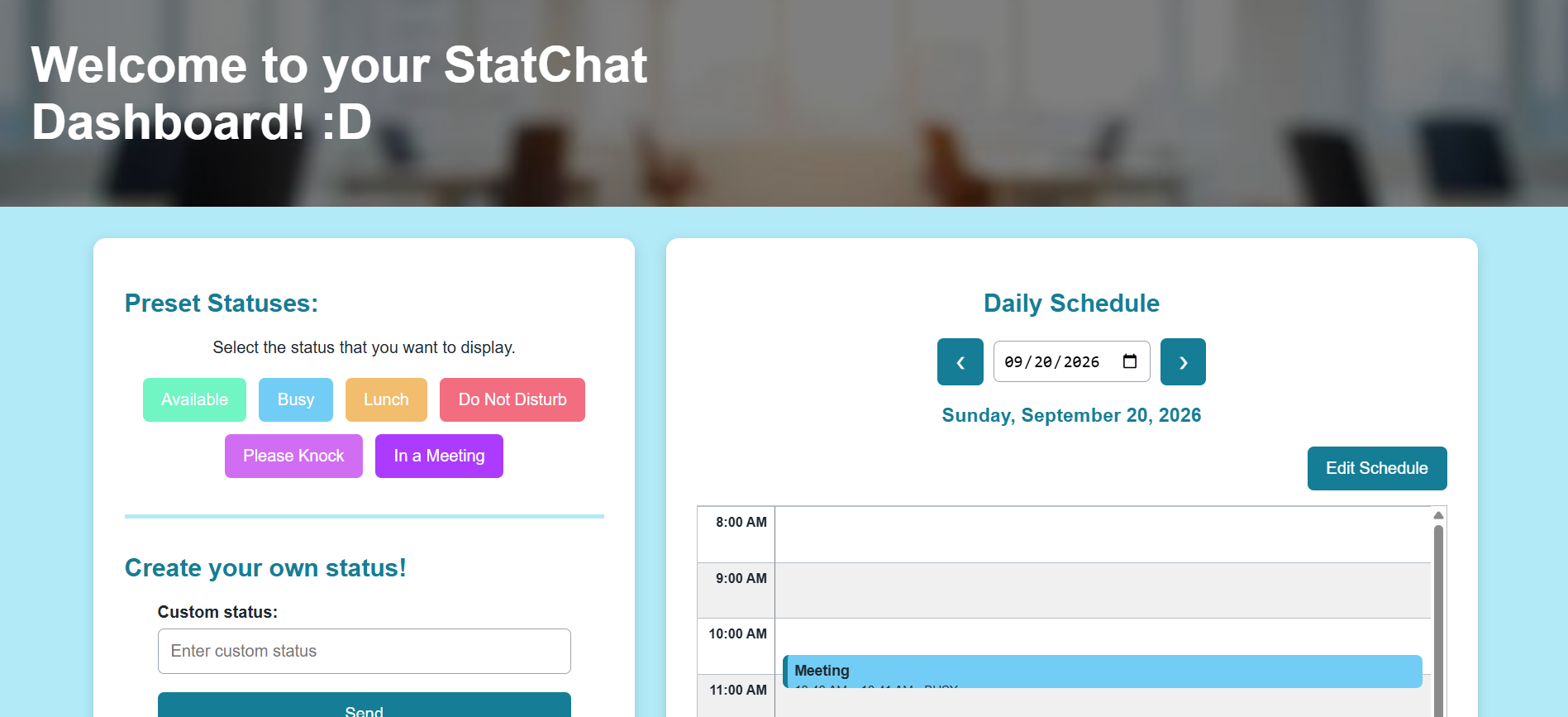
website ui
-
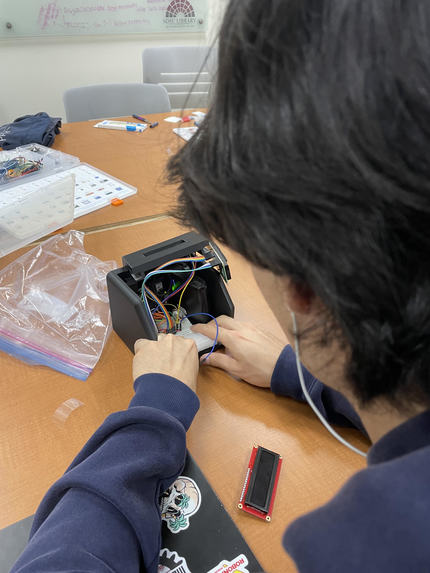
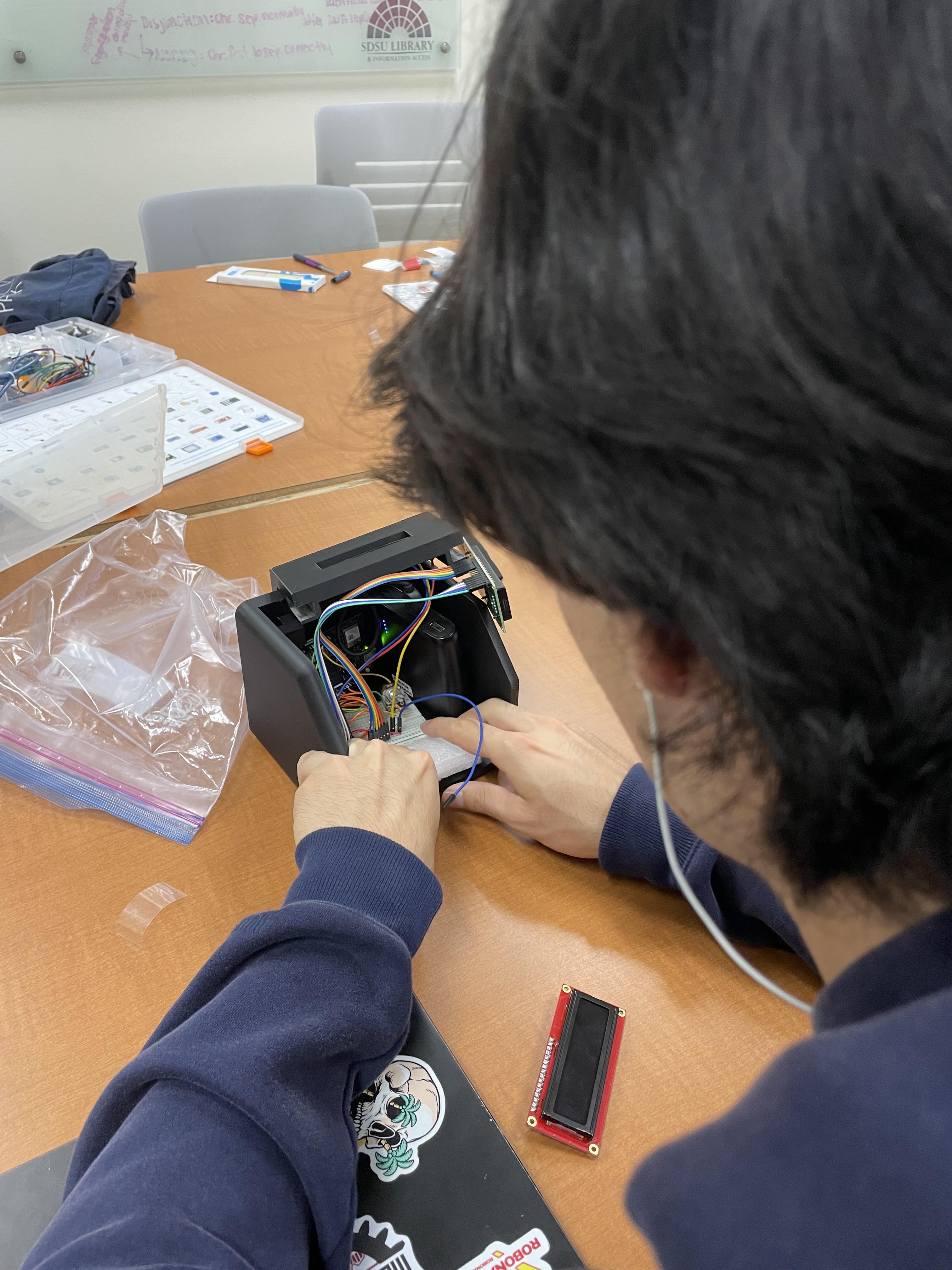
hardware integration into the housing
-
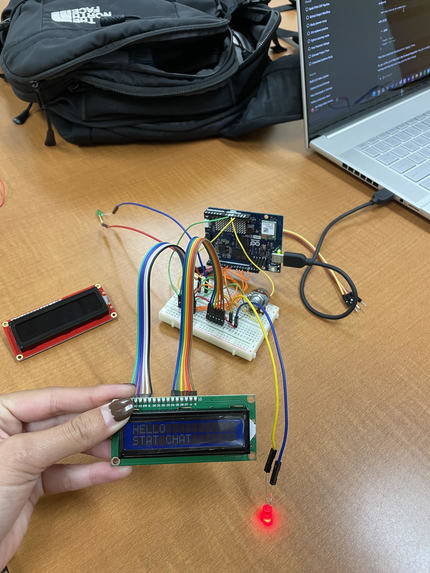
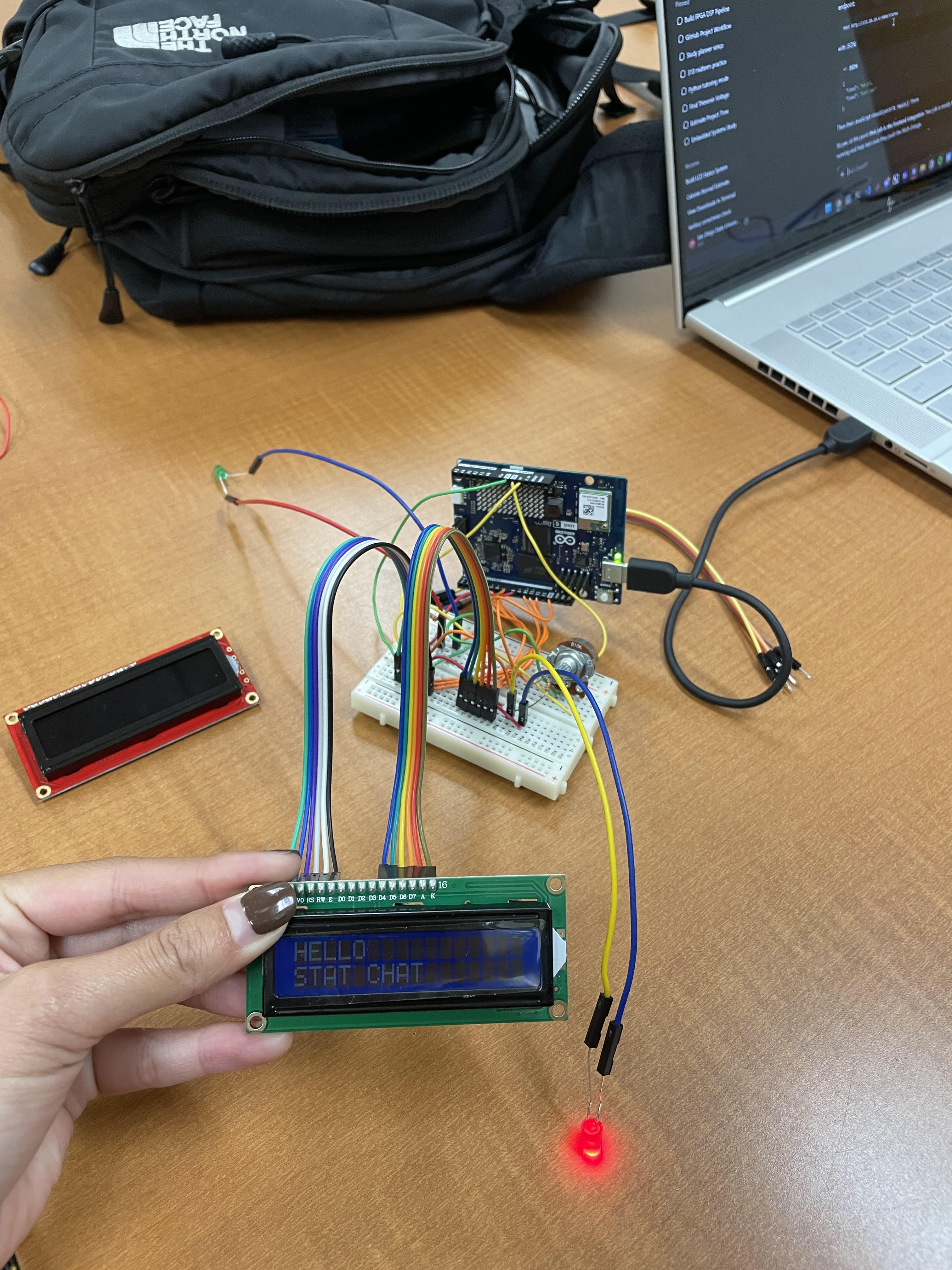
circuitry and firmware testing
-
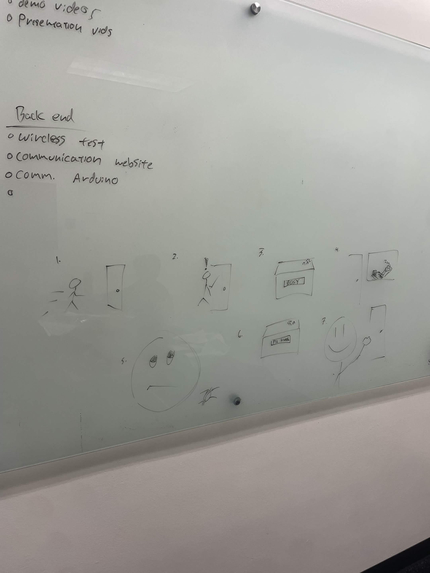
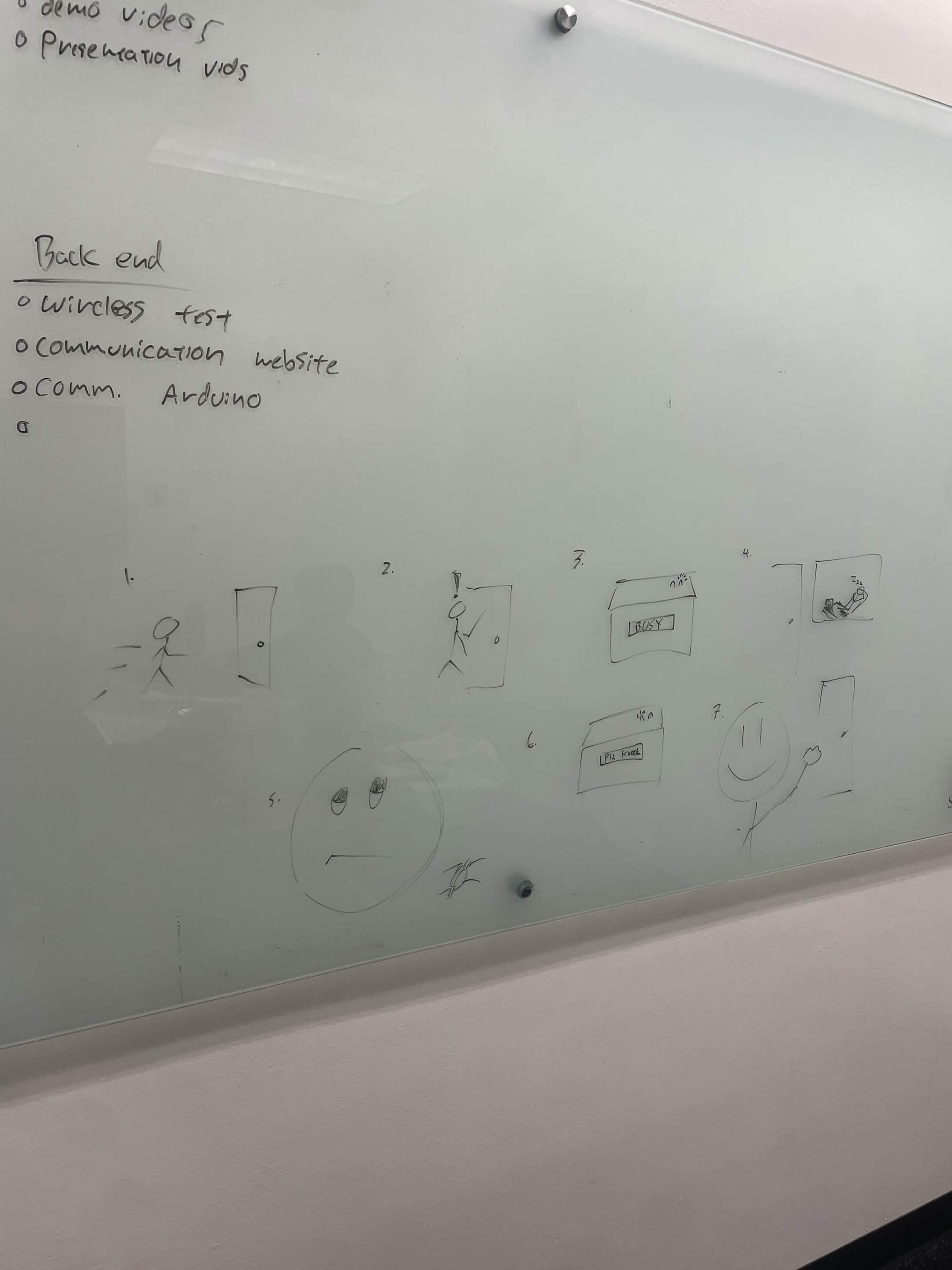
skit planning
Inspiration
StatChat was inspired by students arriving at office hours without knowing whether an instructor is actually available. This uncertainty can be especially inconvenient for commuter students and others with limited time on campus.
What it does
StatChat allows an instructor to select a status from a web dashboard and display it on a physical LCD outside their office. Available statuses include Available, Busy, Lunch, Do Not Disturb, and Please Knock.
How we built it
We created the interface using HTML, CSS, and JavaScript, with a Flask backend handling status updates. The backend communicates through Arduino Router Bridge with an Arduino UNO Q, which controls the LCD and status LEDs.
Challenges we ran into
Our main challenges were connecting the website to the Arduino, troubleshooting the LCD wiring, and working within the display’s 16-character limit. We also struggled to provide enough stable power for the Arduino UNO Q and its Wi-Fi capabilities using a 9 V battery, so we had to quickly find a USB-C power bank that could power the full system reliably.
Accomplishments that we're proud of
We are proud that we integrated web development, backend programming, embedded firmware, and physical hardware into one prototype. We successfully sent messages from Python to the Arduino and displayed them on the LCD.
What we learned
We learned how communication works between a web interface, Python backend, and microcontroller. We also gained experience with Flask, Arduino Router Bridge, GPIO wiring, LCD control, and debugging a system with both hardware and software.
What's next for StatChat
A future version could use a lower-cost Wi-Fi-enabled microcontroller, such as an ESP32, instead of the more expensive Arduino UNO Q used for our prototype. We would also add remote status viewing, automatic return times, a virtual queue, and a compact enclosure for installation outside an office.


Log in or sign up for Devpost to join the conversation.