Overwatch Stats Tracker
A Full Stack stats tracker made for the game Overwatch using Vue.js, Node.js, Express.js and tracker.gg's Overwatch API. It allows users to look up different player's stats across Battlenet, Xbox, and PlayStation Network. The stats tracker functions as follows:
Search Page
This is the initial page when the web application is loaded. It will prompt the user to select the platform the account is on, and input the username (along with a Battletag code if the user is on Battlenet). When submitted, the web application will pass the data to the API and return the relevant player's data if found. Else, it will display an error page prompting the user to go back.

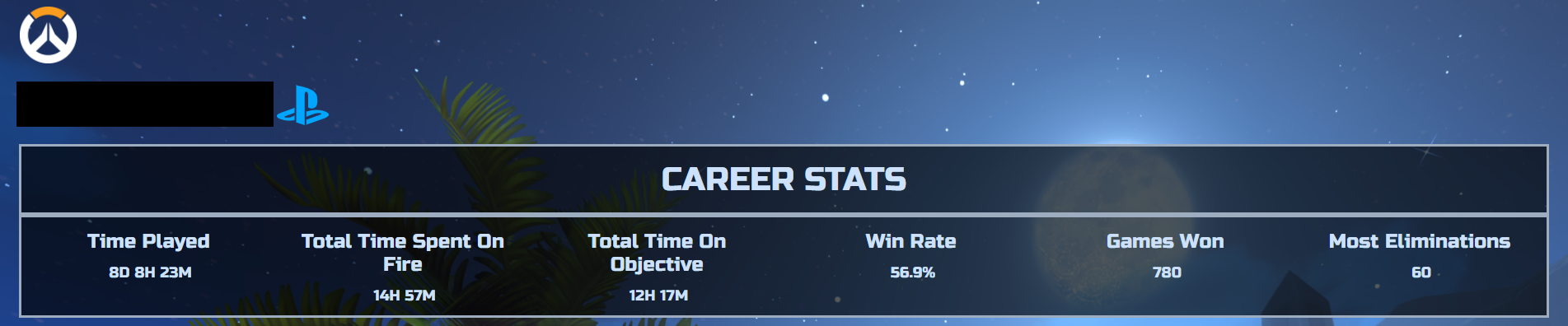
Career Stats
The name of the player and the platform they are on is displayed here. There is a summary of what the player has achieved, such as time played, games won, and the winrate.
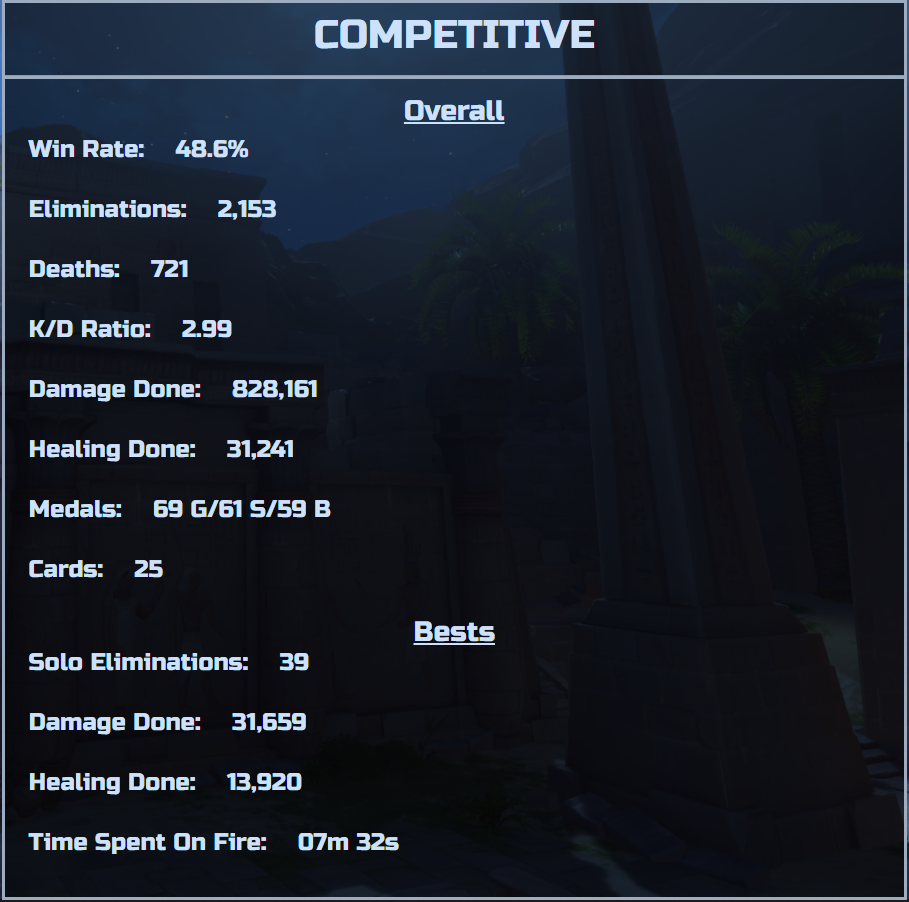
Quickplay/Competitive Stats
These are the stats the player has achieved in the respective game modes. Some of their best game achievements are also included.

To Run The App
After navigating to the project's directory you must run:
npm install
This installs the dependencies the project uses. Then, run:
npm run dev
This runs the front end and the backend concurrently and you will be able to test the app. You will be given a link in the terminal and by navigating to that link in your
browser, you can view the app.

Log in or sign up for Devpost to join the conversation.