-
-
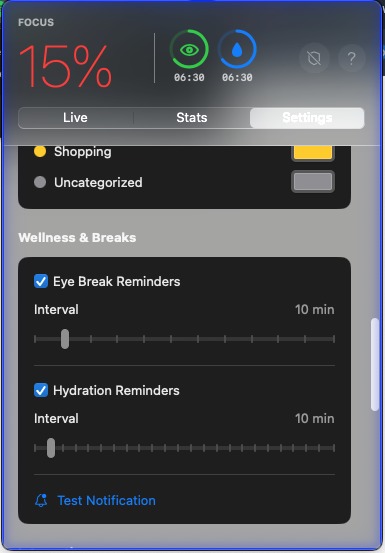
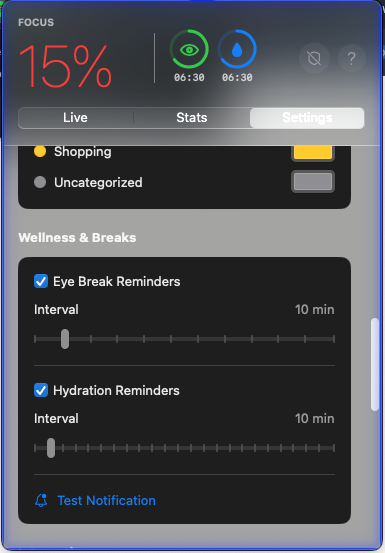
Settings menu
-
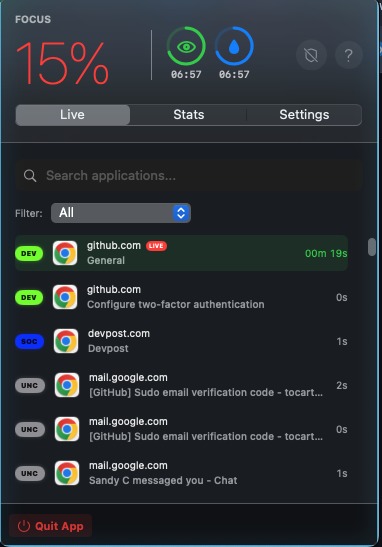
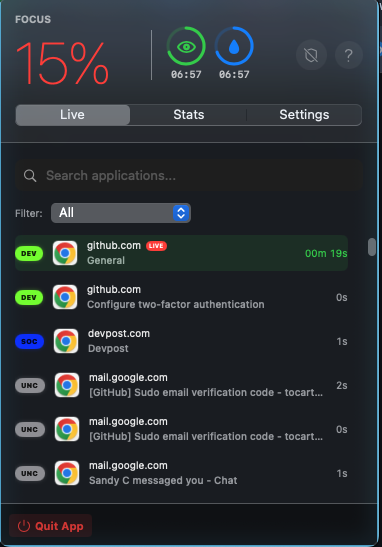
Live Menu
-
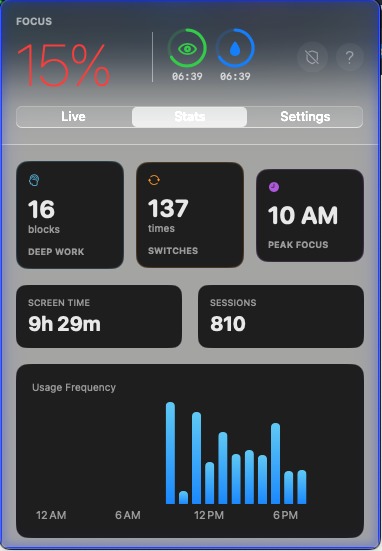
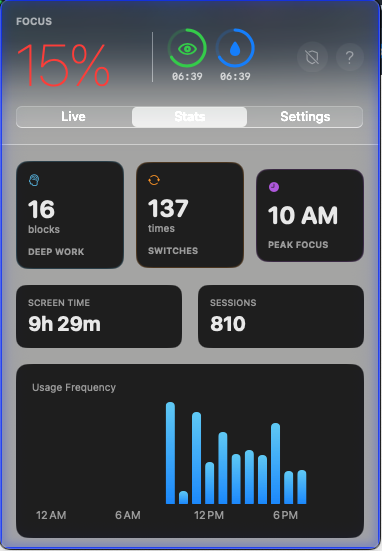
Stats Menu
-
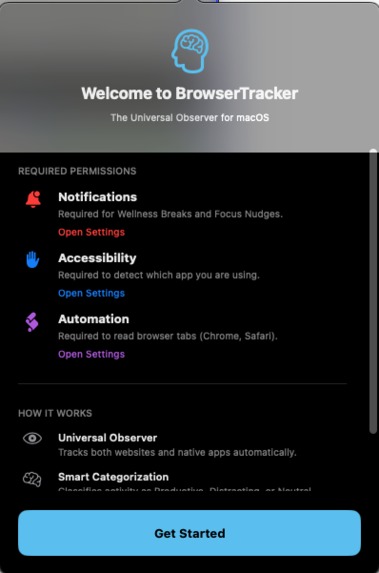
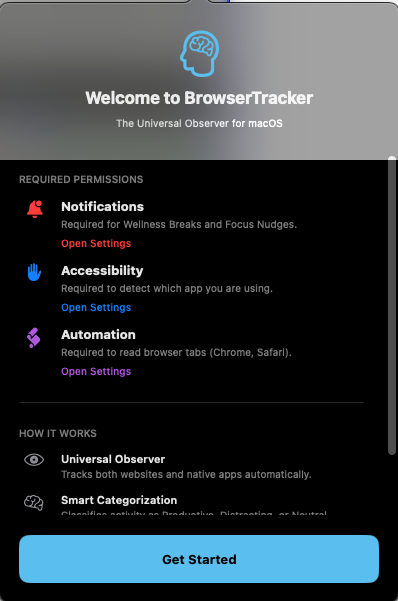
Welcome menu
Inspiration
I saw my friends (and myself) constantly getting distracted, even after we'd set up several screen blockers. They all had a different issue, they were either too easy to bypass, annoying with their best features being hidden behind paywalls or popups, or they completely ignored the physical toll of sitting at a desk all day. I wanted to build something that felt less like a "digital prison" and more like a personal health and focus coach, completely free and actually smart enough to know when I'm working vs. when I'm just scrolling.
What it does
Stasis is a system-wide macOS HUD that provides real-time accountability and physical wellness management:
Active Context Monitoring: It doesn't just block sites; it categorizes every tab and native app (like Trae, Discord, or Spotify) using local semantic analysis to show you exactly where your time is leaking.
The "Aura" Feedback: A color-coded border surrounds your active workspace—Blue for focus and Red for distraction—giving you an immediate visual "nudge" to get back on track.
Wellness Guard: Built-in, customizable reminders for hydration and eye breaks (the 20-20-20 rule) to prevent burnout and long-term strain.
Cross-Profile Tracking: Unlike many browser-based tools, Stasis tracks across multiple Chrome profiles and native desktop apps, making it impossible to "hide" from your own stats.
How we built it
I built Stasis using Swift and SwiftUI for a native macOS experience.
The Watcher: I utilized NSWorkspace observers and the Accessibility API to pull window titles and app metadata in real-time.
Intelligence: Instead of slow, paid APIs, I implemented a Heuristic Keyword Engine that analyzes window titles (like "Shopping Cart" or "Pull Request") to auto-categorize sites locally.
The UI: I focused on a Dark Obsidian Frosted Glass aesthetic, ensuring the HUD remains high-density and professional without cluttering the screen.
Challenges we ran into
The biggest hurdle was Multi-Browser & Native App Telemetry. Getting Safari, Chrome, and native IDEs like Trae to all report their active status accurately required a complex mix of AppleScript and system-level event listeners. I also had to optimize the "polling" interval, since if it was too fast, it would drain the battery, too slow and it misses the "YouTube Shorts" detours. I eventually settled on a live updating system that keeps track of your tabs and shows you the data in real time.
Accomplishments that we're proud of
I’m most proud of the Zero-Bypass Tracking. It was incredibly satisfying to get the app to successfully detect when I switched from a "Work" Chrome profile to a "Personal" one and have it instantly flip the Aura from Blue to Red. I’m also proud of the High-Density UI, I was able to fit a To-Do list, a Statistics dashboard, and Wellness reminders all into a single, sleek menu-bar HUD.
What we learned
I learned that Productivity is a physical game. It’s not just about blocking Reddit; it’s about drinking water and resting your eyes so you have the brainpower to actually work. I was also able to learn lots about a different coding language, Swift, and brought up my apps UI significantly in SwiftUI state management, while also learning the deep "internals" of how macOS manages window focus and accessibility permissions.
What's next for Stasis
I want to implement Local LLM Categorization (using a small Llama or Apple Intelligence model) to make the auto-tagging even smarter. I also plan to add "Focus Streaks", giving users with a "glowing" UI evolution the longer they stay hydrated and on-task. Eventually, I want Stasis to be the default "Operating System for Focus" for every student and developer on Mac, and will publish it under my families LLC.

Log in or sign up for Devpost to join the conversation.