-
-
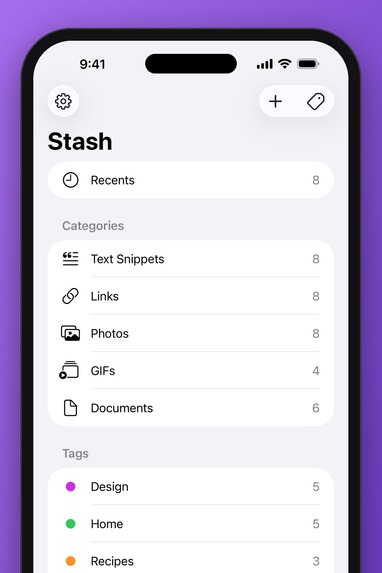
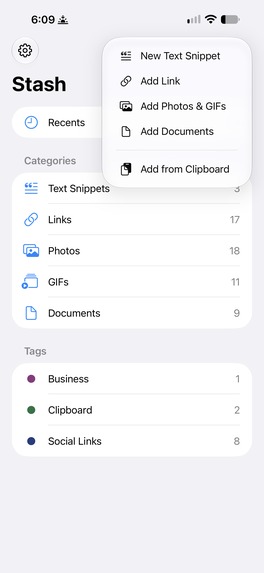
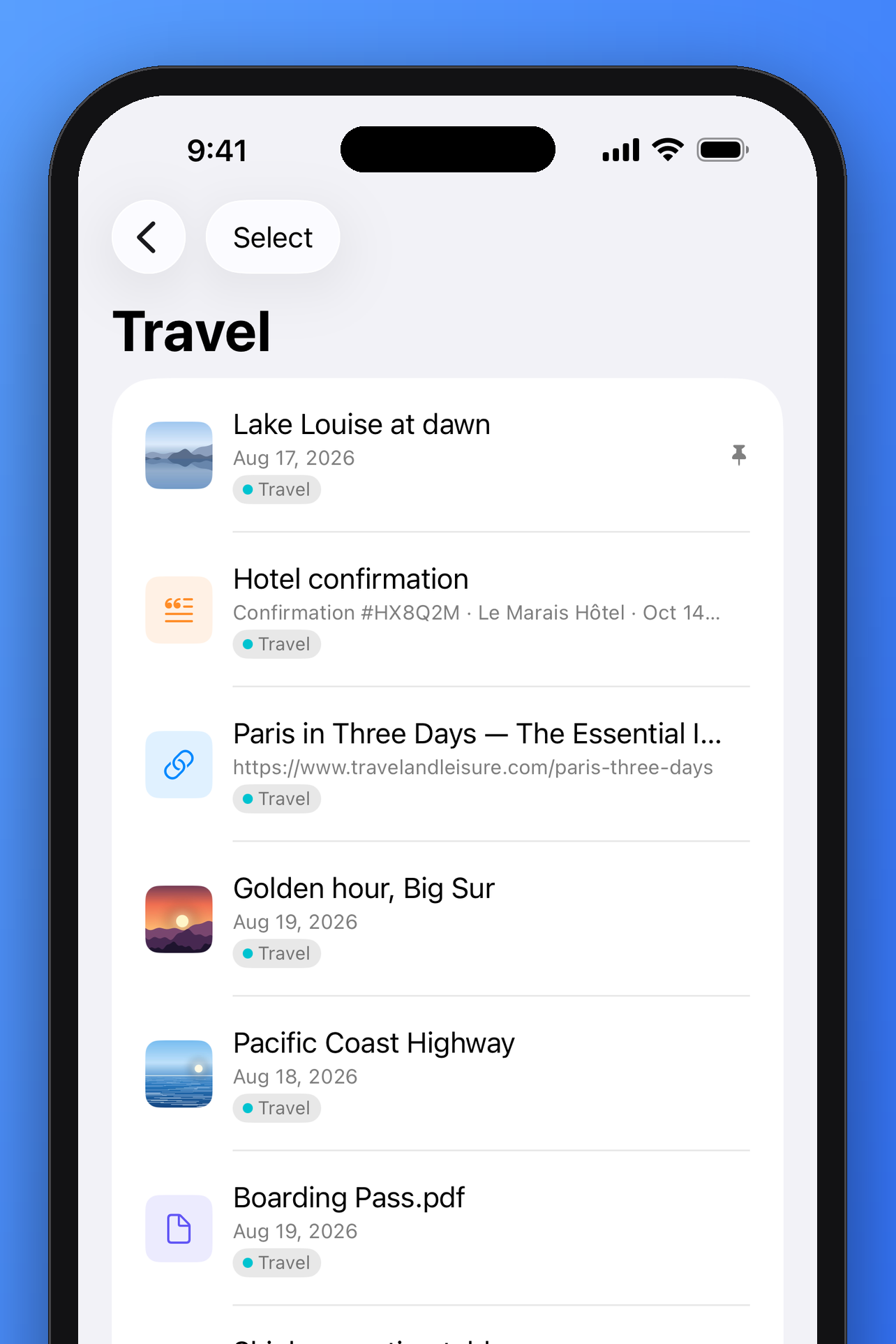
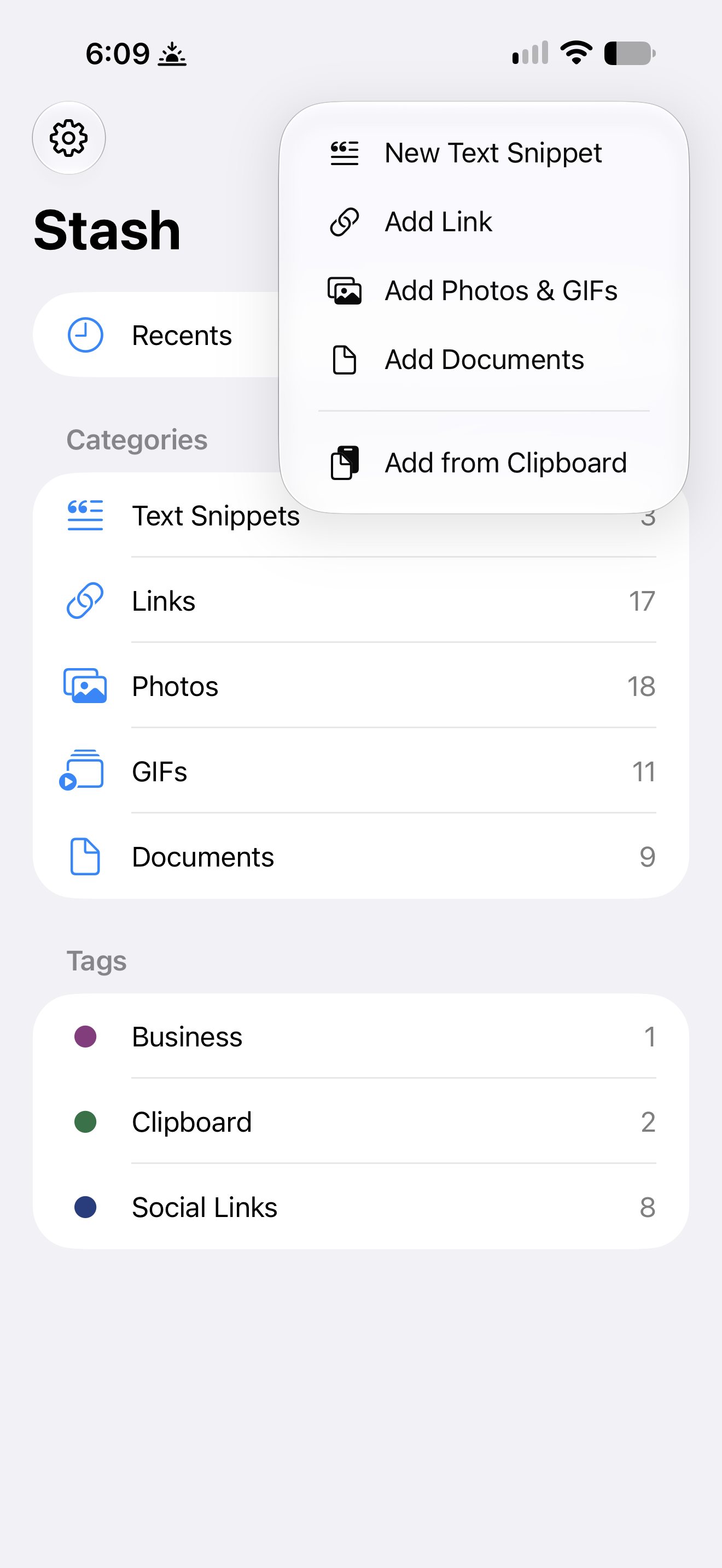
Stash for iPhone, navigation
-
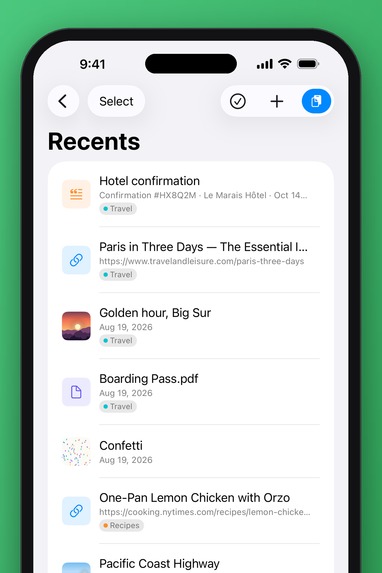
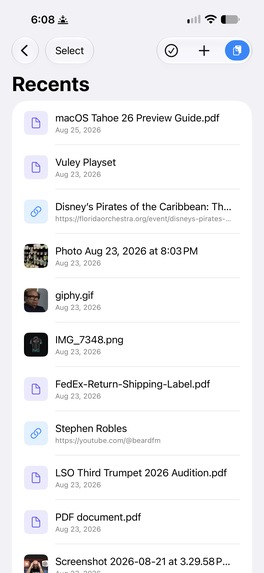
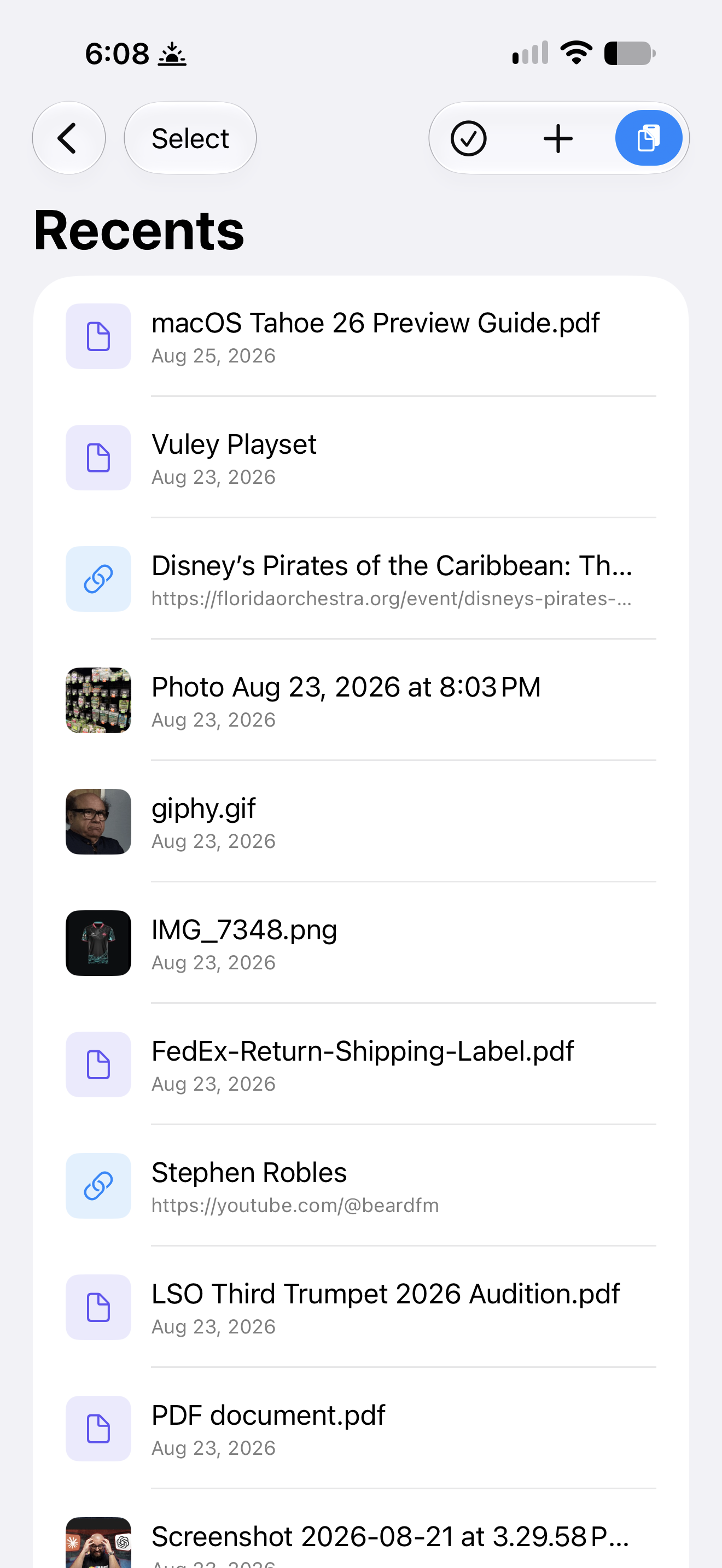
Stash for iPhone, recents
-
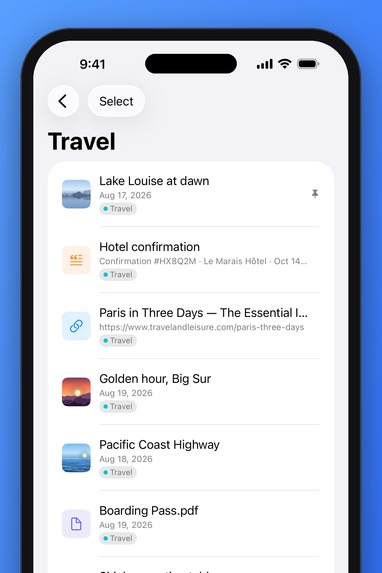
Stash for iPhone, Tag
-
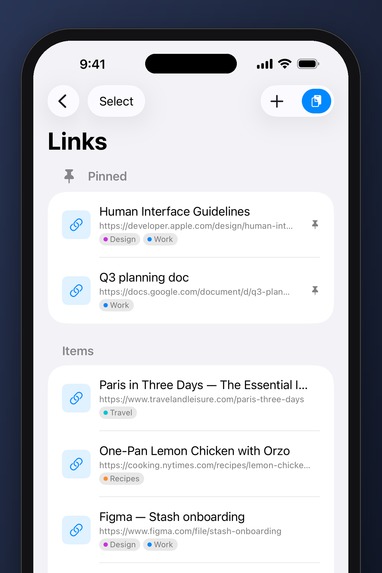
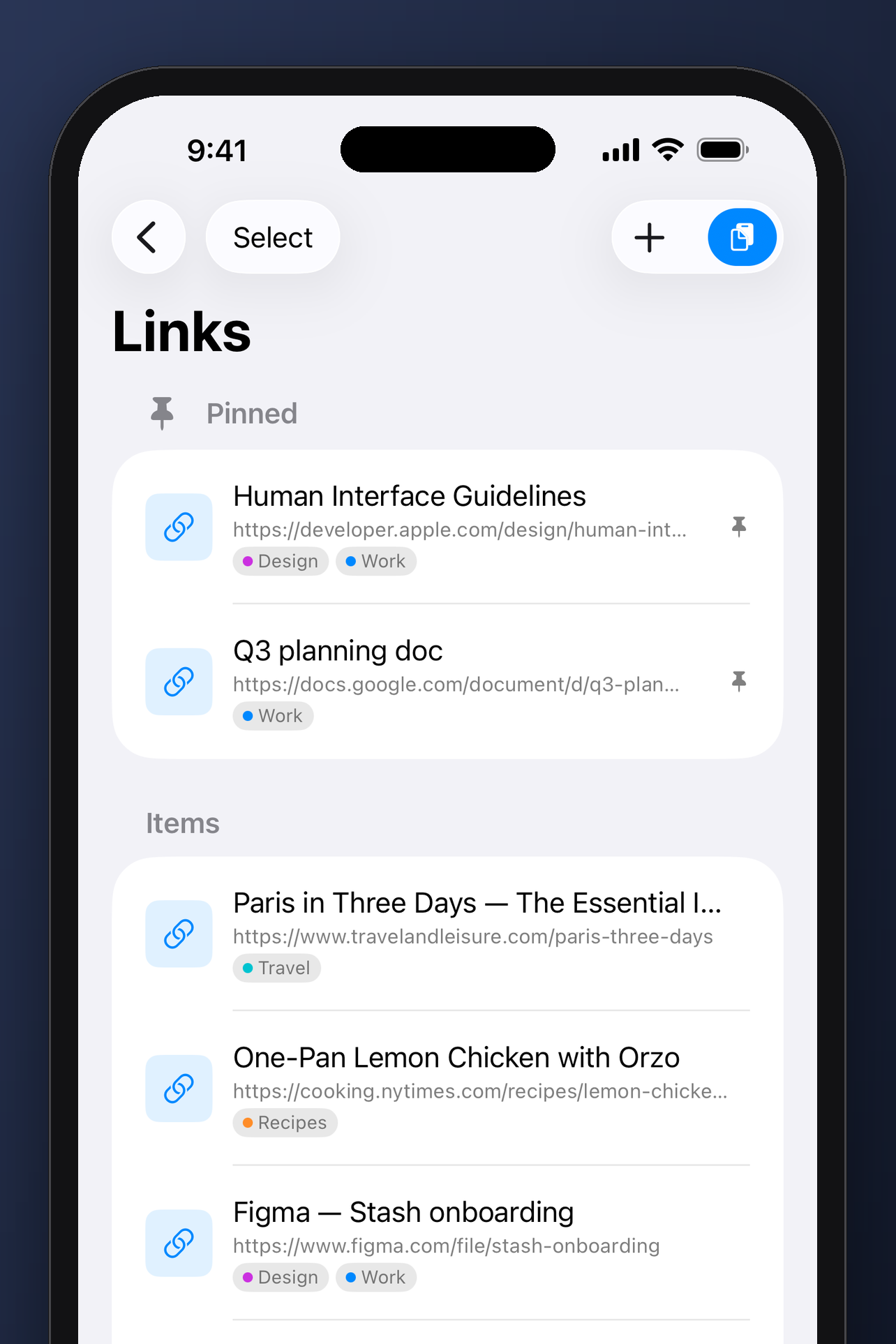
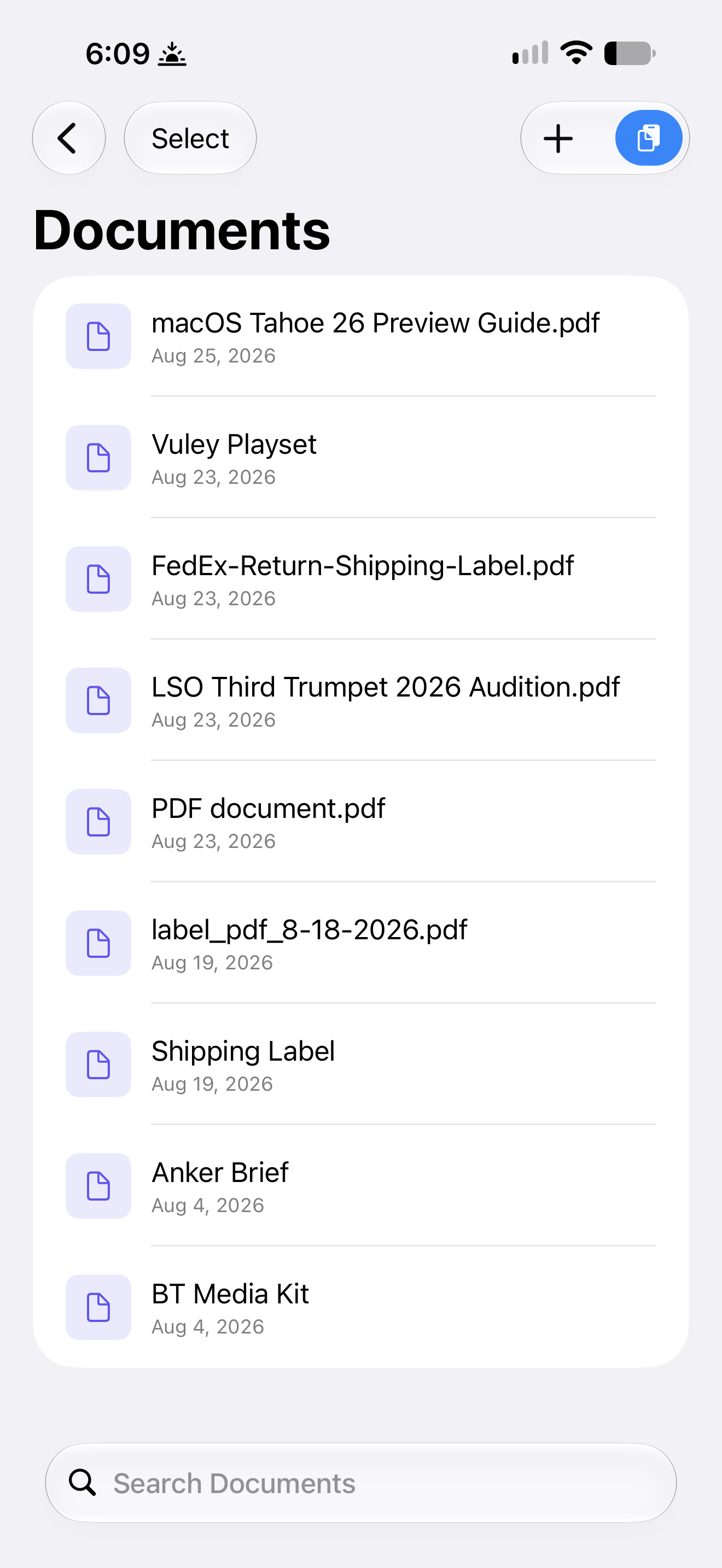
Stash for iPhone, Links
-
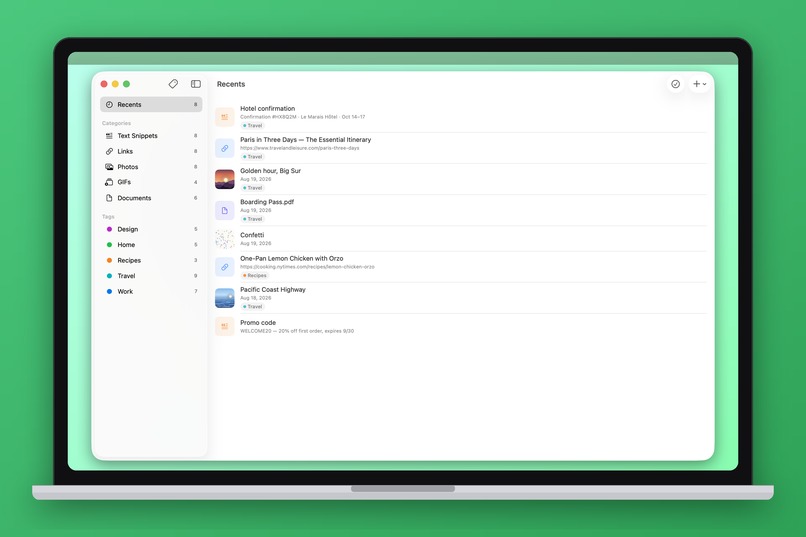
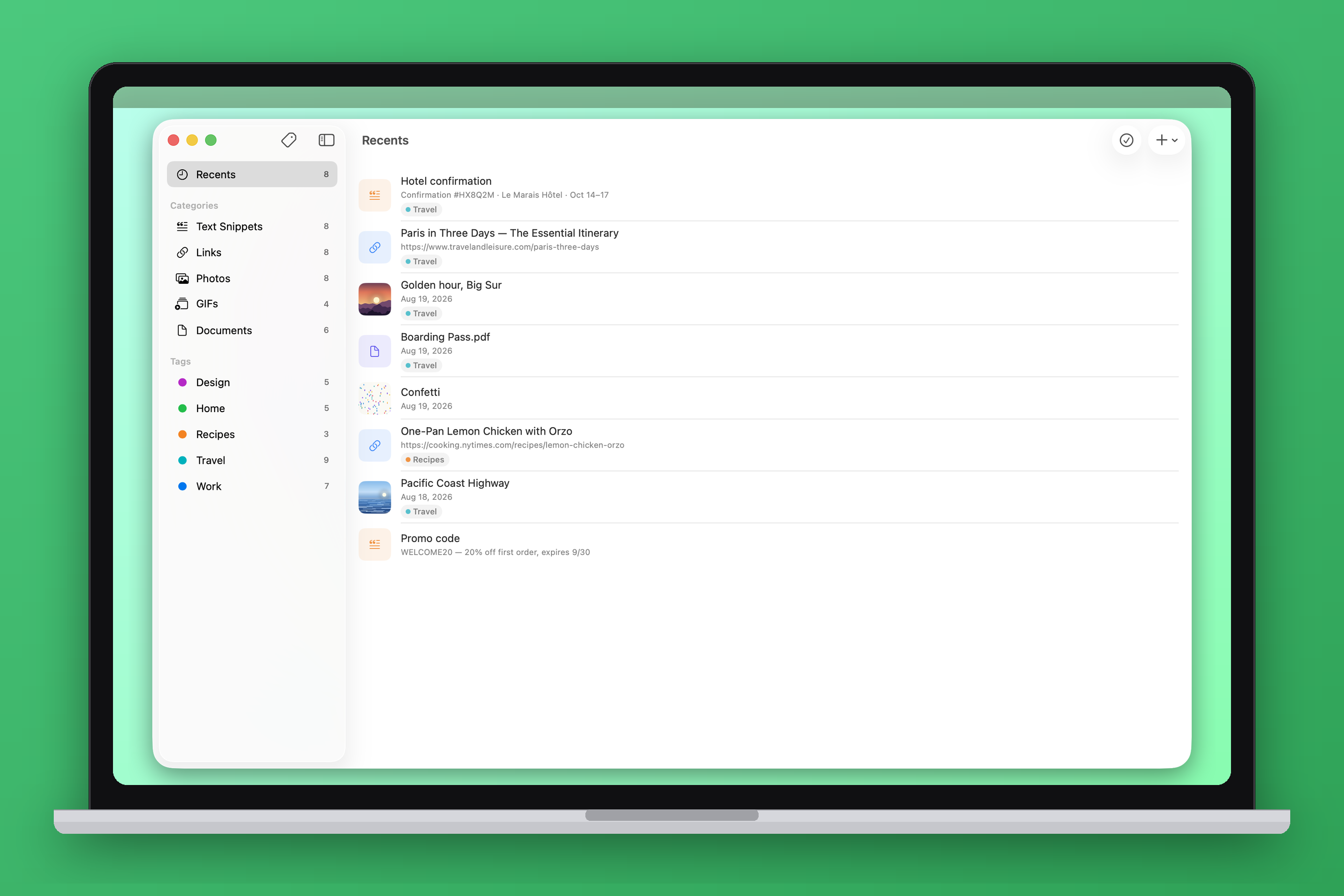
Stash for Mac
-
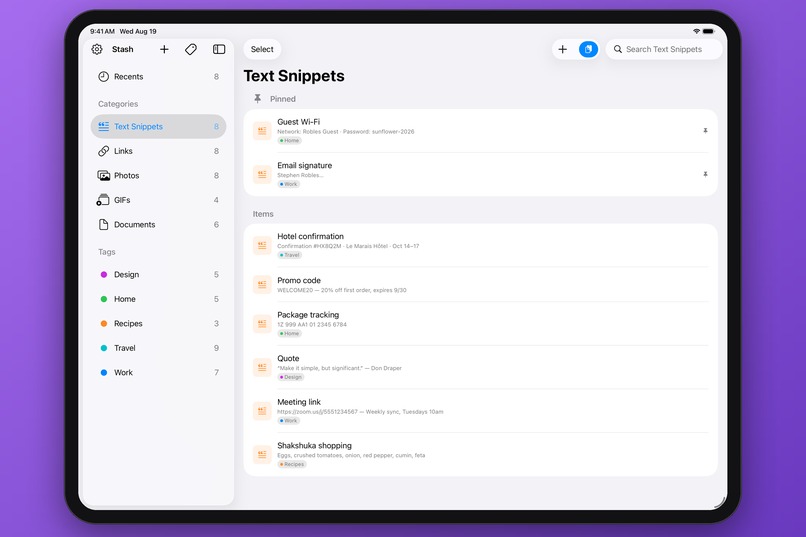
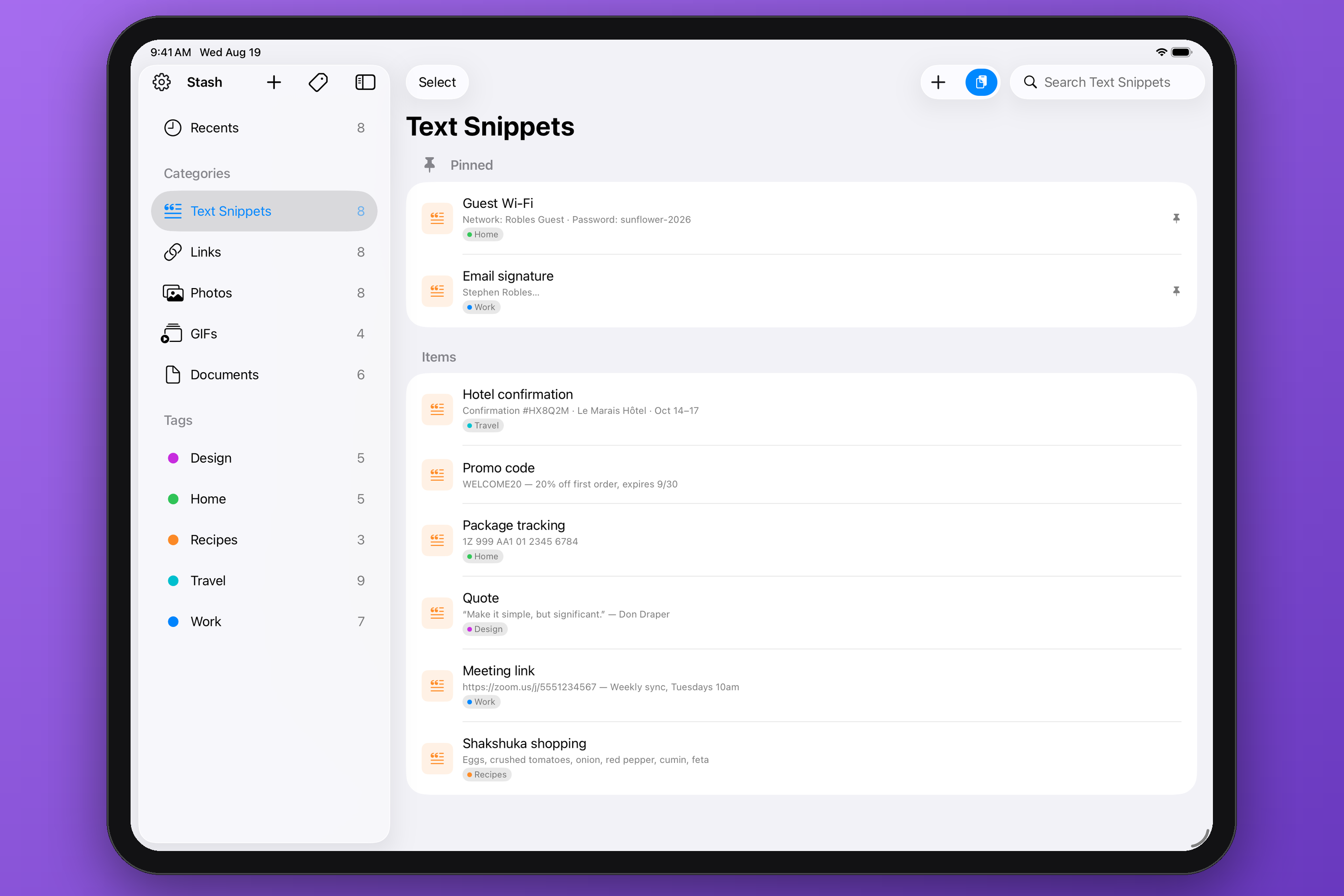
Text Snippets
-
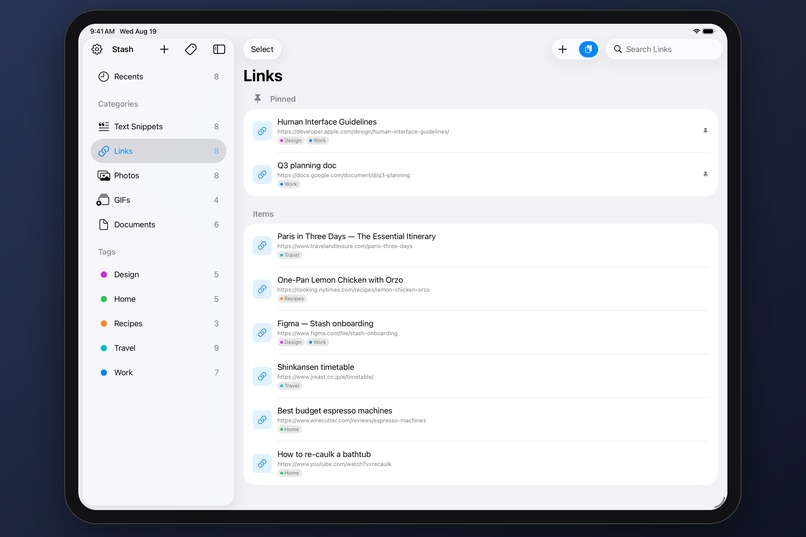
Links tab
-
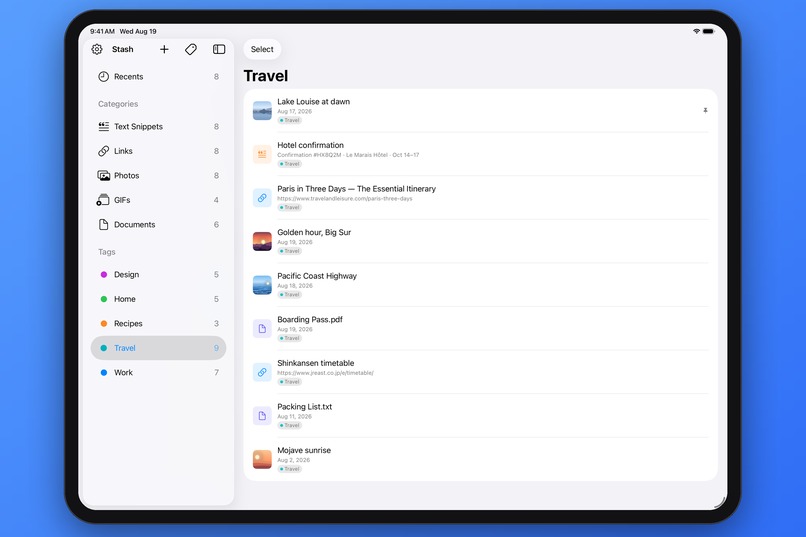
Tagged items
-
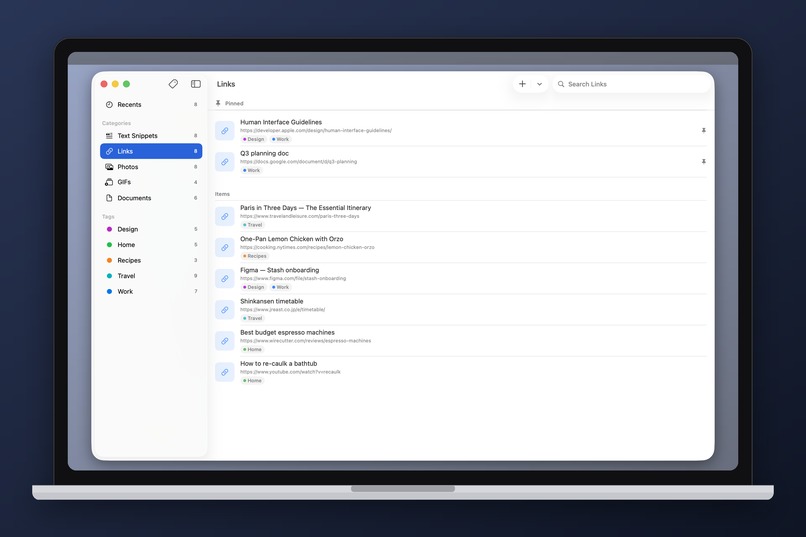
Stash for Mac
-
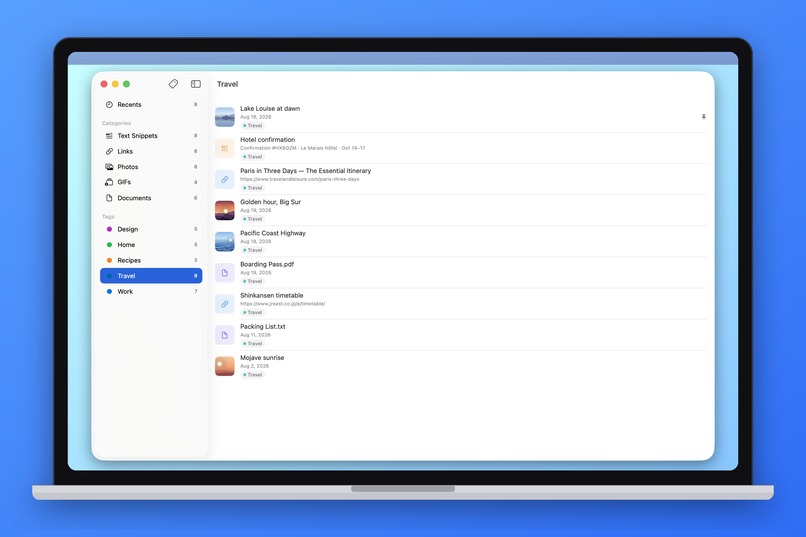
Stash for Mac
-
-
-
-
-


Inspiration
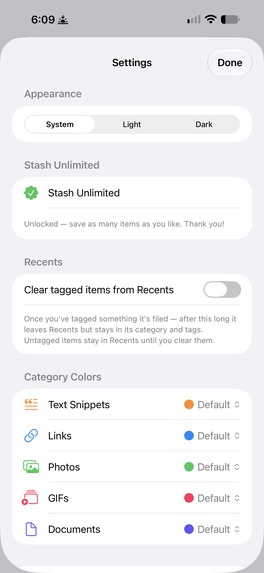
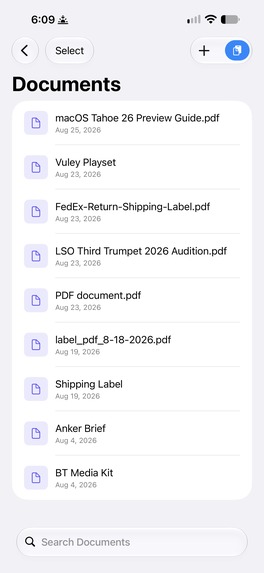
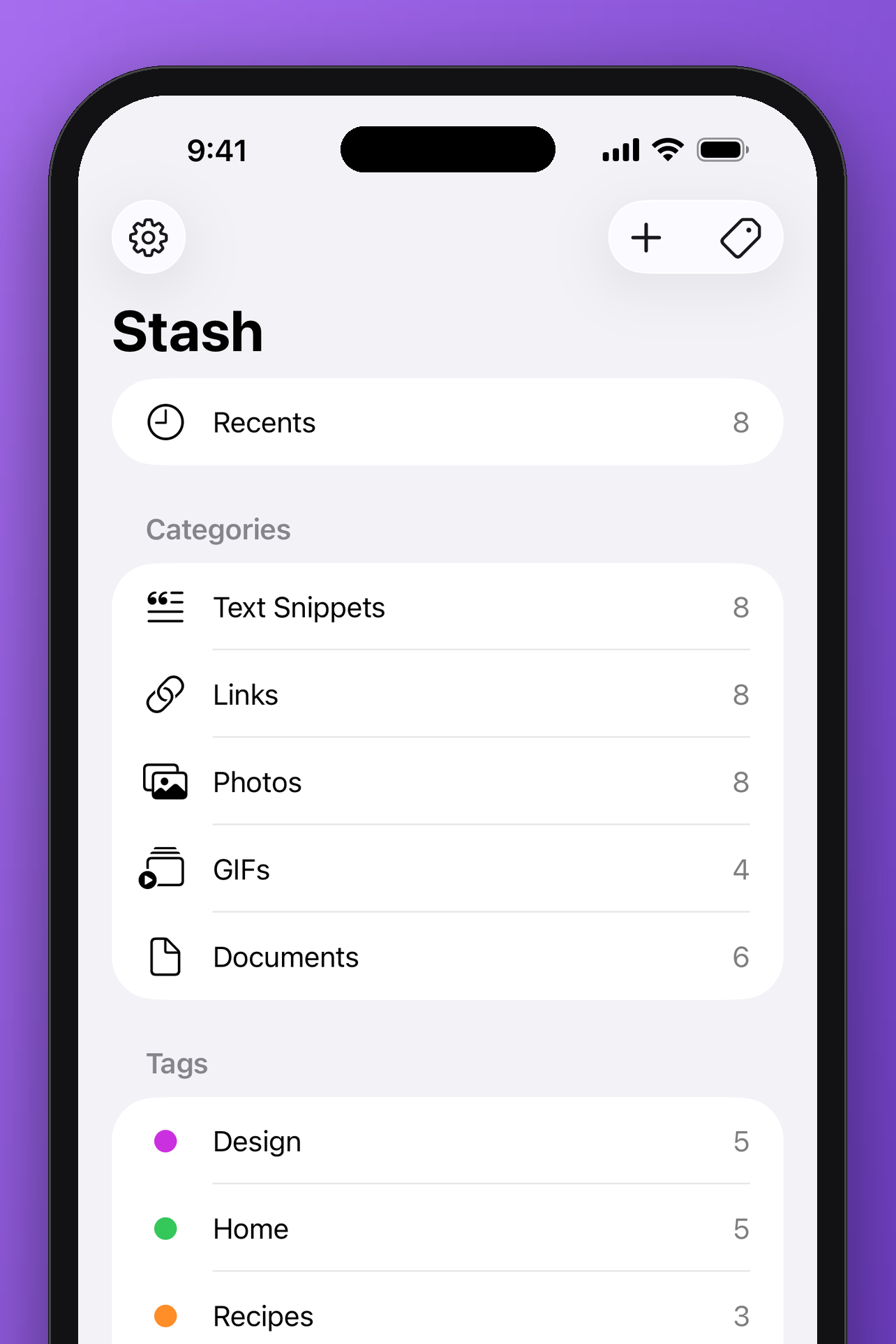
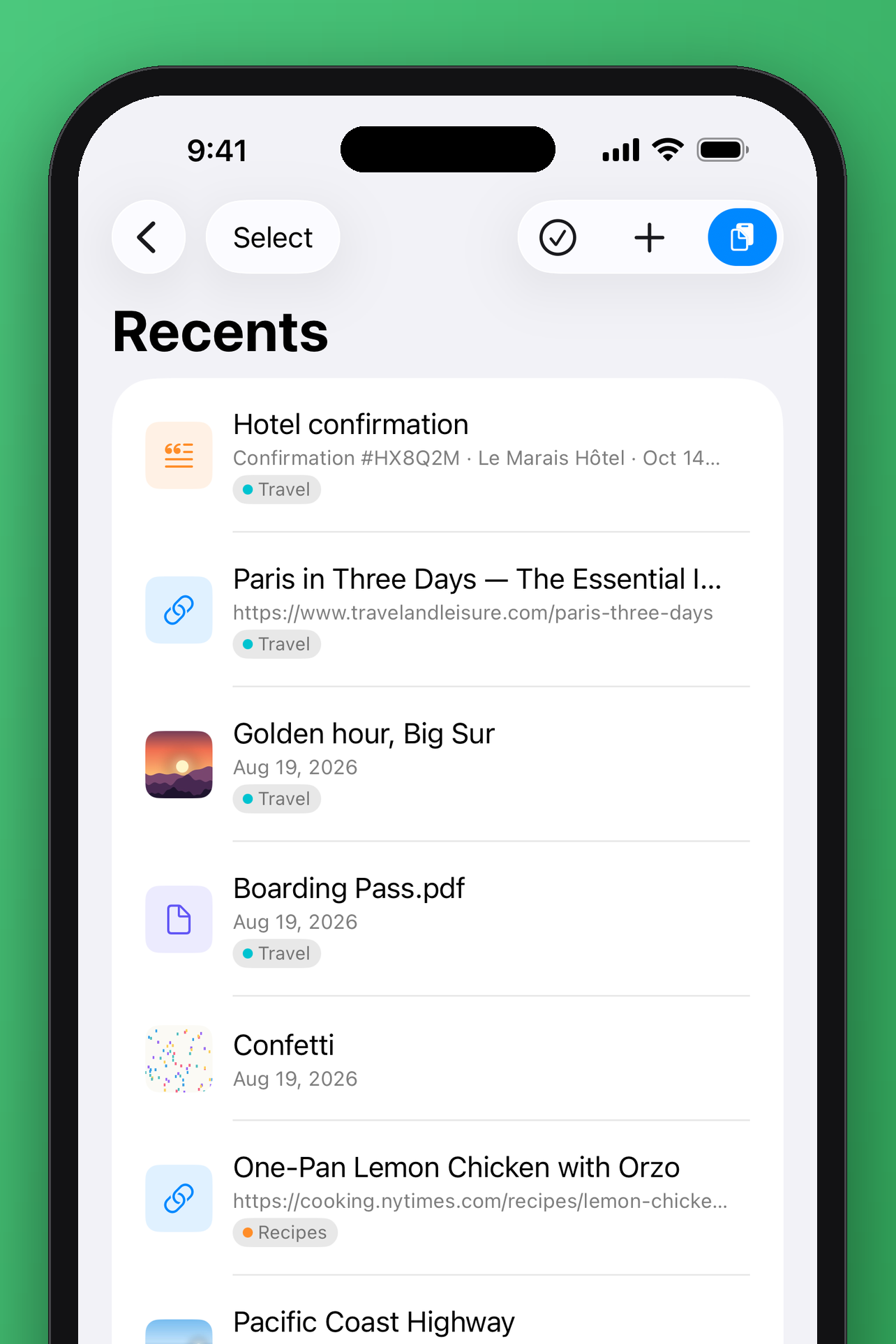
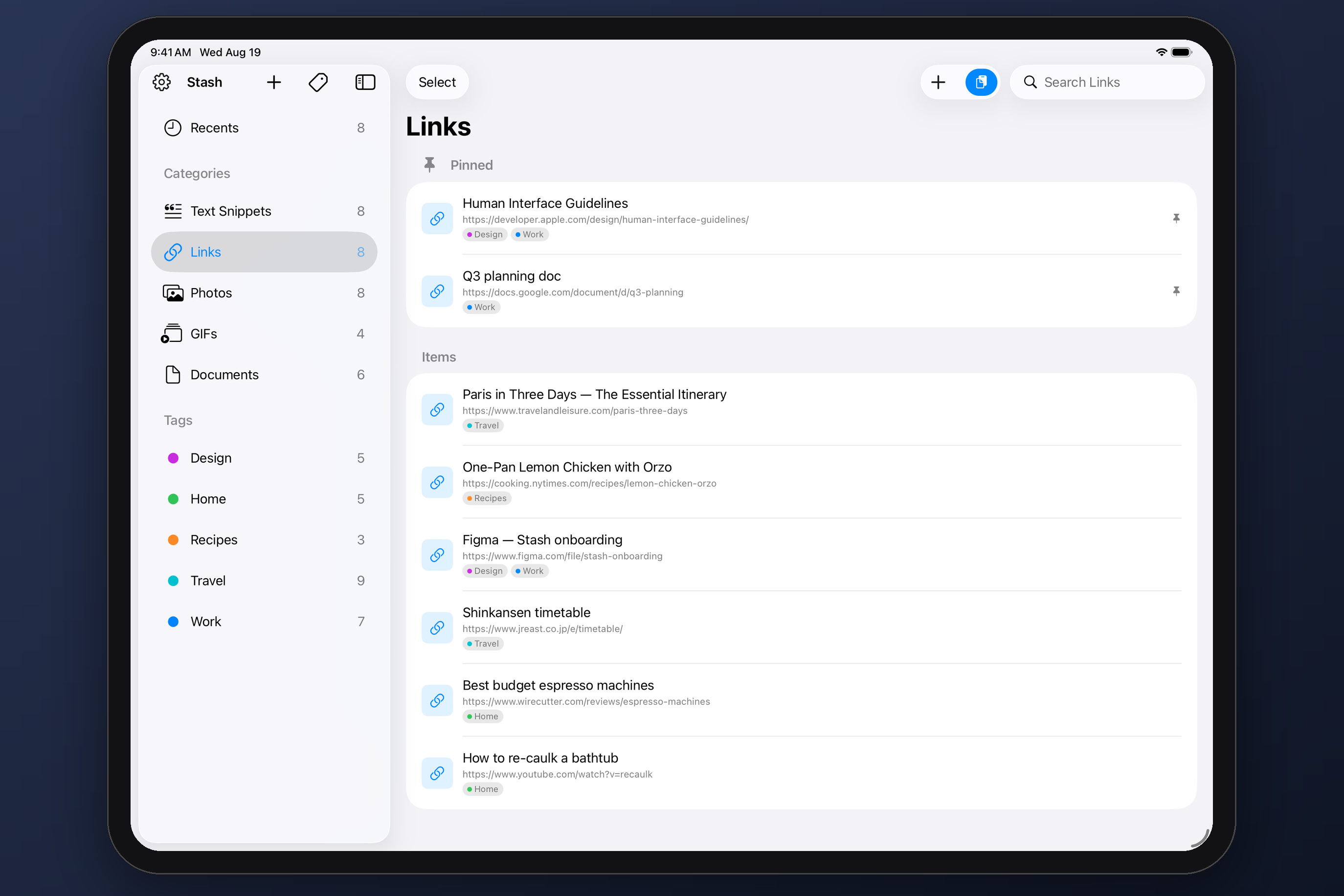
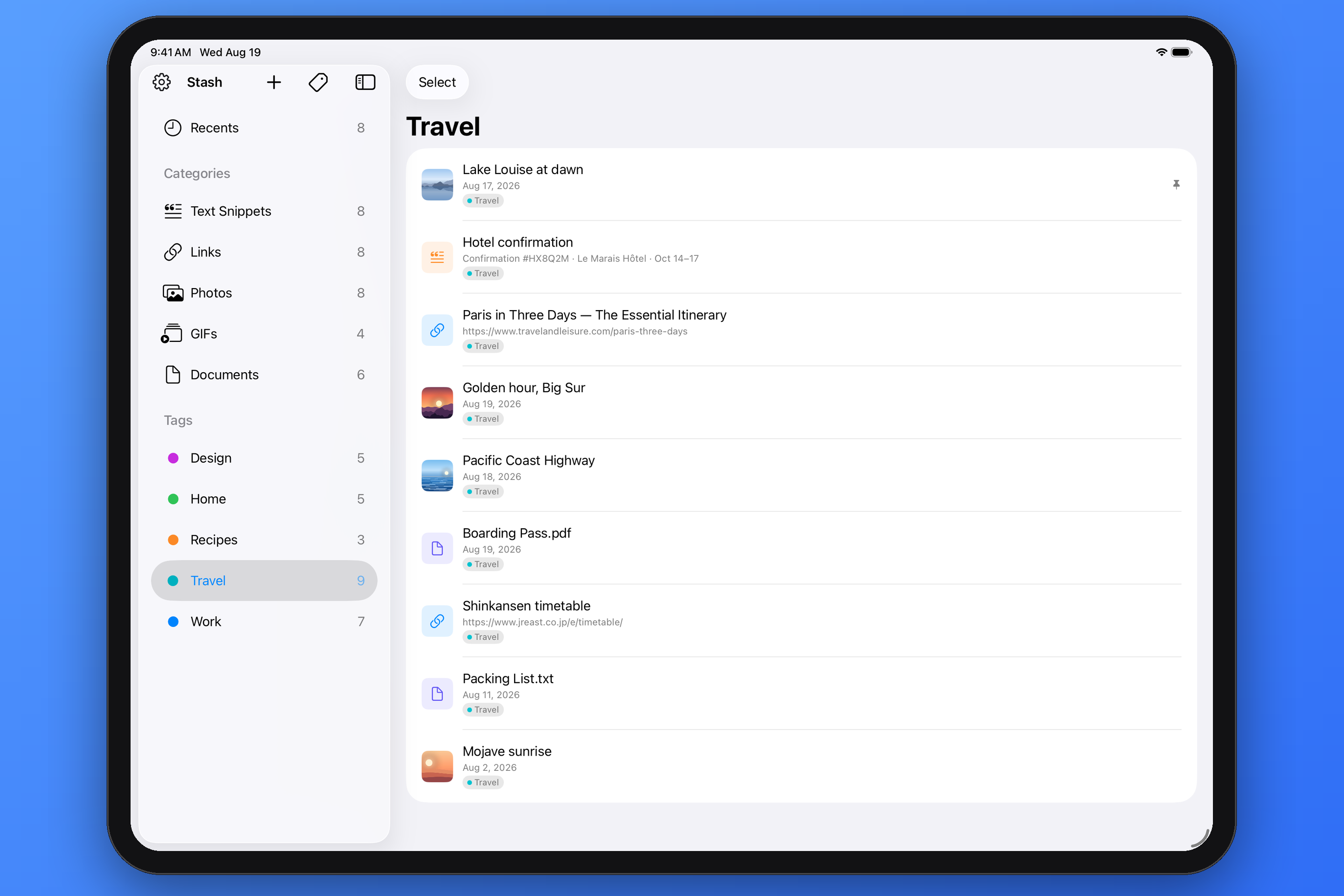
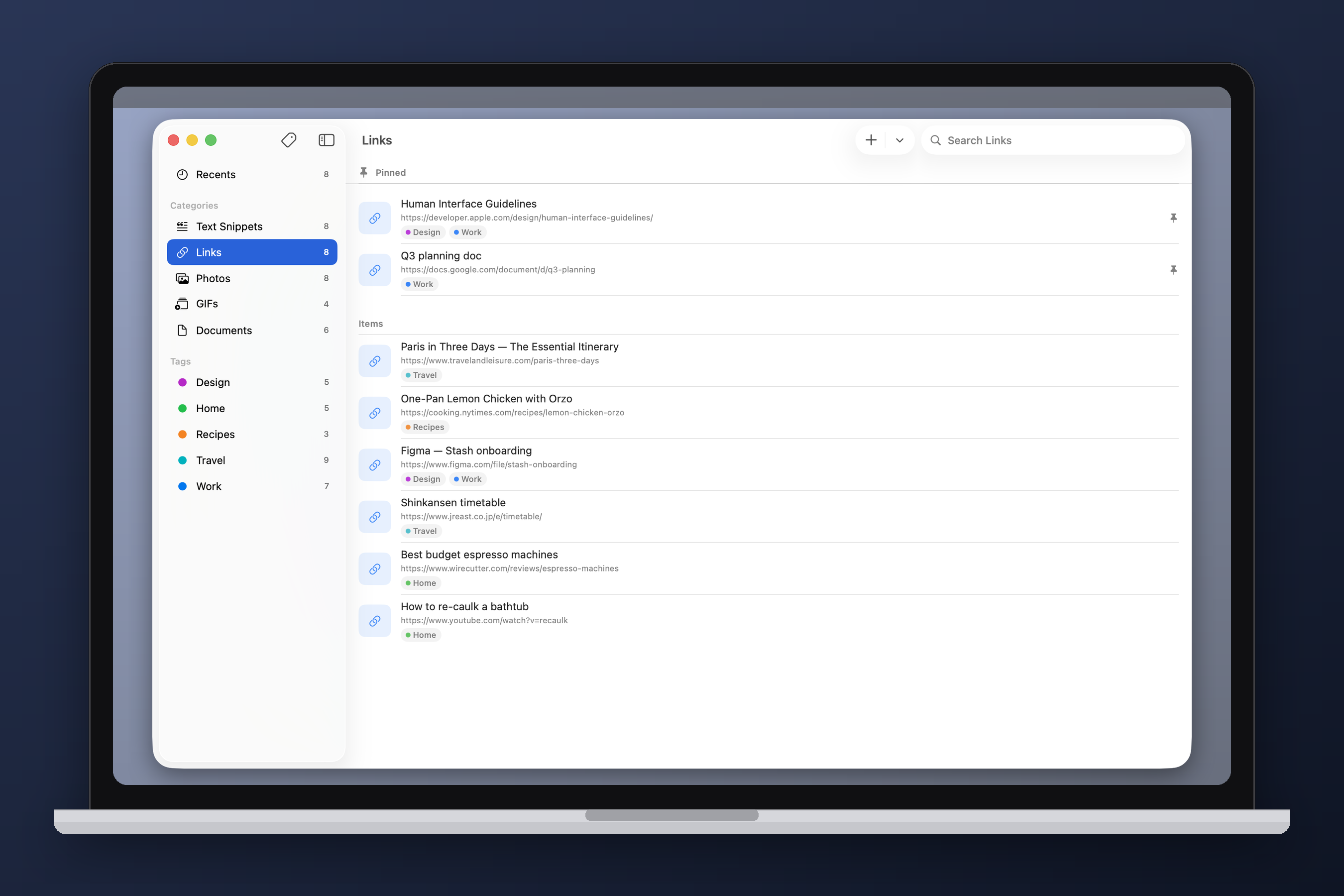
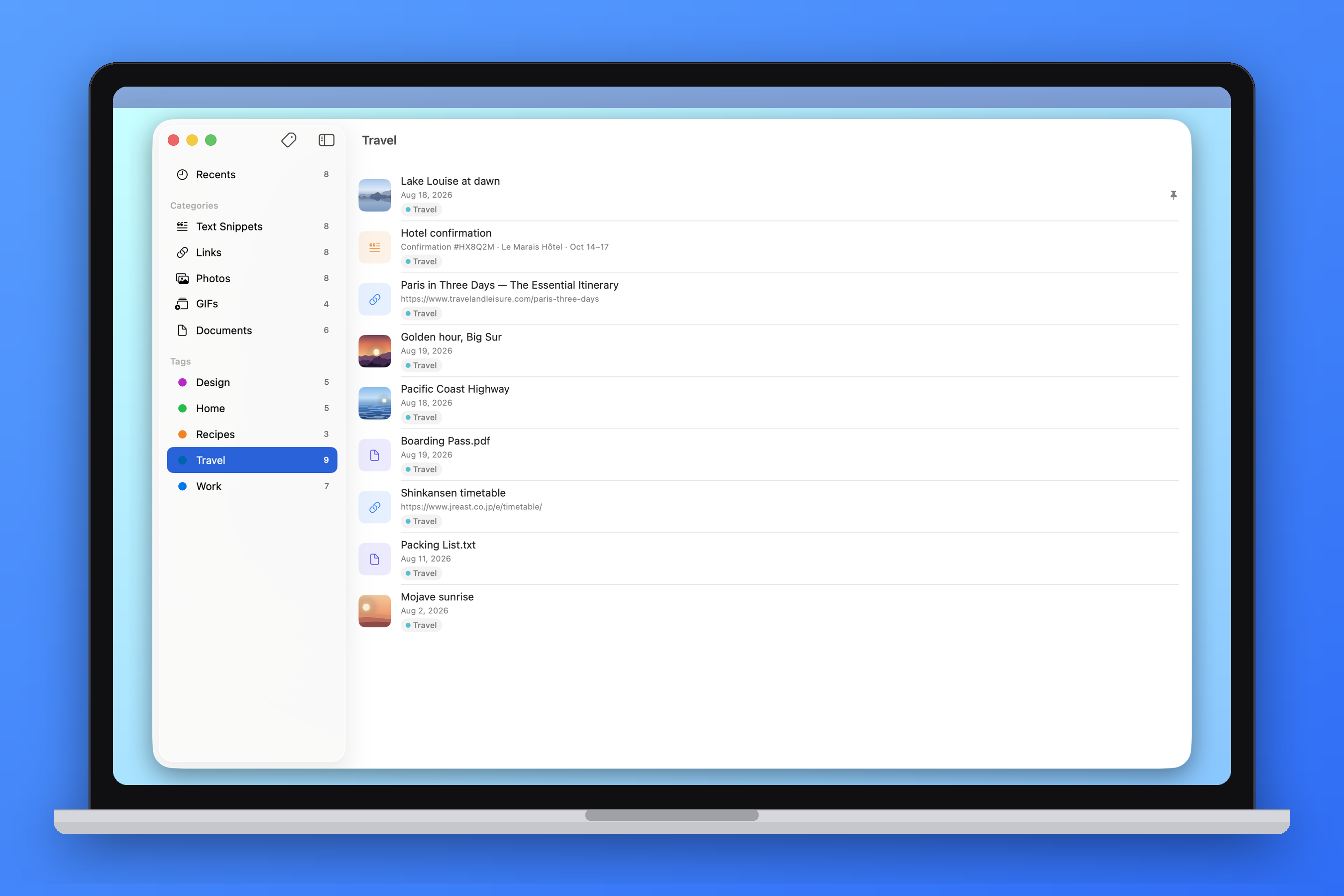
I've answered the call from Christopher Lawley to make a productivity app that quickly gives users access to text snippets, links, images, or docs and made Stash! It's available for iPhone, iPad, Mac, and Vision Pro.
What it does
Add anything to the app from your clipboard or using the Share Sheet and Stash will automatically detect whether it's an image, URL, GIF, or document. Once saved, tapping an item immediately puts it on the clipboard. There are also Shortcuts actions to quickly pull items from a category, or save items. Control Center actions allows users to quickly jump to the app or category.
On the Mac, put Stash in your menu bar for lightning fast access to all your categories and immediately put something on your clipboard. You can also tag what you've saved for organization, and pin items to the top of a category that you use the most.
See an example Shortcut here, perfect for the Control Center or Action Button.
How I built it
Claude Code + Fable 5 with Xcode
Challenges we ran into
Control Center actions are limited and can't provide a pop-up interactions. Shortcuts actions can though and users can place Shortcuts in Control Center or via the Action Button.
Accomplishments that we're proud of
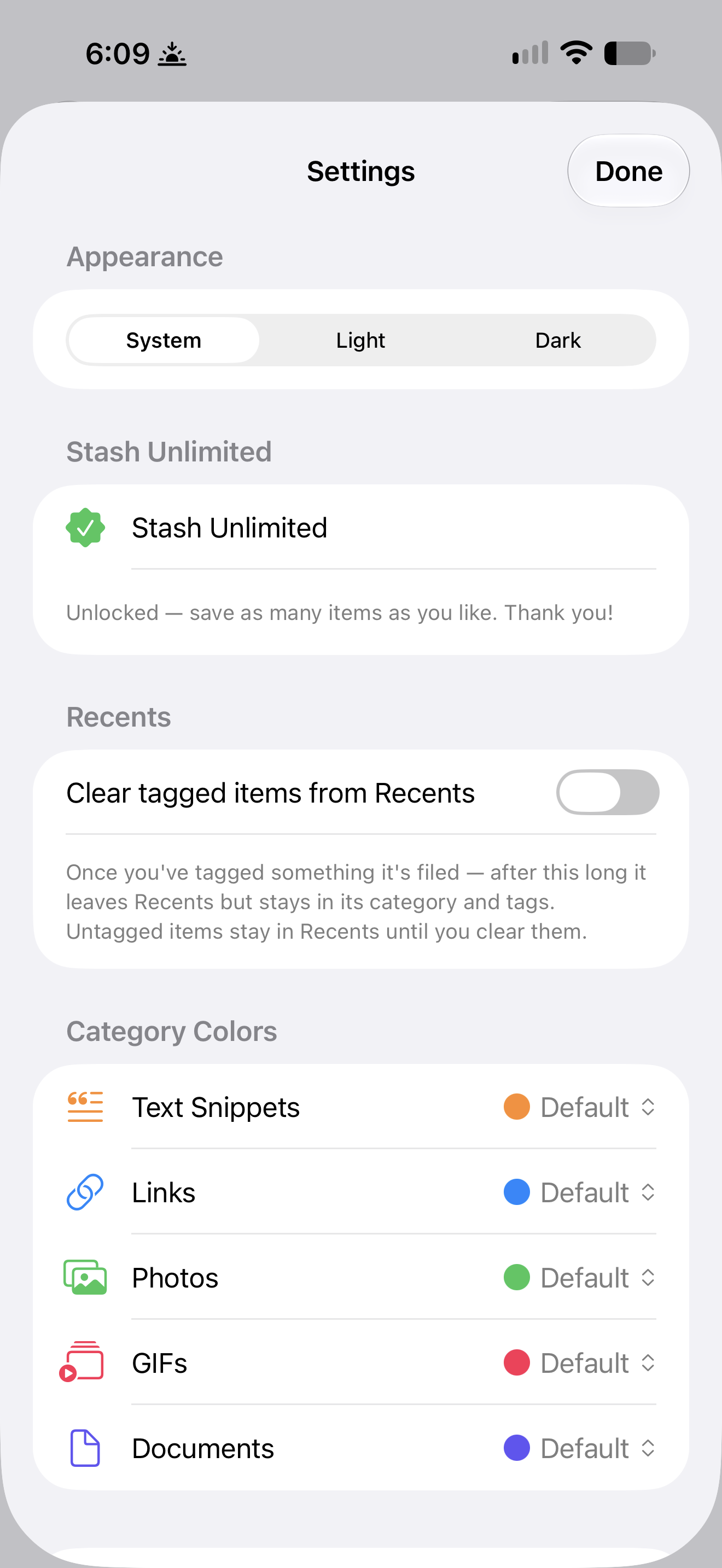
Works on iOS, macOS, and visionOS! Plus iCloud syncing all your stuff across devices. Free to download and save up to 10 items, then Stash unlimited is just a one-time purchase of $2.99 USD.
Built With
- claude
- fable
- icloud
- swift

Log in or sign up for Devpost to join the conversation.