-
-
App Icon 1024px
-
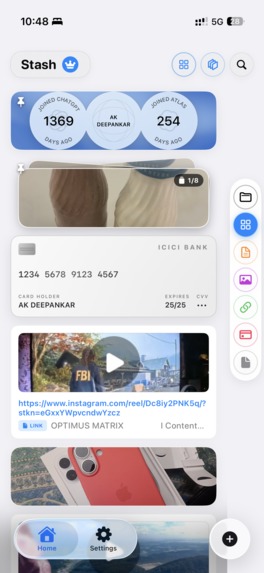
SCREENSHOT
Inspiration
We all save useful things every day: a link from Instagram, a screenshot, a file, an email reply, an event poster, or important card details. But when we need them again, they are often buried in messages, photos, notes, downloads, or browser tabs.
Stash was inspired by the idea of a personal drawer: one simple place for the things you want to keep close.
What it does
Save anything in one place
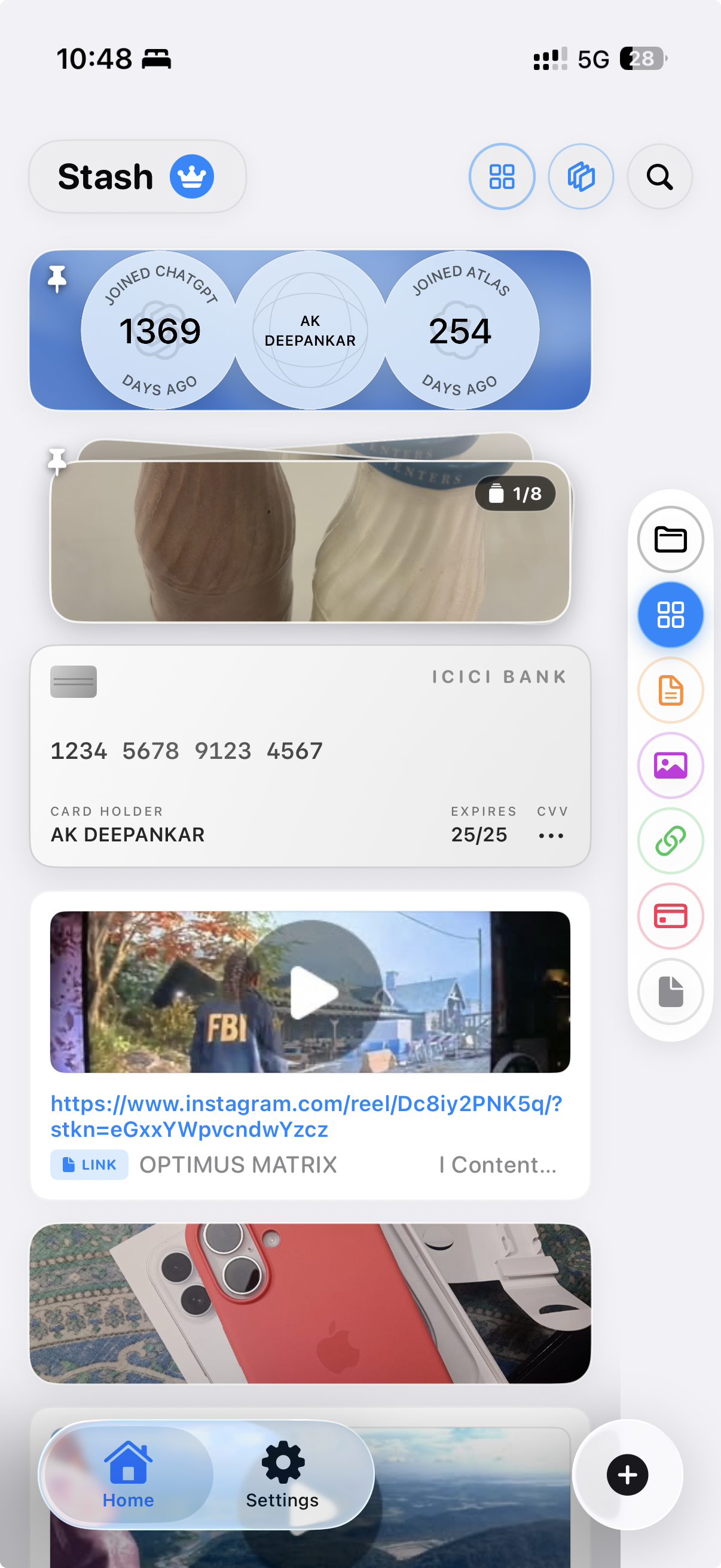
Stash brings text snippets, links, images, files, cards, and documents into one personal drawer. Save useful content the moment you find it, then organize it into collections and categories.
Smart Save from social media
When you see something useful on Instagram, TikTok, YouTube, or any other social app, share the link directly to Stash. Smart Save extracts the important details and saves them in a clear, useful format for later.
Scan information into useful data
Use the Scan tab to scan an image, event poster, card, receipt, or document. Stash extracts the meaningful information and turns it into structured data that is easy to save, search, and reuse.
Find what you need fast
Filter Stash by All Items, Text, Images, Links, Cards, or Files. Search across everything, switch layouts, and quickly open, copy, share, or use the item you need.
Interactive Folder Customization & Themes
Personalize categories with custom hex colors, SF Symbols, and hand-drawn canvas art using an integrated drawing editor and Apply Custom Themes.
Access it everywhere
Stash syncs across iPhone, iPad, and Mac. On macOS, drag and drop files directly into Stash, or double-click a text snippet to copy and paste it into Messages, Mail, or anywhere else.
How we built it
We built Stash as an Apple-focused app using SwiftUI for a smooth experience across iOS, iPadOS, and macOS. We used SwiftData and CloudKit to save and sync users’ content across their devices.
Challenges we ran into
The biggest challenge was making different types of content feel like one simple product. A text snippet, image, file, and link all need different actions, but users should still be able to find and organize them in the same way.
Accomplishments that we're proud of
We are proud that Stash feels focused instead of overwhelming. It is not another notes app or file manager. It is a fast, personal place for useful things.
We are especially proud of the simple flows: saving from social media, scanning important information, filtering by content type, dragging files into the Mac app, and copying snippets in seconds.
What we learned
We learned that the most useful productivity tools remove small moments of friction. People do not want to spend time organizing everything perfectly - they want to save something quickly and trust that they can find it later.
We also learned that customization matters. Giving users control over their categories, layouts, icons, and appearance makes Stash feel more like their own personal space.
What's next for Stash
We also plan to improve Smart Save, add better text extraction from images and documents, and introduce more ways to create and share collections. Our goal is simple: make Stash the fastest place to save, find, and reuse the things that matter.

Log in or sign up for Devpost to join the conversation.