Inspiration
Integrating AI into the professional workflow, across multiple projects and software, can be intimidating and confusing. AI agents can use memory they shouldn’t or ignore memory they should use. This makes its usage oftentimes turn into an unorganized, burden rather then an effective tool
What it does
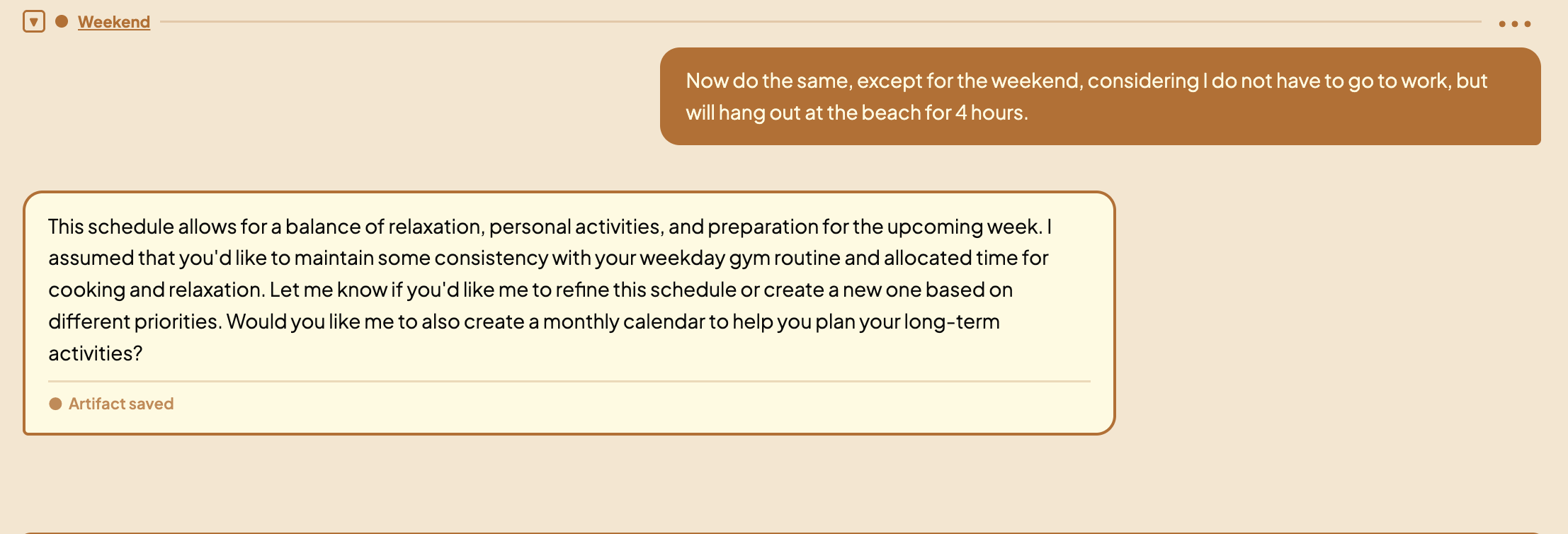
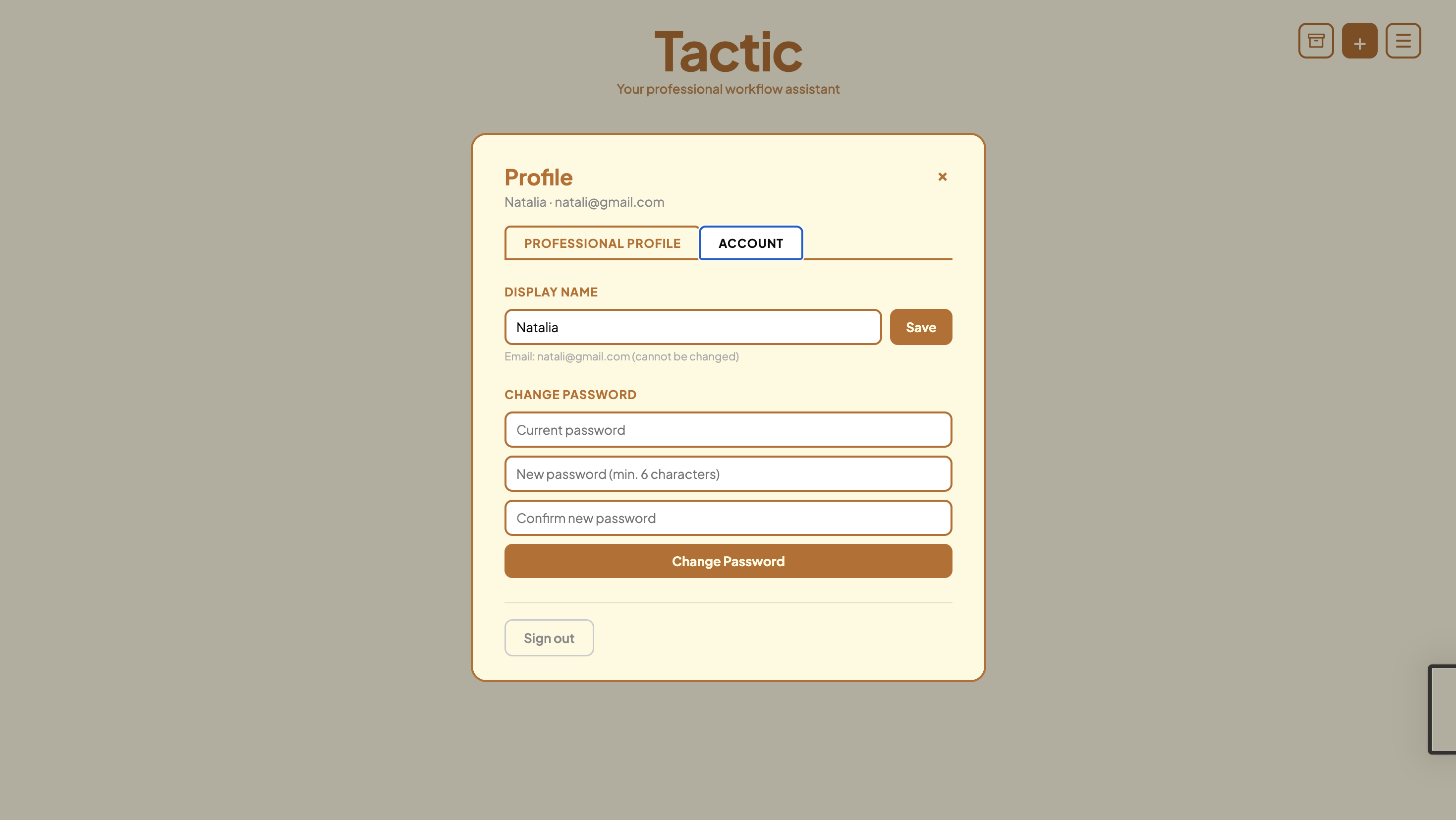
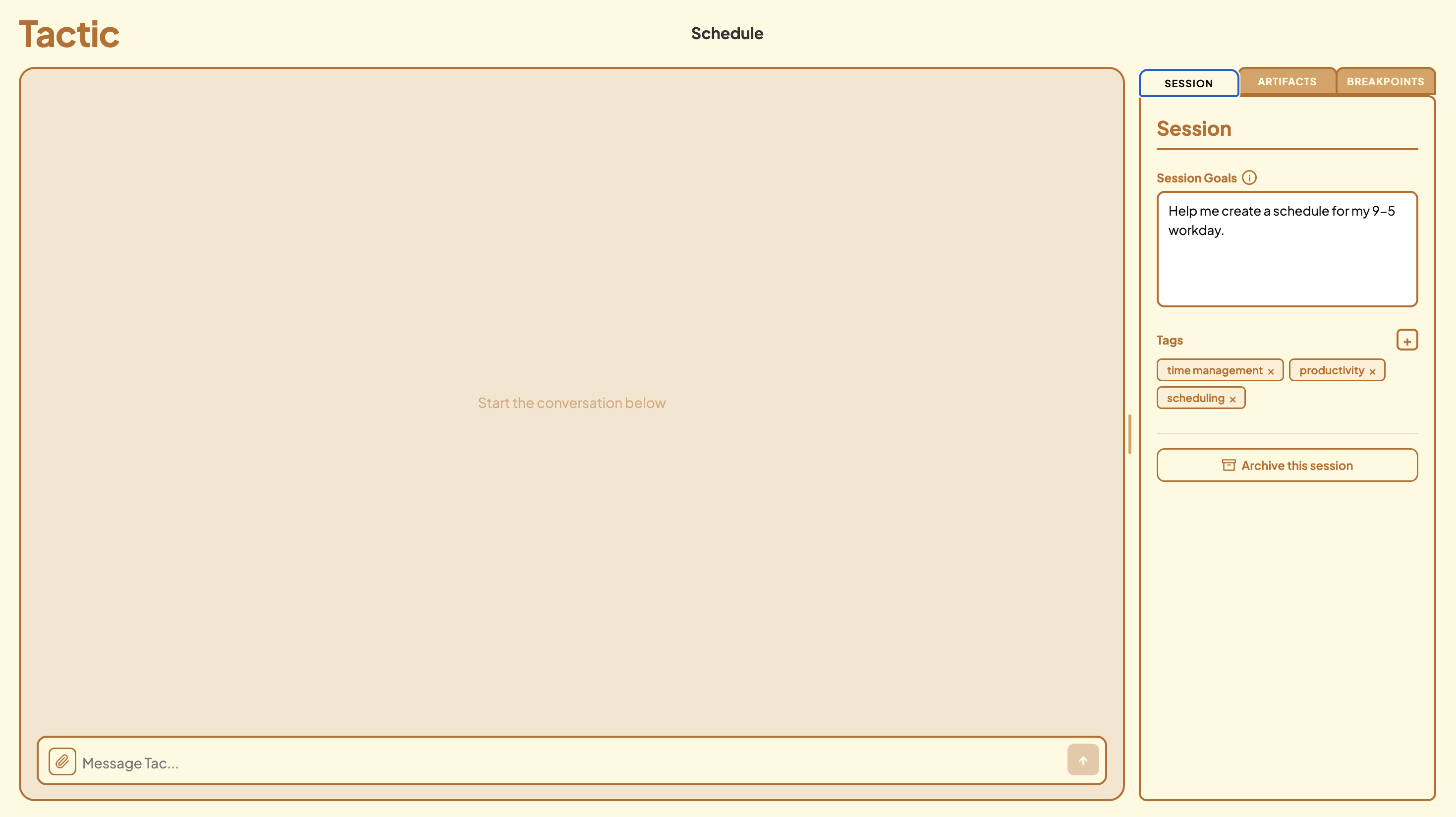
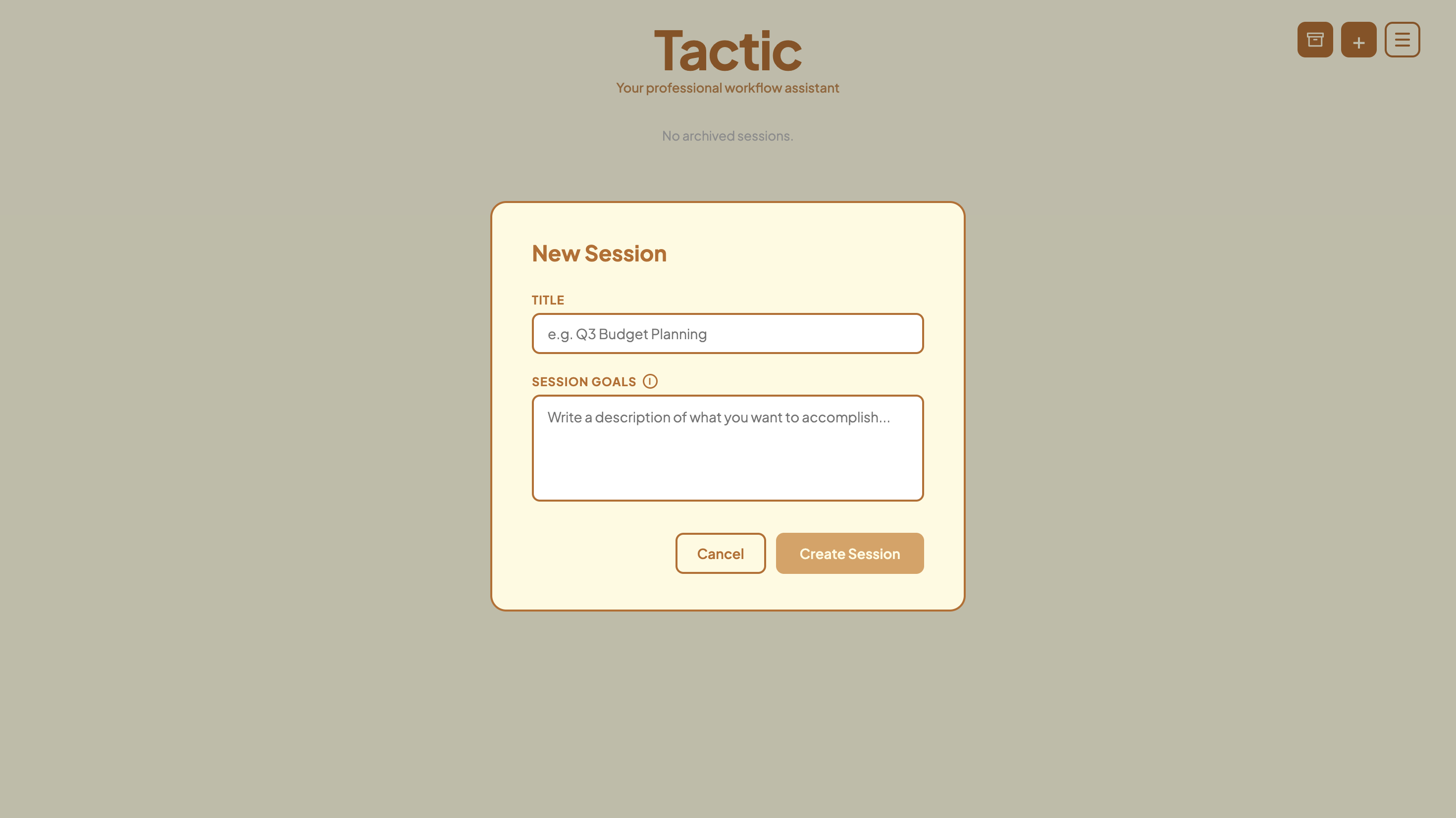
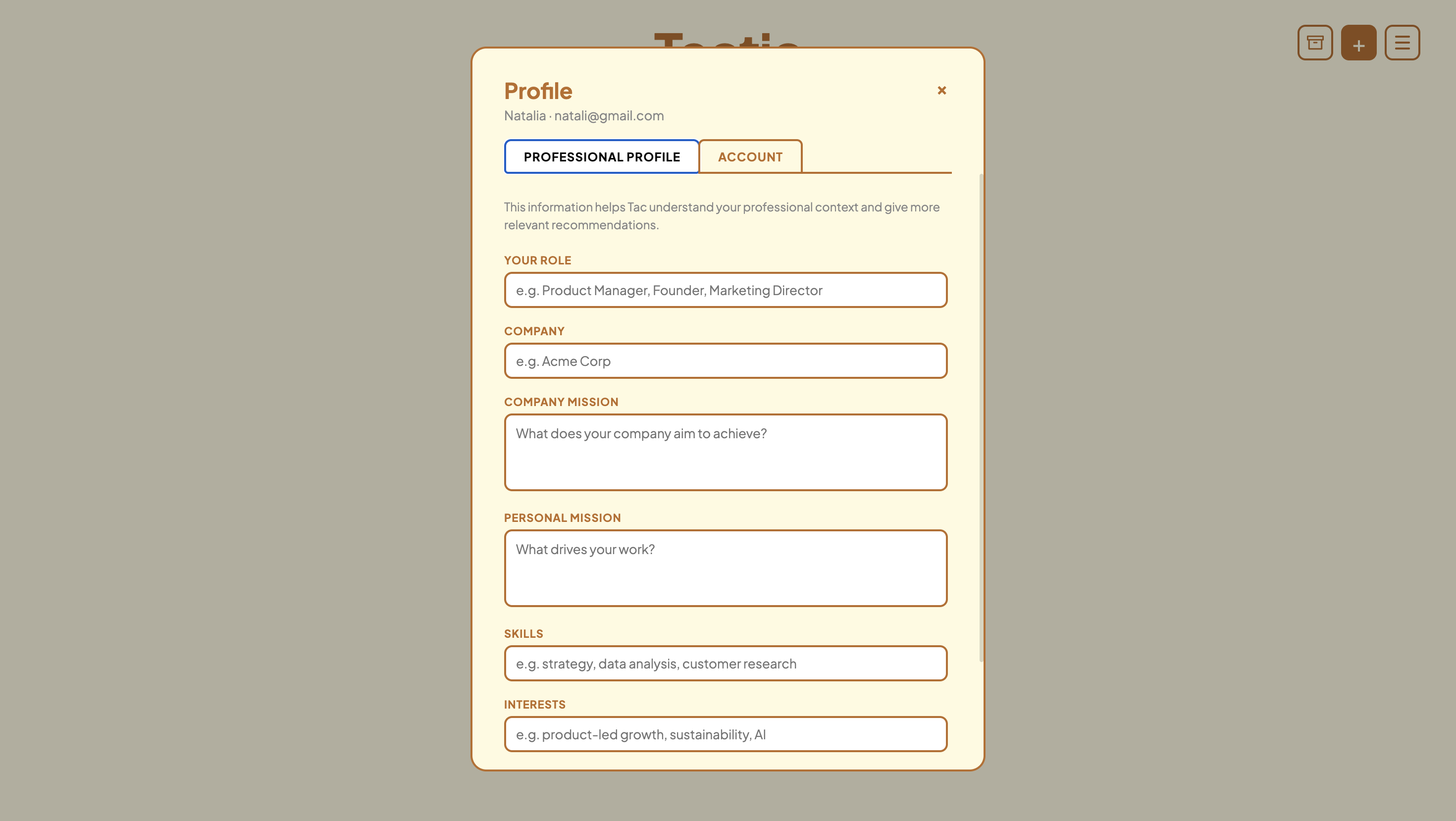
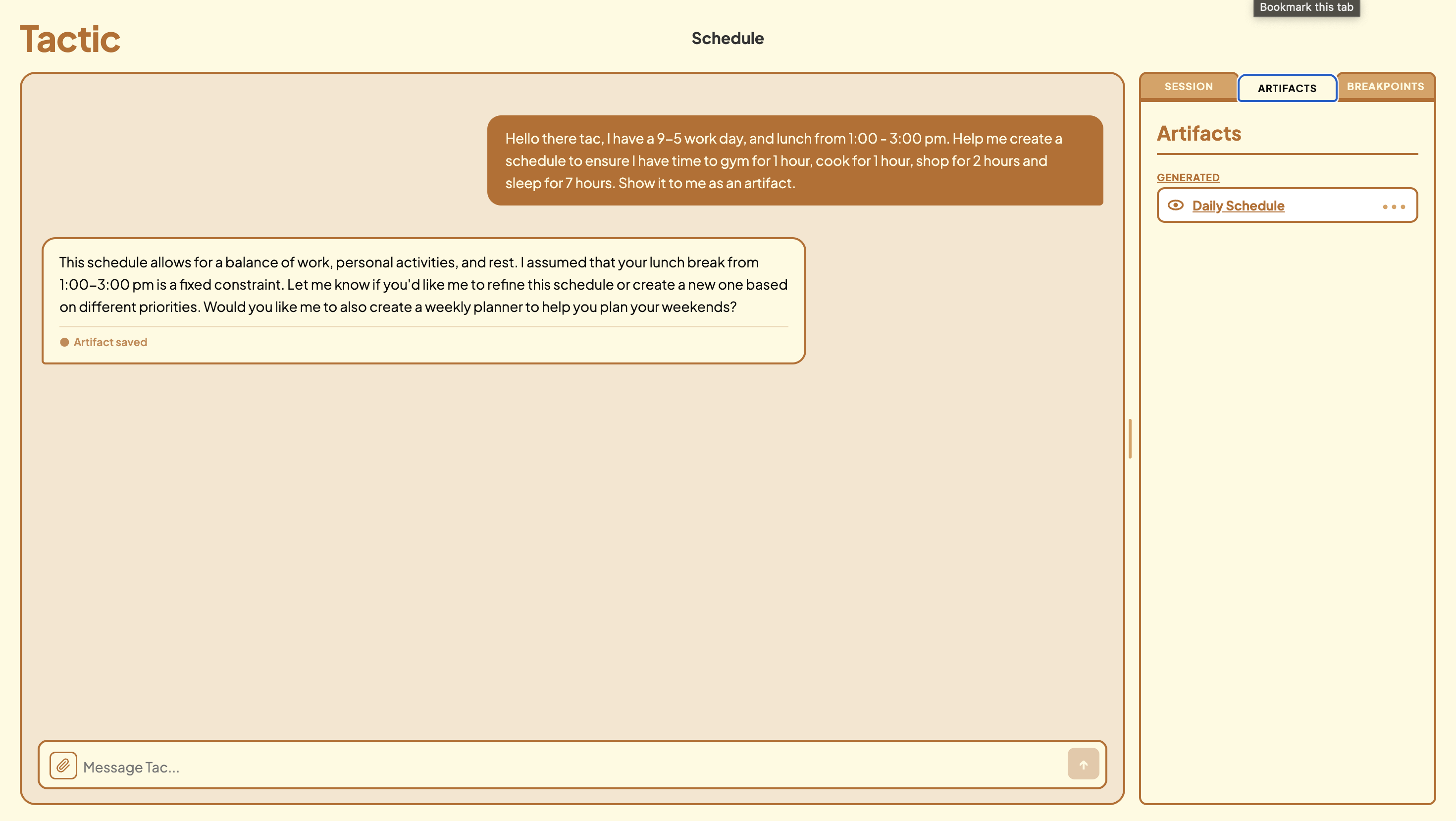
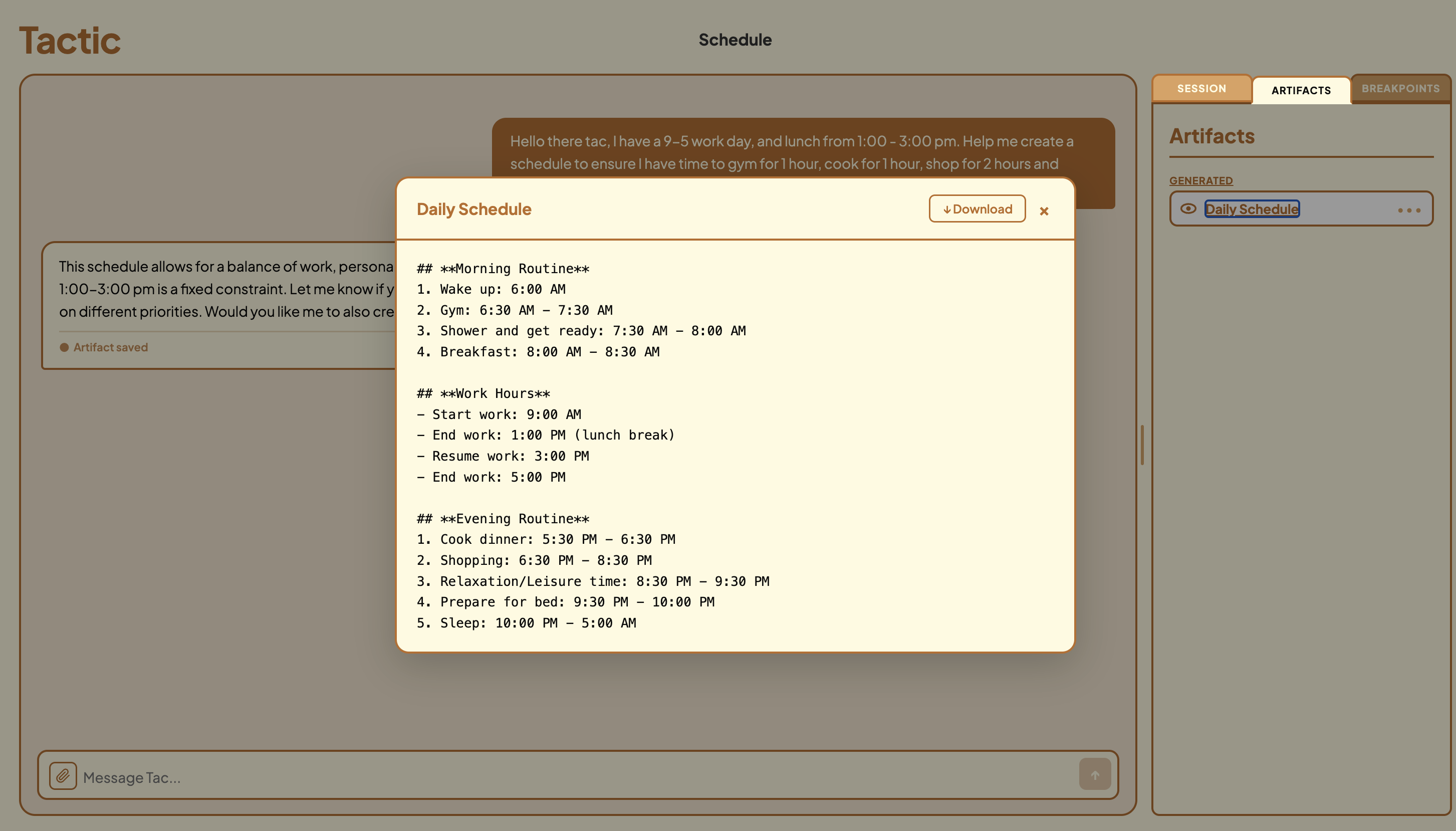
Tactic manages memory, allowing AI usage in professional settings can be effective rather than just completed. Users are given an active role by Tactic to add sessions/tags/artifacts/bookmarks and then delete/archive them to effectively handle memory while working on projects. Alongside that, Tactic will give users the option to compress a session (active, hidden, or deleted) into a summarized version that is maintained in the agent’s memory to further support management.
How we built it
We begun by drafting out what we wanted our project to do, front end and back end. We created a visual on Figma, and then jotted down points for what we wanted accomplished through the back end! Then we got the code running!
Challenges we ran into
We ran into challenges setting up our API for our chat bot. We initially struggled to setup the environment variable and then test, considering the requests limit.
Accomplishments that we're proud of
We are proud of our idea, having the big idea and breaking it into solid sections/ components.
What we learned
We learned about how things worked; prompt engineering, environment variables, and API keys!
What's next for Tactic
We want Tactic to be a more collaborative, assisting tool! Professionals should be able to work on sessions together, and find ease in thing such as - session creation - set-up form - finding features - search feature - sort/filter/rearrange artifacts feature
Built With
- fastapi
- groq
- html
- python
- sqlite
- typescript
- univcorn

Log in or sign up for Devpost to join the conversation.