-
-
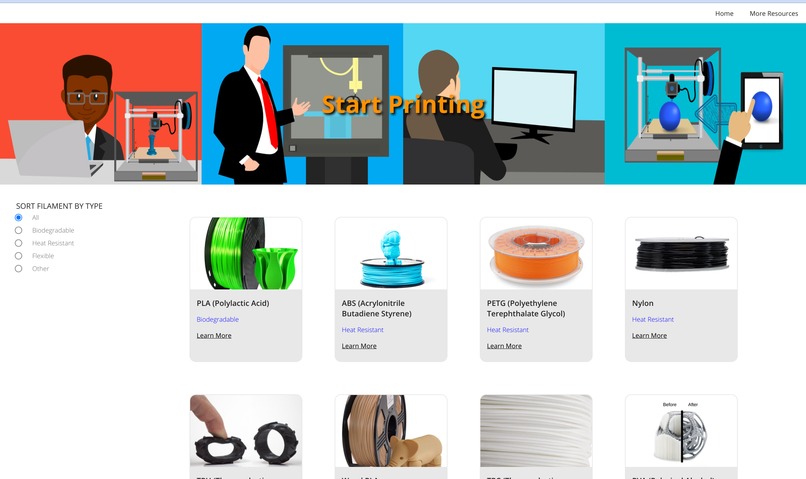
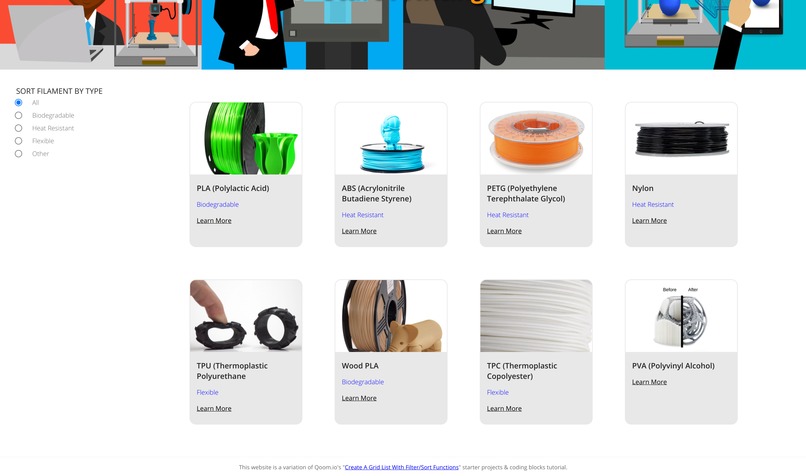
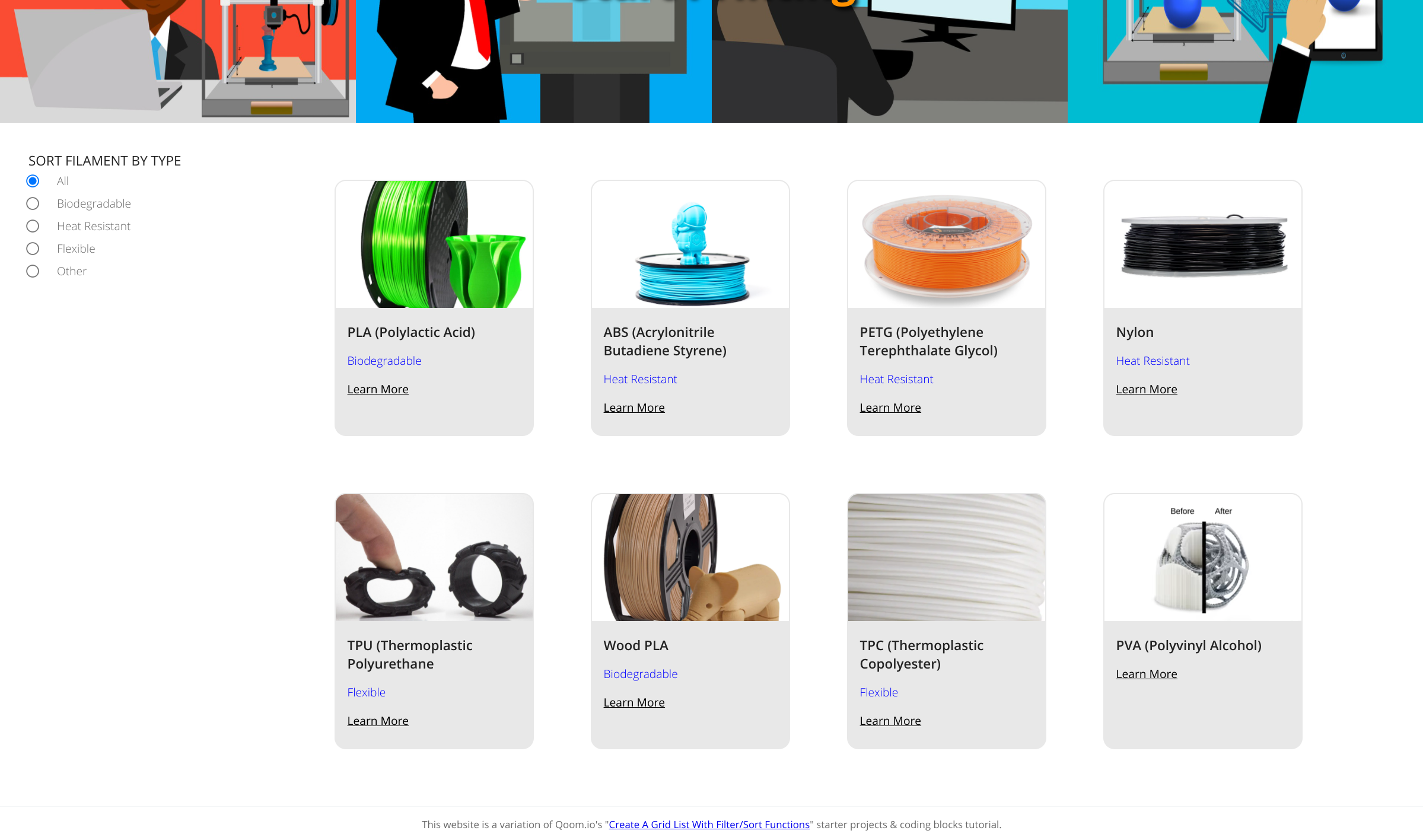
The homepage
-
-
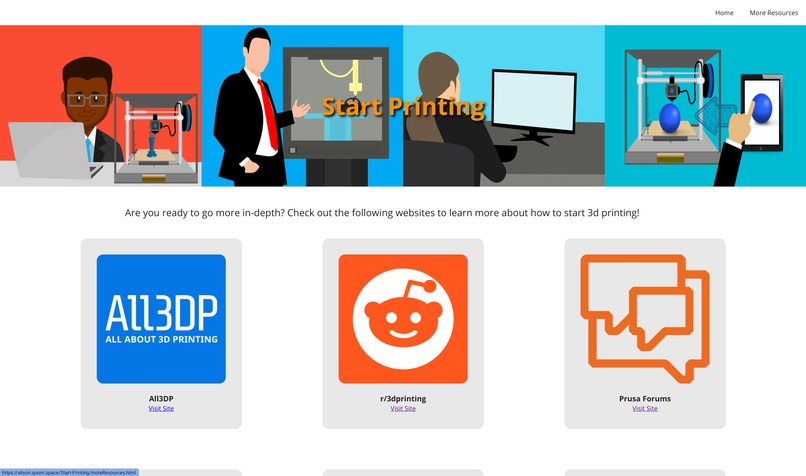
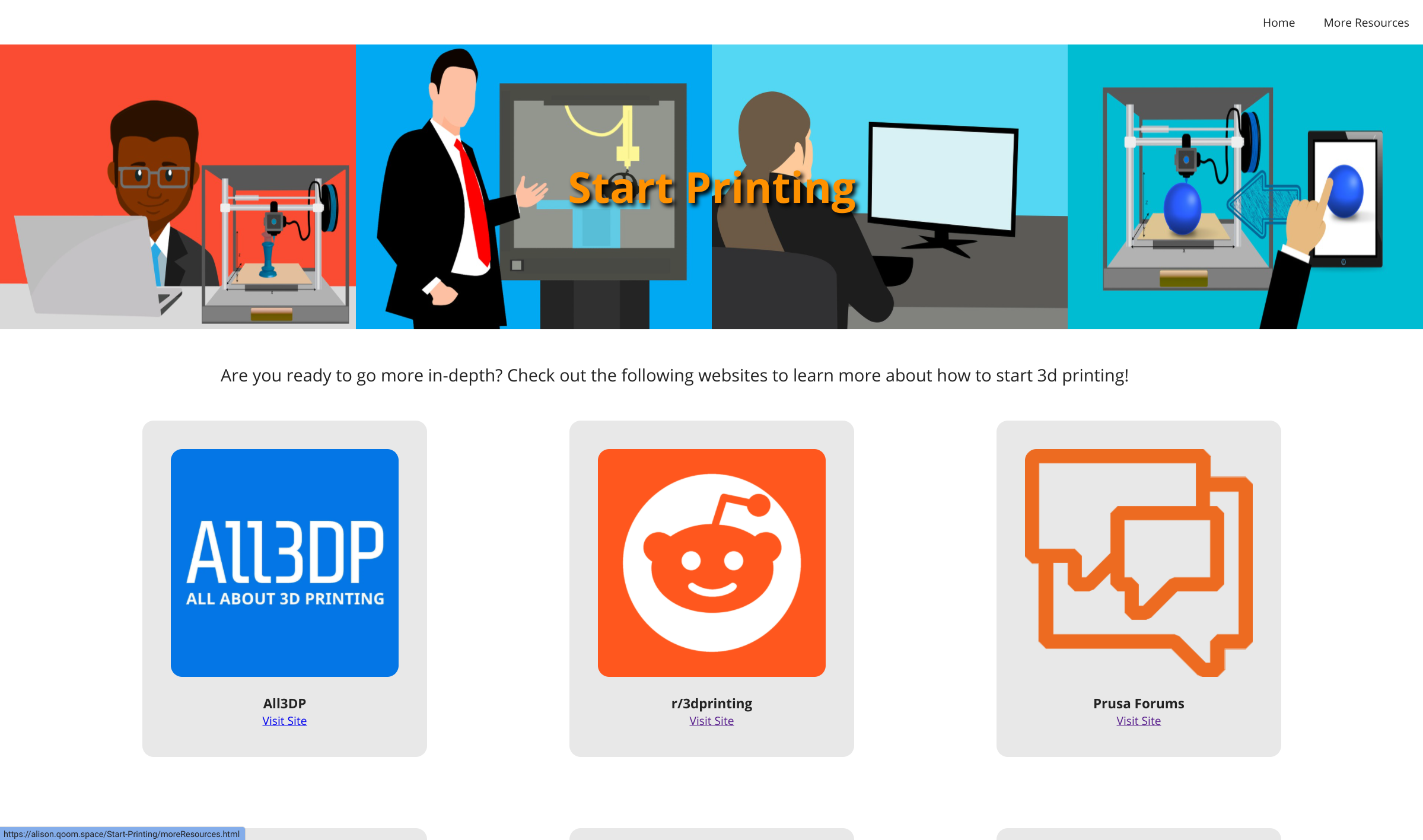
Resources page
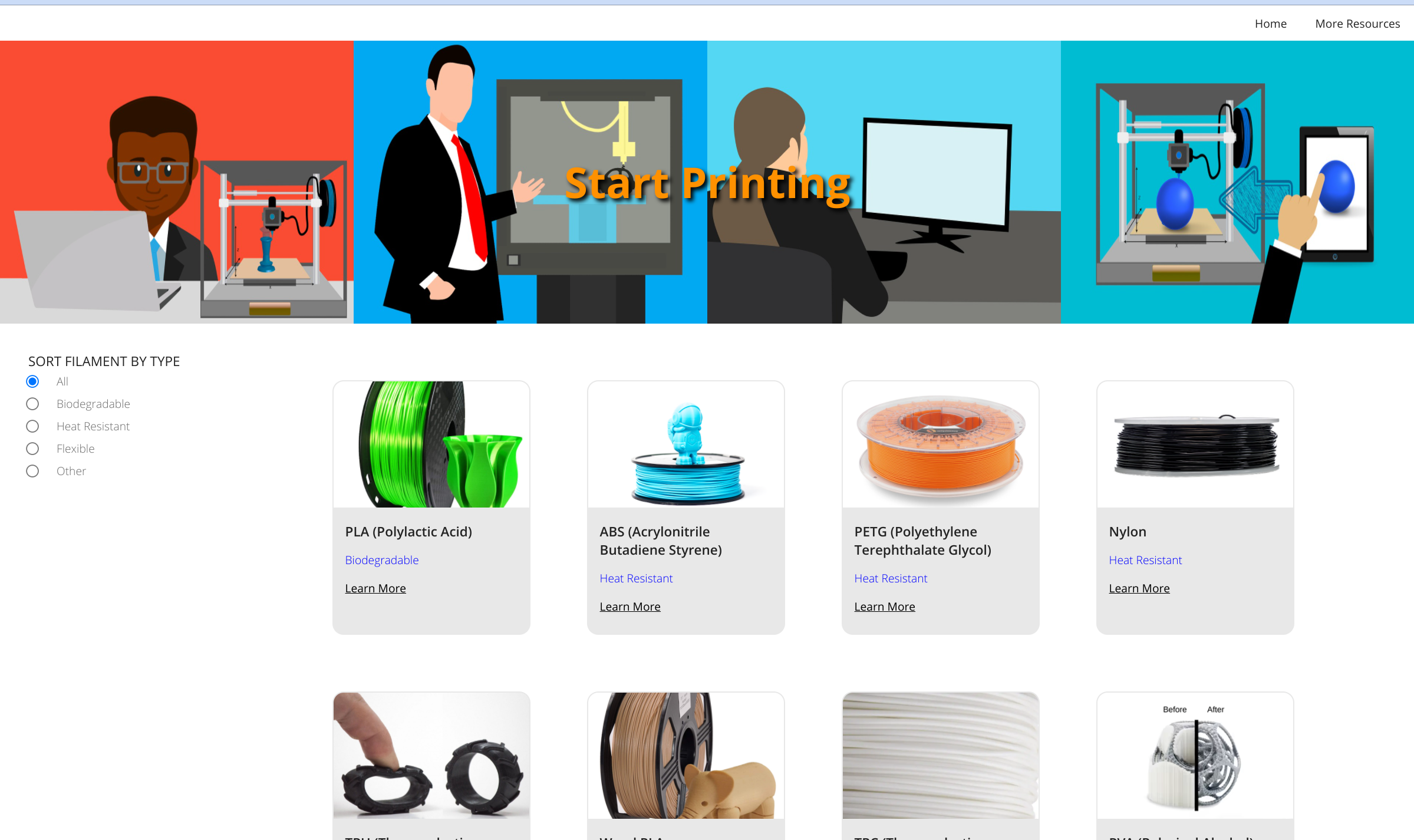
Start Printing
The two links in "Try it out" are for the project and the code respectively.
Inspiration
When thinking of the perfect project for this hackathon, I wanted to create a website that capitalized on the simplicity of my coding experience by creating a website based on simplicity. I knew that, back when I had started 3d printing, I could never find a website that was simple enough to understand, so I decided to create a website that would teach you the absolute basics of 3d printing that you could visit before moving on to preexisting beginner tutorials.
What it does
Start Printing aims to be an oversimplified 3d printing tutorial that those who are new to the hobby can visit without becoming overwhelmed.
Why this project is useful
I wish I could have found something like this when I was first getting started in 3d printing. All of the websites I found were geared towards those with slightly more experienced. In fact, almost all of the beginner articles I found were for choosing the right 3d printer, while at the time, I didn't understad the comparisions they were making or if I even wanted to buy a 3d printer at the time.
How I built it
I chose to go solo on this hackathon since I'm new to coding and am still proving to myself that I can make a functional and beautiful website on my own. I accomplished this goal with the only help I received being from a Qoom.io starter tutorial. I also made an additional page to my website entirely on my own using the knowledge that I learned from the tutorial.
Challenges that I ran into
The main challenge I faced was understanding the code I was being taught enough to change it to suit my needs. I almost always figured it out, with the only issue I didn't have time to resolve being my nav bar changing size when I switch between the different pages. I aim to fix this in the near future.
Accomplishments that I am proud of and what I learned
While I had some experience with JavaScript before this project, I was almost entirely lost on both the JavaScript and the JSON portions when I first started this tutorial. However, after a lot of rereading and trial and error, I learned a lot about both JavaScript and JSON. One CSS alteration that I'm particularly proud of is how I changed the banner in the header of my site from one image to four different ones that I found on Pixabay by mohamed_hassan.
What is next for this project
I plan on adding another page to this project that will explain more terms that you would find in preexisting 3d printing tutorials to further this site's mission as a pre-tutorial tutorial. Some examples would be the different parts of 3d printing exturders or even bed leveling.


Log in or sign up for Devpost to join the conversation.