-
-
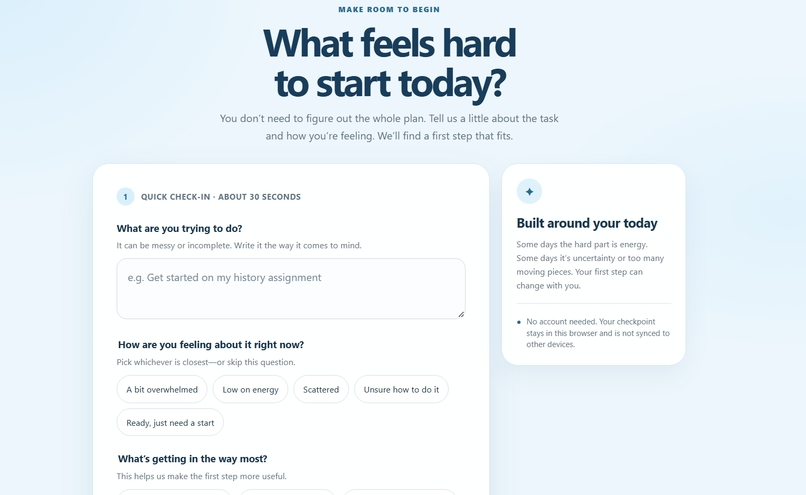
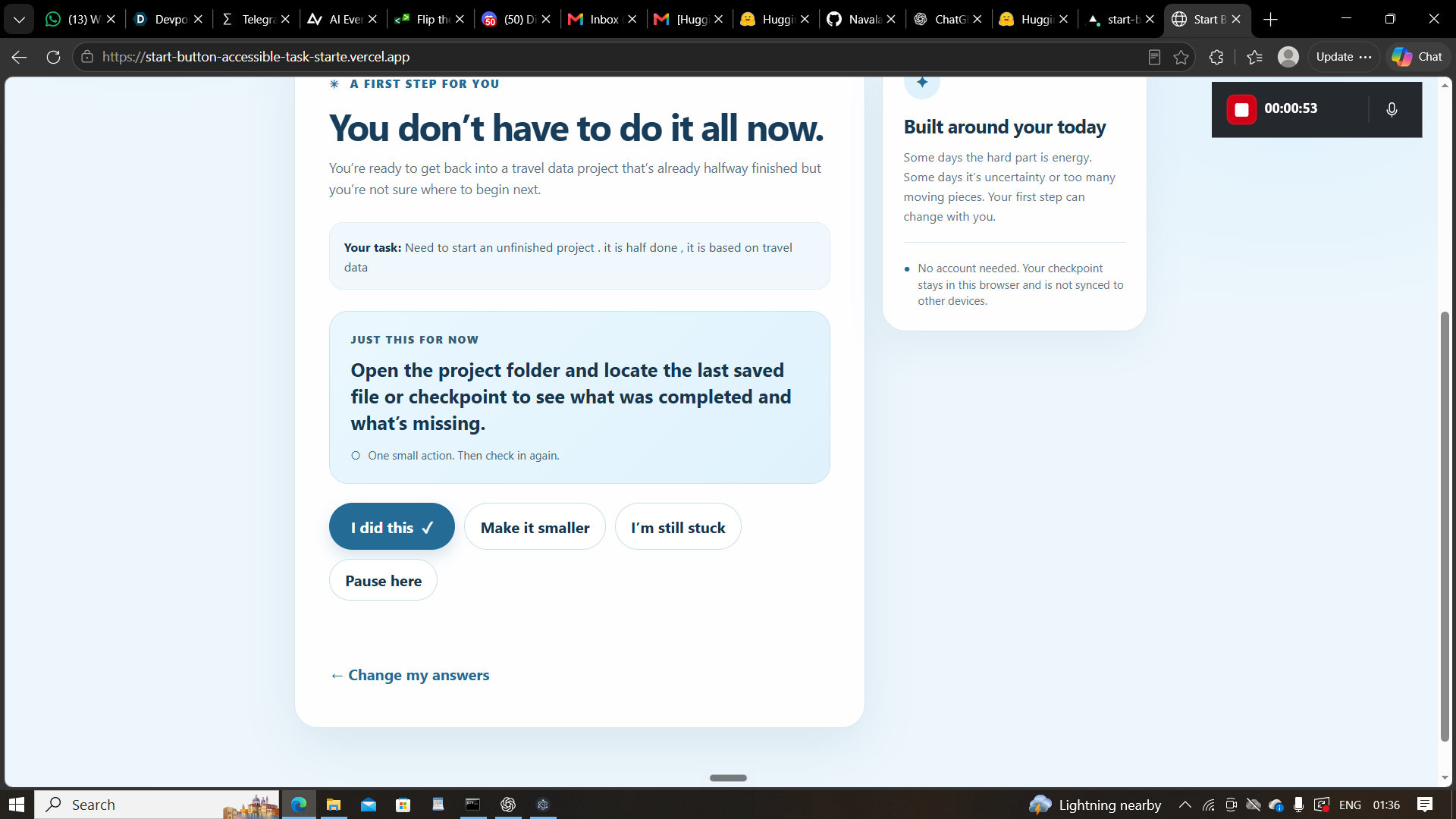
The dashboard image
-
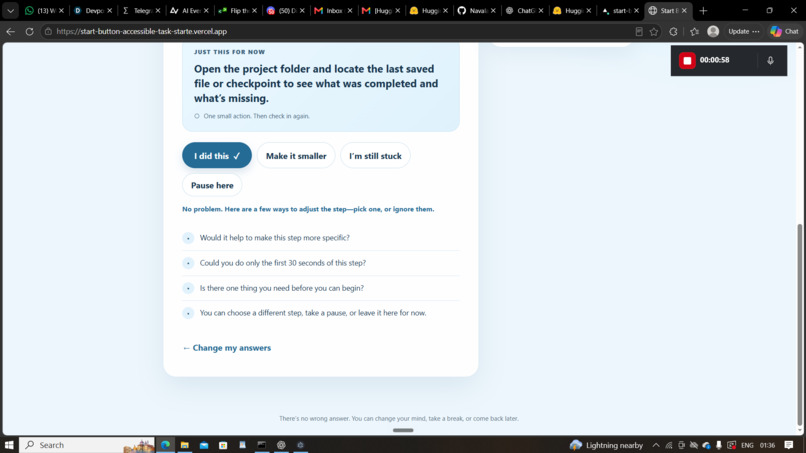
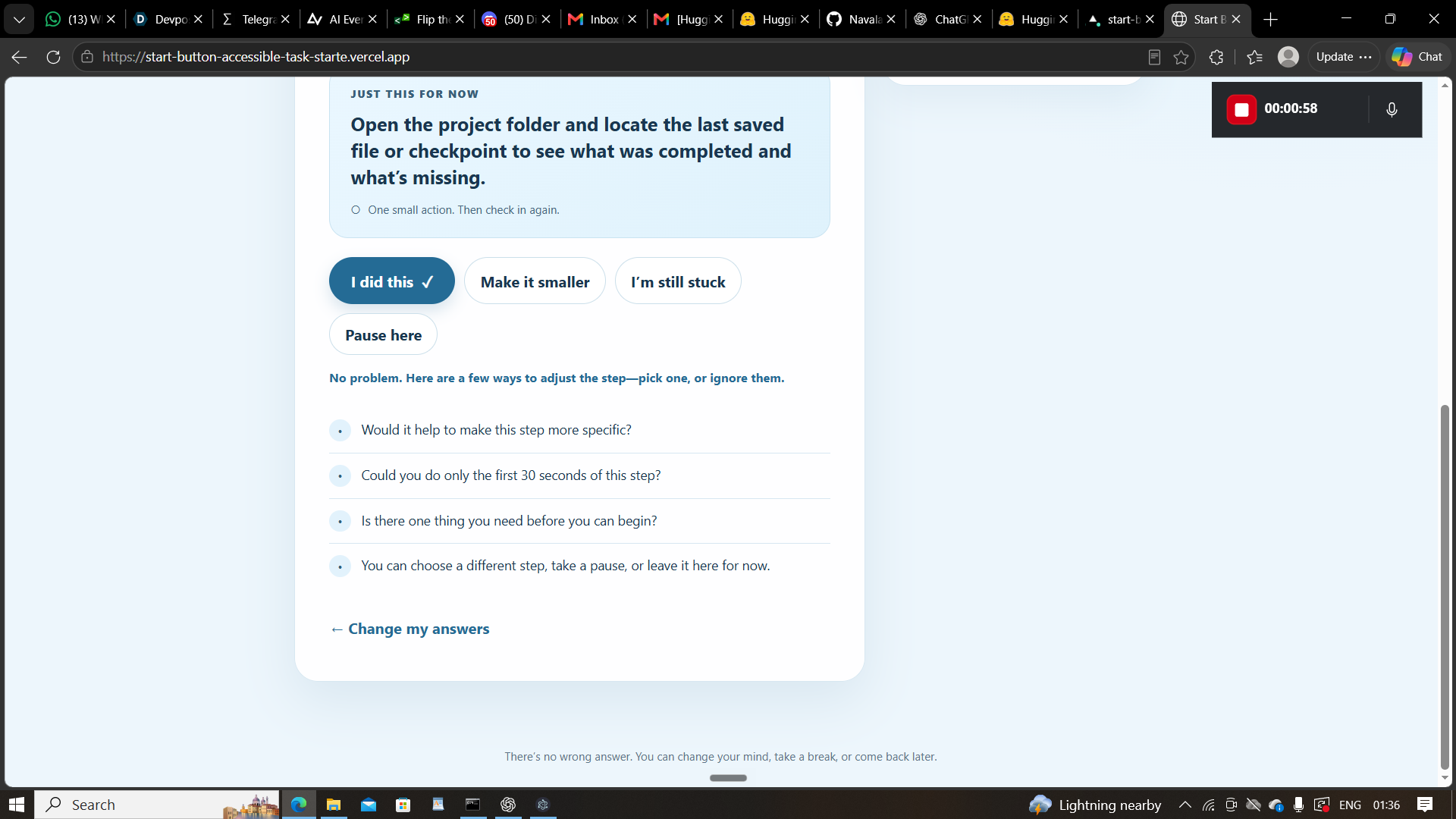
When still feeling stuck extra questions being displayed
-
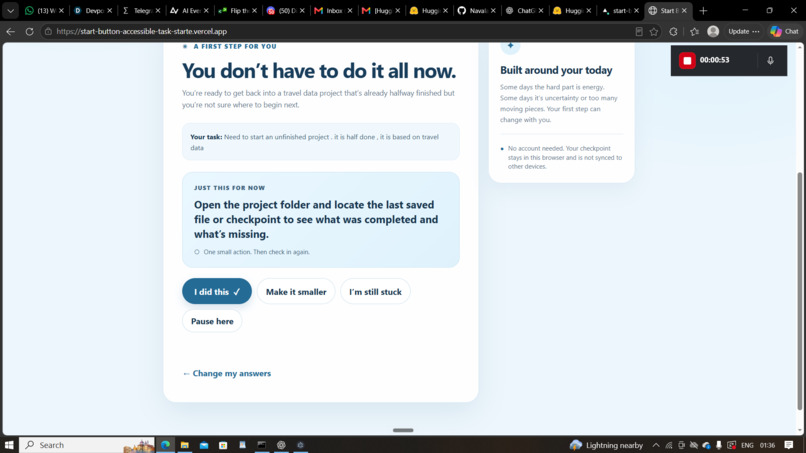
The answer being suggested
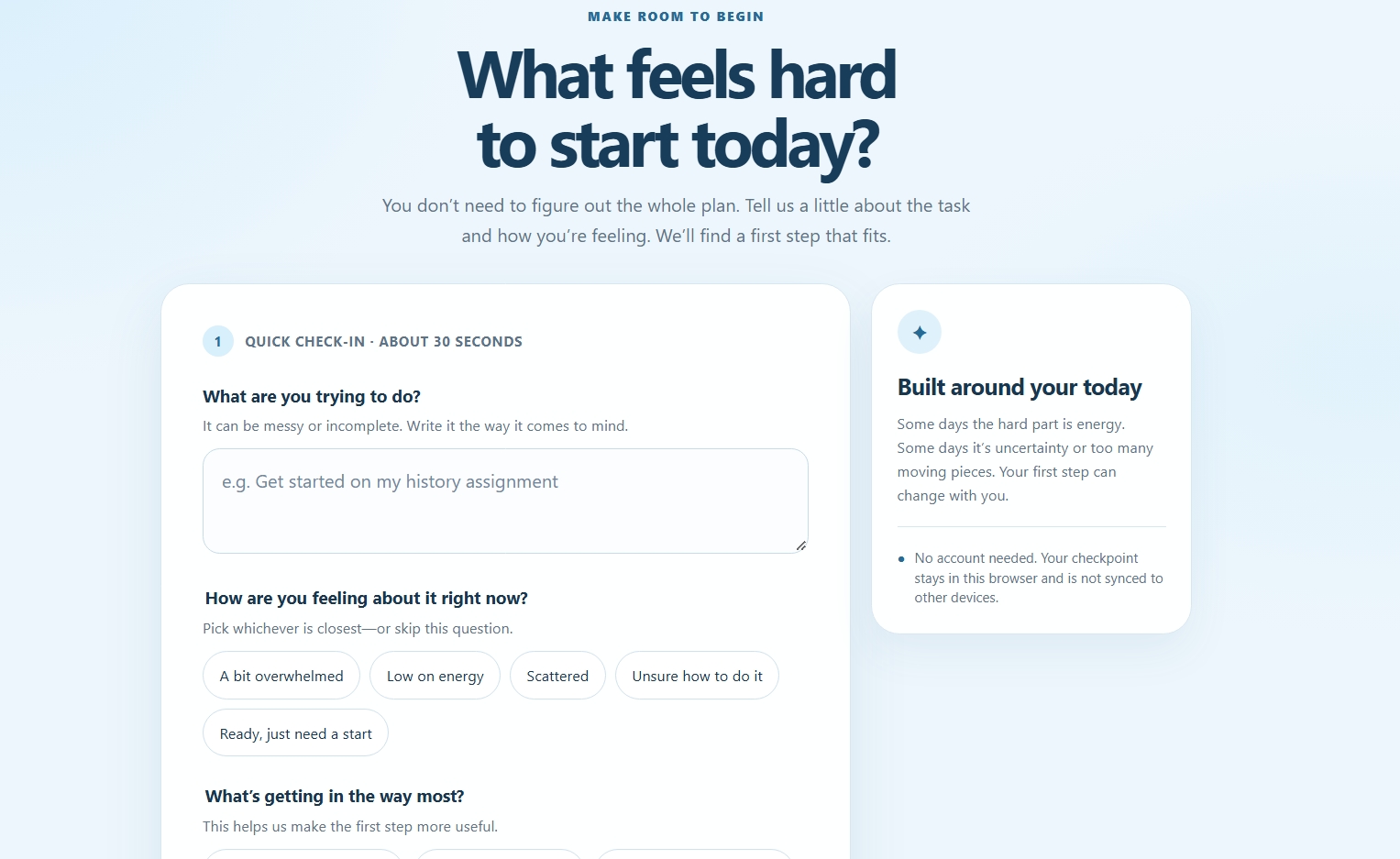
Inspiration
What it does
How we built it
Starting a task can feel harder than doing the task itself. When a task feels overwhelming, energy is low, or the first step is unclear, generic productivity advice often adds more pressure. We built Start Button to help people begin in a way that fits how they feel today. Start Button asks what someone needs to do, how they feel about it, and what is getting in the way. It uses AI to interpret those answers and suggest a small, specific first action—so someone can begin without needing to plan the whole task first. People can make the step smaller, say they’re still stuck, pause, or mark it done. Their checkpoint is saved in their browser, with no account required. We learned that personalization means more than repeating someone’s task back to them. The tool needs to connect the task with the person’s stated barrier and respond with an action that is actually useful. We also learned to keep the experience gentle: a first step should encourage agency, not guilt or pressure. We built the app as an accessible web experience with a short check-in, keyboard-friendly controls, clear focus states, and browser-based checkpoint storage. A serverless API sends the task and check-in to Groq using the openai/gpt-oss-20b model, then returns a structured plan. The API key is kept on the server. One challenge was getting reliable AI responses within the provider’s output format. Our initial setup failed to generate usable plans. We changed the API to use Groq’s strict structured output and adjusted its output budget, then tested the live deployment with a sample task. Another challenge was balancing helpful guidance with a nonjudgmental tone; the app lets users adjust or pause instead of insisting on one fixed plan.
Challenges we ran into
Accomplishments that we're proud of
What we learned
What's next for Start Button
Built With
- 20b
- api
- css
- gpt-oss
- groq
- html
- javascript
- openai
- storage
- vercel
- web

Log in or sign up for Devpost to join the conversation.