Inspiration
Flashcard apps have been the gold standard for vocabulary learning for decades, but most of them stop at "show a word, show a translation, repeat." That's not actually how people build a working vocabulary — you need context (a real example sentence, not just a bare translation), you need to use a word out loud or in a sentence before it sticks, and you need a system that reviews words exactly when you're about to forget them, not on a fixed daily list. We wanted to build the flashcard app we actually wished existed: one where AI does the tedious part (writing example sentences, mnemonics, transliterations) and a real spaced-repetition pipeline decides what you study and when — while still feeling as fast and lightweight as flipping a physical card.
What it does
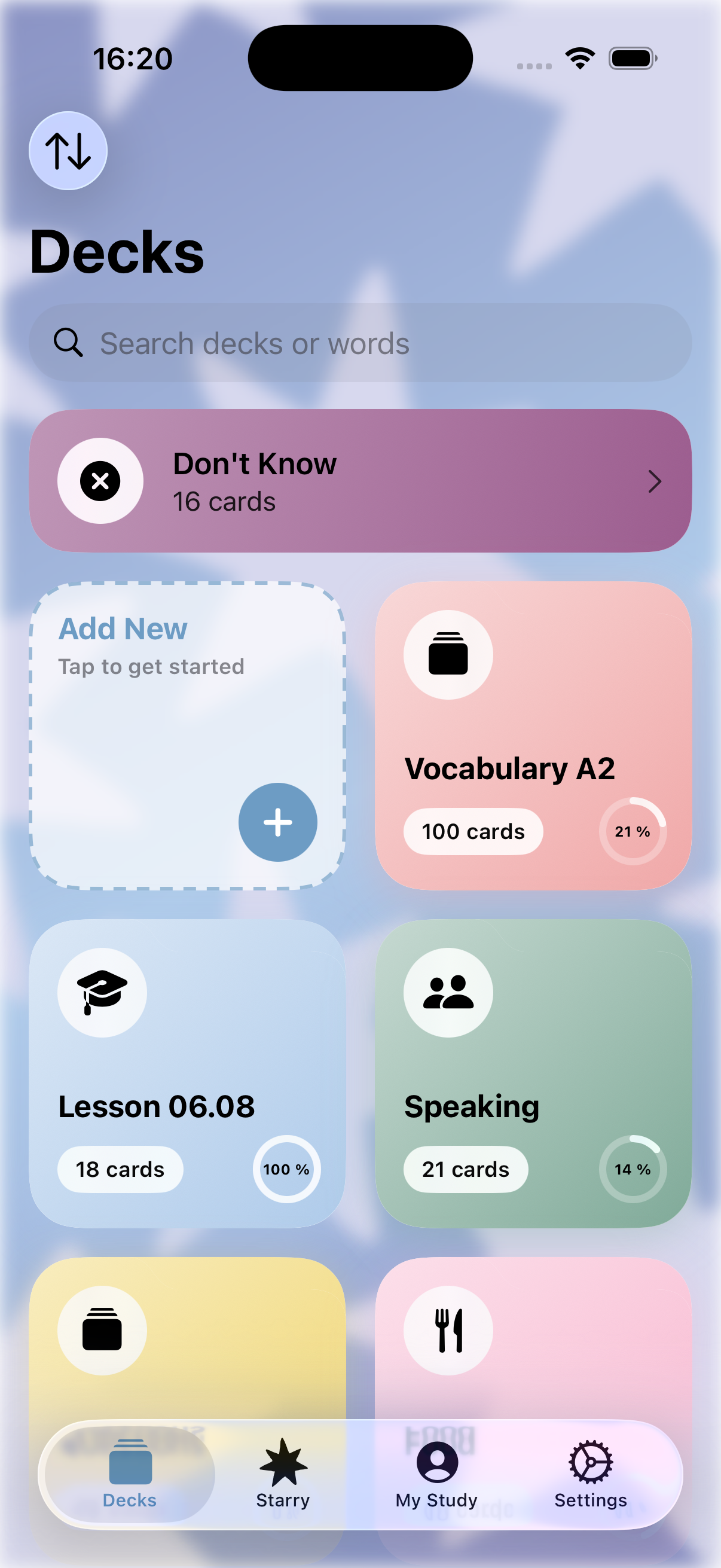
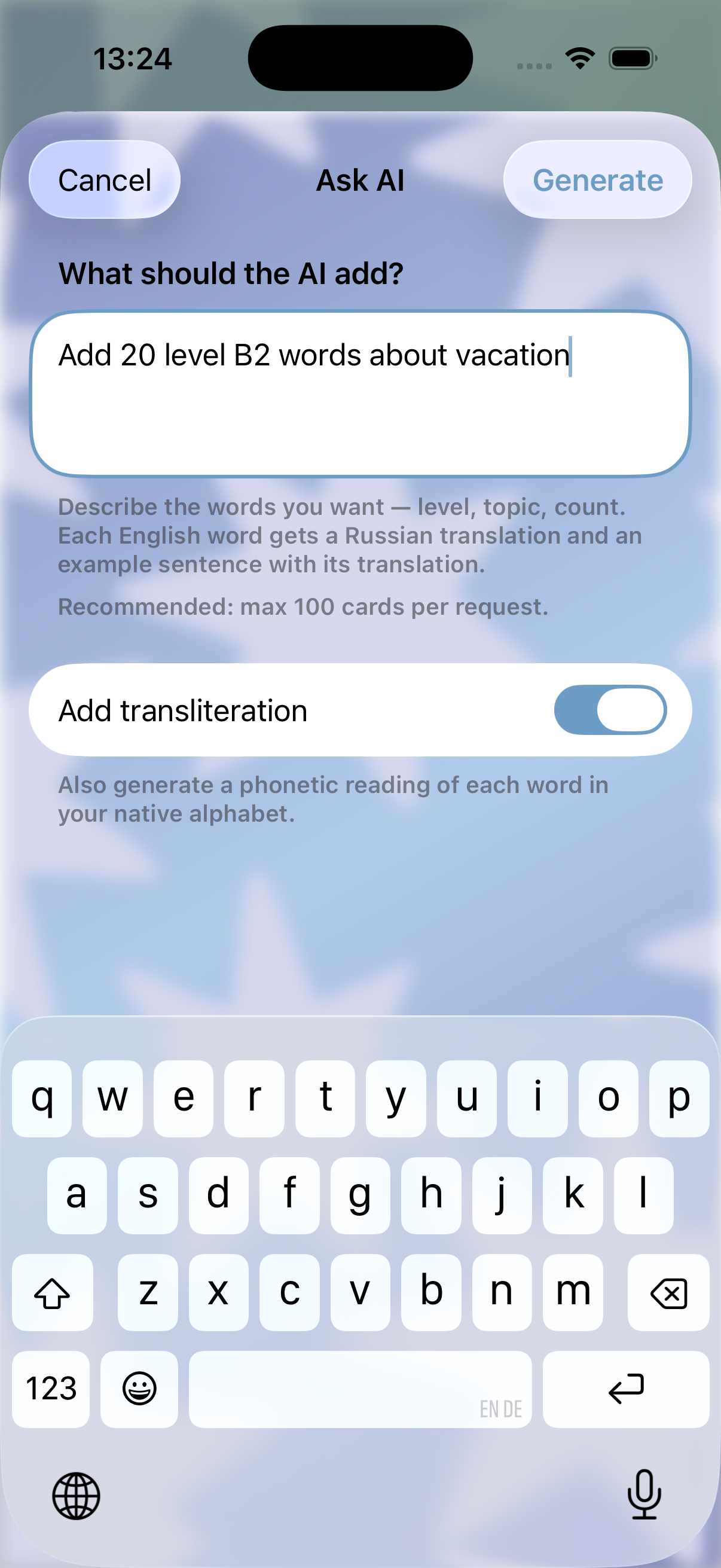
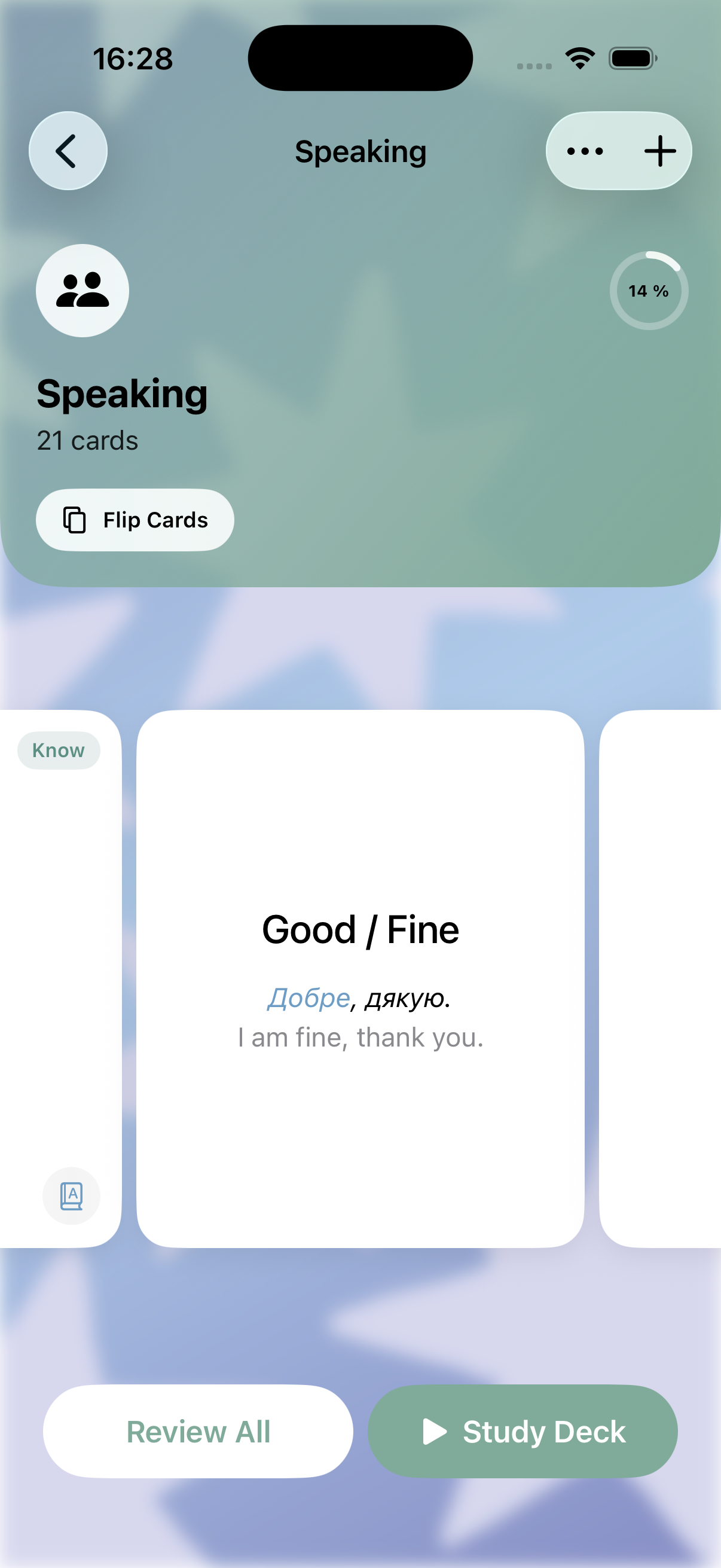
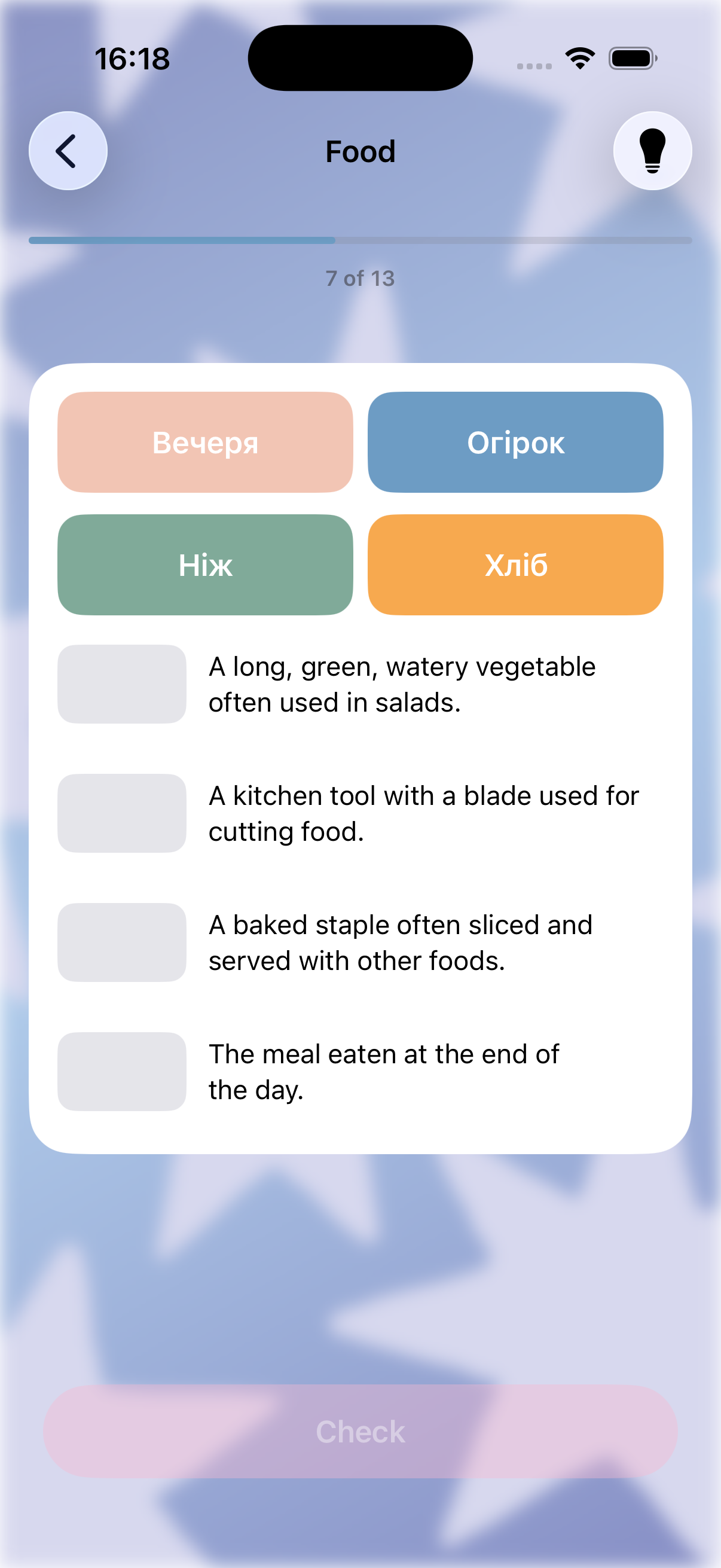
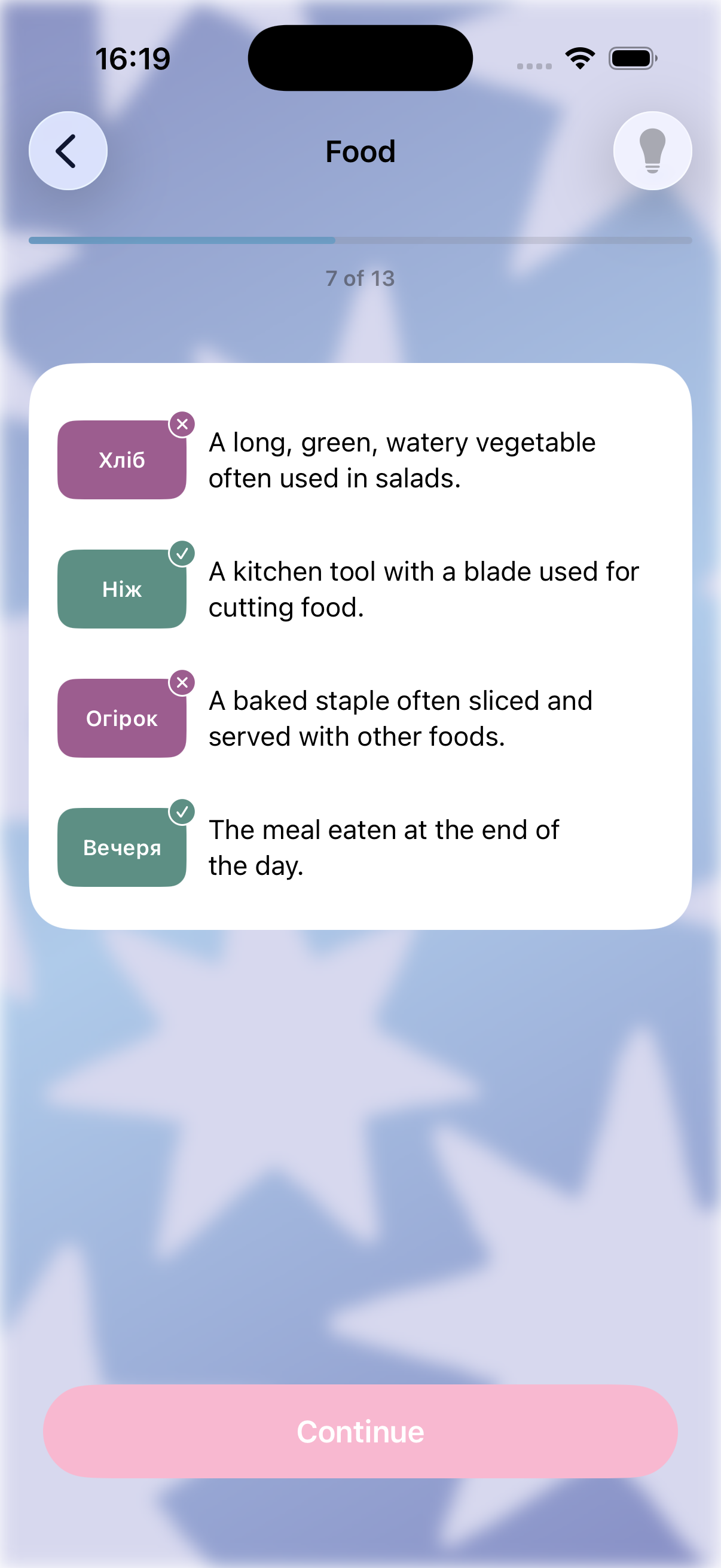
StarryWords turns any topic, word list, or pasted text into ready-to-study flashcards in seconds using AI — each card comes with a translation, a natural example sentence, a memory-hint association, and (optionally) a phonetic transliteration for scripts you can't read yet. From there:
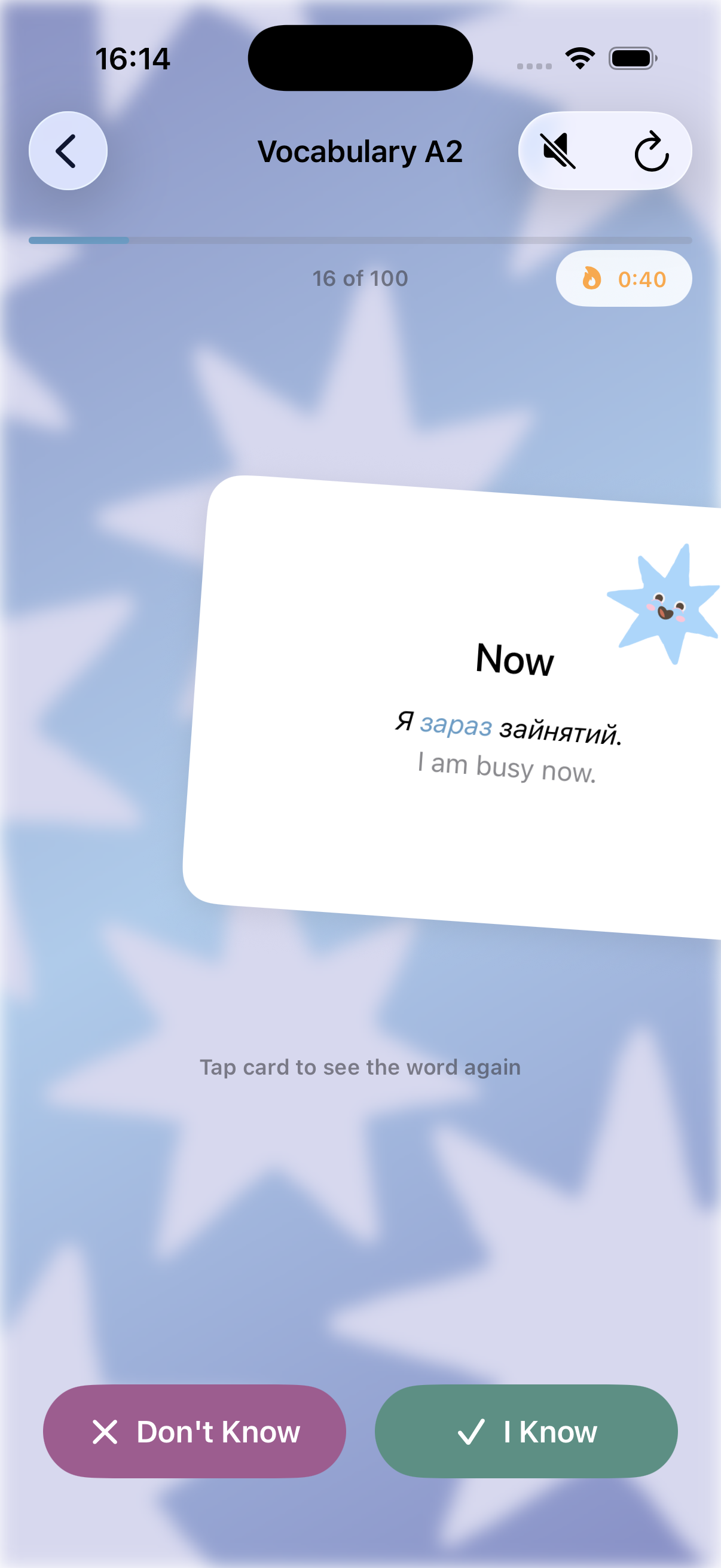
- Two study algorithms: a simple "smart queue" that skips words you already know, or an advanced spaced-repetition pipeline (Association → Flip → Writing → scheduled review) that mirrors how memory actually consolidates.
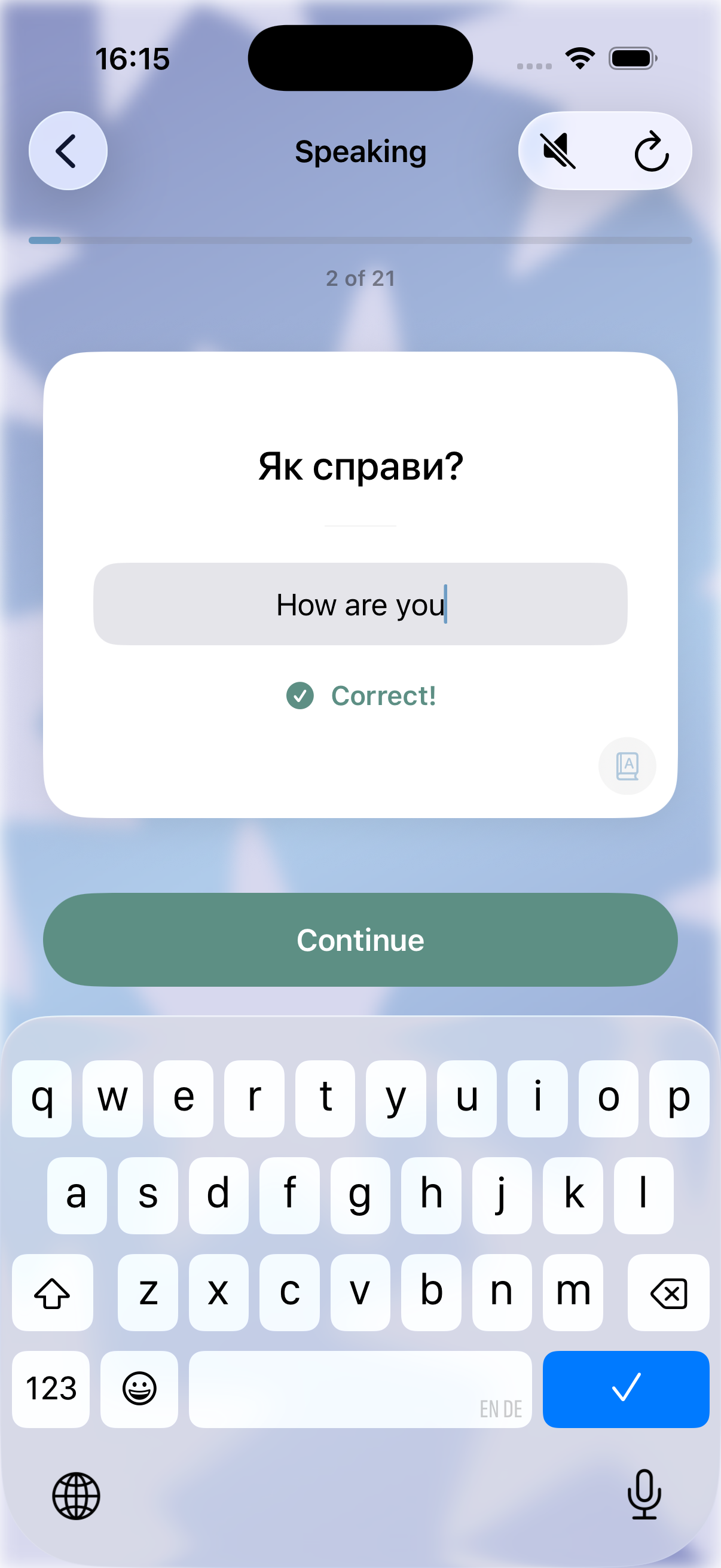
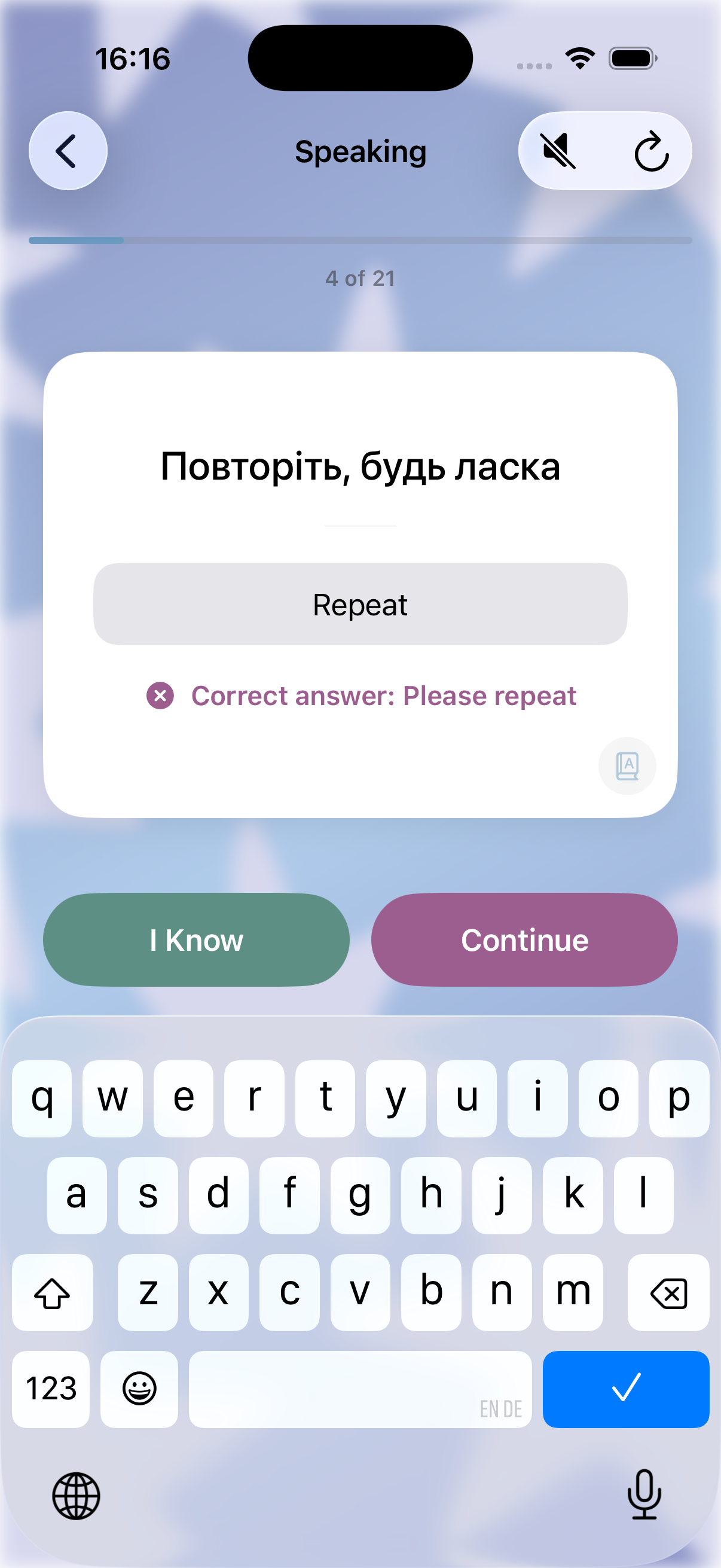
- AI Conversation mode — practice the words you're learning in a short, real dialogue instead of just flipping cards.
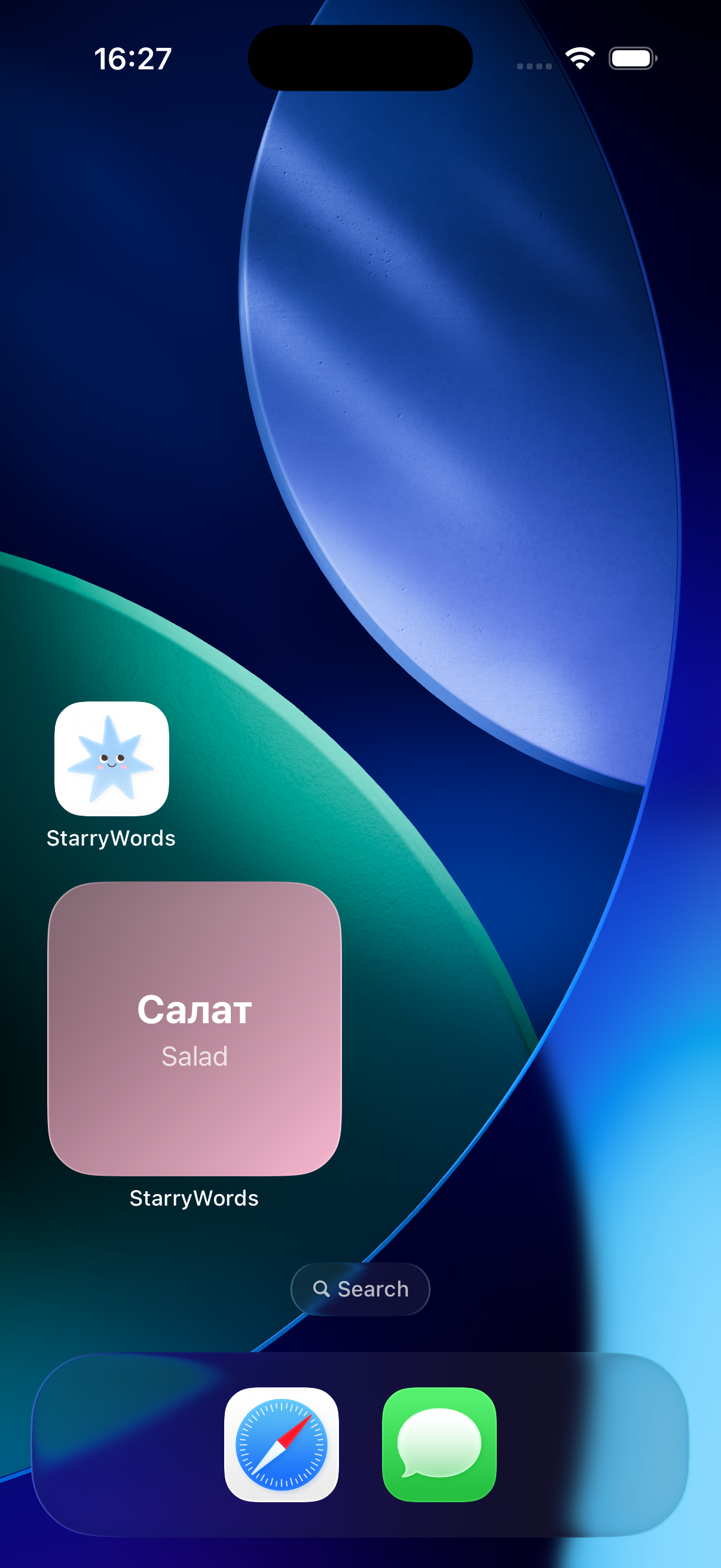
- Widgets on both the Home Screen and Lock Screen, so the word you're learning right now is always one glance away.
- Support for transliteration, custom/less-common languages, and a guided tour that gets new users oriented without a wall of text.
How we built it
The app is native SwiftUI (iOS 17+), with Core Data + CloudKit for local storage and cross-device sync, RevenueCat for subscriptions, and a Cloudflare Worker as a thin proxy in front of the AI provider — so the model, prompts, and per-user usage budgets can all be tuned server-side without an app update. The architecture leans on MVVM throughout: every screen owns a @Observable ViewModel, and shared UI (card faces, transliteration toggles, paywall components) is pulled into reusable components rather than duplicated per screen.
Challenges we ran into
- A real App Store rejection (Guideline 2.1a) around account detection on first launch — the fix was removing a manual "restore account" flow entirely and deriving everything reactively from whatever CloudKit/Core Data actually has, rather than asking the user to declare it.
- A day-boundary bug where a card's "ready to study" badge and the actual scheduler disagreed by up to 24 hours — a classic off-by-one in date comparison that only showed up in real usage, not testing.
- Tiered AI usage limits — building a second, cheaper subscription plan meant threading a "which tier is this user on" signal from the client all the way through to a server-side daily token/card budget, while making sure older app versions kept working unchanged against the same backend.
- Assorted SwiftUI quirks on the newest iOS release (scroll-position and gesture-recognition regressions) that needed workarounds rather than "wait for Apple to fix it."
What we learned
Real user reports on a real device catch bugs that no amount of simulator testing does — several of the trickiest fixes in this project came from watching actual usage, not from a test suite. We also leaned hard into "if two screens do almost the same thing, they should share one component," which made every later feature (like the second subscription tier, or the reversible flashcard direction) much cheaper to add than the first one was.

Log in or sign up for Devpost to join the conversation.