-
-
panorama
-
Leo (selected)
Inspiration 🧠
The inspiration for StarLink 🌌 came from our fascination with the night sky and the desire to make astronomy more accessible to everyone. We wanted to create an interactive tool that allows users to explore and learn about the stars and constellations in a fun and engaging way. 😀
What it does 💻
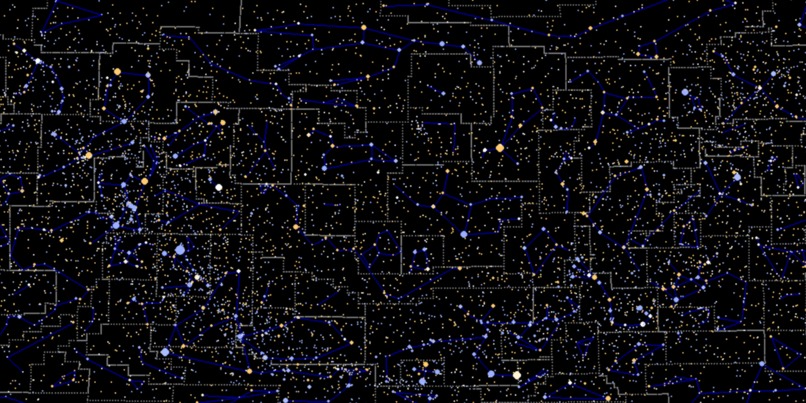
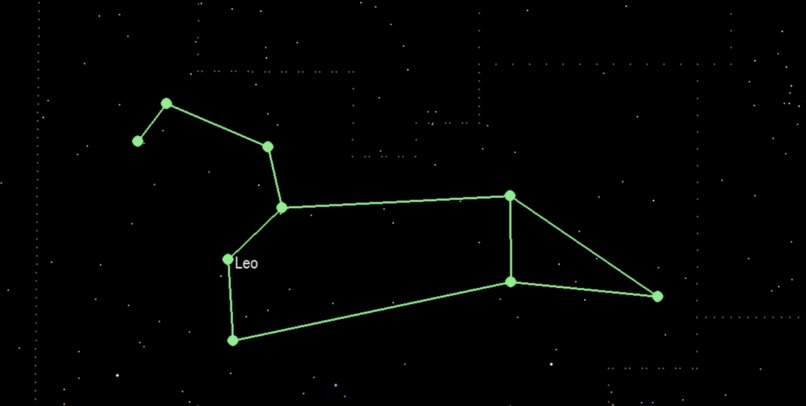
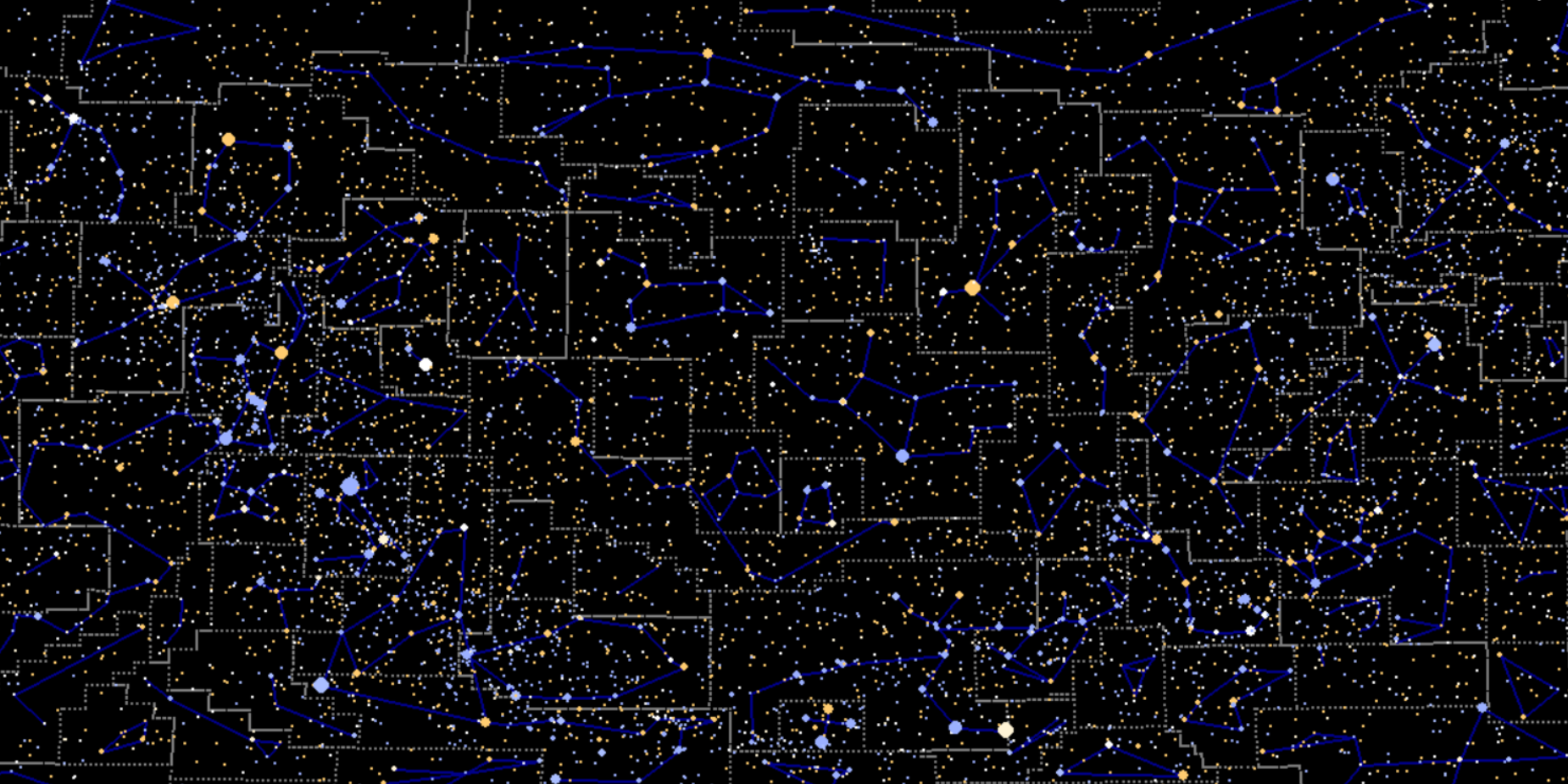
StarLink is an interactive star map application that allows users to explore the night sky. Users can zoom in and out, pan across different regions, and highlight specific stars and constellations. The app provides a seamless and engaging experience for both amateur astronomers and educational purposes.
How we built it 🛠️
We built StarLink using Pygame 🎮 for rendering the star map and handling user interactions. The project involved several key components:
- StarMap: Manages the data and logic for the star map, including scaling and panning.
- Renderer: Handles the drawing of stars, constellations, and other celestial elements.
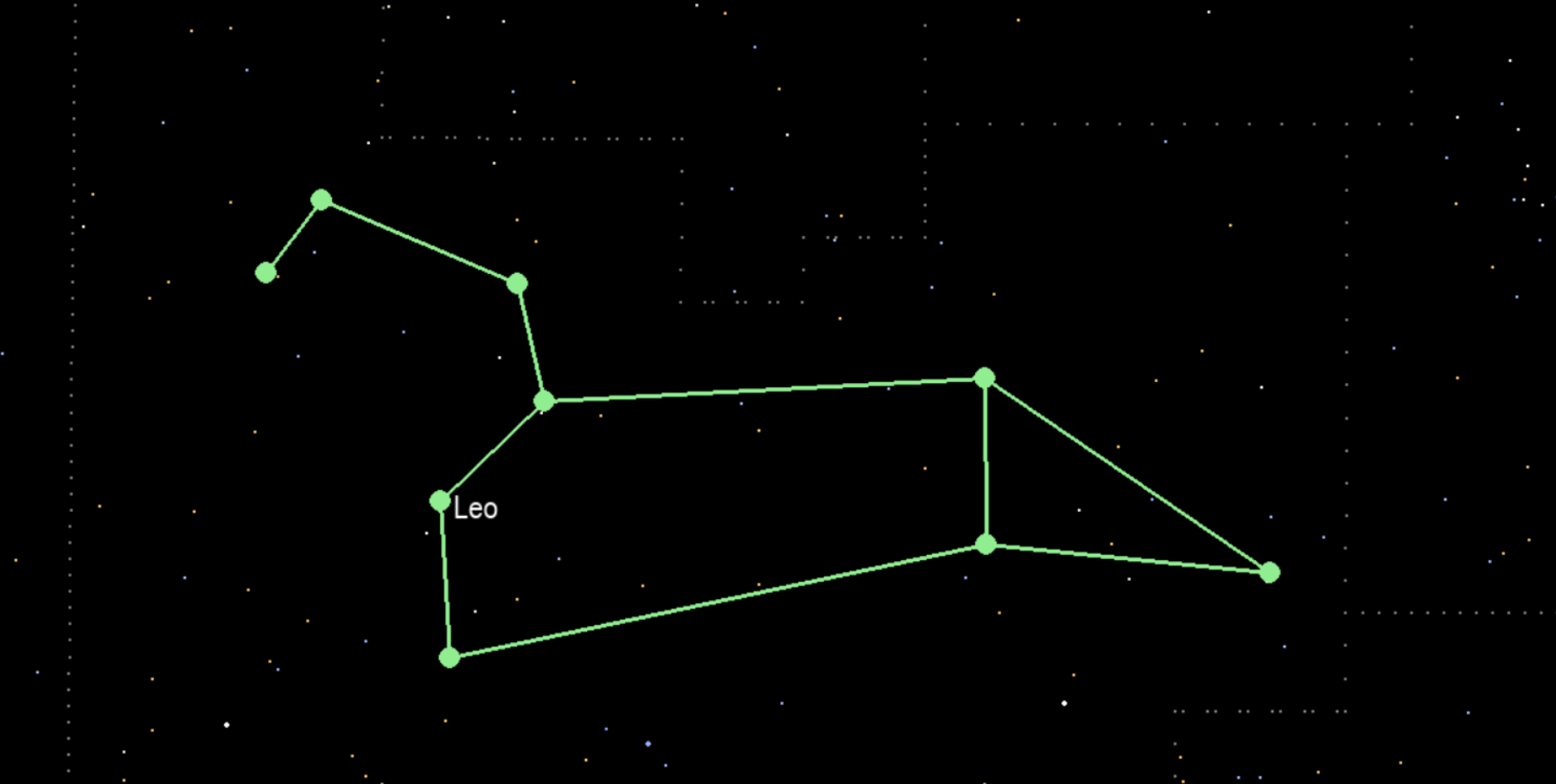
- Selection: Allows users to select and highlight specific stars and constellations.
We also implemented features like zooming, panning, and caching to enhance the user experience and performance. 💡
Additional Feature 🕹️
We implemented a MediaPipe-based hand gesture tracking feature to control map movement and zoom. However, due to time constraints, we couldn't integrate gesture-based star selection and constellation connection. This remains a key focus for future development.
Challenges we ran into 🚧
One of the main challenges we faced was optimizing the rendering pipeline to ensure smooth performance, especially when handling large datasets of stars and constellations. We also had to carefully manage user interactions to provide a seamless and intuitive experience. Debugging and fine-tuning the selection and highlighting features were also challenging but ultimately rewarding.
Accomplishments that we're proud of 😎
We are proud of creating a visually appealing and highly interactive star map that provides a smooth user experience. Successfully implementing features like zooming, panning, and star selection were significant milestones. Additionally, optimizing the rendering pipeline to handle large datasets efficiently was a major accomplishment. 😊
What we learned 📚
Throughout this project, we learned a lot about Pygame and its capabilities for rendering graphics. We also gained a deeper understanding of astronomical concepts and how to represent them visually. Additionally, we improved our skills in handling user interactions and optimizing rendering performance.
What's next for StarLink 💡💭
In the future, we plan to add more features to StarLink, such as detailed information about stars and constellations, support for different celestial events, and integration with real-time astronomical data. We also aim to enhance the user interface and make the app available on multiple platforms.
Appendix
The constellations data set is from: https://github.com/eleanorlutz/western_constellations_atlas_of_space/tree/main
The public python package we used:
- pygame: 2.6.1
- mediapipe: 0.10.20
- opencv-python: 4.11.0.86
- pyautogui: 0.9.54
- numpy: 1.26.4
- panda: 2.2.1


Log in or sign up for Devpost to join the conversation.