-
-
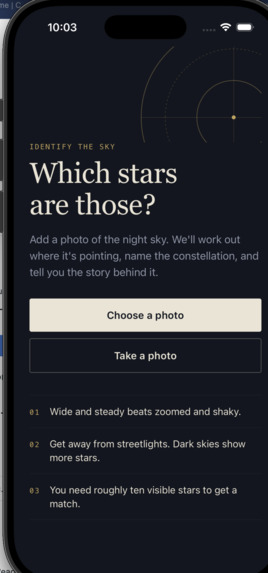
Homepage
-
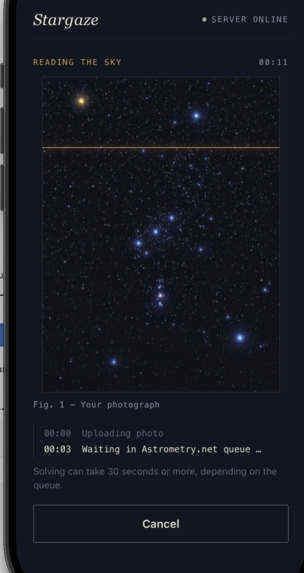
Testing for Status Page & uploading
Inspiration
Everyone has looked up at the night sky and wondered "what star is that?" Most people never find out. Star charts are hard to read, and stargazing apps make you hold your phone up and trust a compass. We wanted something simpler: take a photo of the sky, and find out exactly what's in it. We also realized the stars come with something most apps skip. Cultures around the world named these same stars and told stories about them for thousands of years. For hackPHS's theme, "Into the Skies," we wanted to bring back both the science and the stories.
What it does
StarGazer turns a photo of the night sky into a map and a story.
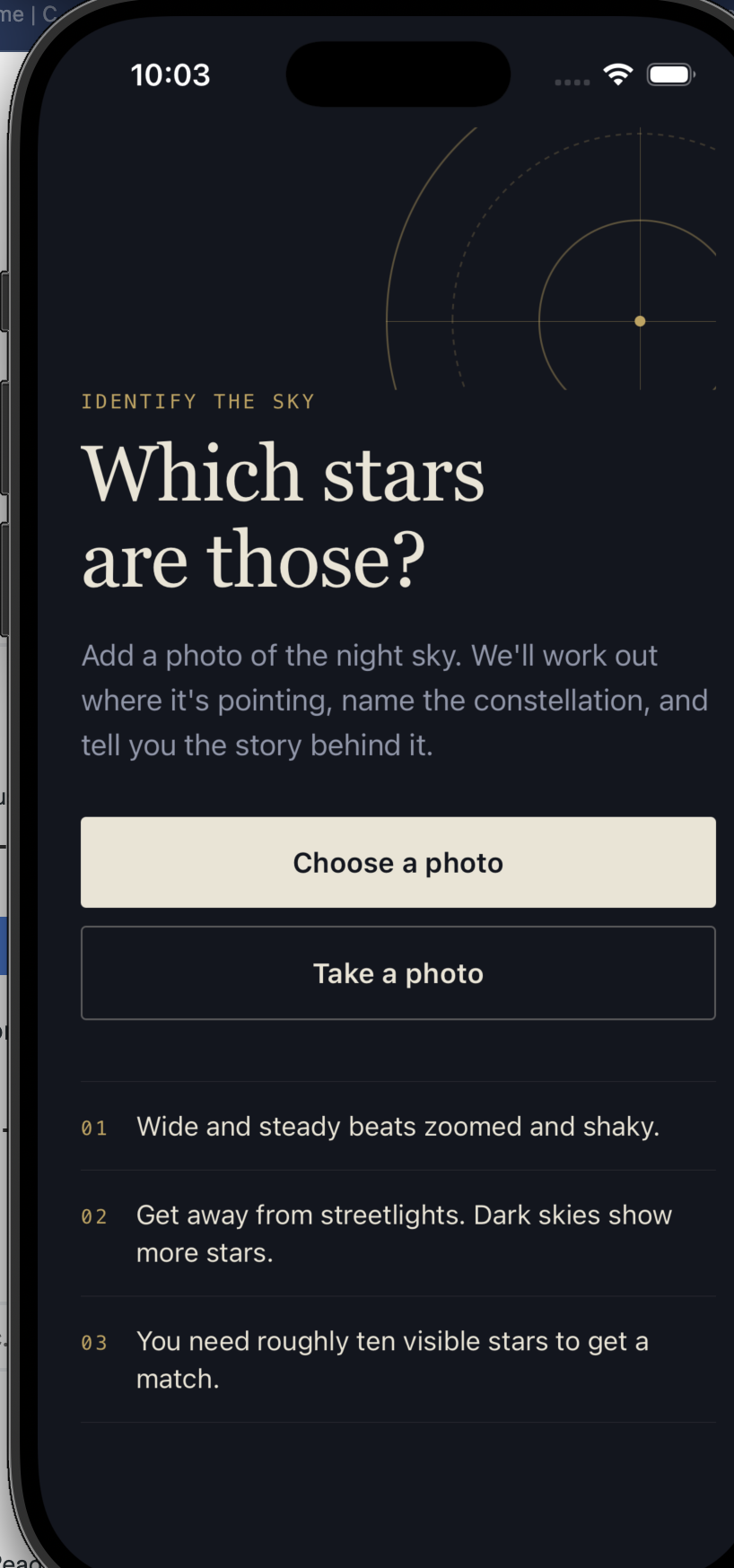
- Capture: take a photo or pick one from your gallery. You can add a rough field of view to speed things up.
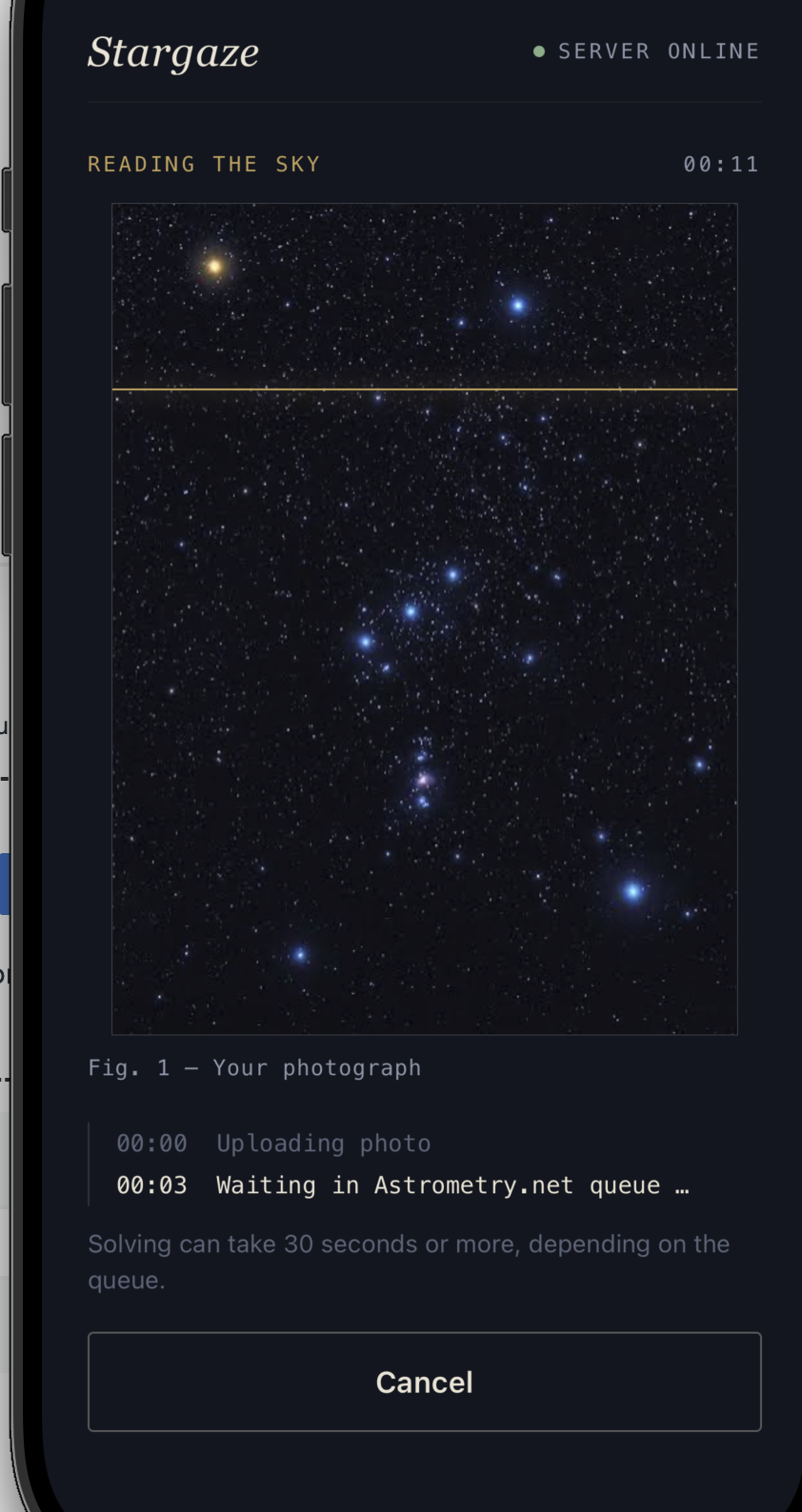
- Solve: the app finds exactly where in the sky your photo points. A live progress log and timer show each stage.
- Explore: named stars are marked right on your photo, and you can tap any marker to see what it is. The app also shows the constellation, the sky coordinates of the center (right ascension and declination), the field of view, and any galaxies, nebulae or clusters in the frame.
- Read and share: StarGazer tells the myth behind that constellation, names the culture it comes from, and mentions the stars in your photo. You can share the story in one tap.
How we built it
- Mobile app: React Native (TypeScript, no Expo) for iOS and Android, with
react-native-image-pickerfor the camera and gallery. - Backend: Python and FastAPI.
- Star identification: we send each photo to Astrometry.net, which plate-solves it. That means it matches the patterns of stars against star catalogs, the same method observatories use to work out where a telescope is pointing. It returns the coordinates of the photo, the named stars with their pixel positions, and the objects in the frame.
- Constellation: astropy finds the constellation from the solved center coordinates.
- Myth: Claude Haiku 5.5 from Anthropic writes a ~100-word story from the constellation and the star names in the photo.
- Making it fast and reliable: solving can take a minute or more, so the API runs jobs in the background and the app polls for progress. The three result requests run in parallel. Results are cached by photo hash, so re-uploading a photo is instant and duplicate uploads share one job. API keys never leave the server.
AI disclosure: The stars and constellation are identified with astronomy (Astrometry.net and astropy), not AI. Generative AI is used only to write the myth, and it only gets facts we've already verified. We also used Claude as a coding assistant while building the backend, the story-generation code and the documentation.
Challenges we ran into
- Phone photos are hard to solve. They're wide-angle, noisy and full of light pollution. Our first attempts with narrower star databases failed on normal phone shots. Astrometry.net can solve "blind" at almost any scale, and the optional field-of-view hint makes it much faster.
- Slow solves. The public solver has a queue and can take minutes. We rebuilt the flow around background jobs, live stage updates and caching, so the user always sees progress instead of a frozen spinner.
- Keeping the AI honest. If you ask a language model to identify stars, it will confidently make some up. We kept the AI out of identification entirely and gave it only verified facts.
- Simulator networking. The iOS Simulator and the Android Emulator reach your laptop at different addresses (
localhostvs.10.0.2.2), and both platforms block plain HTTP by default.
Accomplishments that we're proud of
- It works end to end: from a real photo of the sky to labeled stars and a myth, on both iOS and Android.
- The results are real astronomy. The coordinates and star positions come from catalog matching, not guesses.
- AI is used where it's strongest (storytelling) and kept away from where it's weakest (facts).
- The app is polished: it checks whether the server is online, lets you cancel, gives clear error messages, and recovers when the story step fails. The backend has automated tests.
What we learned
- How plate solving works, and what right ascension, declination and pixel scale actually mean.
- How to design around slow external services with async jobs, polling, caching and deduplication.
- How to use a language model responsibly: give it verified facts, keep its job narrow, and have a fallback when it fails.
- How to ship one React Native codebase to two platforms, including their different permission and networking rules.
What's next for StarGazer ( Maybe' )
- Narrated stories: read the myth aloud with natural text-to-speech.
- Live sky view: label stars in real time through the camera instead of from a single photo.
- "What's up tonight": use your location to show which constellations are visible right now.
- Hosted backend: deploy with HTTPS so StarGazer works anywhere, without a laptop running the server.
- More cultures: let users pick which tradition's story they hear for the same constellation.
Source Code
|-----|-----| | API backend | https://github.com/bhargavkulkarni01/StarGazeAPI | | Frontend | https://github.com/bhargavkulkarni01/StarGazeApp |
Built With
- anthropic
- astrometry
- python
- react-native

Log in or sign up for Devpost to join the conversation.