-
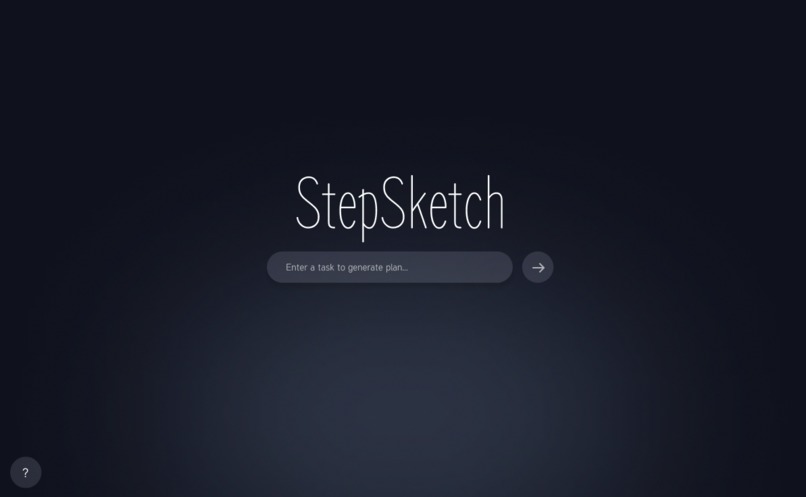
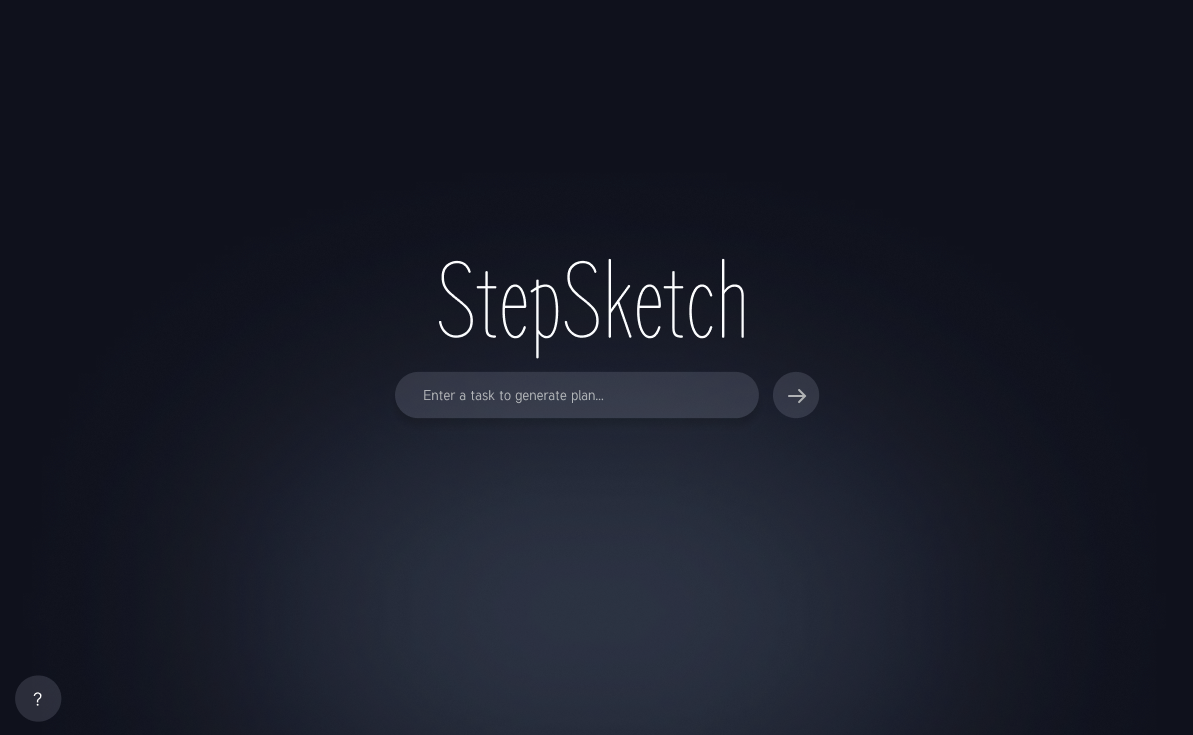
Main App Screen
Inspiration
First, we observed: There is a sense of overwhelm with a brand-new activity. This is whether one is working with digital painting or gardening because people get stuck at a point referred to here as “the middle.” Then they opt to abandon their pursuit rather than struggle with what seems like an unobtainable goal with too many steps between where they are and their end point of a more interesting life after step one or step two or step twenty because one simply cannot get there from here. “We wanted Step
What it does
StepSketch helps the user "sketch out" their journey as a hobbyist. It comes with a clean, beautiful vertical timeline where the user can enter milestones, monitor their progress through a interactive percentage meter, and store necessary resources (such as tutorials or equipment lists) all within one interface. It’s a project management app, but once again, it has a Zen feel of a lifestyle app.
How We Built It
For our backend code, we have used PySide6, and for our front-end, we have utilized QML to make a fluid, modern UI.
Backend: The backend is written in Python. It takes care of data processing tasks like JSON storage and calculating progress.
Frontend: We utilized a declarative programming paradigm offered by QML to implement our custom delegates for a timeline node and smooth property animations.
The Bridge: We used a communication layer built using the QObject functionality, which enabled smooth transfer of information between the engine and the UI.
Challenges we encountered
Here, we The main challenge we, as beginners, encountered was in "Python-to-QML Bridge." It took us some time to understand how signals could be emitted from Python, which could then be caught by QML. We also struggled with realizing an effective vertical timeline, responsive to differences in desktop window size, while keeping the "bubbly" look of our branding.
Our Achievements, of which we are Proud
We are very proud of the UI/UX. Sometimes, desktop applications look "old," but by employing the use of QML, we were able to develop an application that would feel like it’s a mobile application. We were also able to implement the concept of a local JSON save system, which would mean our application would be totally functional.
What we Learned
“The power of separation of concerns” was a lesson we learned firsthand. By dividing our team into UI and Logic specialists, we are able to develop concurrently. The value we extracted and learned to fully appreciate here was in regard to the Qt framework and how it supports transitions and shapes far more so than traditional web development in terms of desktop implementation. Next Steps for StepSketch We would also like to introduce "Hobby Templates" through which experts would be able to show their roadmaps, and beginners wouldn’t have to begin everything from scratch. We also want to incorporate "Gamification" aspects, such as badges or changing the application’s background color once you achieve 100% completion for that hobby.
Built With
- figma
- geminiapi
- pyside6
- python
- qml

Log in or sign up for Devpost to join the conversation.