-
-
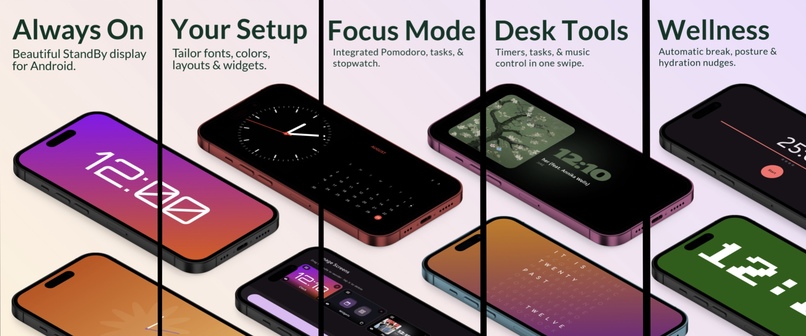
Overall
-
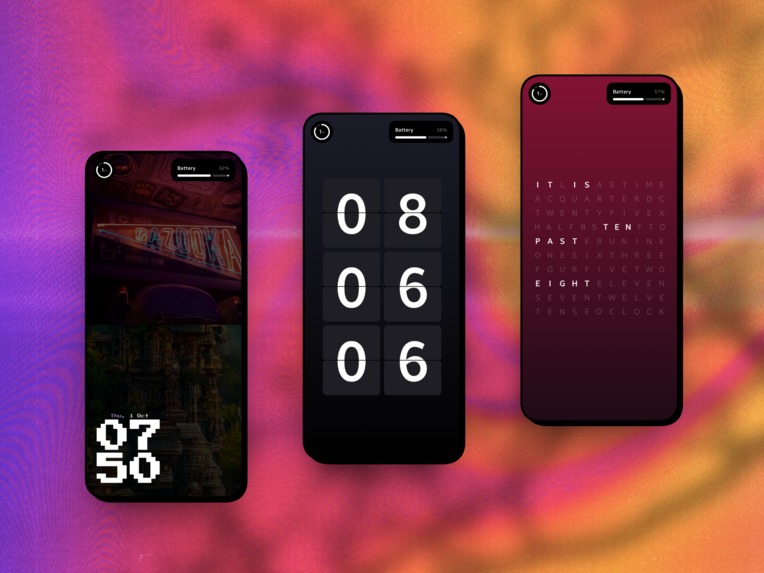
Portarait Mode clocks
-

Analog Shape Clock
-
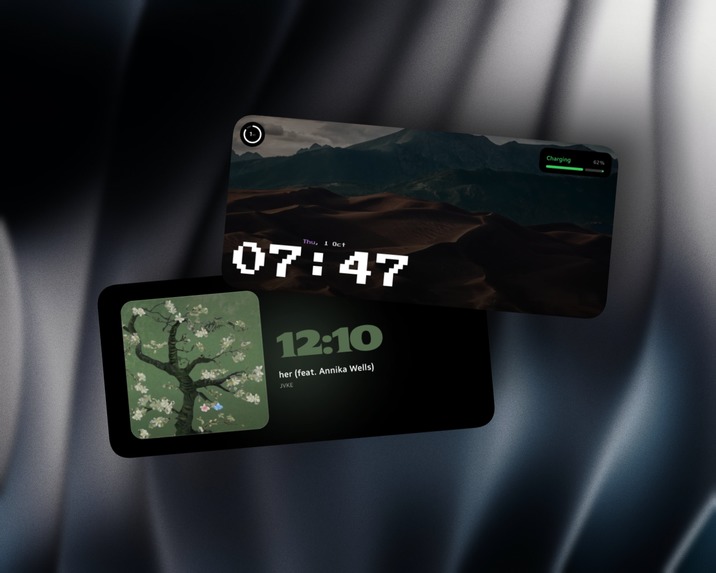
Photo Clock & Music Clock
-
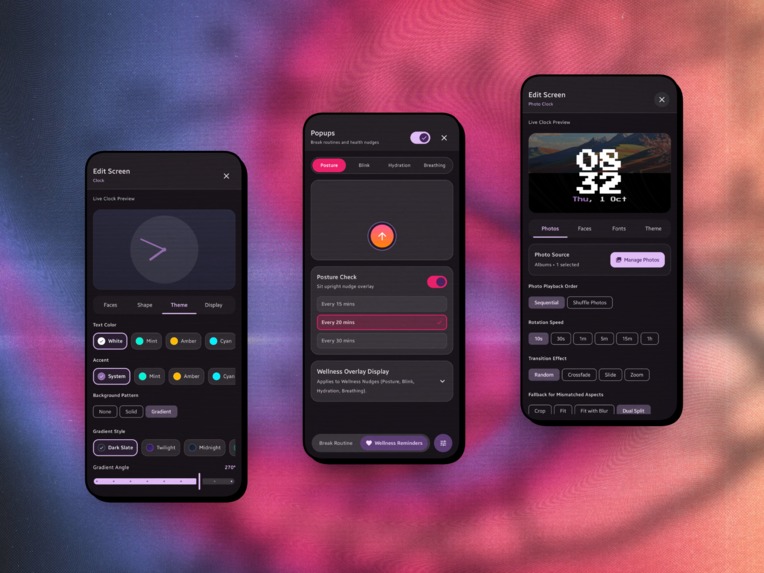
Edit Screens & Wellness Screen
-
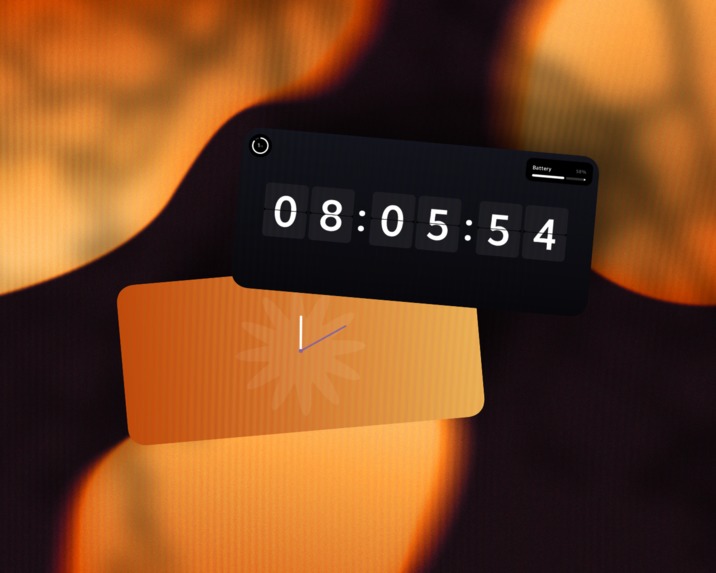
Flip and Analog Clocks
-
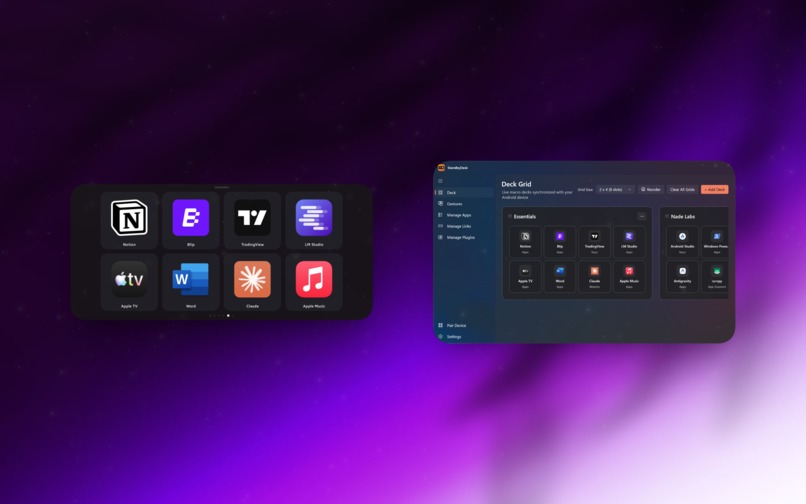
Deck Mode Android & Windows
-
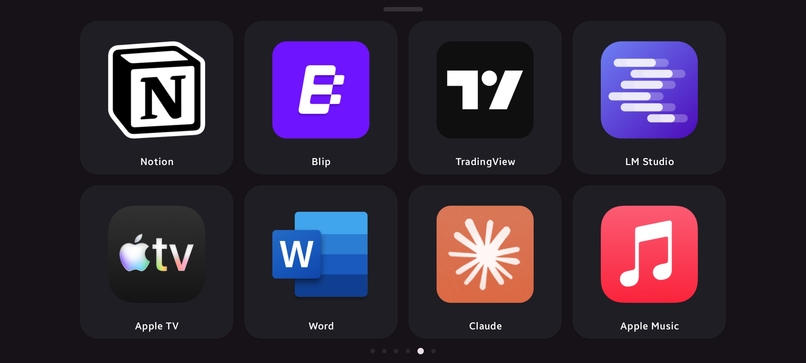
Android Deck Mode
-
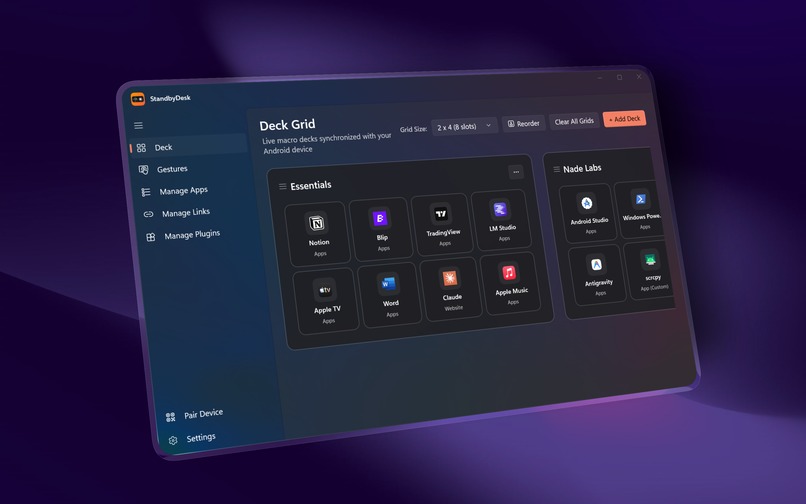
Windows Companion App
-
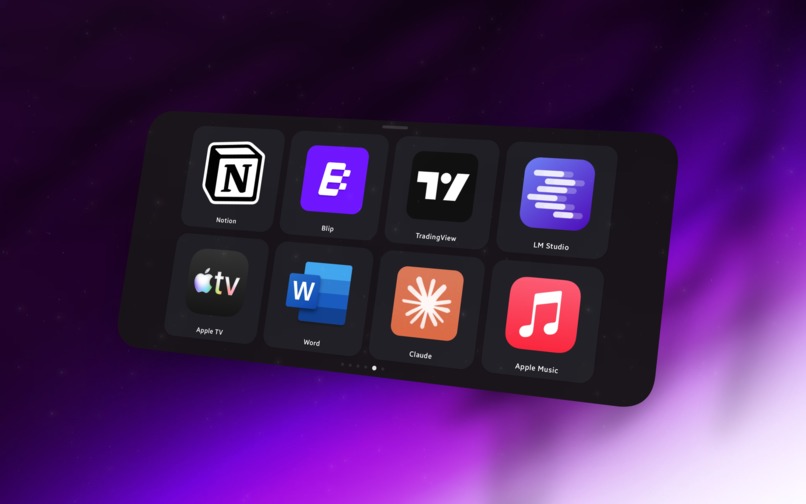
Deck Mode
-
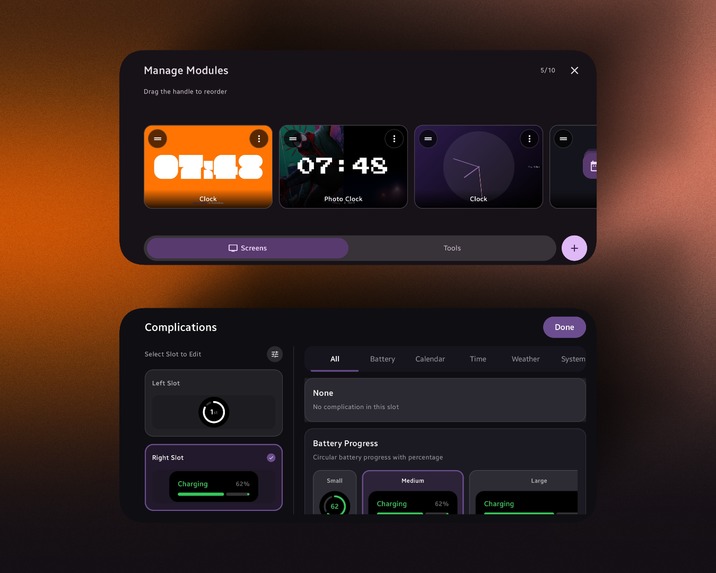
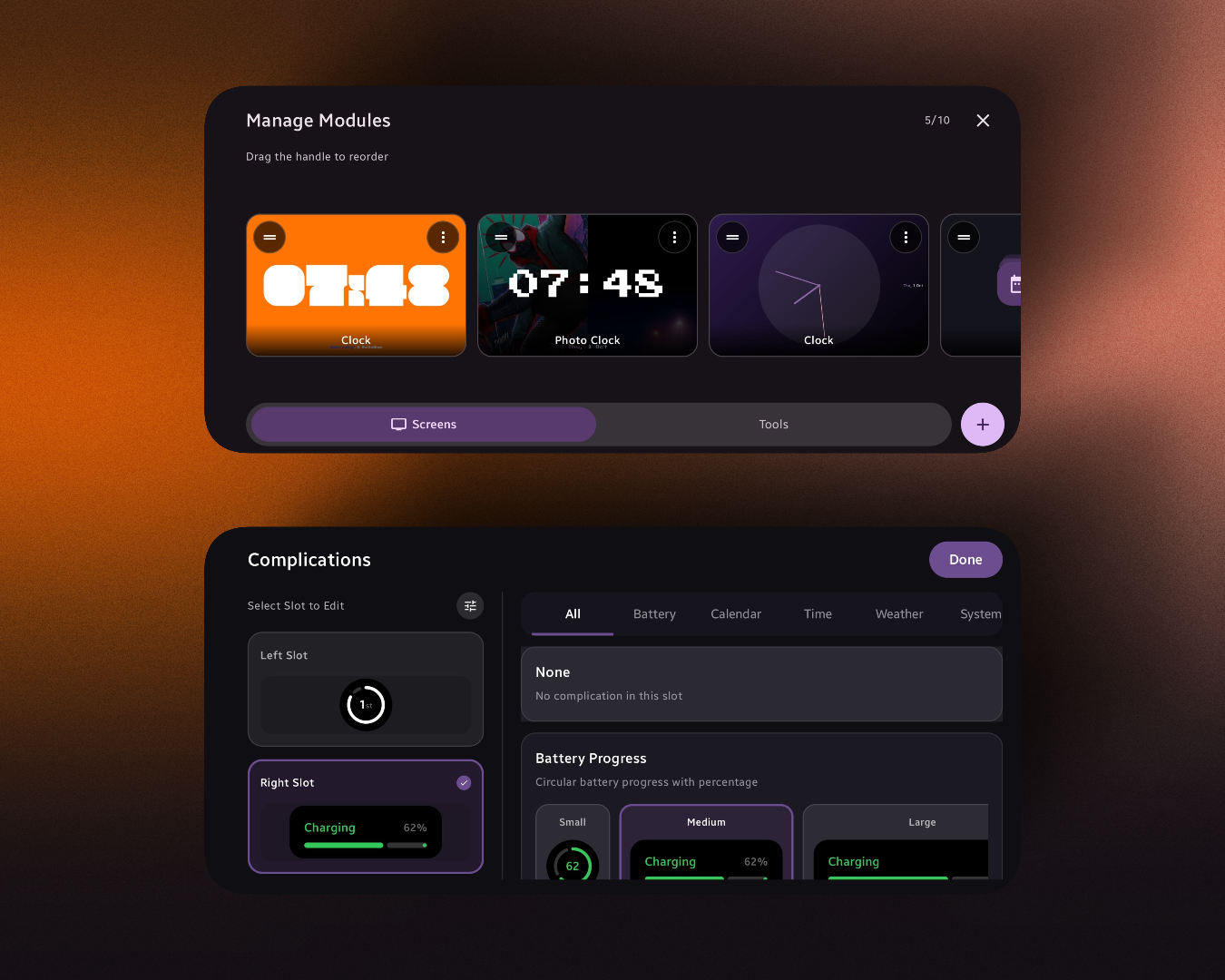
Module Management and Complications Screens
-

Digital Clocks
-
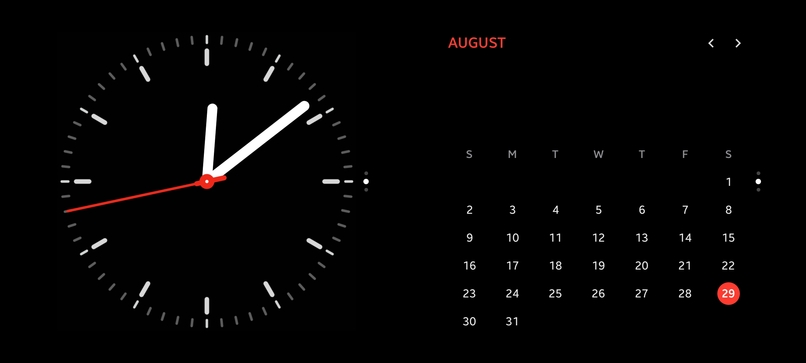
Widgets
-

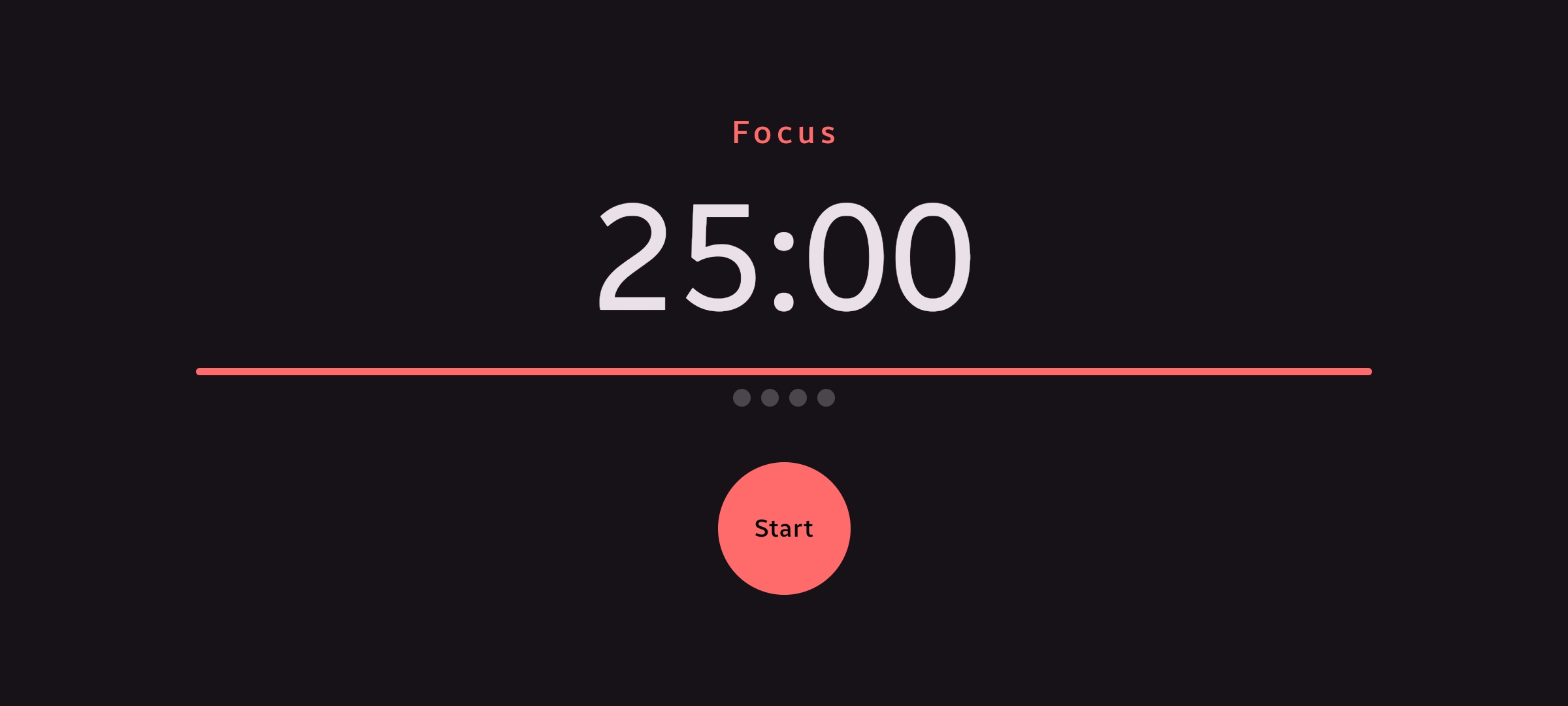
Tools: Timer
-
Icon


Inspiration
Look at almost any desk setup: dual monitors running at full tilt, mechanical keyboard glowing, and right next to it, an expensive smartphone sitting face-down or blacked out on a charger. It’s the sharpest, most capable piece of glass on the desk, completely wasted 90% of the day.
Apple’s iOS StandBy proved people want ambient utility while docked, but it stopped at passive, walled-garden clock widgets. Meanwhile, hardware macro decks like the Stream Deck have become desktop staples, but they cost over $150 and add yet another single-purpose gadget to your workspace.
We asked: Why can’t your docked phone be both?
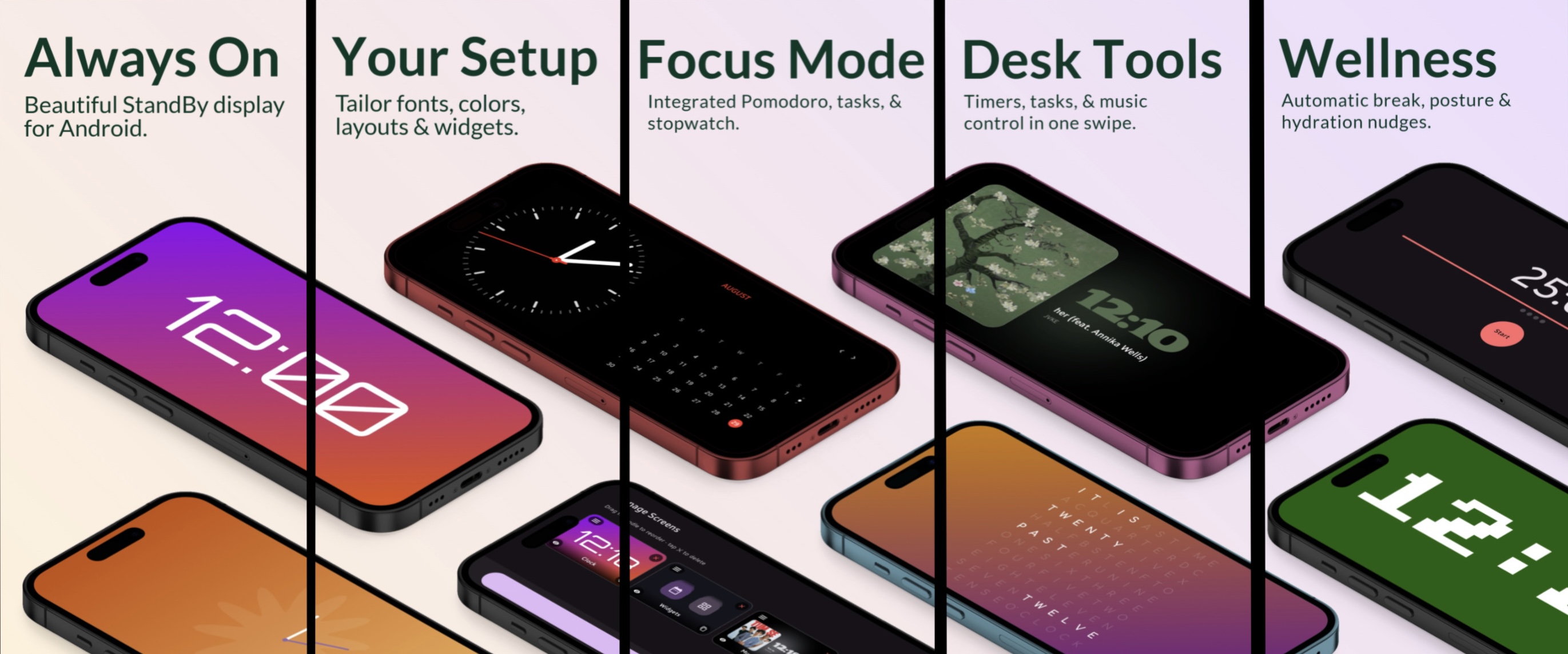
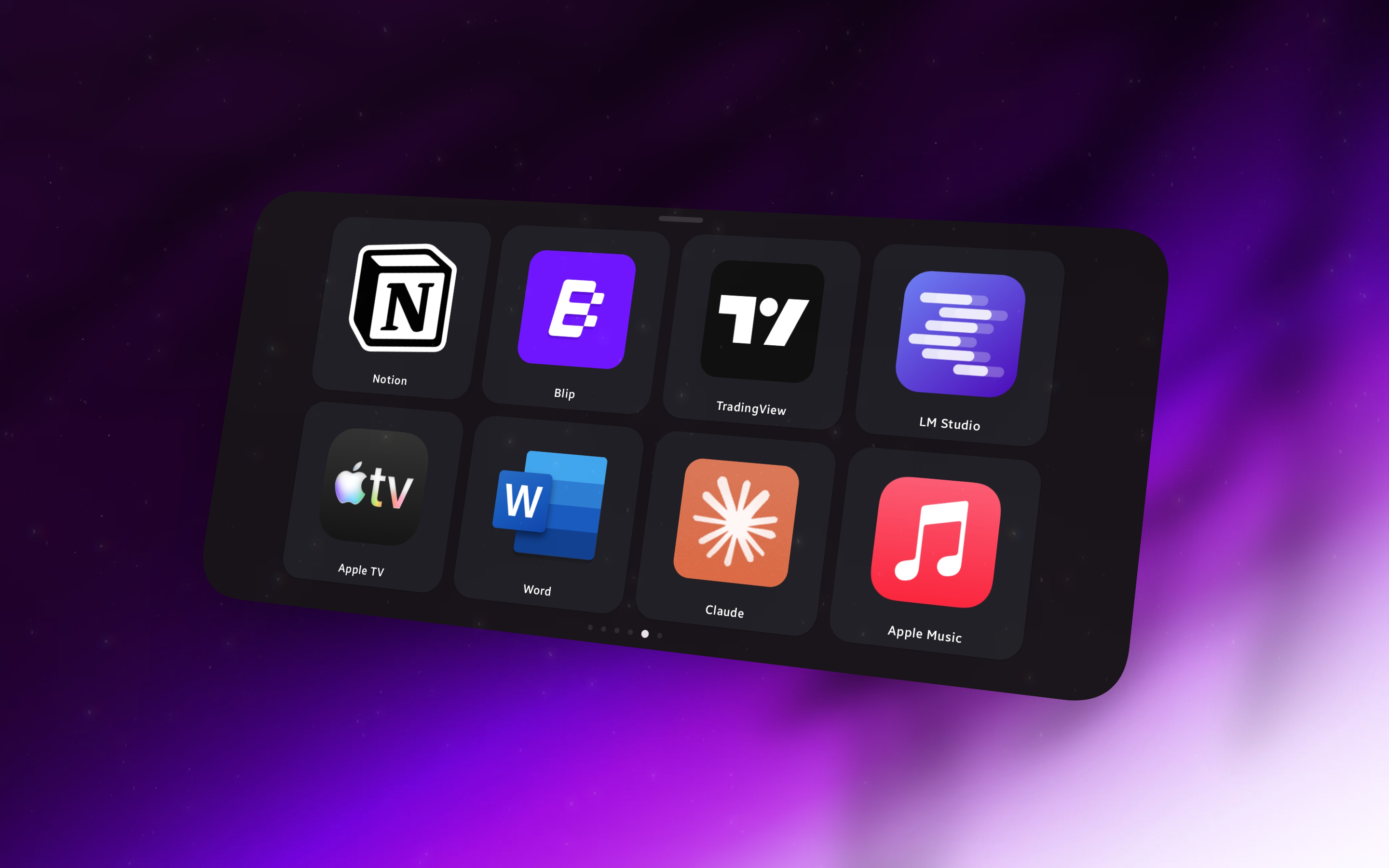
Standby Desk was built to give that screen a second life. When you’re in the flow, it’s a calm, aesthetic ambient cockpit. The second you need control, it transforms into an ultra-low-latency, tactile macro deck for your PC.
What it does
Standby Desk bridges the gap between passive ambient display and active desktop utility:
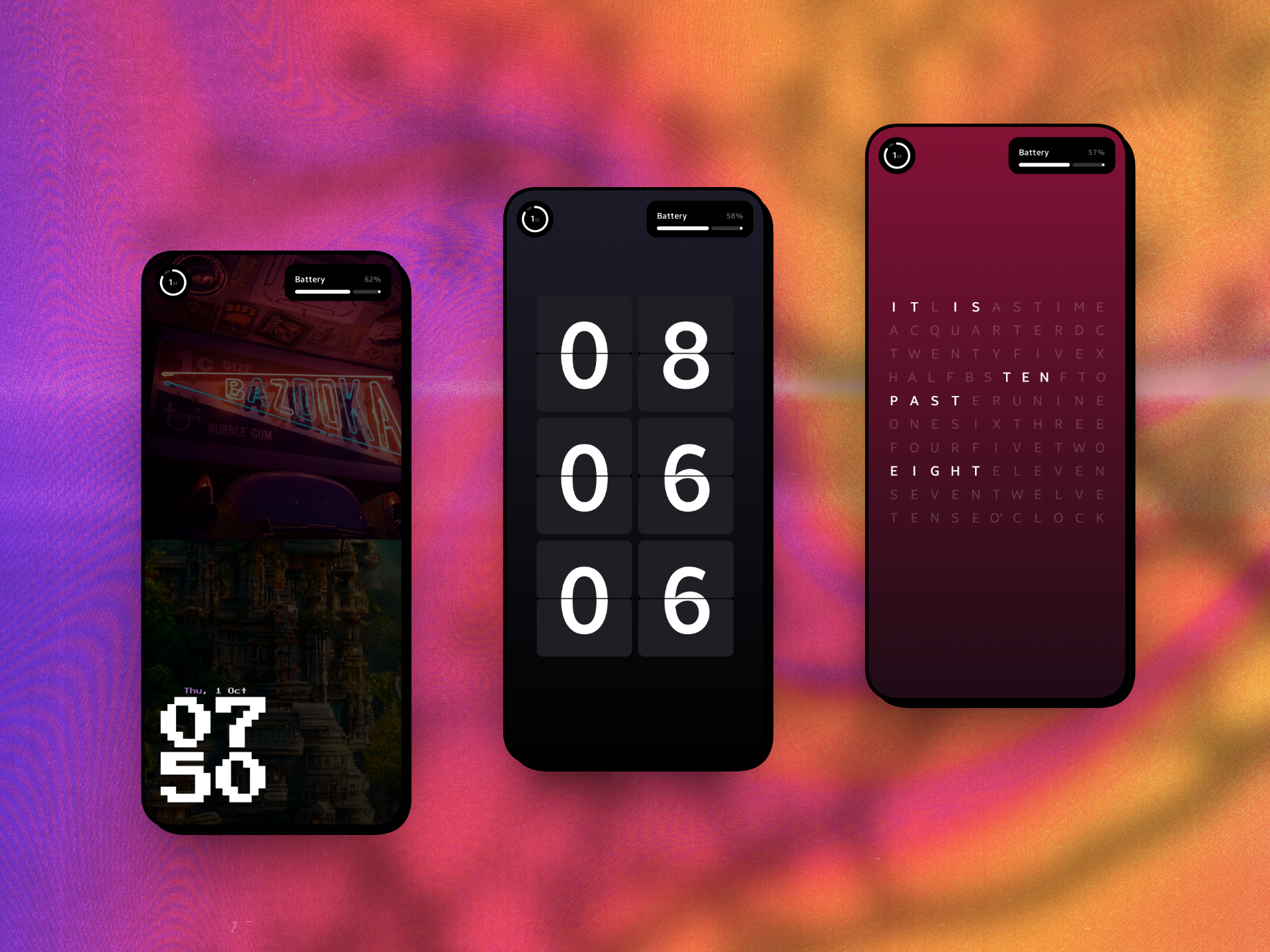
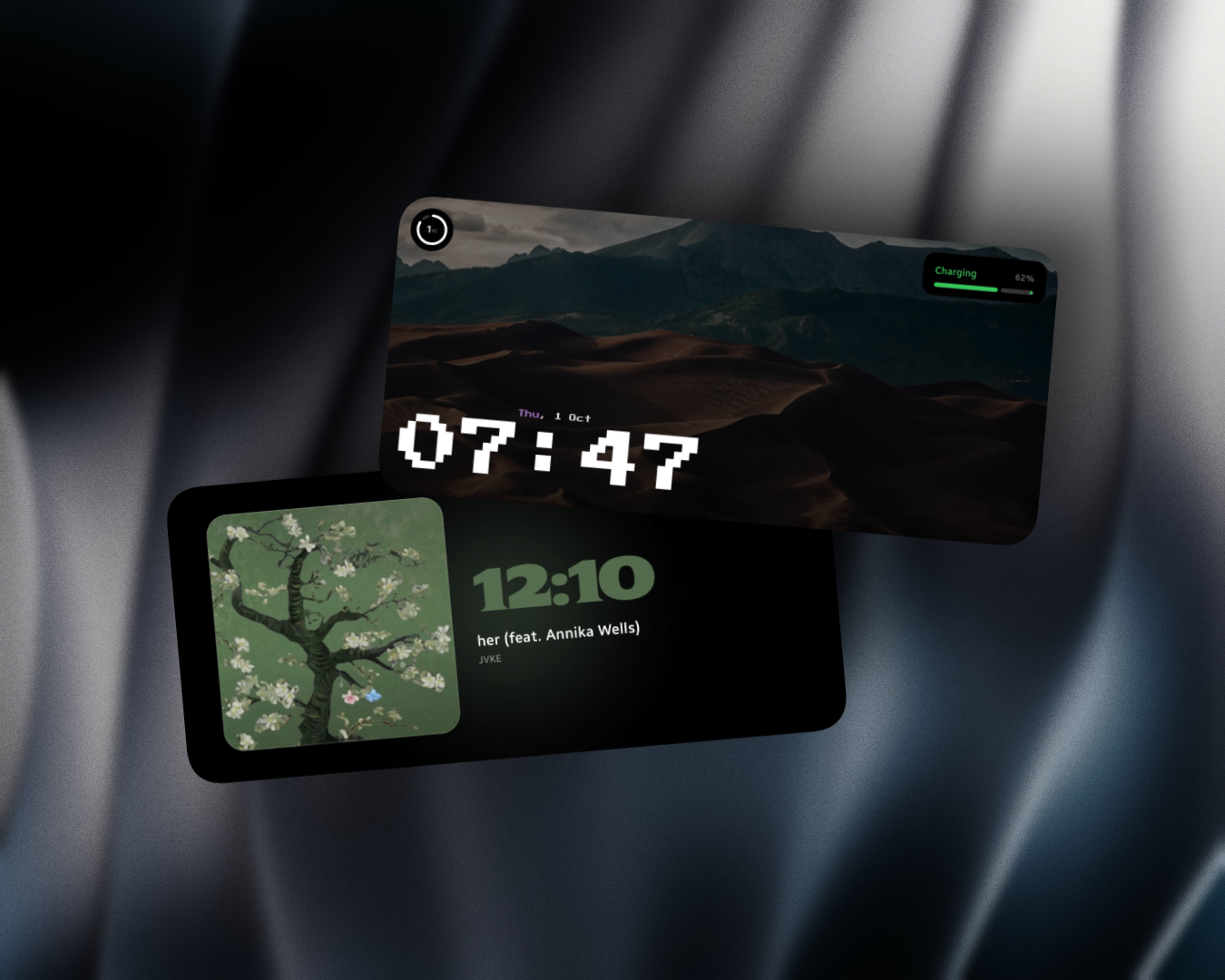
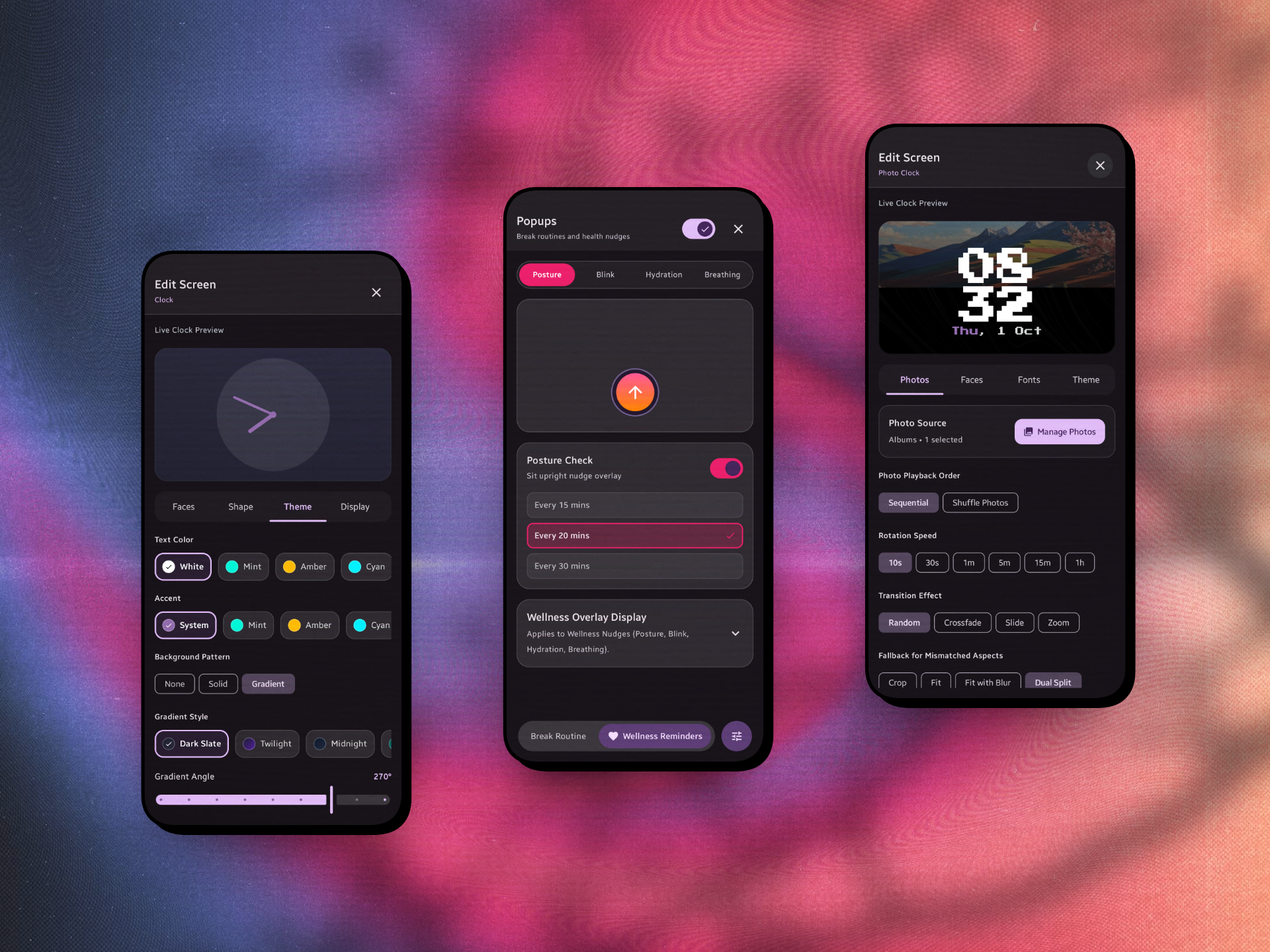
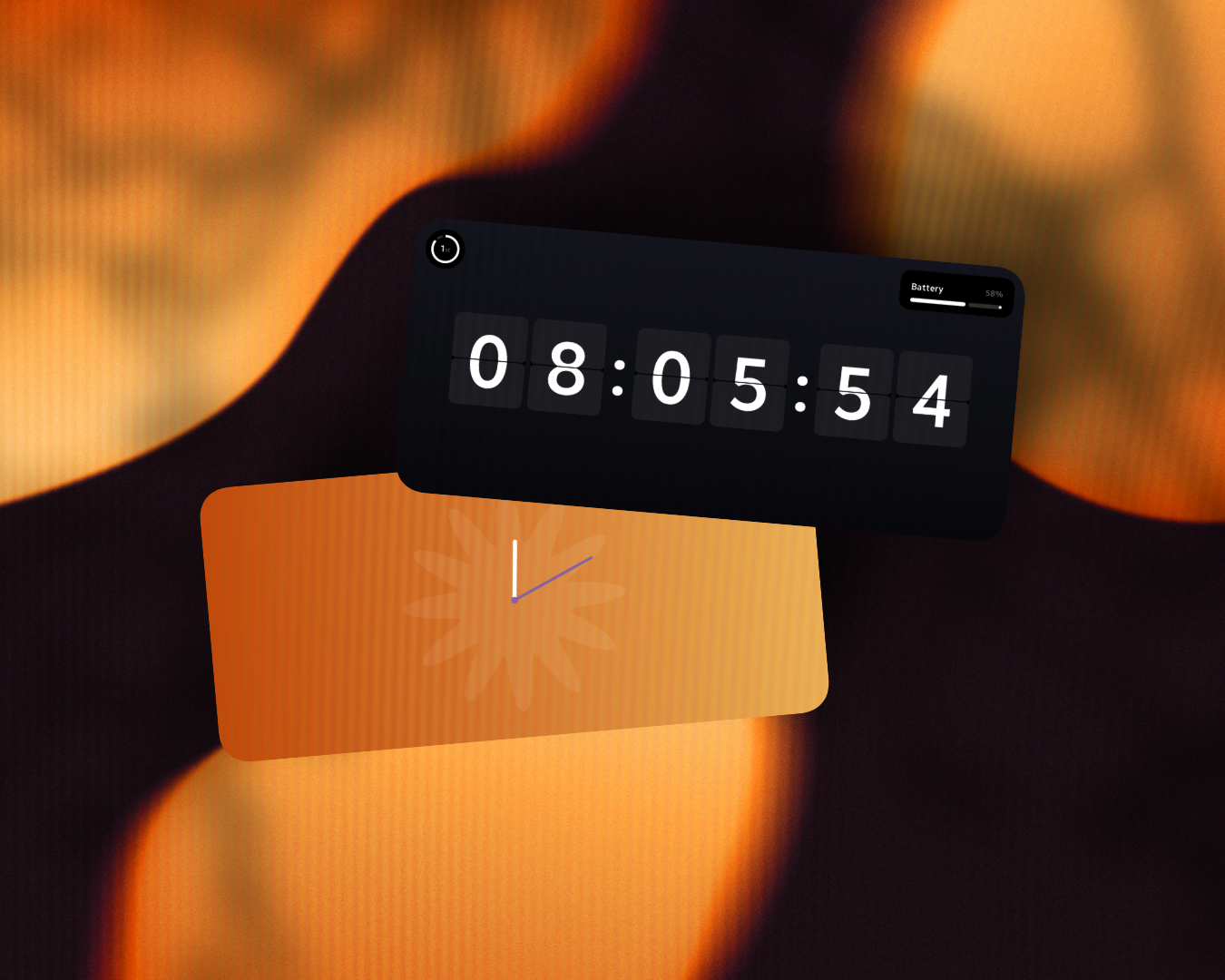
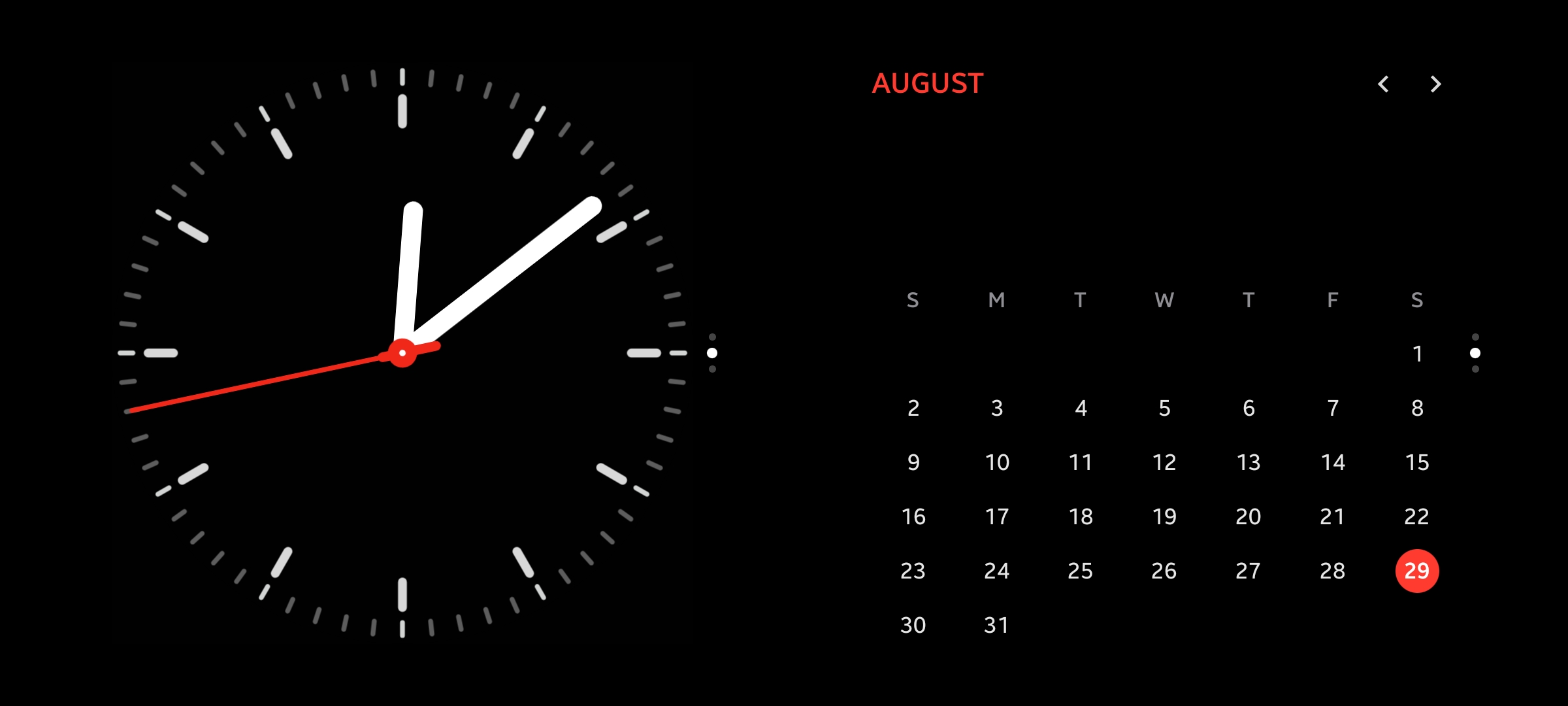
- Ambient Desk Cockpit: Bold, glanceable typography clocks with live background glows extracted in real time from whatever song you’re playing, paired with smart pacing reminders for posture and eye breaks.
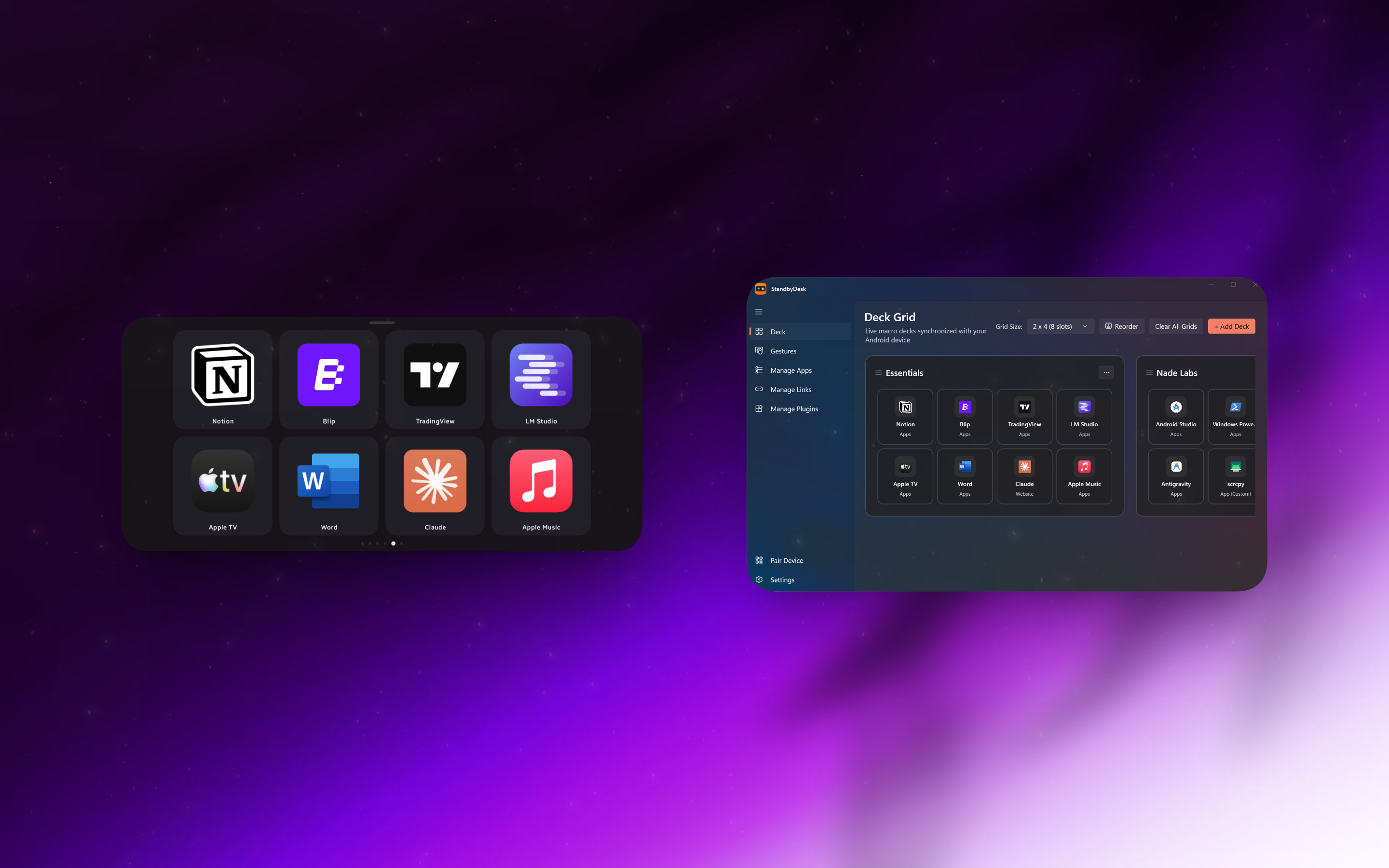
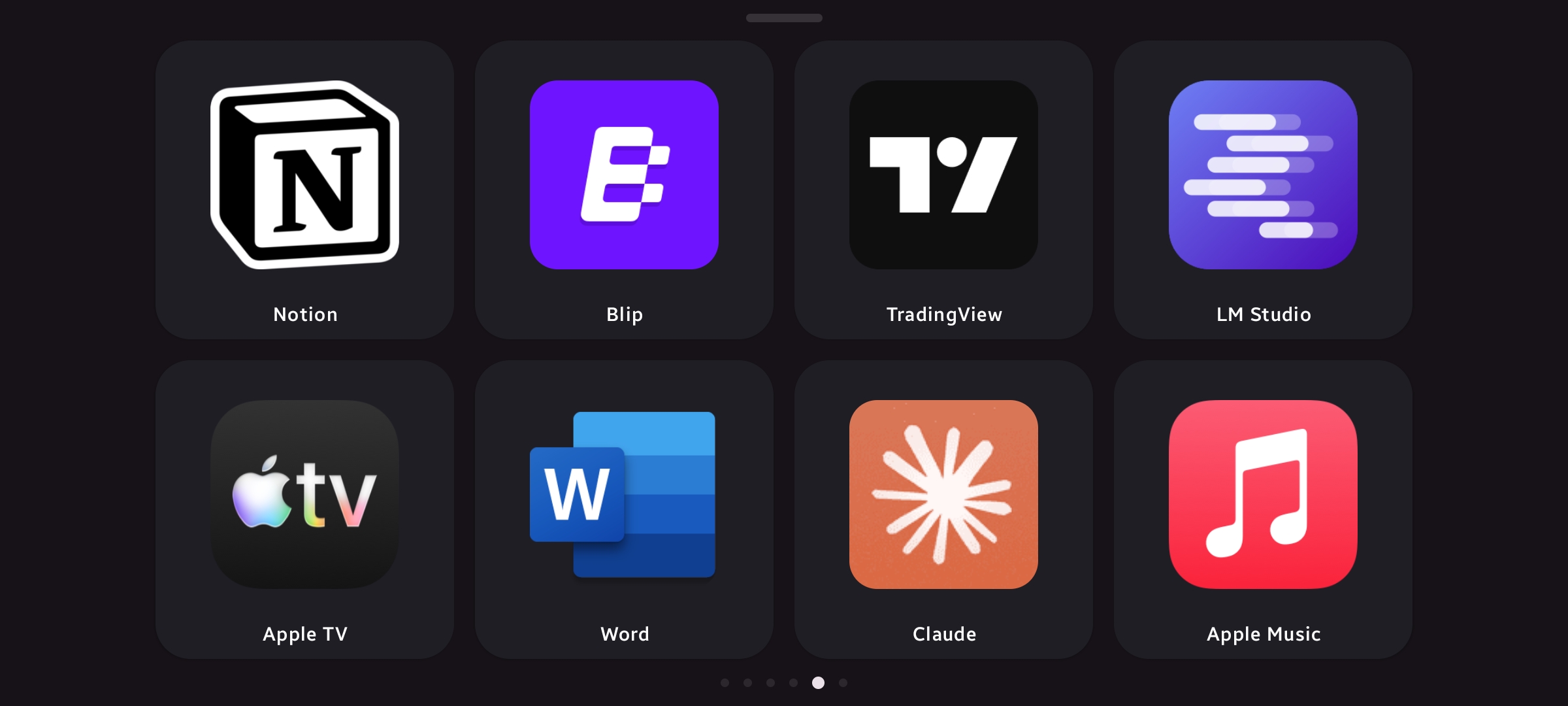
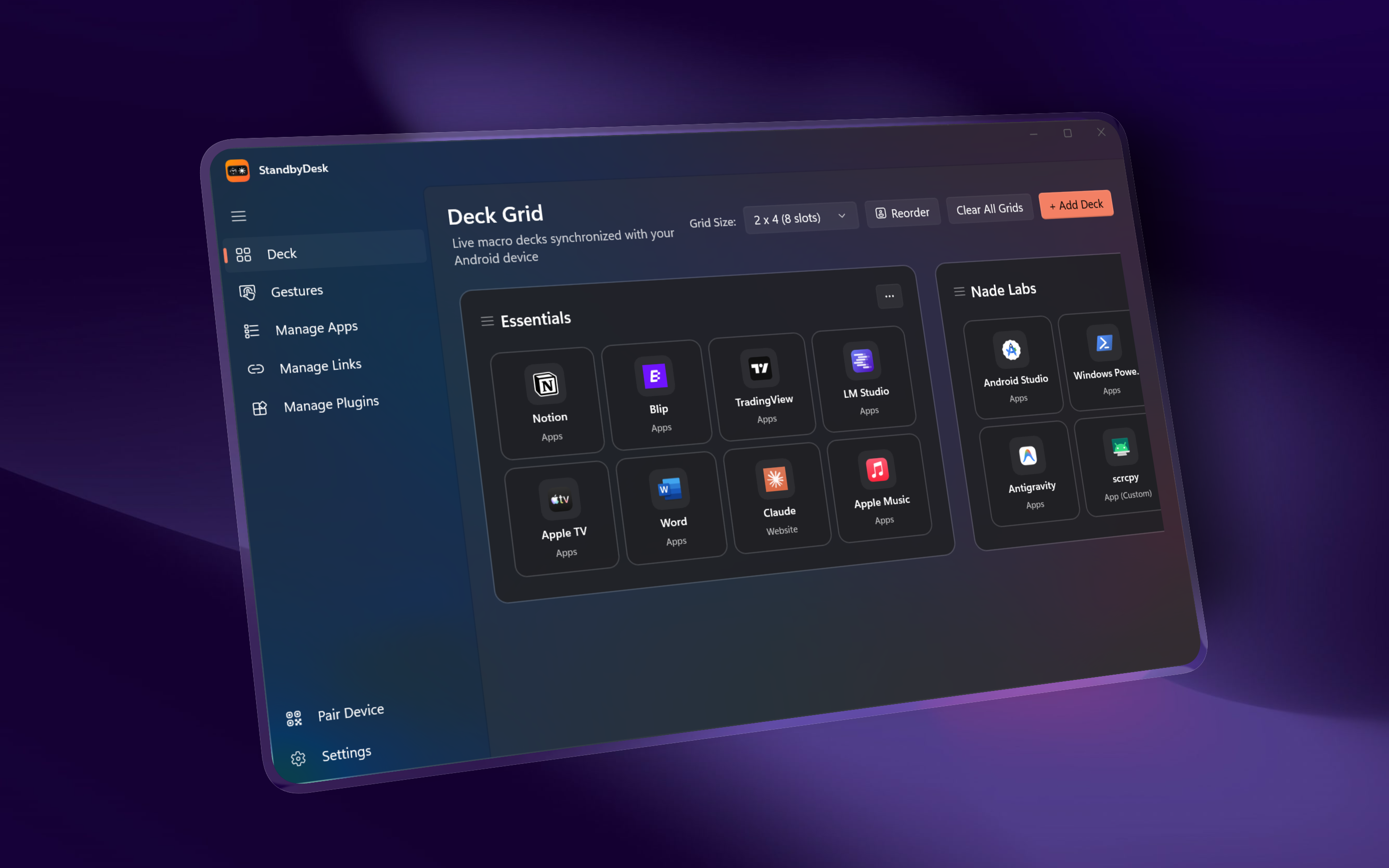
- Low-Latency PC Macro Deck: A fully customizable control pad running over local WebSockets to our Windows companion app. Launch apps, toggle audio, fire dev macros, and manage desktop tools right from your phone stand with zero cloud delay.
- Taskbar Muscle Memory: Tap an app slot on your phone to pop it open on your PC. If it’s already front and center, tapping it minimizes it. It acts like an intuitive physical extension of the Windows taskbar.
- Tactile Media Control: Works seamlessly across Spotify, YouTube Music, and PC system audio, featuring a custom floating vertical volume slider with a live percentage badge that glides with your thumb.
How we built it
We engineered Standby Desk from scratch across both ecosystems:
- Android Host: 100% native Kotlin and Jetpack Compose. We hooked into
MediaSessionManagerand Android’sPaletteAPI to pull real-time album colors and render dynamic ambient gradients without chewing up battery or CPU cycles. - Windows Companion: Built with WinUI 3 and C#. We went deep into Win32 APIs (
EnumWindows, thread input attachment, and MSI shortcut resolution) so the background server can reliably launch and focus tricky packaged apps, classic executables, and UWP frames like Windows Calculator or Apple Music without tripping over OS focus locks. - Local WebSocket Engine: A lightweight, peer-to-peer JSON pipeline over Wi-Fi. No internet required, zero cloud subscriptions, and sub-15ms touch latency.
Challenges we ran into
- Taming Jetpack Compose's Layout System: A vertical volume slider sounds easy until you try rotating Compose’s native slider by (270^\circ). Compose calculates touch hitboxes before graphic transformations, which completely broke drag gestures. We wrote a custom layout modifier that swaps width and height constraints before measurement: $$\text{Width} \leftarrow \text{maxHeight}, \quad \text{Height} \leftarrow \text{maxWidth}$$ This keeps touch targets and live thumb tracking pixel-perfect.
- The Infinite Sync Loop: Reordering deck profiles on Windows initially caused a race condition where Compose’s
HorizontalPagerindex tracking fought with incoming socket payloads, creating a manic deck-switching flicker. We solved it by binding state strictly to immutable deck IDs and gating selections so the UI only listens to deliberate user touches, not background data syncs. - Punching Through Windows Focus Restrictions: Windows intentionally blocks background network daemons from stealing focus and bringing windows to the top. Crafting a rock-solid, multi-tier activation pipeline that reliably brings apps to the front without taskbar flashing took extensive trial, error, and Win32 thread-input wizardry.
Accomplishments that we're proud of
- Achieving sub-15ms response times over local Wi-Fi—tapping a tile on the phone feels every bit as snappy as pressing a dedicated USB button.
- 100% offline and private: Your apps, setups, and daily habits never leave your local network.
- Polish that feels human: Fluid spring physics on gesture dismissals, zero-flicker deck transitions, and an interface that feels at home on a clean, modern desk.
What we learned
Building true cross-device synergy is tricky. It’s not just about tossing JSON over a socket; it’s about making two completely different platforms—Android's reactive UI framework and Windows' legacy thread and window managers—feel like they were designed for each other from day one.
What's next for Standby Desk
- Homelab & Smart Home Integration: Native widgets for Home Assistant, Docker status, and live server telemetries on the idle display.
- OLED Care: Pixel-shifting routines ((\Delta x, \Delta y = \pm 4\text{px})) specifically tailored for devices docked for 8+ hours a day.
- Community Deck Plugins: A simple developer API to build custom system monitors, CI/CD pipeline triggers, and game integrations.
Built With
- android
- android-studio
- compose
- jetpack
- kotlin

Log in or sign up for Devpost to join the conversation.