
Inspiration
Stampi Pal was inspired by the idea that journaling shouldn’t feel like a task. A lot of existing journaling apps are very text-heavy, which can feel slow or uninspiring—especially for people who already document their lives visually through photos.
The concept came from physical scrapbooks and photo albums, where memories feel more tangible. I wanted to recreate that experience digitally by letting users “stamp” images into their journal, making entries feel more creative, personal, and fun.
What it does
Stampi Pal is a mobile-first web app that lets users create daily journal entries using stamped images and flowing text.
Users can:
- Upload images and convert them into stylized “stamps”
- Place, resize, rotate, and layer images freely within a journal entry
- Write text that flows naturally around those images
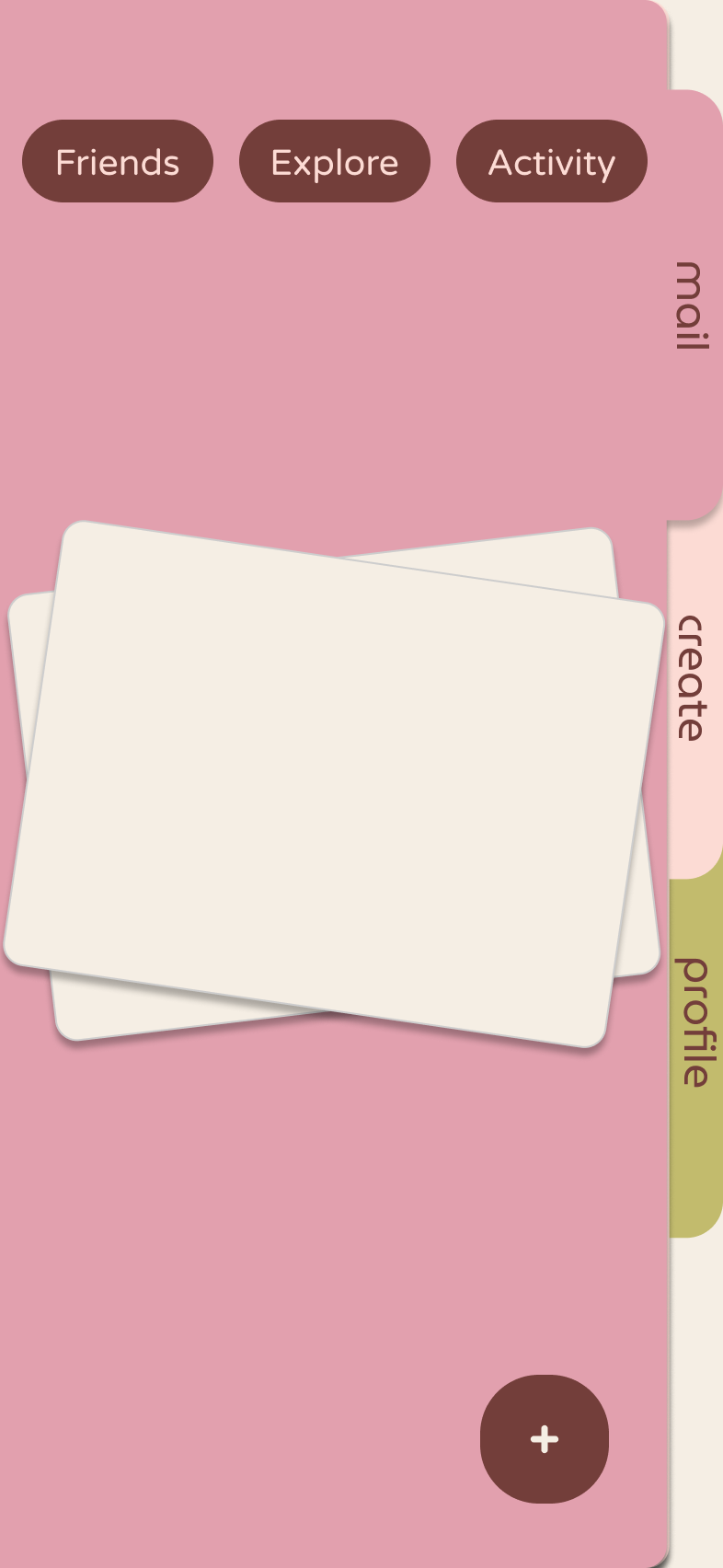
- Browse entries through a swipeable, rolodex-style “mail” feed
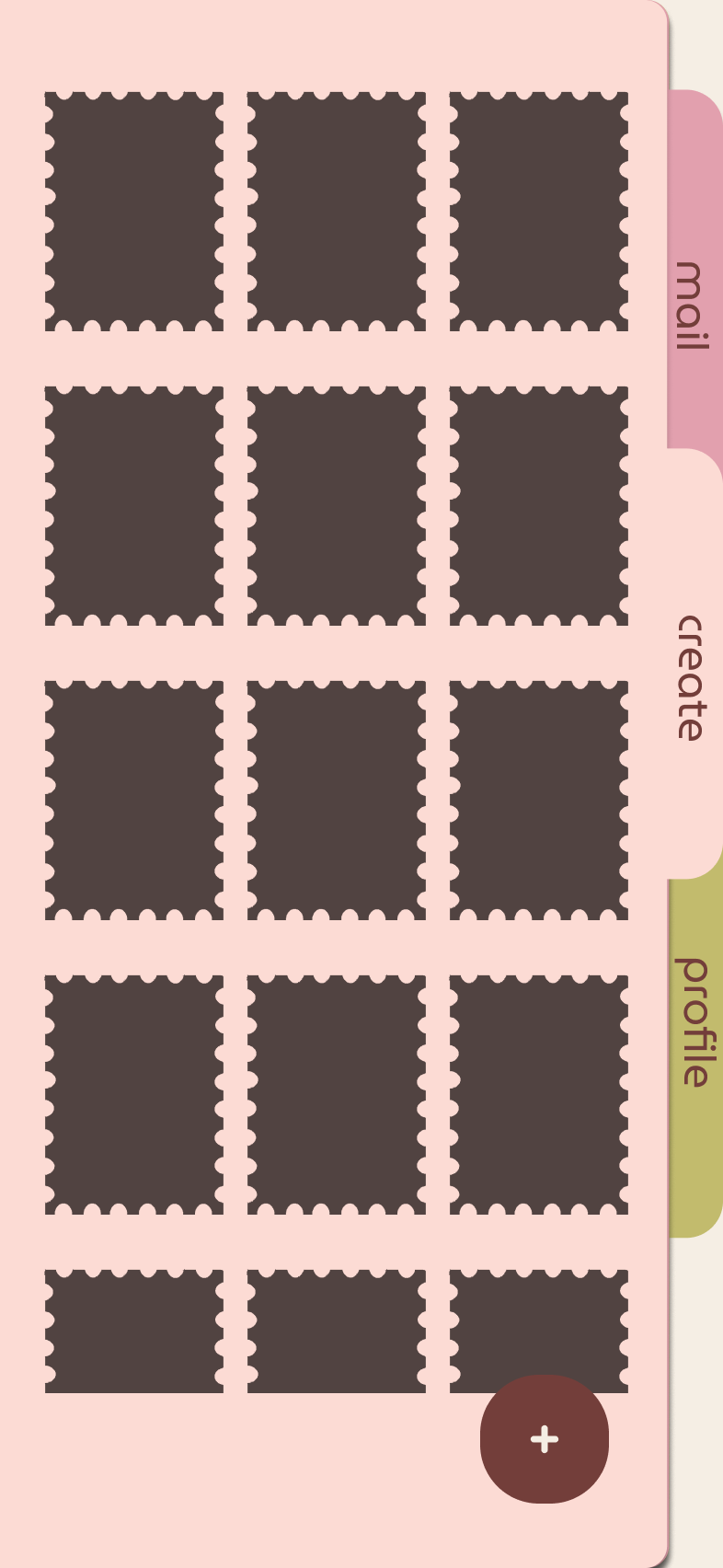
- View a collage-style weekly summary of their memories
- Generate a simple AI-assisted summary of their day (UI-supported)
It blends journaling with a scrapbook-like creative experience.
How we built it
We focused on building a lightweight, responsive frontend that works well even on low-power devices like a Raspberry Pi.
- Designed the full UI and flows in Figma
- Structured the app as a mobile-first web application
- Used modular JavaScript and avoided heavy frameworks to keep performance high
- Built a hybrid editor that combines text input with draggable image elements
- Implemented gesture-based interactions like swiping for navigation and dragging for image placement
- Designed animations (slide, flip, microinteractions) to make the app feel smooth and playful
We also structured everything to be ready for future backend integration (e.g., Snowflake), even though the current version focuses on frontend behavior.
Challenges we ran into
One of the biggest challenges was creating a natural-feeling layout system where text and images interact.
- True text wrapping around irregular image shapes is difficult on the web
- We had to balance between a realistic layout and performance constraints
Another challenge was the stamp system:
- Maintaining a consistent custom shape for images
- Supporting transformations like resizing and rotating without breaking the layout
We also had to carefully balance flexibility and usability:
- Too much freedom made the editor confusing
- Too much structure made it feel restrictive
Accomplishments that we're proud of
- Creating a unique journaling concept that feels more like a scrapbook than a traditional app
- Designing a smooth, gesture-based “mail” feed with a looping daily experience
- Building a flexible editor that allows users to freely arrange stamped images
- Maintaining performance while keeping animations and interactions polished
- Structuring the project cleanly for future backend and AI integration
What we learned
- How to design interactions and flows beyond just static UI screens
- The complexity of building natural, fluid layouts on the web
- How important microinteractions are in making an app feel engaging
- Tradeoffs between performance and visual fidelity
- How to structure a project so frontend and backend can scale independently
What's next for Stampi Pal
- Connect the backend (Snowflake) for real data storage
- Implement image processing for automatic stamp cutouts
- Add real AI integration for daily summaries
- Expand social features for sharing and discovering entries
- Improve the text-image layout system for more accurate wrapping
- Refine the desktop experience while keeping the mobile-first feel
Built With
- auth0
- elevenlabs
- figma
- gemma4
- python
- raspberry-pi
- snowflake
- typescript


Log in or sign up for Devpost to join the conversation.