-
-
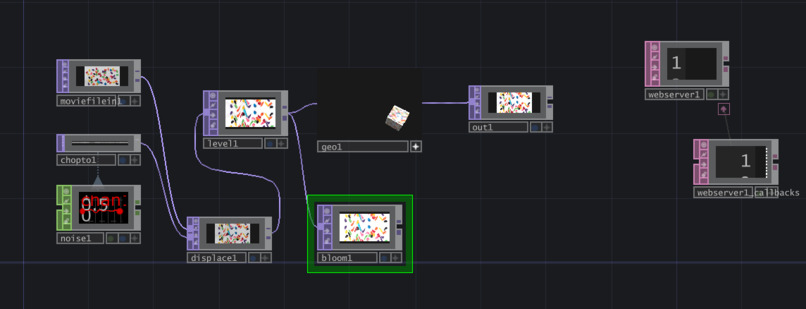
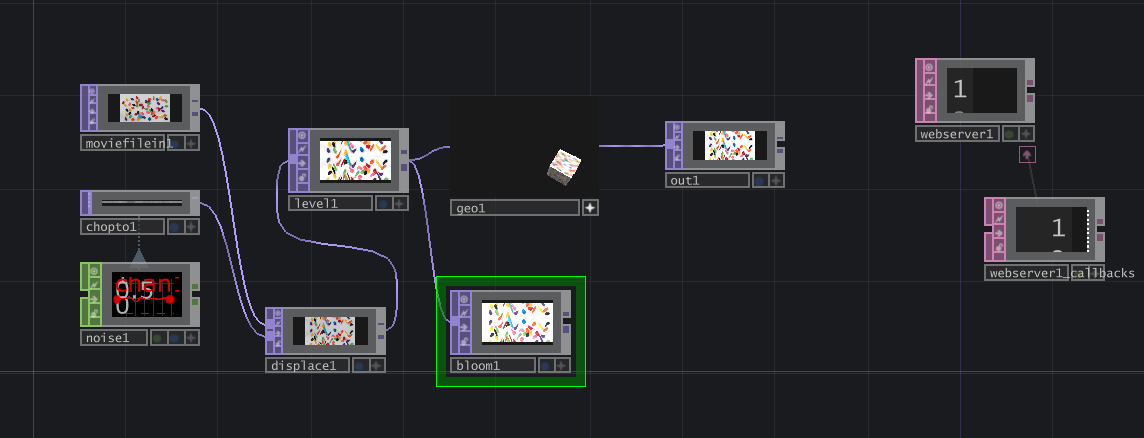
structure
-
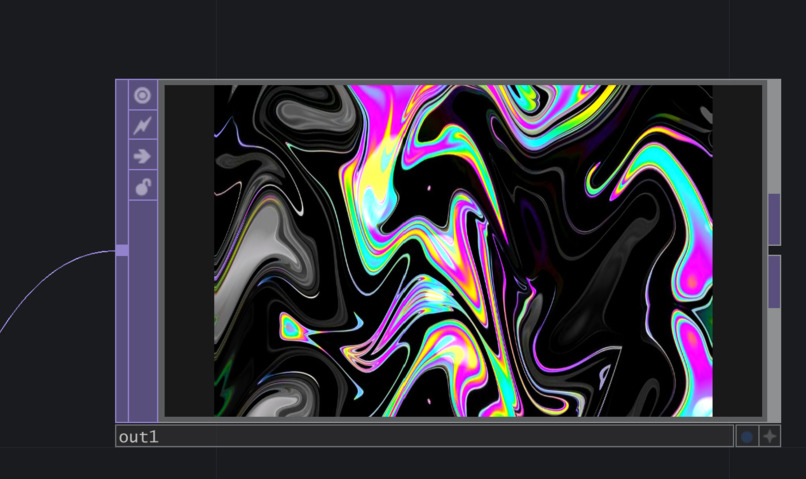
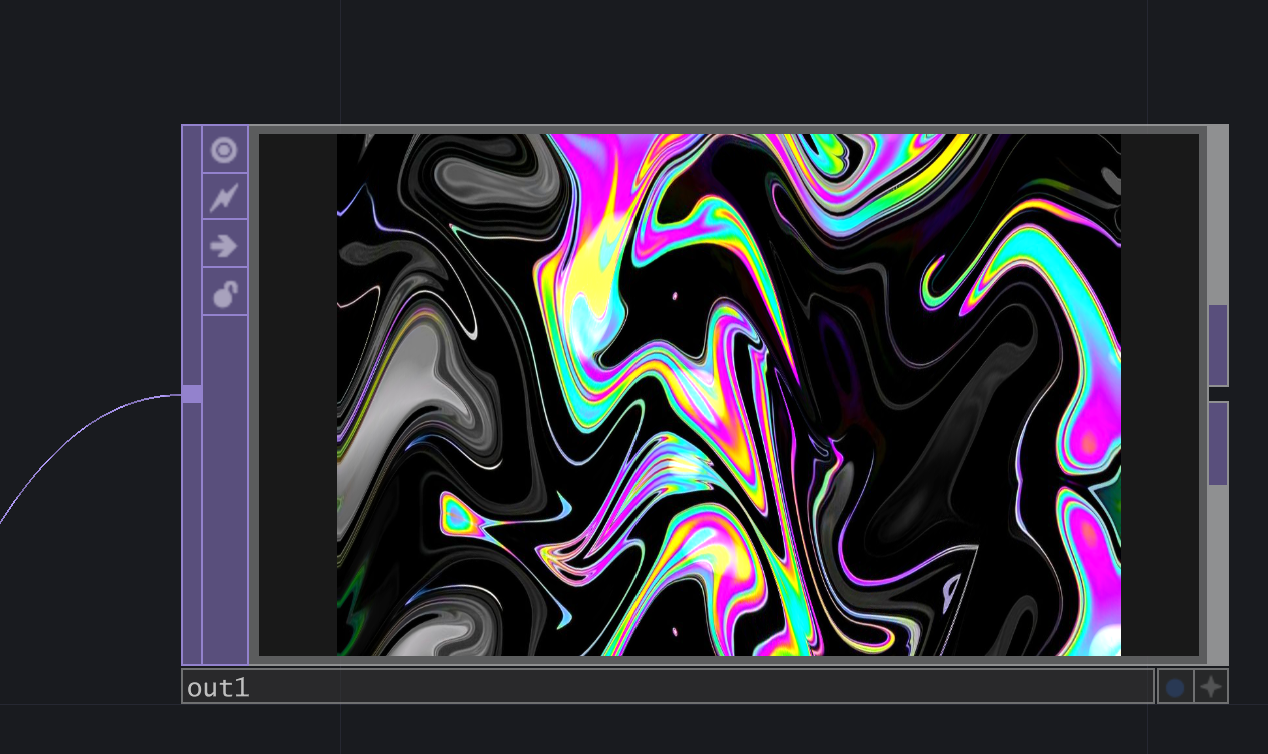
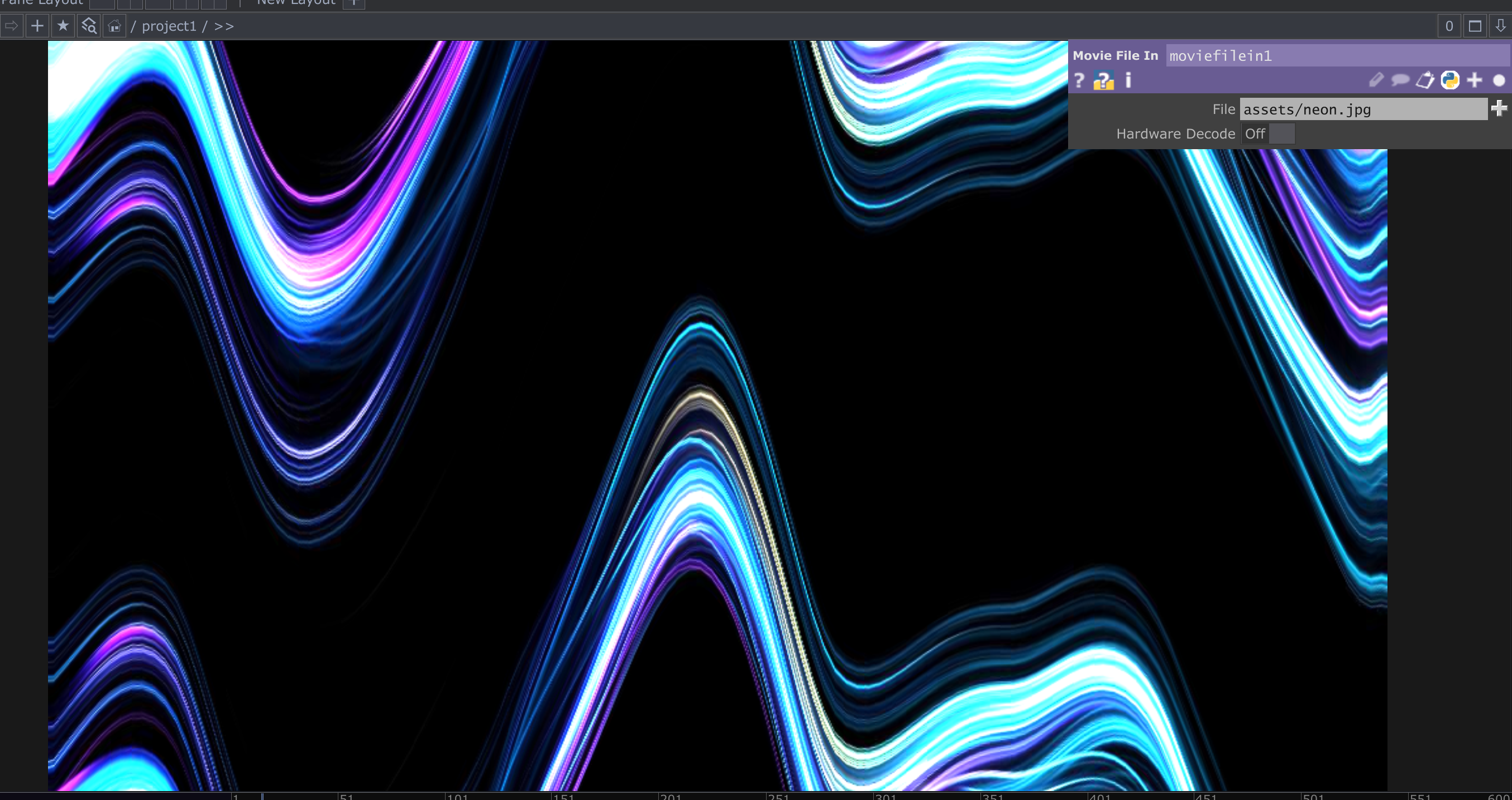
Distortion of image due to neon effect
-
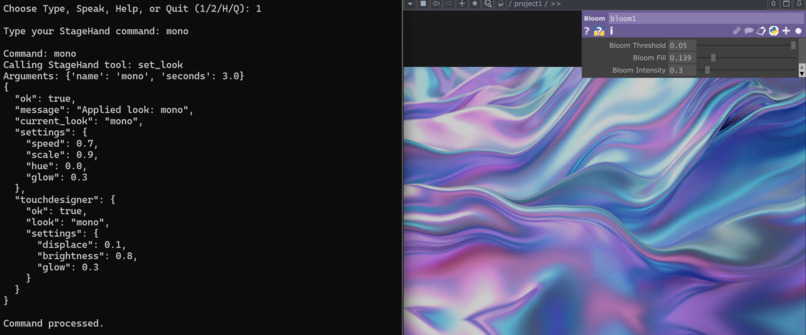
The client connects to the MCP server and exposes visual-control commands
-
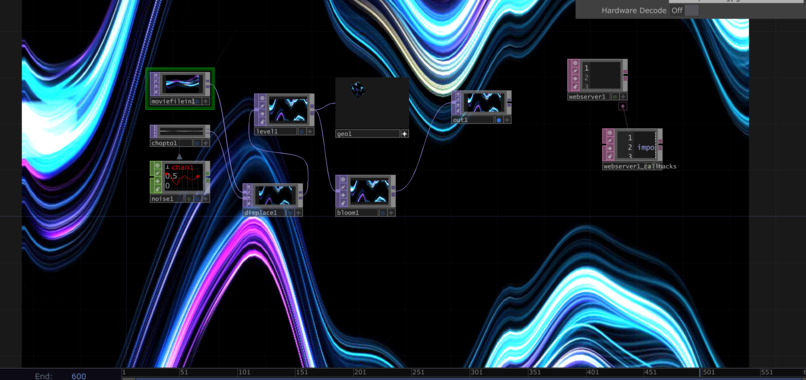
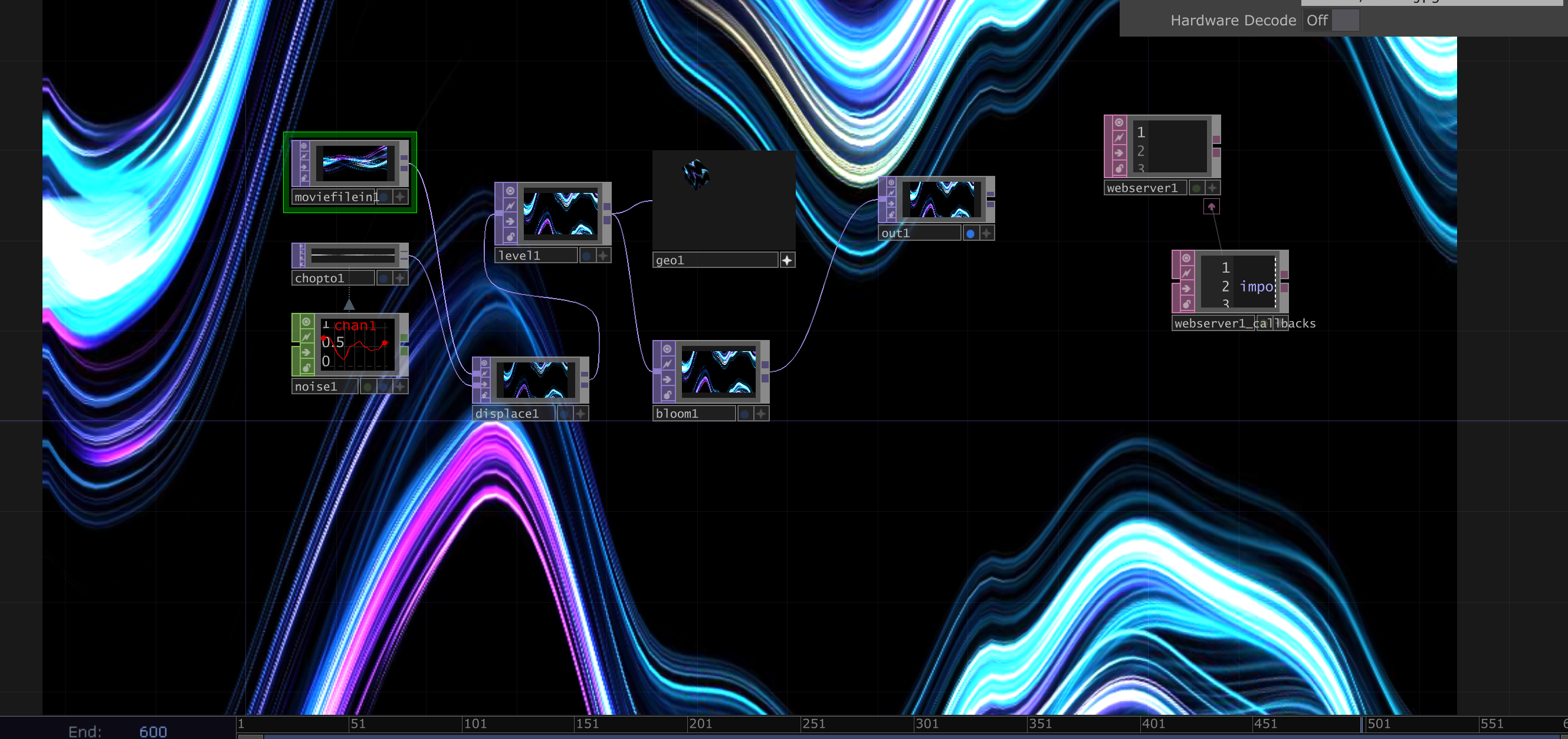
TouchDesigner processes the commands and produces the visual output.
-
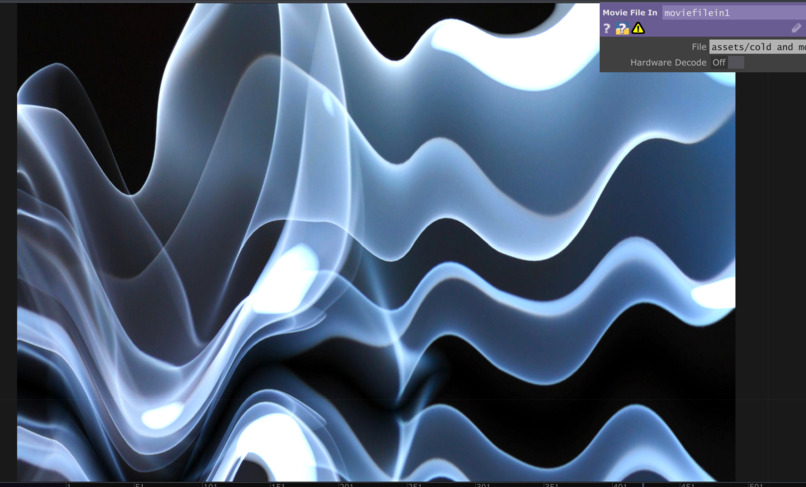
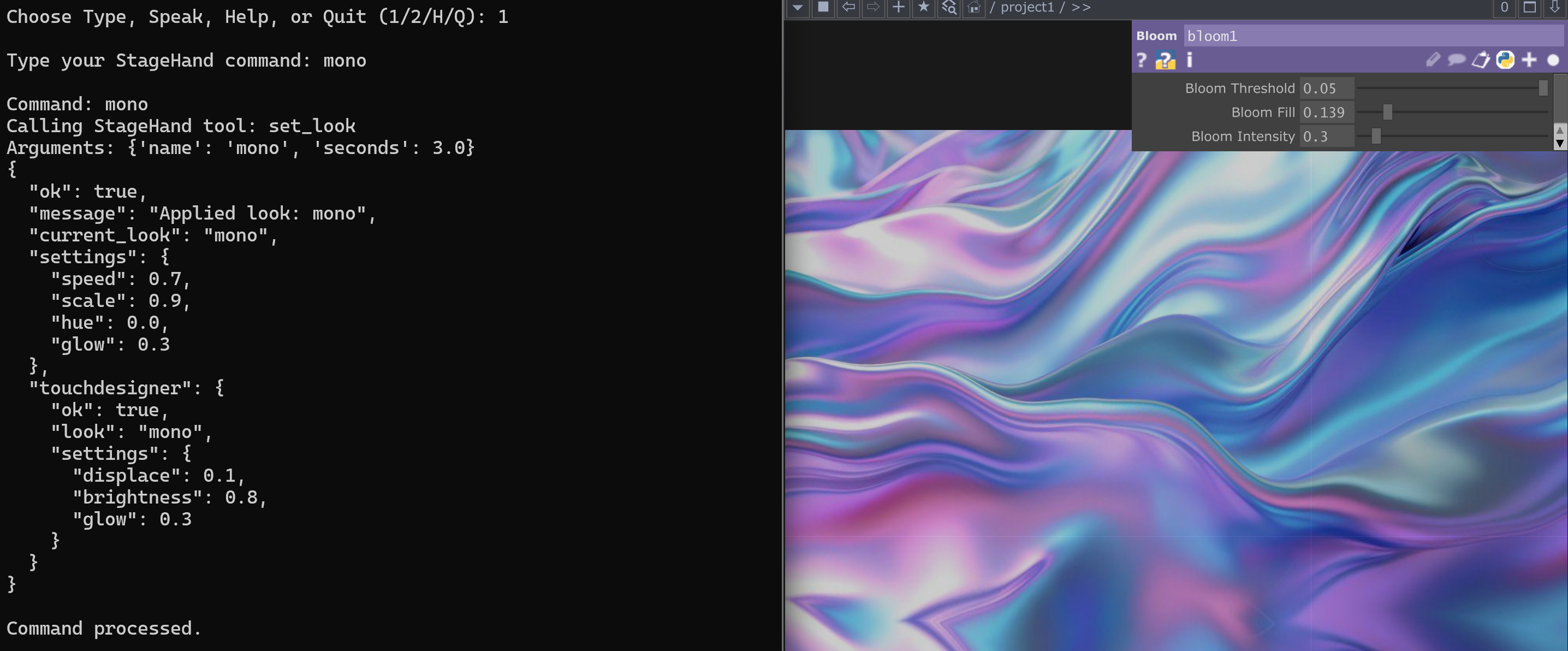
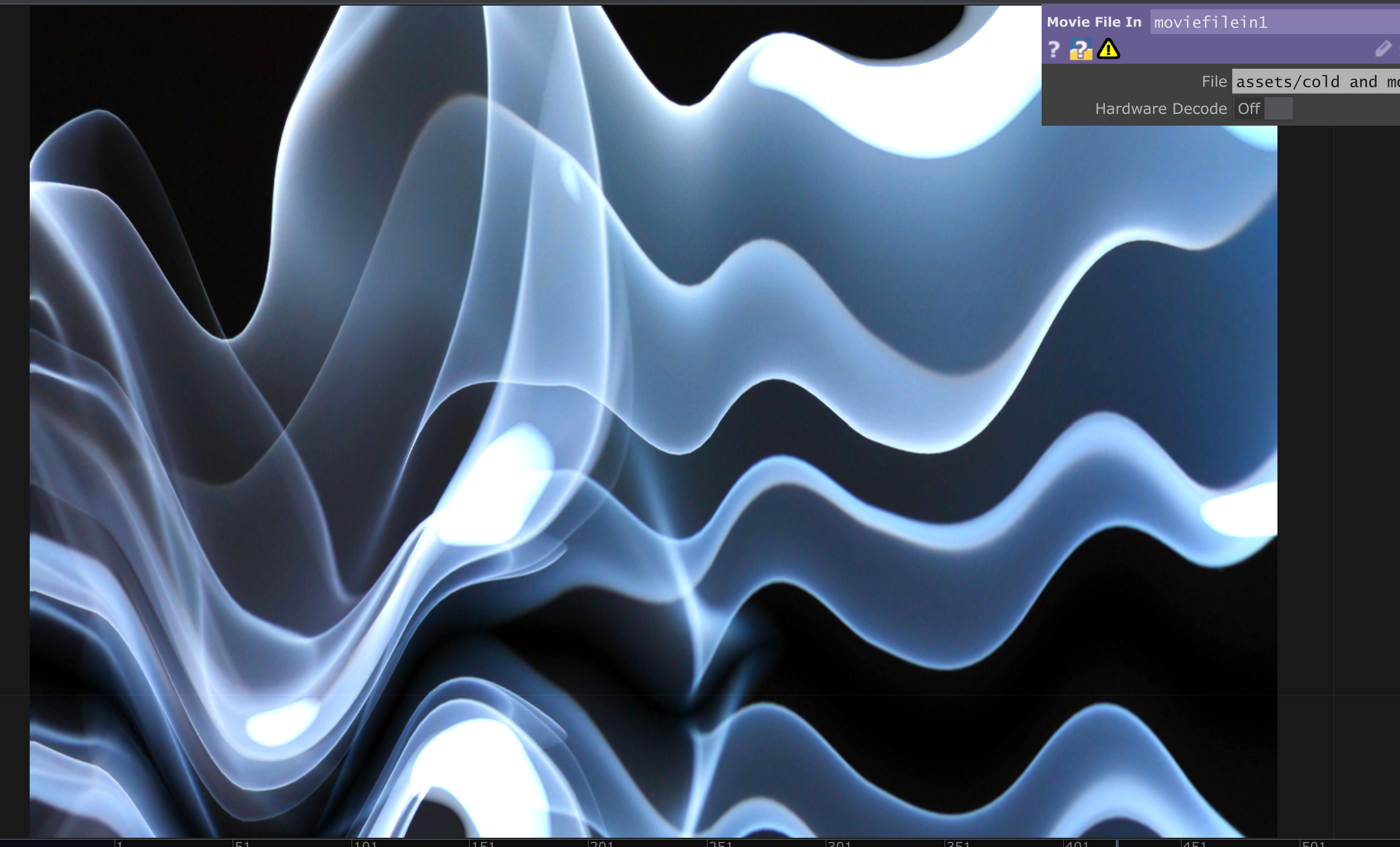
Mono look
-
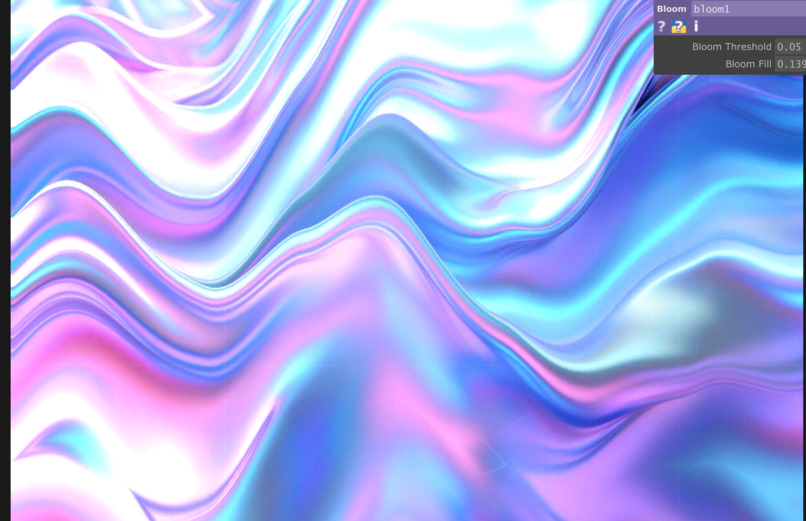
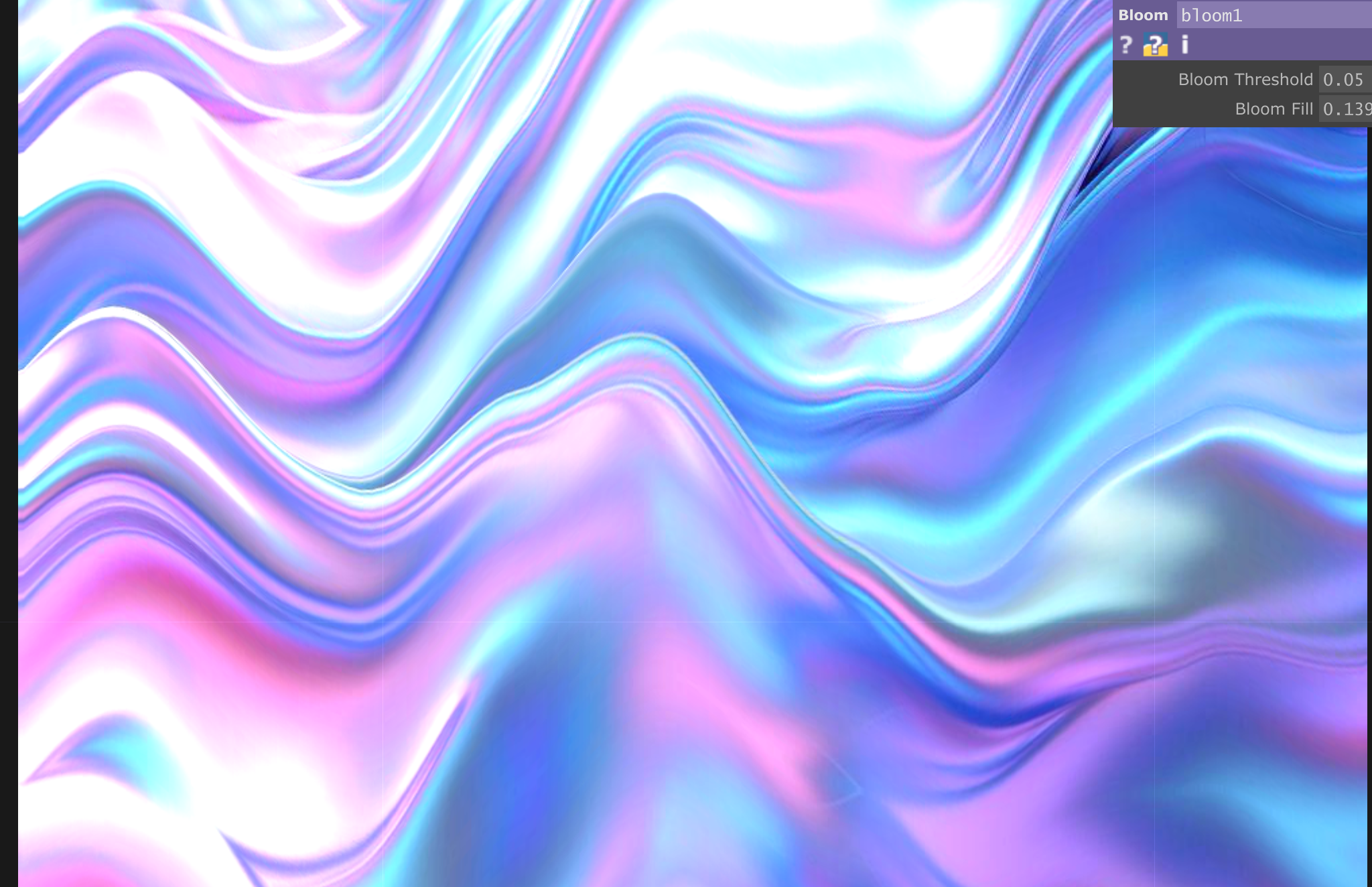
Dreamy look
-
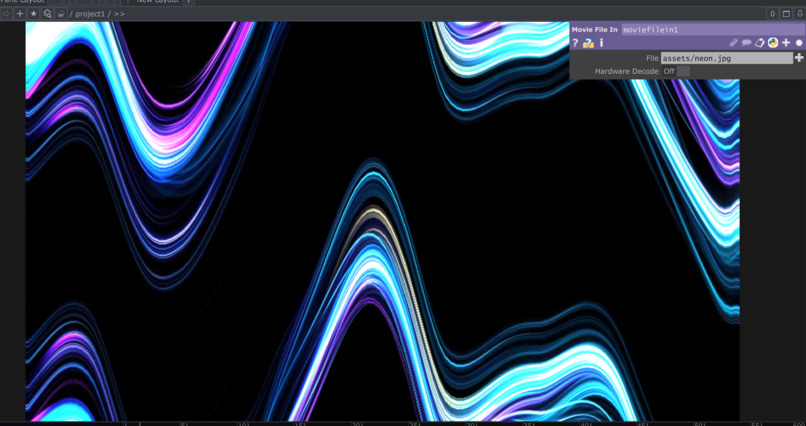
StageHand controls live visual effects in TouchDesigner
-
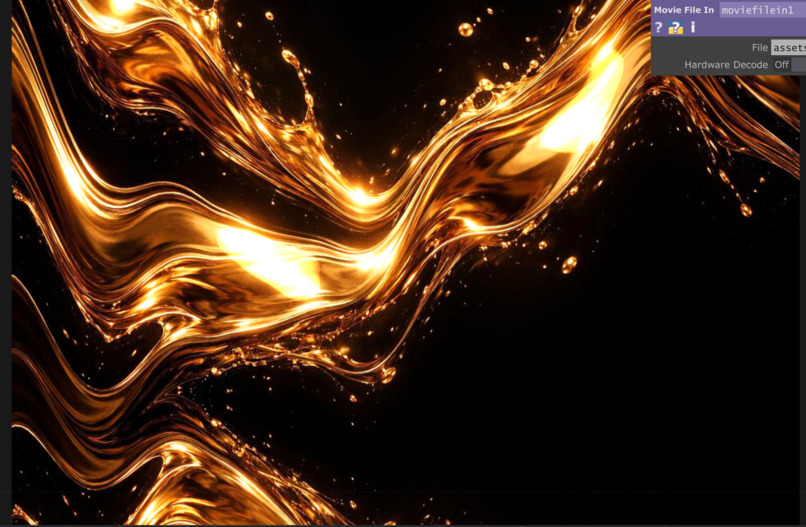
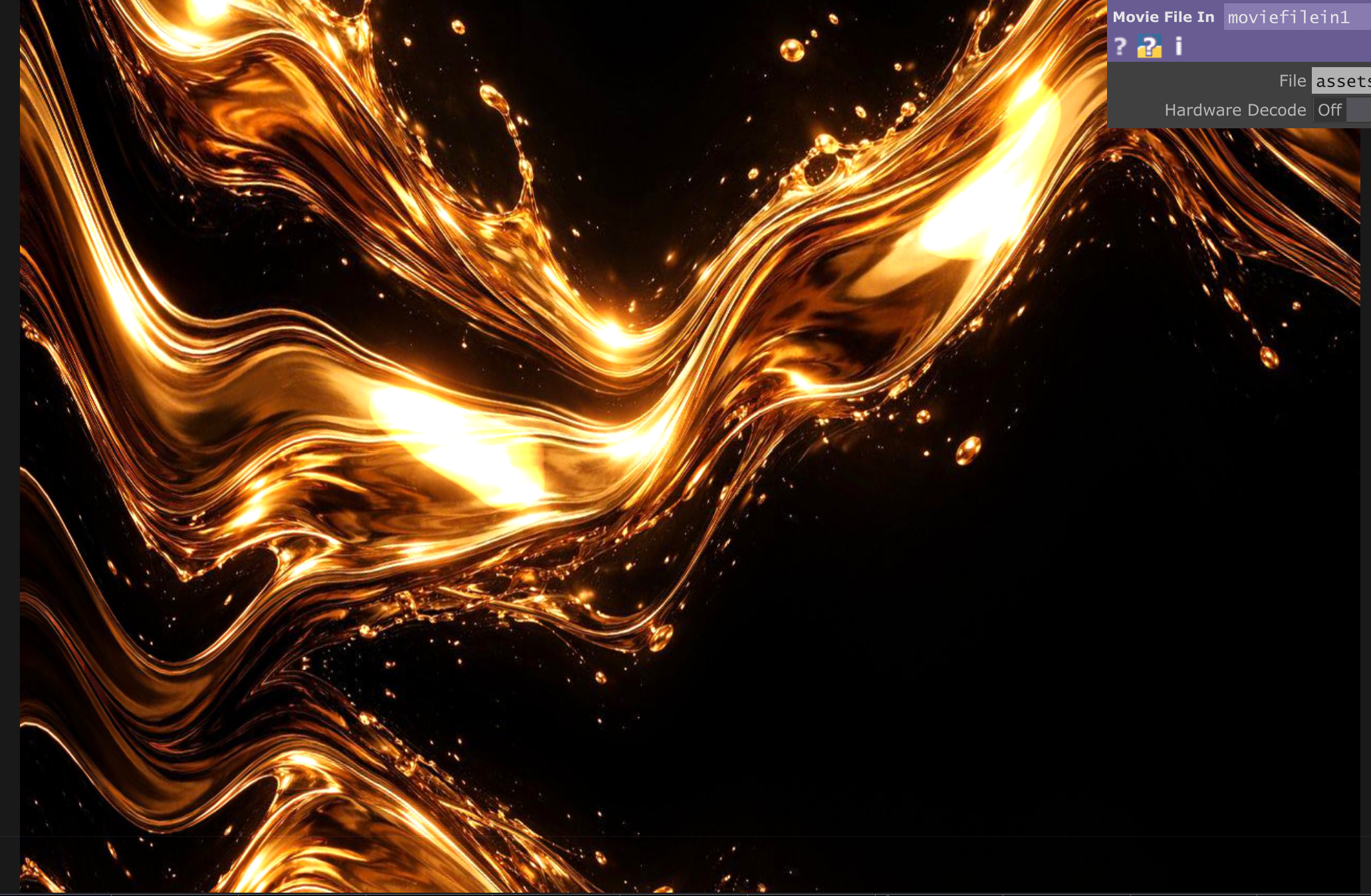
Warm look
Inspiration
Live performances can become more immersive when visuals respond instantly to the energy of the moment. However, changing visual effects during a performance can require manually navigating multiple controls, which can distract from the creative process.
I built StageHand to explore a more natural way to control live visuals using voice-oriented interaction and tool-based commands. My goal was to make it easier to switch visual styles, adjust effects, and trigger performance moments through a simple control interface.
What it does
StageHand connects a Python-based Model Context Protocol (MCP) server to TouchDesigner, allowing commands to control live visual effects.
Its current features include:
Listing saved visual presets such as Neon, Warm, Cold, Mono, and Dream.
Applying a selected visual look.
Adjusting visual intensity and glow.
Triggering performance moments such as Drop, Calm, and Flash.
Restoring a previous look and checking the current status.
Accepting microphone input through a separate voice client.
How I Built It
How we built it
I built StageHand using Python, the MCP Python SDK, and TouchDesigner. The MCP server exposes visual-control functions as tools, while HTTP requests communicate with TouchDesigner’s local web server.
I used Streamable HTTP for communication between the MCP client and server. I also implemented state management for saved looks and intensity settings. A separate voice client uses speech recognition to turn microphone input into commands that can be sent to the MCP server.
I tested the system locally by connecting the client, listing available visual presets, and applying a look that visibly changed the TouchDesigner output.
Challenges we ran into
One challenge was managing local services and their dependencies. The MCP server initially encountered a port conflict because another process was already using port 8000. I also had to troubleshoot the connection to TouchDesigner’s web server on port 9980.
These issues taught me to check service availability, distinguish between a running server and a functioning end-to-end workflow, and verify the result through actual visual changes.
Another challenge was understanding the difference between a working MCP integration and a direct Alexa+ integration. The current working demonstration connects the MCP client and server to TouchDesigner locally. Direct integration with an Alexa device or Alexa+ service has not yet been verified.
Accomplishments that we're proud of
I am proud of building a working prototype that connects a Python-based MCP server to TouchDesigner for live visual control.
My biggest accomplishment was getting the complete workflow working locally: connecting the client to the MCP server, listing saved visual presets, and applying a preset that visibly changes the output in TouchDesigner.
I also implemented tools to adjust visual intensity and glow, trigger performance moments, restore previous looks, and check the current status. Through this project, I gained practical experience with Python, MCP, HTTP communication, state management, and creative software integration.
One of my biggest achievements was troubleshooting server and port-configuration issues and successfully getting the components to work together. As a solo beginner, I am proud to have turned my idea into a functioning prototype and created a foundation that I can extend toward a more natural, voice-driven visual-control experience.
Direct Alexa+ integration is still future work, but this project has helped me understand the technical steps needed to move toward that goal.
What we learned
This project helped me understand how MCP can expose application functions as tools that a client can discover and invoke. I also learned more about connecting Python applications to creative software, managing application state, handling HTTP requests, and testing the complete workflow rather than checking individual functions in isolation.
Most importantly, I learned that getting separate components working is only one part of building a reliable integration. The entire path—from user input to tool execution to the visible result—needs to be tested.
What's next for stagehand
I would like to extend StageHand toward an officially supported Alexa+ integration, improve setup and connection diagnostics, and make the system easier to configure for different performance environments.
My long-term goal is to make live visual control more accessible, responsive, and intuitive for creators who want to focus on the performance instead of the controls.
Built With
- automation
- creative-coding
- developer-tools
- fastmcp
- generative-visuals
- google-speech-recognition
- http-api
- interactive-media
- json
- live
- localhost
- model-context-protocol-(mcp)
- python
- python-sdk
- real-time-visuals
- requests
- rest-api
- speech-recognition
- speechrecognition
- state-management
- streamable-http
- touchdesigner
- visual-effects
- voice-interface
- web-server

Log in or sign up for Devpost to join the conversation.