Inspiration
Stadium Sentinel was inspired by how quickly live event operations can become messy.
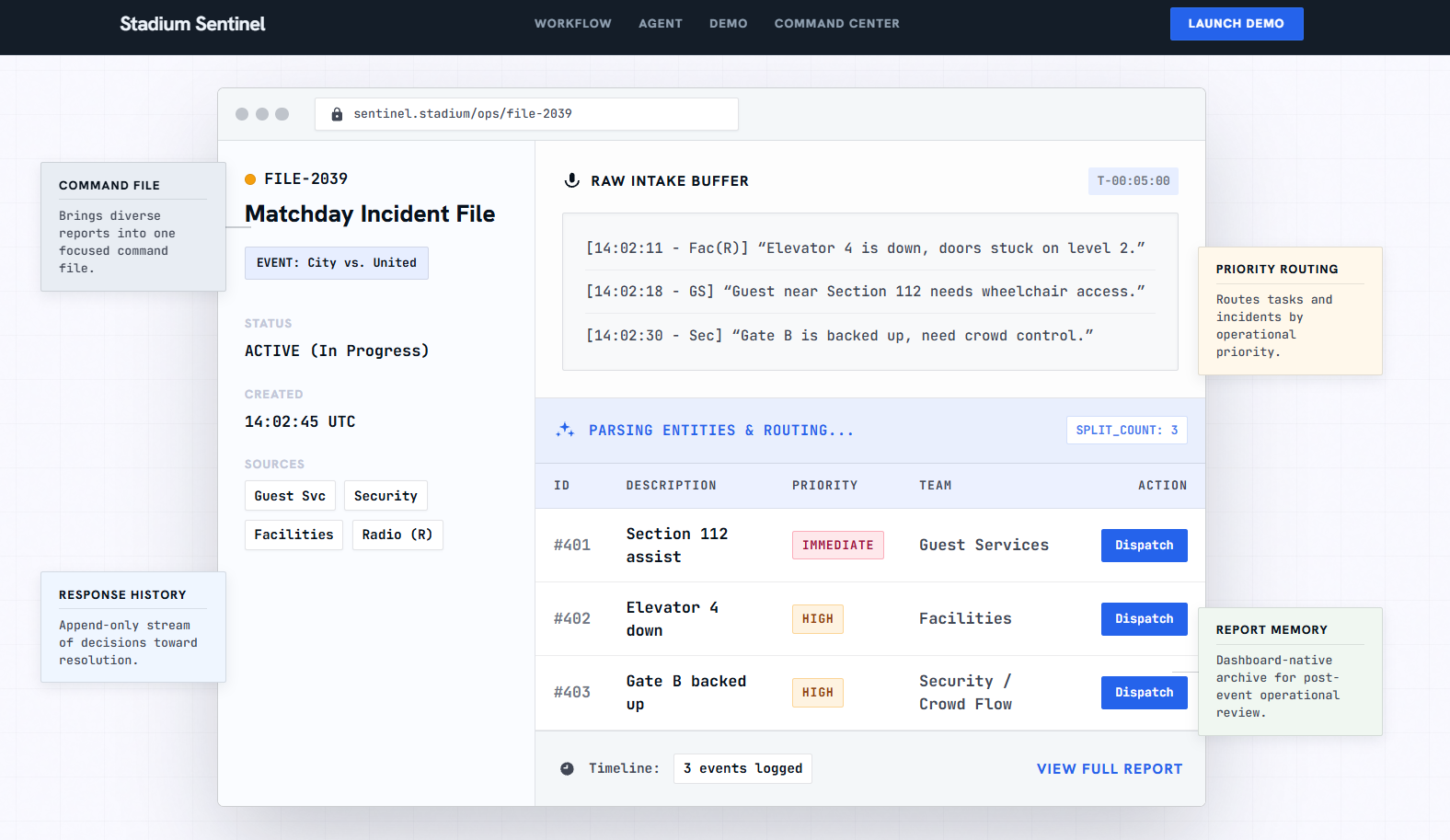
In a stadium, important updates can come from many places at once: radio messages, command-center notes, CRM/source systems, operations teams, and staff on the ground. A single update like “Gate B is backed up, Elevator 4 is down, and a guest near Section 112 needs wheelchair access” can actually contain multiple separate incidents that need different teams, priorities, and next steps.
We wanted to build a system that helps stadium staff understand what happened, what changed, who is handling it, and what needs to happen next without digging through disconnected updates.
What it does
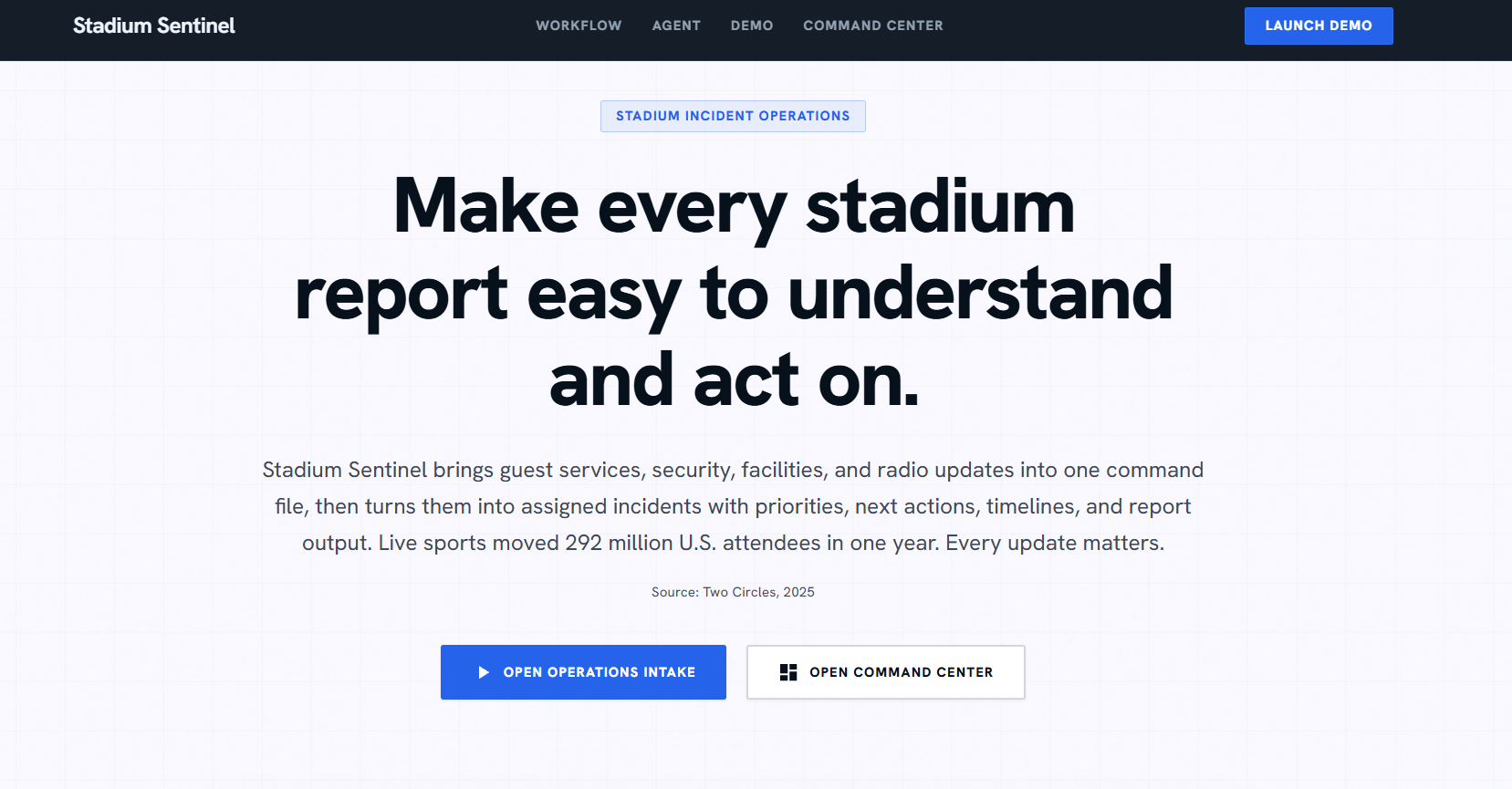
Stadium Sentinel is an AI-powered soccer-stadium incident operations command center.
It helps staff turn messy live updates into clear operational actions. The system can:
- Pull the latest operations reports into the command center
- Split a messy report into separate incidents
- Assign each incident a priority: Immediate, High, Moderate, or Monitor
- Connect incidents to the right response team
- Show evidence and source history for each incident
- Let staff ask Sentinel questions about the current command state
- Generate response guidance based on the latest available information
- Draft reports and dispatch assigned teams through the workflow
- Write updates back into the incident timeline and operational memory
The goal is not to replace stadium staff. The goal is to give them a faster way to make sense of live operational information and act with better context.
How we built it
We built Stadium Sentinel as a mock-first live operations command center using Next.js, React, TypeScript, and Tailwind CSS.
The command center includes an incident queue, selected incident details, evidence panel, timeline/source log, report drafting flow, dispatch actions, and a Venue Context schematic that connects incidents to their approximate stadium area.
For the AI workflow, Sentinel acts as the voice agent inside the command center. Staff can ask questions about active incidents, source updates, assigned teams, and unresolved next steps. Gemini/Vertex powers the live AI response layer, while Elastic provides operational memory for storing and retrieving incident context.
We also built deterministic local fallback behavior so the demo can still run reliably if external services are unavailable. That mattered because we wanted Stadium Sentinel to work as a product demo, not just as an API experiment.
Challenges we ran into
One major challenge was keeping the product focused.
It was easy for the project to drift into a map product, ticketing product, CRM dashboard, or analytics dashboard. We had to keep pulling the design back toward the real goal: helping stadium staff coordinate live incident response.
Another challenge was balancing realism with demo clarity. Real stadium operations involve messy inputs, changing conditions, fragmented reports, and multiple teams. We needed enough realism to make the workflow believable without making the demo confusing.
We also ran into integration challenges while connecting the AI and operational memory layers. To handle that, we built the system with clear contracts and fallback paths so the core workflow stayed stable even when live services were not fully available.
The UI was another challenge. A command center needs to show a lot of information at once, but too much visual density can make it harder to use. We spent time refining the incident queue, evidence flow, timeline, and venue context so the interface felt operational instead of decorative.
Accomplishments that we're proud of
We are proud that Stadium Sentinel feels like a real command-center workflow, not just a chatbot placed beside a dashboard.
The strongest part of the project is the full operational loop:
messy report
→ incident split
→ priority label
→ assigned team
→ evidence and source history
→ Sentinel question answering
→ response action
→ report drafting
→ dispatch
→ timeline update
→ operational memory write-back
Built With
- elastic
- elastic-mcp
- elasticsearch
- gemini
- google-cloud-run
- next.js
- next.js-api-routes
- playwright
- react
- tailwind-css
- typescript
- vertex-ai
- vitest

Log in or sign up for Devpost to join the conversation.