-
-
Gemini Enterprise
-
Elastic
StadiumPulse: Building a Dual-Mode Stadium Assistant with Gemini Enterprise, Google Drive, and Elastic
Inspiration
Stadium events are exciting, but the information experience around them is often fragmented. A fan may need to know where to enter, which gate is closest, what food is nearby, or whether accessible parking is available. At the same time, stadium operations teams care about a very different class of questions: which sections are most active, whether a live poll is running, or how fan engagement is trending during the event.
What inspired me was the idea that these two needs should not require two separate systems. I wanted to build a single assistant that could behave like both a stadium concierge and a live event intelligence assistant. That became the foundation of StadiumPulse.
The project started from a simple observation:
$$ \text{Great stadium experience} = \text{trusted static knowledge} + \text{live operational intelligence} $$
A useful agent should answer both kinds of questions:
- static questions such as venue rules, gates, parking, and amenities
- live questions such as score, section activity, polls, and engagement summaries That insight shaped the entire architecture.
What I built
StadiumPulse is a Gemini Enterprise agent that combines:
- Google Drive grounding for static stadium knowledge
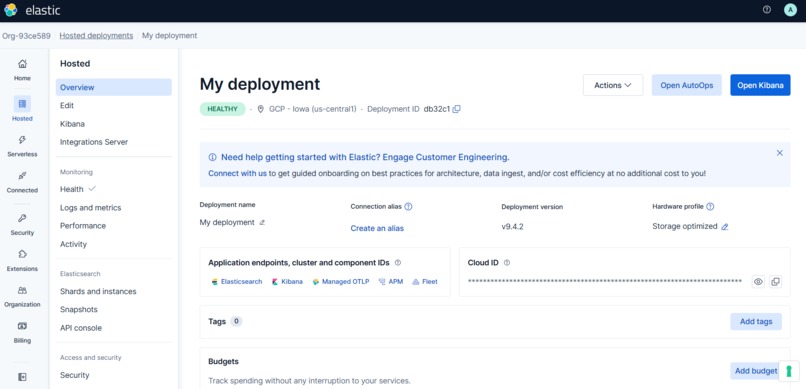
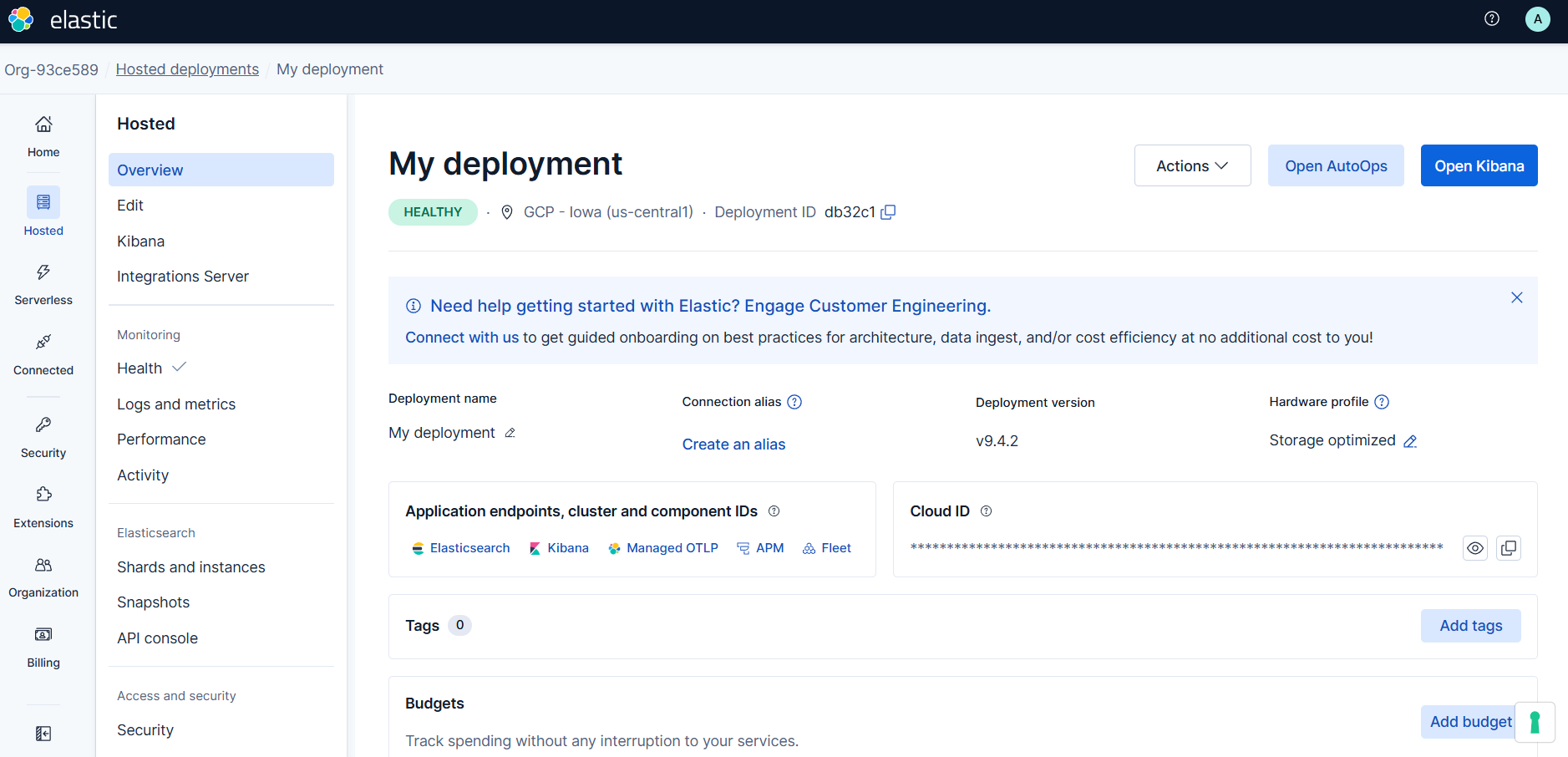
- MCP-based live actions for real-time stadium intelligence backed by Elastic
The result is one assistant that can answer questions like:
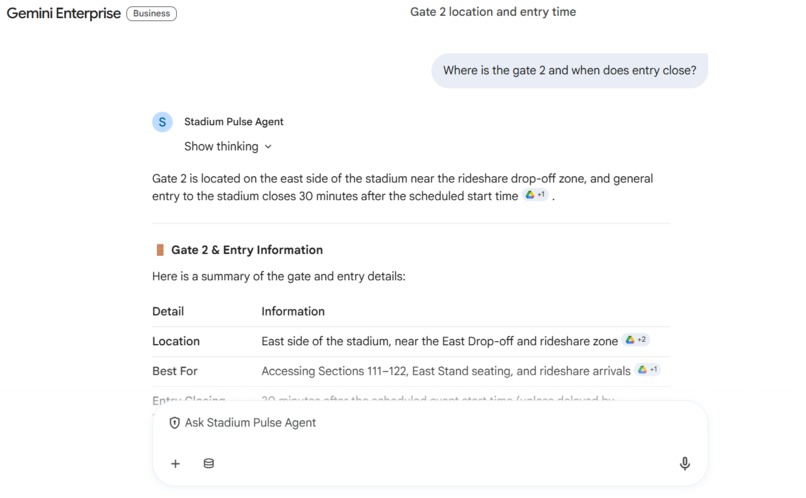
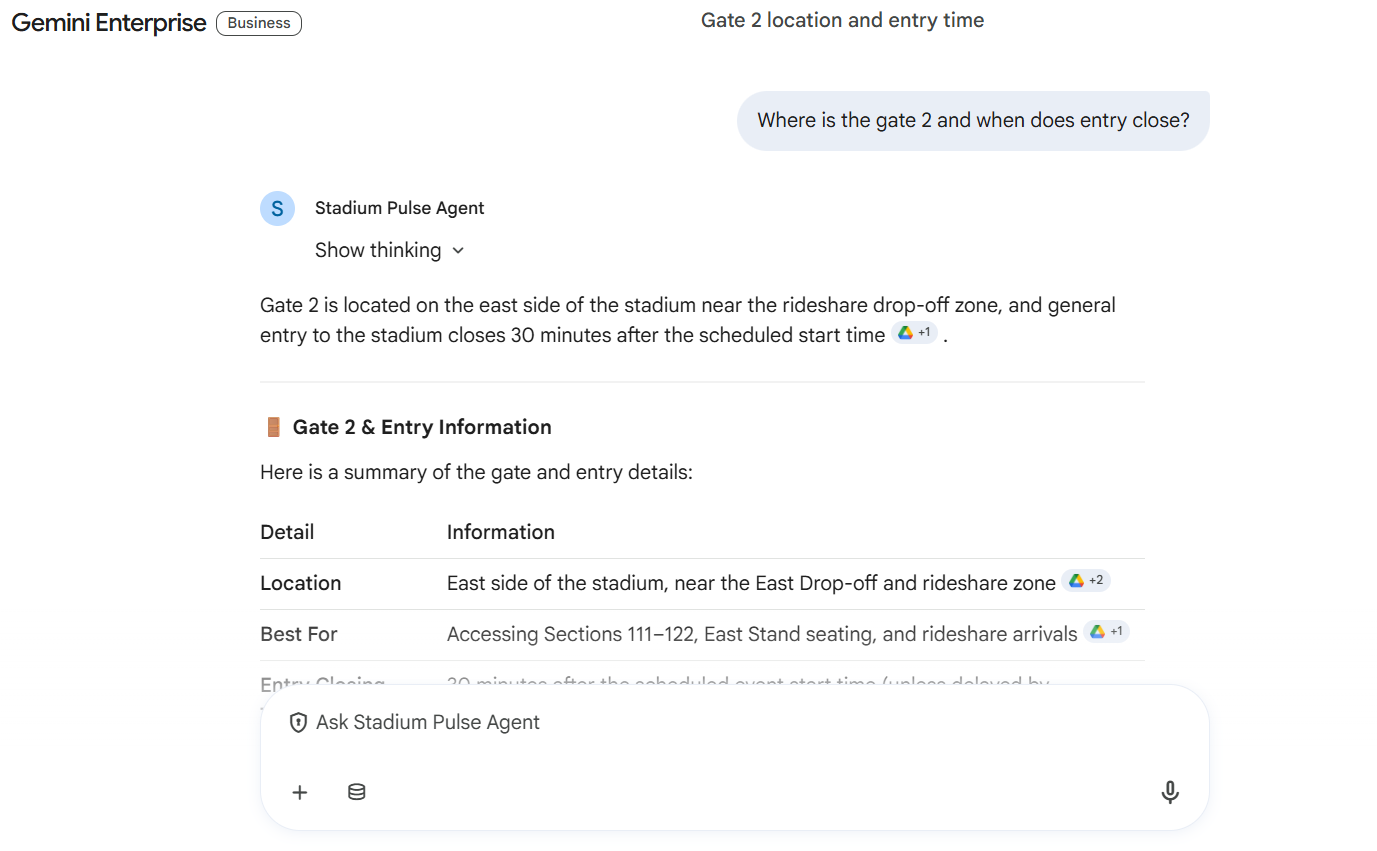
- “Where is Gate 2?”
- “What time does entry close?”
- “What is the current score?”
- “Which section is the loudest right now?”
- “Give me a quick engagement summary for operations staff.”
This project is intentionally designed as a dual-mode agent:
- Drive handles trusted documents
- Elastic + MCP handles live data retrieval
Conceptually, the architecture is:
$$ \text{StadiumPulse Agent} = \text{Gemini Enterprise} + \text{Drive Knowledge Base} + \text{MCP Live Retrieval} $$
How I built the project
1. Defining the use case
I first defined what StadiumPulse should actually do. Rather than trying to solve every stadium problem at once, I narrowed the scope to two high-value areas:
Static knowledge
This includes:
- venue FAQs
- gate and entry information
- food and beverage guides
- parking and accessibility details
- event-day policies
Live intelligence
This includes:
- event score and status
- cheering activity by section
- active polls
- engagement summaries
This split helped me design a cleaner product and a more credible demo.
2. Building the knowledge layer with Google Drive
I created a set of sample stadium knowledge documents and organized them as a Google Drive knowledge base. These documents included:
- Stadium FAQ
- Entry Gates and Seating Access Guide
- Food, Beverage, and Amenities Guide
- Accessibility, Parking, and Guest Assistance
- Event Day Quick Start Guide
I then connected Google Drive to Gemini Enterprise so the agent could ground its answers in official-looking venue content instead of relying on generic model knowledge.
This was important because static venue questions should be answered from authoritative documents, not guessed.
3. Designing the live data layer with Elastic
For live intelligence, I designed a StadiumPulse data model around a few core entities:
- events
- cheers
- polls
- optionally venue FAQ or additional search-oriented content
Example live data included:
- current match name, score, status, and timeline
- cheer counts by section
- active poll question and vote counts
The idea was that Elastic would act as the live retrieval backend for structured and semi-structured event data.
I also defined the kinds of queries the system should support:
- latest score lookup
- loudest section detection
- active poll retrieval
- engagement summary generation
4. Creating the Gemini Enterprise agent
Inside Gemini Enterprise, I configured the StadiumPulse agent and connected it to:
- the Google Drive data store
- a Custom MCP data store
Then I wrote agent instructions to explicitly route queries based on their type:
- use Drive for static venue knowledge
- use MCP for live stadium intelligence
That routing logic became one of the most important design decisions in the project. Without it, the agent could answer inconsistently or mix static and live sources in unhelpful ways.
In practice, the instruction strategy was something like:
- if the user asks about gates, parking, rules, or amenities, search Drive
- if the user asks about score, cheering, polls, or engagement, use MCP
- if the question combines both, use both sources
- if data is missing, say so clearly
- never invent live facts
5. Preparing evaluation and golden conversations
To make the agent testable, I created evaluation scenarios and golden conversations around realistic stadium tasks.
Examples included:
- live score lookup
- loudest section query
- active poll retrieval
- venue FAQ lookup
- ambiguous query clarification
- graceful handling of missing data
- staff-oriented engagement summary
This step helped turn the project from just a prototype into something more robust. It forced me to think not only about what the agent should do when things go well, but also how it should behave when data is incomplete or when the request is ambiguous.
Challenges I faced
1. No native Elastic connector in Gemini Enterprise
One of the biggest challenges was that Gemini Enterprise did not provide a simple native Elastic connector in the environment I was using.
At first, this made the integration path unclear. I had to carefully distinguish among:
- standard connectors like Google Drive and Gmail
- live external tool access
- MCP-based extensibility
- the role of Elastic as the partner data layer
This forced me to think more deeply about architecture instead of looking for a one-click connection.
2. Understanding the difference between static and live grounding
Another challenge was conceptual. It was tempting to treat all data as one source, but that would have led to a weaker design.
I learned that static and live information have different requirements:
$$ \text{Static knowledge} \neq \text{Live telemetry} $$
Static knowledge needs:
- trusted documents
- stable retrieval
- clean grounding
Live telemetry needs:
- structured data
- freshness
- action-oriented retrieval
Separating those layers made the agent more understandable and easier to demonstrate.
3. OAuth and MCP configuration complexity
The Custom MCP setup introduced a real integration challenge. There was a mismatch between the way Elastic’s built-in MCP capability is documented and the authentication flow expected by Gemini Enterprise’s custom MCP form.
This led to a series of issues around:
- OAuth fields
- client ID and client secret
- authorization URL vs. token URL
- refresh token behavior
- access control setup
At first, it seemed like these values should come from Elastic, but they actually belonged to the OAuth identity-provider side of the setup. That was a major lesson in understanding where infrastructure ends and identity begins.
4. Access control and data store configuration
Another practical challenge was the Gemini Enterprise data connector setup itself. Before a connector could be created, access control had to be configured correctly for the selected location.
This was not difficult conceptually, but it was easy to overlook in the UI. It reminded me that enterprise AI projects are not just about models and prompts. They are also about permissions, governance, and connector behavior.
What I learned
This project taught me several important lessons.
1. Good agent design is largely about system boundaries
I learned that a strong AI project is not only about the model. It is about deciding:
- what should come from documents
- what should come from live systems
- what the agent should do itself
- what should be delegated to tools
The clean separation between Drive and MCP made the entire project better.
2. Enterprise AI is as much about integration as intelligence
I learned that real-world AI projects depend heavily on:
- data stores
- connectors
- identity and access control
- API design
- evaluation workflows
In other words:
$$ \text{Enterprise AI value} = \text{Model quality} + \text{System integration} + \text{Trustworthy grounding} $$
That was one of the most important takeaways from this build.
3. Evaluation matters early
Creating golden conversations and explicit expectations helped me catch weaknesses in the design early.
For example:
- Would the agent clarify ambiguous questions?
- Would it avoid hallucinating unavailable live data?
- Would it choose the right source for the question?
- Would it be equally useful for fans and operations staff?
These are not cosmetic details. They are what make an assistant feel reliable.
4. A focused use case is stronger than an overloaded one
At first, it was possible to imagine StadiumPulse doing everything:
- ticketing
- food ordering
- navigation
- IoT analytics
- fan personalization
- operations monitoring
But I learned that for a strong demo and a credible project story, it is better to focus on a few clear capabilities and execute them well.
That is why I centered the final project on:
- static stadium knowledge
- live event intelligence
- clear agent routing between the two
Final project outcome
The final result is a working concept for a stadium assistant that combines:
- Gemini Enterprise as the agent layer
- Google Drive as the static knowledge source
- Elastic-backed MCP as the live retrieval layer
This makes StadiumPulse capable of serving two audiences at once:
- fans, who need fast venue and event guidance
- operations staff, who need live engagement awareness
The strongest part of the demo is the mixed-query behavior. For example, a user can ask:
“What is the score, and where should VIP guests enter?”
That one question shows the full value of the architecture:
- the score comes from the live layer
- the VIP entry guidance comes from the document layer
- the user experiences one unified agent
What I would improve next
If I continued developing StadiumPulse, I would extend it in three directions:
1. Better live data ingestion
I would make the Elastic live data layer more automated and event-driven so that score changes, poll updates, and section activity flow continuously.
2. Stronger MCP tooling
I would make the live tools more explicit and observable, with clearer action definitions and response schemas.
3. More advanced fan personalization
I would explore lightweight personalization, such as section-aware or event-aware responses, while still keeping the system grounded and transparent.
Conclusion
StadiumPulse began as an idea for a stadium assistant, but it became a much more valuable exercise in enterprise AI system design.
The main insight behind the project is simple:
$$ \text{A useful event assistant must combine trusted knowledge with live awareness} $$
By combining Google Drive grounding with MCP-based live retrieval, I built an agent that can answer both static and real-time questions in one experience.
More importantly, I learned that building an effective AI product is not only about generating answers. It is about designing the right architecture, choosing the right boundaries, and making the assistant reliable, grounded, and useful in a real-world setting.
Built With
- and
- conversation
- elastic-cloud-on-gcp
- elasticsearch
- evaluation/golden
- gemini-enterprise
- google-cloud
- google-drive
- javascript/typescript
- json
- mcp
- prompt-engineering
- rest-apis

Log in or sign up for Devpost to join the conversation.