-
-
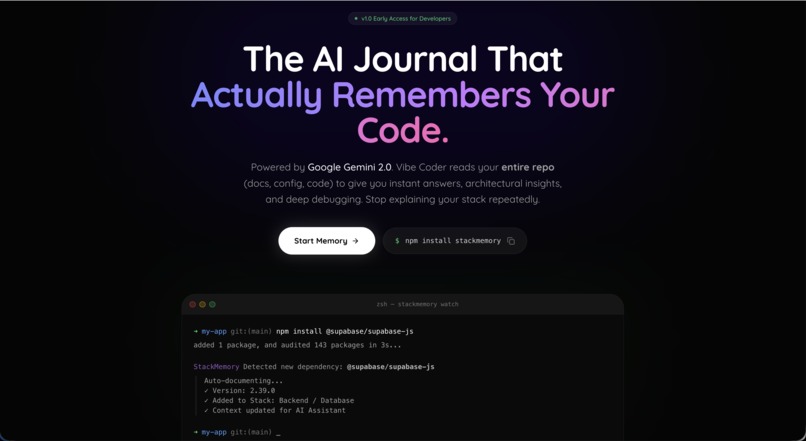
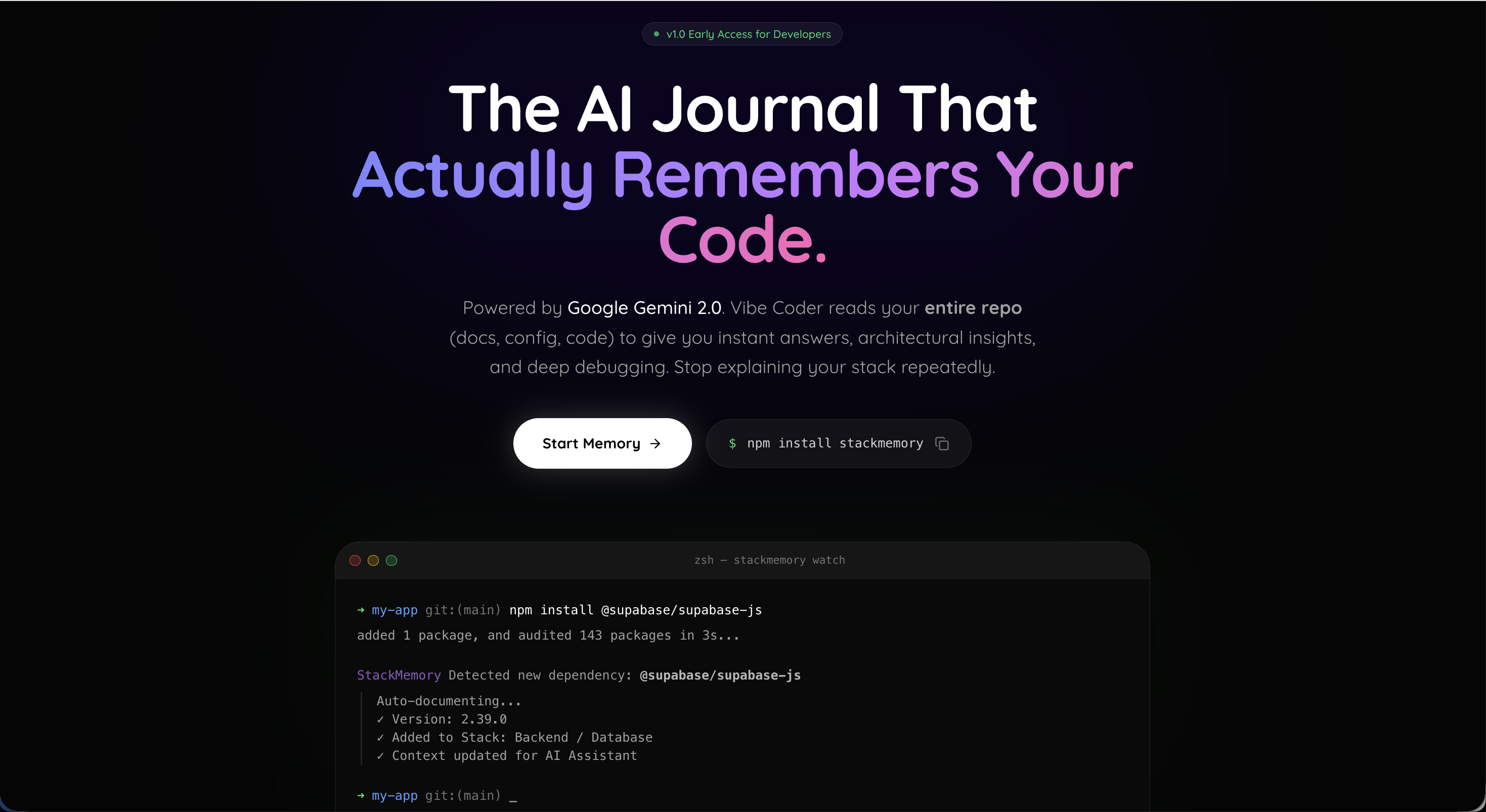
Landing Page
-
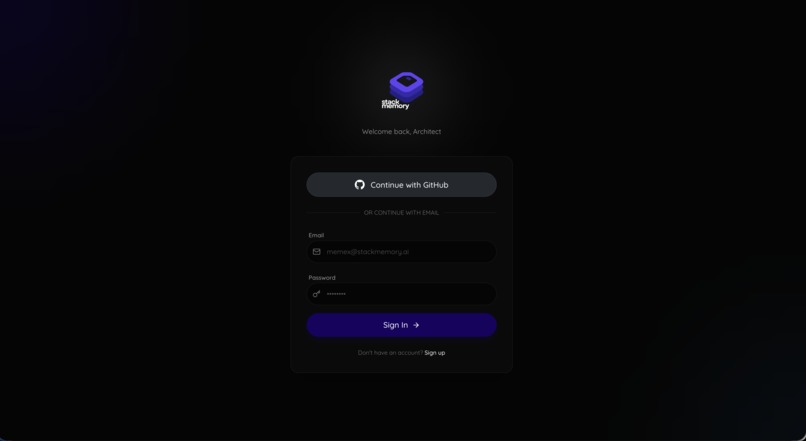
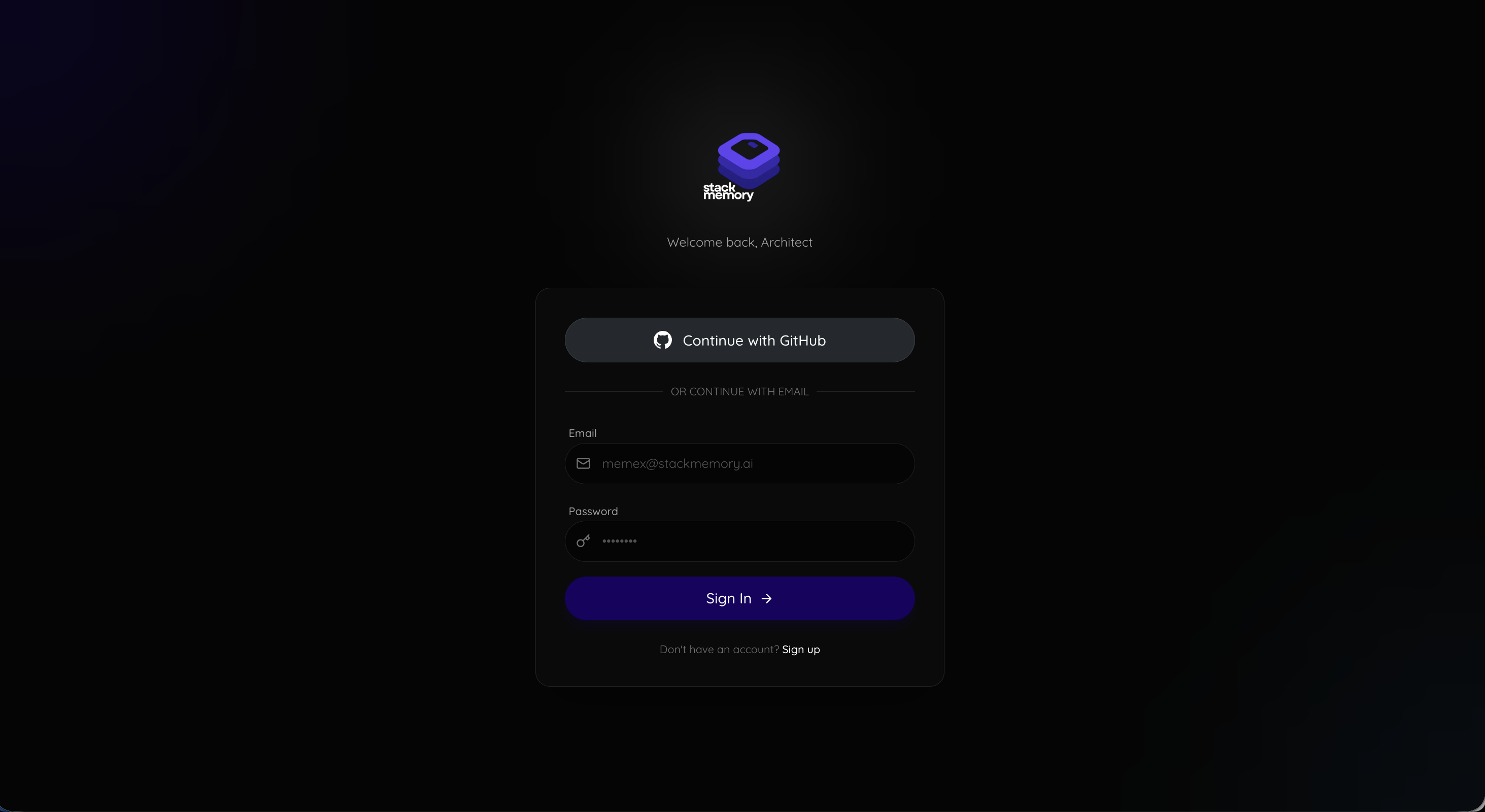
Login with Github
-
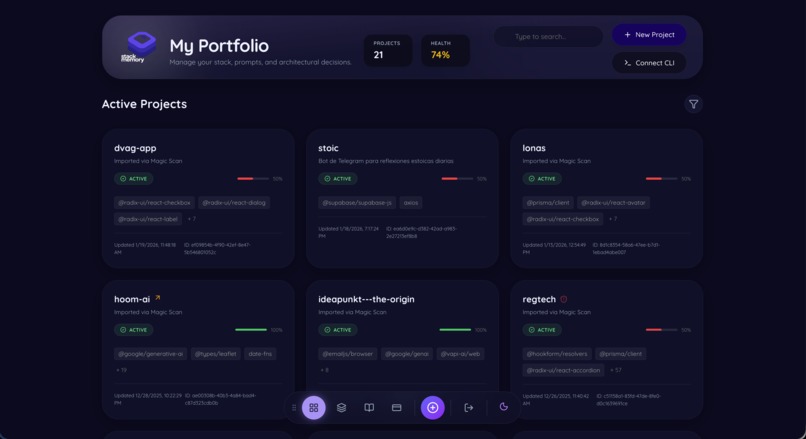
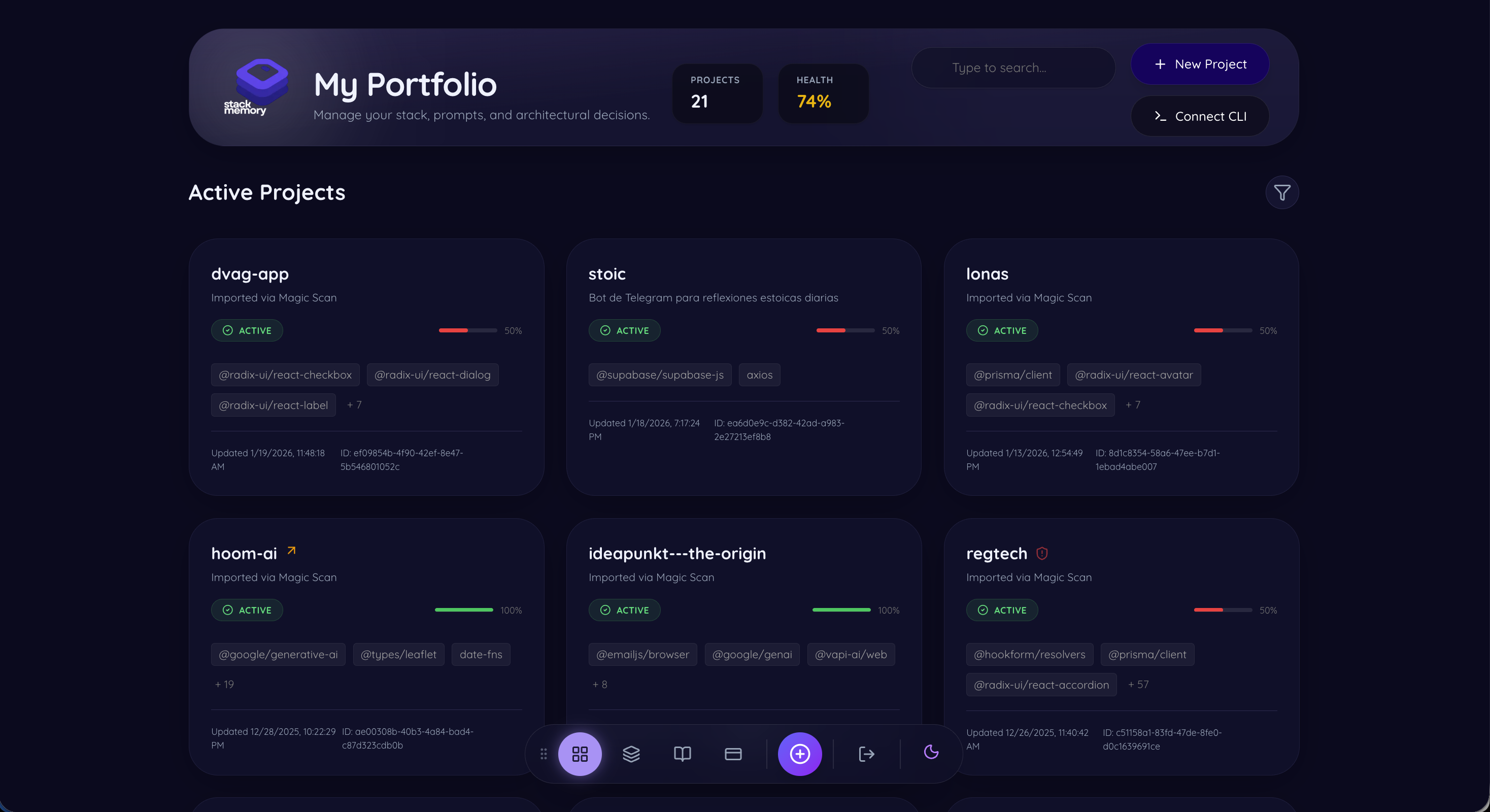
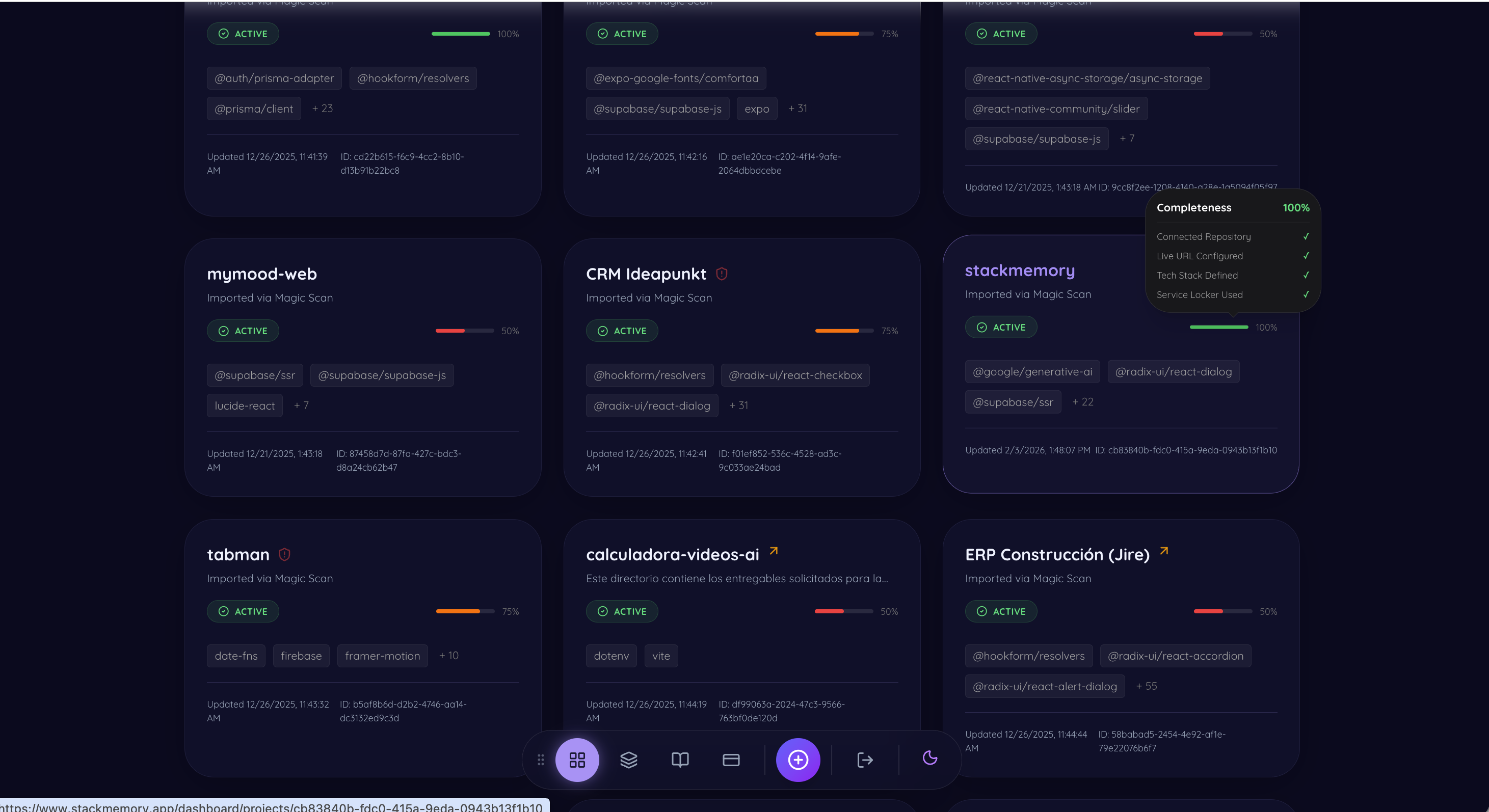
Dashboard
-
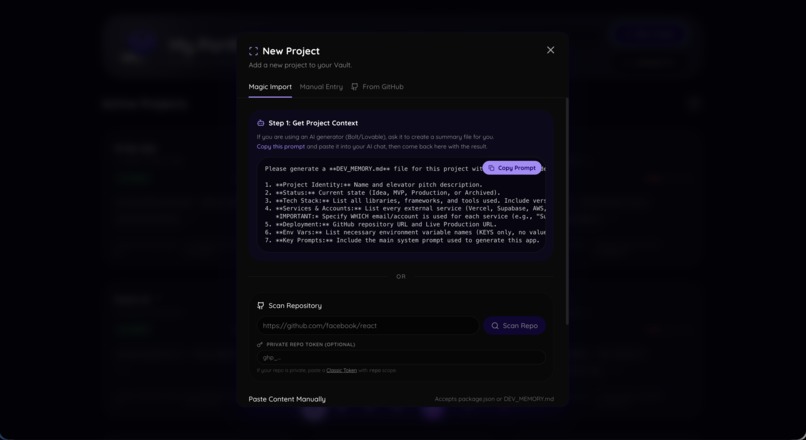
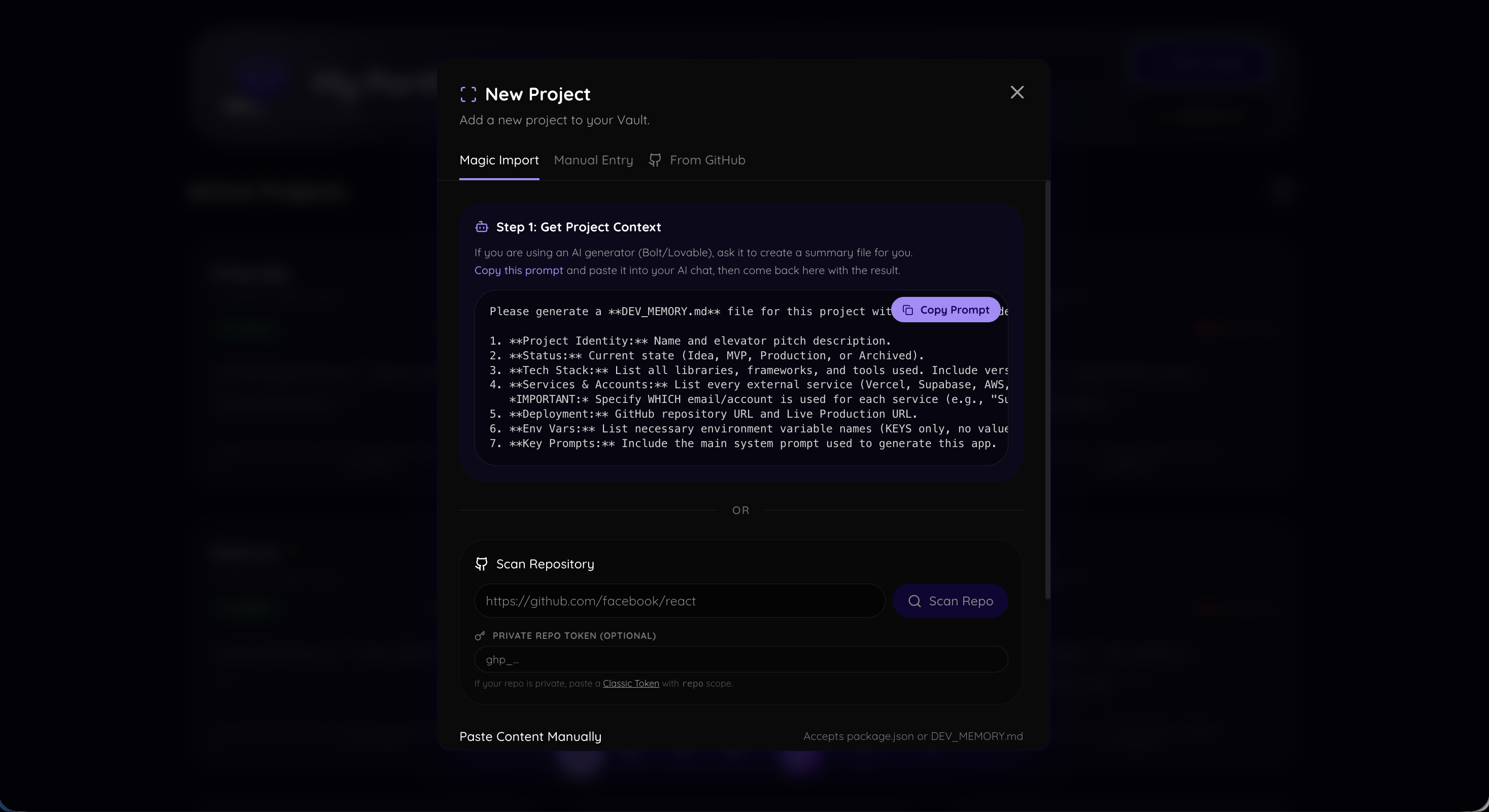
Import new project
-
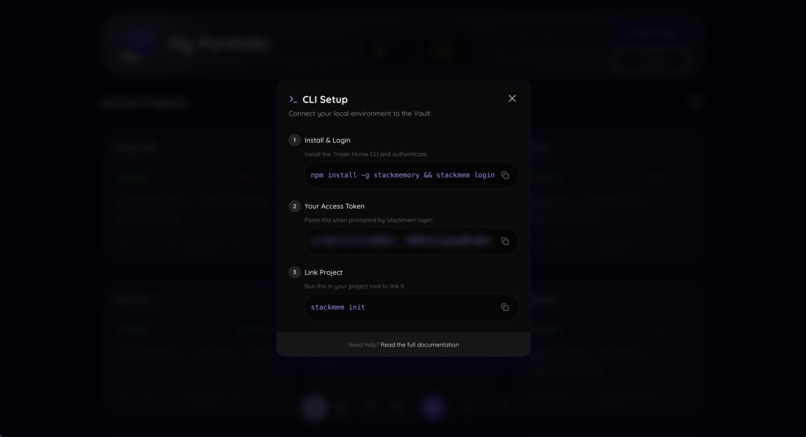
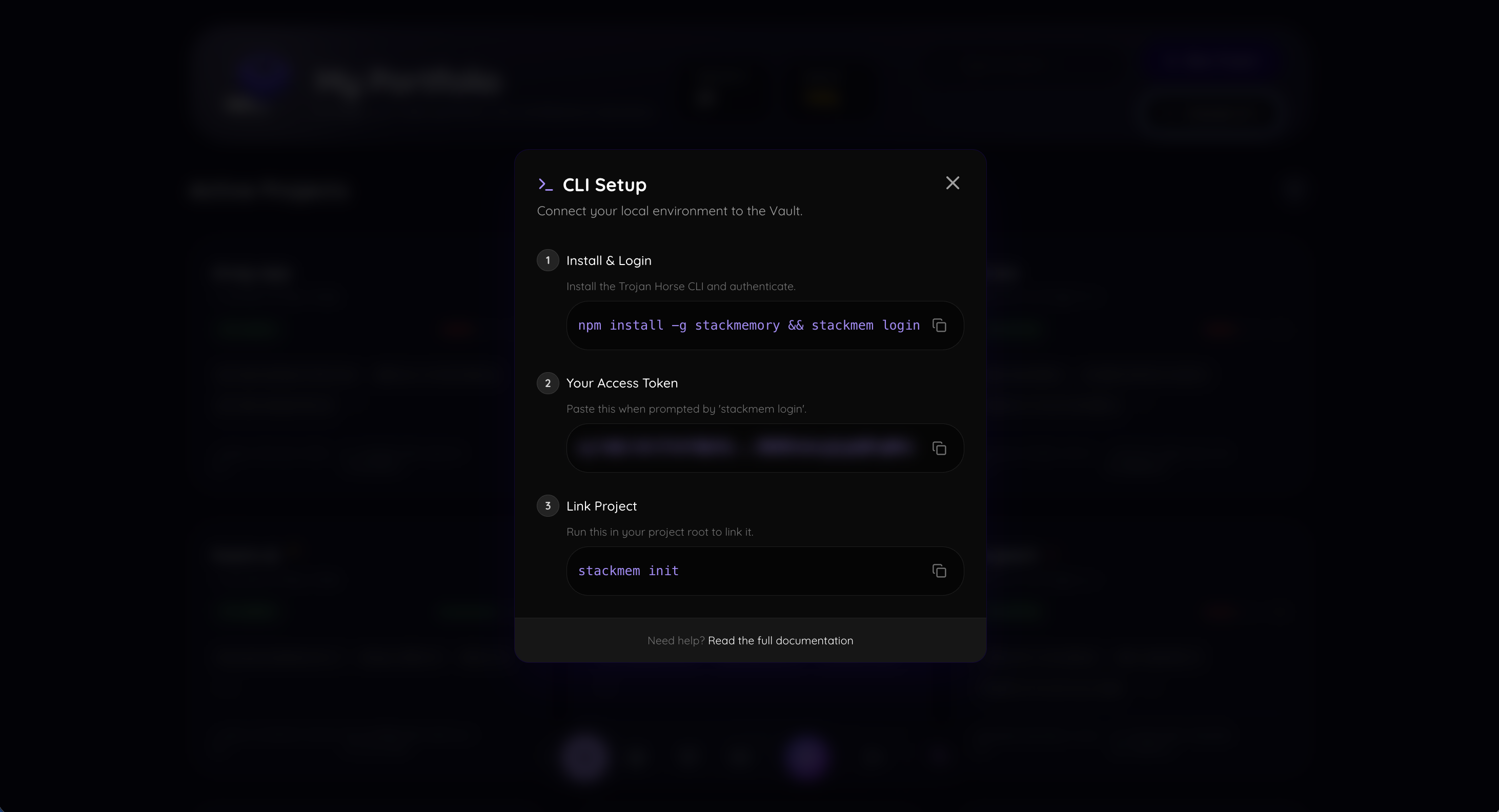
CLI
-
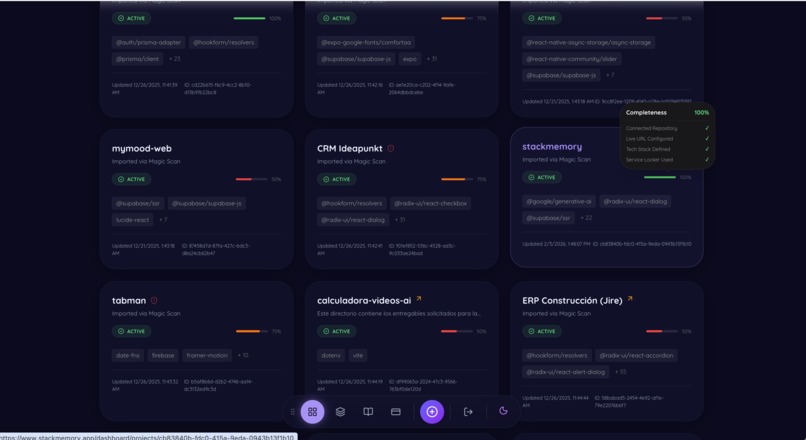
Dashboard
-
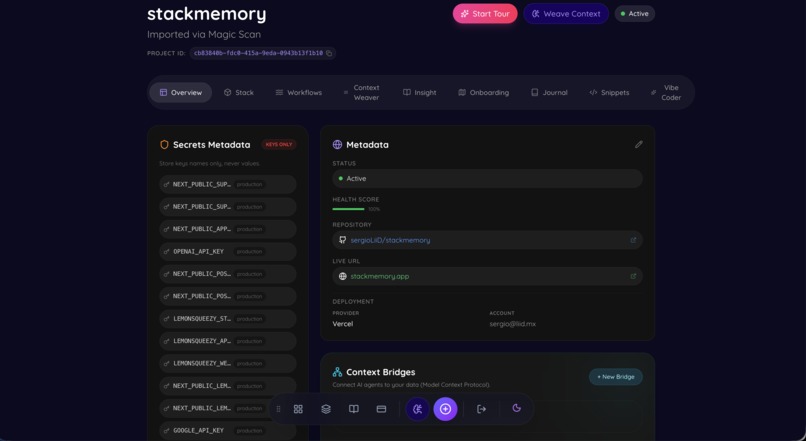
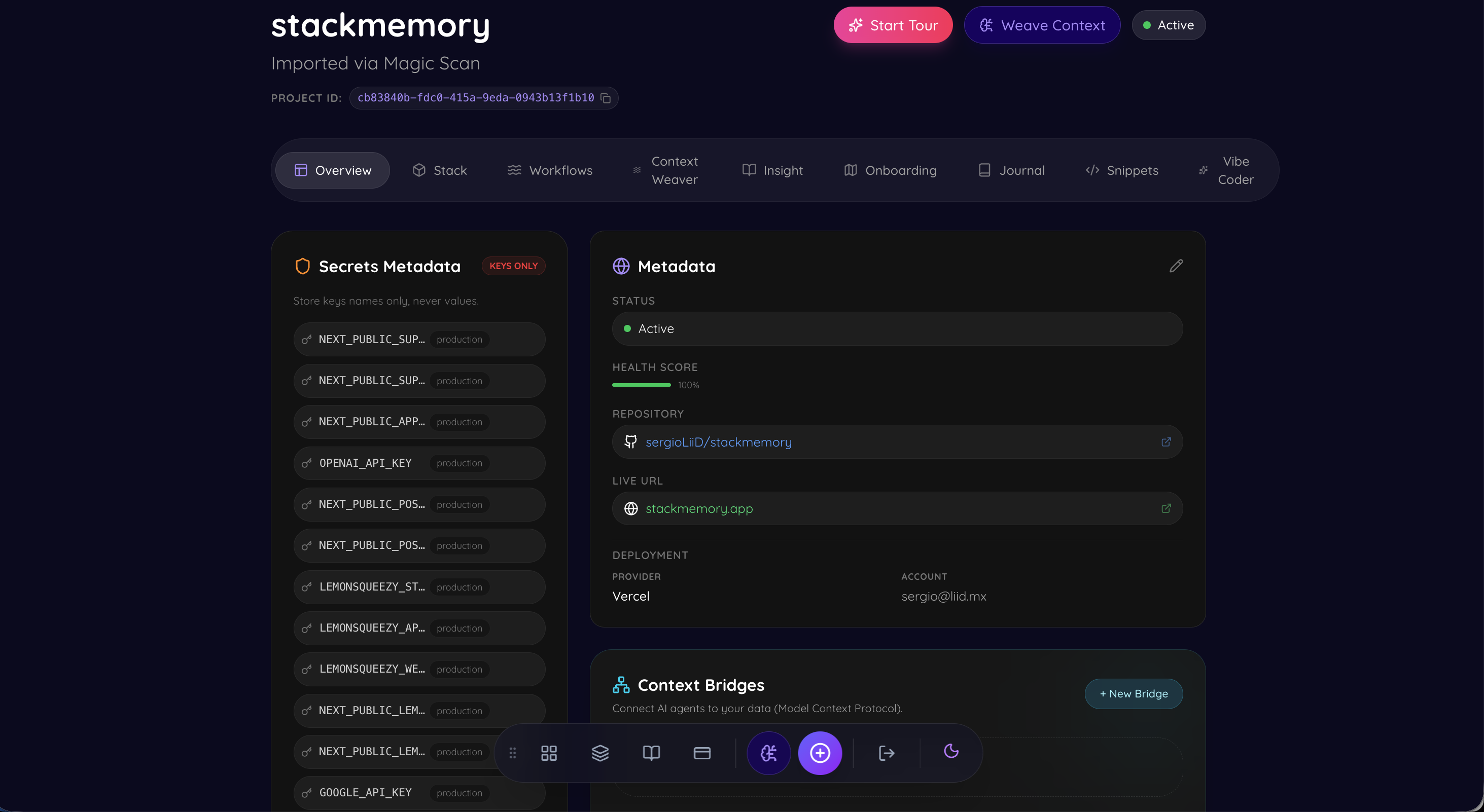
Overview in a specific project
-
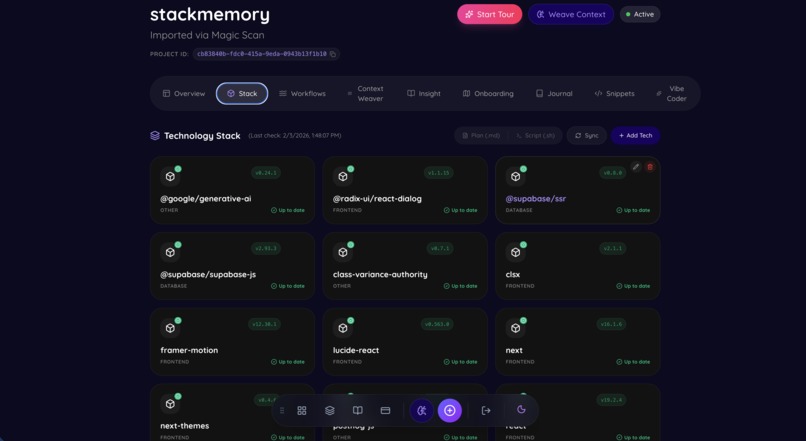
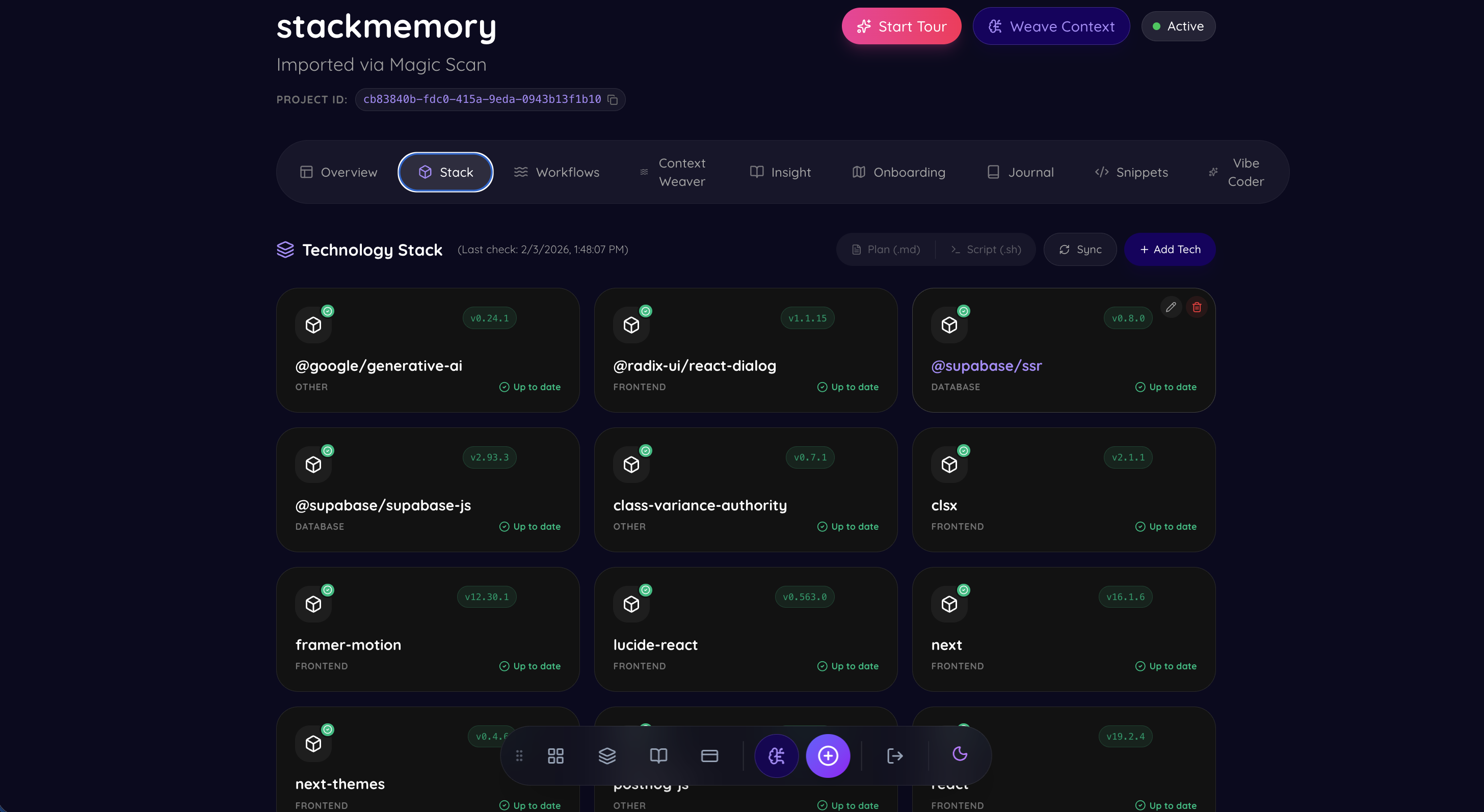
Stack - checks your stack if it is up to date or has vulnerabilities
-
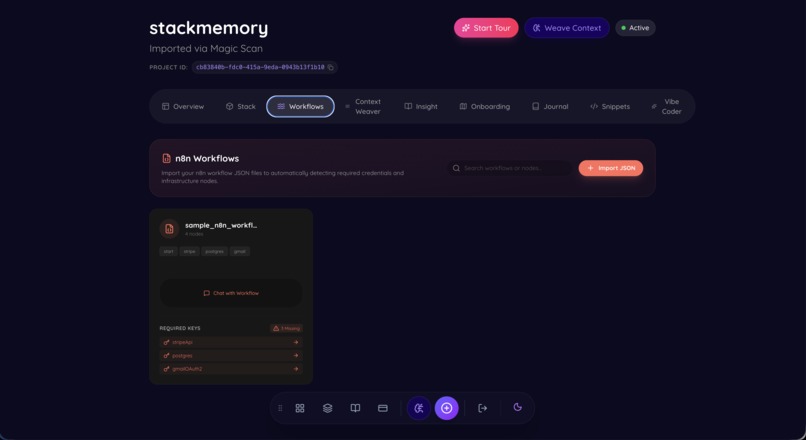
Workflows - for n8n users
-
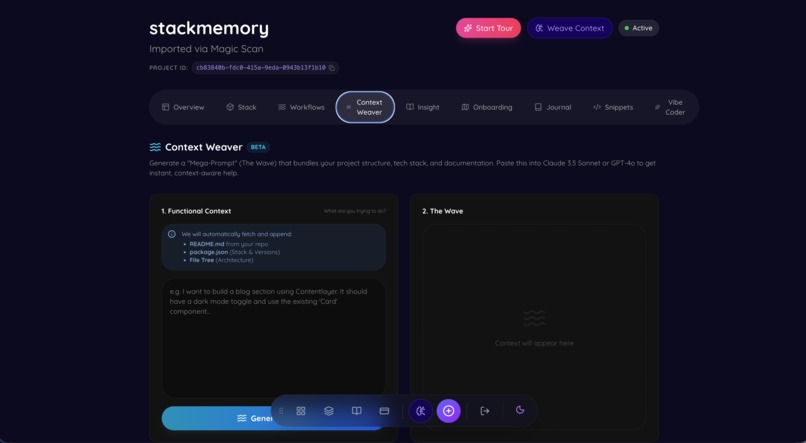
Context Weaver - generate prompts based on your code
-
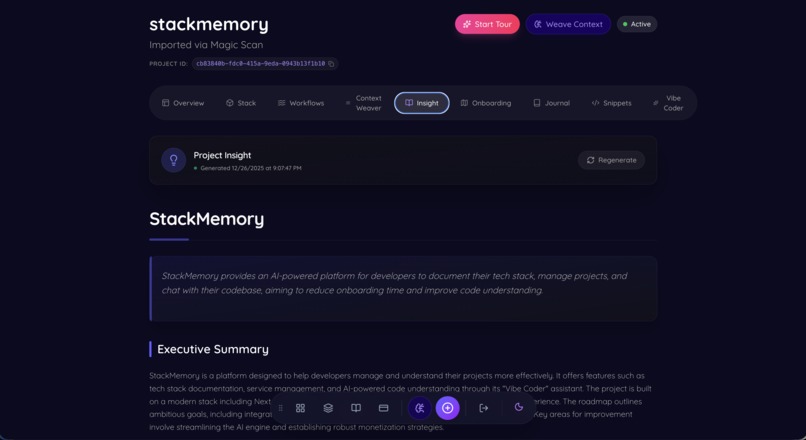
Insight - discover in plain english the code
-
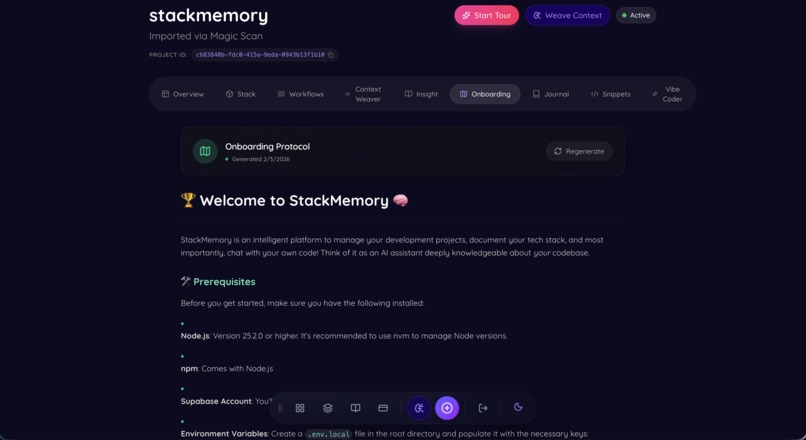
Onboarding - new devs will love this
-
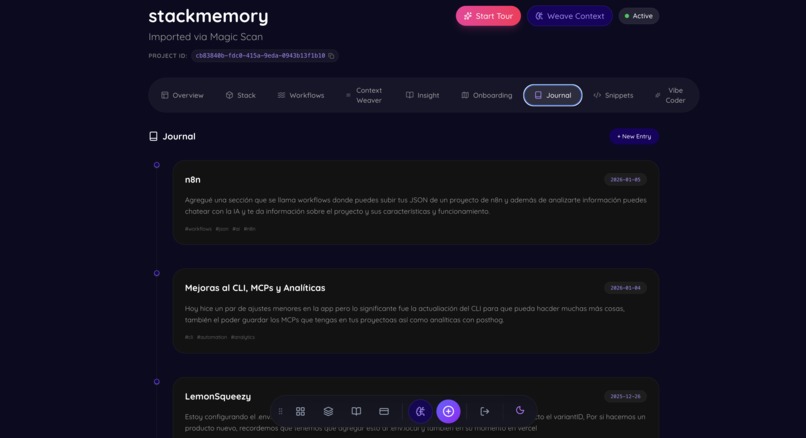
Journal - keep a journal of your way coding this project
-
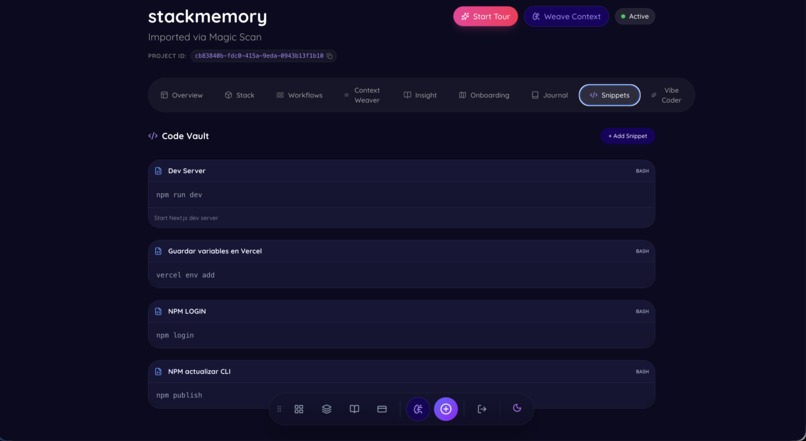
Snippet Vault - save all your snippets in one place
-
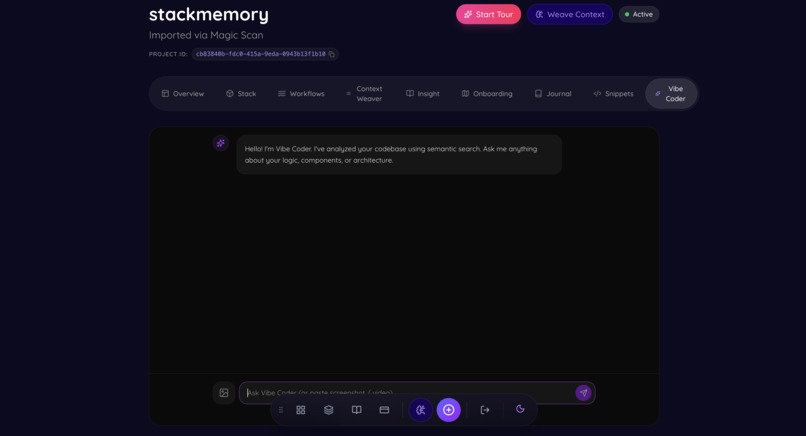
Vibe Coder - the brain google gemini + your code = SECOND BRAIN
-
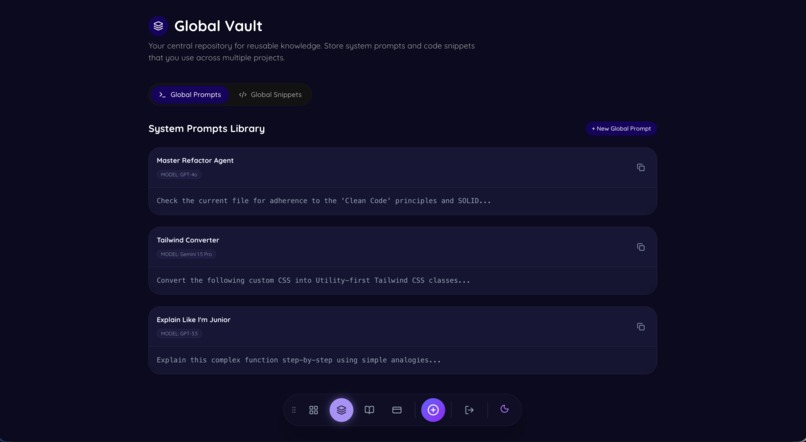
Global Vault - keep all your snippets and prompts saved.
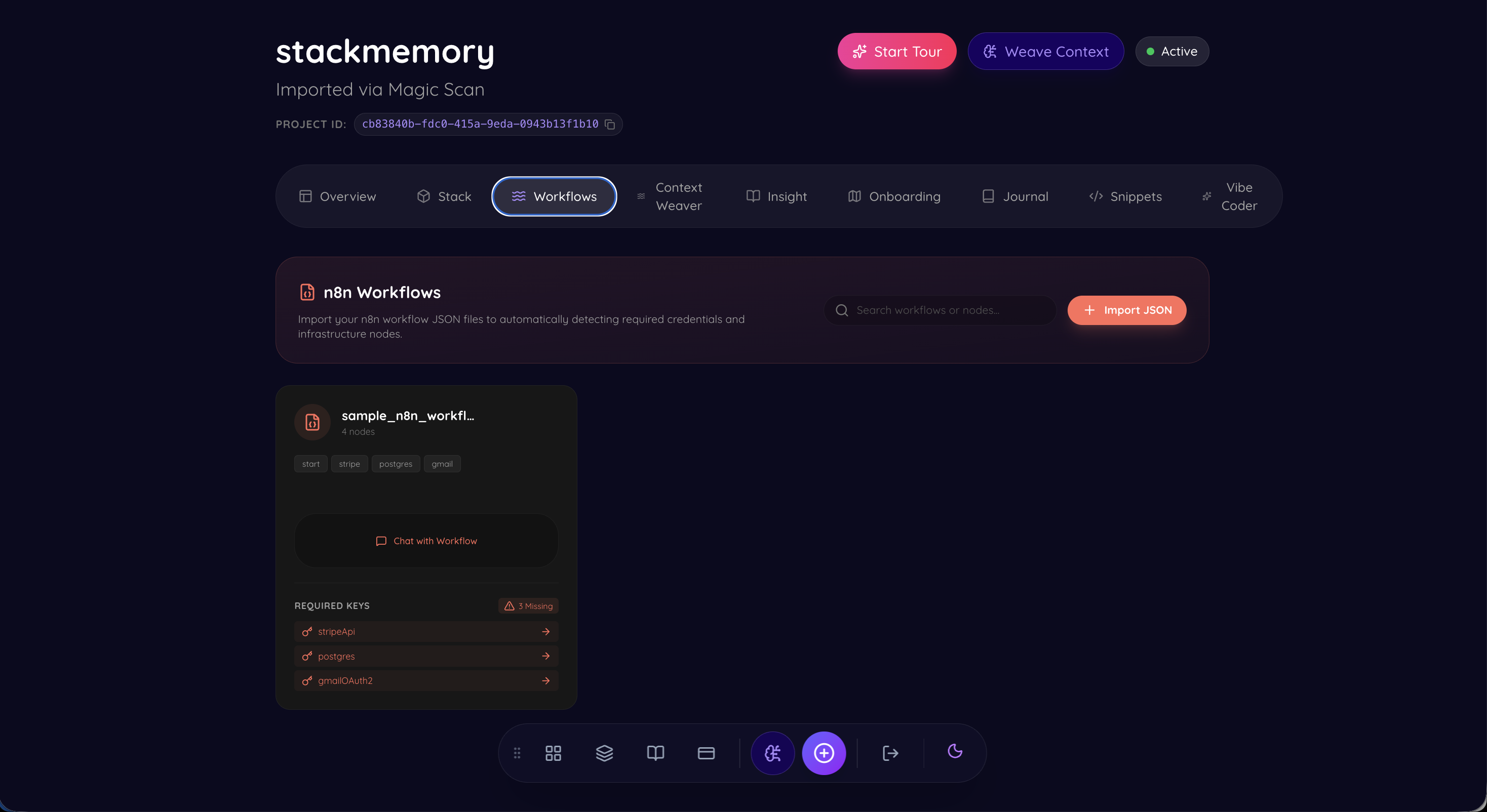
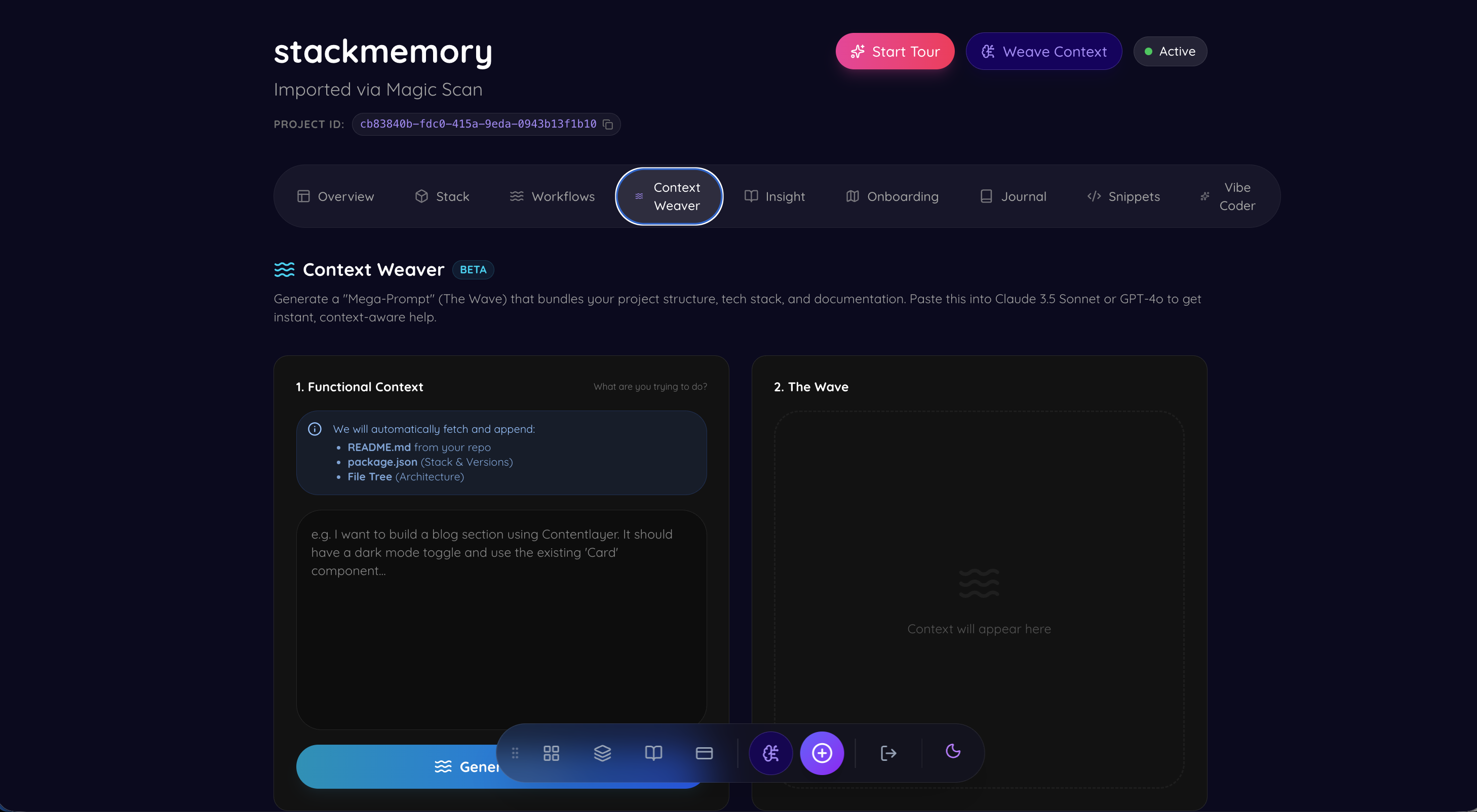
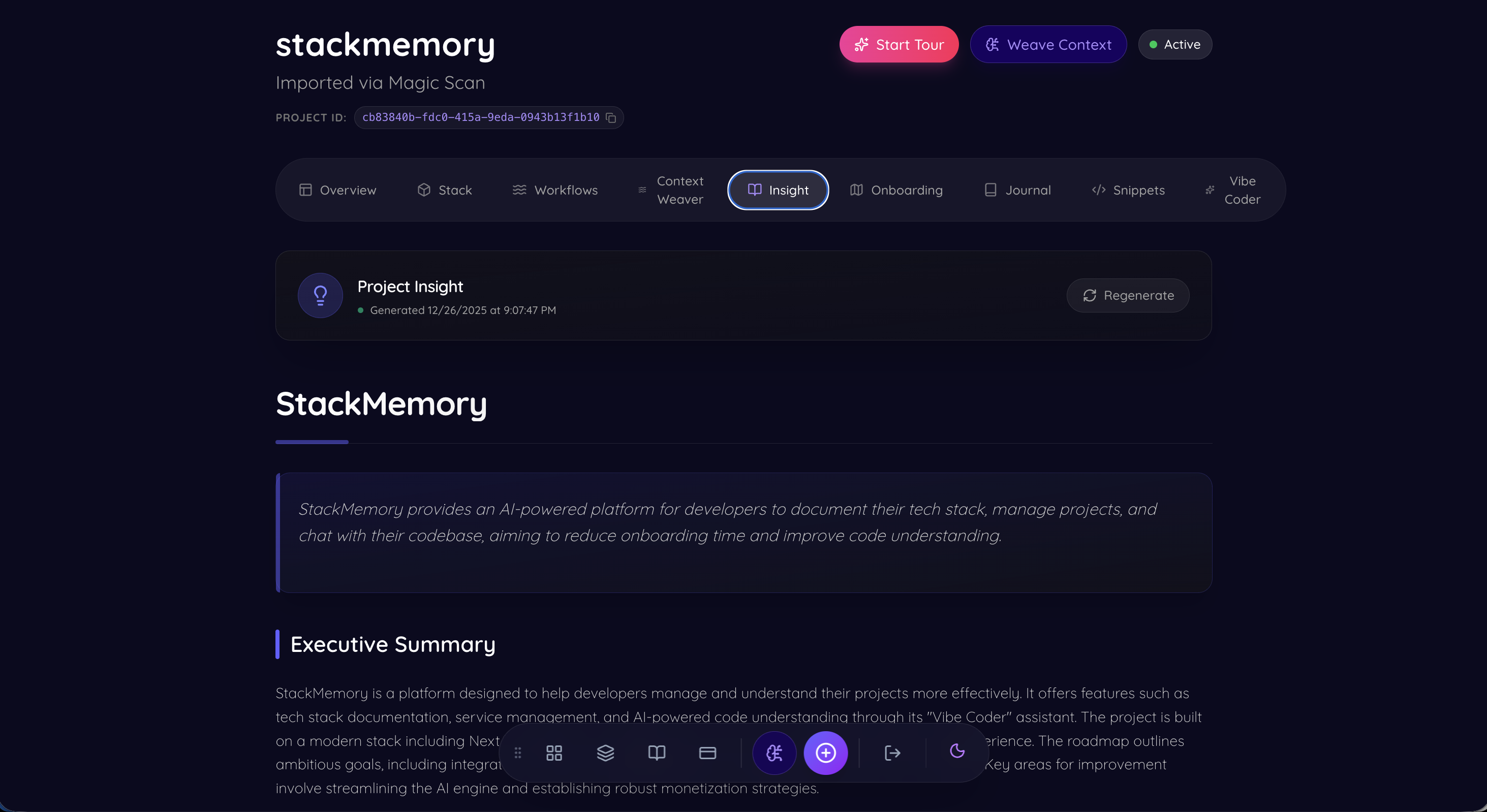
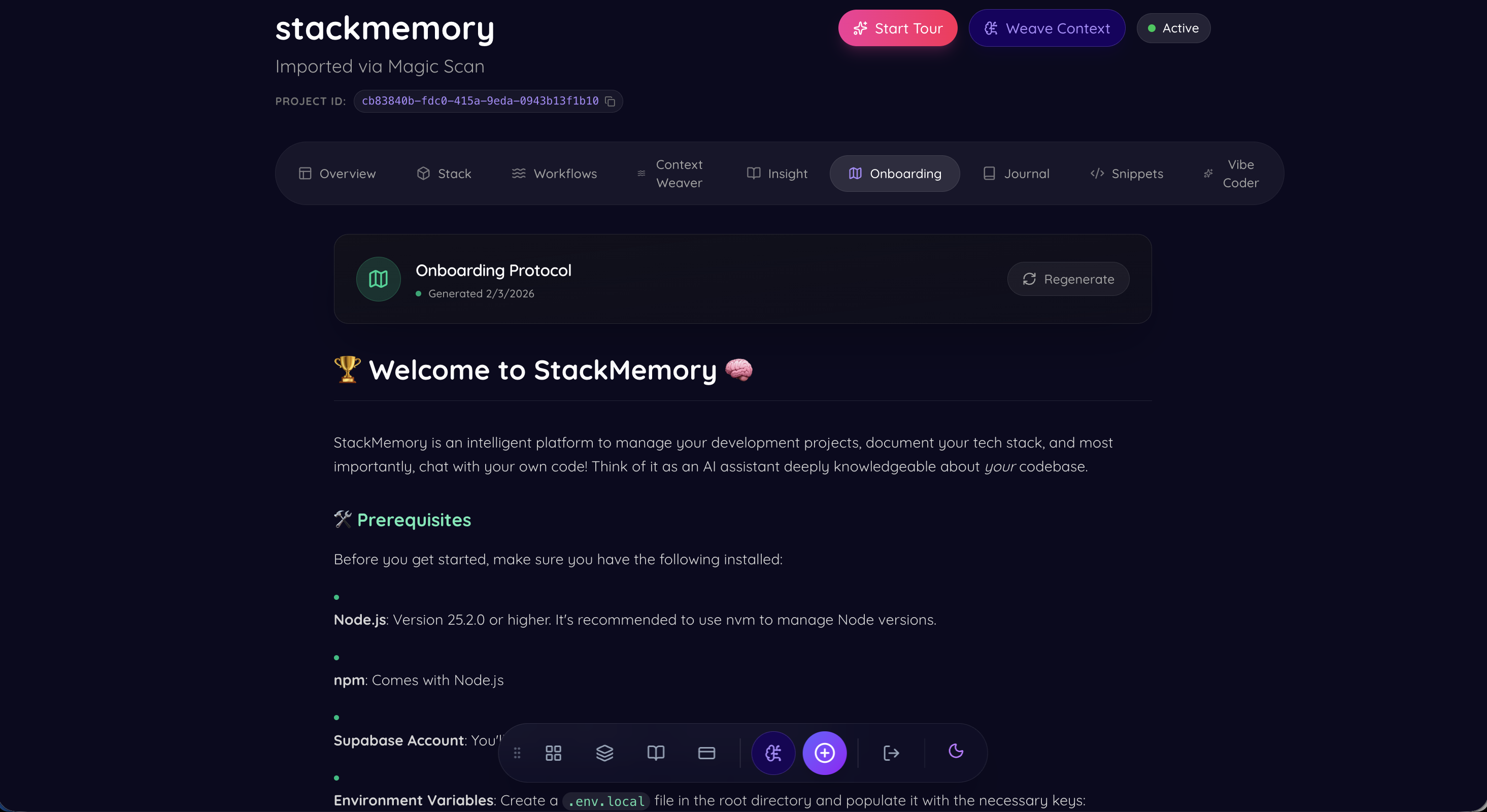
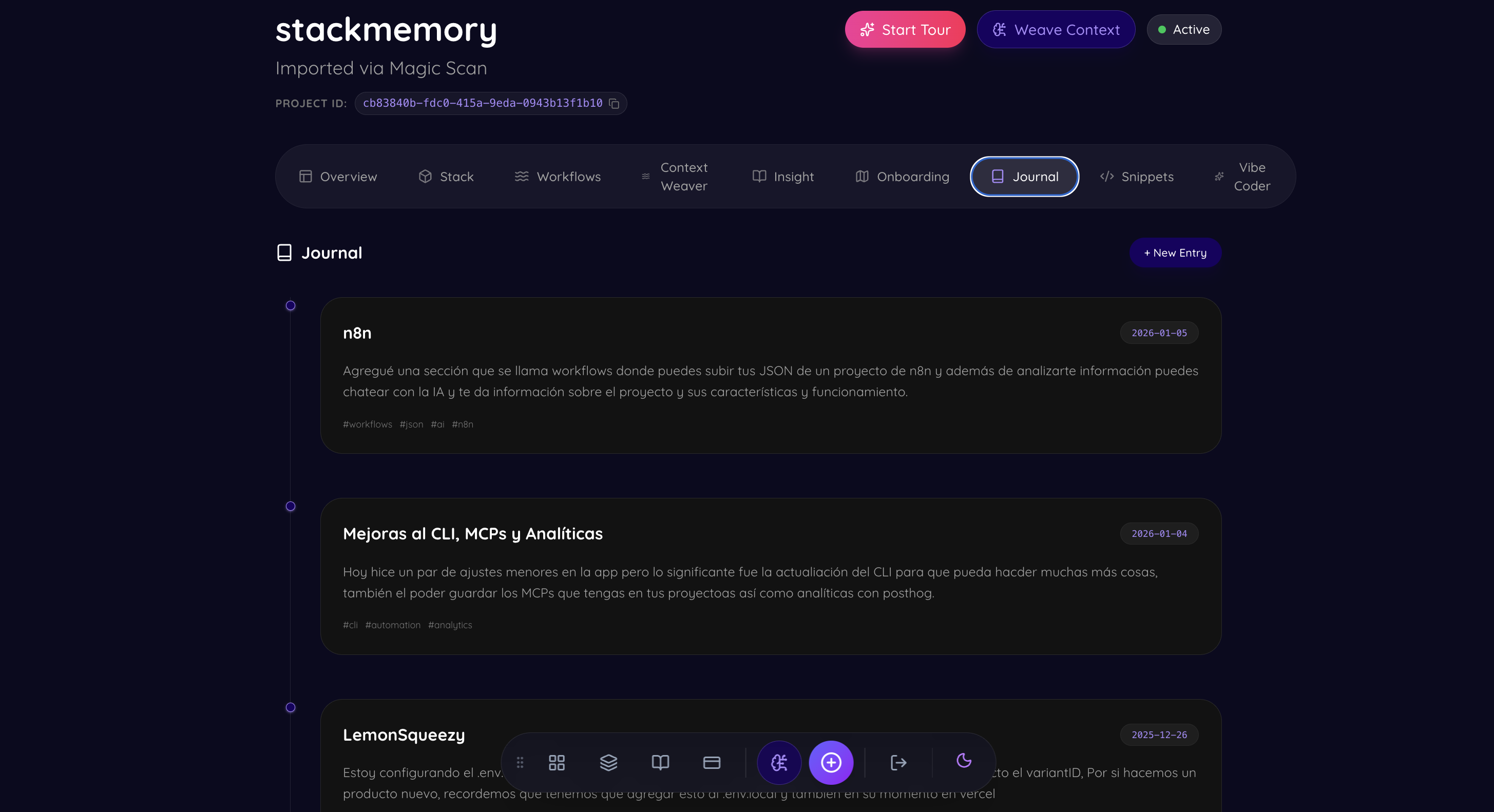
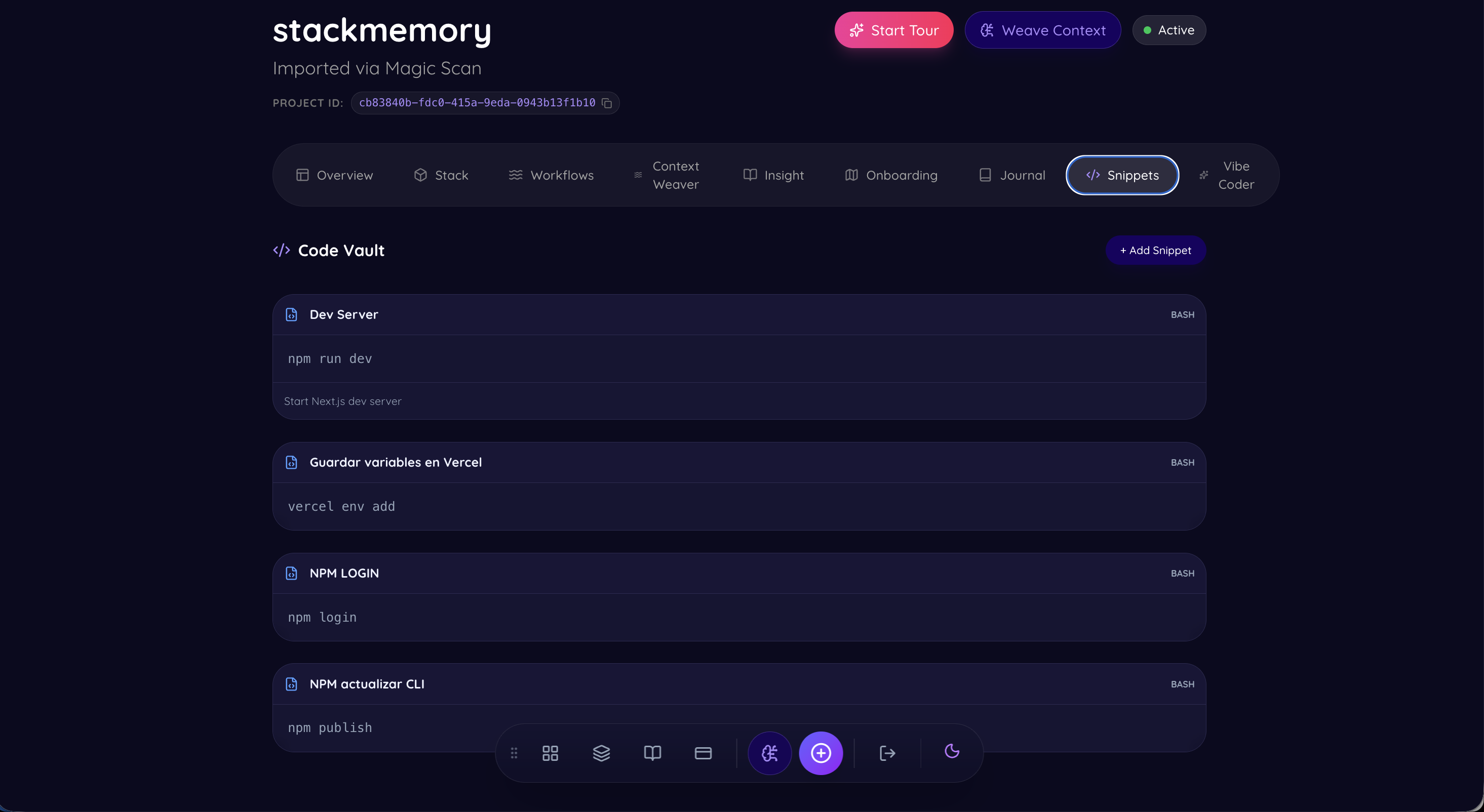
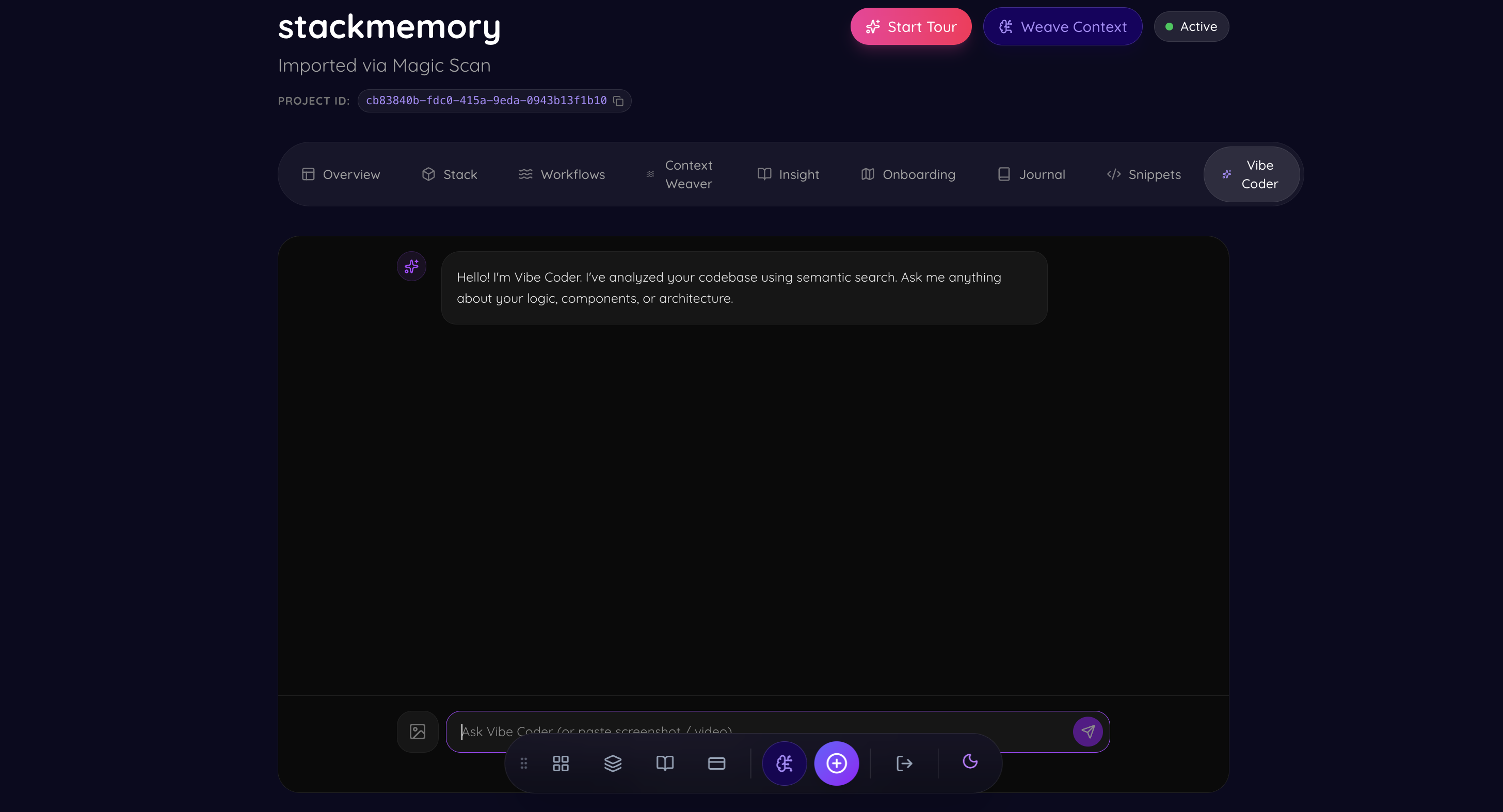
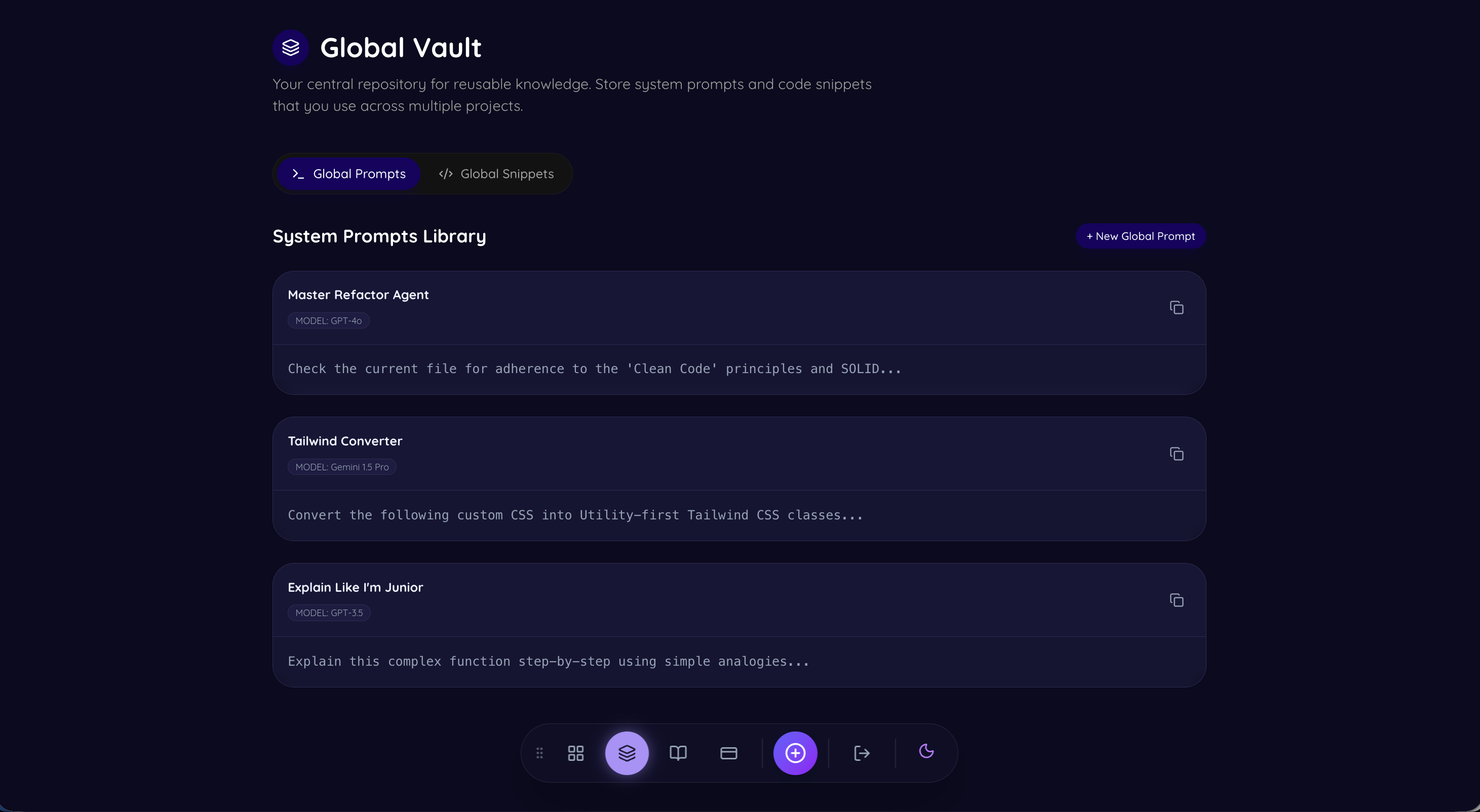
💡 Inspiration
I have been developing for over 1.5 years now, and after building many projects, I bumped into a common issue: How I documented my projects left me wondering. I had notes, links, and disparate docs, but no comprehensive way to document and save everything. I tried tools like Obsidian and others—all great, but not exactly what I wanted for code.
That is the basis of StackMemory. It bridges the gap between manual documentation and automatic context, ensuring that no project is ever "forgotten" again.
🧠 What it does
StackMemory is an intelligent, AI-powered dashboard that acts as a Second Brain for your code.
- Automatic Ingestion: A CLI tool (
stackmem sync) that silently scans your local projects and syncs their metadata, dependencies, and structure to the cloud. - GitHub Integration: Seamlessly connects to your repositories to fetch, index, and understand your code structure automatically.
- Vibe Coder (AI Assistant): A multimodal chat interface powered by Google Gemini 3.0 Flash that allows you to "talk" to your codebase. It uses RAG (Retrieval-Augmented Generation) to answer complex architectural questions.
- Stack Intelligence: Automatically outlines your tech stack, detects security vulnerabilities, and suggests upgrades.
- MCP Bridge: Implements the Model Context Protocol to connect cloud AI with your local environment (Postgres, Filesystem) securely.
- Service Locker: A unified vault for all your critical project links (AWS, Vercel, designs).
🏗️ How we built it
We built StackMemory using a modern, edge-ready stack:
- Frontend: Built with Next.js 16 (App Router) and React 19 for high performance and Server Actions. We used TailwindCSS v4 and Framer Motion for a premium, clean UI.
- Backend & Data: Supabase handles our PostgreSQL database, Authentication, and Vector Storage (
pgvector) for our semantic search engine. - AI Engine: We leverage Google Gemini 3.0 Flash via the Vercel AI SDK for its massive context window and speed, essential for processing large codebases in real-time.
- Infrastructure: The app is deployed on Vercel, utilizing Edge Functions for low-latency responses.
🚧 Challenges we ran into
- Context Window Limits: Even with modern LLMs, feeding an entire codebase into a prompt is expensive and slow. We had to implement a smart RAG (Retrieval-Augmented Generation) pipeline that chunks code semantically and retrieves only the most relevant snippets for the AI.
- The "Silent" CLI: Building a CLI that works seamlessly across different environments (macOS, Linux, Windows) and syncs data without interrupting the user's workflow was a significant engineering hurdle.
- MCP Integration: Implementing the nascent Model Context Protocol to bridge the gap between our web-based AI and the user's local filesystem required deep dives into experimental specifications.
🏅 Accomplishments that we're proud of
- The "Vibe Coder": Creating an AI that genuinely "understands" the code context rather than just guessing. It feels like pair programming with the original author of the code.
- Zero-Config Onboarding: The fact that a user can run
stackmem syncand have a fully populated dashboard in seconds is a major UX win. - Aesthetics: We didn't just build a tool; we built a place developers want to be in. The neumorphic/dark-mode UI is crafted with care.
📚 What we learned
- Metadata is King: The more structured data (versions, dependencies, file types) you can feed an AI, the better its reasoning becomes. Raw code isn't enough; context is everything.
- Developer Experience (DX) is fragile: One extra step in a CLI tool can drop adoption by 50%. "Silent" automation is the only way to ensure tools are actually used.
Built With
- framer-motion
- google-gemini
- lucide-react
- next.js
- postcss
- react
- supabase
- tailwindcss
- typescript


Log in or sign up for Devpost to join the conversation.