-
-
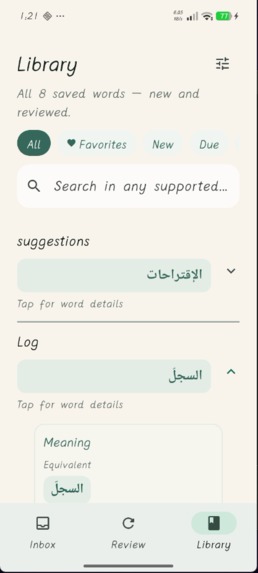
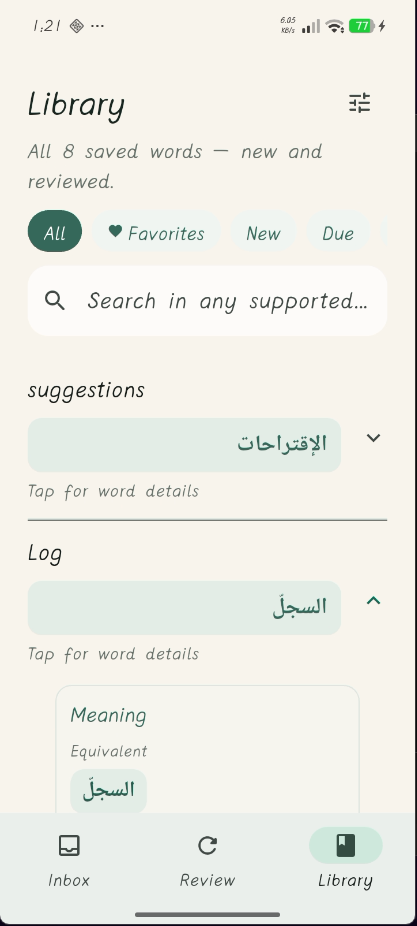
Your library
-
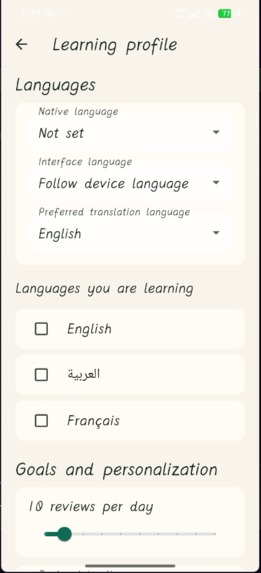
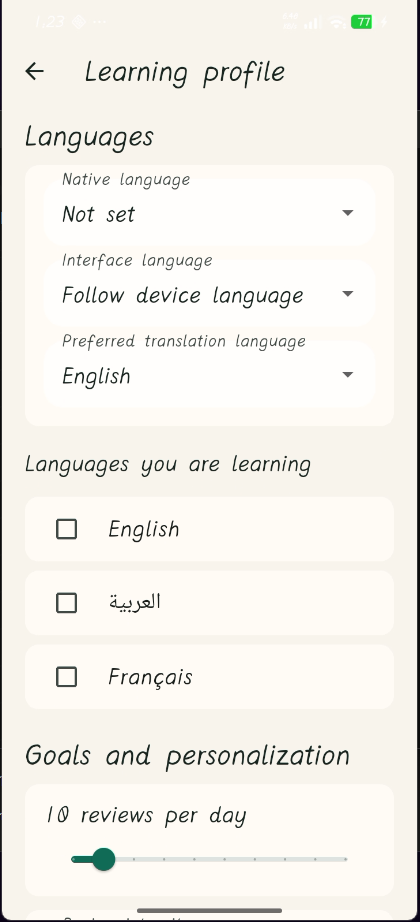
profile details
-
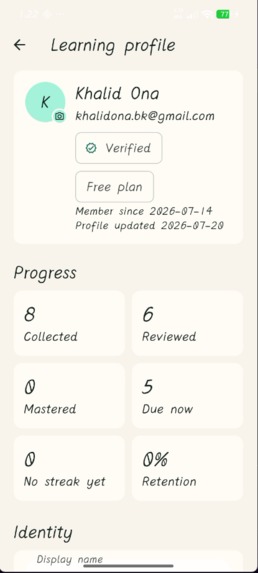
Profile infos
-
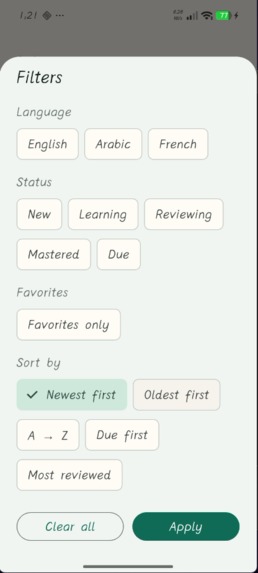
Tags and collections
-
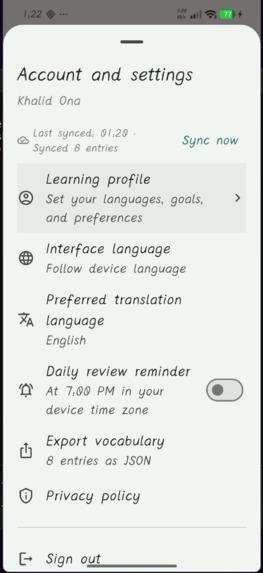
user settings
-
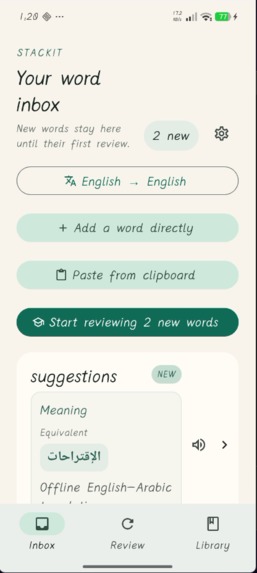
Added words from any app
-

Review practice
InspirationInspiration
The words worth learning rarely appear while a vocabulary app is open. They show up in articles, messages, ebooks, and work documents. Copying a word into another app interrupts reading, and saving only a translation throws away the sentence that made the meaning clear. I built Stackit to make that moment useful without breaking the reader's flow, and add a plus value to language learner's journey.
What it does
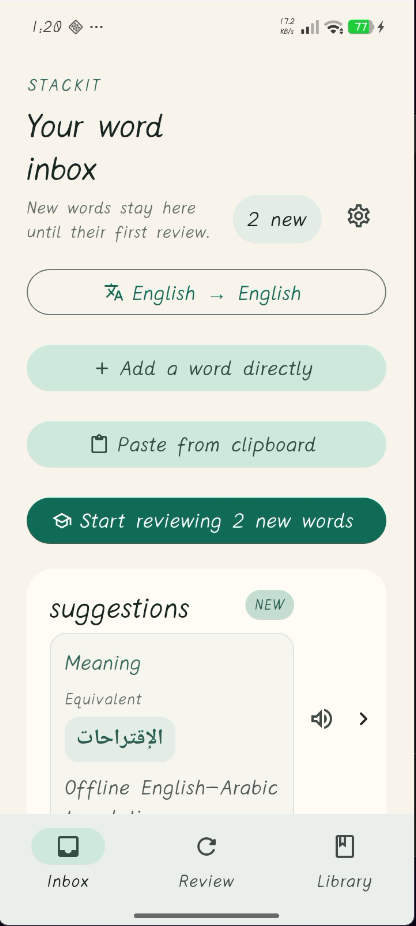
On Android, a user highlights text in any app and chooses Understand with Stackit. Stackit captures the word or phrase, its surrounding sentence when the source app supplies it, and local source metadata. It detects the language, looks up meanings offline, ranks senses against the original context, and lets the user save only the meanings they want to learn.
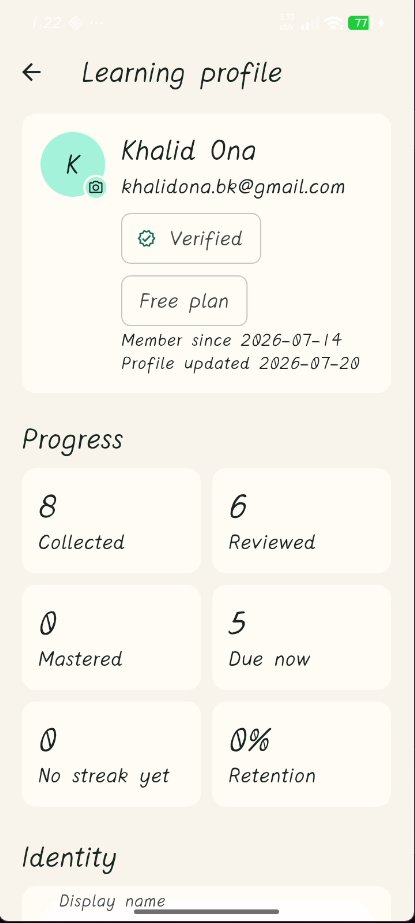
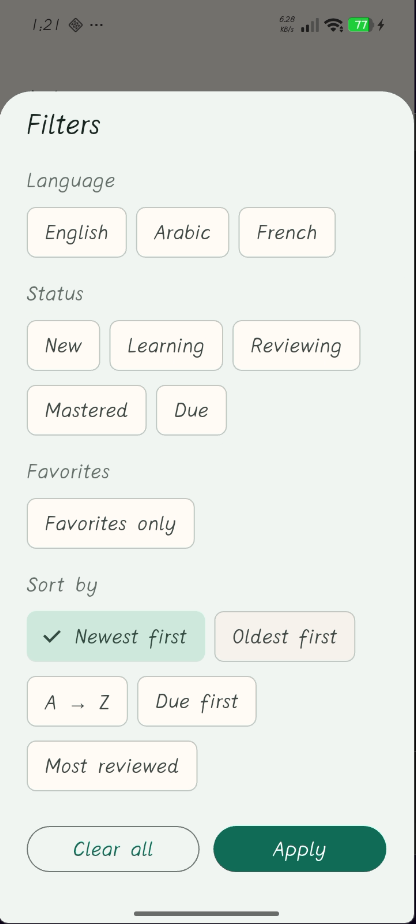
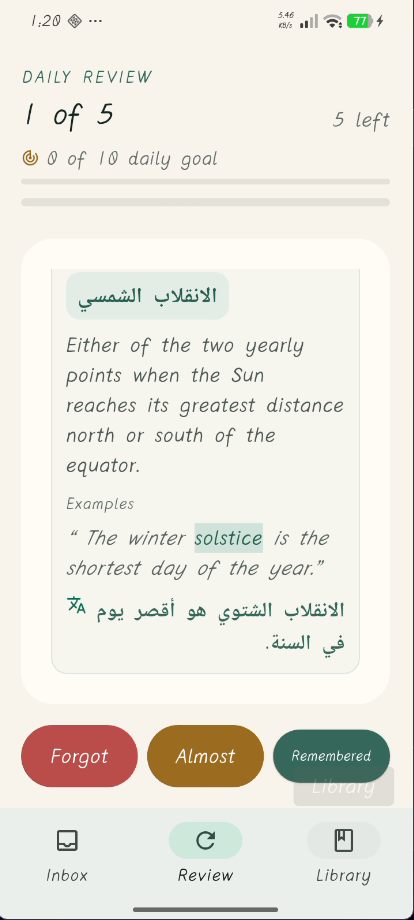
Saved meanings become separate learning items. Stackit schedules each one with FSRS and generates cloze, multiple-choice, reverse-translation, and definition- matching exercises. Weak or overdue meanings receive focused practice. The library supports search, filters, collections, tags, duplicate merging, editing, and portable export.
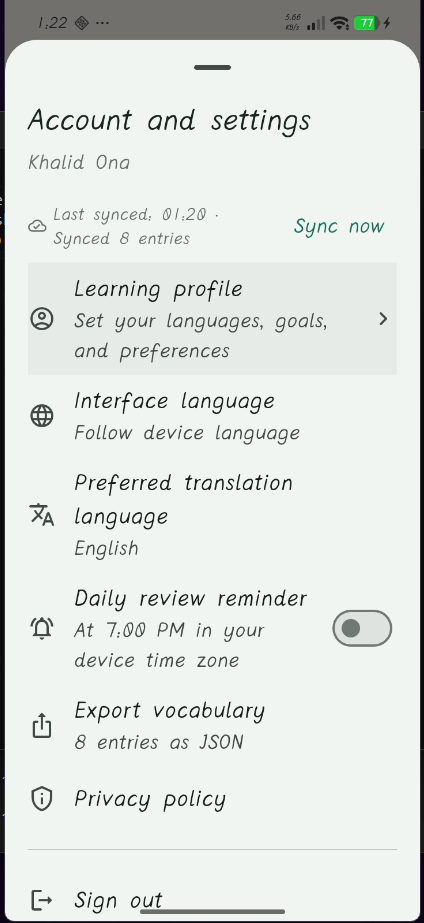
The interface supports English, Arabic (including RTL), and French so far as a scalable foundation for validation. A bundled 87,000+ entry dictionary covers the main routes offline. AI (Gemini) is used as a fallback, for missing entries and optional enrichment, and successful results are cached so they remain available later. Source context stays local unless the user explicitly opts into syncing it.
How it was built
Stackit is a Flutter application with an Android platform bridge for
ACTION_PROCESS_TEXT and share intents. Its local-first data model stores distinct
senses, provenance, source context, and review state. Firebase Authentication and
Cloud Firestore provide optional account sync; Firebase AI Logic supplies the
dictionary fallback and enrichment path. A compact FreeDict-derived binary asset
provides the offline baseline, and FSRS drives per-sense scheduling.
Codex with GPT-5.6 was used during the Build Week iteration to inspect the existing implementation, reason about submission-critical tradeoffs, improve the judging and setup documentation, and run the repository's formatting, analysis, and test checks. The most important architectural choices were keeping capture native and fast, treating AI as a fallback instead of a requirement, retaining meaning-level provenance, and scheduling review per sense rather than per spelling.
Challenges
- Preserving useful sentence context across Android apps while accepting that some source apps expose only the selected text.
- Keeping capture useful offline while still supporting richer explanations for words that are absent from the bundled dictionaries.
- Representing multiple meanings without merging unrelated senses or losing their individual review histories.
- Combining optional cloud sync with a privacy model in which context and source metadata remain local by default.
Accomplishments
- A system-level capture flow that starts where reading already happens.
- Offline multilingual lookup with contextual sense ranking and cached fallback.
- Per-sense adaptive review rather than a flat word-to-translation flashcard.
- A coherent capture-to-library-to-review experience with automated tests covering dictionary behavior, scheduling, exercises, search, sync, and entry management.
What I learned
The highest-value part of a vocabulary item is often not its translation but the context in which it was encountered. Designing around that insight affected the Android integration, privacy defaults, sense model, and review flow. I also learned that AI features are more trustworthy when users can see provenance, choose which results to keep, and retain a deterministic offline path.
What's next
- Expand offline dictionary coverage and language pairs.
- Evaluate retention and sense-ranking quality with opt-in, privacy-preserving metrics.
- Add more pronunciation and listening practice while preserving text-only access.
- Package a judge-friendly demo build and broaden device compatibility testing.


Log in or sign up for Devpost to join the conversation.