Inspiration
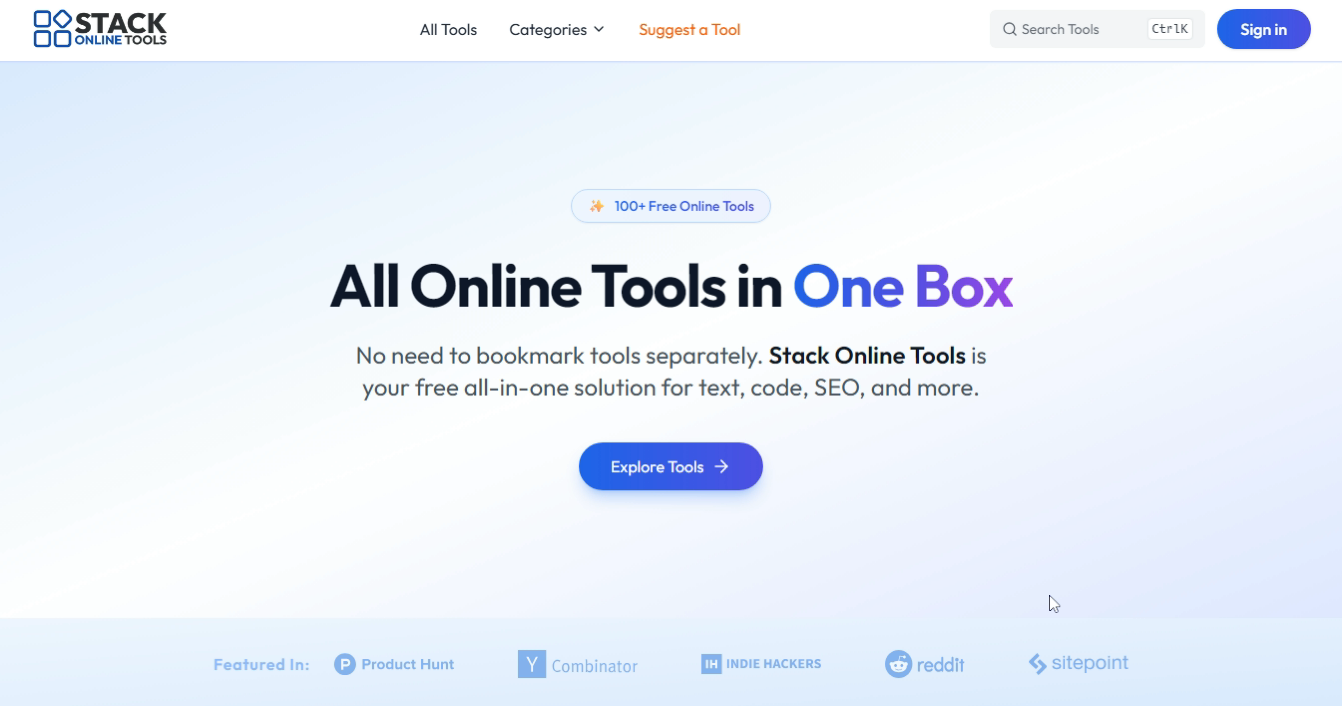
The idea grew out of a real need: switching between dozens of scattered online utilities slows down workflow and productivity. Instead of bouncing between multiple tabs to format JSON, compress an image, clean text, or check SEO tags, the goal was to unify these essentials in one clean, fast, browser-based workspace. The inspiration was to create a toolkit that feels like a developer’s “daily driver”—simple, instant, and reliable.
What it does
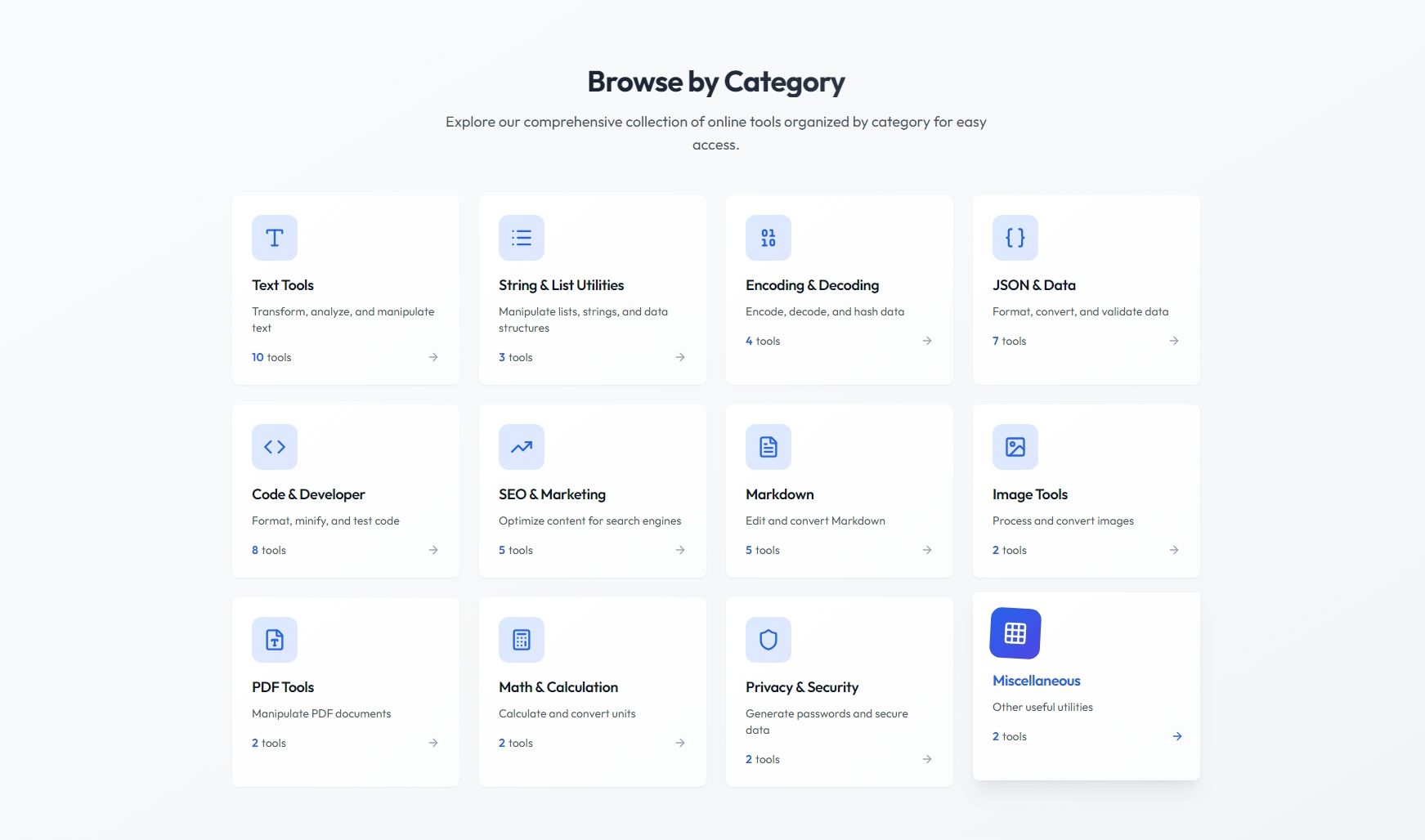
The platform brings together 100+ tools covering text manipulation, encoding, JSON/data utilities, code formatting, image operations, SEO helpers, and website utilities. Everything loads instantly in the browser with no signup required. Each tool is designed to be clean, distraction-free, and optimized for speed, giving developers, designers, and marketers a single place to work without switching between sites.
How I built it
The project began with a component-driven structure powered by Next.js, Tailwind CSS, and shadcn/ui for consistent UI patterns. Each tool was built as a modular function to keep everything lightweight and fast. The backend isn’t required for most features, so performance is handled client-side using efficient JavaScript logic. Features like dark mode, categories, search, and dynamic routing were added to improve usability. Everything was optimized for fast loading, responsiveness, and smooth user experience.
Challenges I ran into
One major challenge was building so many tools while keeping the interface simple instead of overwhelming. Ensuring performance stayed fast—even with heavy operations like image conversion and code formatting—required optimization and careful architecture. Another obstacle was maintaining consistent design patterns across dozens of tool layouts. Finally, testing all tools across different browsers and devices was more time-consuming than expected.
Accomplishments that I'm proud of
Delivering a unified suite of over 100 tools with a clean UX and consistent design is a big milestone. Achieving instant load speeds, intuitive navigation, and tool reliability across the board took a lot of iteration. Building the platform without unnecessary complexity—while keeping everything scalable—stands out as a key win.
What I learned
Working on this project reinforced the value of modular design and reusable frontend patterns. I learned how much efficiency comes from keeping tools standalone but unified under a shared UI system. Optimizing heavy operations for browser performance taught me new approaches with Web APIs and client-side processing. It also strengthened my understanding of how users interact with multi-tool platforms and what simplifies their workflow.
What's next for Stack Online Tools
Upcoming additions include advanced developer features such as AI-powered code cleanup, image enhancement utilities, bulk processing tools, and collaboration features. The long-term direction is to expand from a simple toolkit into a productivity hub—still lightweight, still fast, but with more automation, personalization, and pro-level workflows. The roadmap also includes browser extensions, user accounts for saving preferences, and API integrations.
Built With
- express.js
- github
- nextjs
- postgresql
- shadcn
- tailwindcss
