-
-
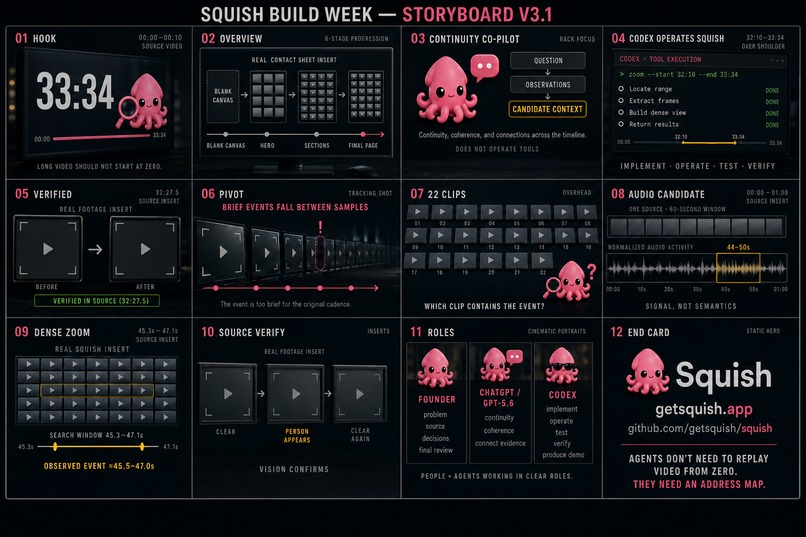
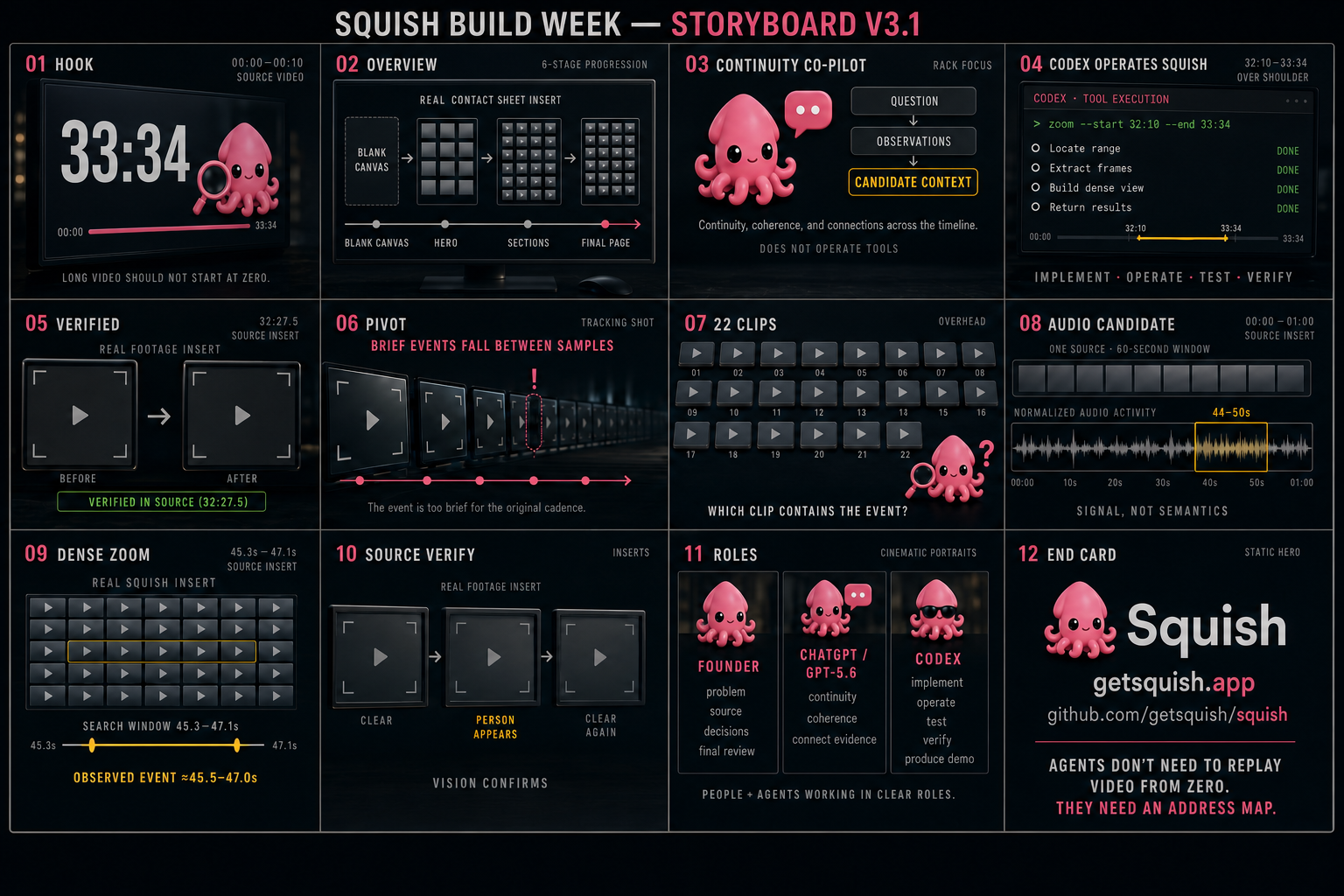
storyboard-v-3.1-nerver-used
-
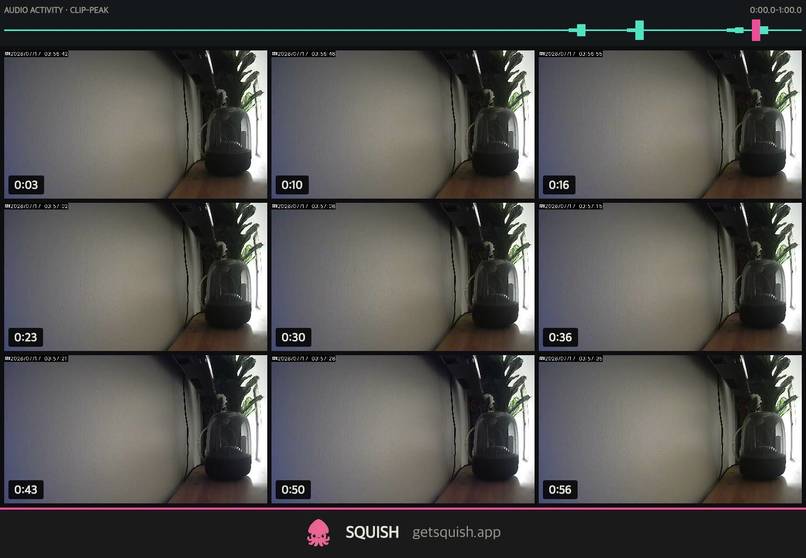
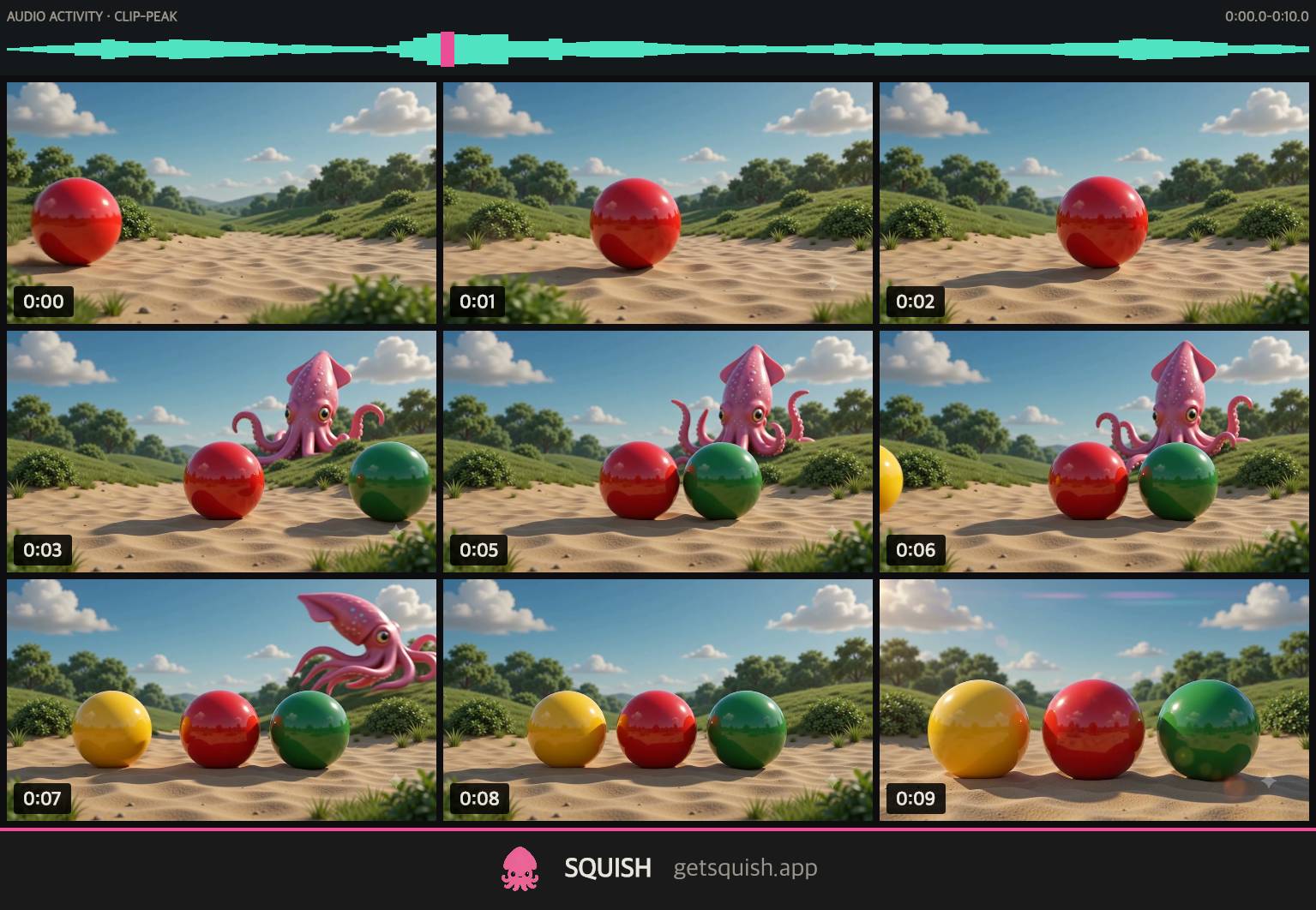
Overview 3x3
-
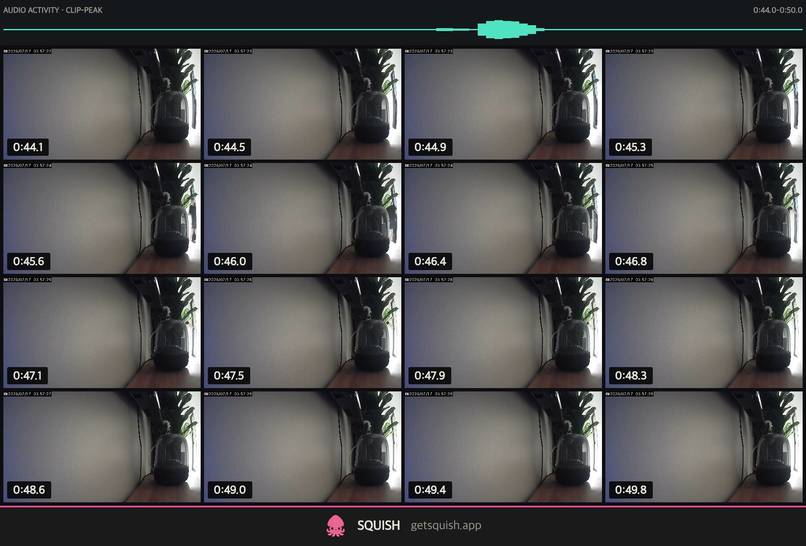
Story Zoom 4x4
-
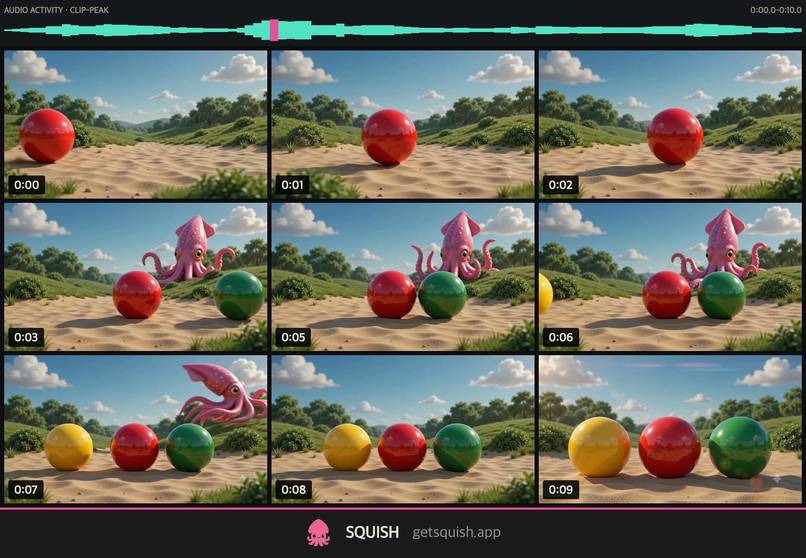
Overview Squish Demo 3x3
-
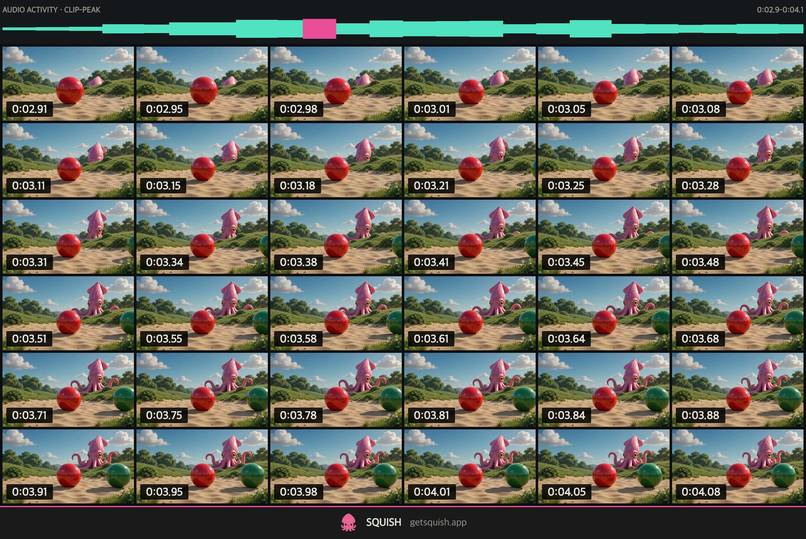
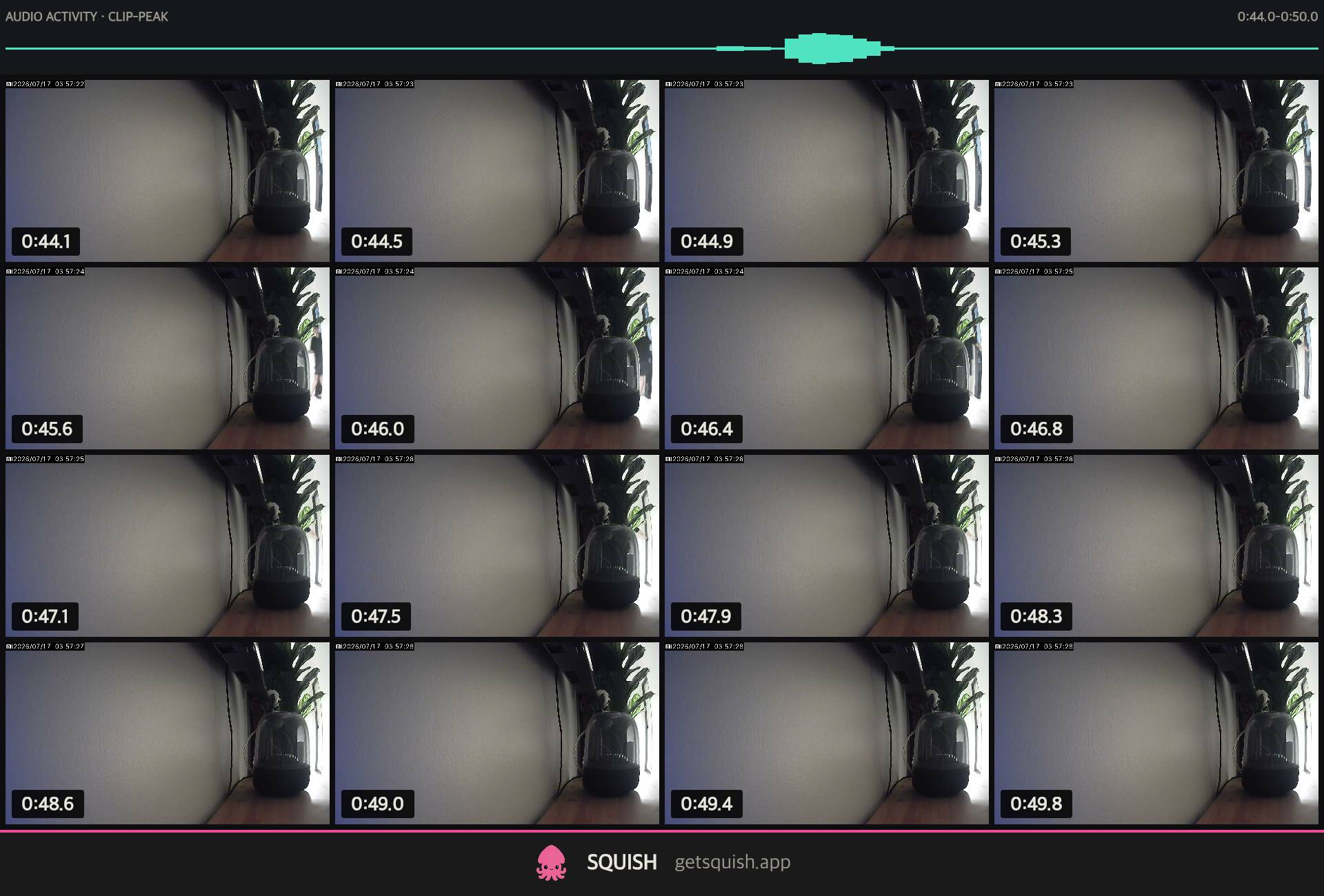
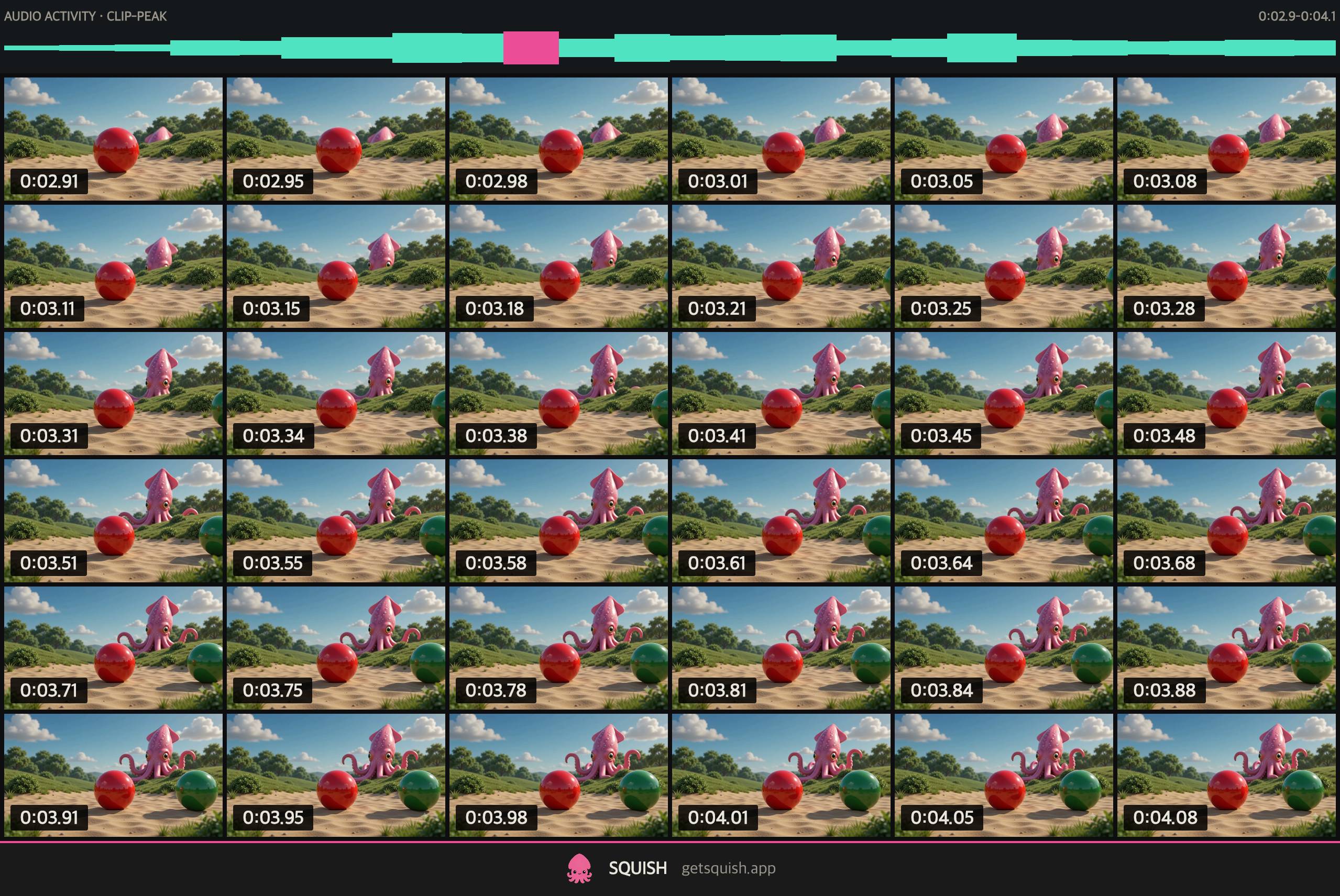
Audio Peek Zoom 6x6
-
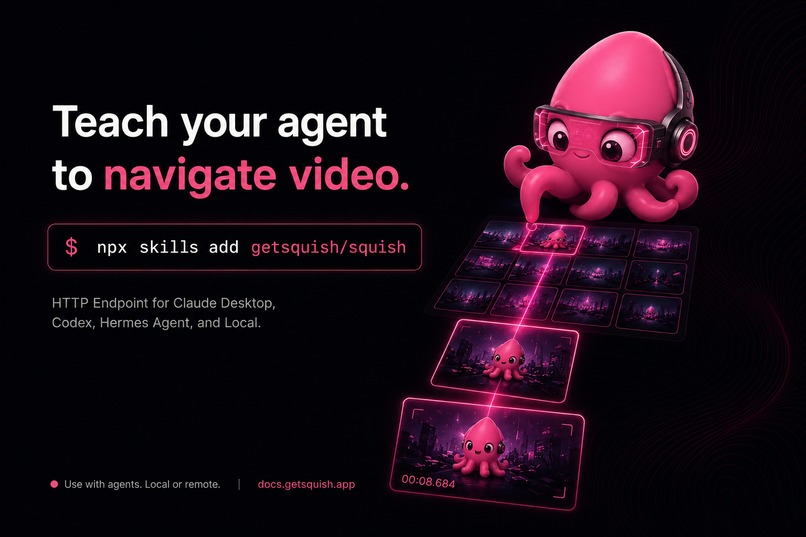
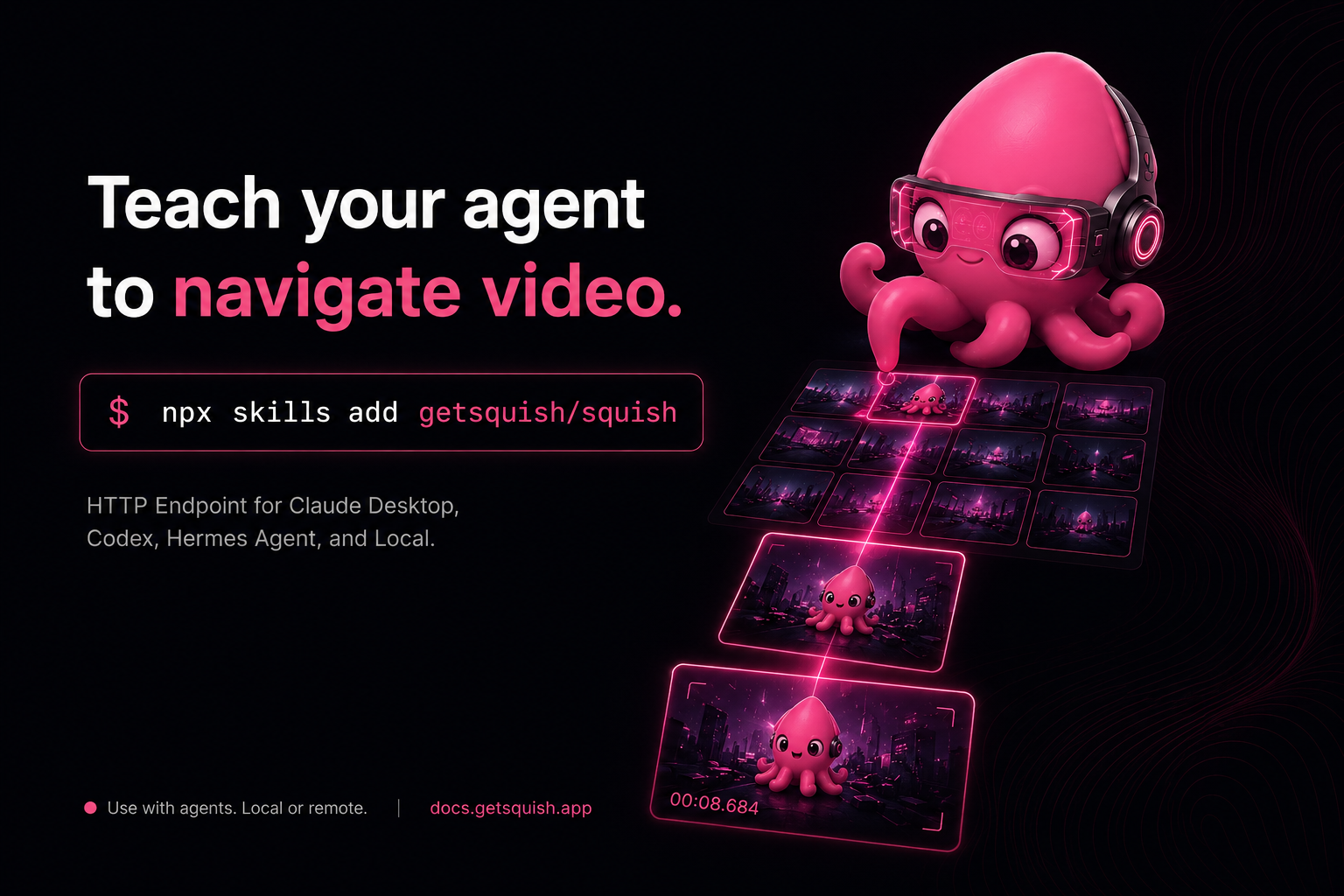
short-breif-poster
Inspiration
The inspiration came from GOM Player screenshots in the 2000s. Back then, people often generated contact sheets and shared them on forums and BitTorrent sites. With a quick glance, you could tell whether a movie had the correct subtitle encoding or whether the video quality was good enough before downloading the whole file.
I kept wondering: if humans can understand a video from a contact sheet so naturally, why can't vision models? I decided to try.
What it does
Squish turns a video into a timestamped contact sheet that an AI agent can navigate. The agent can begin with an overview, choose an absolute-time range, request a denser visual sample, and repeat until the relevant event becomes visible.
Overview → Absolute-time range → Denser visual zoom → Evidence
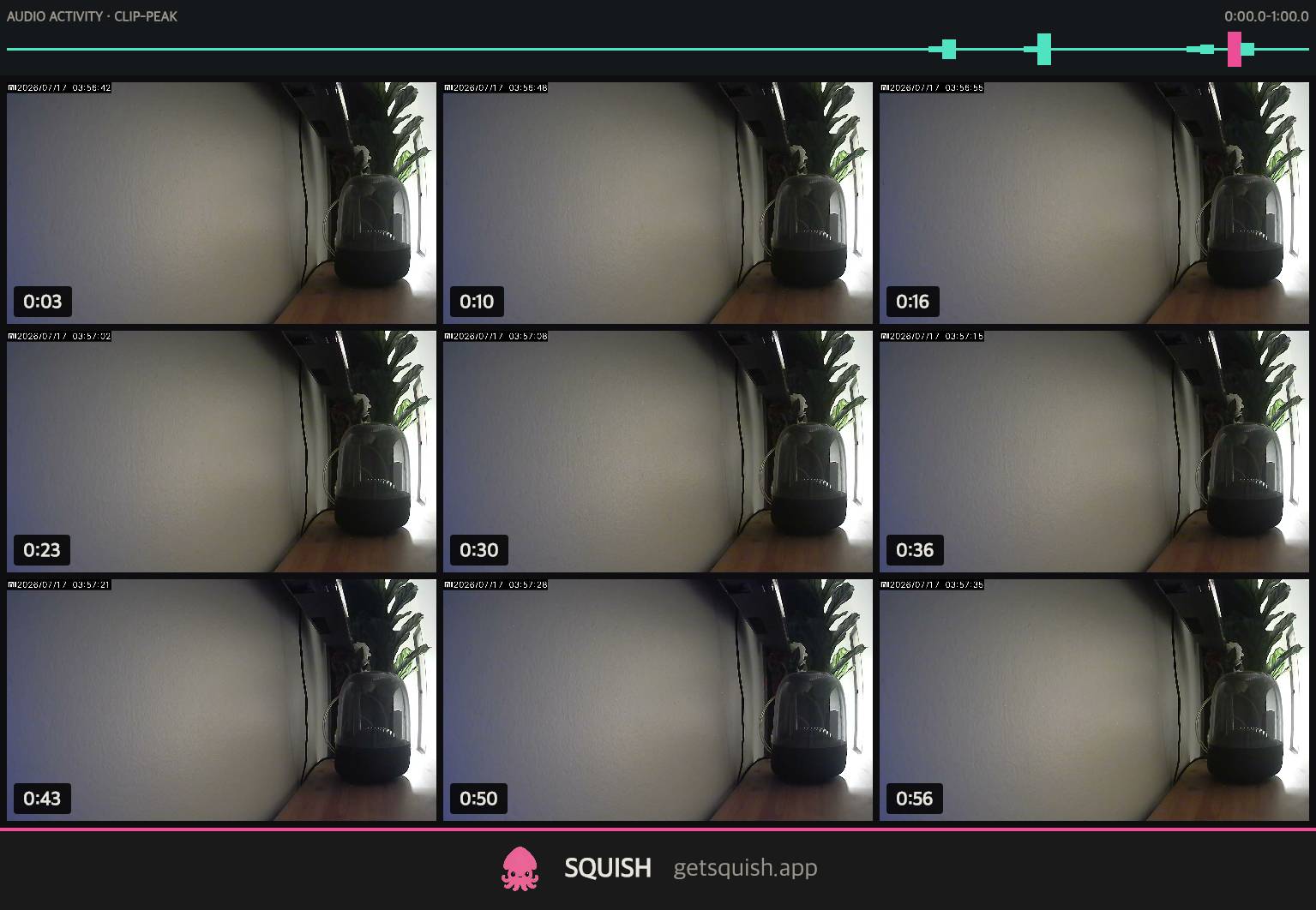
During Build Week, I added an aligned audio-activity band to the local CLI and MCP workflow. Audio does not identify what happened; it proposes a time range worth inspecting, while zoomed images and the source video provide the evidence.
Historical context - July 2026: When I began this experiment, neither the official AI apps nor the agent workflows available to me offered a normal, built-in way to navigate a local video through an overview, absolute-time range selection, and denser visual re-sampling. I am recording that context because the original pain may become invisible once future tools make the workflow ordinary.
How we built it
The original experiment
Squish began about a week before Build Week as a small experiment. I wanted to know whether a contact sheet could help an AI model understand a video from my phone without watching the entire clip.
The first version was a single HTML file built with help from Claude. Once the idea worked, I rebuilt it as a Svelte progressive web app so I could use it directly from my iPhone.
The agent navigation loop
I then wanted an agent to operate the navigation loop itself. That led to a TypeScript and ffmpeg pipeline, a command-line interface, and a local MCP server. An agent could generate an overview, choose an absolute-time range, request a denser contact sheet, and repeat until the relevant event became visible.
The Build Week extension
The idea for the Build Week extension came from a real search problem in my own private footage. I had 22 nearly identical one-minute camera clips and wanted to find when I went to the car. Exhaustive visual inspection could solve it, but only by processing many more frames. Audio activity offered a cheaper clue: identify a candidate interval first, then spend visual attention only there.
Demo privacy note: This private search problem was the origin of the idea. The public demo uses different footage and does not show that search.
During Build Week, Codex implemented the audio-analysis path, rendered an aligned activity band, exposed absolute-time audio samples through the CLI and MCP outputs, added regression tests, and fixed a high-frequency signal-loss bug found during testing. ChatGPT with GPT-5.6 served as a continuity co-pilot, helping connect observations, constraints, and claim boundaries across the project.
The audio never decides what happened. It proposes where to inspect; a denser visual zoom and the source video provide the evidence.
Challenges we ran into
1. Audio layout beside the contact sheet
The first challenge was deciding how audio should appear beside the contact sheet. My initial experiment placed a separate audio strip beneath each visual row. Although it aligned the signals locally, it fragmented one continuous timeline and could imply that a sound belonged to the nearest sampled frame.
I replaced it with a single full-width activity band above the grid. This preserved the continuous timeline and made its purpose clearer: audio is an index into the video, not a label for an individual image.
2. Signal-processing failure
I also encountered a real signal-processing failure. An early implementation reduced the audio too aggressively, causing some short, higher-frequency activity to disappear. Codex traced the loss to the reduction step, changed the pipeline to preserve short transients before downsampling, and added regression coverage.
3. Navigation versus interpretation
The hardest boundary was conceptual rather than technical. A peak can identify an interesting time range, but it cannot tell us whether the sound was a door, a person, or something unrelated. Squish therefore keeps navigation separate from interpretation: audio proposes; vision confirms.
Accomplishments that we're proud of
- Navigation primitive
One thing I'm especially proud of is turning the humble contact sheet from a static image that people use to browse videos into a primitive that AI agents can actively use for navigation.
- Audio as a navigation clue
During Build Week, I extended this idea by adding audio activity as another navigation clue. Instead of describing what happened, audio simply helps an agent decide where to look next.
- Readable by humans and AI agents
The contact sheets and machine-readable outputs are designed to be understandable by both humans and AI agents.
What we learned
Audio does not need to recognize or explain an event to improve video navigation. It only needs to reduce the time range that deserves closer visual inspection.
Sparse visual sampling can miss an event that happens between frames. The answer is not always to process the entire video at maximum density; it can be more efficient to use a cheaper signal to select a range and then re-sample that range more densely.
I also learned that intermediate artifacts matter. A timestamped contact sheet and its aligned activity band can be read by an agent, inspected by a human, and used to debug the reasoning path.
The contact sheet is an old format, but absolute timestamps and iterative zoom turn it from a static summary into an address space for AI agents.
What's next for Squish
Richer navigation signals. Next, I want to make Squish a richer navigation layer for local videos while preserving the same evidence boundary. Optional signals such as OCR and speech transcription could propose additional places to inspect, but every answer should remain traceable to an absolute timestamp and its source evidence.
Better agent loop. I also want to improve the agent loop around candidate selection, repeated temporal zoom, and verification.
Hosted workflows. I also want to evaluate whether the audio-guided workflow belongs on the web and hosted Squish surfaces beyond the local CLI and MCP server.
Built With
- codex
- ffmpeg
- gpt-5.6
- love
- model-context-protocol
- node.js
- openai-speech-api
- typescript


Log in or sign up for Devpost to join the conversation.