-
Forge Quest - Novice Level - Hello World App
-
Forge Quest - Apprentice Level - Weather Gadget
🚀 Inspiration
I was inspired by the Atlassian Forge Quest as a structured and hands-on way to get started with Forge development. The tiered challenge system motivated me to learn by building — starting small and gradually adding complexity. The idea of creating functional, serverless apps directly inside Jira was exciting, especially knowing I could focus on solving problems without managing infrastructure.
⚙️ What It Does
This project includes two apps built at different levels of the Forge Quest:
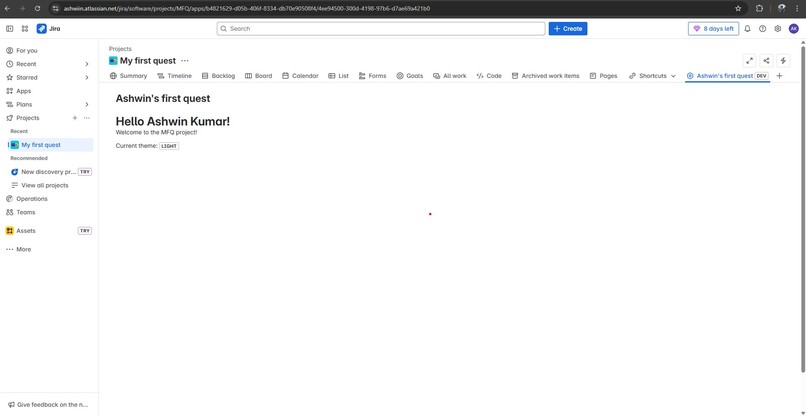
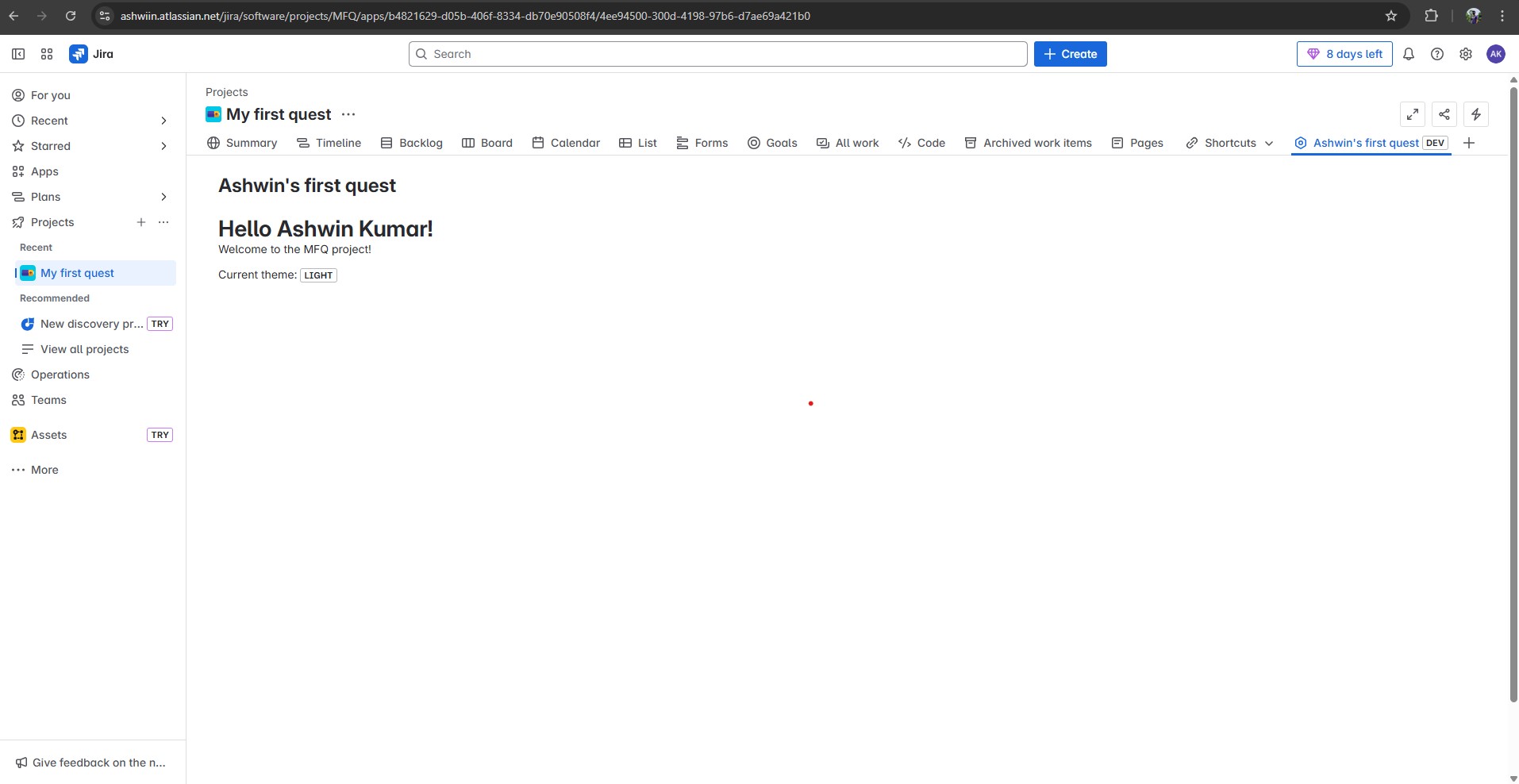
1. Hello World Jira Project Page (Novice Level)
A simple app that adds a custom project page to Jira, displaying a "Hello World" message. It demonstrates the basics of Forge — including setting up the app, configuring the manifest, and using UI Kit components.
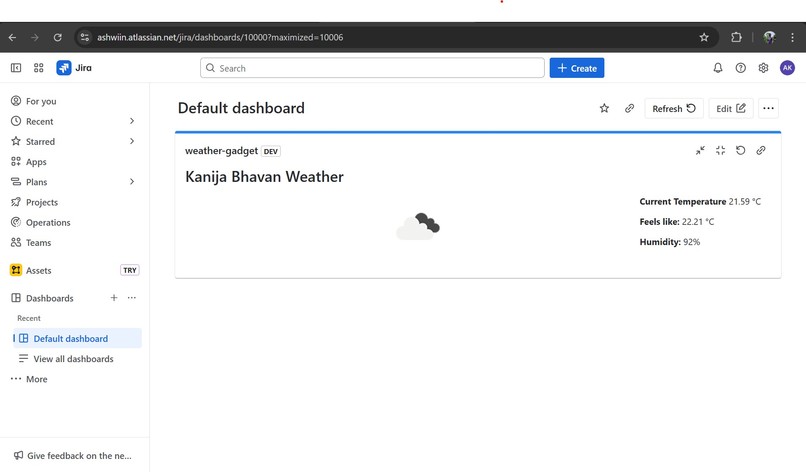
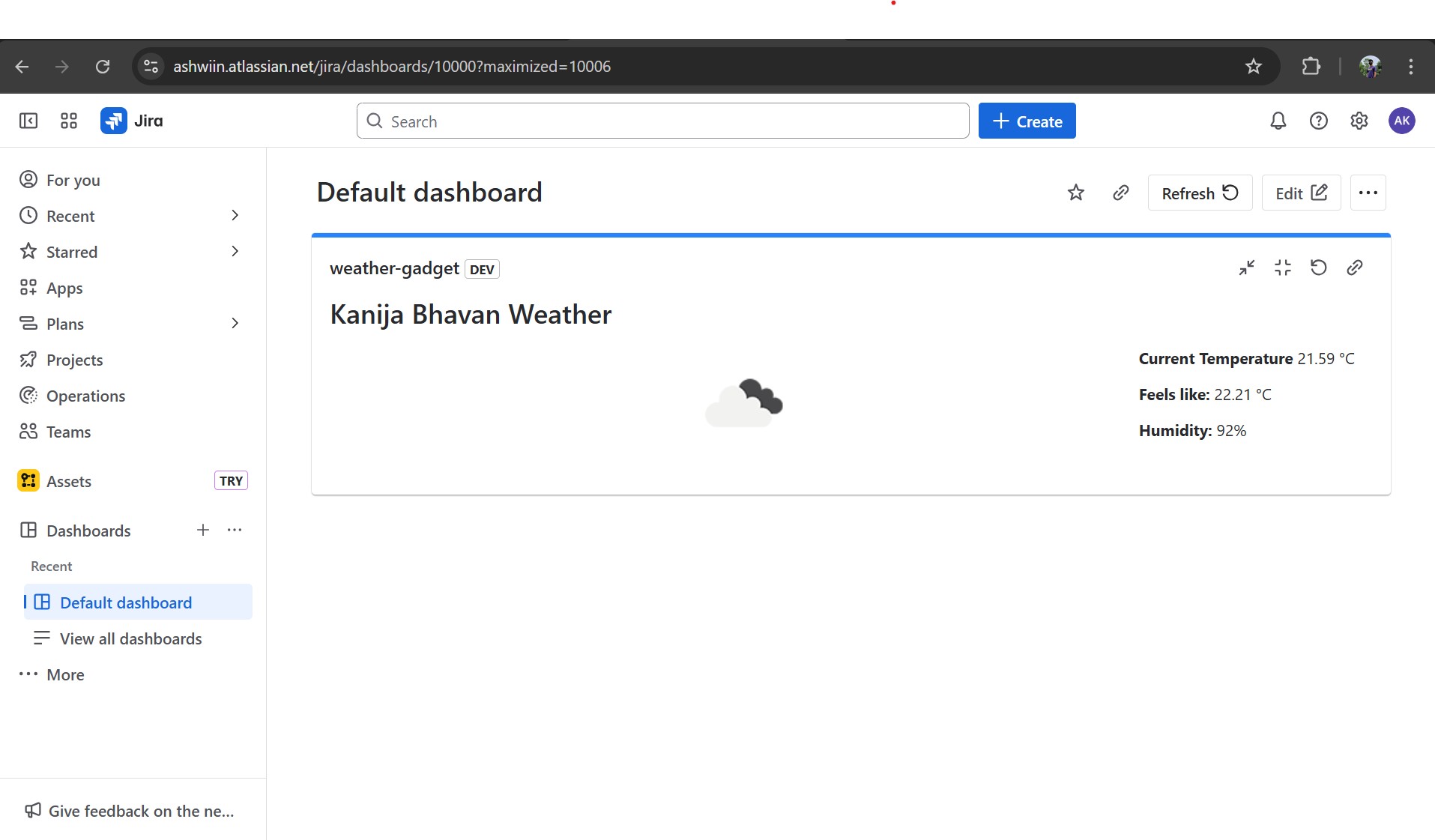
2. Weather Gadget for Jira Dashboard (Apprentice Level)
A custom Jira dashboard gadget that shows real-time weather information for a user-specified city. It fetches data from a public weather API and displays it using Forge's Custom UI, offering a clean and dynamic widget directly on the dashboard.
🛠️ How I Built It
- Built using Atlassian Forge.
- Used UI Kit for the Hello World app to quickly get familiar with basic Forge concepts and deployment.
- Built the Weather Gadget using Custom UI (React) to support dynamic content and external API integration.
- Used a public API (e.g., OpenWeatherMap) to fetch real-time weather data.
- Configured app permissions and resolvers to enable secure API requests from the frontend via Forge backend functions.
- Deployed and tested apps in Jira Cloud using the Forge CLI.
🧩 Challenges I Ran Into
- Understanding the Forge context model: Learning how context is passed to modules (like dashboard gadgets) and how to use it effectively took some trial and error.
- Designing a responsive UI inside the dashboard gadget: I had to experiment with layout and styling to make sure the weather data displayed clearly and fit neatly within the dashboard space.
🏆 Accomplishments That I'm Proud Of
- Successfully built and deployed both novice and apprentice-level apps on Forge.
- Learned how to connect external APIs securely using Forge's architecture.
- Created a working, real-time dashboard gadget that enhances Jira’s functionality.
- Gained confidence with both UI Kit and Custom UI.
📚 What I Learned
- How to structure and deploy apps using Forge.
- Differences between UI Kit and Custom UI, and the use cases for each.
- How to integrate external APIs using Forge resolvers.
- Managing app permissions and scopes within the manifest file.
- How to work within the limitations of the dashboard UI to build clean, user-friendly components.
🔮 What's Next
- Add more features to the weather gadget, like multi-day forecasts or location auto-detection.
- Explore Forge Storage API to persist user preferences.
- Build higher-level Forge Quest apps, including automations and workflow extensions.
- Experiment with Confluence modules and build cross-product integrations.

Log in or sign up for Devpost to join the conversation.