Inspiration
Many students and developers struggle with writing SQL queries, especially when trying to remember the correct syntax for joins, conditions, and aggregations. Beginners often spend more time searching for examples online than actually learning how databases work.
While building projects, I noticed that even simple queries required constantly switching between documentation, tutorials, and forums. This slows down development and makes SQL feel harder than it actually is.
At the same time, AI tools are becoming powerful enough to assist developers in real-time. This inspired the idea of combining AI + education to create a tool that not only generates SQL queries but also explains them clearly.
What it does
SQL Genie
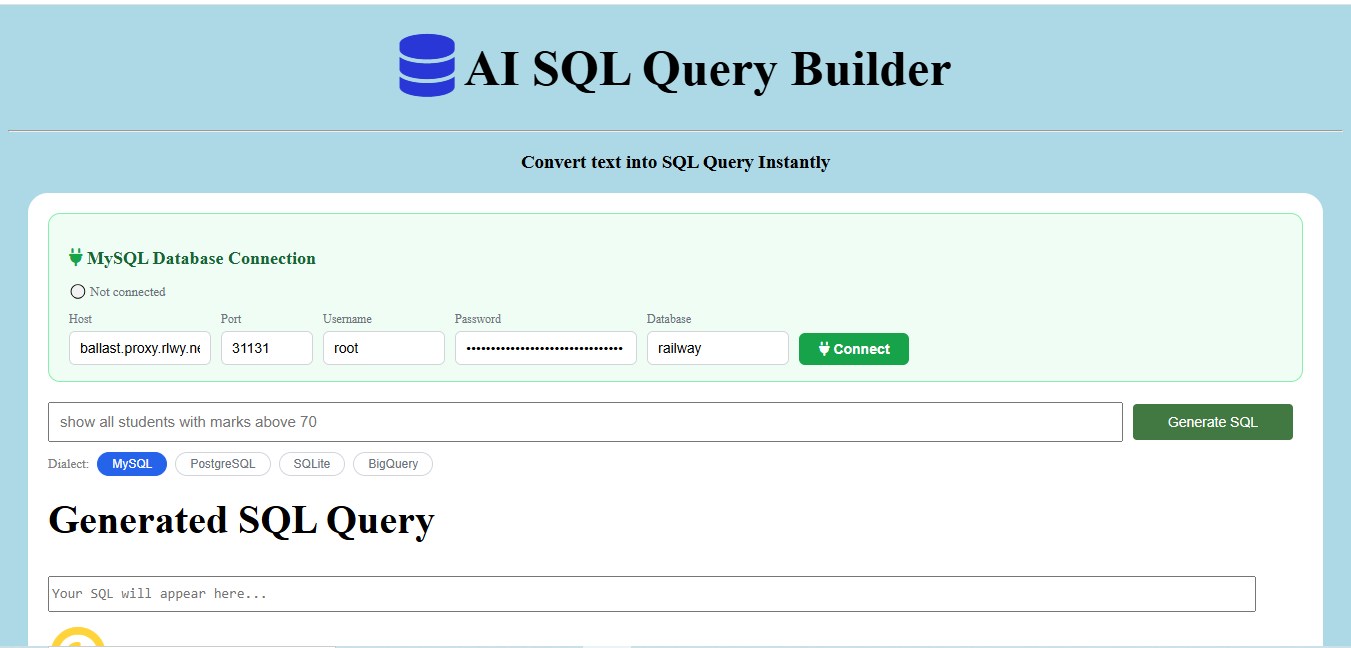
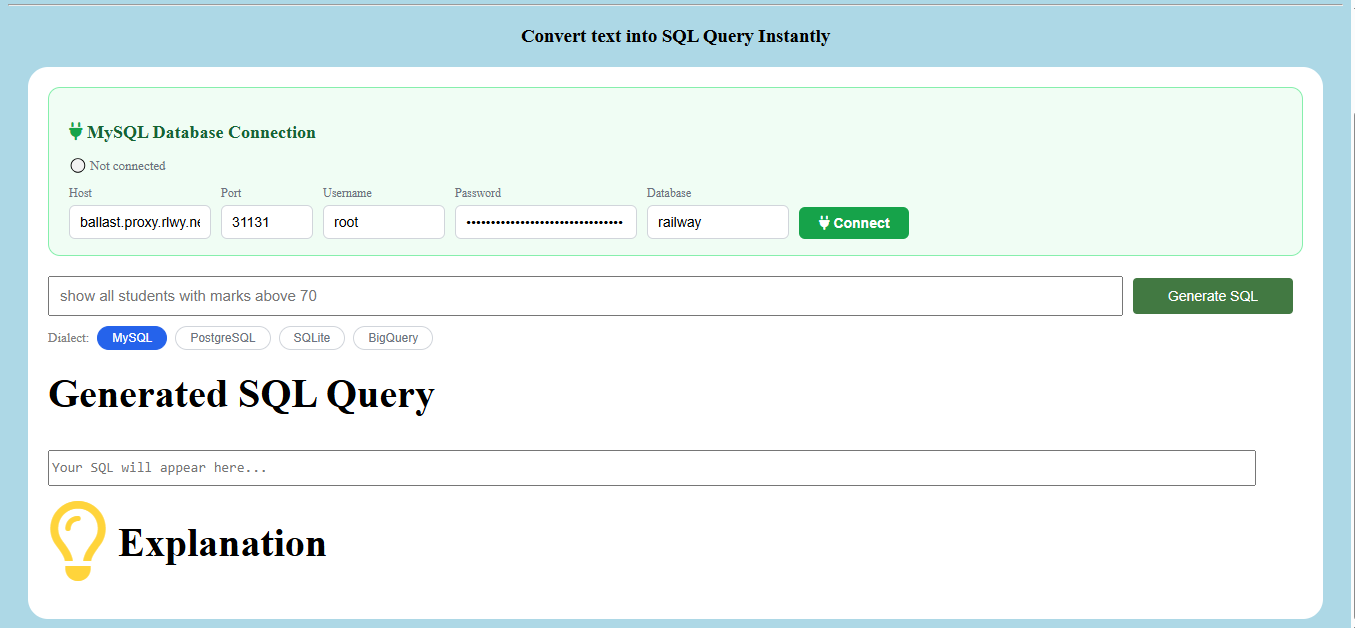
SQL Genie is an AI-powered assistant designed for Computer Science students, developers, and tech enthusiasts who work with databases regularly.
Writing SQL queries can sometimes feel complicated — especially when trying to remember the exact syntax. With SQL Genie, you don’t need to memorize commands anymore.
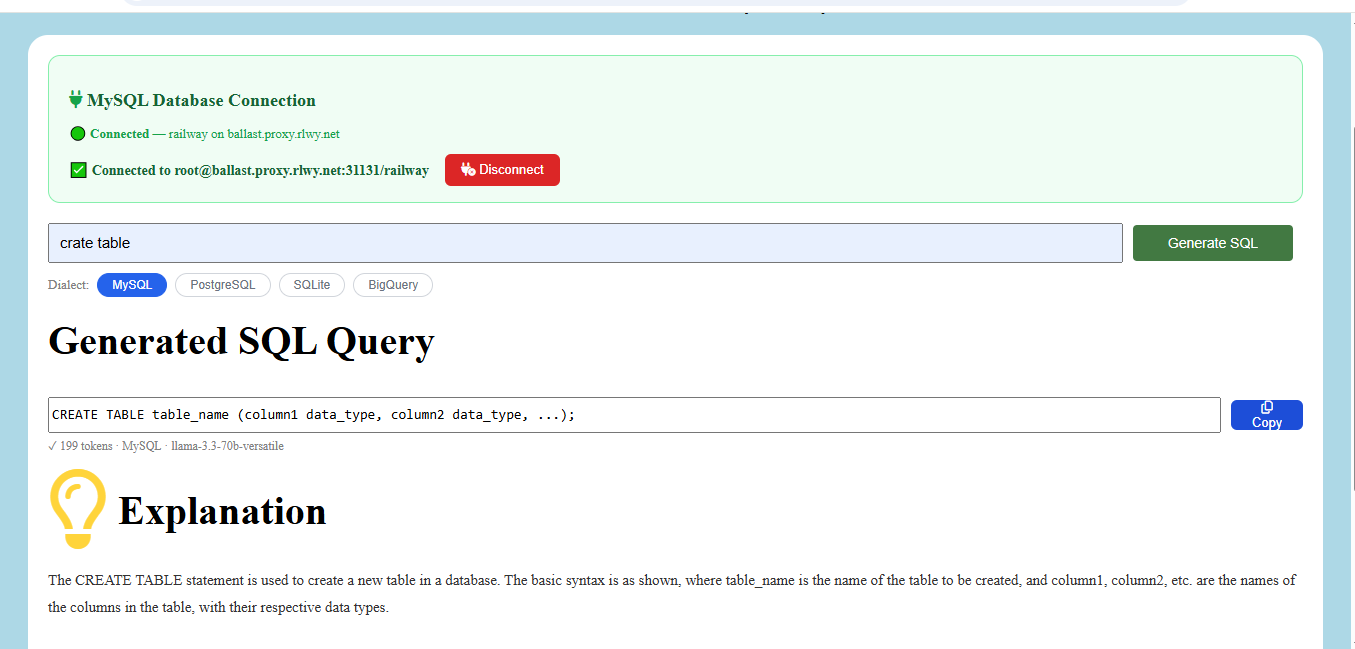
Simply describe what you want in plain English, and SQL Genie will:
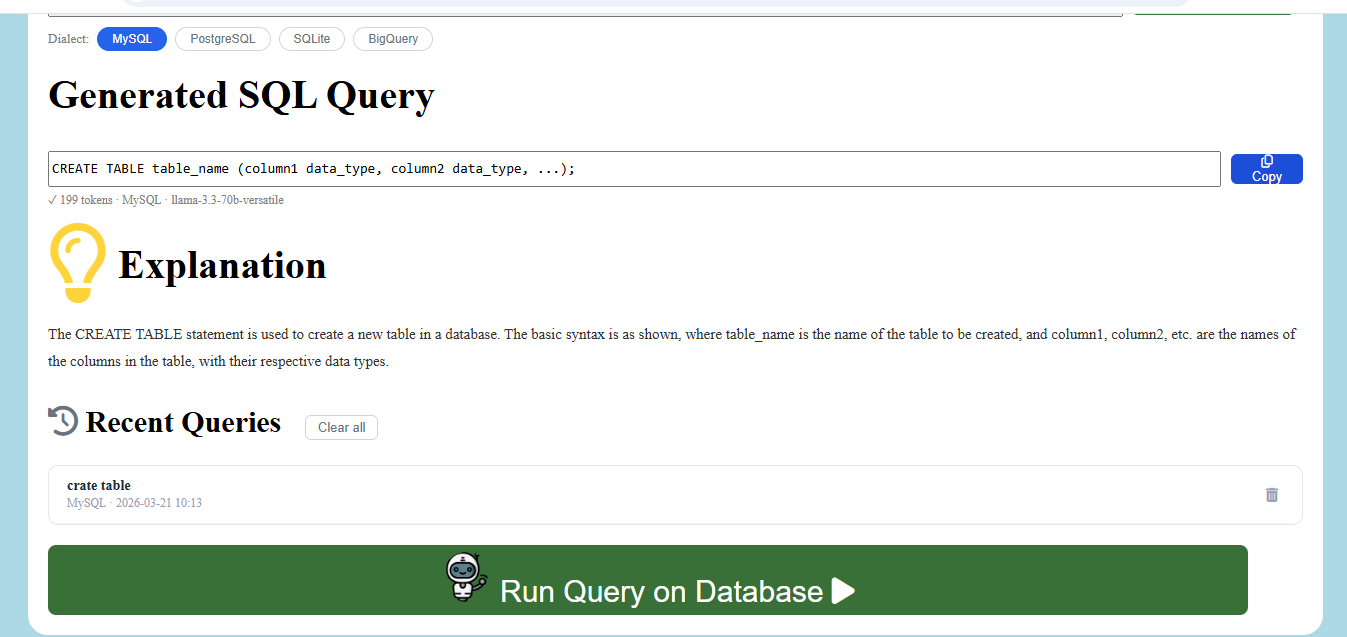
Generate accurate SQL queries instantly Explain the query step-by-step in simple terms Help you understand SQL concepts while you work
SQL Genie is not just a query generator — it’s a smart SQL learning companion that improves both productivity and knowledge.
How we built it
Layer Technology Frontend: HTML, CSS, JavaScript Backend: Python, Flask AI Model: Groq API with Llama 3.3 70B Database: MySQL (Railway Cloud) Deployment: Render Version Control: GitHub
Challenges we ran into
Ensuring the AI consistently returned structured JSON responses Managing secure MySQL connections in a cloud environment Deploying Flask applications with static files on Render Handling CORS issues between frontend and backend Designing prompts that produce reliable SQL queries
Accomplishments that we're proud of
Built a complete full-stack AI-powered application from scratch within the hackathon timeframe
Successfully integrated Llama 3.3 70B using the Groq API to convert natural language into accurate SQL queries
Developed a secure database connection panel allowing users to connect their own MySQL databases safely
Deployed a fully functional live application, accessible globally and completely free to use
Created a tool that teaches SQL interactively — providing explanations alongside generated queries
Built the entire project using 100% free technologies including Groq, Render, Railway, and GitHub
Implemented support for multiple SQL dialects — MySQL, PostgreSQL, SQLite, and BigQuery — in a single unified interface
Designed a query history feature that automatically stores and reloads previously generated queries
Engineered reliable prompt structures to ensure consistent and structured AI outputs
Delivered a project that combines AI assistance with practical learning, helping users improve SQL skills while building real projects
What we learned
How to integrate AI APIs into real-world applications End-to-end full stack development using Flask Cloud deployment using Render and Railway Writing effective prompts for accurate AI responses Handling real-world debugging and deployment issues
What's next for SQL Genie
- More Query Support Support advanced SQL operations such as: INSERT, UPDATE, DELETE Complex JOINs Stored Procedures Query optimization suggestions
Voice-to-SQL Allow users to speak their query, and SQL Genie will convert voice → text → SQL automatically.
Interactive Learning Mode A guided mode where users can: practice SQL questions get hints see explanations track progress
Team Collaboration Allow teams to: share queries save projects collaborate on database tasks
Mobile App Version Build Android/iOS app for easy access anywhere.
Query Visualization Visual representation of: table relationships joins query flow


Log in or sign up for Devpost to join the conversation.