# Sprout 🌱

## Inspiration
Every parent knows the battle: kids want YouTube, parents want reading. We watched families negotiate screen time daily, a losing fight where the parent always burns out first. We asked: what if screen time wasn't taken away, but *earned*? Sprout was born from the idea that the best motivator for a child isn't restriction, it's reward.

## What It Does
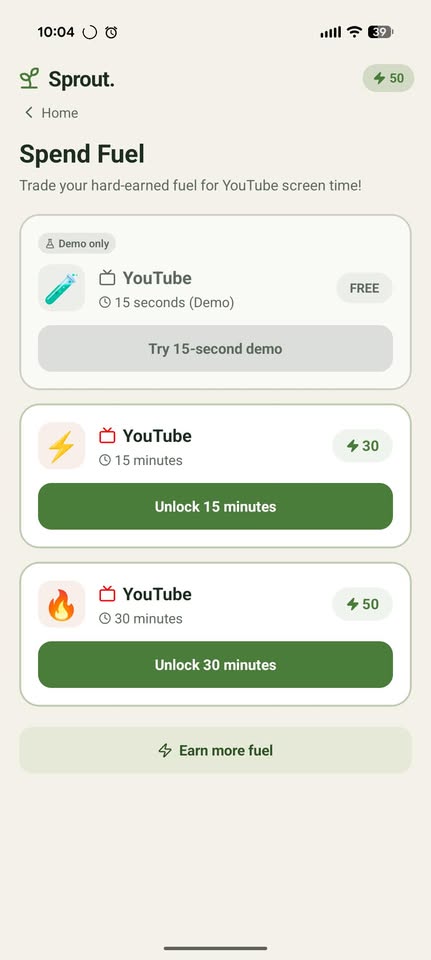
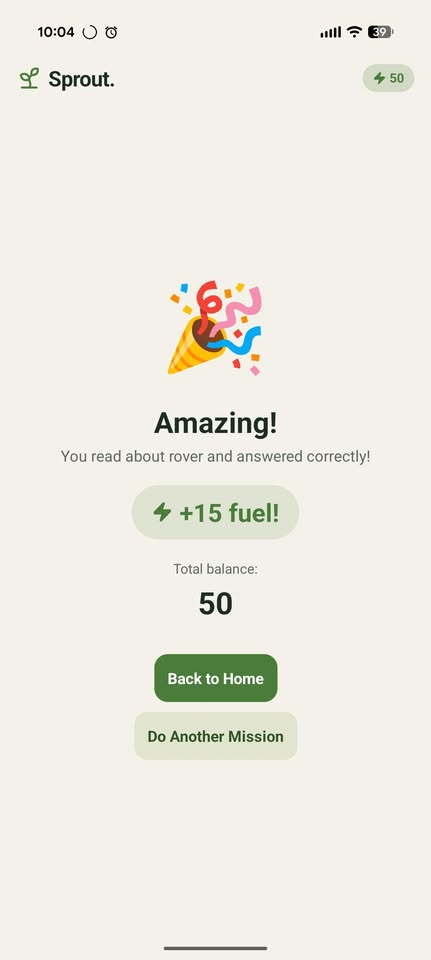
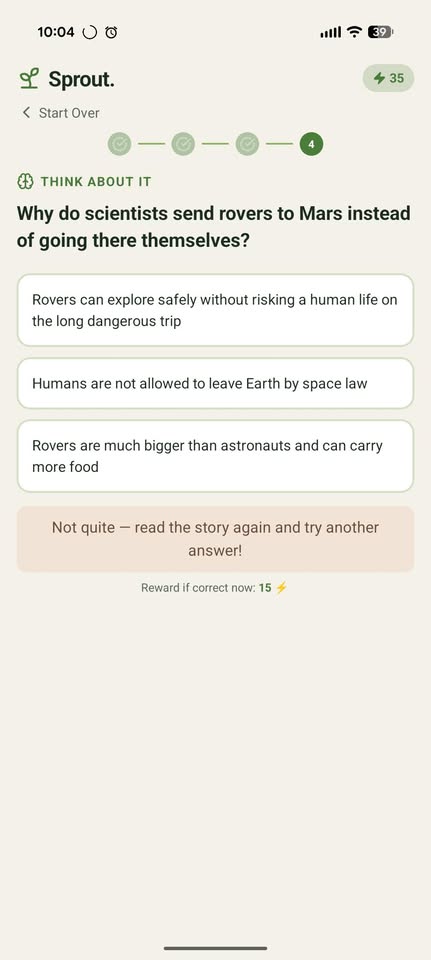
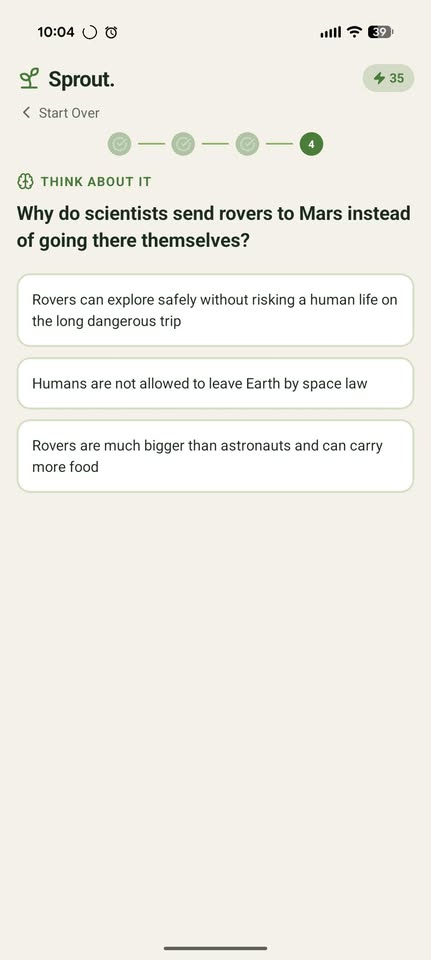
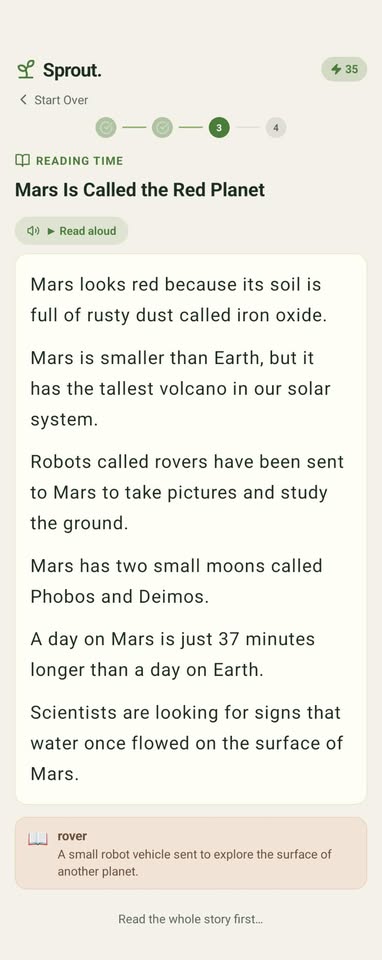
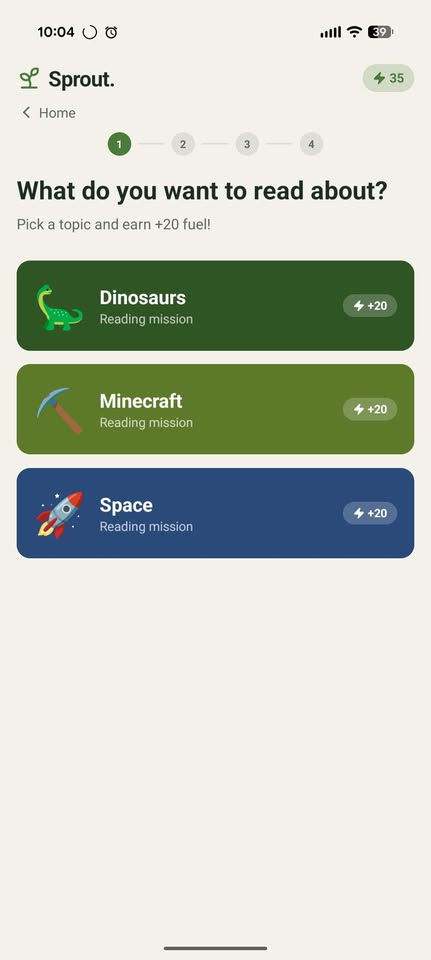
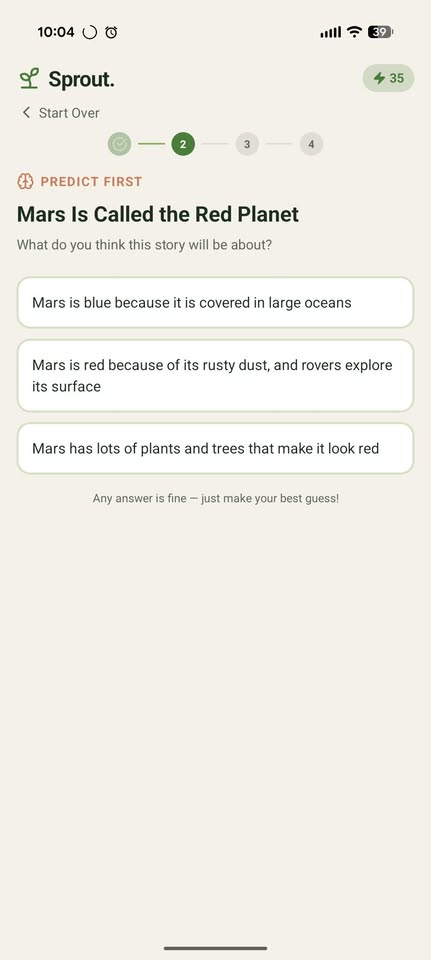
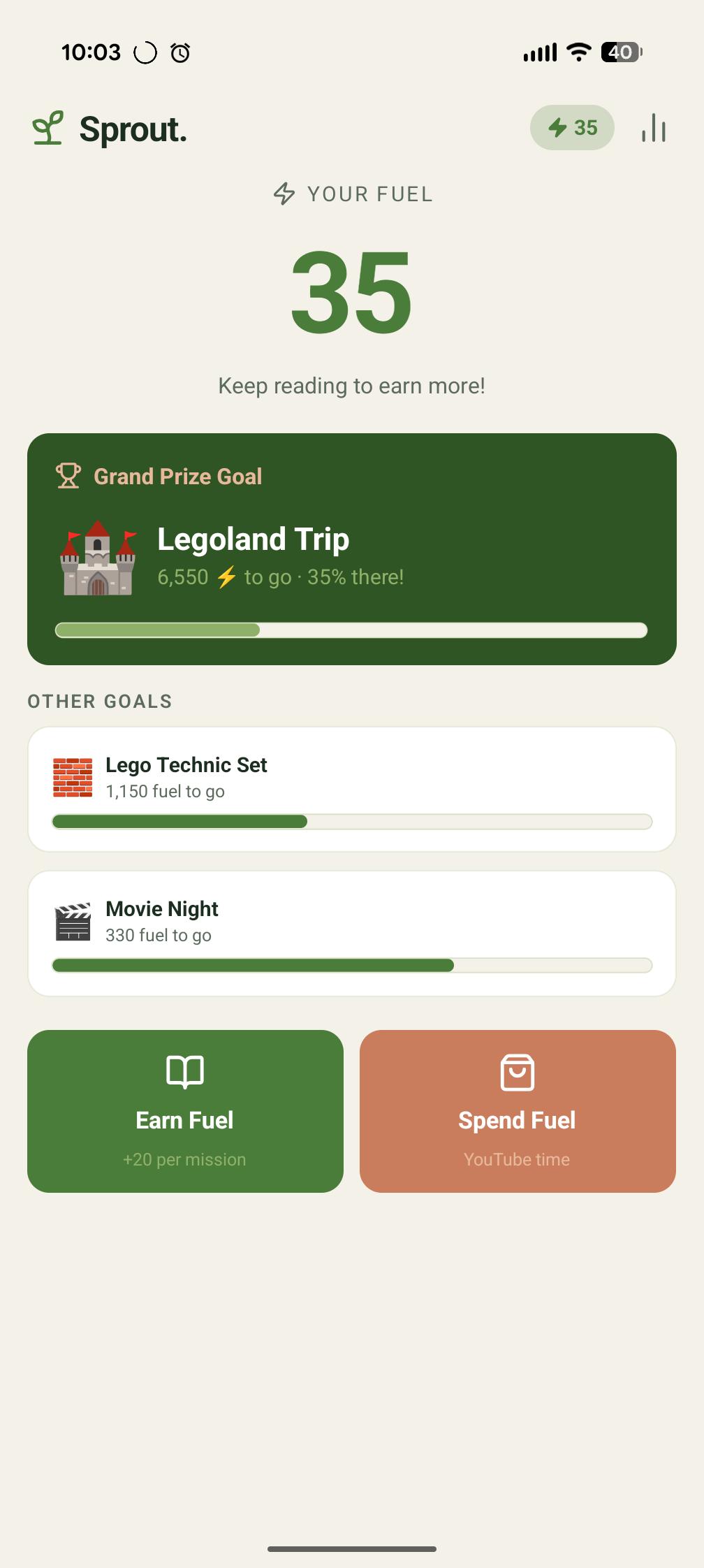
Sprout is an Android app that makes kids earn YouTube screen time through reading missions. A child picks a topic they love, dinosaurs, Minecraft, space, etc., reads a real passage pulled live from Open Library, and answers comprehension questions generated by Claude AI. Get it right, earn fuel. Spend fuel on YouTube minutes. Run out of time, and the app blocks YouTube at the OS level with a native overlay, no workarounds, no exceptions.

## How We Built It
- **React Native (Expo Bare)** for the cross-platform UI, with Expo Router for navigation
- **Zustand + AsyncStorage** for persistent state across sessions
- **Open Library API** to source real book passages matched to the child's interests
- **Claude Haiku** to generate vocabulary words and comprehension questions from those real passages
- **ElevenLabs** for sentence-by-sentence text-to-speech read-along with live highlighting
- **Kotlin Accessibility Service** to watch for YouTube at the OS level and show a native overlay when time expires
- **Android AudioManager** to pause YouTube playback the moment the overlay appears
- A **SharedPreferences bridge** between the JS layer and Kotlin so the native blocker always has the latest session state

## Challenges We Ran Into
Getting the YouTube blocker to work reliably was the hardest problem. Android's Accessibility Service only fires on window state changes, meaning a child watching a 3-hour video would never trigger a block. We solved this with a 5-second polling loop that kicks in the moment a session expires, regardless of what YouTube is doing. We also had to bridge two completely separate processes (React Native JS and Kotlin services) using SharedPreferences, since there's no direct memory sharing across that boundary.

## Accomplishments We're Proud Of
- The blocker is genuinely unbypassable by a child, it operates below the app layer
- Stories are sourced from *real books*, not AI-generated fiction, so the reading content is authentic
- The reading experience adapts to the child's grade level, longer passages and harder questions as they improve
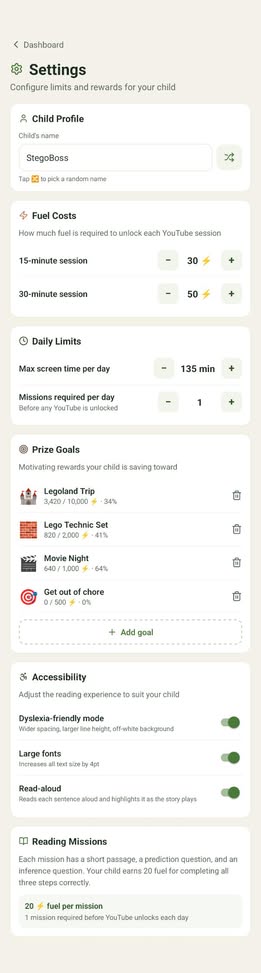
- ElevenLabs read-along makes the app accessible to struggling readers who need audio support
- The whole system runs without a backend, everything is client-side with public APIs

## Learnings
Building at the intersection of education and parental controls taught us that the hardest problems aren't technical, they're behavioral. A block that's annoying to bypass isn't enough; the reward loop has to feel genuinely fair to the child. We also learned that real book content dramatically outperforms AI-generated stories for educational credibility, parents trust it more and kids find it more interesting.

## What's Next
- **iOS support** using Screen Time API
- **More topics**,  sports, science, history, with dynamic interest detection
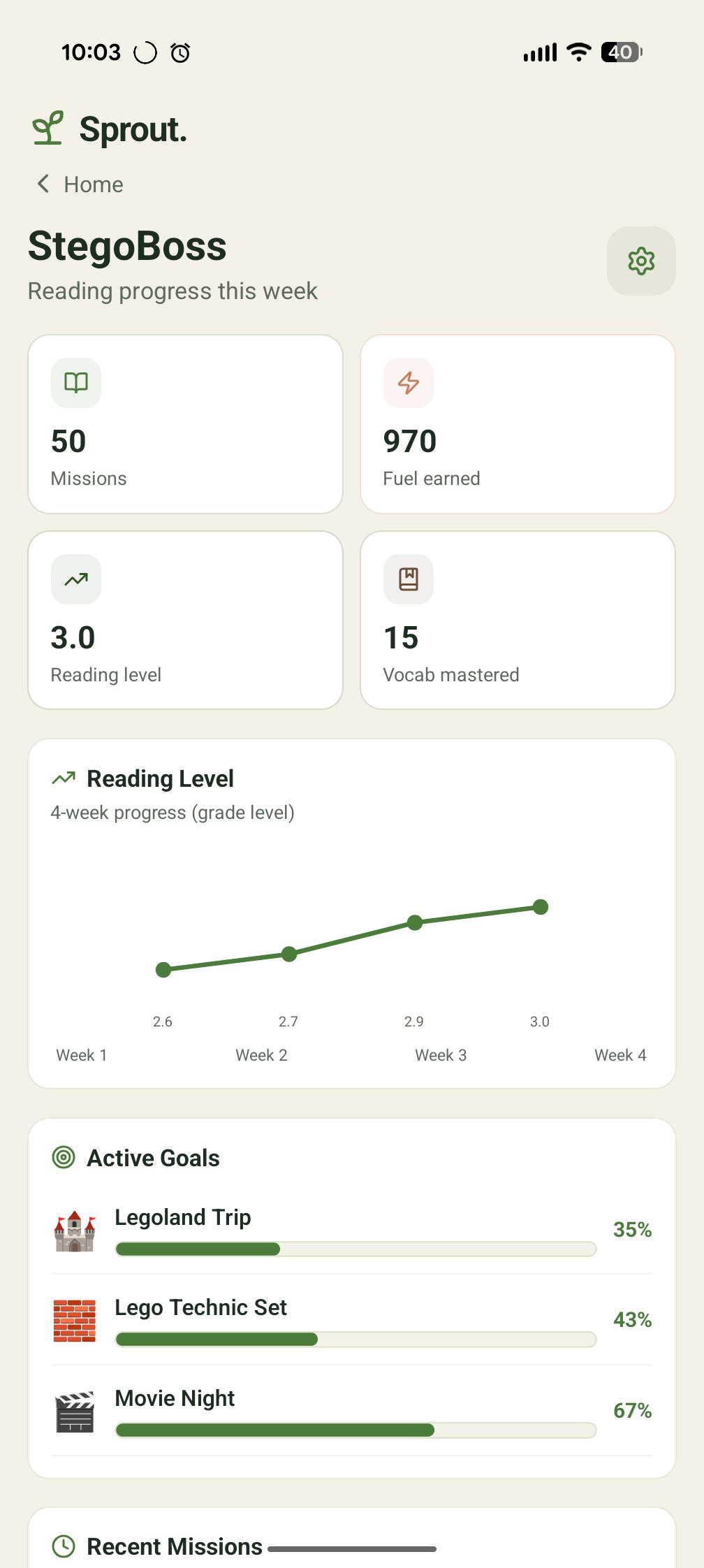
- **Reading level progression** that automatically increases difficulty as the child improves
- **Parent dashboard analytics** showing reading streaks, vocabulary growth, and time earned
- **Classroom mode** for teachers to assign specific passages and track comprehension across a group


Log in or sign up for Devpost to join the conversation.