-
-
Logo
-
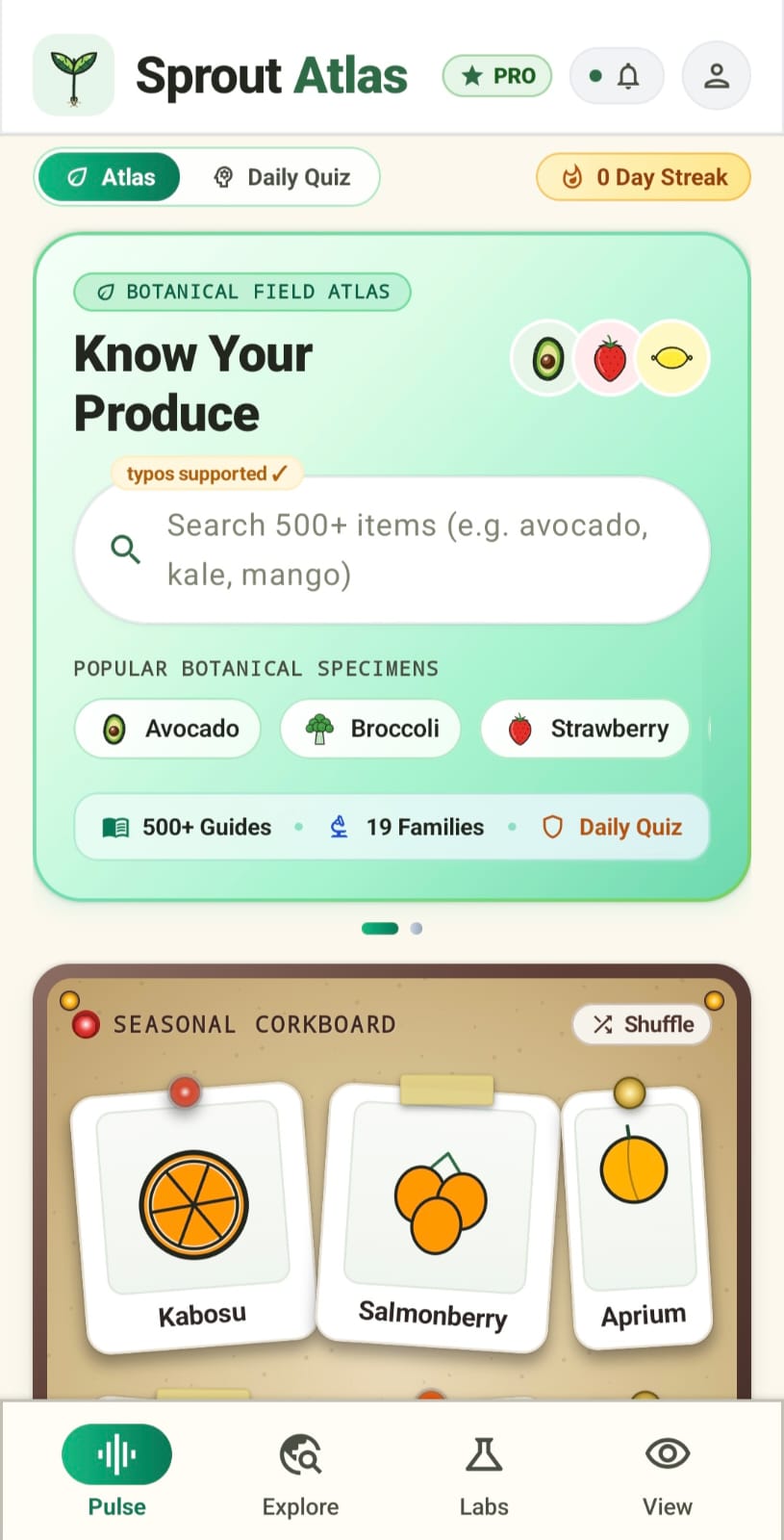
Pulse Tab
-
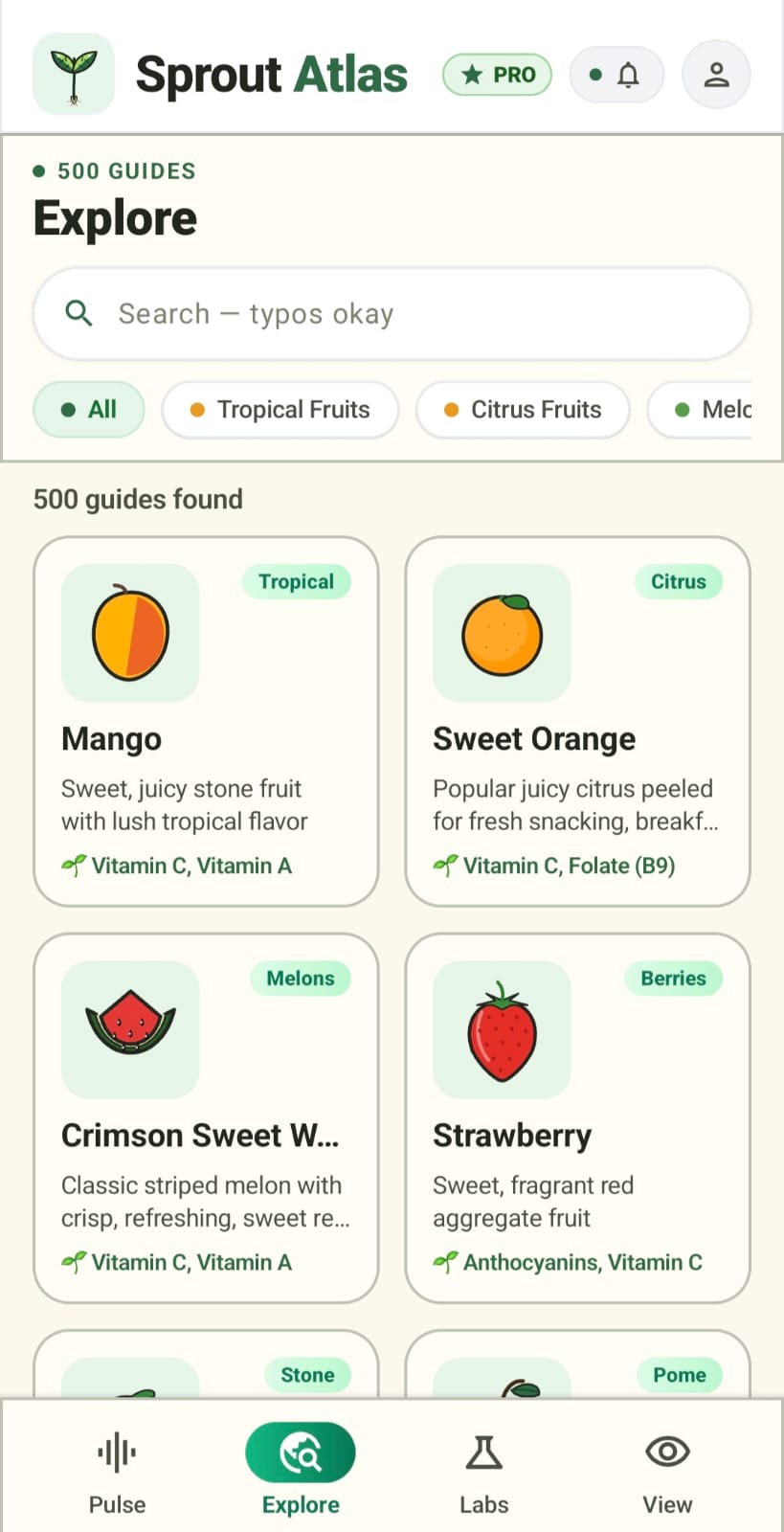
Explore
-
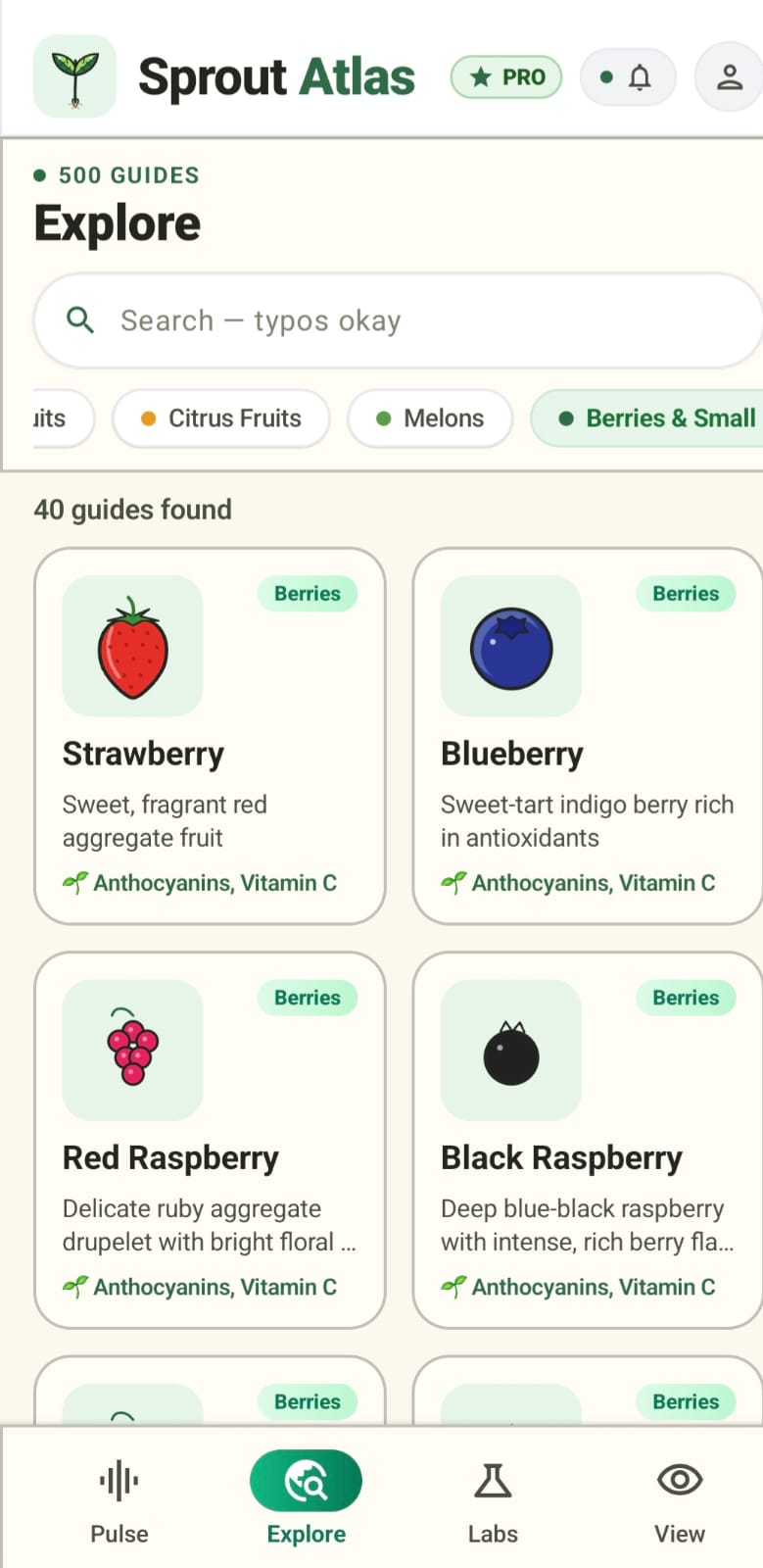
Berries searched
-
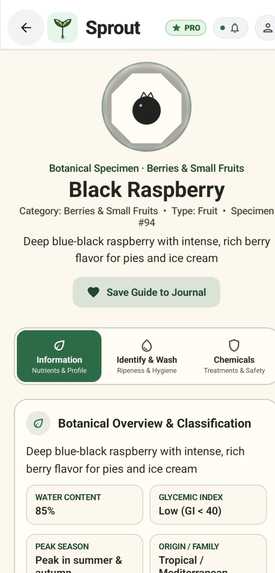
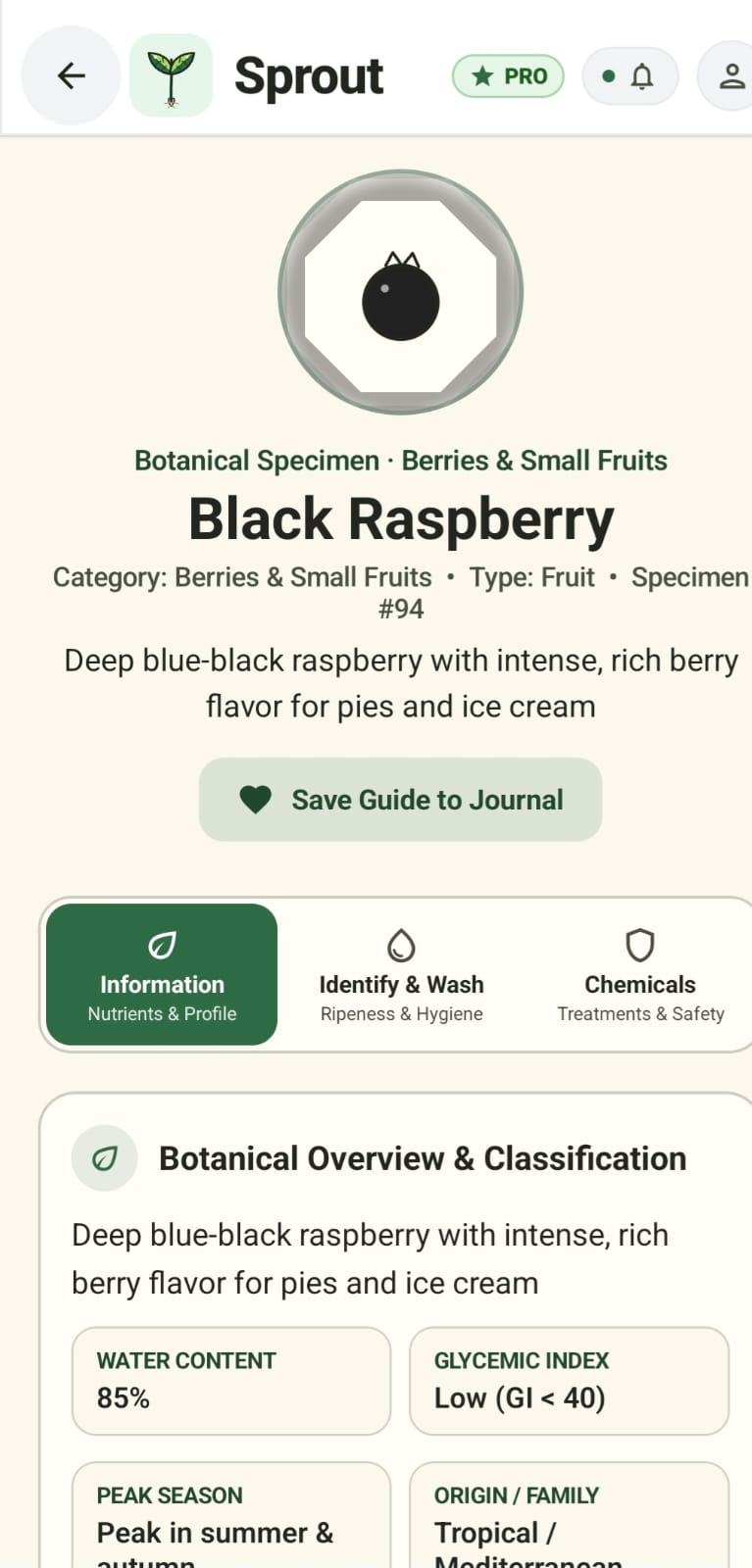
Black Rasberry
-
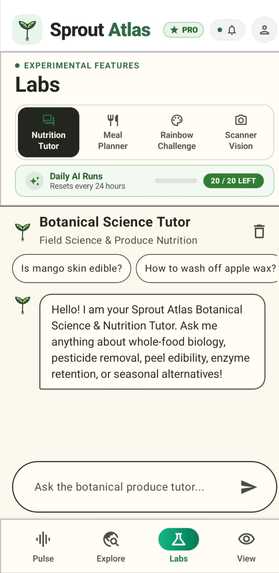
Labs
-
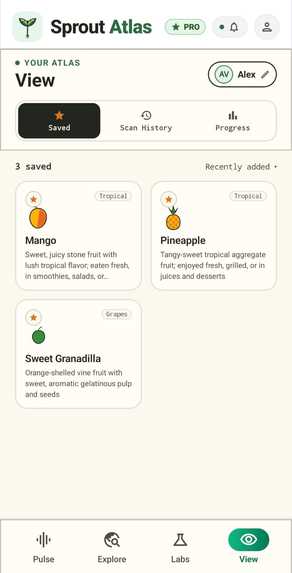
Saved Guides
Inspiration
This one started at an actual sabji mandi, not a whiteboard.
I was picking out tomatoes and asked the seller a simple question — "are these natural, no chemicals?" She just shrugged and said "you can tell by the colour." That's it. That's the entire food-safety system most of us grow up trusting in India — vibe checks and folk wisdom, passed down because nobody ever gave us anything better.
And it's not just chemicals. Most people I know — myself included, until I started building this — can name maybe ten fruits and vegetables by heart. Apple, banana, tomato, potato, and then it gets fuzzy. Meanwhile there's a whole stall of stuff two feet away that nobody buys because nobody knows what it even is.
I didn't want to build another generic nutrition app. I wanted to build the thing that could've actually answered that seller's question honestly — and I wanted AI to be the reason it could, not just a buzzword bolted on top.
What it does
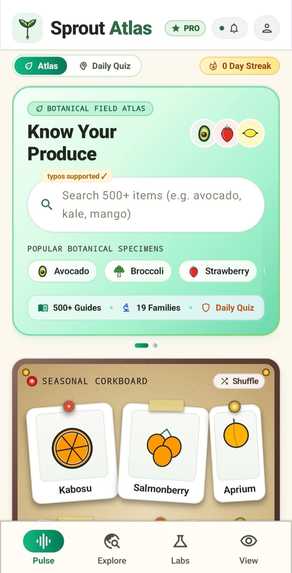
Sprout Atlas is a produce field guide that tries to give you the real answer instead of a guess.
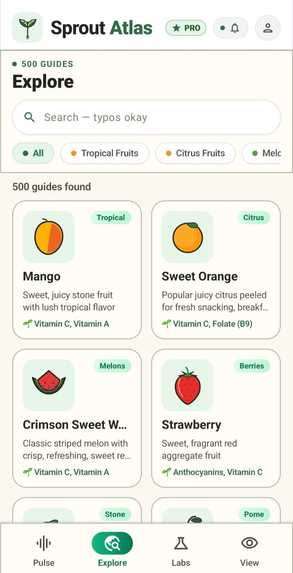
- A growing library of specimen guides covering nutrition, storage, terroir, and season — not just "here's an apple," but water content, glycemic index, peak harvest window, where it's from
- An Identify & Wash tab and a Chemicals & Post-Harvest Treatments tab on every guide — this is the part I actually built the app around. It's the honest answer to "is this natural"
- A camera-based Scanner Vision tool that identifies produce from a photo and gives you a condition read — and if it gets it wrong, you can just tell it what it actually is and it'll look again instead of leaving you stuck with a bad guess
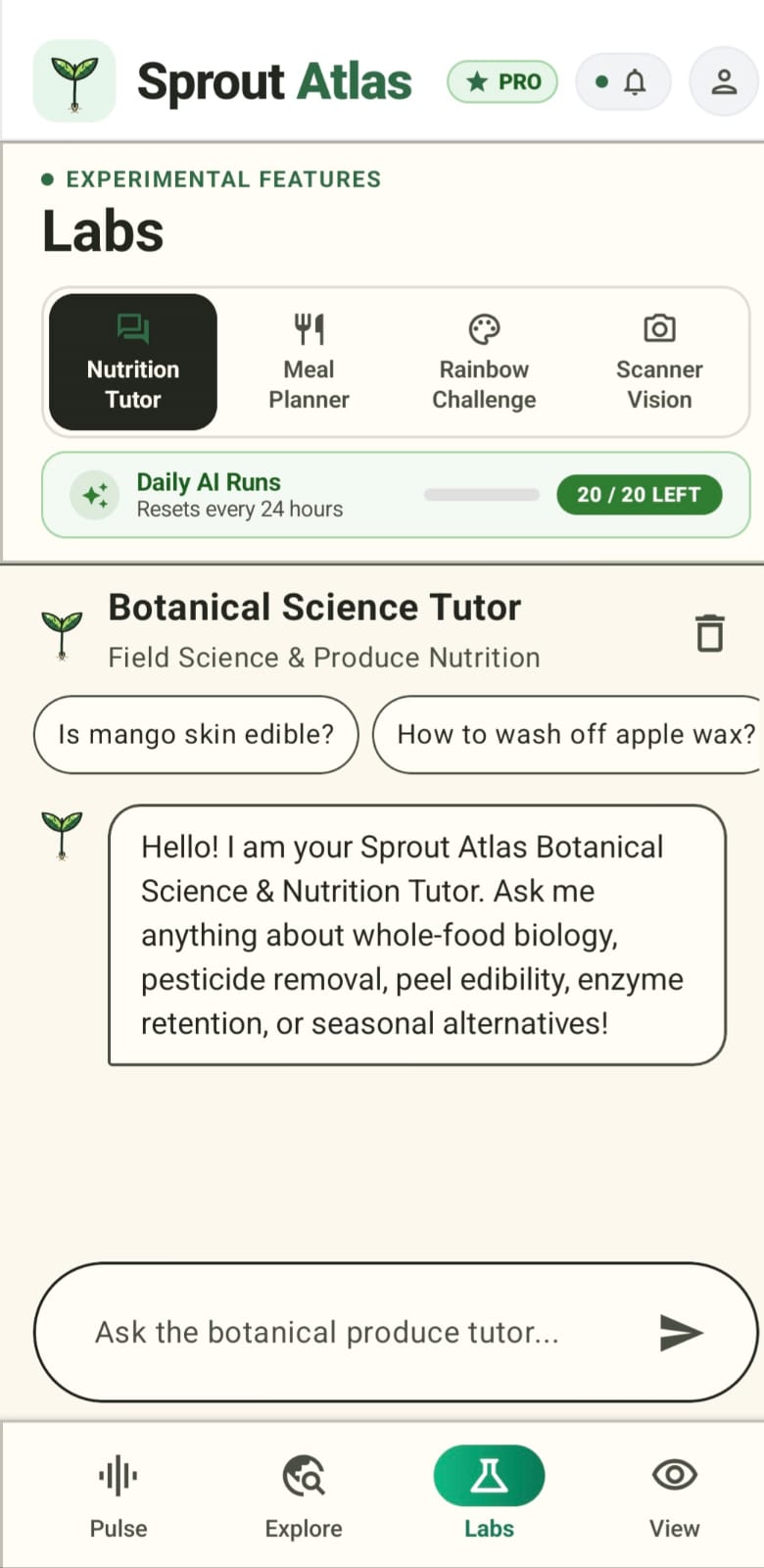
- A Nutrition Tutor you can ask real questions, a Meal Planner, and a Rainbow Challenge to make learning feel like a game instead of homework
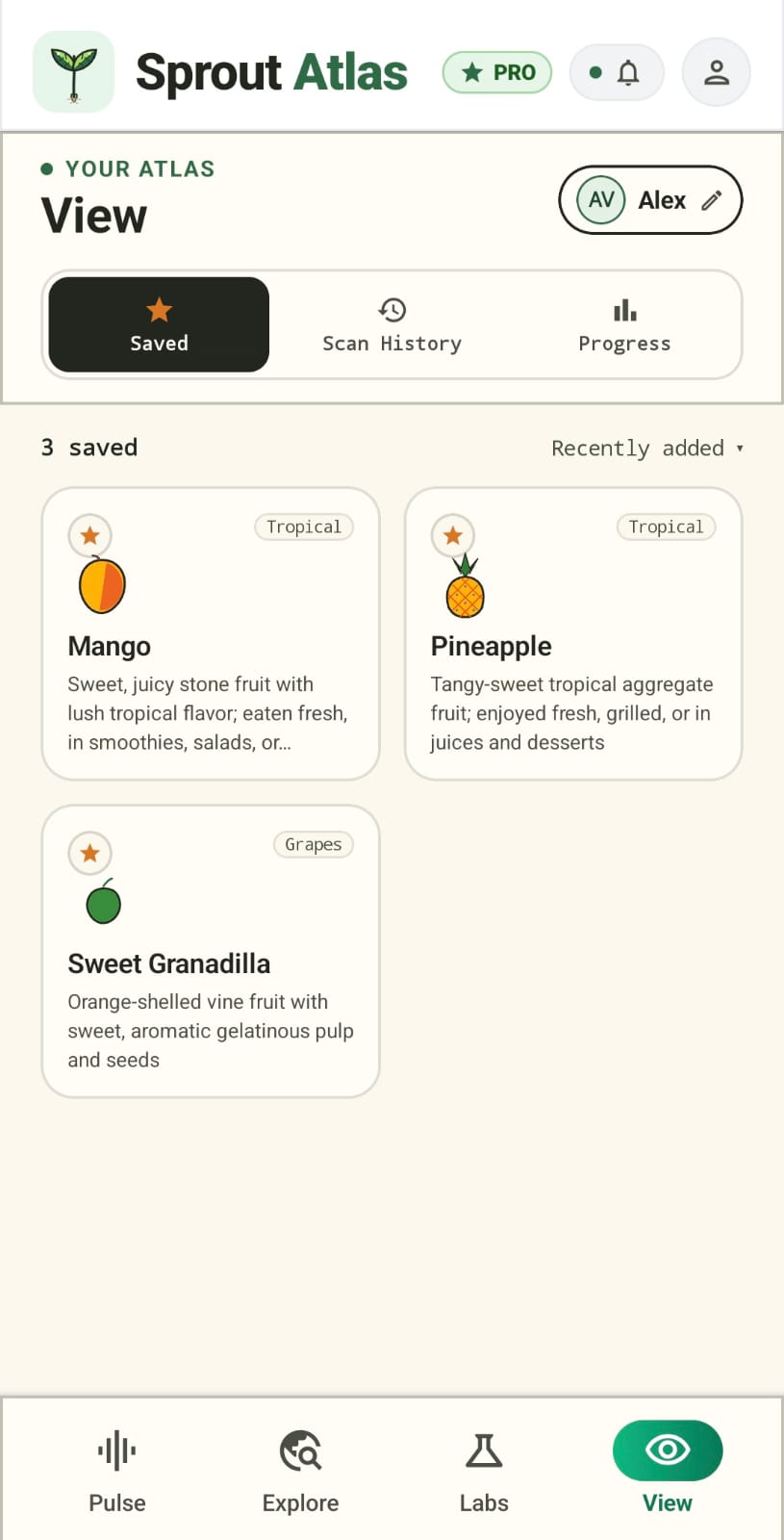
- A personal Atlas — saved specimens, scan history, progress — so it's not a one-time lookup, it's something that grows with you
How we built it
Solo, with AI woven into the actual product, not just used to help me build it faster.
The app itself is a lightweight PWA — no heavy framework bloat, just fast HTML/JS with a service worker so it actually installs and works offline. The scanner runs on a vision-capable AI model for identification, with a manual correction loop built in because I knew early on the first guess wouldn't always be right, and pretending otherwise felt dishonest given the whole point of the app. The Nutrition Tutor is a real conversational AI feature, not a canned FAQ — you can ask it something specific and it'll actually try to answer the thing you asked, not just recite a nutrition label at you.
The brand identity went through a few complete rewrites before it stuck — I killed a chalkboard aesthetic, killed a sterile Apple/Linear-style minimal look, and landed on this kraft-paper, botanical specimen-plate feel because it actually matches what the app is: a field guide, not a dashboard.
Challenges we ran into
Getting the Chemicals tab right was harder than I expected — it's the single most important part of the app, and it's also the part where being vague or wrong actually matters. I had to be genuinely careful not to let placeholder-sounding copy slip through into something that's meant to be the app's core promise.
The AI tutor and scanner needed real testing, not just happy-path demos — I caught it giving a technically-true-but-not-actually-helpful answer to a real question during testing, which was a good reminder that "the AI responded" and "the AI answered the question" aren't the same thing. Getting the scanner's correction loop to actually feel useful (not just a retry button) took a few passes too.
And honestly, scope. It's tempting to keep adding AI features when you're building solo and nobody's telling you to stop. I had to keep cutting things back to what actually serves the core idea — you're holding a fruit, you have a question, get you a real answer — instead of turning this into ten AI gimmicks stitched together.
What we learned
That the best use of AI here isn't "add a chatbot," it's picking the one or two moments where a real answer actually changes what someone does — whether to buy something, how to wash it, what it actually is. Building around that instead of around "cool AI feature" made every other decision easier, including which AI features to leave out.
What's next
More AI, and a lot more guides. Specifically:
- Growing the specimen library well past 500 guides, with richer detail on each one
- Expanding the AI side — smarter scanning, a more capable tutor, and AI-assisted meal and diet planning that's actually personalized, not templated
- Tightening accuracy across the board so the AI features are something people can genuinely rely on, not just something impressive in a demo
Long-term, I want this to be something families and schools in India actually trust — not just another app in the pile, and not just another app that says "AI-powered" without doing much with it.
Built With
- android
- android-credential-manager
- camerax
- cloud-firestore
- coil-image-loading
- firebase-authentication
- flutter/dart
- google-gemini-ai
- google-sign-in
- gradle-kotlin-dsl
- initialization
- jetpack-compose
- kotlin
- kotlin-coroutines
- material-design-3
- revenuecat-purchases-sdk
- stateflow


Log in or sign up for Devpost to join the conversation.