SpriteCook
AI-powered pixel art and game asset generation for indie developers
SpriteCook generates pixel art game assets with AI. Describe what you need, pick a style, and get consistent, game-ready sprites. Built for indie devs and game jams where you need a coherent look fast, without learning to draw or stitching together random asset packs.
Inspiration
We kept running into the same problem at game jams: you have 48 hours, a great idea, and zero art skills. You either spend half your time hunting through asset packs that don't match, learning to draw under pressure, or shipping a game that looks like a ransom note of different art styles.
Indie devs outside of jams face the same thing. Programmer art becomes permanent. Placeholder sprites never get replaced. Games die in development because the visuals never come together.
We wanted a tool that lets you describe what you need and get back sprites that actually look like they belong in the same game.
What it does
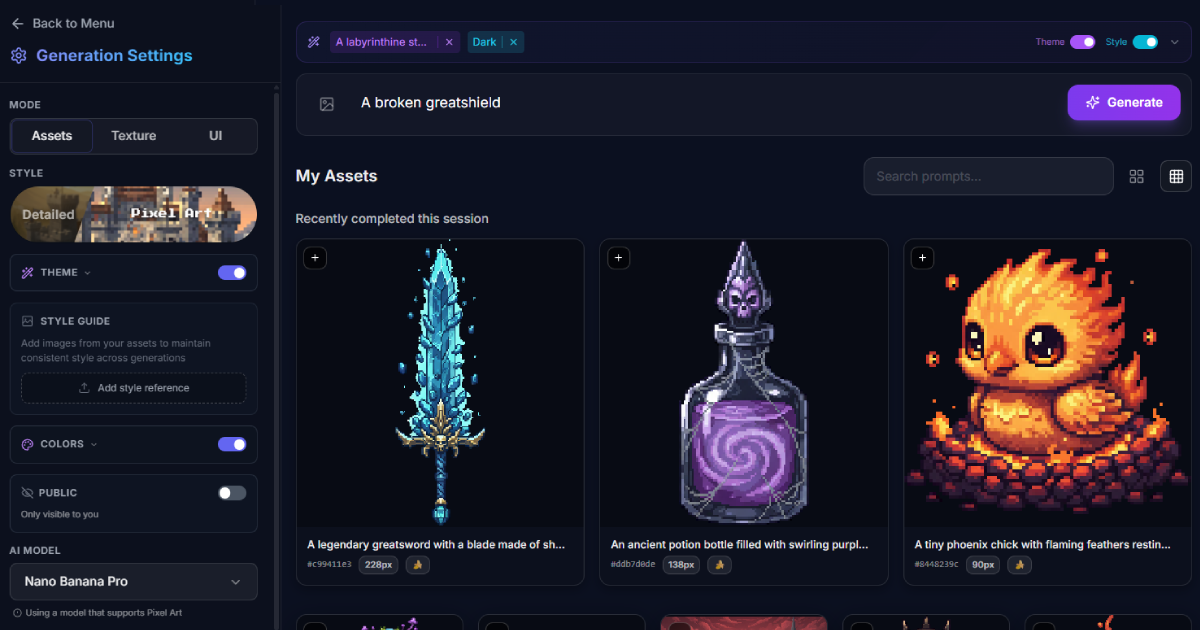
SpriteCook generates pixel art and game assets from text descriptions. You type "medieval knight with sword" or "health potion, red glass bottle," pick a visual style (retro 8-bit, modern HD pixel art, dark fantasy, chibi), and get game-ready sprites.
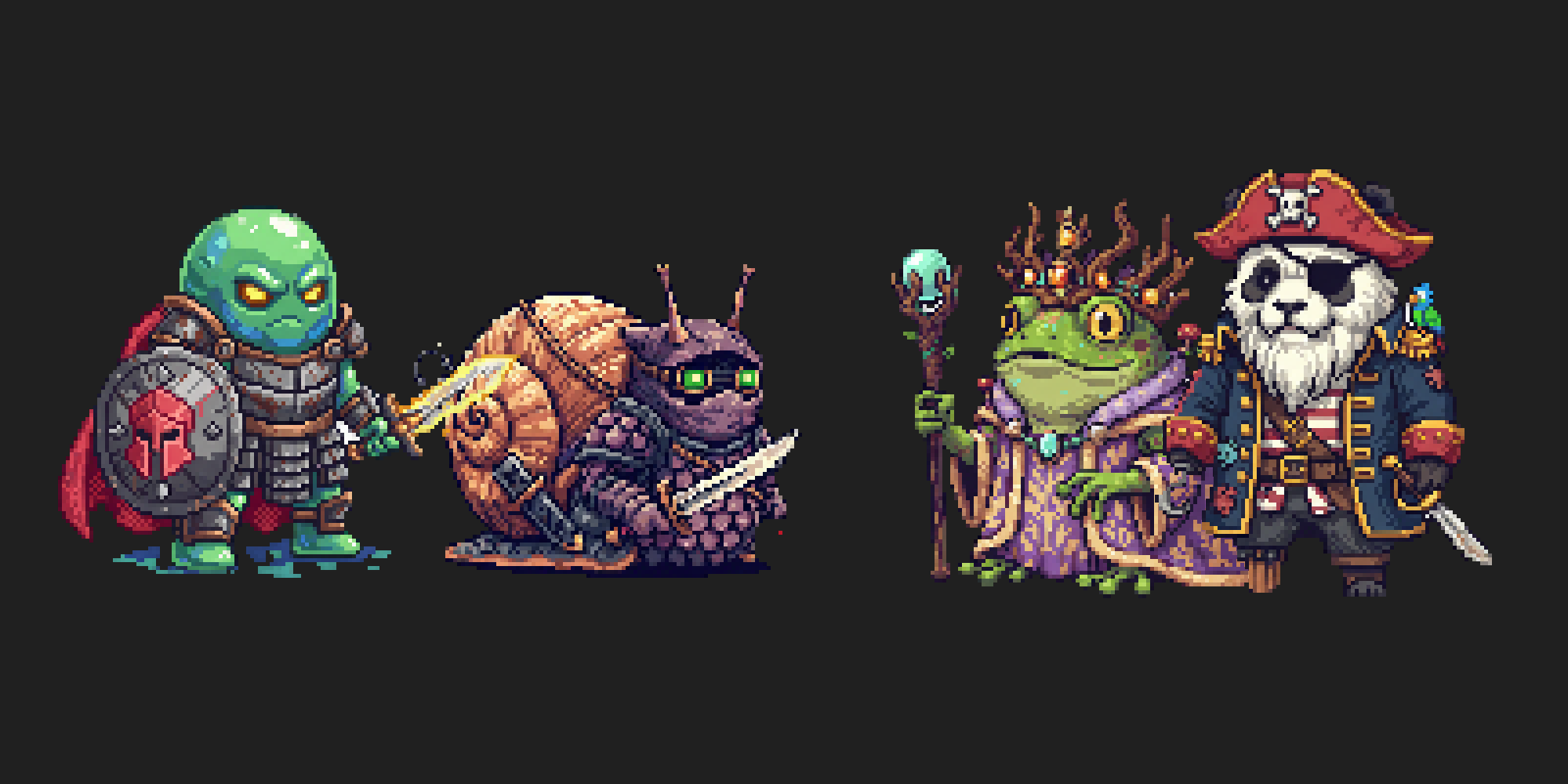
The key feature is consistency. Generate a character, then generate items, enemies, and UI elements. They all share the same palette and style because SpriteCook maintains that context across generations.
You control the output size (16px to 512px), aspect ratio, and background (transparent, white, or included). Everything exports ready for Unity, Godot, or whatever engine you use.
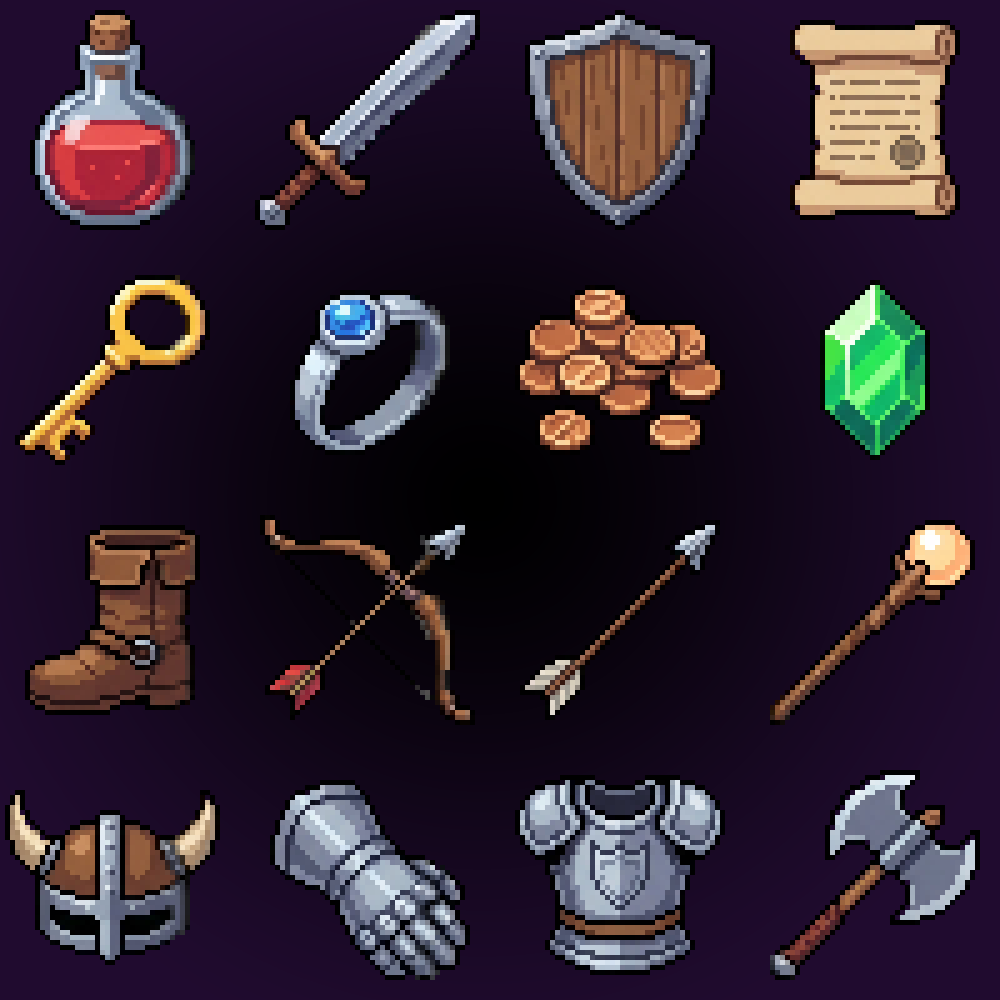
Pack Wizard mode lets you generate complete asset sets in one flow. Pick "RPG Starter Pack" and get a hero, enemies, items, and environmental pieces that work together out of the box.
How we built it
Image Generation: Google's Gemini 3.0 Pro Image serves as the backbone for all sprite generation. We chose Gemini for its strong understanding of pixel art aesthetics and ability to maintain style consistency across multiple generations. The model handles our detailed style presets well, producing authentic retro sprites rather than generic "pixel art filter" results.
Frontend: React with Vite, TypeScript, and Tailwind CSS. We used Radix UI for accessible components and Sonner for toast notifications. The interface needed to feel fast and stay out of the way.
Backend: Python API handling authentication, credit management, and job queuing. We integrated with Stripe for subscriptions and built a custom job system for handling generation requests.
Prompting Layer: Custom prompting system that translates user inputs into Gemini-optimized prompts. We built style presets that encode specific pixel art characteristics (palette limits, dithering rules, outline styles) and structure them in ways that Gemini interprets consistently.
Infrastructure: S3 for asset storage, SSE for real-time generation progress updates, and a job queue system that handles batch generation for packs.
Challenges we ran into
Style consistency was harder than expected. Early versions would generate a knight in one style and a potion in a completely different style. We spent significant time building the theme preset system that encodes specific visual rules (color count, dithering patterns, outline weight) rather than just saying "pixel art."
Getting Gemini to understand pixel art conventions. Pixel art has specific rules: no anti-aliasing, limited palettes, intentional dithering patterns. We iterated on prompt structures until Gemini reliably produced sprites that followed these conventions rather than smooth, high-resolution art scaled down.
Transparent backgrounds. Getting clean transparency without artifacts or weird edge pixels required iteration on our prompting and post-processing.
Credit economics. Balancing API costs with pricing that indie devs can afford. We rebuilt the credit system twice to find something sustainable.
Pack generation ordering. When generating a full pack, certain assets need to generate first to establish the visual style. Getting that dependency ordering right took trial and error.
Accomplishments that we're proud of
Real indie devs are using it. We've had game jam participants ship games with SpriteCook assets. Seeing sprites we helped generate in actual released games is the best validation.
Style presets feel authentic. The 16-bit preset actually looks like SNES sprites. The 8-bit preset looks like NES. They're not just filters. We tuned the Gemini prompts to capture what makes those eras visually distinct.
The UI stays simple. It would be easy to add 50 sliders and options. We kept it focused: describe, pick style, generate. Advanced options exist but don't clutter the main flow.
Gemini handles batch consistency well. When generating packs of 10+ assets, Gemini maintains the established style throughout. This was critical for the Pack Wizard feature.
What we learned
Prompting is product design. The way you structure prompts for Gemini determines output quality more than any UI feature. We spent more time on prompt engineering than frontend code.
Gemini understands art history. Referencing specific eras ("SNES-era", "NES-style") in prompts produces better results than technical descriptions. The model has learned what those visual styles actually look like.
Indie devs know what they want. Early users gave specific, actionable feedback. "I need 32x32 with transparent background" is clearer than feedback from general consumers. Building for a niche audience made iteration faster.
Consistency beats quality. A set of decent sprites that match is more useful than one amazing sprite and four that clash. We optimized for coherence across generations, not peak single-image quality.
Game jams are the perfect testing ground. Time pressure reveals UX problems fast. If someone can't figure out your tool in 5 minutes during a jam, they'll use something else.
What's next for SpriteCook
Animation support. Static sprites are table stakes. We're building walk cycles, attack animations, and idle loops using Gemini's capabilities. Same consistency guarantees, but now with movement.
Tilesets and level building. Generate ground tiles, walls, and decorations that connect properly. Auto-tiling rules baked into the generation prompts.
Style transfer from reference images. Upload a sprite you like, and SpriteCook matches that style for new generations. Gemini's multimodal capabilities make this possible.
Engine plugins. Direct integration with Unity and Godot so you can generate and import without leaving your editor.
Community asset packs. Let users share and remix pack templates. "Fantasy RPG Starter" becomes a genre with dozens of community variations.


Log in or sign up for Devpost to join the conversation.