-
-
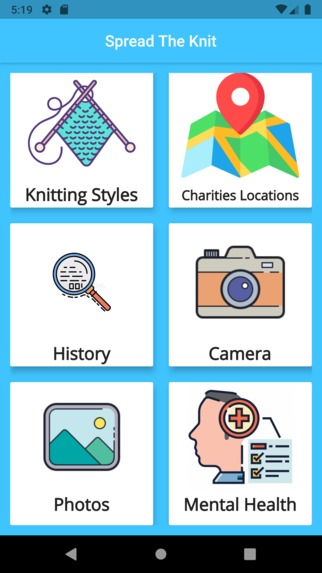
Home
-
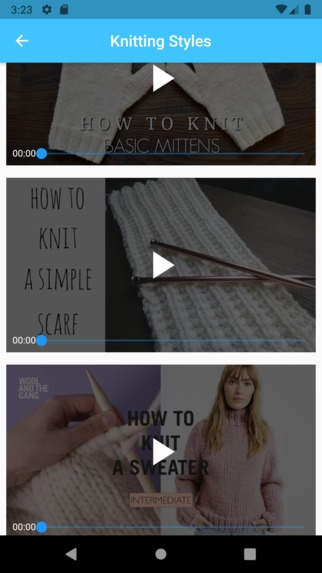
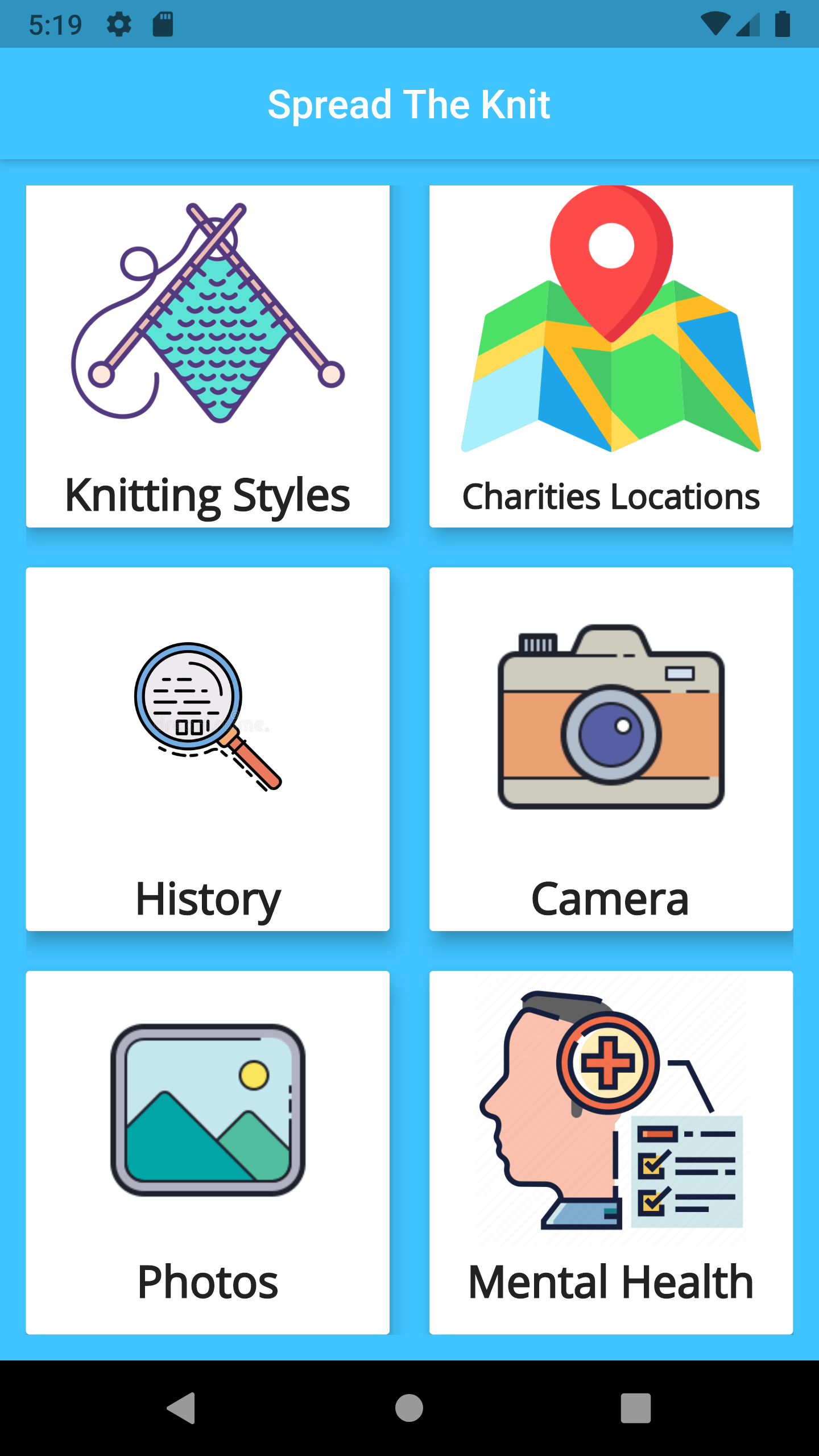
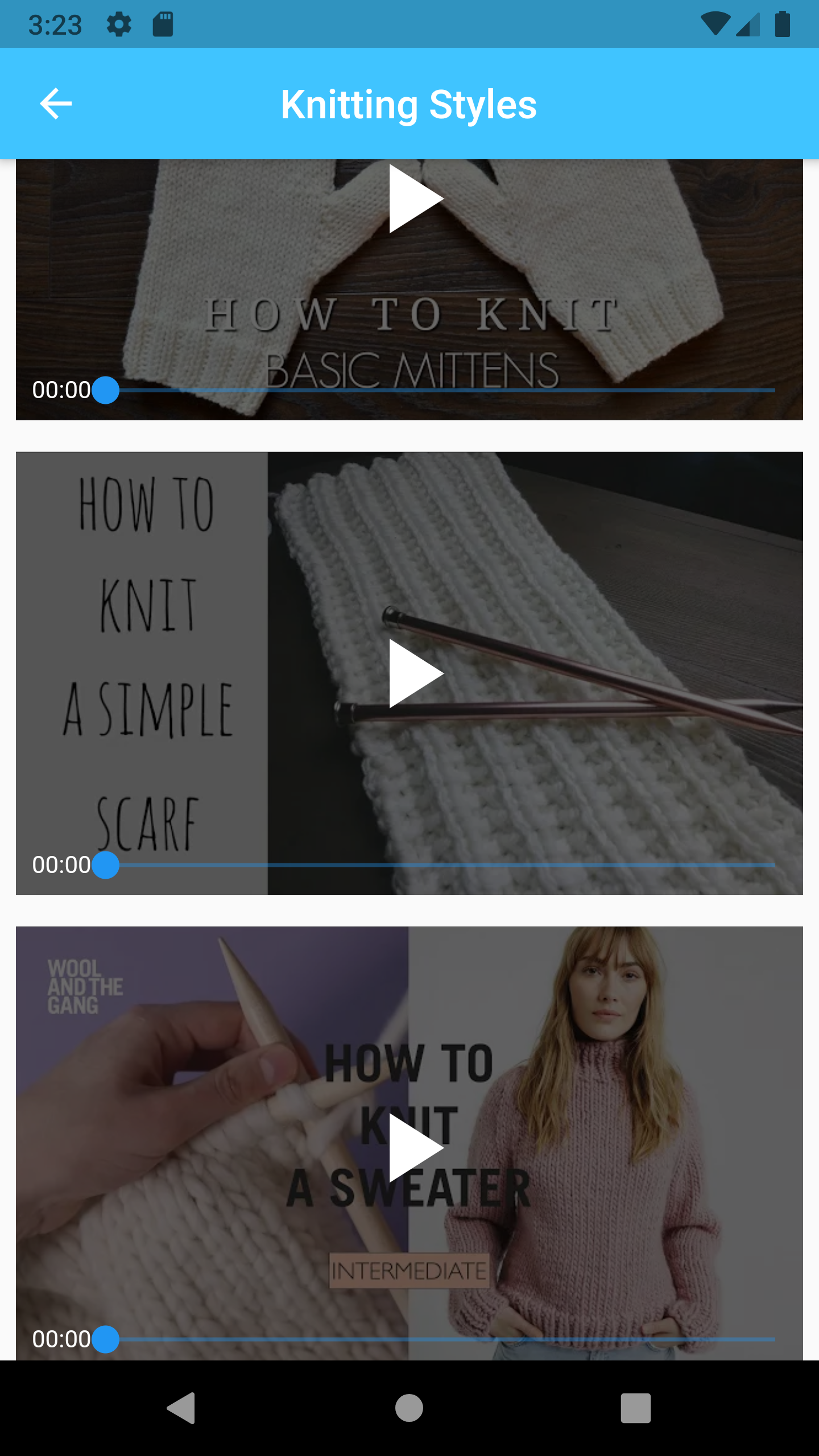
Knitting Styles. It will display YouTube videos teaching user how to knit different styles , from basic to advance.
-
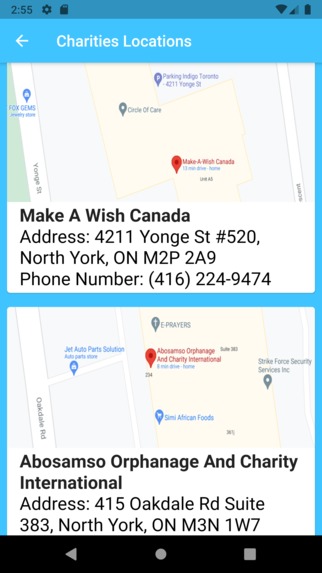
Charities Locations
-
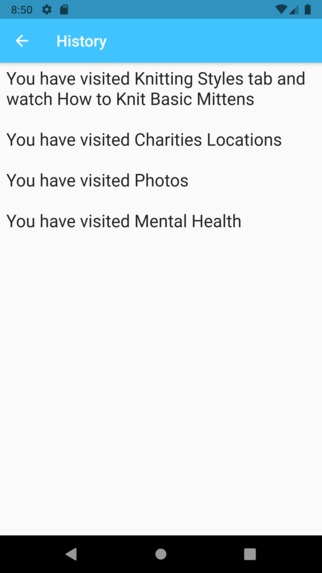
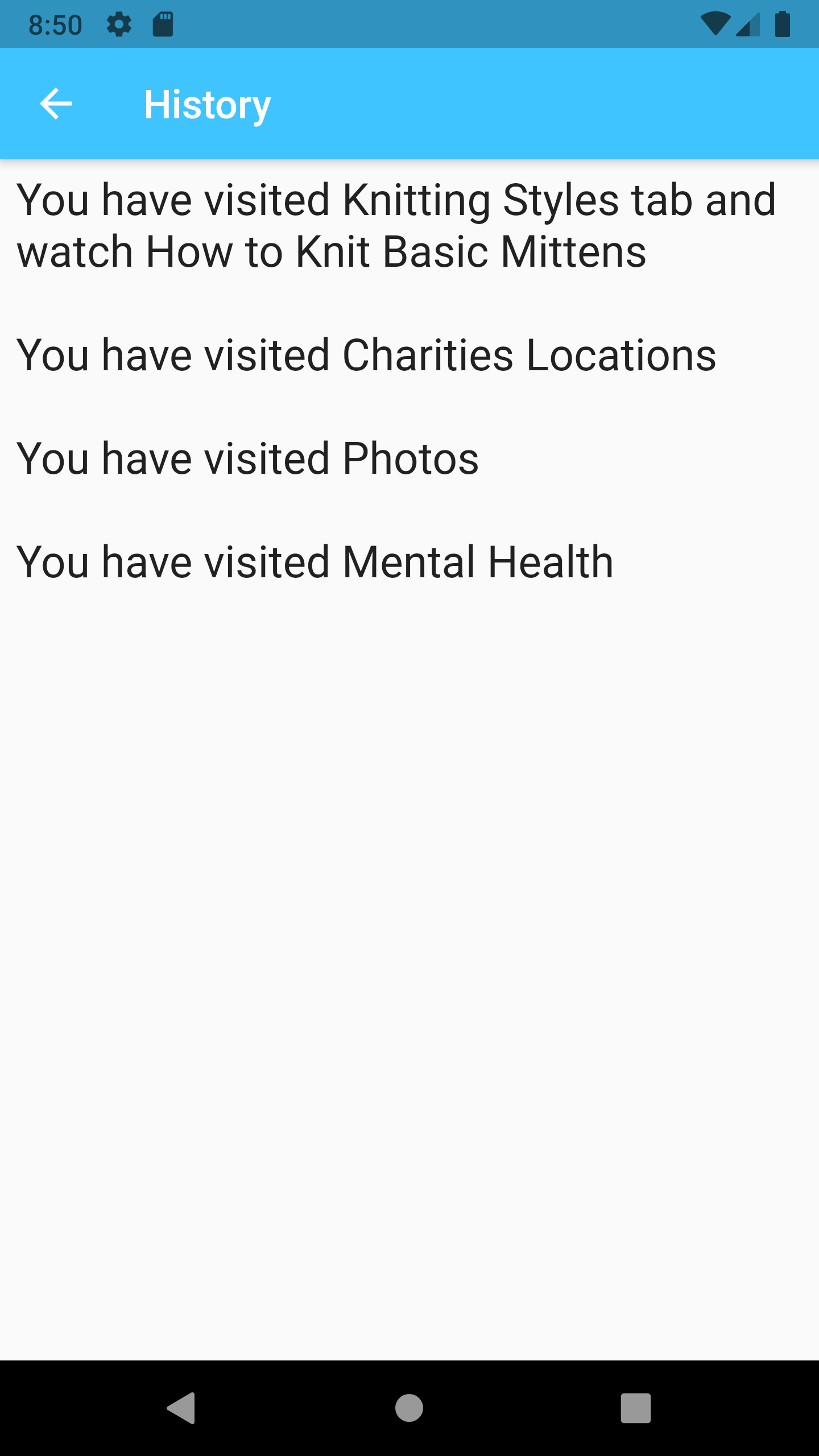
History. Display the history record of which section in the app user have been through. It is easy for elders to recap their memory
-
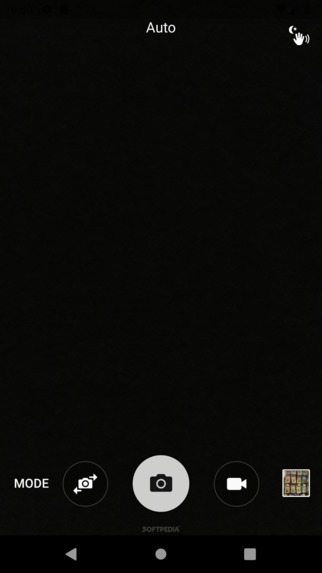
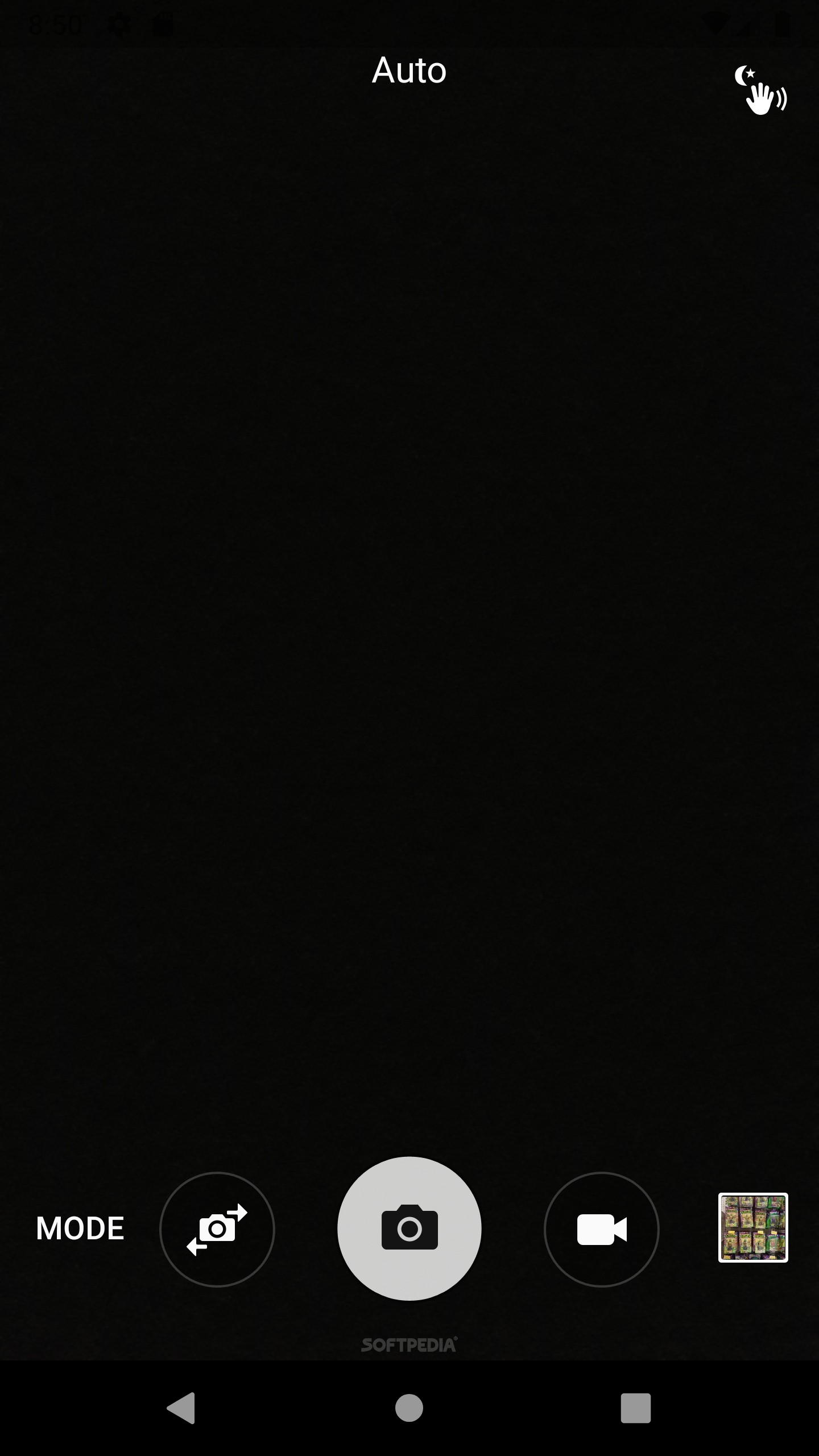
Camera. Allows user to take pictures of their knittings as the records and the pictures are saved in Photo gallery
-
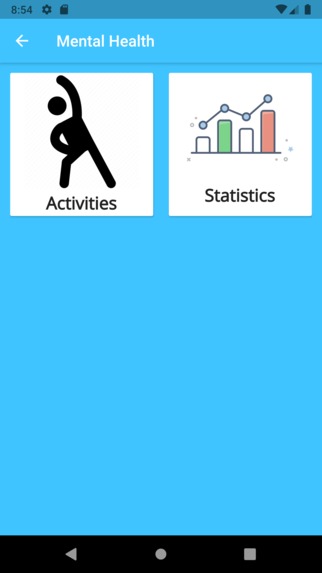
Mental Health
-
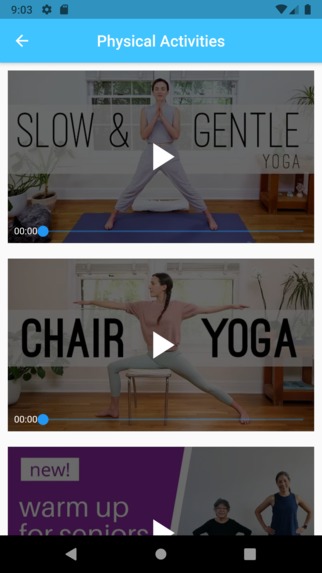
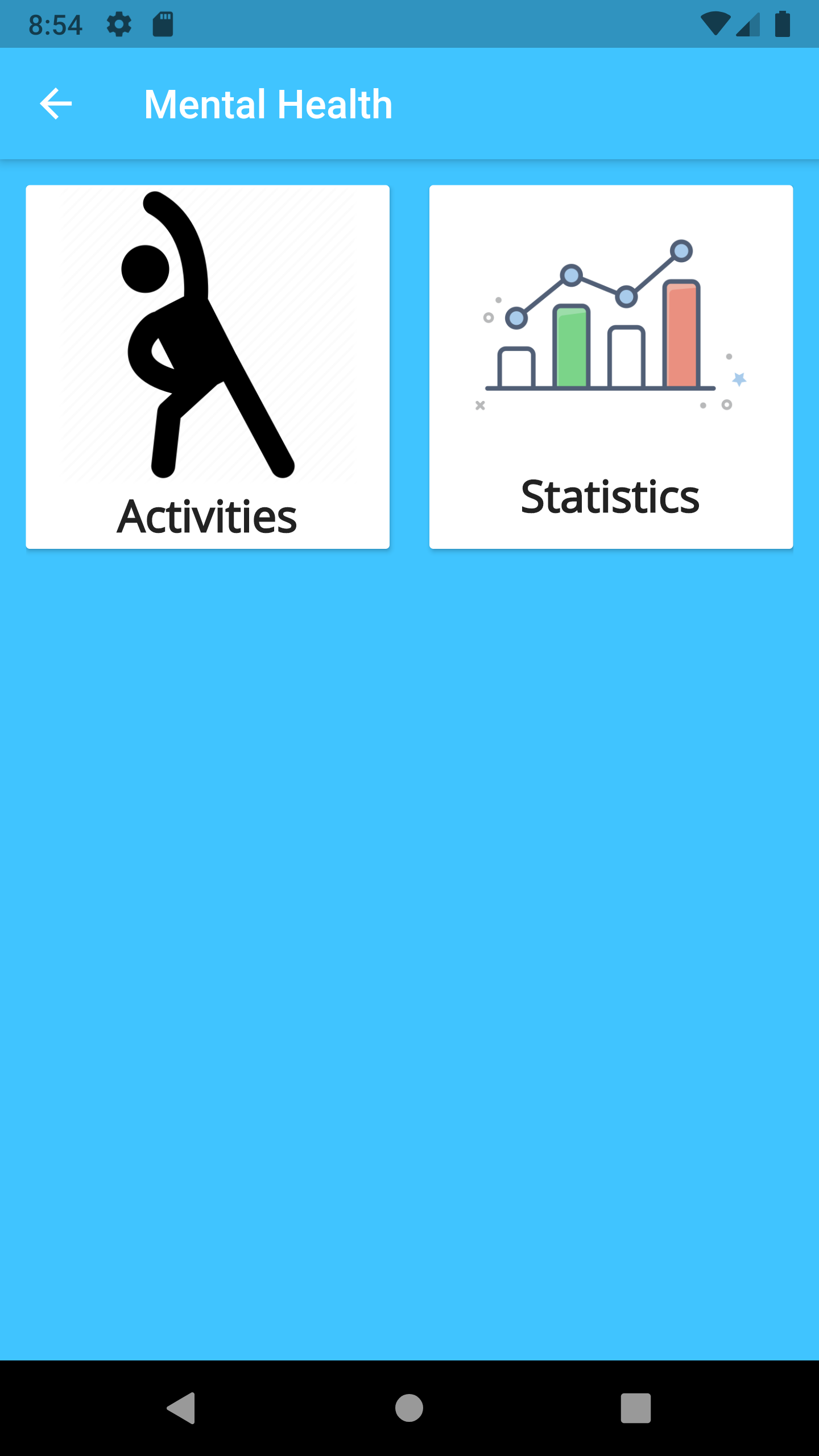
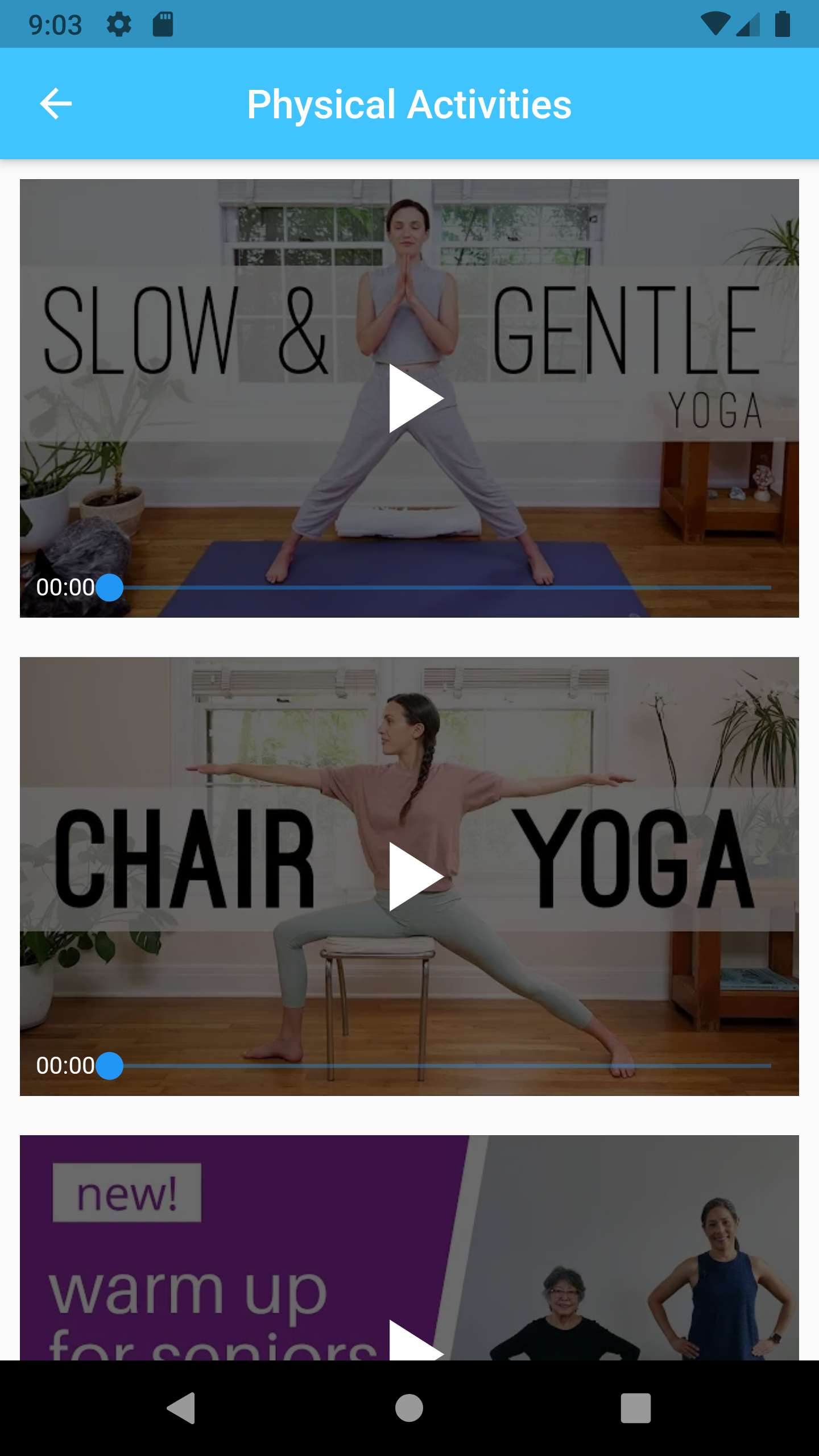
Physical Activities. After knitting for such a long period, people need to take a rest by doing physical activities such as yoga.
-

Statistics about Mental Health. The speaker button at the end will read the text on the. page


Inspiration
I am inspired that most of the elder have knitting skill and they do it really well. During their retirement period, they can utilize their skill to help people in needs, who need clothes to wear.
What it does
Helps the elders to stay mentally alerted by knitting different styles and donate to charities. Knitting Styles section is where elders can watch videos to learn about different knitting patterns. History section is where it will record of what the user has been though the app, whether the visit the Kitting Styles/Camera sections. The reason is elders can easily forget what do, thus, by having this section, it allows them to recap their memory. After the elders knit the clothes for a long time period, they need to have a rest. Thus, after the mentally health section is Physical Activities section and Statistic section. Inside the Physical Activities section will have YouTube videos about yoga and how they can relax themselves. Inside the Statistic section will have statistics about Mental Health and ways to improve mental health
How we built it
I used Android Studio to build Flutter project in Dart language.
Challenges we ran into
- The most difficult part to do is displaying the YouTube videos. However, there are a lot of challenges since this is my first time creating Android app.
- Inserting the Text-to-Speech
- Learning the Dart language as the same time as doing the project
- Creating nested widgets
- Frequently restarting laptop due to running the Android Studio for a long time (run out of memory)
Accomplishments that we're proud of
- Insert YouTube videos is the hardest thing to do because I never learn before and it took me so long to do it. I had so many errors such as unable to play the videos, display the video progress bar, playing the sound. I'm proud that I tried my best to complete it and it worked!
What we learned
- Learned how to code in Dart language
- Learned how to insert YouTube videos into Flutter project
- Learned how to design the app and different types of widgets: (Expanded (makes a child of a Row, Column, or Flex expand to fill the available space along the main axis), MaterialButton (use to navigate the user from current page to next page), Text, Image (assets pictures from project folder and network pictures from online websites), Card, Padding, AppBar
- Learned how to insert Google Maps
What's next for Spread the Knit
- Add markers to google maps
- Add more YouTube videos
References
Built With
- android-studio
- dart
- flutter
- google-cloud
- google-maps
- text-to-speech


Log in or sign up for Devpost to join the conversation.