
Spottr

Navigate with ease, locate open spots quickly, and get notified about busy lots. Find parking stress-free, save time, and reduce carbon emissions with our parking lot tracker. Join us in creating a greener future, one parking spot at a time.
Inspiration
As college students, we encountered the challenge of finding parking on a daily basis, which often made us late for class. We realized that not only does circling parking lots waste time, but it also contributes to carbon emissions from excessive driving. To address this issue, we developed Spottr, a sustainable solution that minimizes carbon footprint and optimizes transportation by providing real-time parking information. By helping drivers find the available open parking spots from the moment they enter their car, we aim to reduce time wasted and promote sustainable transportation practices.
What it does
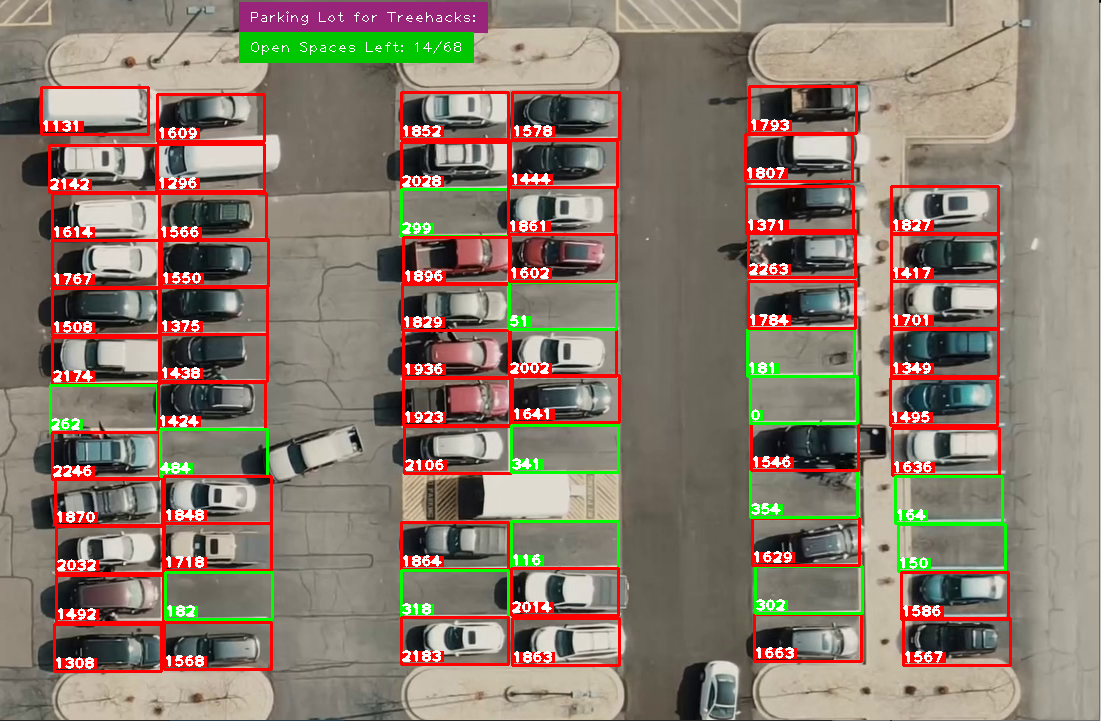
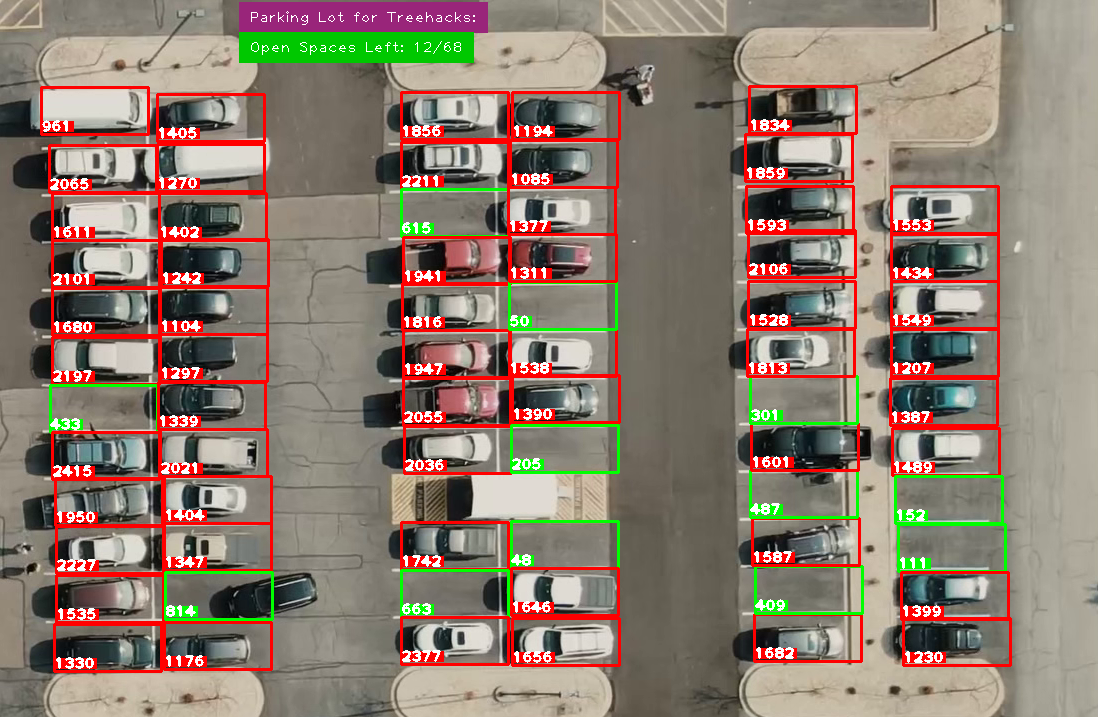
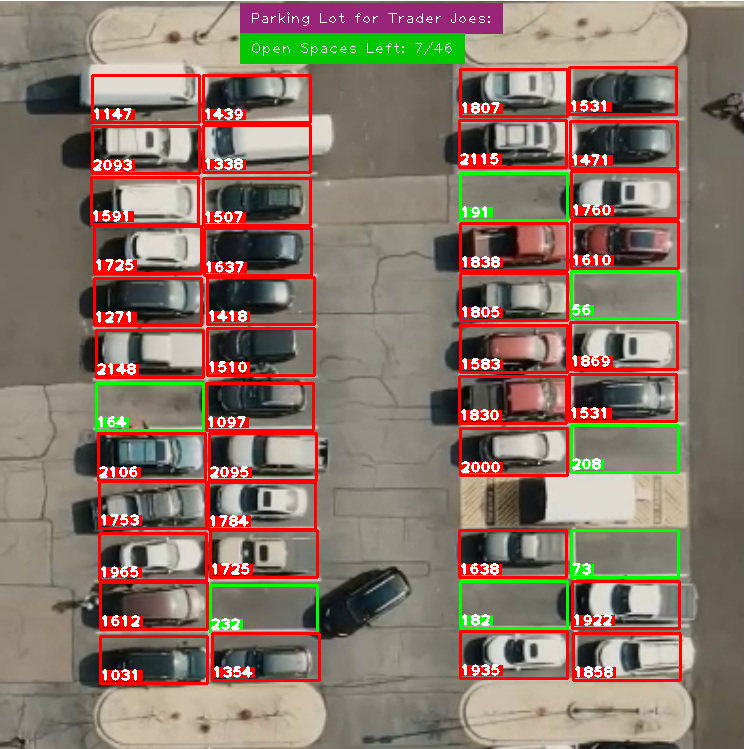
Our innovative technology uses real-time footage to accurately label available parking spots and present the information to the user in real-time. By eliminating the need for sensors, we provide a cost-effective and efficient solution for drivers. With Spottr, you'll never have to waste time circling parking lots again, and you'll be contributing to a greener planet.
Walkthrough
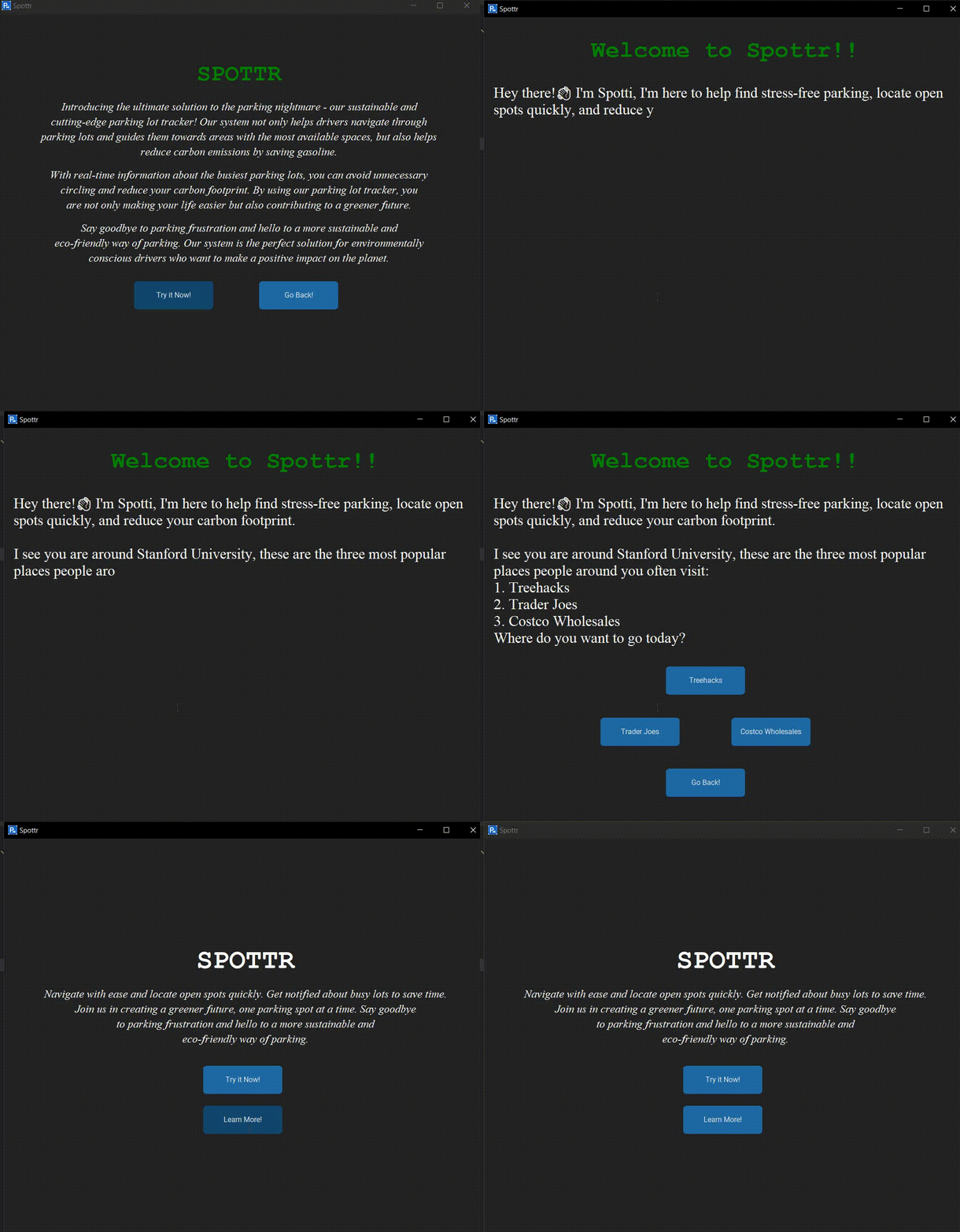
- Starting Page
- The program starts and a pop-up window appears.
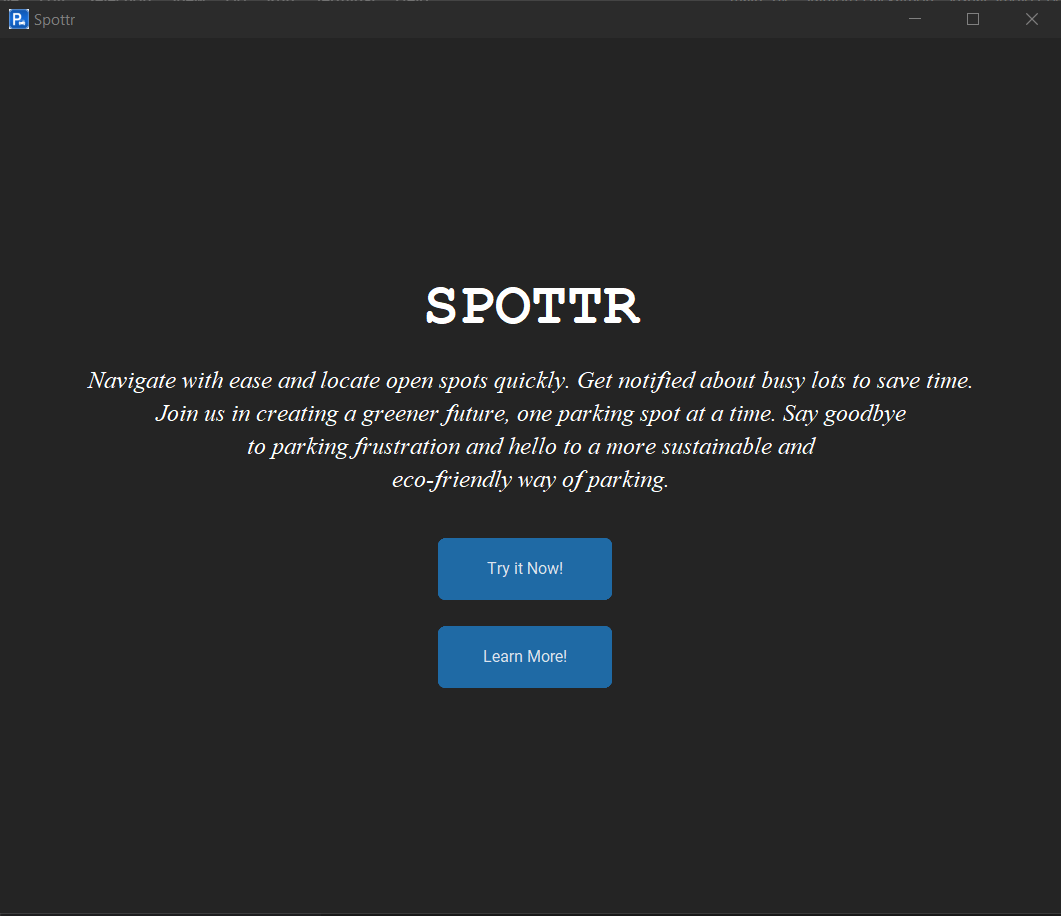
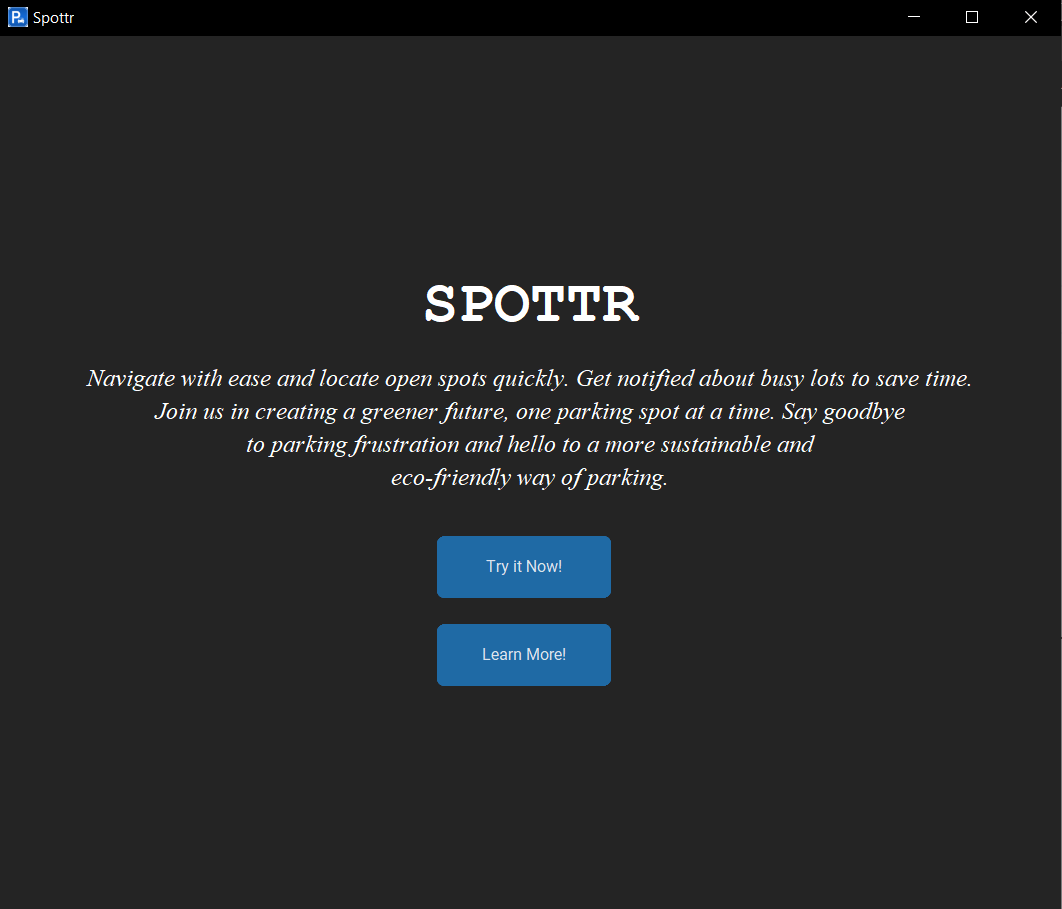
- Learn More
- It gives you a brief description of what Spottr does.
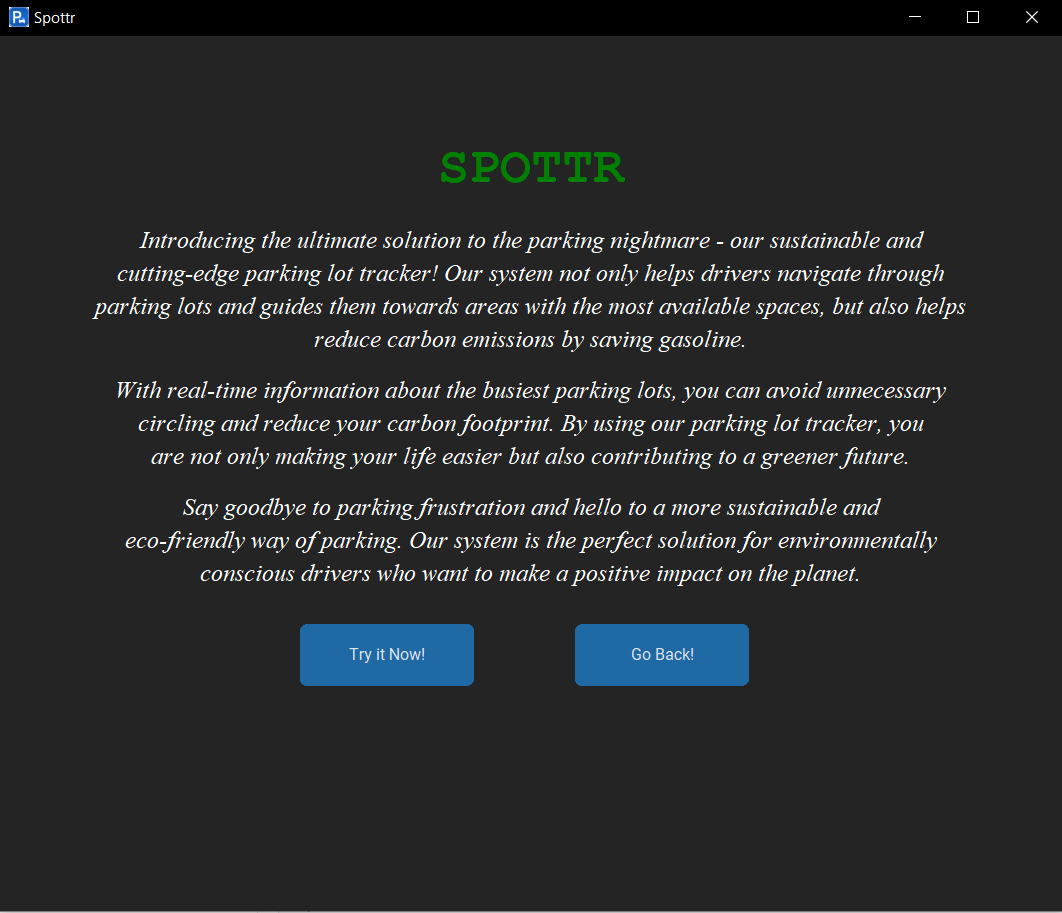
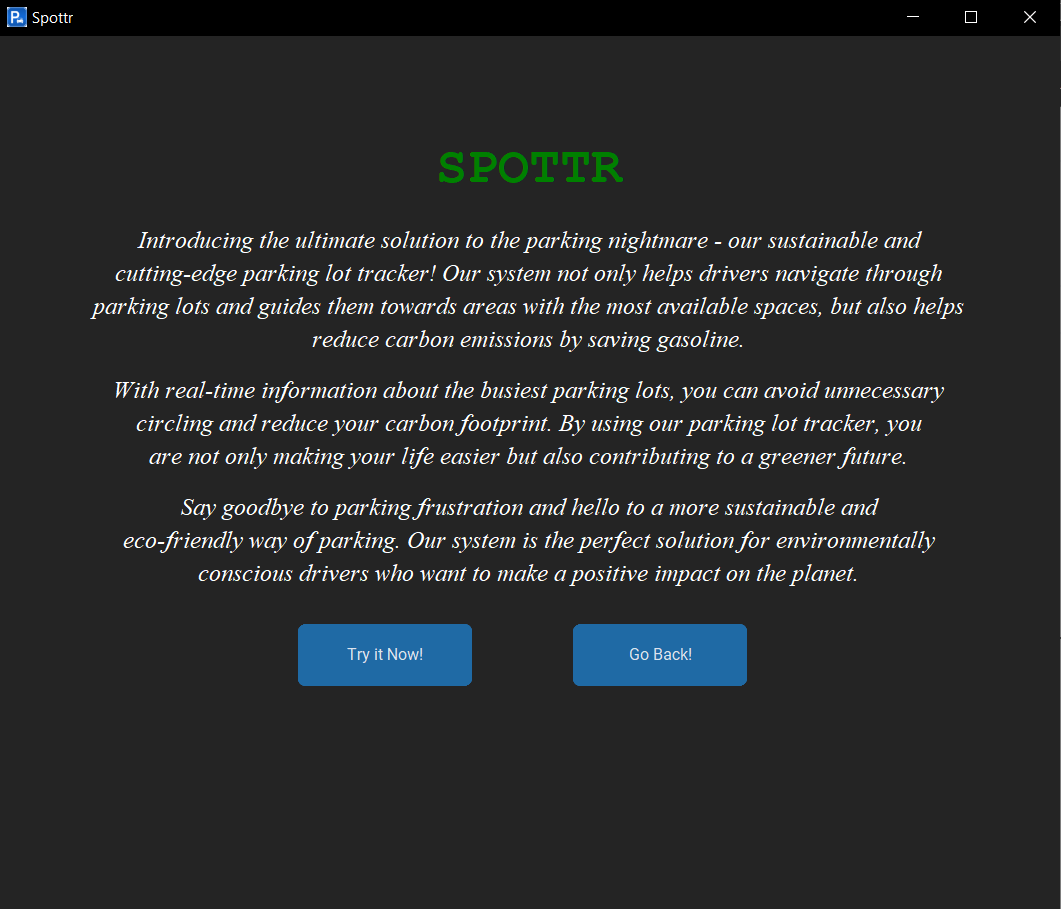
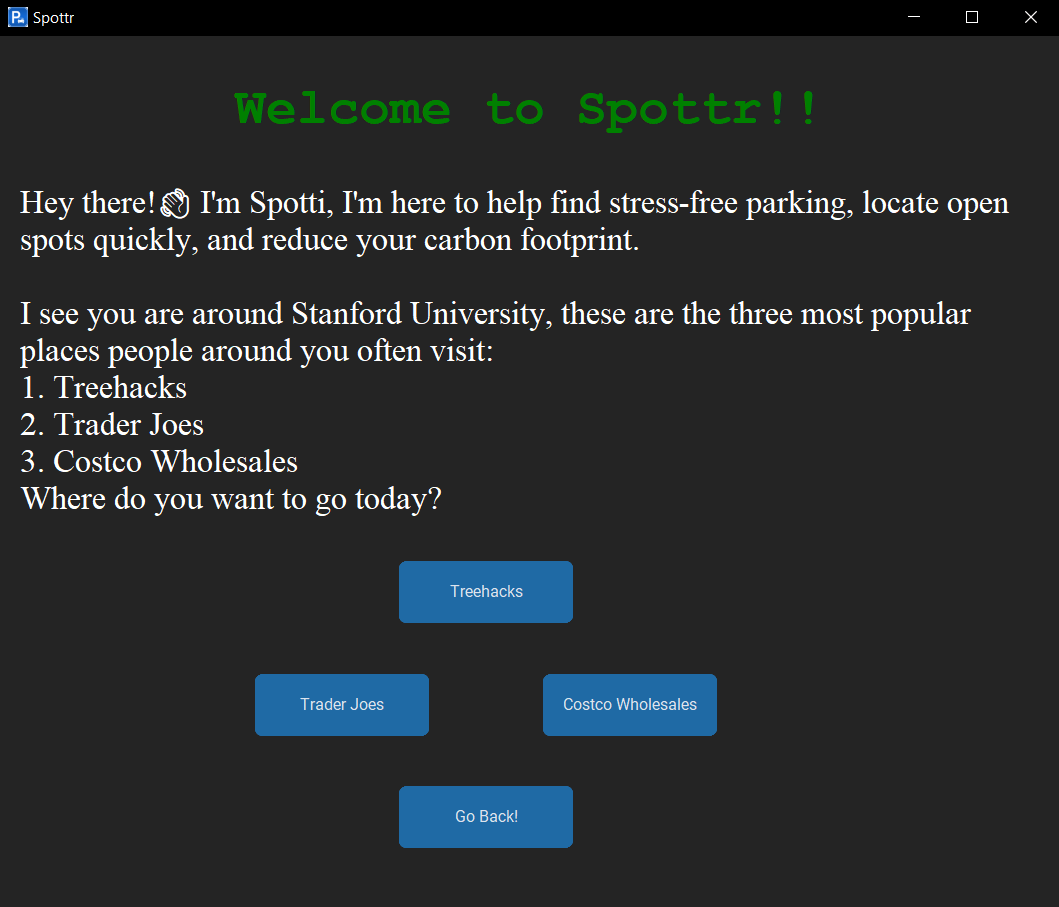
- Try Out!
- It gives you option to select from:
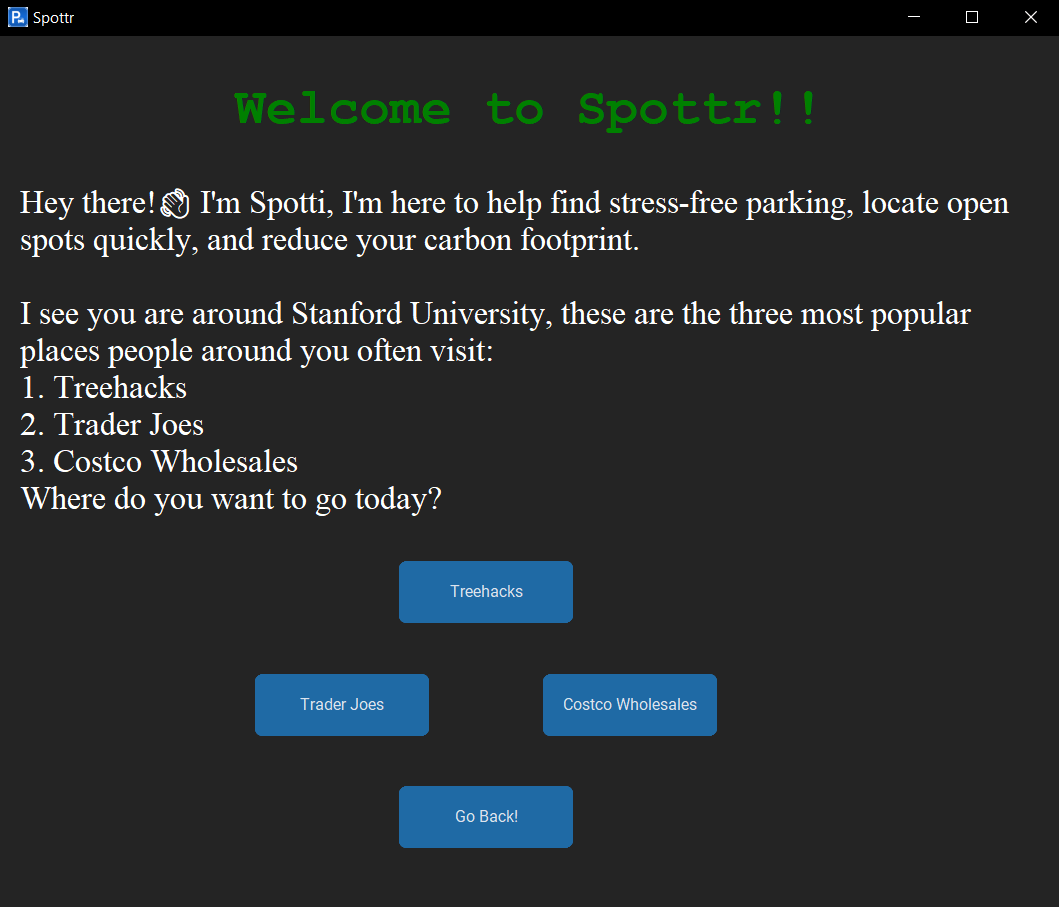
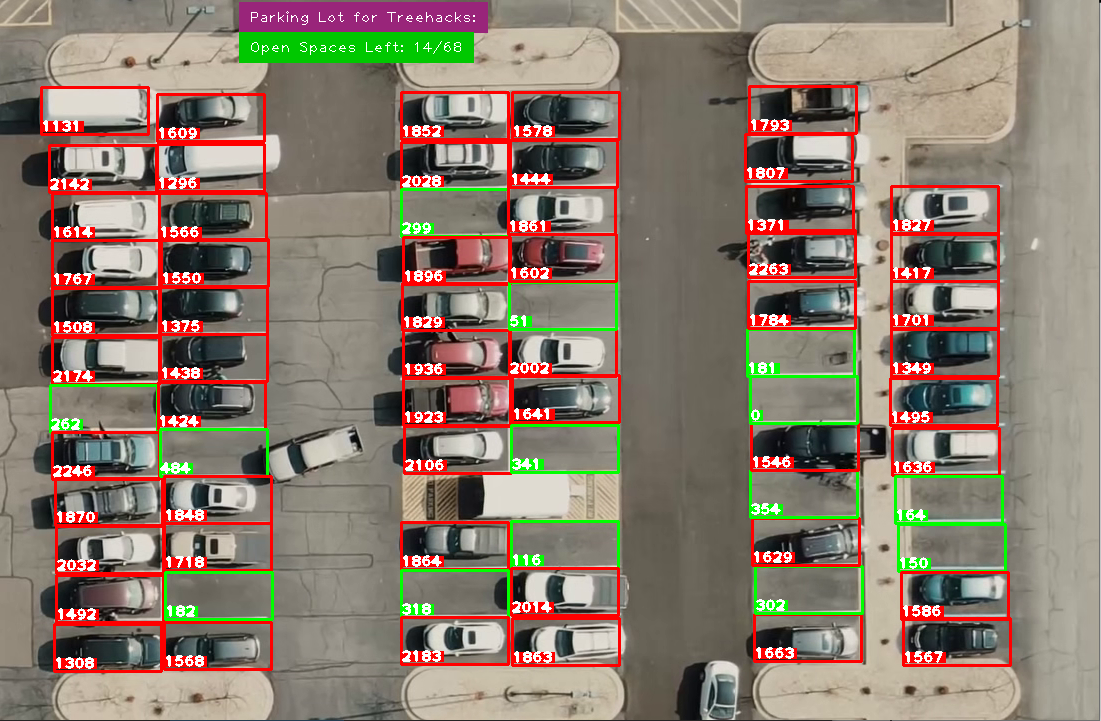
- Parking Spot Detection
- It detects all the spot that are available and marks them as green while others red.
How we built it
- Data Collection
- Our system requires video footage of parking lots from a top/bird's-eye view.
- We conducted an internet search to find the necessary videos for our project.
- Reading The Videos
- We utilized the OpenCV library to read, write, and display the videos.
- We created two Python files, 'ParkingSpaceMarker.py' and 'main.py'.
- Area of Interest(ParkingSpaceMaker.py)
- As running a for-loop was inconvenient due to irregular spacing in the parking lots, we manually marked the spots using rectangular boxes.
- We then stored these coordinates in a binary file for 'main.py' to utilize and mark the spots on the video.
- Image Processing(Main.py)
- We read the binary file and marked the parking spots as empty or occupied on the video.
- To increase focus and reduce distractions, we converted the RGB image to grayscale.
- We applied Gaussian blur to reduce visual noise such as shadows and reflections and to detect the edges of the parking spots more accurately.
- We then used adaptive thresholding to segment the foreground and background and create a binary image based on pixel intensity due to poor lighting conditions in the footage.
- We applied median blur to further smooth the image and reduce salt-and-pepper noise.
- We used dilation to fill small gaps and reduce the risk of false negatives.
- Finally, we counted the number of non-zero pixels in the binary image to determine which parking spots were occupied or available.
- User Experience
- We utilized the tkinter library to create a more user-friendly interface instead of command-line interaction.
Challenges we ran into
- Finding suitable video footage of parking lots from a top/bird's-eye view was challenging.
- Marking the parking spots manually was time-consuming and required careful attention to detail due to irregular spacing in the parking lots.
- Poor lighting conditions in the video footage made it difficult to accurately segment the foreground and background using adaptive thresholding.
- The presence of salt-and-pepper noise in the image created distractions and made it challenging to accurately detect parking spot occupancy.
- Identifying a suitable threshold value for counting non-zero pixels in the binary image was challenging and required experimentation.
Accomplishments that we're proud of
- Successfully created a functional prototype of Spottr that can accurately detect parking spot occupancy in real-time.
- Designed a user-friendly interface using tkinter that allows for easy interaction and visual feedback.
- Optimized the image processing pipeline to minimize processing time while maintaining accuracy.
- Developed a sustainable solution to minimize carbon footprint and promote sustainable transportation practices by reducing the time wasted on circling parking lots.
- Addressed a common problem faced by college students by providing a convenient and efficient solution for finding parking spots.
What we learned
- Learned the importance of careful planning and attention to detail when dealing with complex image processing tasks.
- Gained proficiency in using the OpenCV library for image processing tasks.
- Improved problem-solving skills by addressing challenges that arose during the development process.
- Gained experience in software development, specifically in developing a functional prototype from ideation to implementation.
- Learned the importance of sustainable transportation practices and the role technology can play in promoting such practices.
What's next for Spottr
Spottr is a sustainable solution that minimizes carbon footprint and optimizes transportation by providing real-time parking information. Our next step is to integrate Spottr with Google Maps, offering a more comprehensive solution to parking-related problems. With the premium subscription model, we aim to be the go-to solution for finding parking spots in urban areas.


Log in or sign up for Devpost to join the conversation.