-
-
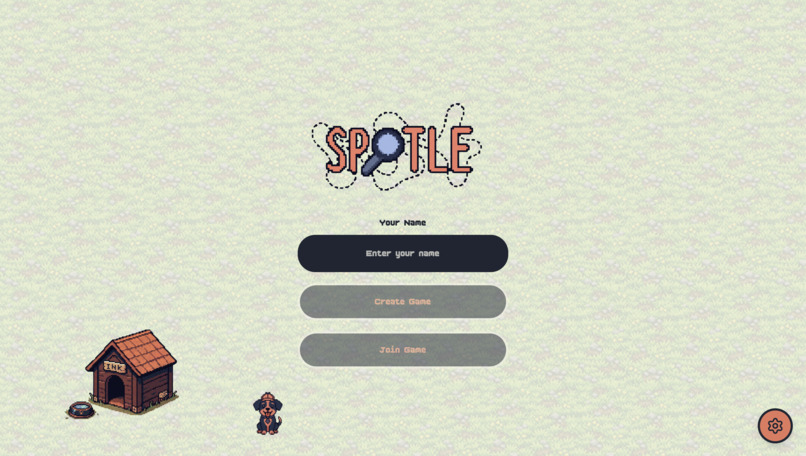
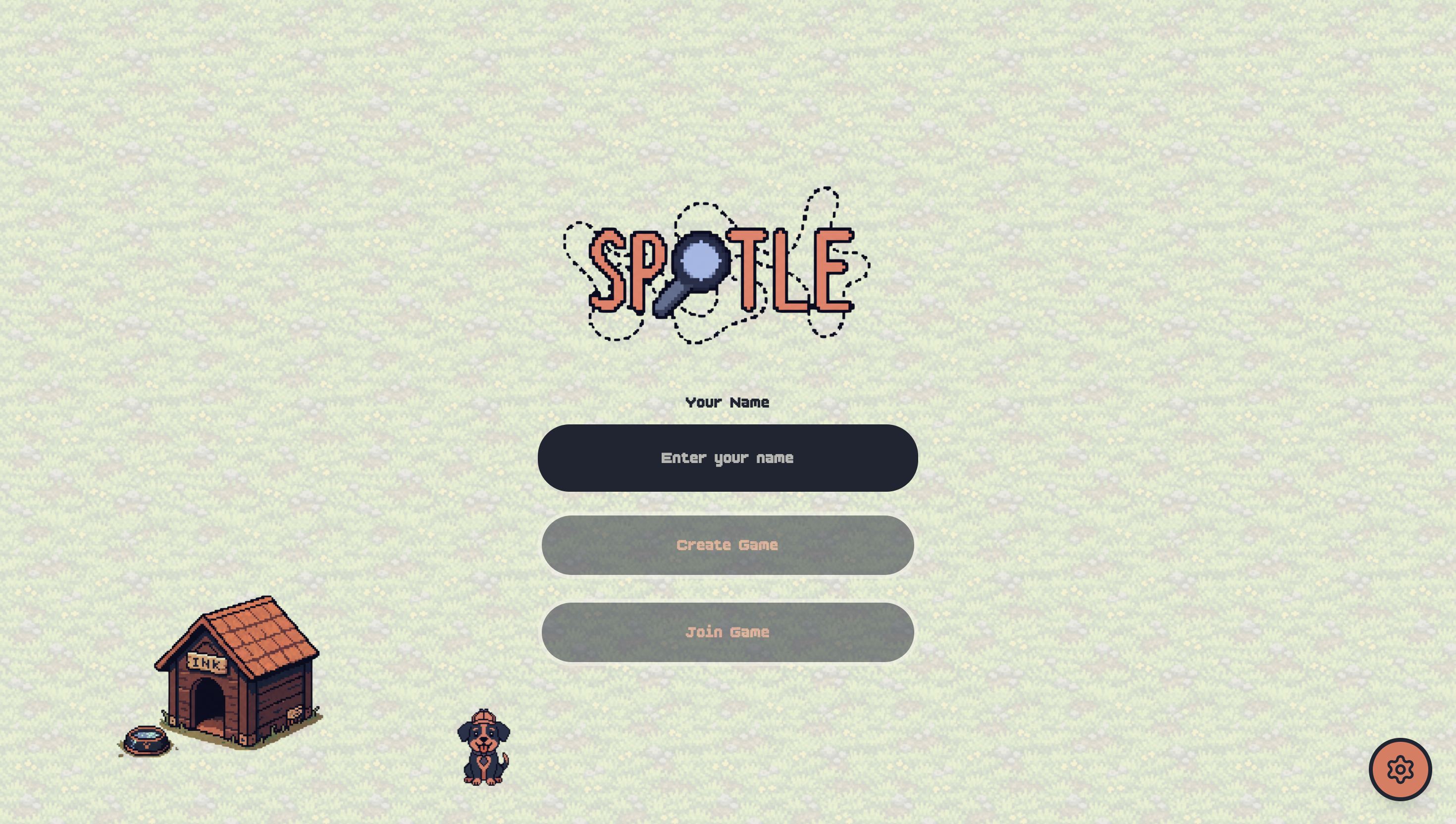
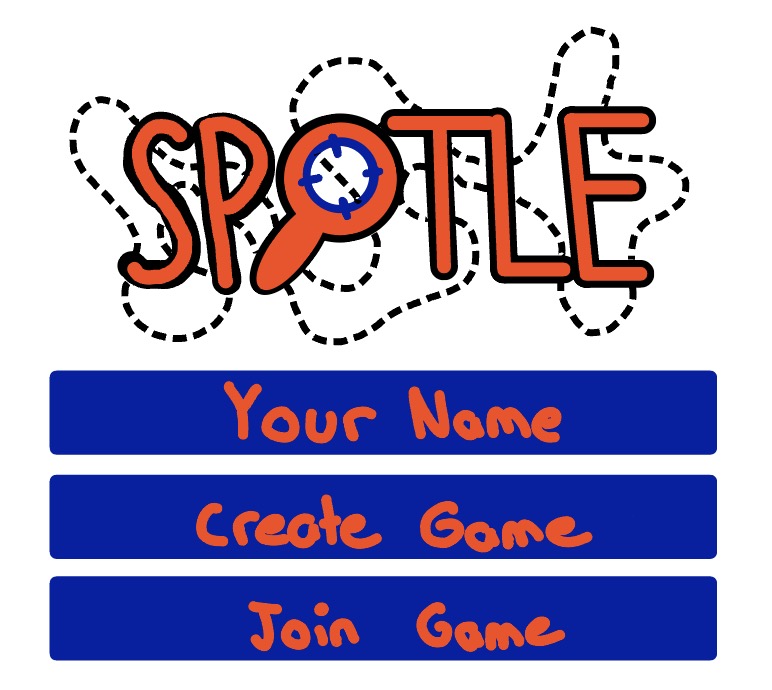
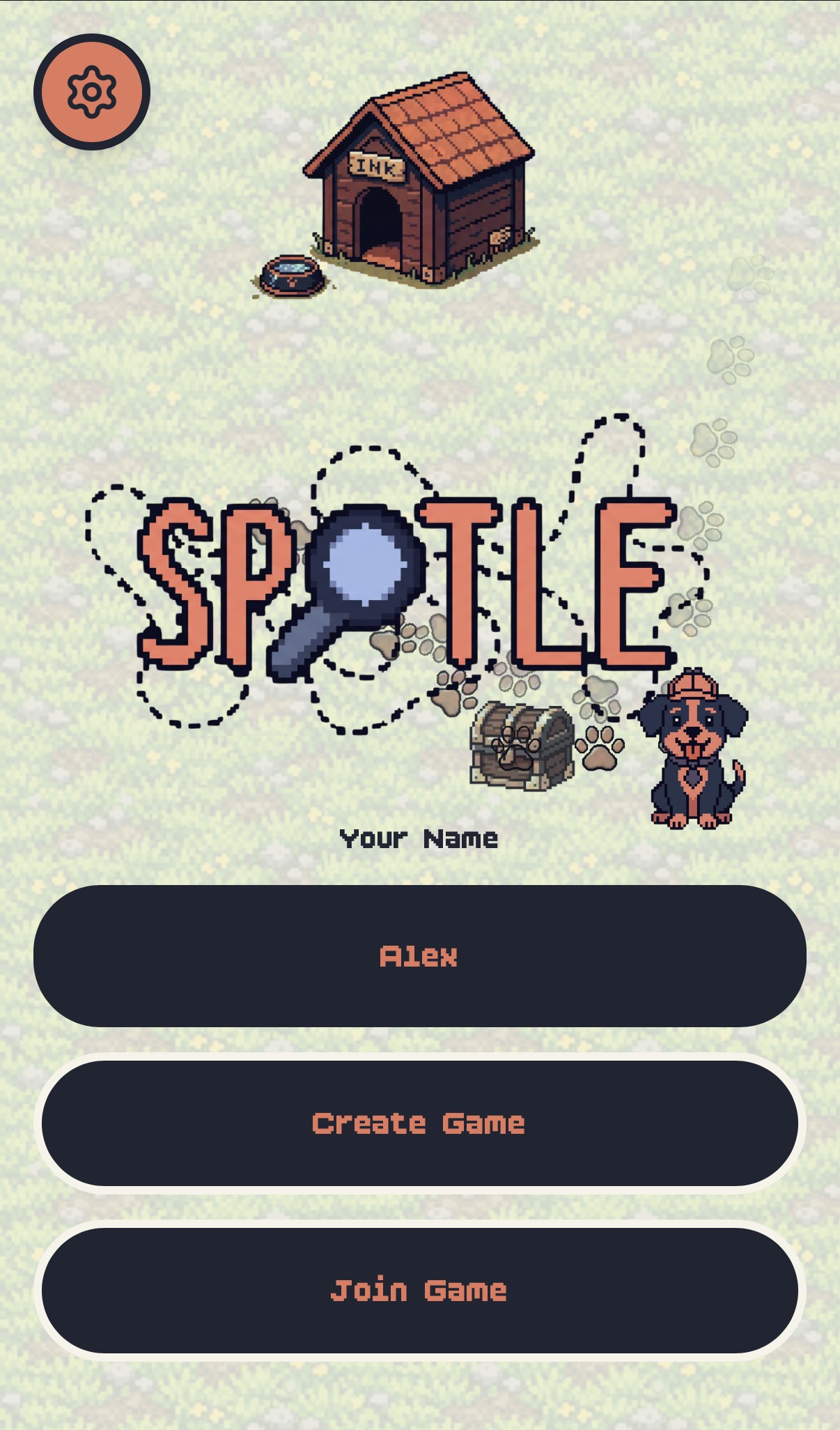
Home Screen
-
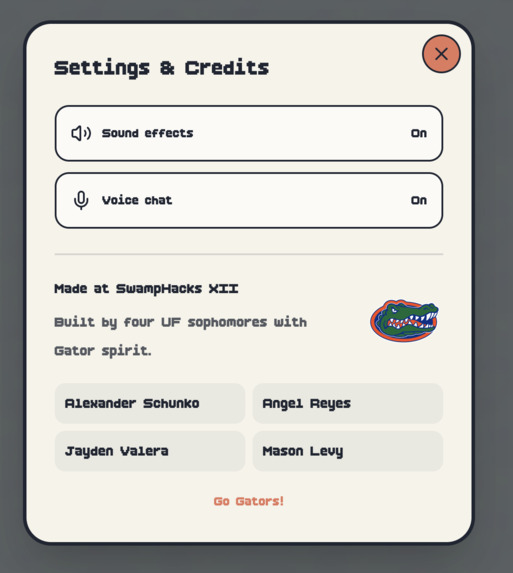
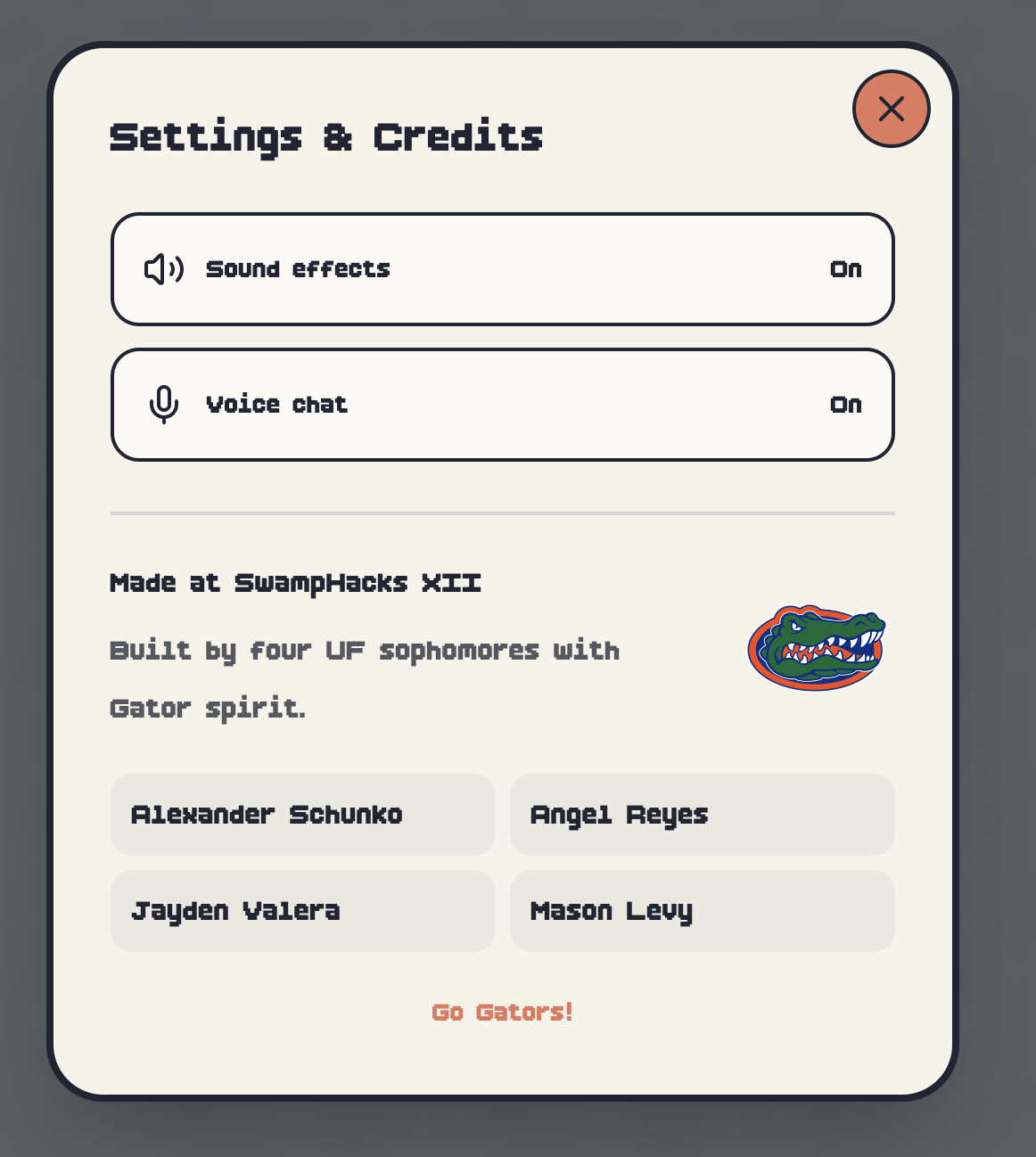
Settings menu
-

Our Team!
-
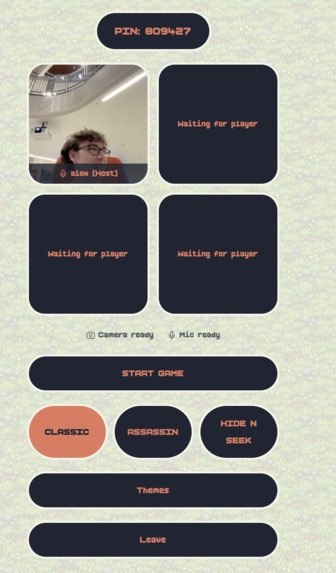
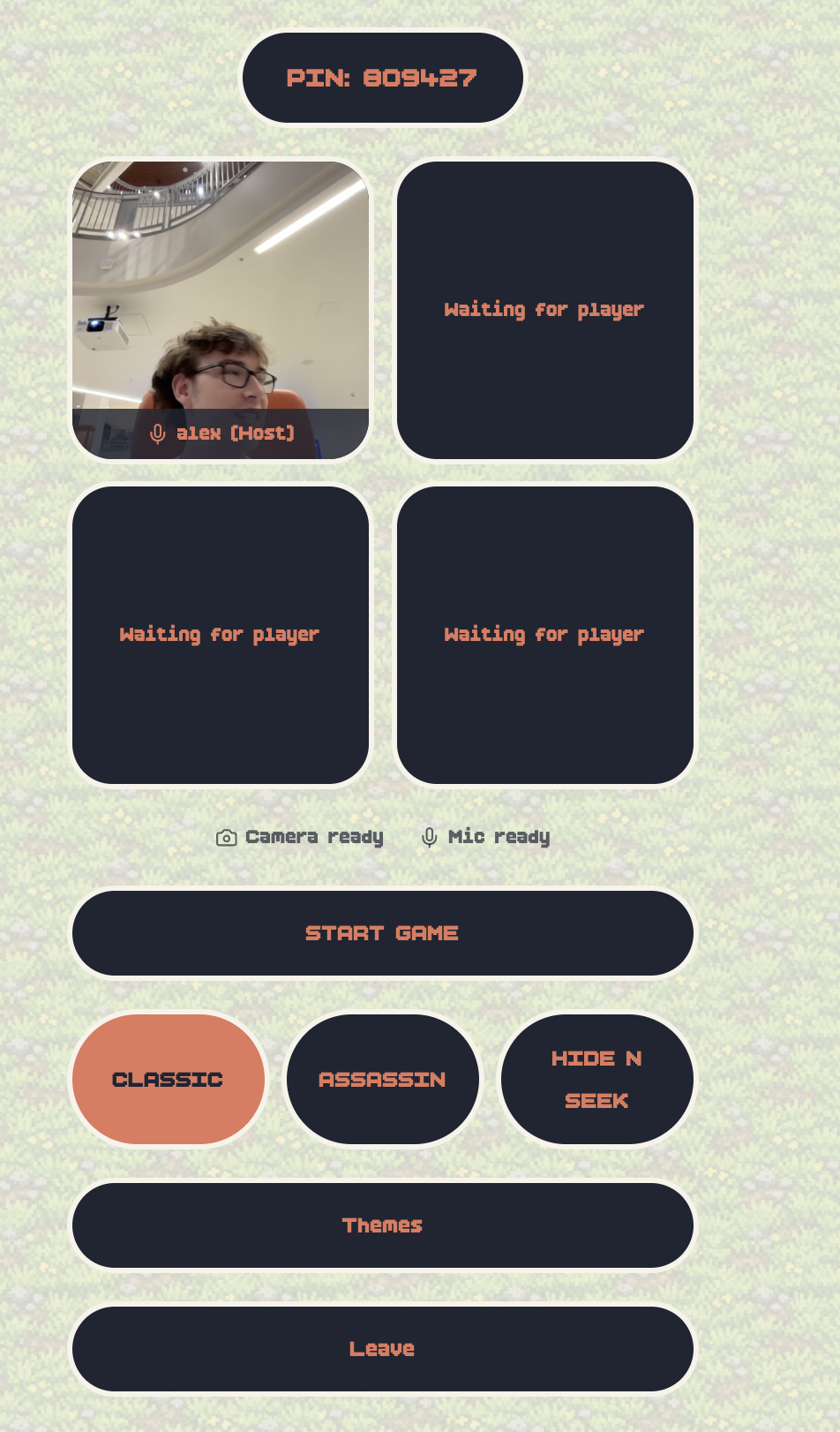
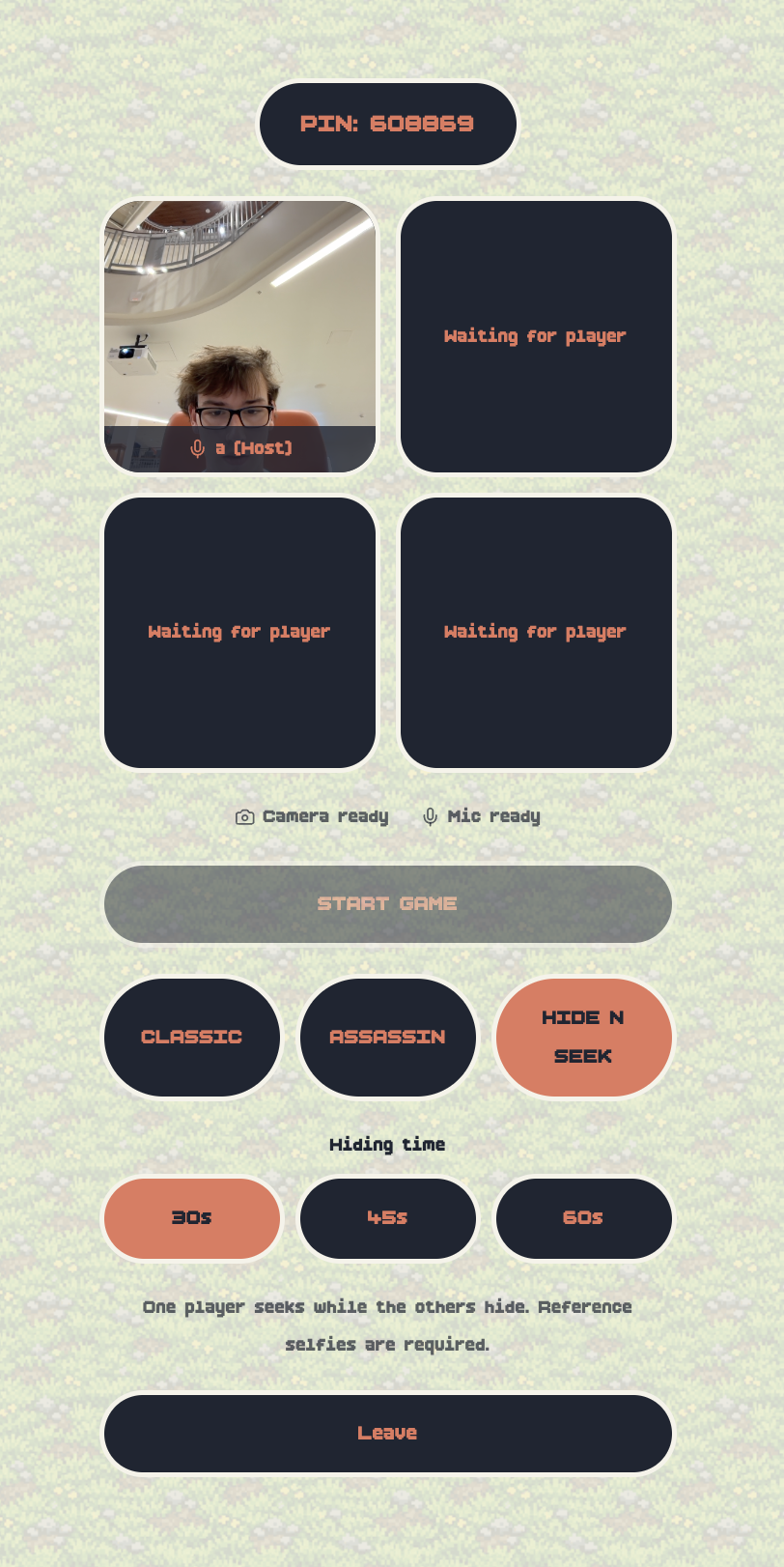
Lobby
-
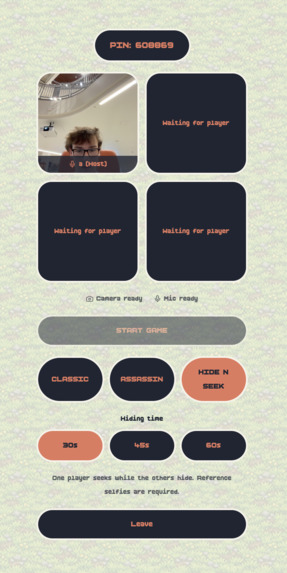
Lobby (game mode select)
-
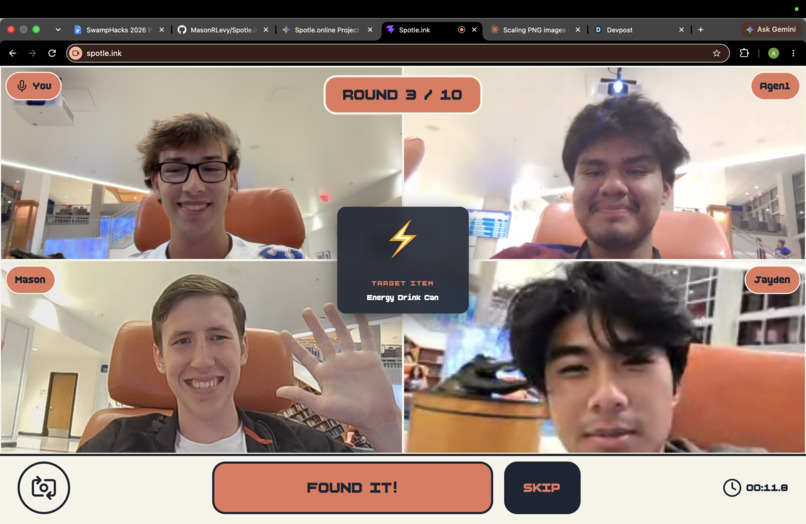
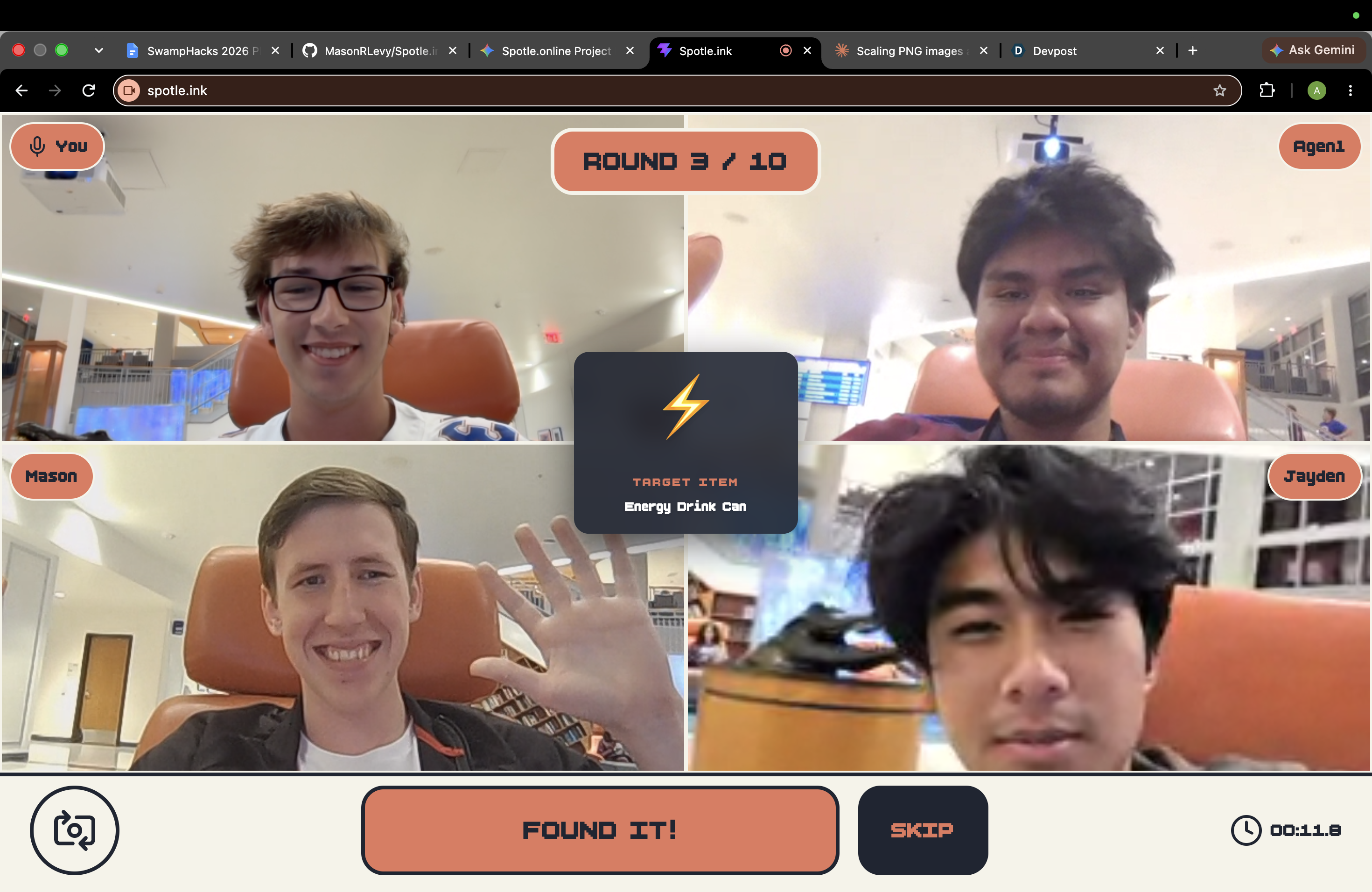
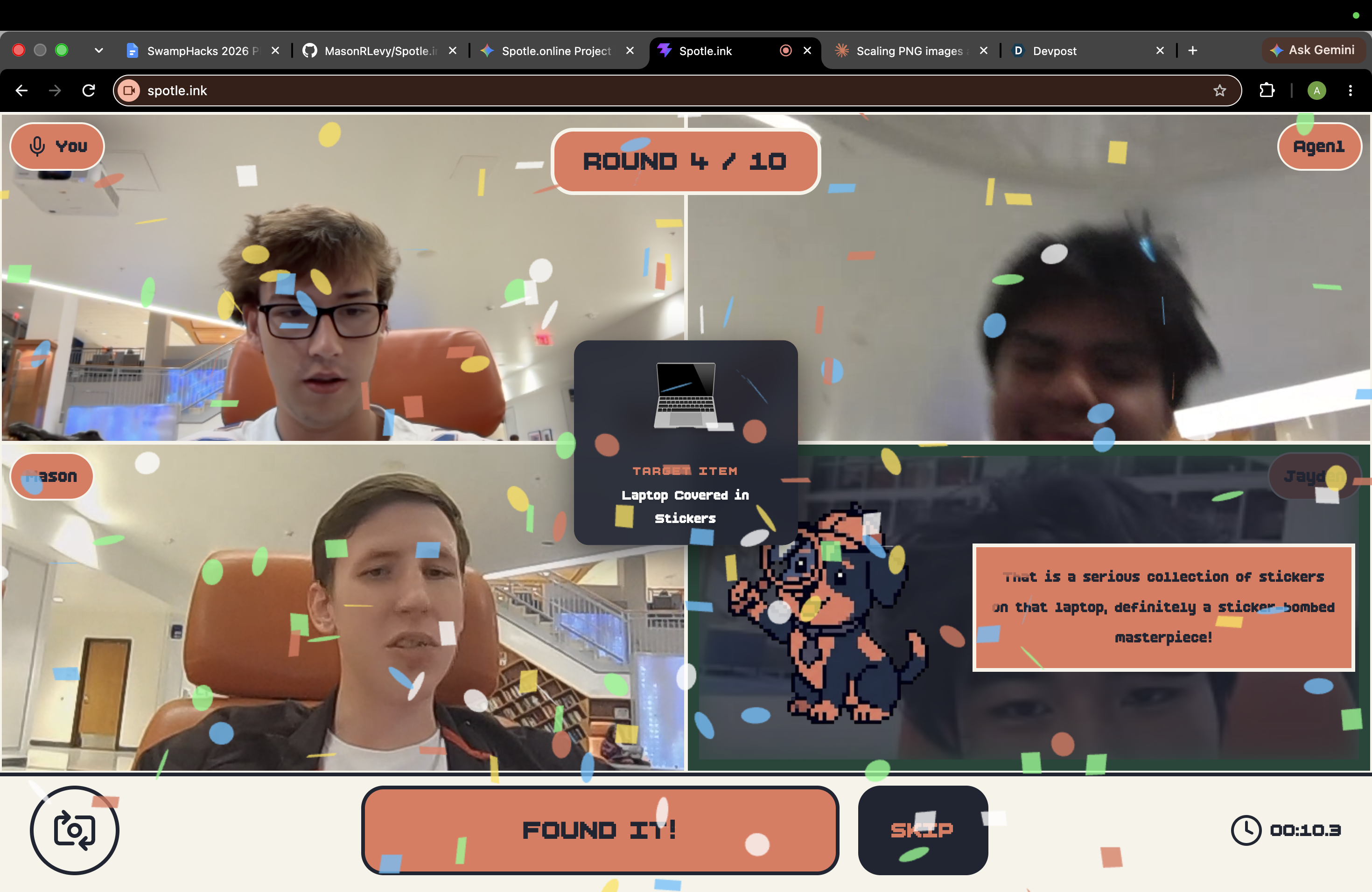
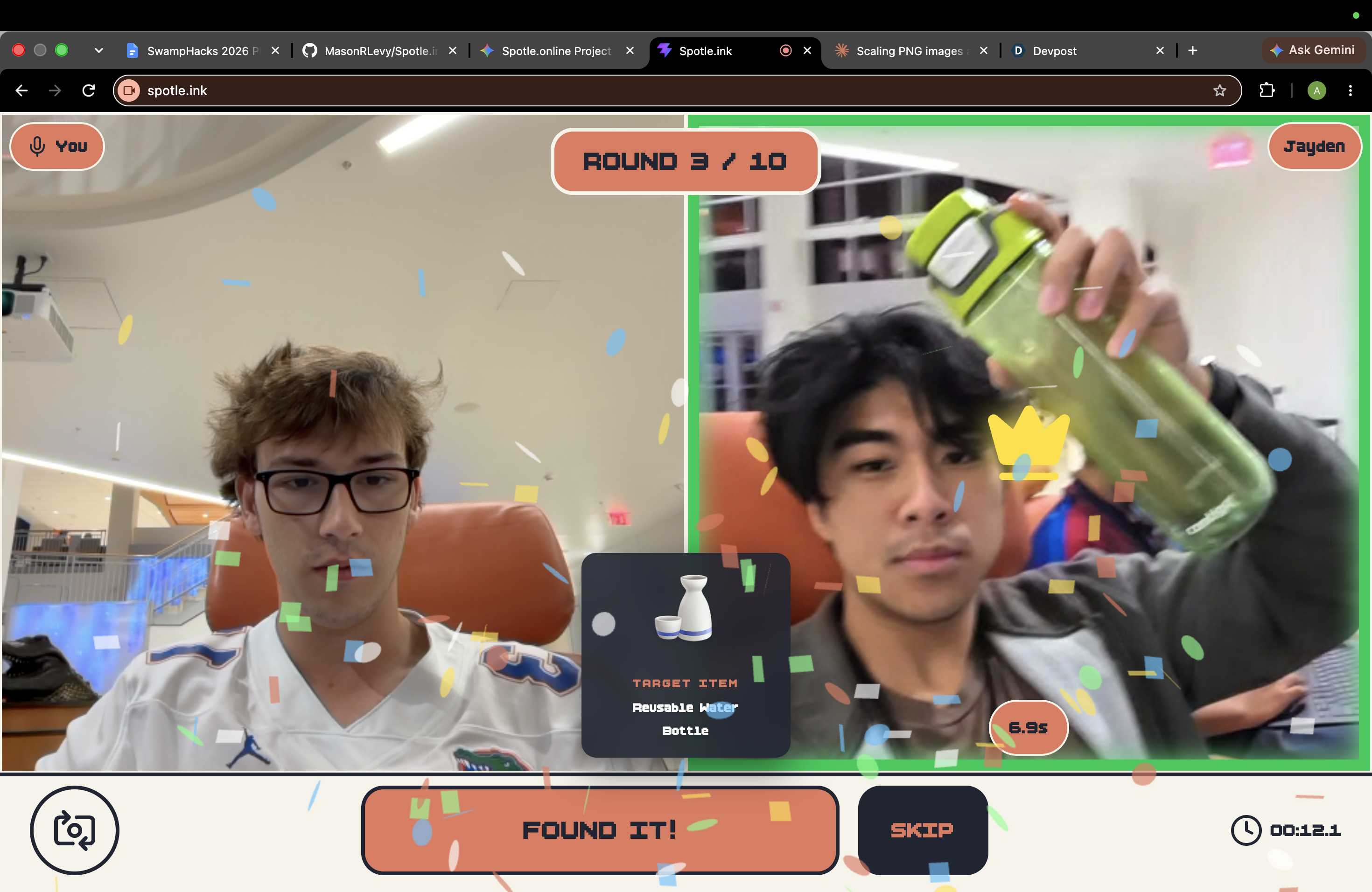
4 player desktop perspective
-
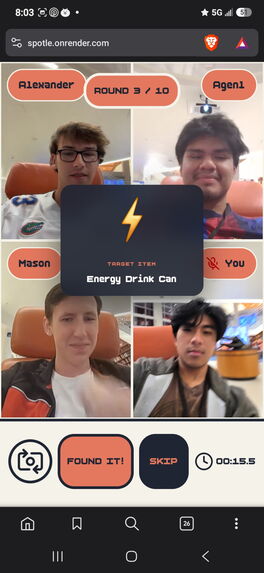
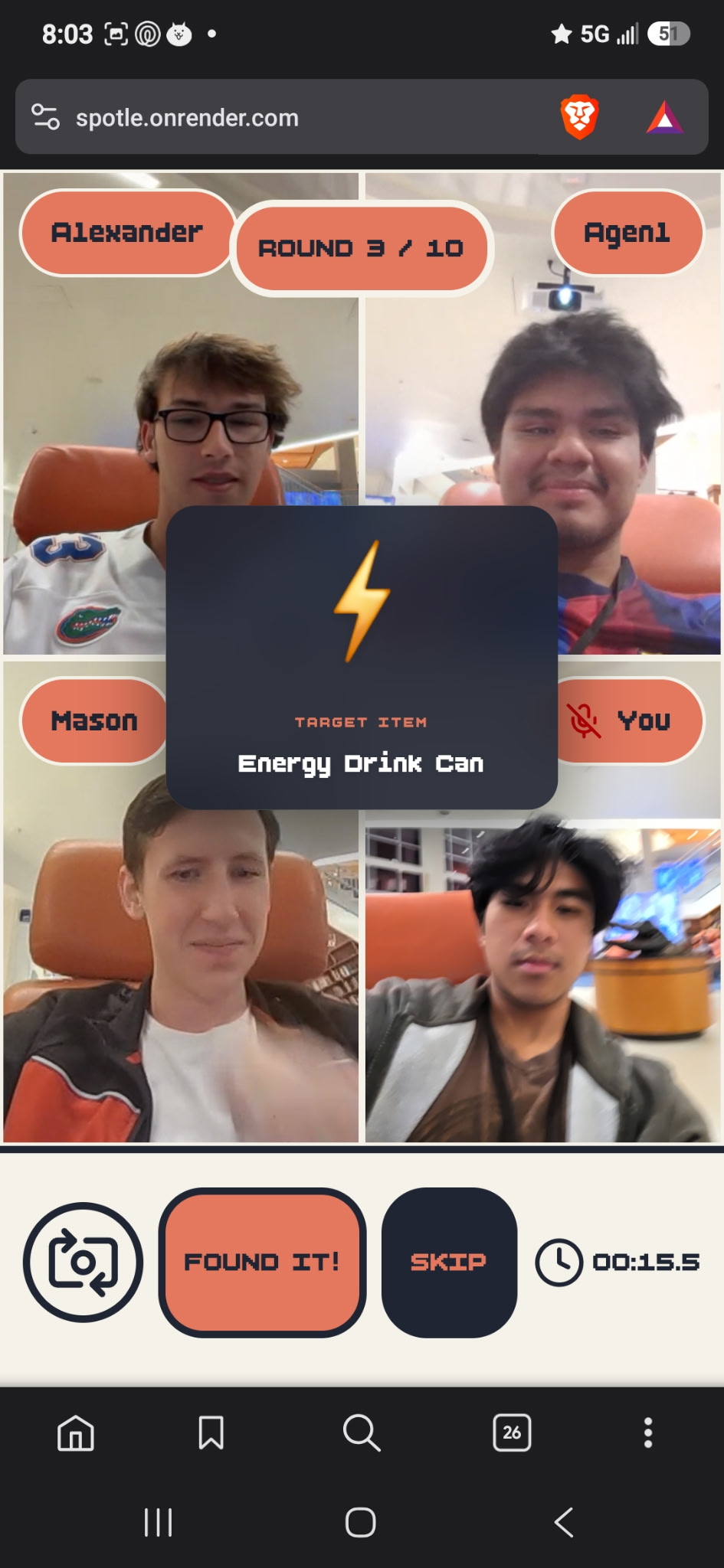
4 player networking
-
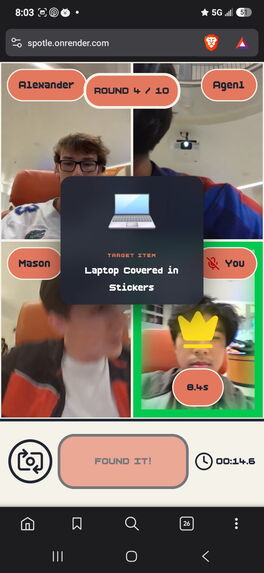
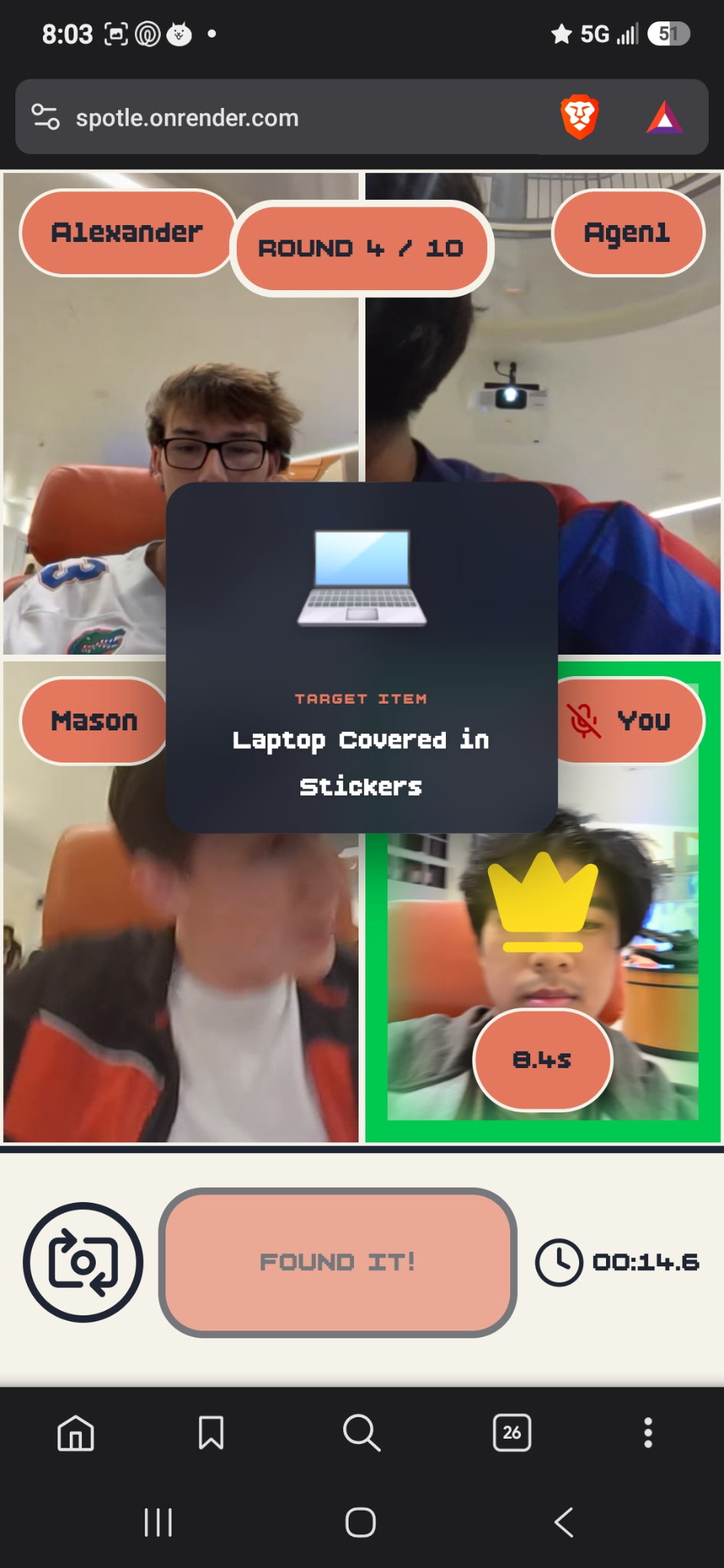
Validation/Scoring
-
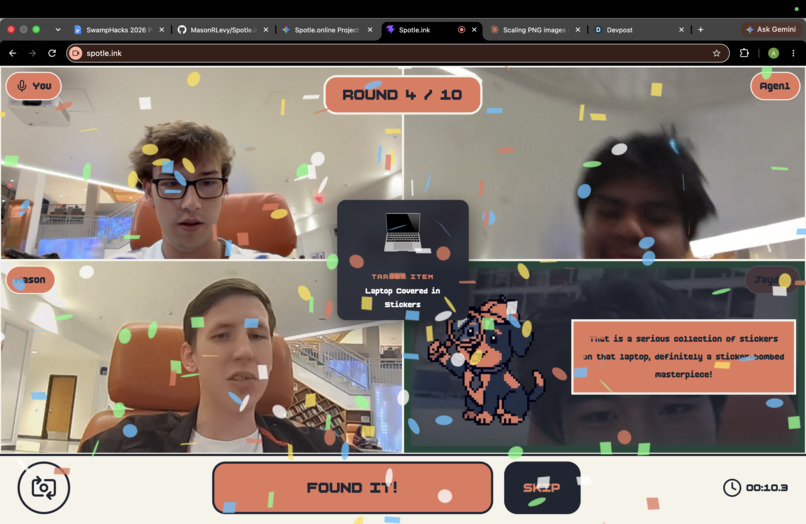
Winner confetti graphic
-
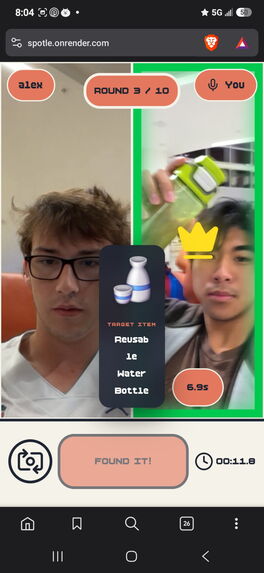
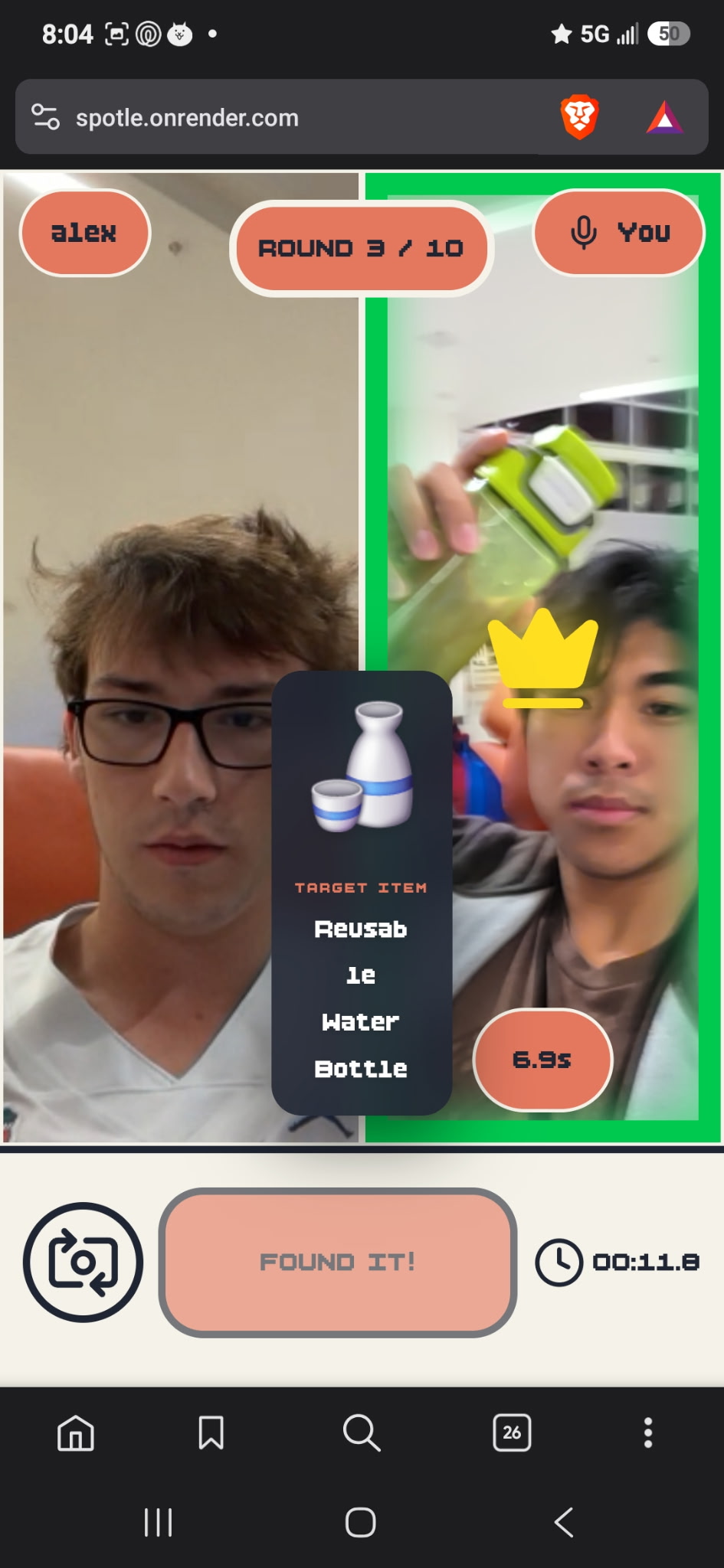
2 player validation / scoring
-
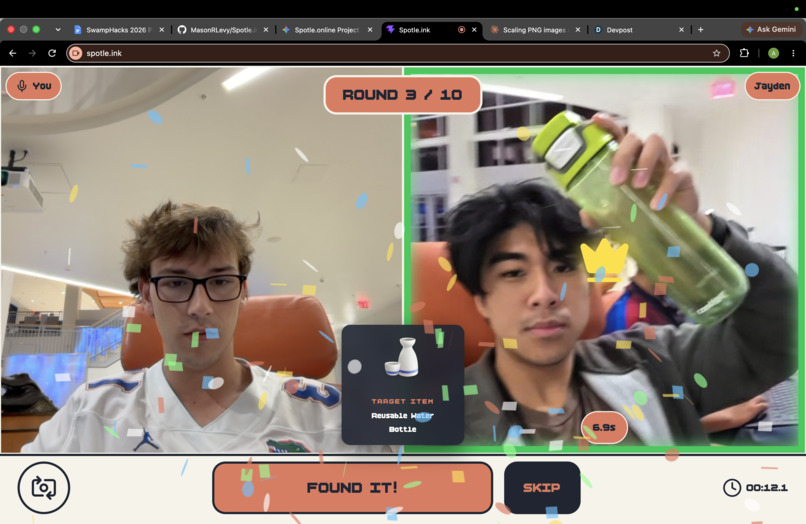
2 player winner confetti graphic
-
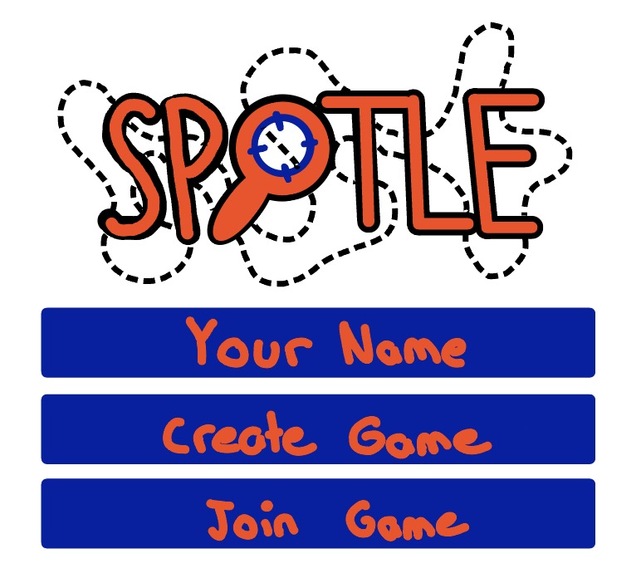
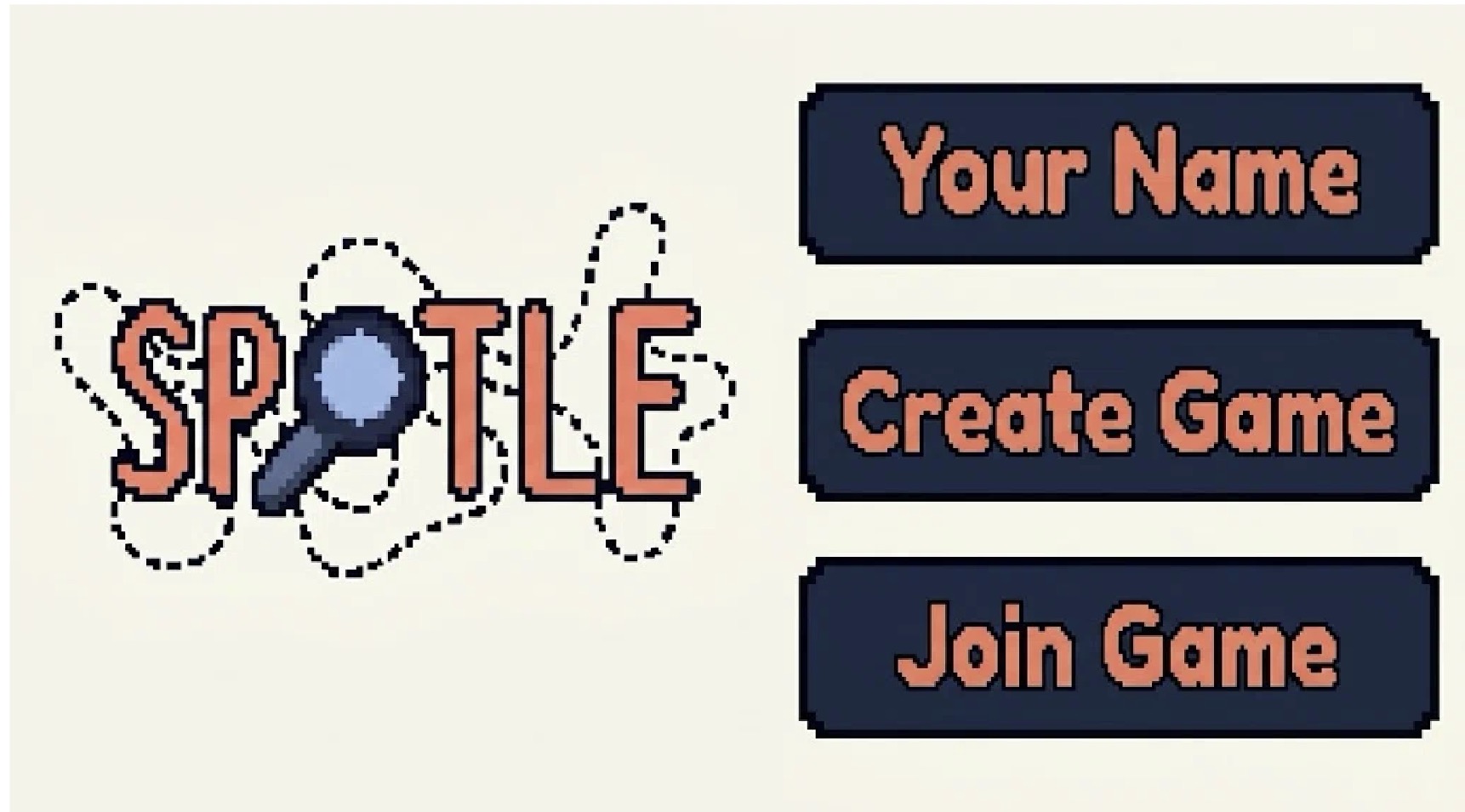
Original home screen draft
-
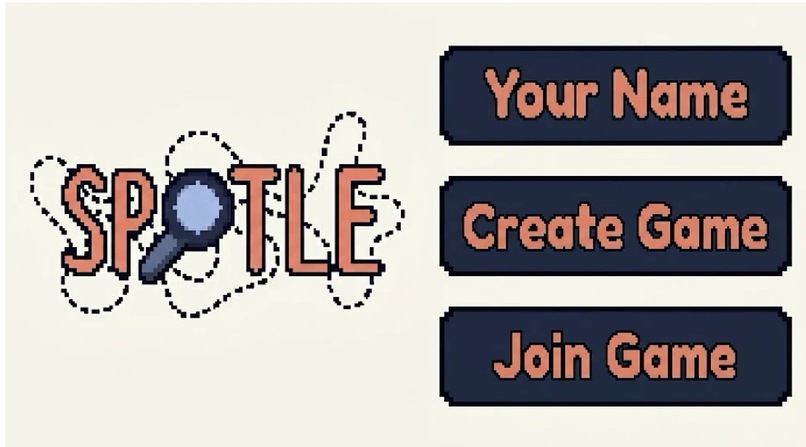
V2 home screen draft
-
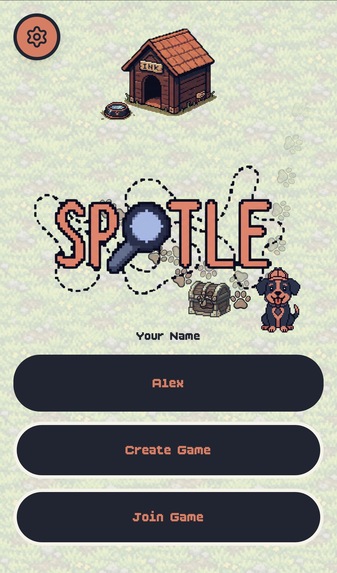
Home Screen V2
-

original mascot draft


Inspiration Most hackathon demos blend into a sea of static dashboards, conversational chatbots, and developer productivity tools. We wanted to build something completely opposite: a high-energy, physically active party game that forces participants out of their chairs and into the real world.
Drawing inspiration from chaotic multiplayer games like Jackbox and fast-paced mobile trends, we built Spotle.online. The vision was simple yet technically ambitious: an in-browser, real-time multiplayer scavenger hunt where 2 to 4 players join a match, stream their camera feeds live to each other, and sprint across their dorm, room, or hackathon venue to locate physical items generated on the fly. By turning an automated multimodal AI model into a strict, zero-latency game referee, we turned the physical world into an active digital playground.
What It Does Lobby & Room Matchmaking: Players join a game room using a four-letter room code (e.g., SWMP). Opponents connect instantly via a multi-player WebRTC video grid.
Dynamic Context-Aware Challenges: At the start of every round, the game engine calls Google's Gemini API to generate a safe, findable physical item tailored to the match theme (e.g., UF Campus / SwampHacks, General Indoor, or Hackathon Survival).
The Live Hunt: A 60-second countdown begins. Players physically search their surroundings while watching their opponents scramble on the live video feed.
Zero-Lag Frame Capture: When a player spots the item, they point their camera and press "FOUND IT!". The client grabs the exact frame directly from the active hardware video stream using an offscreen canvas.
Multimodal AI Referee & Anti-Cheat: The captured frame is dispatched to gemini-2.5-flash with structured JSON output enforcement. The AI performs two checks simultaneously:
Object Verification: Confirms whether the target object is clearly visible and matches the prompt.
Screen Spoofing Detection: Evaluates whether the user is attempting to cheat by pointing their lens at a laptop or phone screen displaying a Google image search.
Round Resolution & Scoring: If verified, the server locks the round, awards base points and a time-decay speed bonus, displays the referee’s commentary, and moves the lobby to the next round. If rejected, the player receives a short cooldown penalty while the rest of the room keeps hunting.
How We Built It
- Peer-to-Peer Live Video Grid (WebRTC) The front end was developed using React, TypeScript, and Tailwind CSS, bundled with Vite. To keep video streaming responsive and eliminate backend media-server bottlenecks, we established a peer-to-peer WebRTC mesh network using PeerJS:
Each client initializes a local camera stream and registers with a unique peerId.
When a player enters a room, they establish bi-directional MediaConnection instances with every active peer in the lobby.
To switch between front and rear cameras without renegotiating the peer connection or dropping calls, we implemented direct track swapping via RTCRtpSender.replaceTrack().
- Hardware-Safe Video Frame Extraction Mobile browsers (particularly WebKit on iOS Safari and Chromium on Android) crash or throw AbortError if an application calls navigator.mediaDevices.getUserMedia() to capture a still image while an active WebRTC stream is transmitting.
To solve this, we built a zero-overhead frame extraction engine using an offscreen HTML5 :
TypeScript const canvas = document.createElement('canvas'); canvas.width = videoElement.videoWidth; canvas.height = videoElement.videoHeight; const ctx = canvas.getContext('2d'); ctx.drawImage(videoElement, 0, 0, canvas.width, canvas.height); const base64Jpeg = canvas.toDataURL('image/jpeg', 0.8); This grabs the exact pixel buffer from the GPU-rendered video element in less than 15 ms, bypassing hardware stream locks entirely.
- Server-Authoritative Game Loop & State Synchronization The backend is powered by Node.js, Express, and Socket.io. Because players submit frames asynchronously, the game state machine operates deterministically:
The server controls state transitions: LOBBY→COUNTDOWN→HUNTING→VERIFYING→ROUND_RESULT→GAME_OVER.
When a player triggers verification, their individual state switches to VERIFYING while the room remains in HUNTING. This prevents bad-faith players from stalling the game.
The first player to return a verified, non-cheat response triggers an atomic room lock, ending the round for all participants.
- Multimodal AI Referee & Scoring Mathematics We integrated the Google Gemini API (gemini-2.5-flash) using strict JSON schema output (responseMimeType: "application/json"). The referee prompt evaluates image features against a structured schema returning:
Challenges We Faced
The Mobile WebRTC Hardware Lock Early mobile prototypes froze completely when players tapped "FOUND IT!". We discovered that mobile operating systems allocate exclusive hardware control to active camera sessions. Attempting to spawn an auxiliary image capture stream interrupted the active WebRTC pipeline. Re-architecting the capture utility to sample directly from the HTML5 element's DOM layer resolved the issue and reduced capture latency to near-zero.
Network Payload Bloat & Latency Optimization Raw frame captures from mobile phone sensors often exceeded 3000×4000 pixels, creating uncompressed Base64 payloads larger than 10 MB. Sending data of that scale across cellular connections bogged down our WebSocket channels and pushed Gemini response times over 5 seconds.
We resolved this by standardizing canvas capture dimensions to 640×480 with a lossy JPEG compression factor of q=0.8. Given three color channels and Base64 expansion.
- Screen Spoofing & Edge-Case Cheating During internal playtests, players immediately realized they could cheat by looking up target items on their laptops and pointing their cameras at the display.
To counteract this, we engineered explicit edge-detection heuristics into the referee system instructions. We instructed Gemini to analyze images for pixel grids, LCD moiré interference patterns, display bezels, reflective glass glare, and operating system UI chrome. If any of these visual markers enclose the target object, the referee flags isScreenCheat: true, denies points, and delivers a playful roast in the commentary box.
What We Learned WebRTC Topologies: We gained practical experience managing full-mesh WebRTC architectures, peer lifecycle cleanup, and dynamic media track manipulation under variable network conditions.
Low-Latency Multimodal Engineering: We learned how to treat large language models as deterministic game engines rather than unstructured conversational interfaces by combining structured schemas with strict validation pipelines.
Resilient Front-End Video Performance: Handling real-time video across heterogeneous devices (iOS Safari, Android Chrome, and desktop browsers) taught us how to work within browser rendering engines and hardware constraints.
Team Discipline: Working within a strict 36-hour sprint showed us the value of locking shared TypeScript data contracts on day one. Having strict interfaces allowed frontend, WebRTC, backend, and AI prompts to be built concurrently without breaking changes.


Log in or sign up for Devpost to join the conversation.