-
-
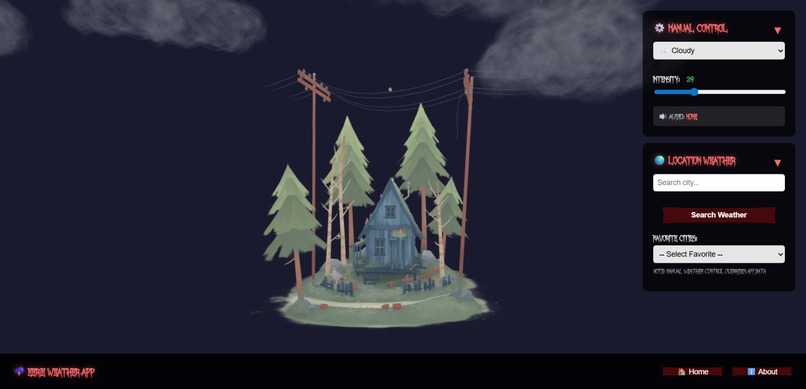
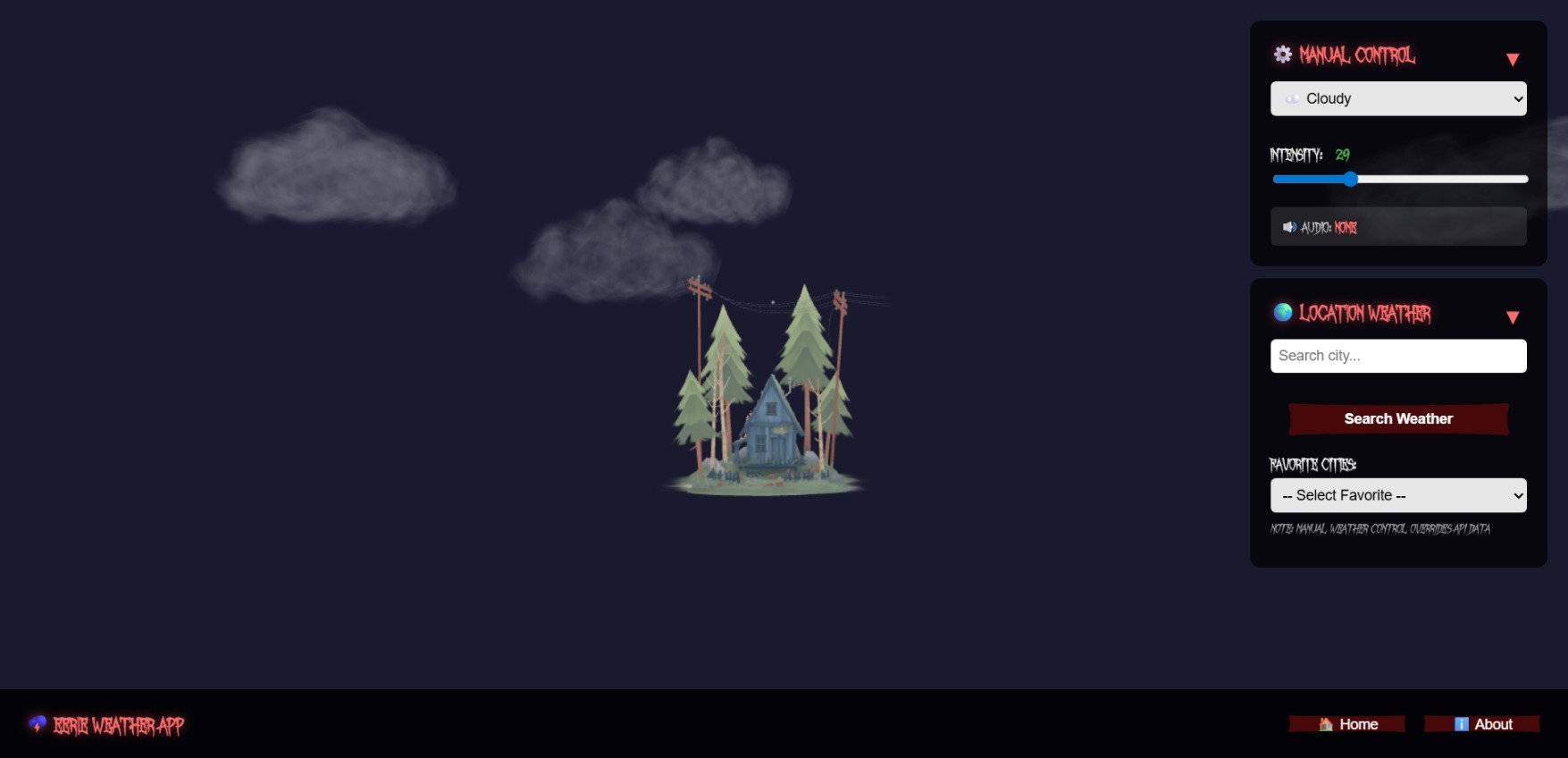
Main scene
-
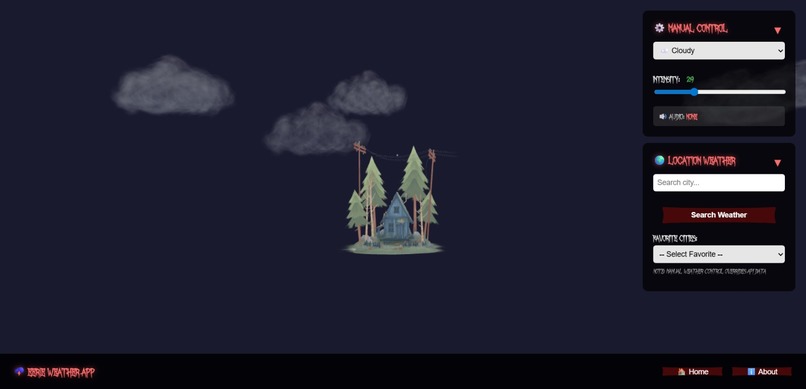
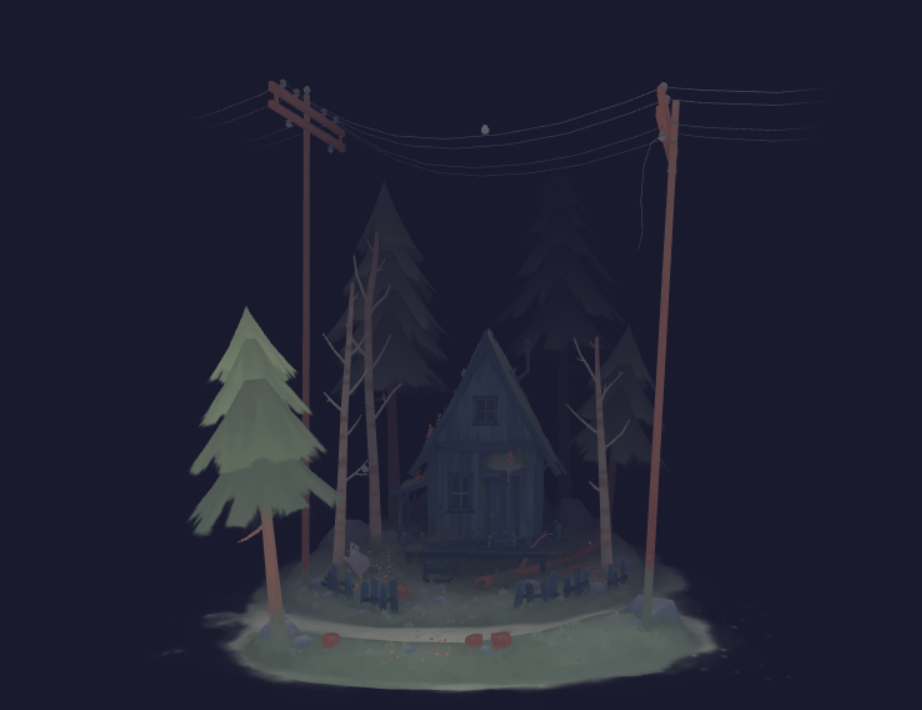
Main scene zoomed out
-
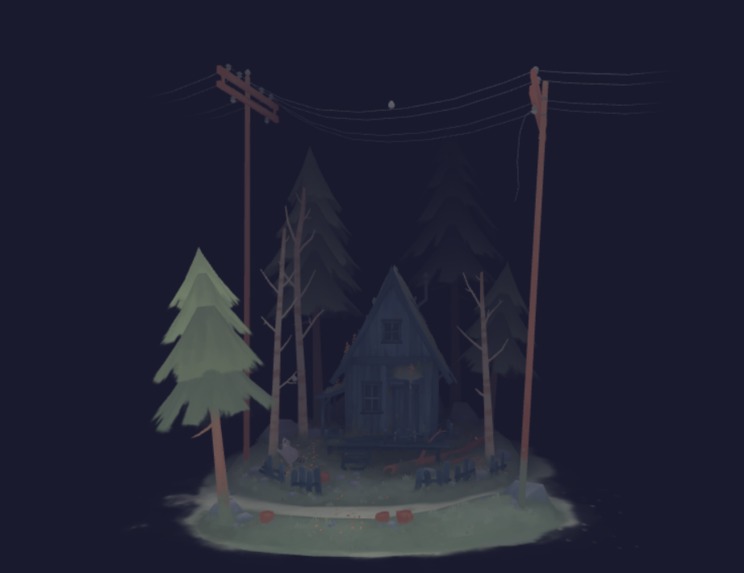
Fog effect
-
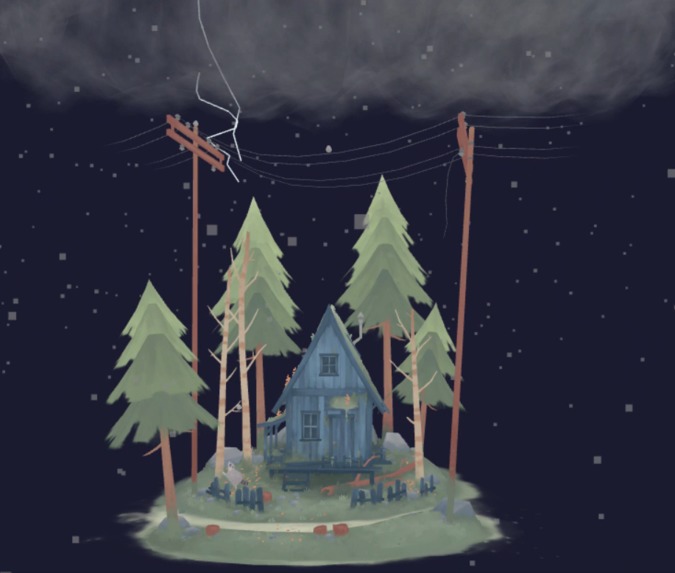
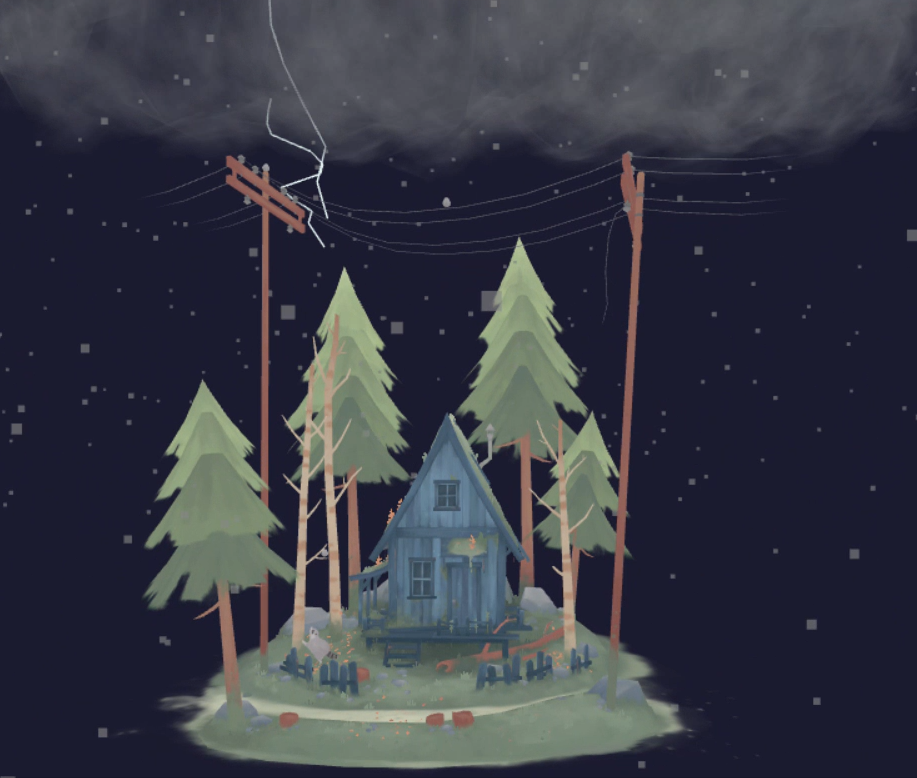
Thunderstorm effect
-
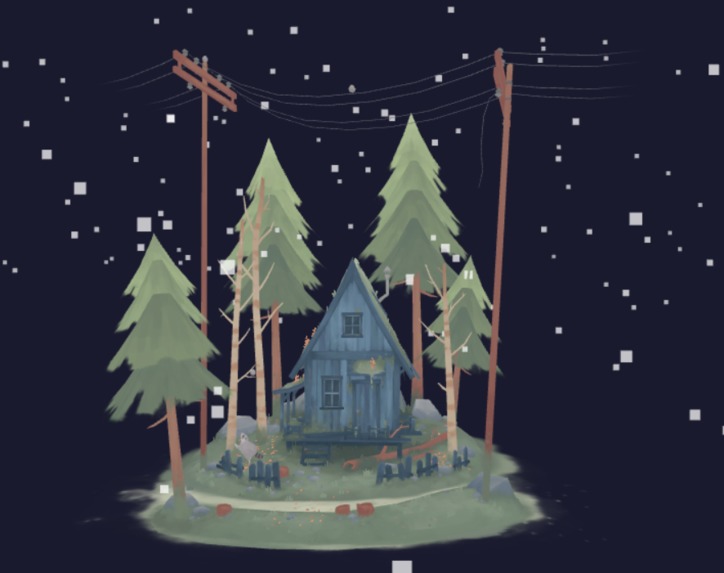
Snow effect
-

-
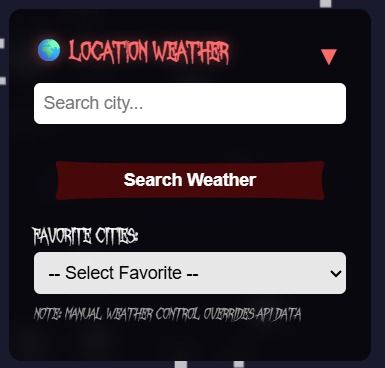
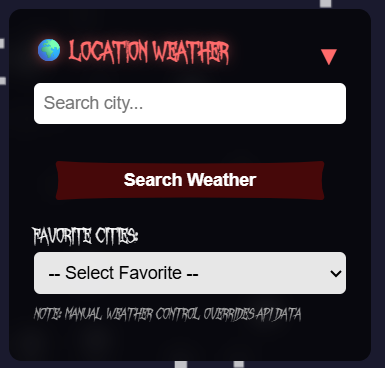
Location weather panel
-
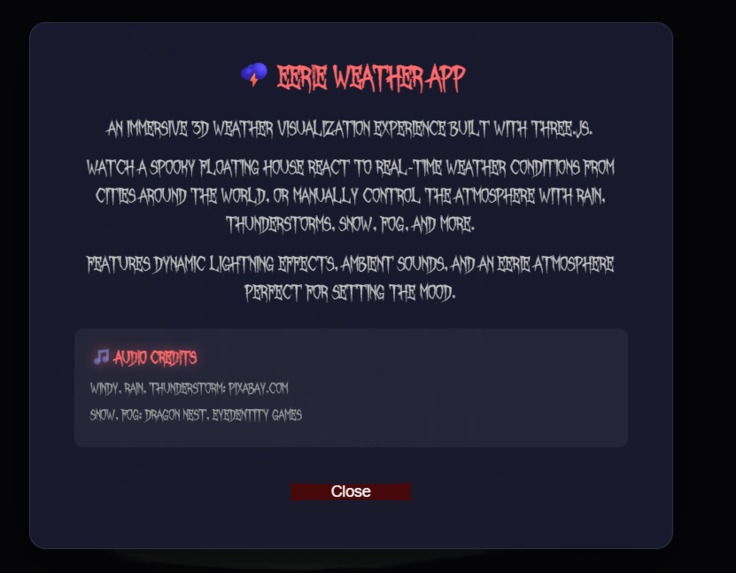
About the project
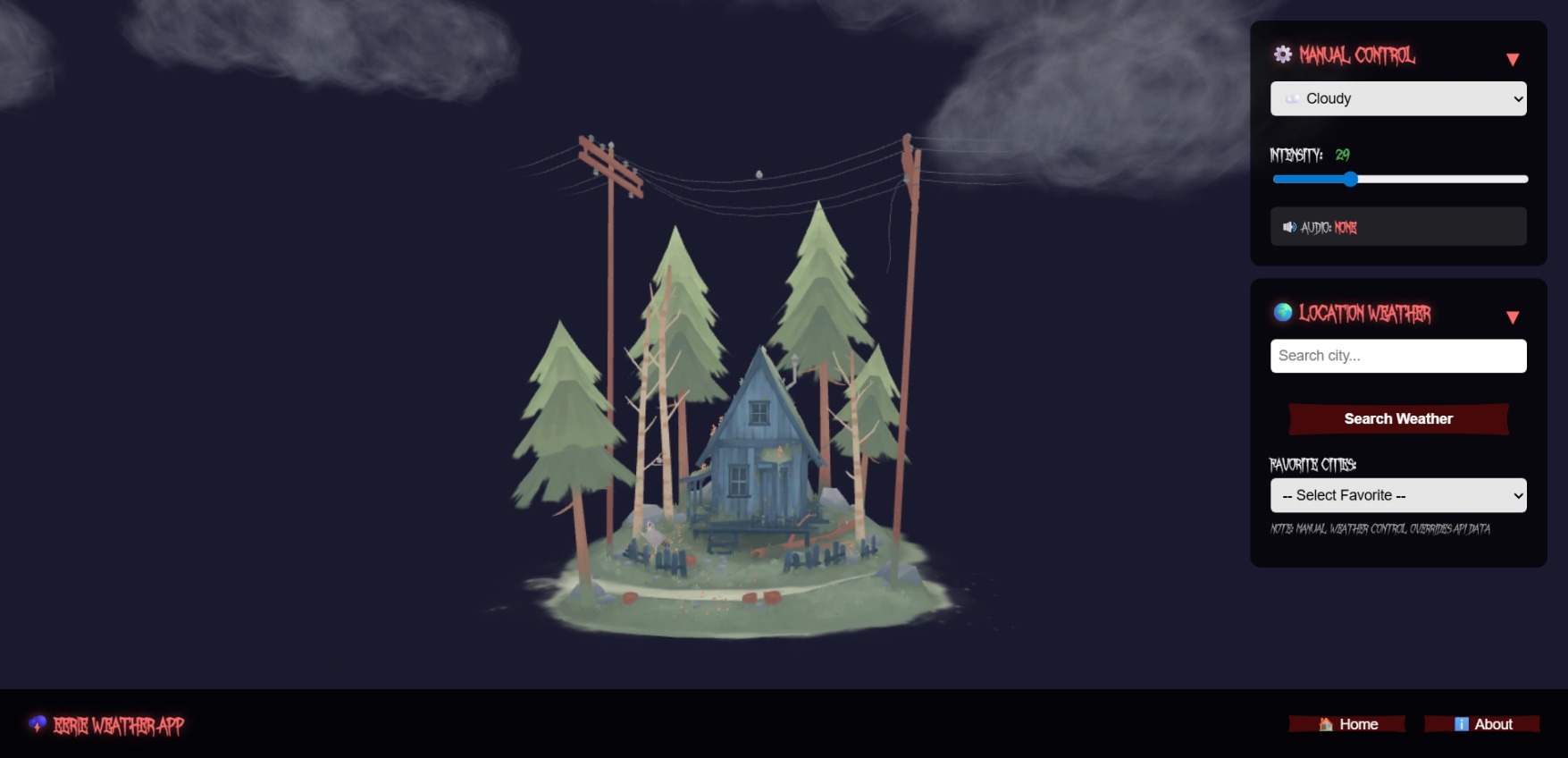


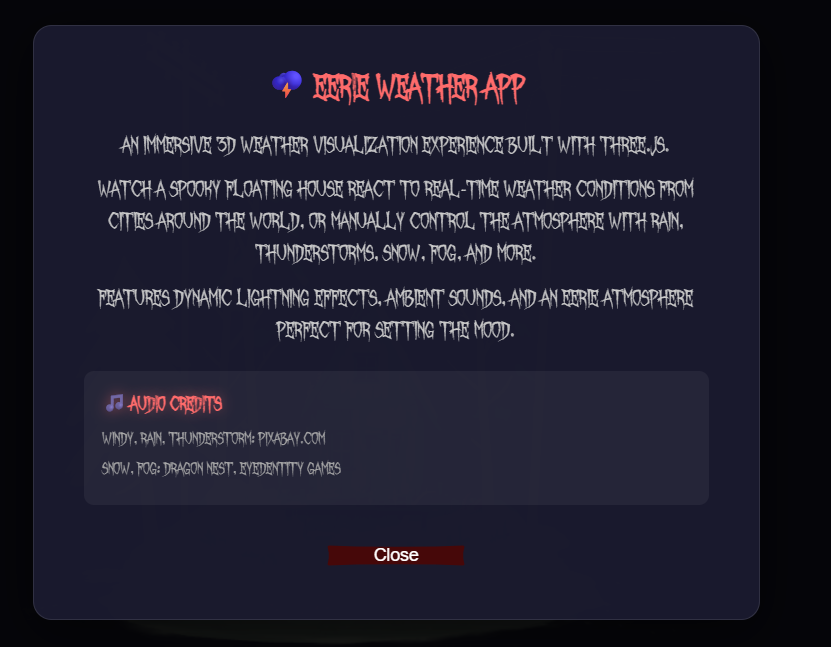
🌩️ Eerie Weather App
Inspiration
Weather apps are everywhere, but they're usually boring and utilitarian. We wanted to create something that makes checking the weather an experience—something atmospheric, immersive, and a little bit spooky. The idea came from combining two passions: real-time data visualization and creating moody, cinematic environments. What if your weather app felt like stepping into a haunted world where the sky responds to conditions halfway across the globe?
What it does
Eerie Weather App is an immersive 3D weather visualization that brings real-time weather data to life through a spooky floating house and dynamic atmospheric effects. Users can:
- Search any city worldwide and watch the 3D scene transform to match current weather conditions
- Experience 7 distinct weather effects: Clear, Cloudy, Rain, Thunderstorm, Snow, Fog, and Windy
- Control weather manually with adjustable intensity sliders (0-100)
- Enjoy dynamic lightning with jagged bolts, branching effects, and dramatic flashes during thunderstorms
- Hear ambient sounds that loop and adapt to each weather type
- Save favorite cities for quick access to frequently checked locations
- Explore the 3D scene with interactive camera controls (drag to rotate, scroll to zoom)
The app fetches real weather data from the Open-Meteo API and translates weather codes into visual and audio experiences, creating an eerie atmosphere that makes weather checking memorable.
How we built it
Core Technologies:
- Three.js for 3D rendering, particle systems, and scene management
- Vite as our build tool for fast development and optimized production builds
- Vanilla JavaScript (ES6+) to keep things lightweight and framework-free
- Open-Meteo API for real-time weather data (no API key required)
- Nominatim for geocoding city names to coordinates
Technical Implementation:
3D Scene Setup: Created a Three.js scene with a spooky color palette (deep blue-purple #1a1a2e), atmospheric fog, and three-point lighting (ambient, directional, and rim lights) for that eerie moonlit effect.
Weather Particle Systems: Built custom particle systems for each weather type using BufferGeometry and PointsMaterial. Rain, snow, fog, and wind each have unique behaviors—rain falls vertically, snow drifts with horizontal sway, fog floats slowly, and wind streaks horizontally.
Lightning System: The most complex feature—generates jagged lightning bolts by creating line segments with randomized "jitter" for realistic branching. Includes:
- Main bolt generation with 8-14 segments
- Branch spawning based on intensity (1-4 branches)
- Flash effects using PointLight and HemisphereLight
- Fade animations with power curves for realistic decay
Audio Management: Implemented a sound system that handles browser autoplay restrictions by queuing sounds until user interaction, then playing looping ambient audio matched to weather conditions.
API Integration: Built a weather data pipeline that:
- Geocodes city names using Nominatim
- Fetches weather data from Open-Meteo
- Maps weather codes (0-99) to our 7 weather types
- Calculates intensity based on cloud cover, precipitation, and wind speed
- UI/UX Design: Created a custom spooky interface with:
- "October Crow" font for that haunted aesthetic
- SVG-shaped buttons (inline data URIs) that look like ancient tablets
- Collapsible panels to keep the 3D view unobstructed
- LocalStorage integration for favorites persistence
Challenges we ran into
1. The NaN Lightning Bug
Lightning bolts occasionally caused Computed radius is NaN errors that crashed the renderer. The issue was invalid coordinates being passed to geometry creation. Solution: Added validation checks for all coordinate parameters before creating lightning bolt geometry.
2. Audio Autoplay Restrictions Modern browsers block audio autoplay until user interaction. We couldn't just play sounds when weather changed. Solution: Implemented a queuing system that stores pending sounds and plays them on the first user click, touchstart, or keydown event.
3. Race Conditions in Sound Switching
Rapidly changing weather types caused play() interrupted by pause() errors. Solution: Track the current sound and only stop other sounds, allowing smooth transitions without conflicts.
4. Manual Override vs API Weather
When users searched for a city, it would override their manual weather selection, which was confusing. Solution: Implemented a manualOverride flag that gets reset before displaying new API weather, making the behavior predictable.
5. Performance with Particle Systems
Thousands of particles (up to 2500 for heavy rain) needed to update every frame. Solution: Used BufferGeometry with typed arrays (Float32Array) for efficient memory usage and batch updates via needsUpdate flag.
6. Cloud Model Loading Loading multiple cloud instances asynchronously caused timing issues. Solution: Used GLTFLoader's clone() method to reuse loaded models and stored cloud metadata in userData for animation.
Accomplishments that we're proud of
- Realistic Lightning: The branching lightning system with jagged bolts and dramatic flashes looks genuinely impressive and scary
- Seamless API Integration: Real weather data from anywhere in the world transforms into immersive 3D experiences
- Performance: Smooth 60fps animation even with thousands of particles and complex lighting
- Atmospheric Design: The spooky aesthetic is consistent throughout—from the color palette to the custom font to the eerie lighting
- No Framework Bloat: Built entirely with vanilla JavaScript and Three.js, keeping the bundle size small
- User Experience: Collapsible panels, autocomplete search, favorites system, and intuitive controls make it genuinely usable
What we learned
Three.js Mastery: Gained deep understanding of particle systems, lighting, geometry manipulation, and animation loops. Learned how to optimize BufferGeometry for performance and manage scene complexity.
Audio in Web Apps: Discovered the intricacies of browser autoplay policies and how to work around them gracefully without annoying users.
Weather Data APIs: Learned how to work with Open-Meteo's weather codes, map them to visual effects, and calculate meaningful intensity values from raw meteorological data.
Debugging 3D Graphics: Developed strategies for debugging visual glitches, NaN errors, and performance issues in WebGL applications.
Design Consistency: Realized how important a cohesive theme is—every element from fonts to colors to button shapes contributes to the overall atmosphere.
User Interaction Patterns: Learned to balance automatic behavior (API weather) with manual control (override mode) in a way that feels intuitive.
What's next for Eerie Weather App
Enhanced Weather Effects:
- Add more weather types: Hail, Sandstorm, Aurora Borealis
- Implement time-of-day transitions (dawn, dusk, night)
- Add seasonal variations (autumn leaves, spring flowers)
Interactive Elements:
- Make the house windows glow during thunderstorms
- Add animated creatures (bats, crows) that react to weather
- Implement weather-reactive vegetation (trees swaying in wind)
Social Features:
- Share weather scenes as images or short videos
- Create weather "postcards" from favorite cities
- Compare weather between multiple cities simultaneously
Technical Improvements:
- Add WebGL fallback for older devices
- Implement progressive loading for 3D models
- Add accessibility features (keyboard navigation, screen reader support)
- Create mobile-optimized touch controls
Customization:
- Let users upload their own 3D models
- Provide theme options (not just spooky—maybe cyberpunk, fantasy, etc.)
- Allow custom color palettes and lighting presets
Data Visualization:
- Show weather history graphs
- Display forecast predictions as animated sequences
- Add air quality and UV index visualizations
The Eerie Weather App proves that functional tools don't have to be boring. Weather data can be beautiful, immersive, and even a little bit haunting. 🌩️
Built With
- api
- css
- html5
- javascript
- three.js
- vite


Log in or sign up for Devpost to join the conversation.