Inspiration Twitch streamers put time, effort, and trust into creating content for their communities. Sponsorships help creators earn from that work, but one important question often remains unanswered: what happens to the audience when a sponsored segment begins?
Traditional sponsorship reporting tends to focus on views and impressions. We wanted to explore a more meaningful way to understand audience behaviour during sponsored content.
That idea became SponsorProof.
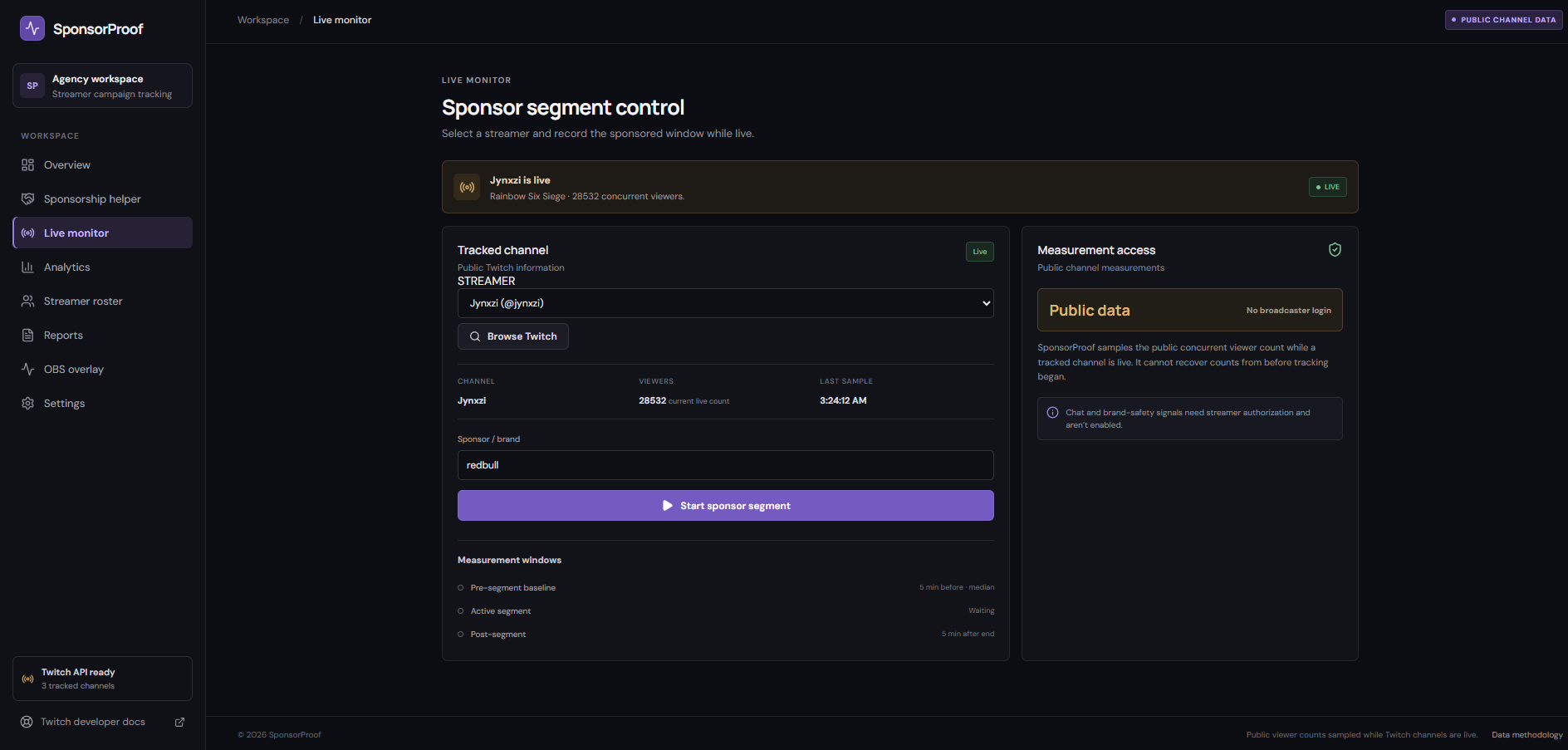
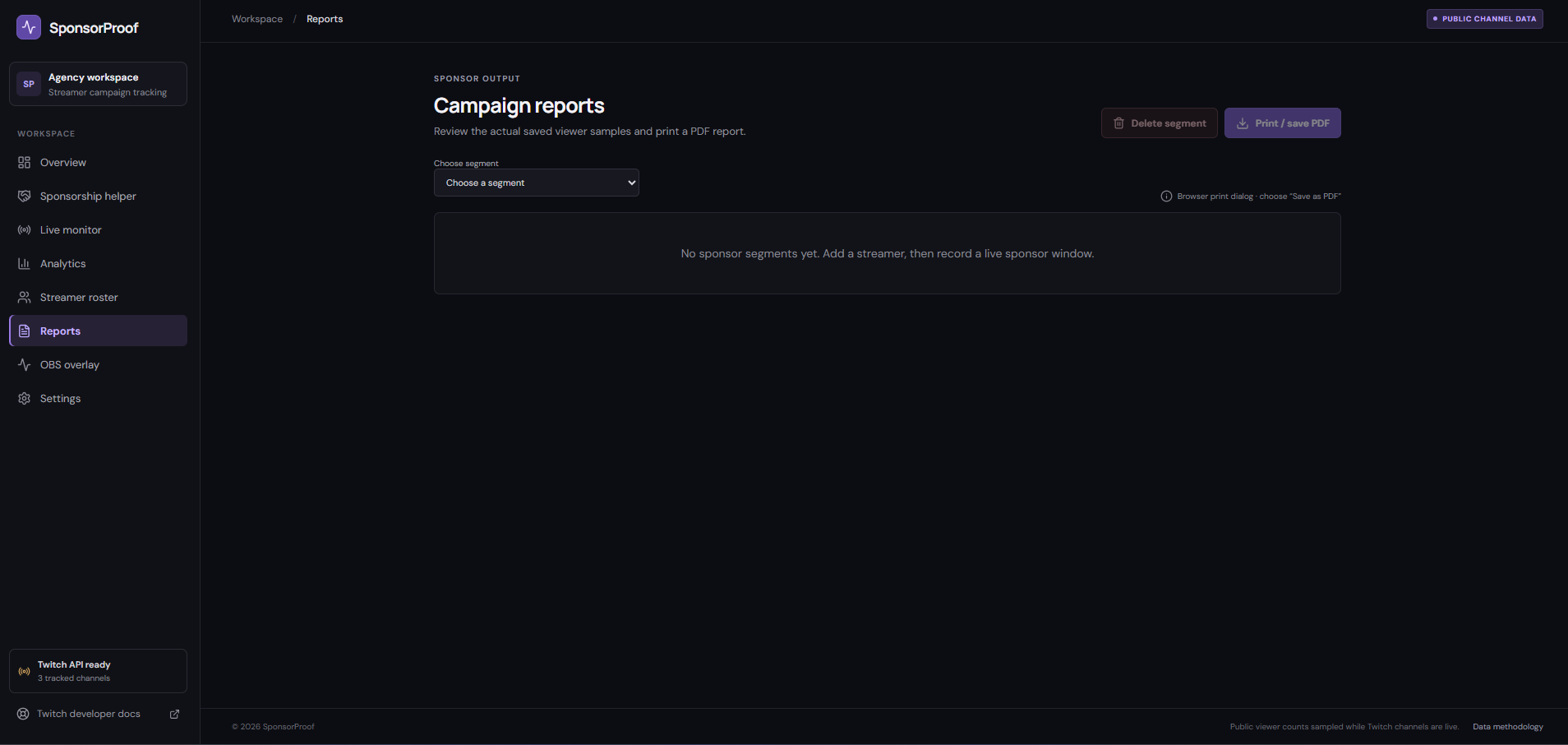
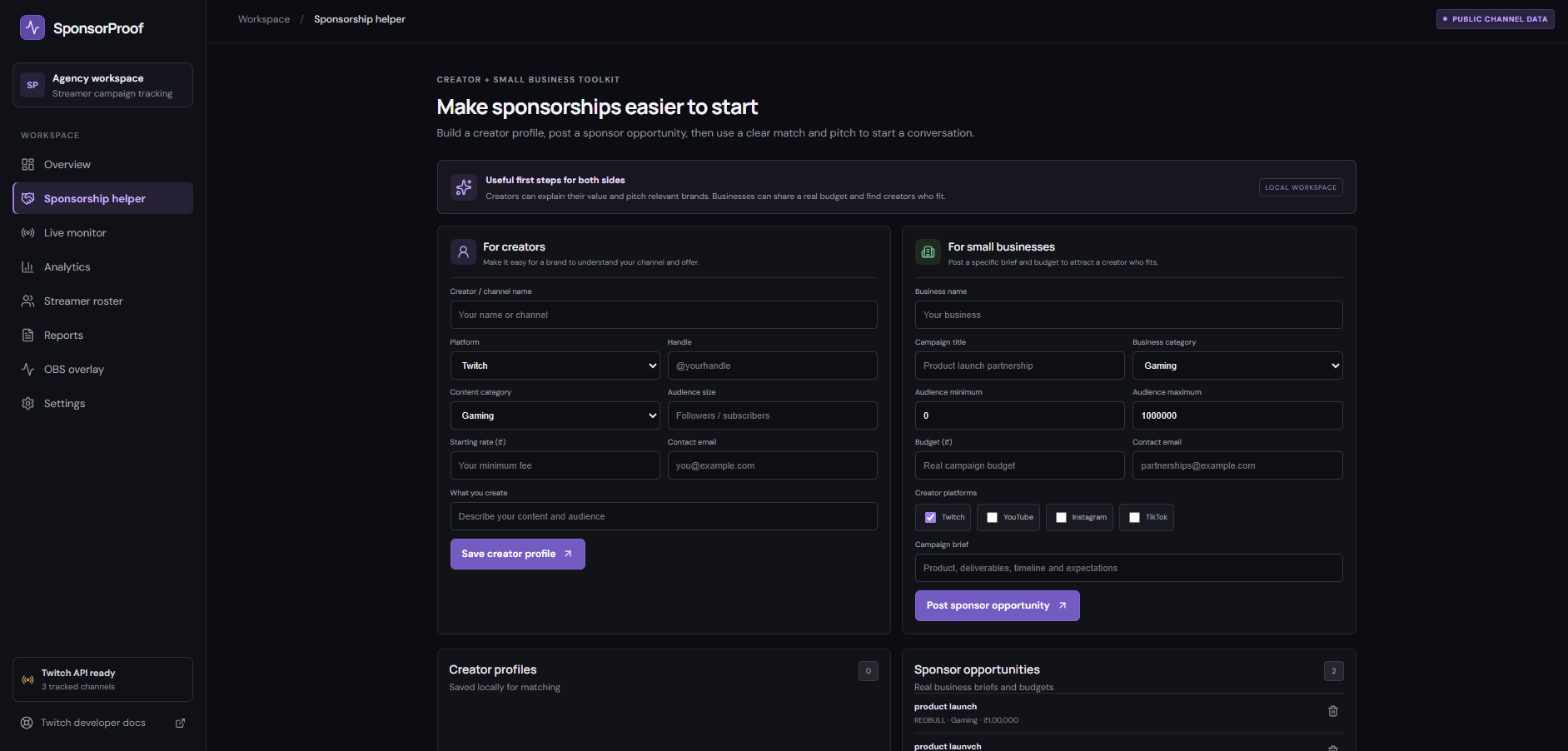
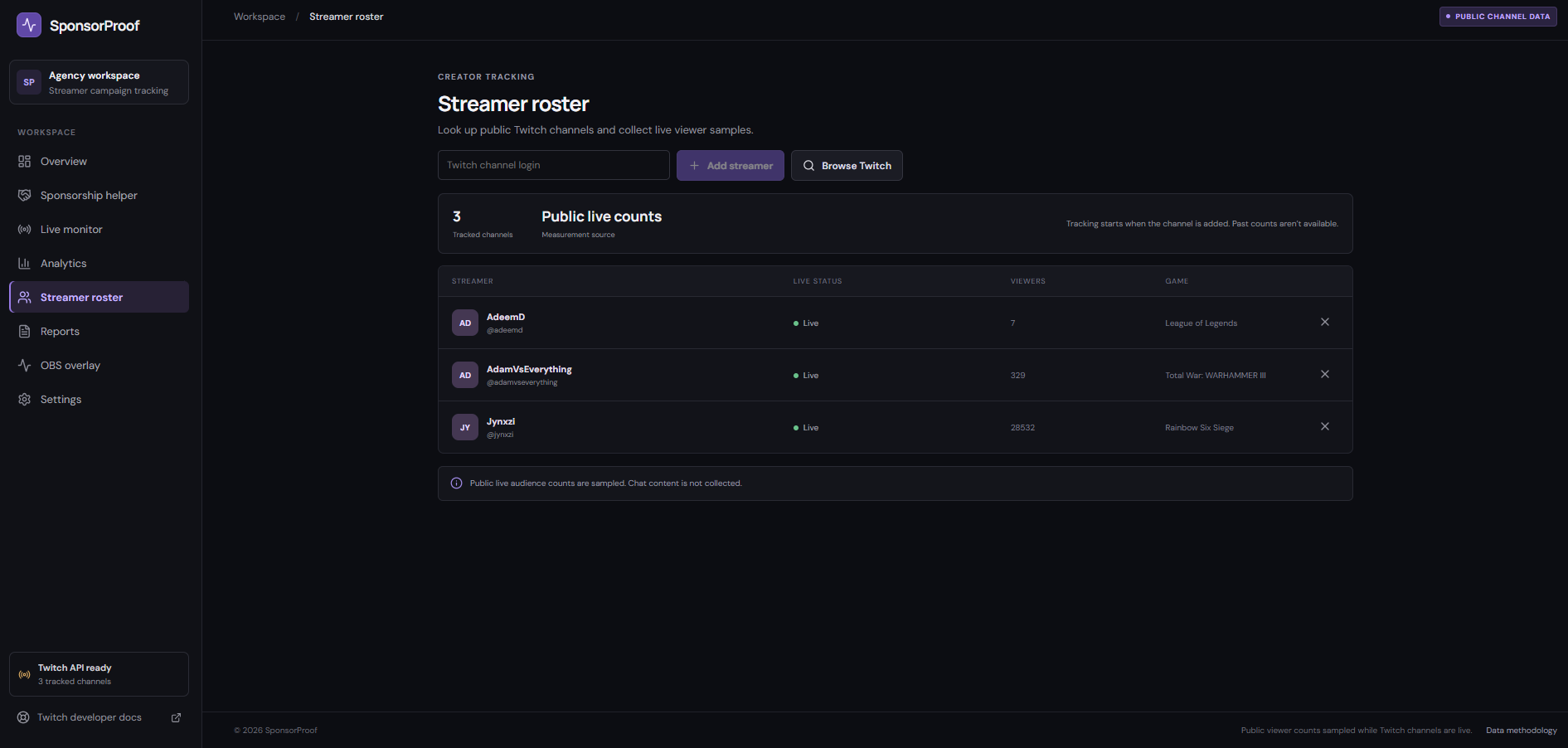
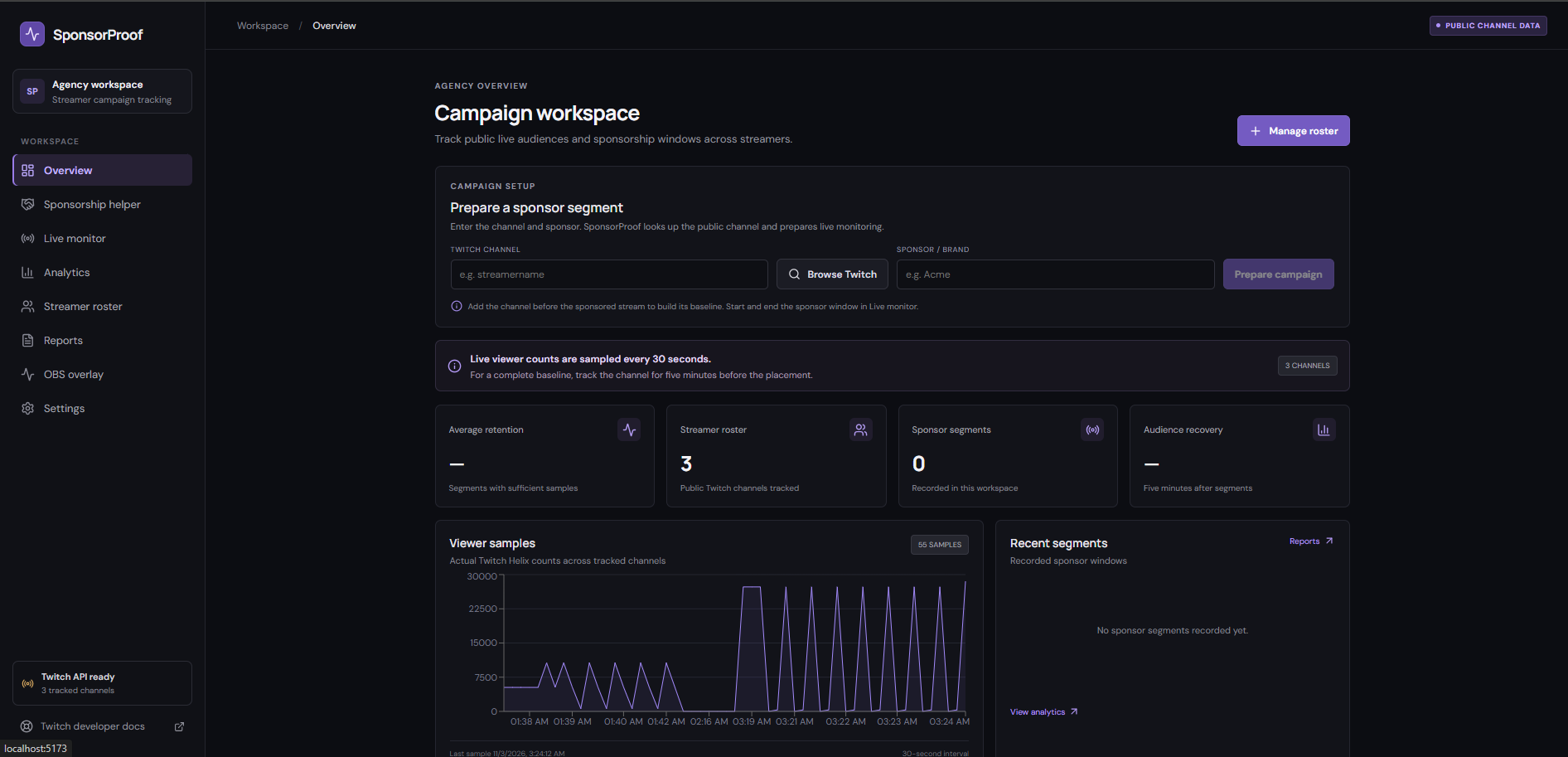
What SponsorProof Does SponsorProof is a Twitch sponsorship analytics platform designed to help creators, talent agencies, and brands understand audience retention during sponsored livestream segments.
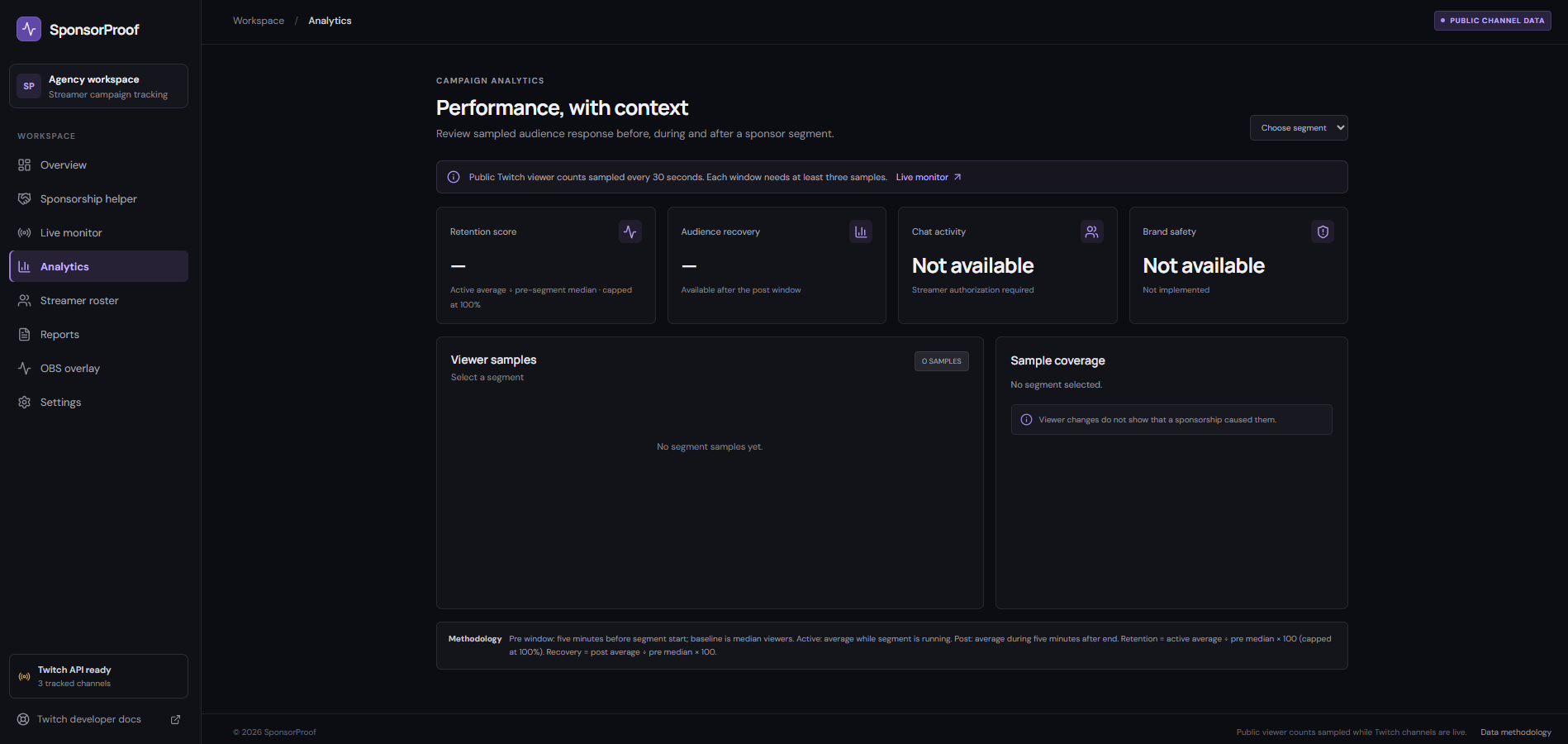
The core idea is simple: compare the audience before a sponsorship begins with the audience during the sponsored segment. This creates a retention score that gives creators and sponsors a clearer way to discuss sponsorship performance.
The platform is also designed around audience recovery and chat activity, providing a broader picture than a single viewer-count metric.
How We Built It We used OpenAI Codex as a development assistant to help turn our product idea into a structured application. We worked through the product requirements, interface development, project organization, and implementation iterations.
We focused on making the experience feel like a practical analytics product rather than just another dashboard filled with numbers.
What We Learned One of our biggest learnings was that sponsorship performance should be evaluated in context. A viewer count alone does not tell the whole story. Comparing audience behaviour before, during, and after a sponsored segment can provide a more useful starting point for understanding its impact.
SponsorProof is currently a frontend prototype demonstrating this product experience. Live Twitch data collection and backend analytics are planned next steps.
Our goal is to make sponsorship performance more transparent and useful for the people who create, support, and invest in livestream content.
Built with — add only technologies actually used in your repository.
You can use these as a starting point, but verify them against your project:
JavaScript, TypeScript (if used), React (if used), Node.js (if used), CSS, GitHub, OpenAI Codex, Twitch Do not list Python, Gemini, Google ADK, or SQLite as implemented technologies unless your actual code uses them.
Try it out – demo site URL
If you have successfully deployed it, enter your Vercel URL. Otherwise, leave this blank if optional.
GitHub repository URL
