-
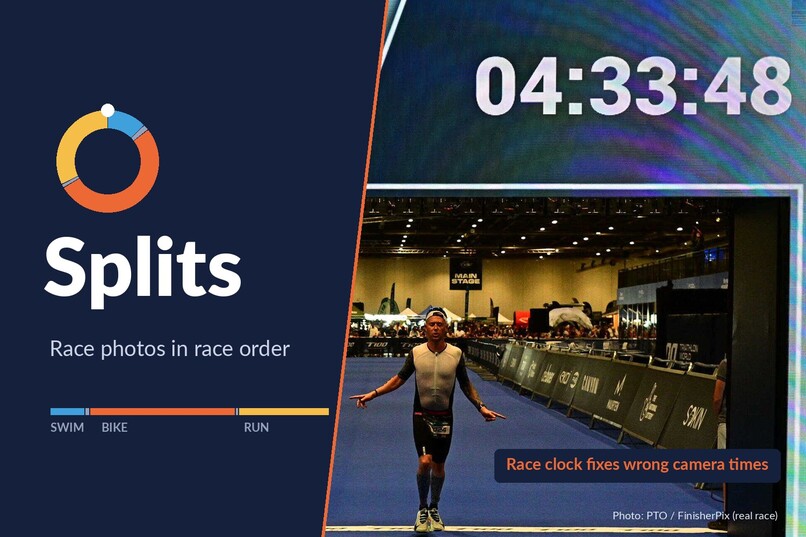
Splits: race-day photos from every source, in race order
-
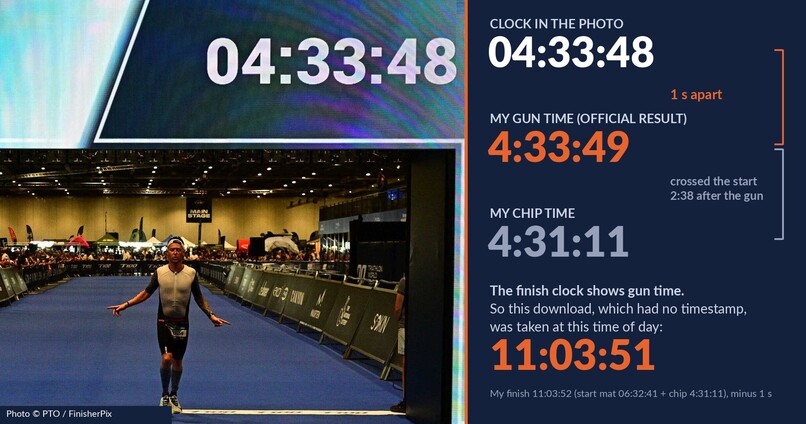
The finish clock shows gun time, so a download with no timestamp gets its true time of day
-

Synthetic test race: raw timestamps place 11 of 25; Splits' rules, checked by hand, place all 25

Inspiration
After T100 London in July, I downloaded 55 official photos of myself. Not one had a capture time. My wife’s photos from an earlier race are in another folder with their own timestamps, and the results PDF is somewhere else again. All the pieces are there, but putting the day back together is another job entirely.
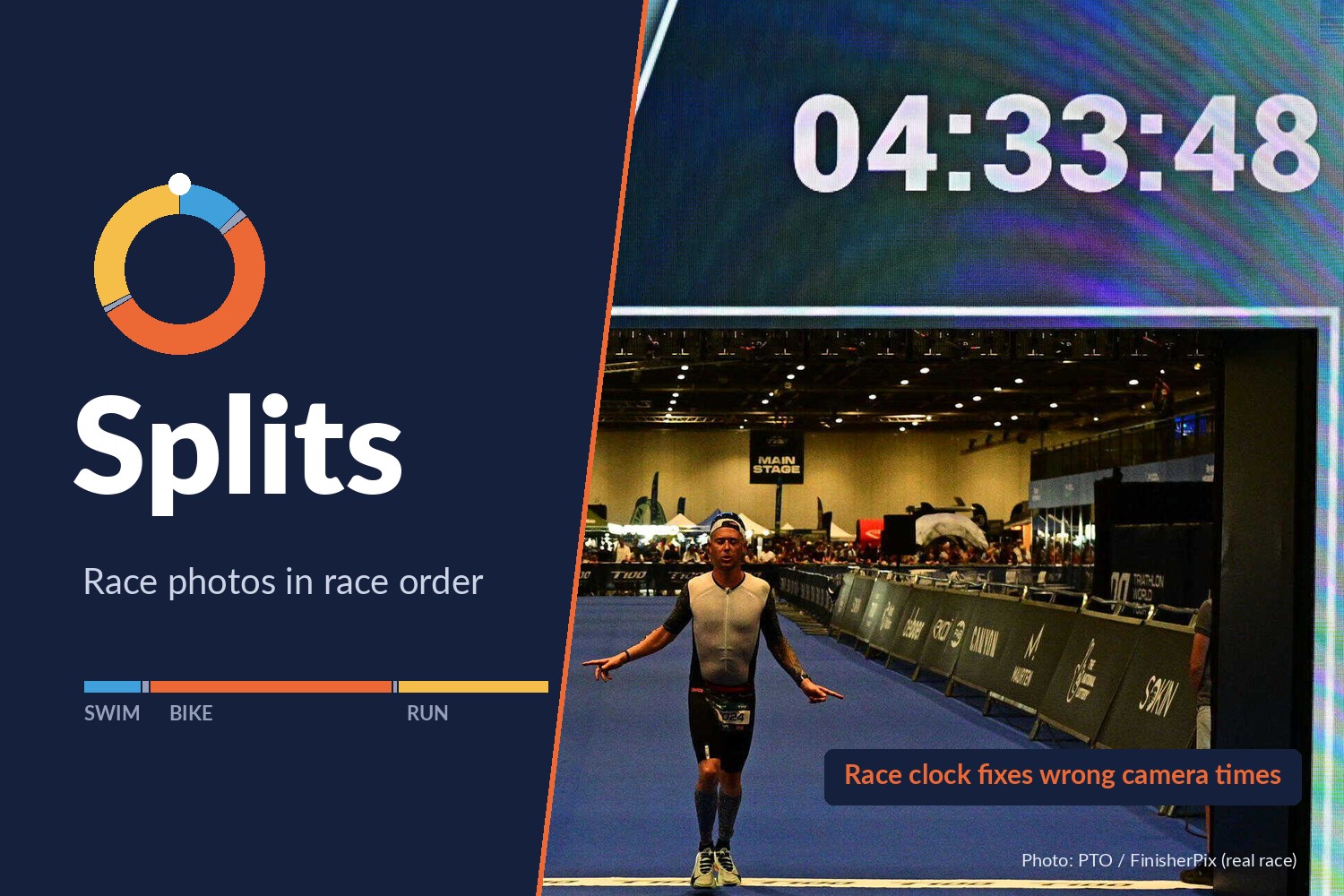
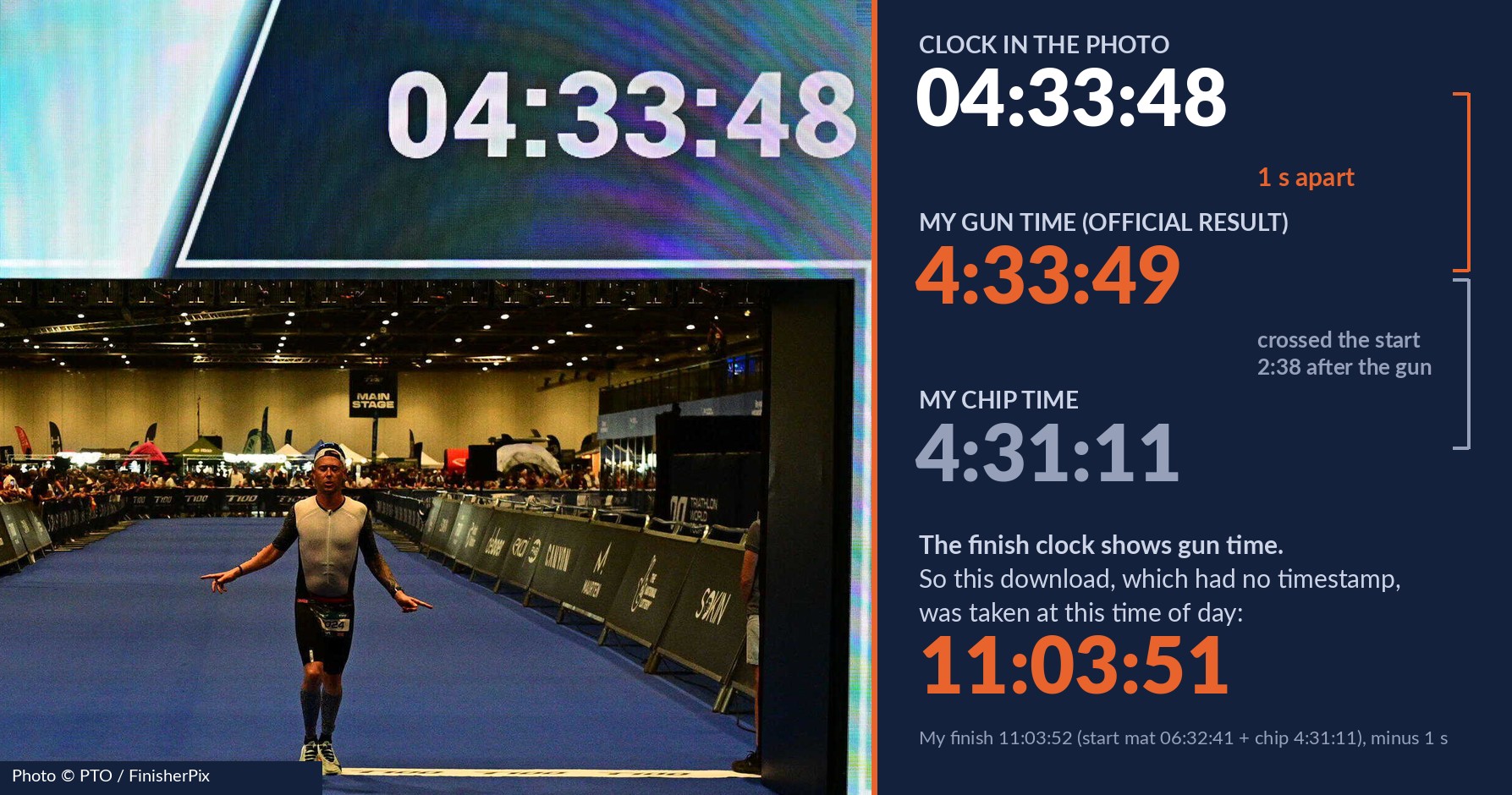
The finish photo got me thinking. The clock above the line reads 04:33:48. My official gun time is 4:33:49. That clock shows gun time, so a photo with a readable clock gives you a known time of day, regardless of what the camera thinks. A useful bit of agreement in an otherwise fairly disorganised collection.
What it does
Splits is a Skill for the UGREEN AI NAS. I give it the race, the athlete, the results and the photo folders. It then:
- Reads the official splits and works out when each stage started and finished in clock time.
- Reads the race clock in finish photos to work out how far out each camera’s time is.
- Places photos with a capture time on the timeline. For photographer downloads without one, it uses what’s in the photo, checking against the printed date and bib.
- Shows me the plan: how many photos are in each stage, any duplicates and anything it can’t confidently place. Then it waits for my approval.
- Builds an album, a folder of copies arranged to play in race order anywhere, and a race report.
The originals stay exactly where and how they are: nothing gets moved, renamed or deleted. Every write needs approval.
How I built it
Splits is entirely Markdown: one SKILL.md and five reference files, coordinating four UGREEN experts (files, photos, documents and knowledge) across twelve steps.
Every number goes into a table and gets checked before Splits uses it. The splits have to add up to the chip time within two seconds, and each camera’s time correction has to reproduce the reading on the finish clock. I wanted the working to be visible, rather than just hoping the final album looked about right.
I tested it three ways:
| What I tested | What I found | Where to check |
|---|---|---|
| Whether the rules put photos in the right stage | In a 28-file synthetic race, raw timestamps misplace or can’t place 14 of 25 photos. Worked through by hand, Splits’ rules place all 25 correctly, with every expected placement listed. | references/test-set.md |
| Whether photographer downloads still contain useful clues without a capture time | Across 55 of my real T100 downloads, an open-source OCR model could read the date in 55 of 55, the bib in 46 of 55 and the finish clock in 3 of 3. None had a capture time. | references/validation.md |
| Whether a finish board can be mistaken for a clock | In my 2018 race, every finish frame shows other athletes’ names and times. No gun time was printed, so Splits uses no clock reading as an anchor; read naively, the board would be 9 to 12 minutes out. | references/validation.md |
None of this has run on a NAS yet. That’s the job for Round 2.
Challenges I ran into
- Rolling starts. Adding chip time to the wave start gives the wrong finish time: each athlete crosses the timing mat after the gun. My 2018 results didn’t print a time of day at all. In that case, Splits asks for it, or works with the window during which the start was open. It only places a photo if its stage is certain across that whole window.
- Downloads with no timestamp. A photo app can helpfully fill in a missing date with the day the file was saved. That would quietly exclude every download saved after race day. If a file has no camera make or model and its date matches its saved time to the second, Splits treats the date as missing and uses what the photo shows instead.
- That 2018 finish board. It looked convincingly like a clock. It wasn’t. Taking it at face value would have put the times out by 9 to 12 minutes.
What I learned
The official results give you the best timeline you could ask for on race day. And the finish clock gives every camera something to agree on, even when their own clocks are having a bit of a disagreement.
What’s next
Run the test race on a UGREEN AI NAS and check that the time searches, album order and scene recognition work as expected. Then record the album being built.
Built With
- markdown
- ugos
- ugreen-ai-nas
- uliya-skill-kit

