## SplitKey: A Two-Device, Post-Quantum Document Vault

### What it does

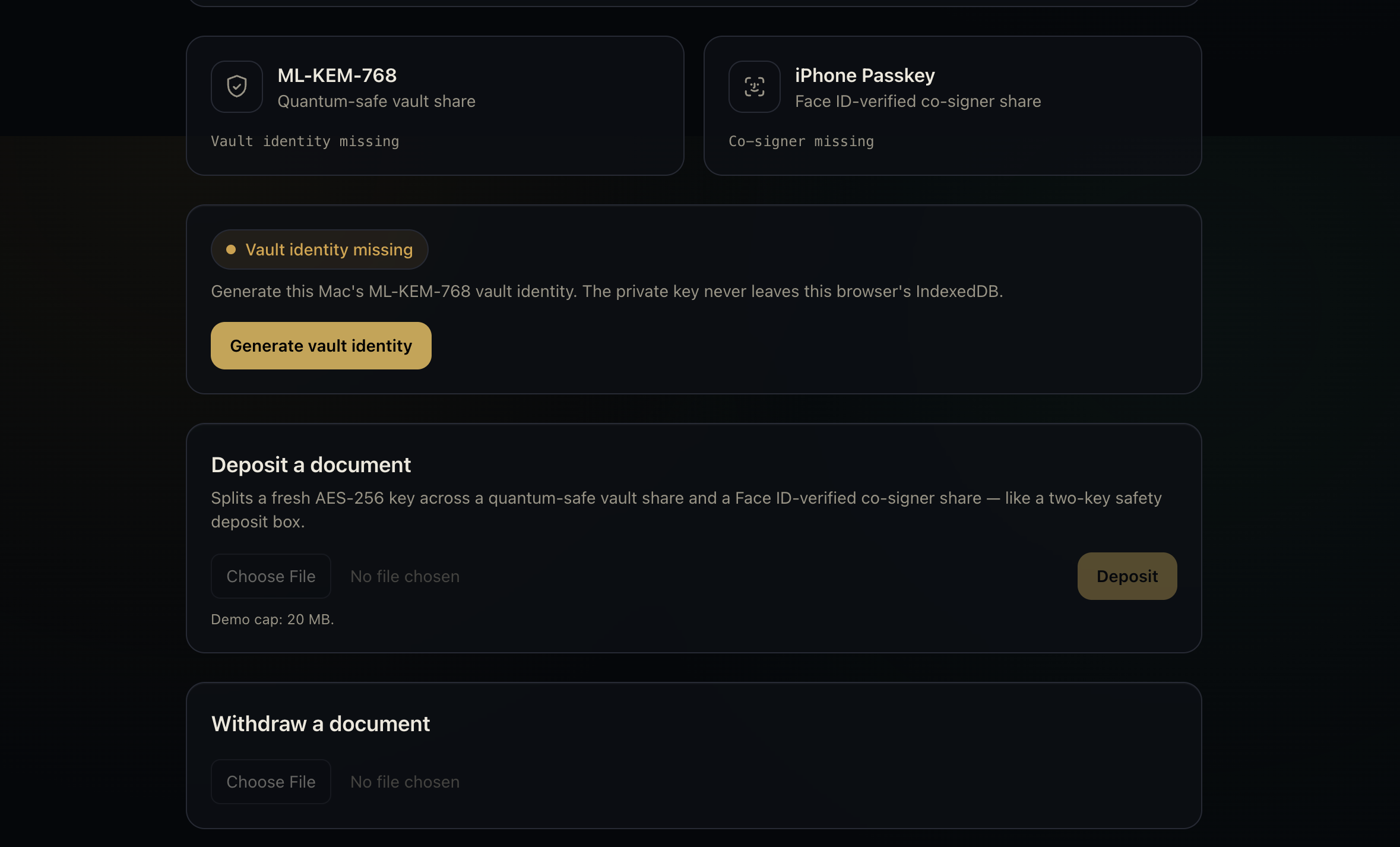
SplitKey protects sensitive documents by requiring **two independent devices** to unlock them:

- A Mac stores one cryptographic share.
- An authorized iPhone stores the second share and releases it only after Face ID verification.

A stolen laptop, compromised phone, leaked password, or copied encrypted file is not enough on its own. **Both devices must cooperate before a document can be recovered.**

### Why we built it

Important files such as contracts, financial records, identity documents, and recovery information are often protected by a single account or device. That creates one major point of failure.

We wanted to build a digital version of a **two-key safety deposit box** while also preparing for a future in which today’s encrypted data may be targeted by quantum computers.

### How it works

1. **Create the vault**
   The Mac generates a post-quantum vault identity.

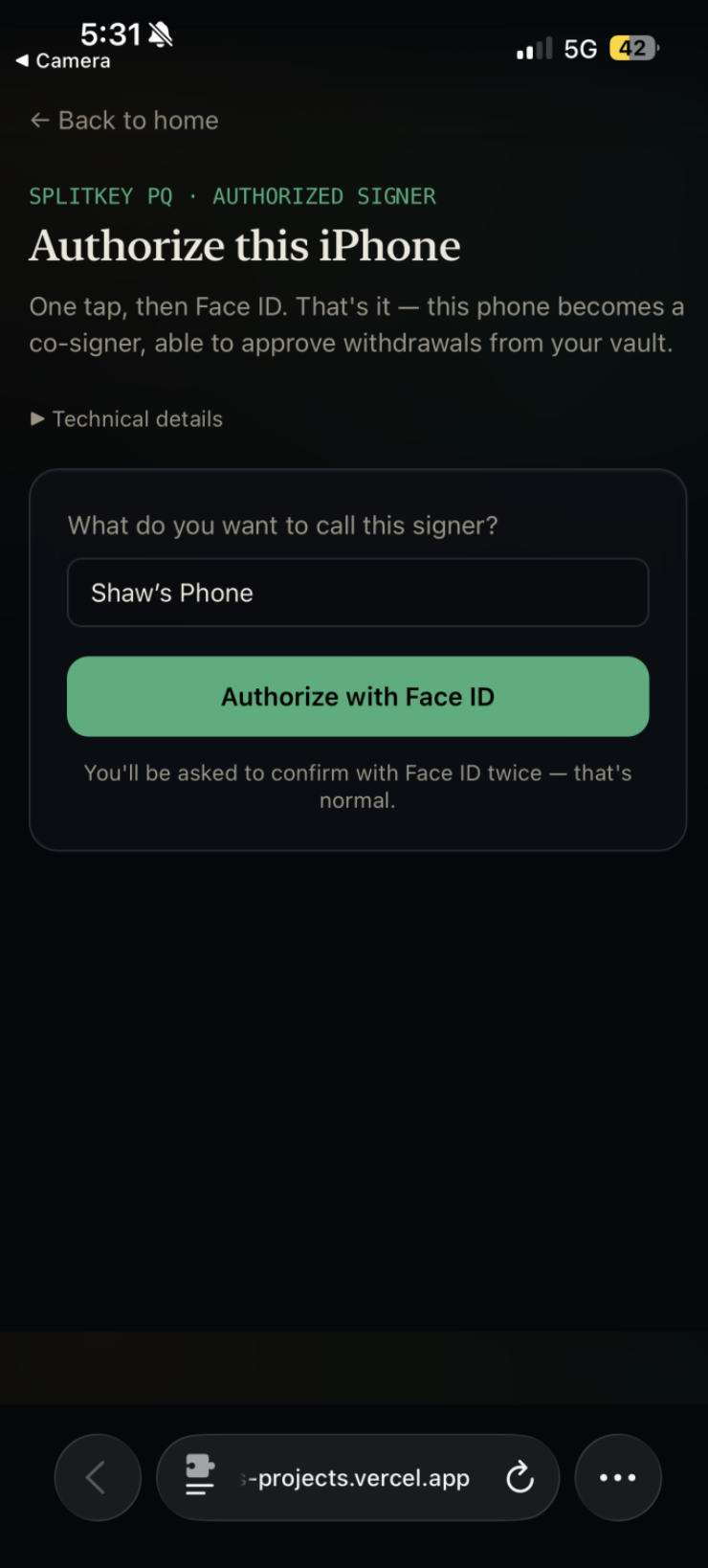
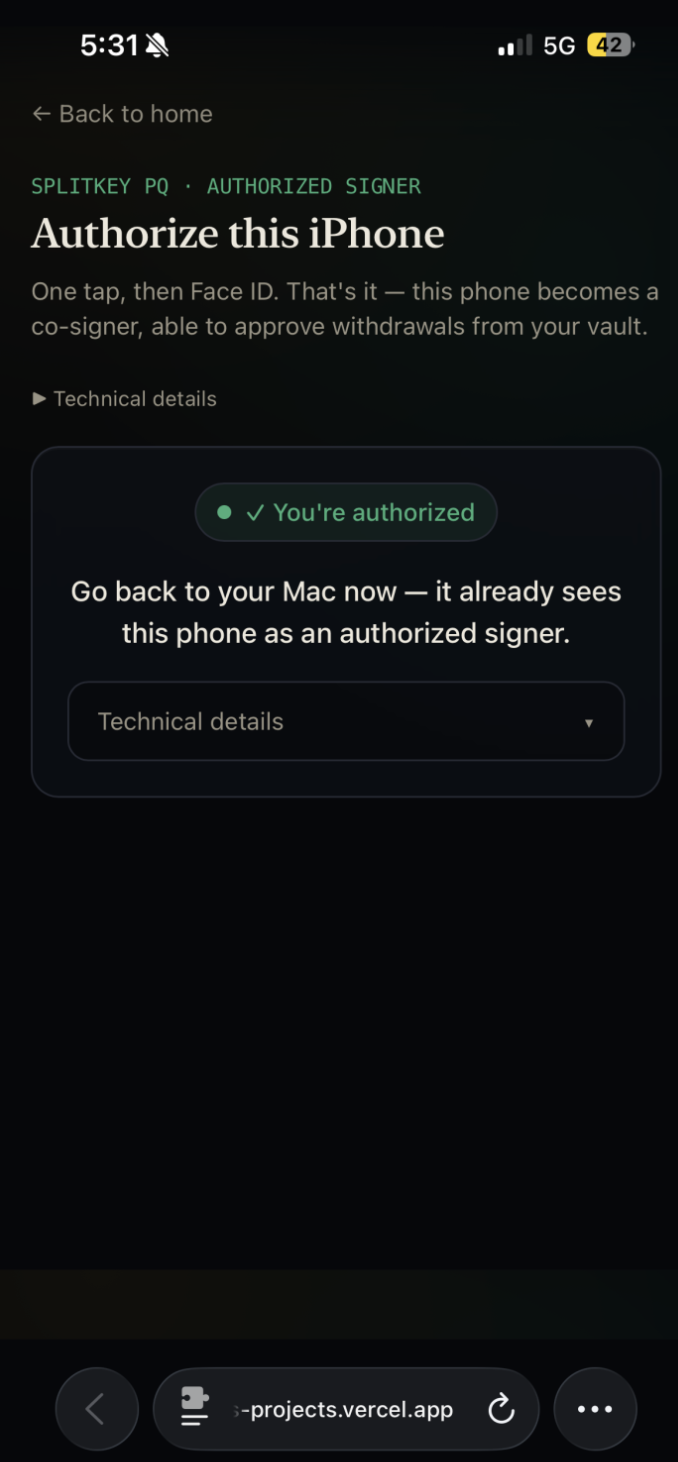
2. **Authorize an iPhone**
   The user scans a QR code and confirms the setup with Face ID.

3. **Deposit a document**
   SplitKey encrypts the file with AES-256-GCM and creates a portable `.spq` package. The information needed to recover the encryption key is divided between the Mac and iPhone.

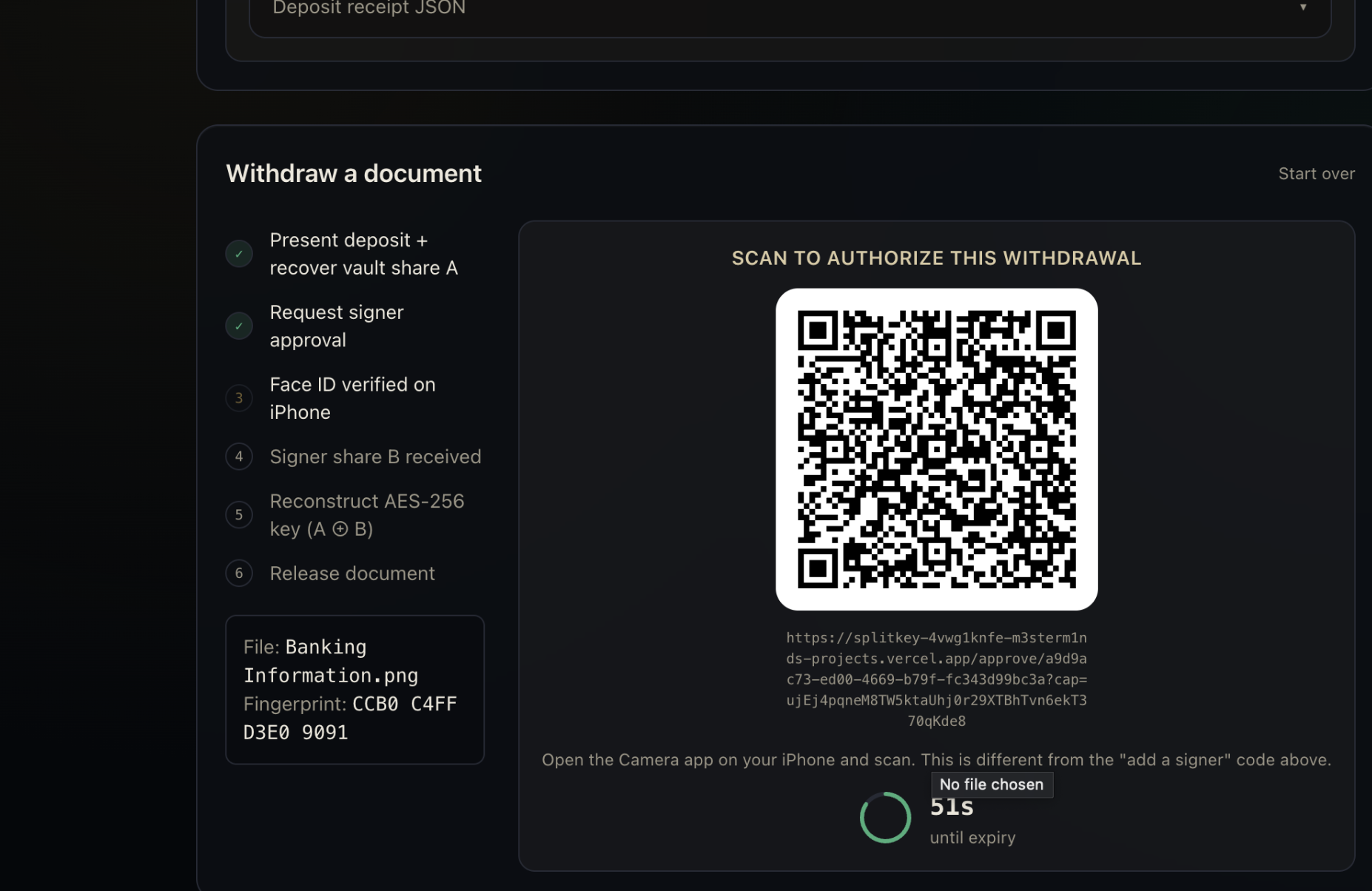
4. **Withdraw the document**
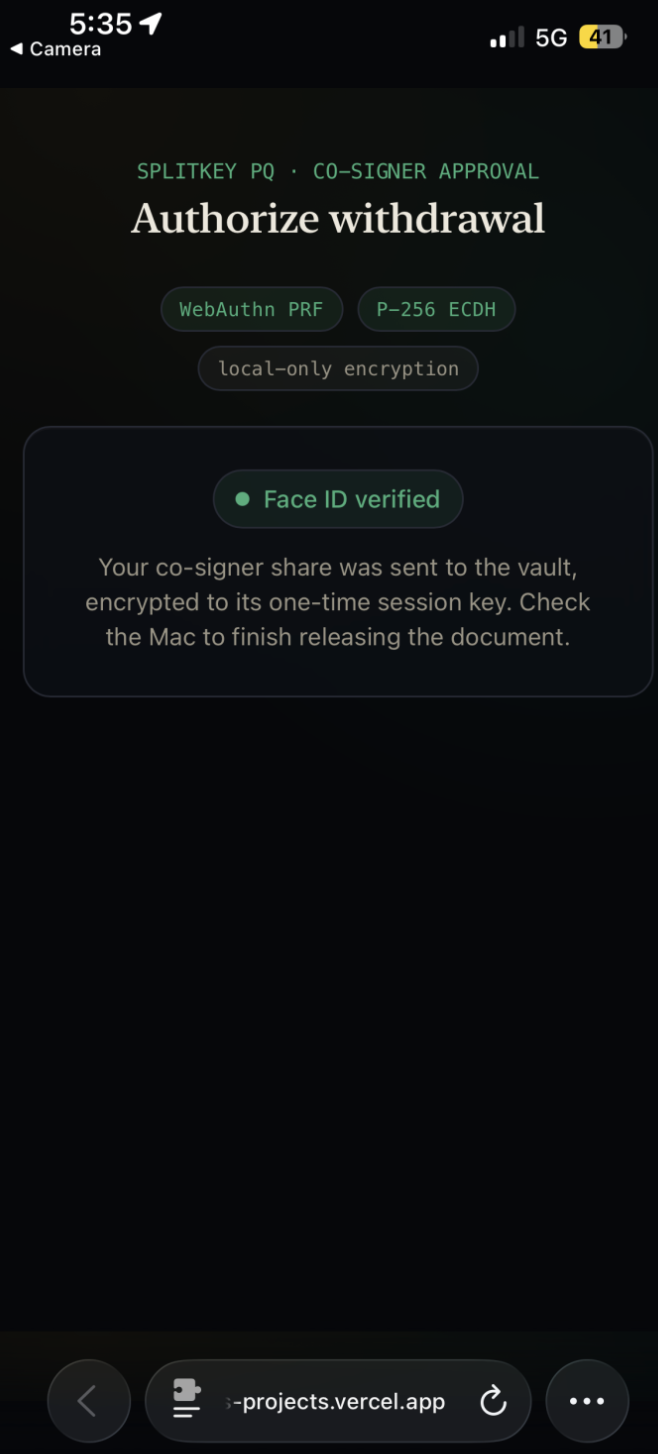
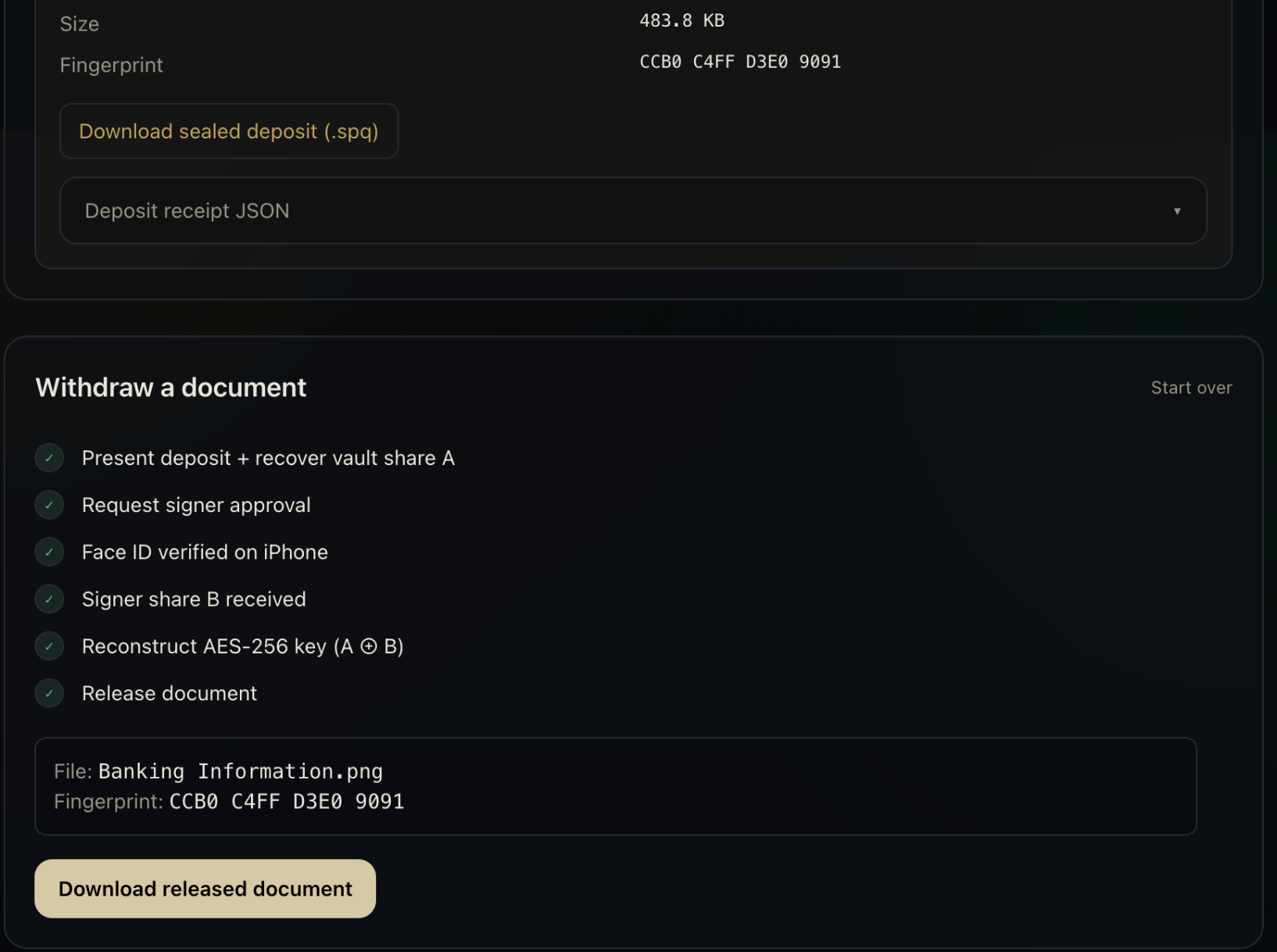
   The Mac displays a QR code for the withdrawal request. The authorized iPhone scans it, verifies the user with Face ID, and contributes its share. Only then can the Mac decrypt the file.

### How we built it

SplitKey combines:

- **ML-KEM-768** for post-quantum protection
- **AES-256-GCM** for document encryption
- **WebAuthn PRF and passkeys** for Face ID-protected key material
- **P-256 ECDH and HKDF-SHA-256** for secure key derivation
- **QR codes** for communication between the Mac and iPhone

The experience is presented as a simple guided workflow, so users do not need to understand the cryptography happening behind the scenes.

### Challenges we faced

The biggest challenge was coordinating a secure authorization flow across two devices. Each withdrawal must be connected to the correct document and session while preventing expired or unrelated approvals from being reused.

We also had to make advanced security concepts understandable without oversimplifying them. The interface needed to clearly show why both devices are required and what happens at each stage.

### What we learned

We learned that strong cryptography is only useful when it supports a clear and understandable user experience.

SplitKey also showed us how post-quantum cryptography, biometrics, passkeys, and multi-device authorization can work together in a practical application.

### What’s next

Future versions could add multiple co-signers, configurable approval policies, device recovery, hardware-backed storage, audit logs, and an independent security review.

> **SplitKey’s core rule is simple: no single device can unlock your most sensitive documents.**


Log in or sign up for Devpost to join the conversation.