Inspiration
I've recently become obsessed with Wordle and found this open source DIY Split Flap display project by Scott Bezek. I took my interests in both and combined them to try and build a Wordle Split Flap display!
What it does
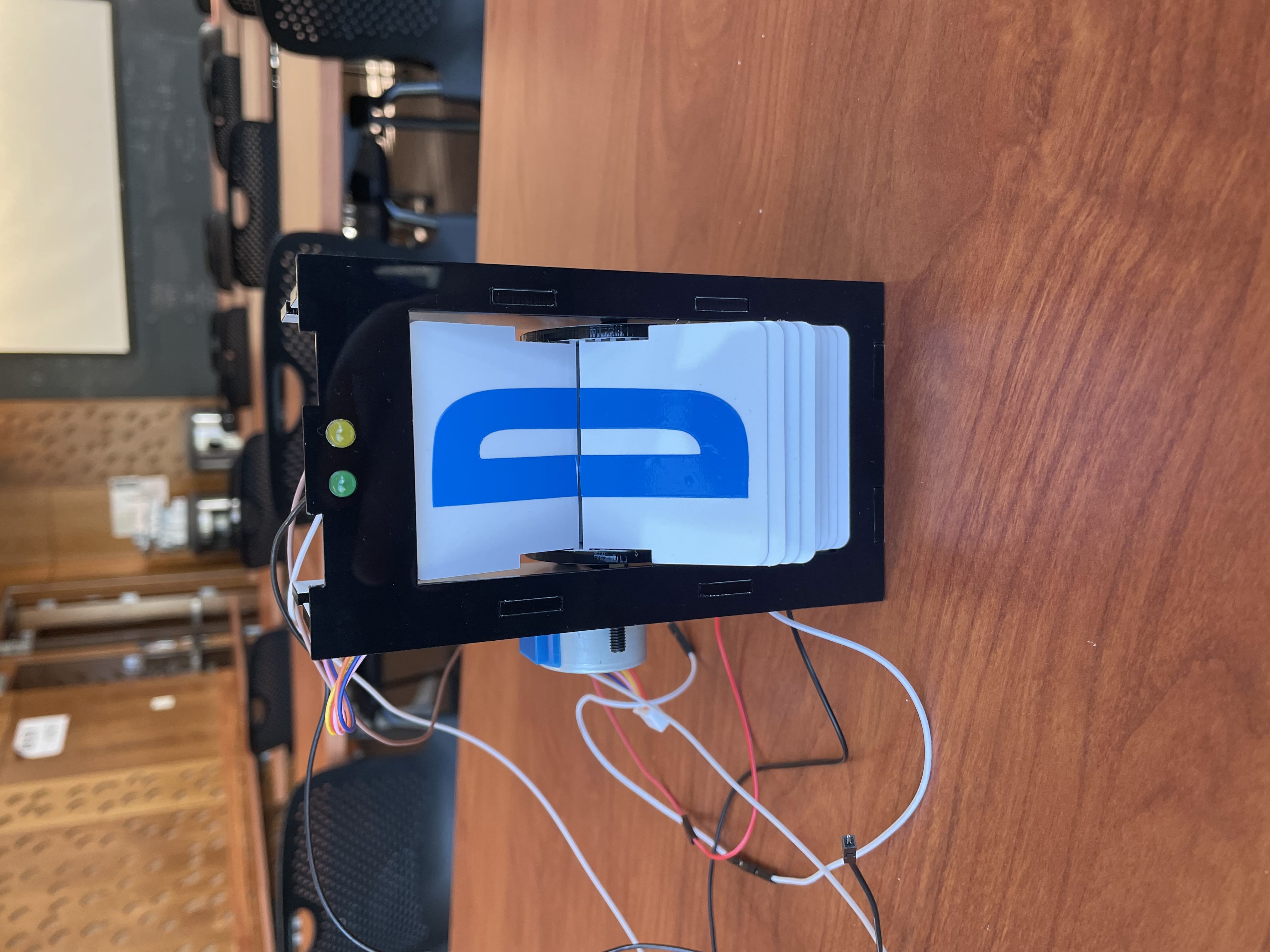
The user inputs their guess for today's Wordle word of the day into a prompt, their guess shows up on the split flap display and an LED above the letter glows green or yellow based on the got the letter exactly right or if their letter appears in the correct word.
How we built it
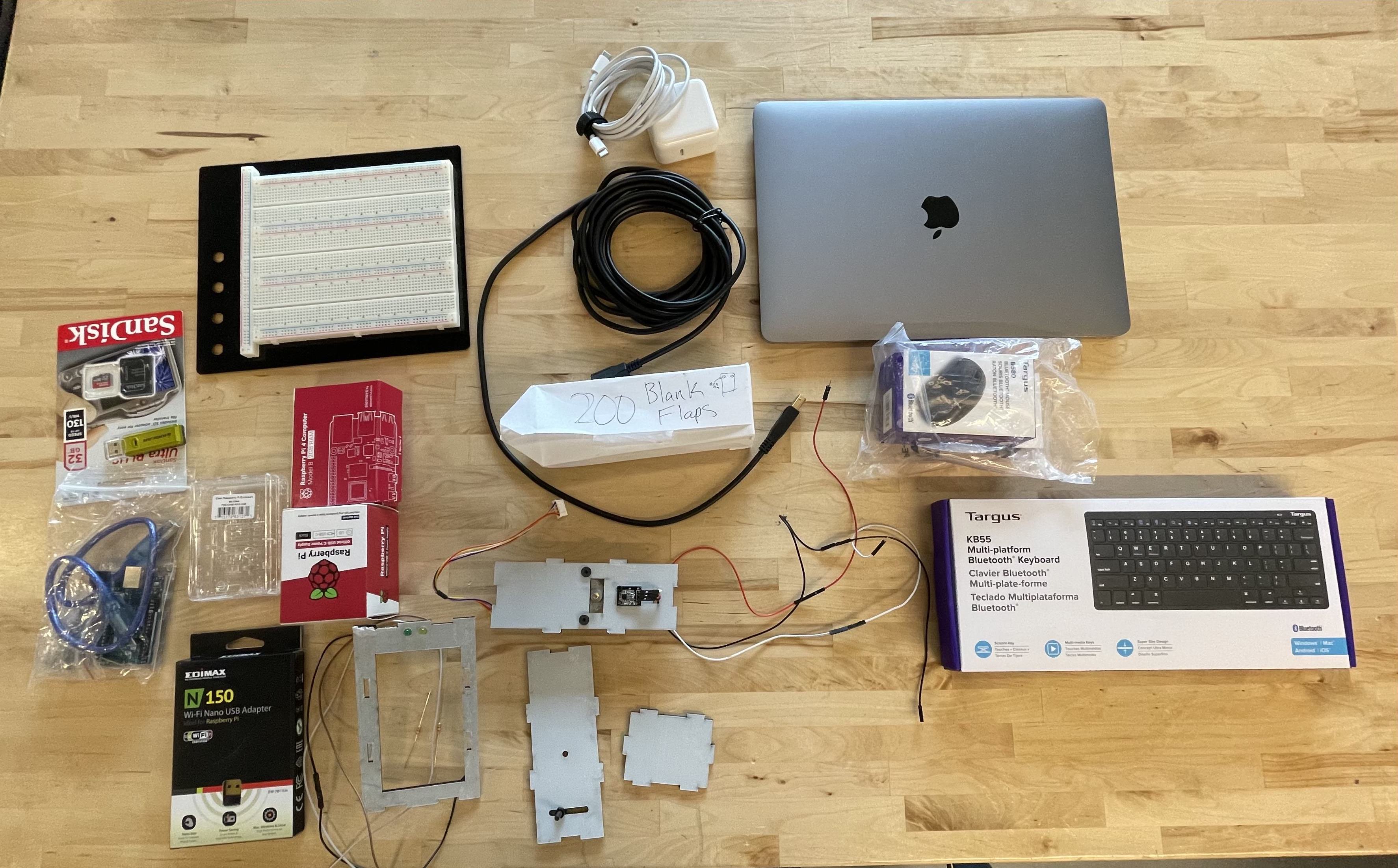
The shell was designed in Solidworks and laser printed with acrylic. We use the Raspberry Pi to collect user info and the Wordle word of the day and interface with the Arduino that controls the split flap display. Using the Python Arduino serial package, the Raspberry Pi communicates with the Arduino, which controls the split flap units and LEDs.
Challenges we ran into
Successfully designing the split flap encasing was the largest hurdle of the project. Accurately measuring the dimensions of everything such that the flaps would correctly land on the edge of the shell proved to be the hardest part of the design.
Accomplishments that we're proud of
We were able to successfully build a unit split flap prototype. Despite it not being ideal we can use this to perfect the manufacturing process of a single unit, and then print as many units as we want.
What we learned
- Planning what to get done during every work session is critical — but considering what to do in case goals aren't met is even more important.
- The first cut will almost never be perfect
- Estimating build and job times is really important for making out a deadline
What's next for Split-Flap Display Wordle!
Our immediate next goal is perfecting the housing of a single shell so that we can continue building the remaining 4 units. After that, we expect to run into issues about concurrently activating all the units as they look for the character they want to display. If those two hurdles can be crossed all efforts will be put towards getting the Arduino and Rasberry Pi to work together.

Log in or sign up for Devpost to join the conversation.